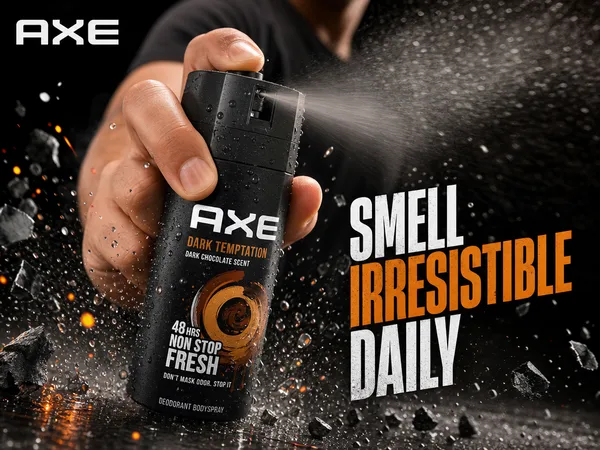
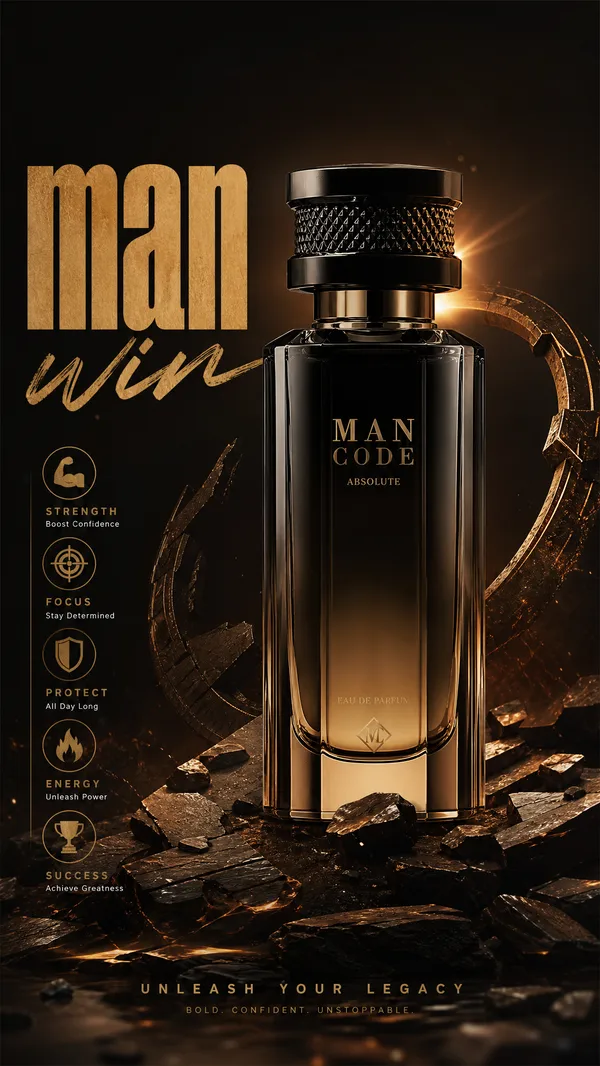
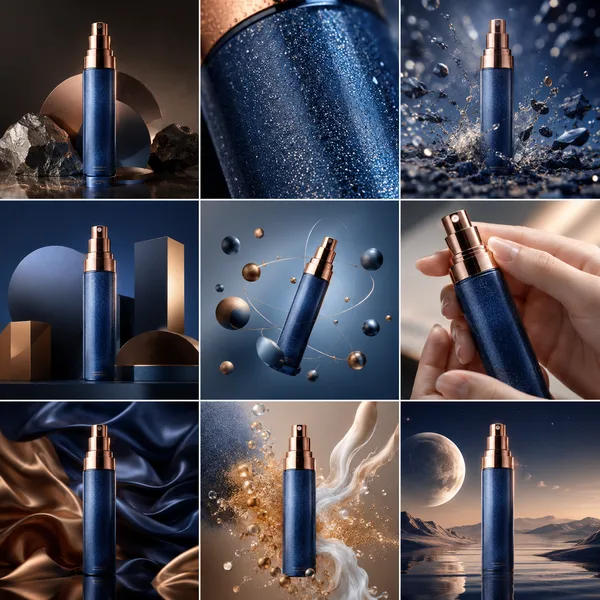
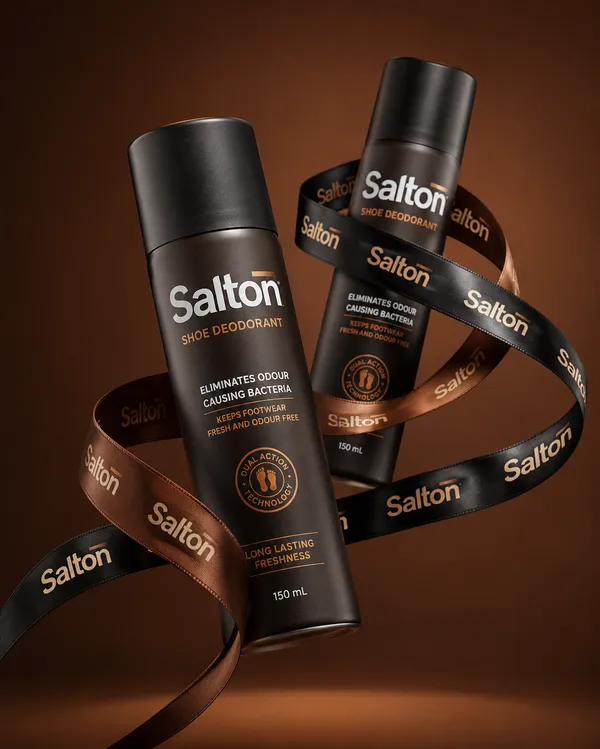
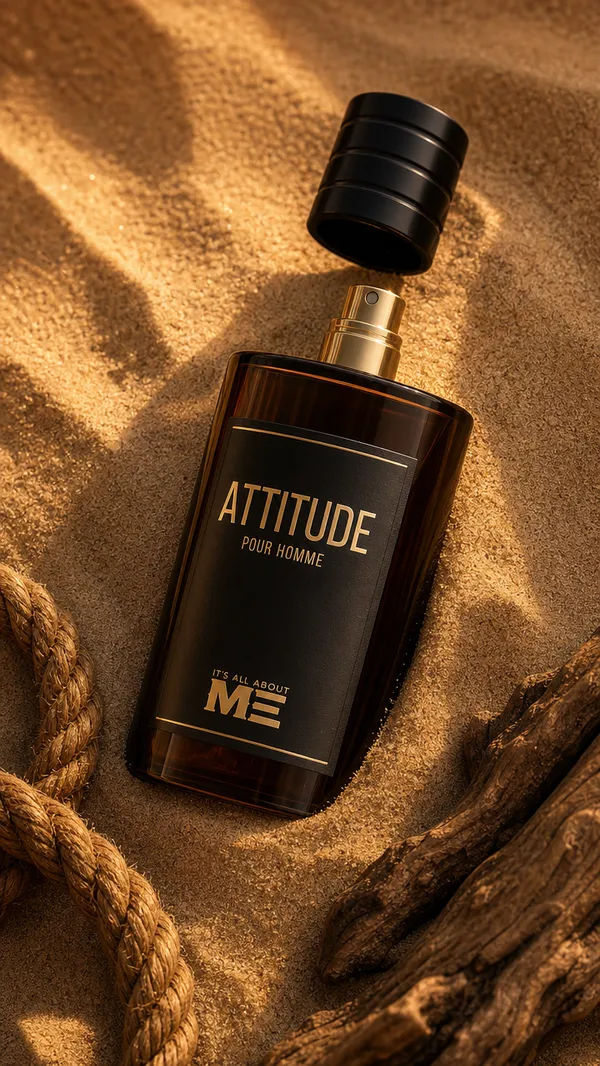
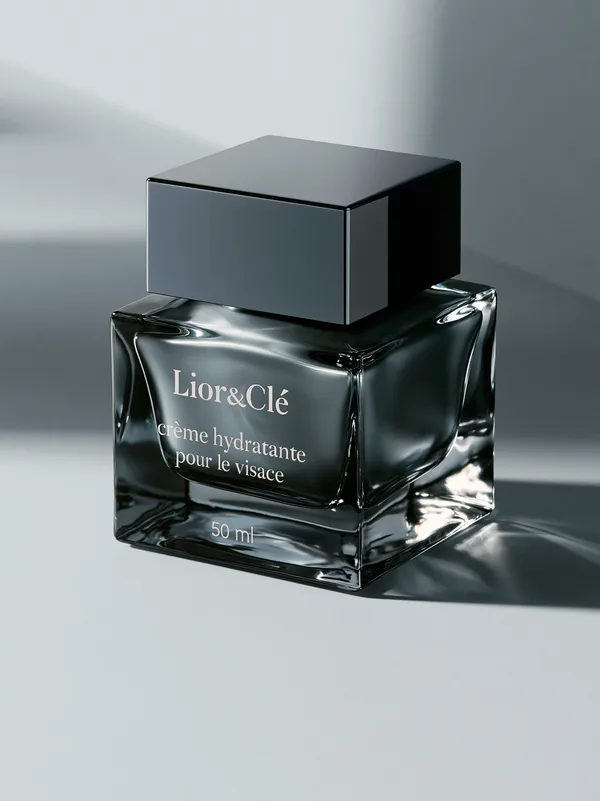
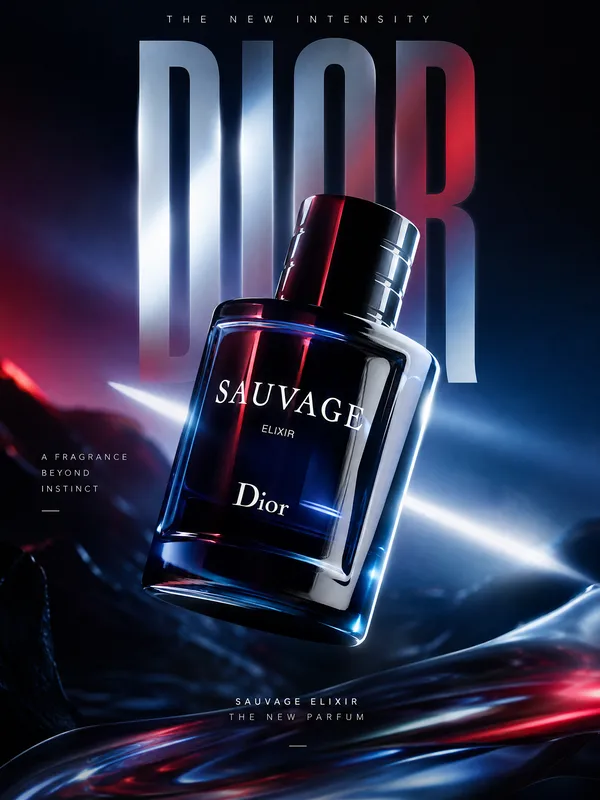
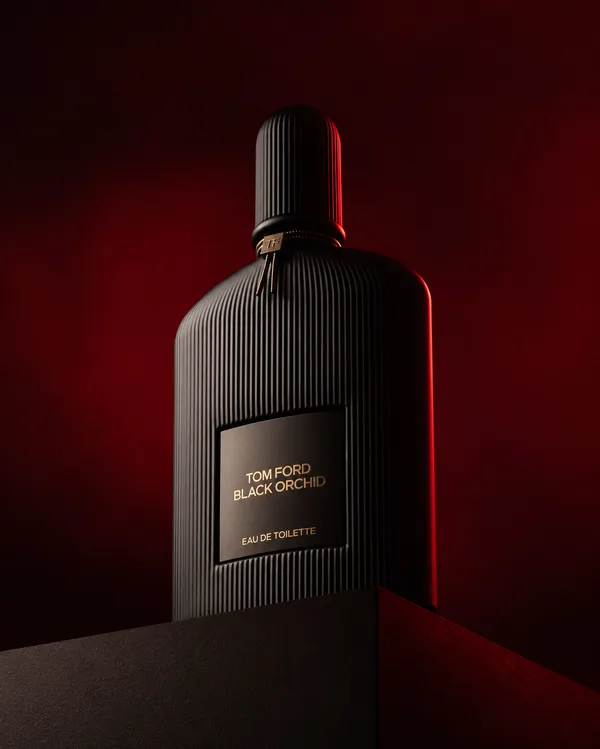
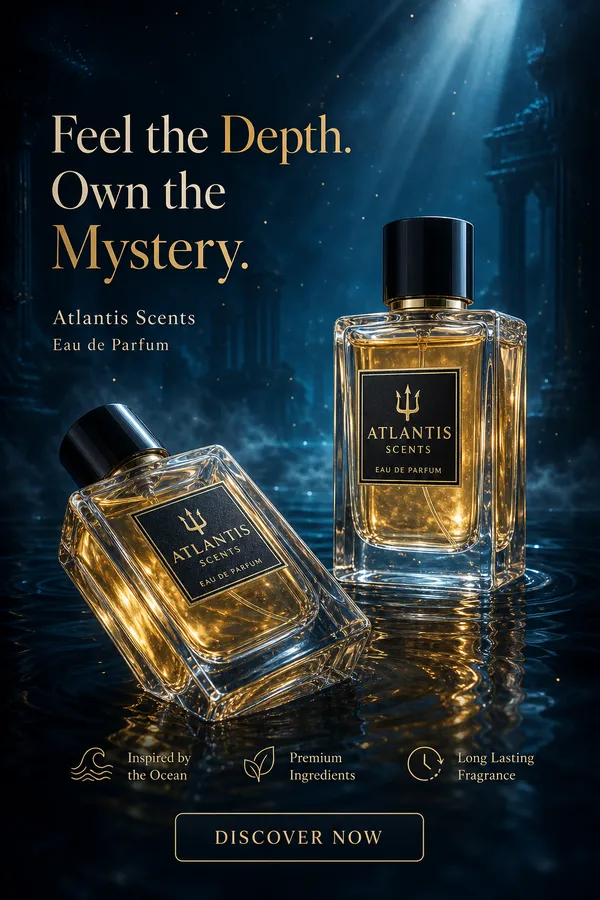
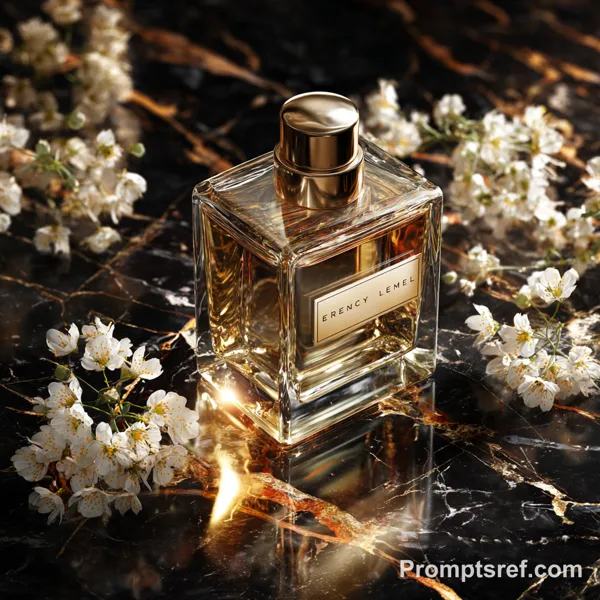
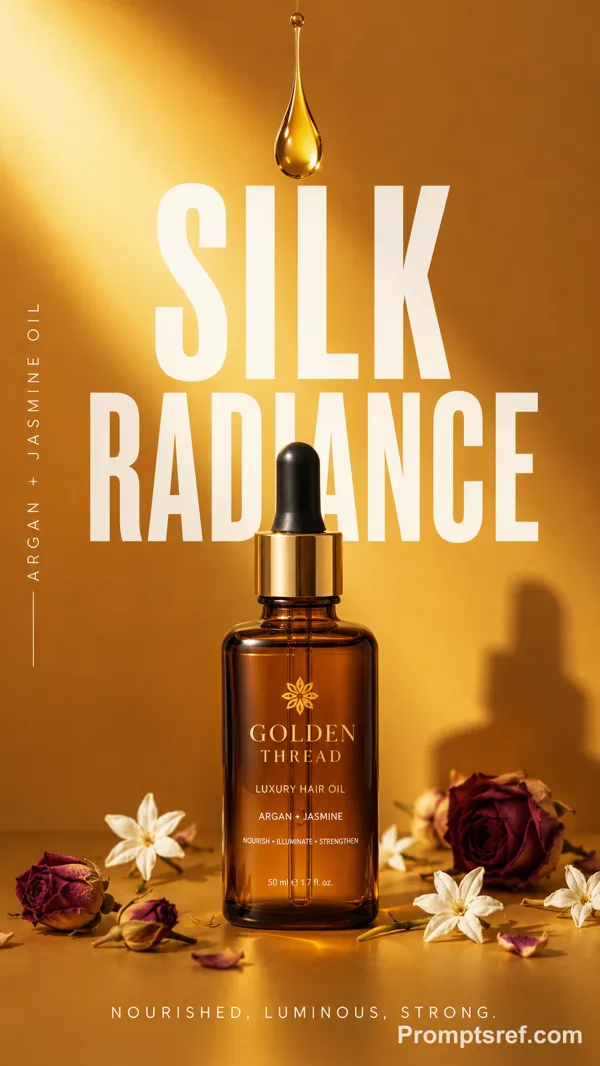
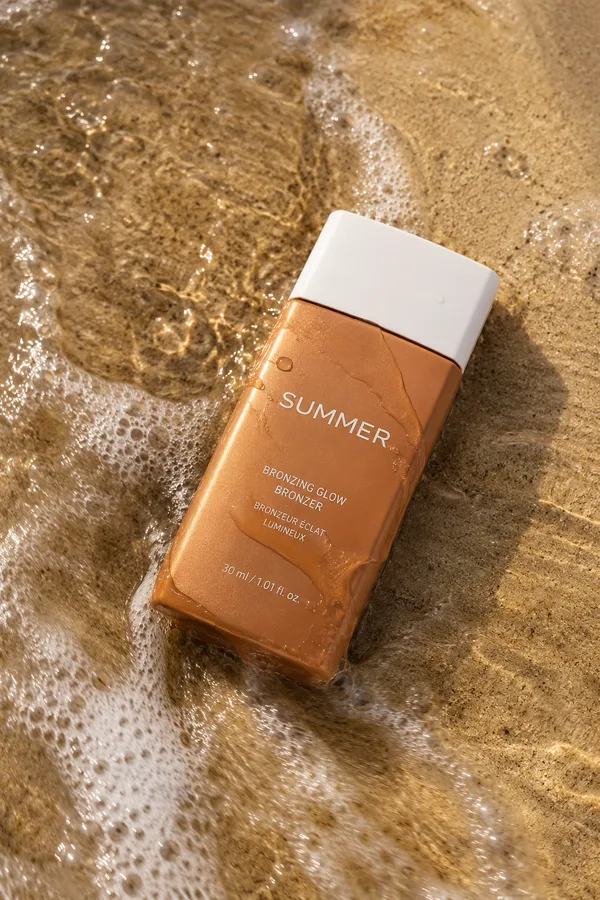
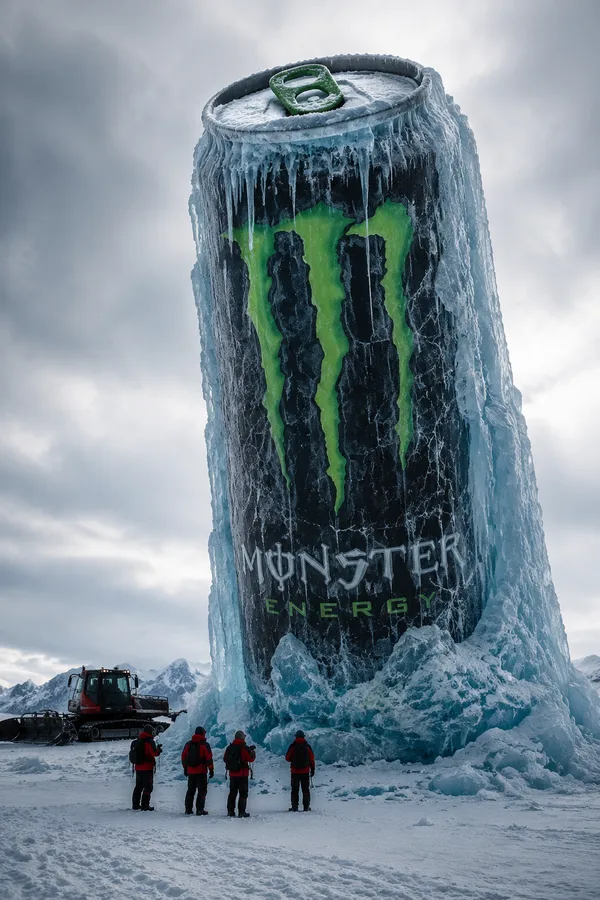
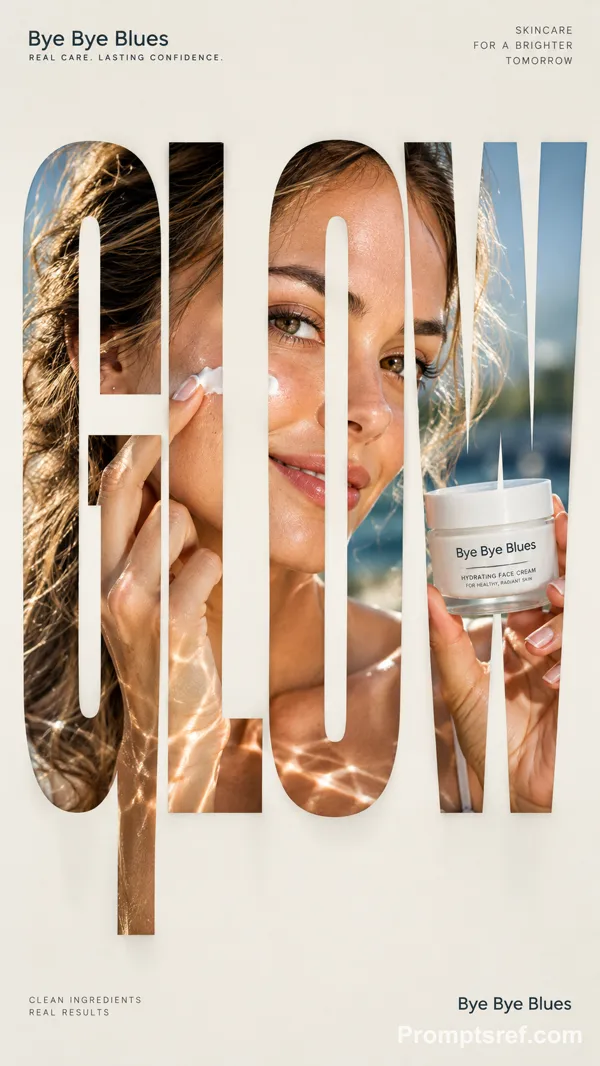
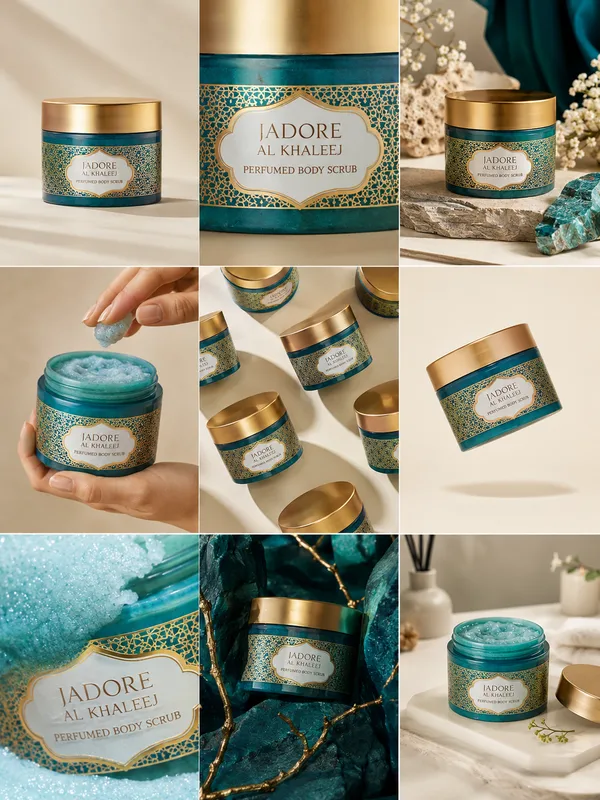
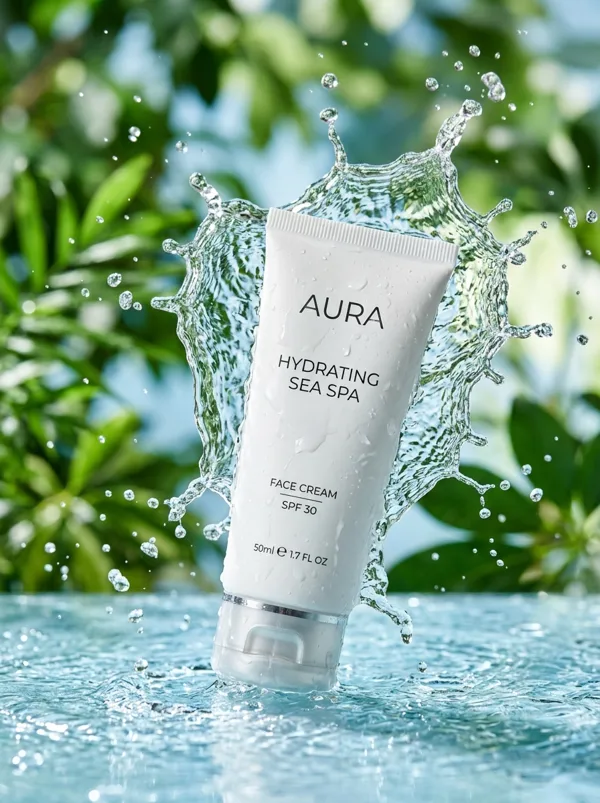
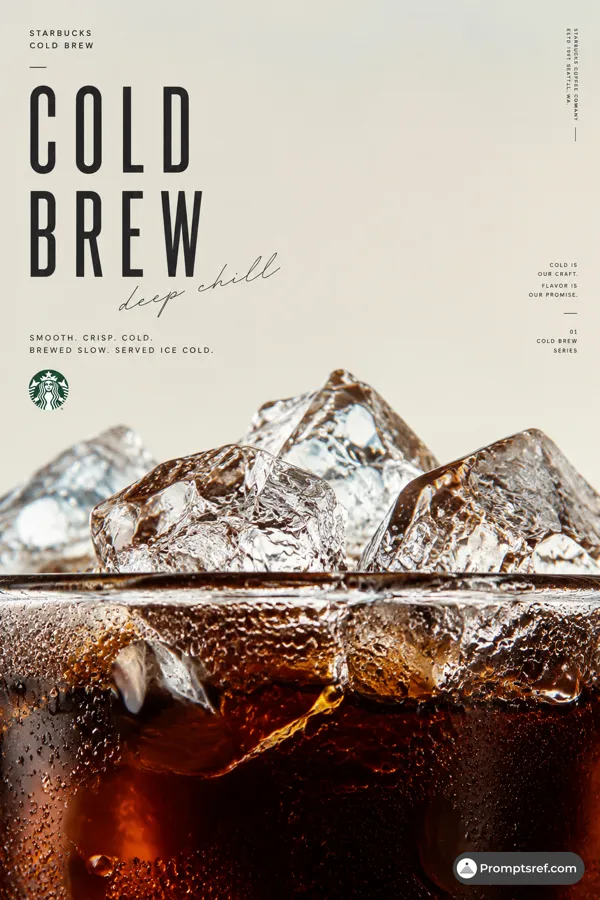
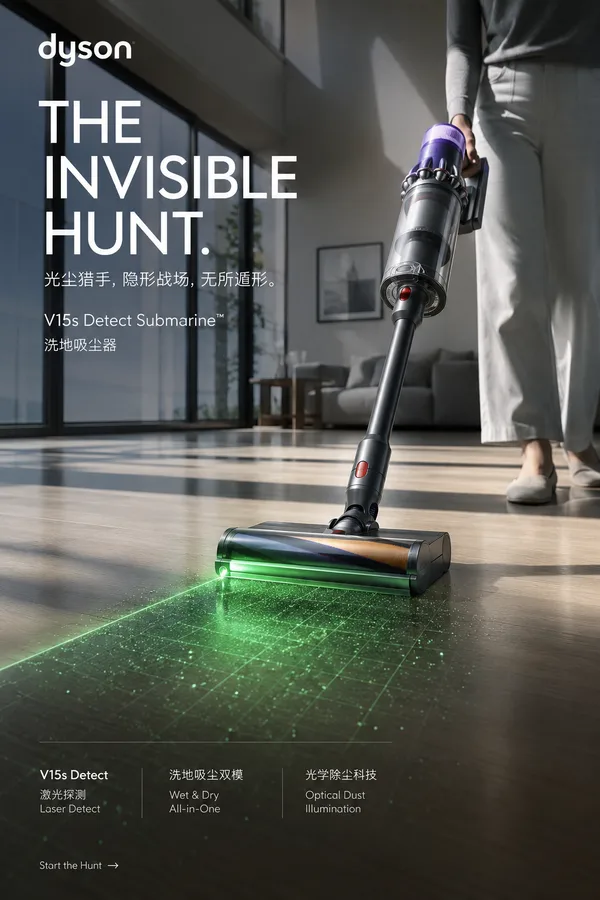
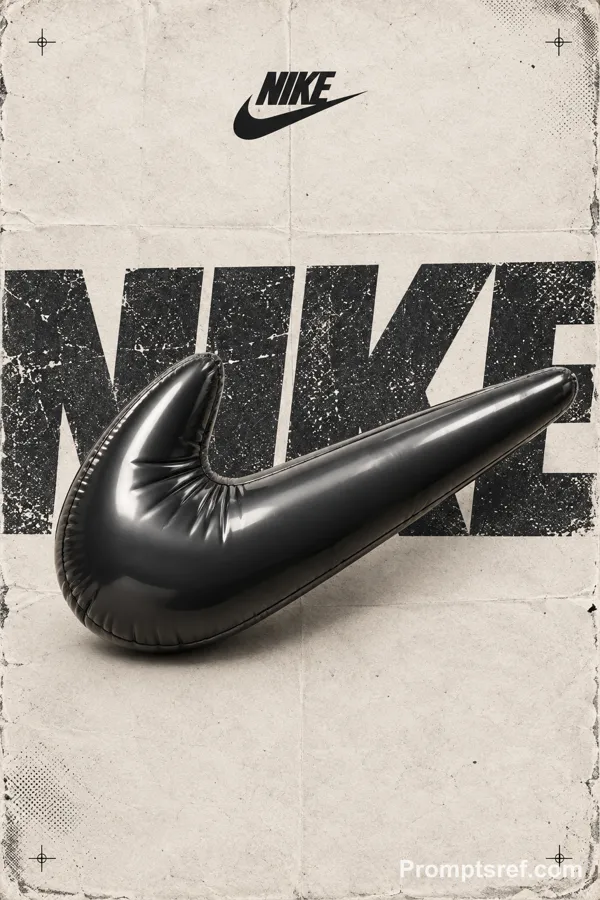
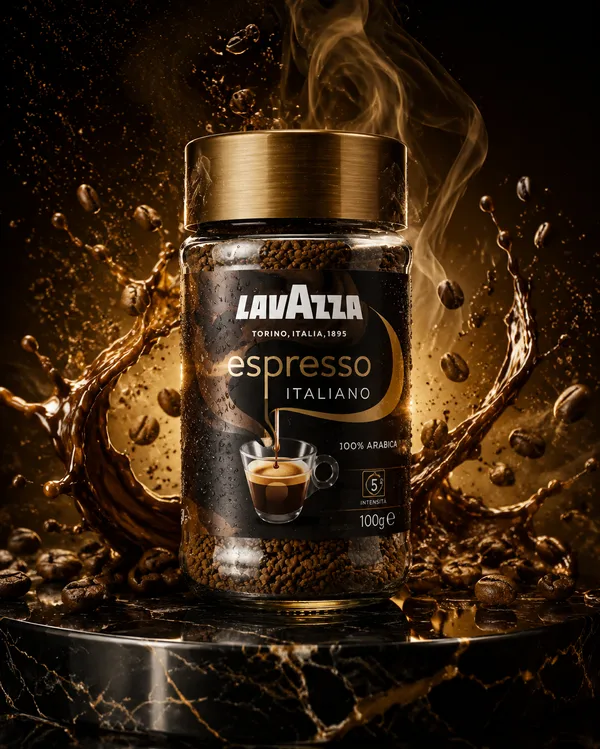
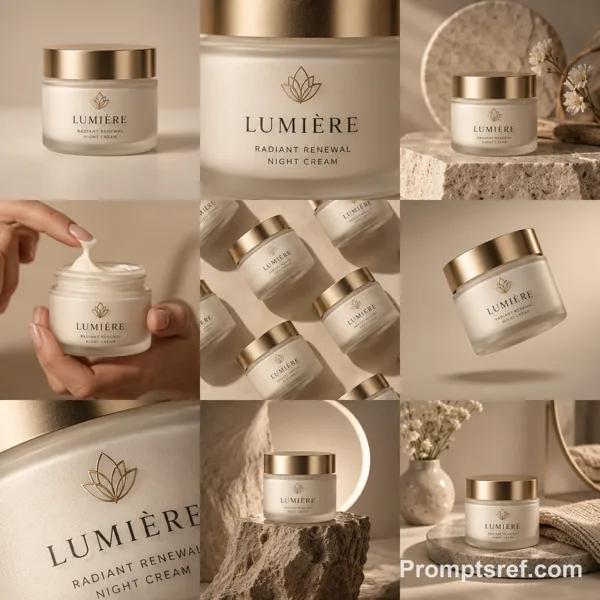
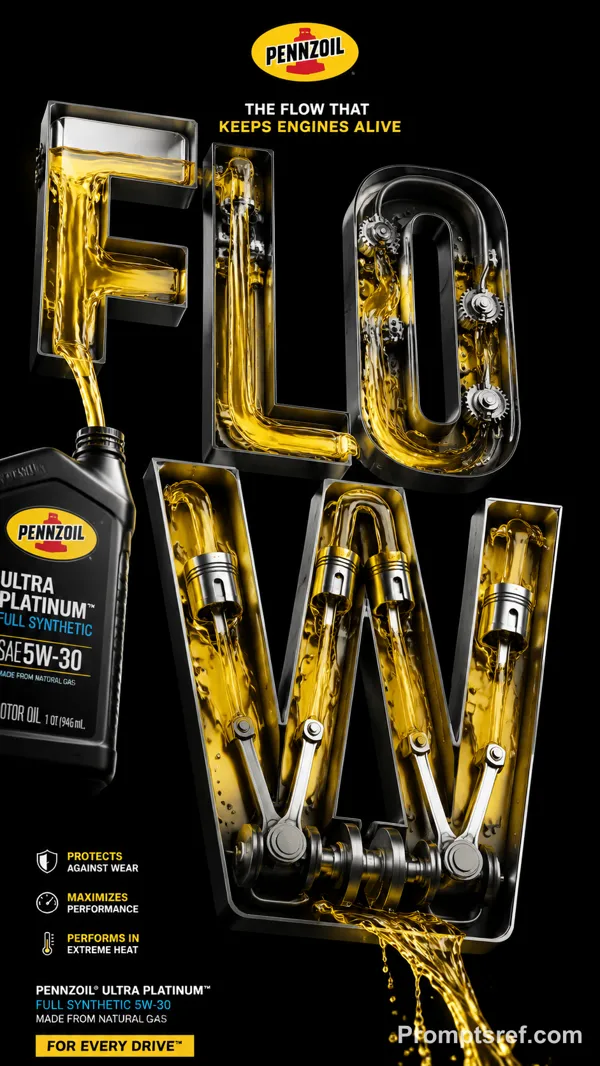
GPT Image 2.0 Prompt - Luxury Forensic Product Mystery Campaign

- Model
- GPT Image 2.0
- Aspect ratio
- auto
- Quality
- 1K
Prompt
AZIZ | AI 🇸🇦
@aziz4ai
·
11小时
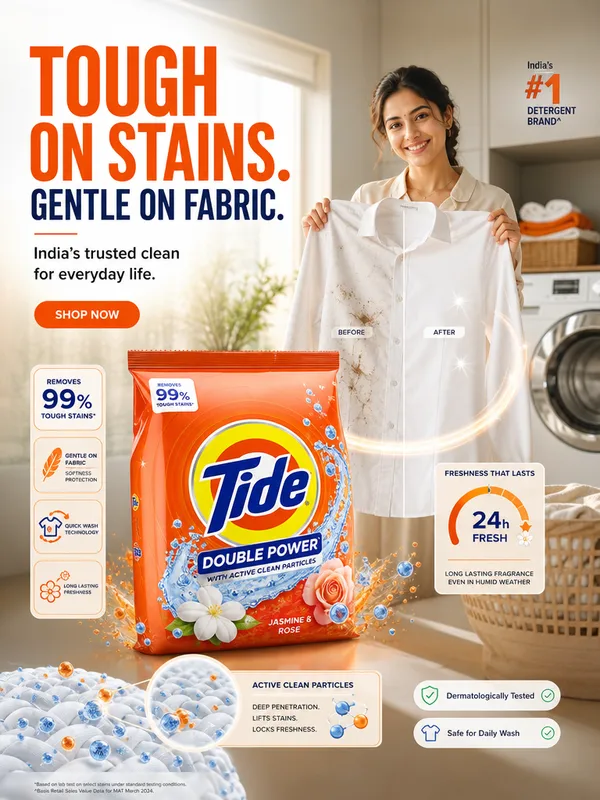
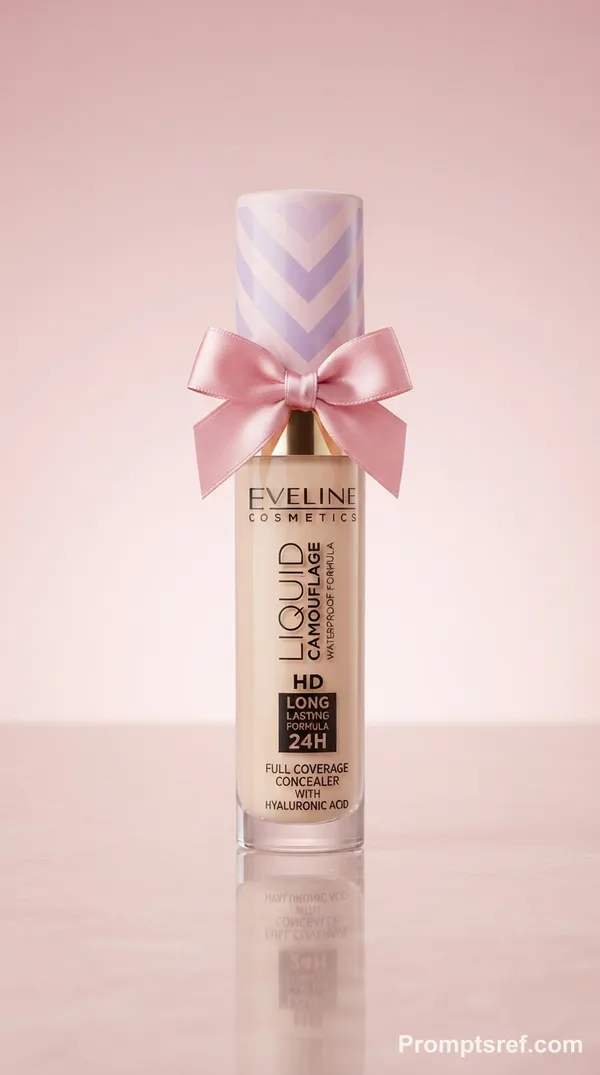
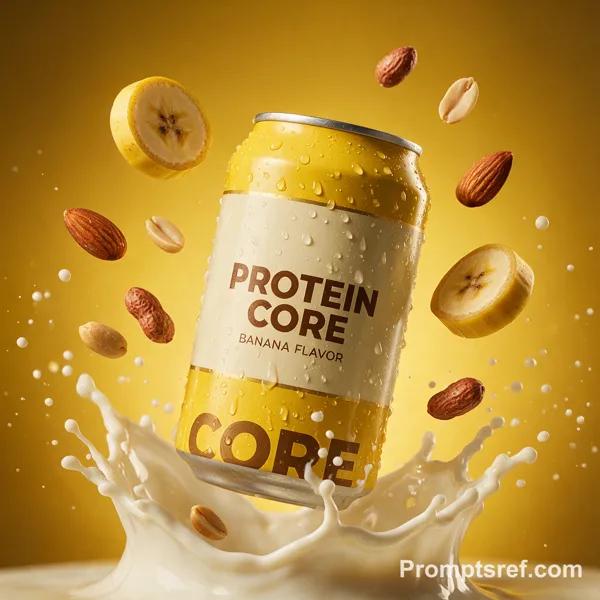
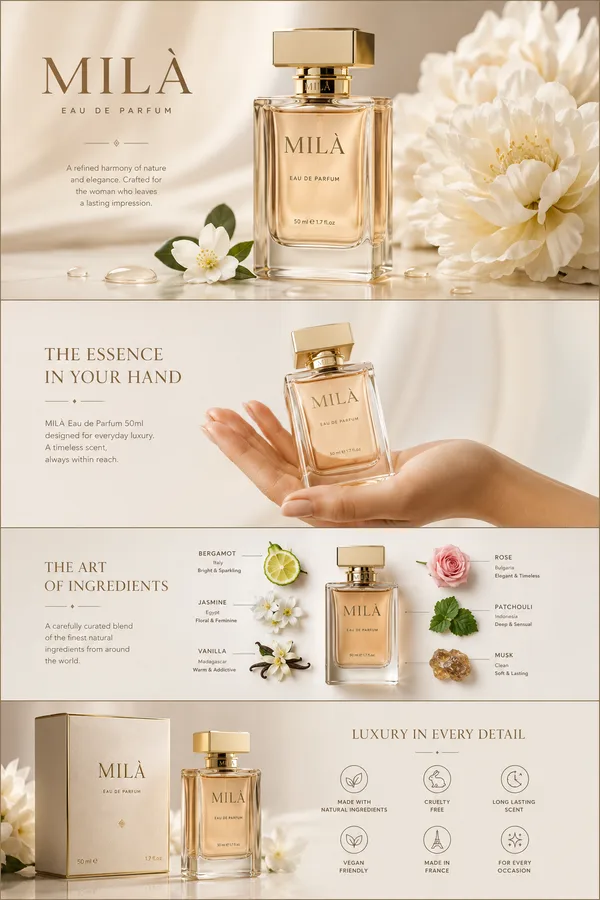
Use the uploaded product image as the single source of truth.
Create one premium 16:9 campaign image where the product is the only suspect in a clean forensic-style scene.
Build a refined editorial composition where the product sits calmly as the hero, while 3–5 carefully controlled physical clues around it all point to ONE clear product benefit, behavior, or experience.
Do not show the product in action.
Do not explain the clues.
Let the viewer solve the ad.
The scene should feel like a luxury visual investigation: clean, minimal, precise, cinematic, and highly intentional. Every clue must be physically believable and connected to the same invisible event caused by the product.
Possible clues may include residue, droplets, crumbs, displaced objects, impressions, scratches, condensation, fibers, folds, liquid traces, reflections, steam marks, dust, pressure marks, or other realistic evidence depending on the product.
Preserve the product exactly: shape, proportions, packaging, logo, label, typography, colors, materials, textures, and all visible details. Do not redesign, recolor, distort, duplicate, or invent features.
Silently generate multiple evidence-based concepts, evaluate them for visual hook, clarity, originality, realism, and brand fit, then produce only the strongest one.
Add the authentic brand logo naturally and create one original headline of two words maximum that becomes more meaningful once the viewer understands the clues.
Use bold editorial framing, refined negative space, cinematic lighting, tactile material detail, clean hierarchy, and premium commercial realism.
Output one standalone image only.
16:9. No grid, no collage, no split screen, no miniature world, no duplicated product, no police clichés, no evidence-number cards, no arrows, no infographic elements, no mockup presentation, and no random text.
Remixes
RemixNo remixes yet. Be the first to make your own version.
Use this image prompt
- 01
Start with the prompt
Copy the prompt, or open it with the generate button.
- 02
Make your changes
Adjust the subject, setting, or details. Add reference media if needed.
- 03
Check before generating
Review the model and output settings. Results can vary between generations.