Nano Banana 2 Prompt - Logo Revealed in Flour Dust on a Kitchen Surface Template

- Model
- Nano Banana 2
Prompt
{
"title": "Logo Flour Dust Kitchen Surface",
"prompt": {
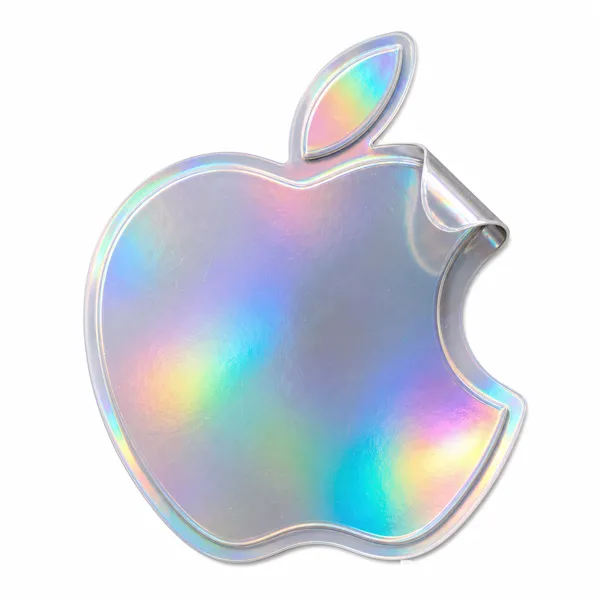
"subject": "Uploaded logo transformed into a realistic kitchen scene where the logo silhouette is revealed through flour dust spread across a surface",
"logo_rules": {
"shape": "Keep exact logo shape and proportions",
"appearance": "Logo appears as if flour has been naturally scattered and partially wiped or displaced to form the silhouette"
},
"material_details": {
"flour_texture": "Fine flour particles with soft powder texture spread unevenly across the surface",
"logo_area": "Areas forming the logo appear cleaner or thinner, as if brushed or touched",
"realism": [
"Subtle clumps and irregularities in the flour",
"Light dust residue extending slightly beyond the edges of the logo"
]
},
"surface_interaction": {
"surface_type": [
"Natural wood",
"Marble",
"Dark countertop"
],
"details": [
"Finger swipe marks",
"Soft streaks",
"Imperfect edges where the logo shape is formed",
"Small ridges of flour pushed aside"
]
},
"environment": {
"setting": "Real kitchen environment",
"background": "Minimal distractions",
"context": "Very subtle hints of baking, not dominant"
},
"lighting": {
"type": "Soft natural window light from the side",
"effects": [
"Gentle shadows enhancing powder texture",
"Light catching on fine flour particles"
]
},
"atmosphere": [
"Calm",
"Tactile",
"Handmade",
"Authentic"
],
"camera": {
"angle": [
"Top-down",
"Slightly angled close-up"
],
"composition": "Logo clearly visible through contrast between flour-covered and cleared areas",
"imperfections": "Natural imperfections preserved"
},
"format": {
"aspect_ratio": "4:5 vertical",
"text_overlays": false
},
"style": "Hyper-real macro photography with natural human interaction realism"
}
}
Reference image

Remixes
RemixNo remixes yet. Be the first to make your own version.
Use this image prompt
- 01
Start with the prompt
Copy the prompt, or open it with the generate button.
- 02
Make your changes
Adjust the subject, setting, or details. Add reference media if needed.
- 03
Check before generating
Review the model and output settings. Results can vary between generations.