GPT Image 2.0 Prompt - HYPE Sports Booking App Flex Banner

- Model
- GPT Image 2.0
- Aspect ratio
- 16:9
- Quality
- 1K
Prompt
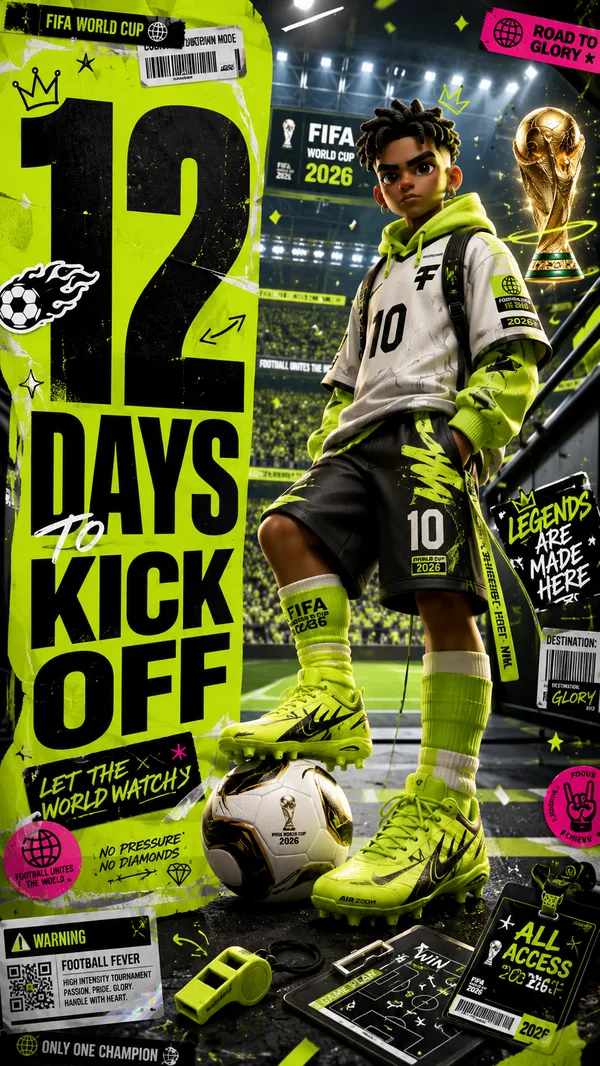
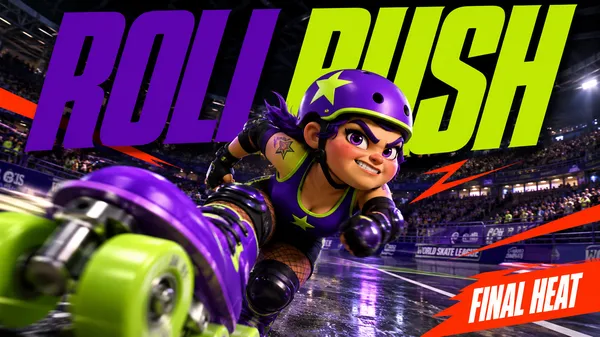
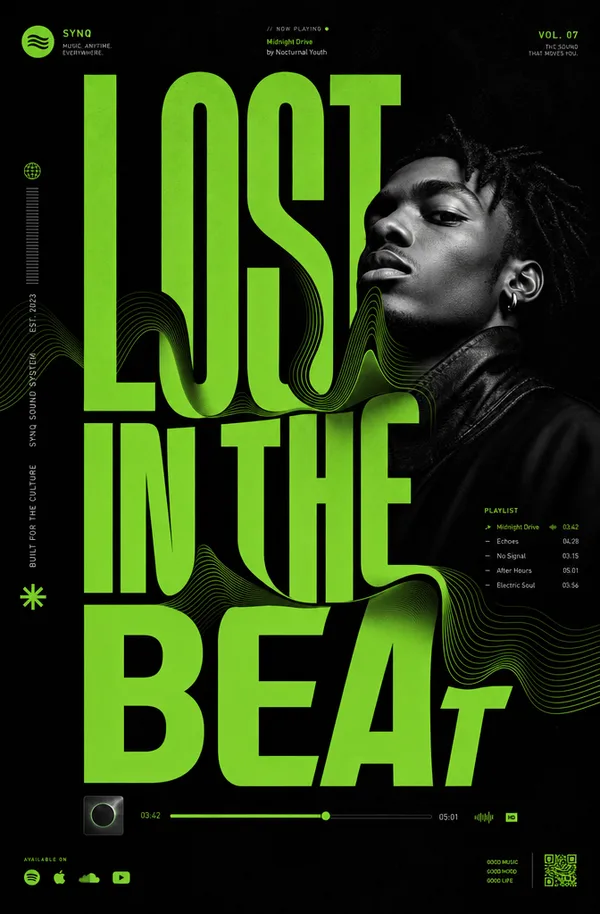
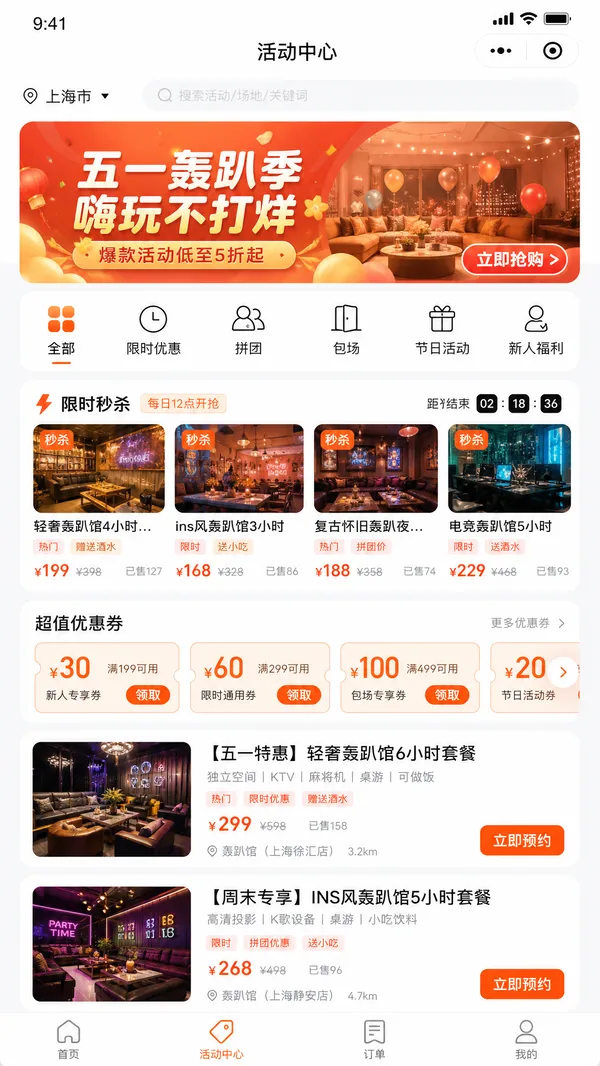
Based on the given layout
Recommended Layout Structure (3ft × 5ft) horizontal flex banner.
Overall Grid Use a 2-column layout:Left Column → Branding + Benefits + ContactRight Column → App Flow + Sports Icons Visual Hierarchy LEFT SIDE (40%)Logo Area Top-left large rectangle.Height: ~28%Keep lots of whitespaceUse bold premium typographyAdd tagline if needed Example:HYPE
Book Your Sport Instantly
Benefits Box Middle-left large box. Use 3–5 short benefit points:✓ Easy Booking
✓ Nearby Turf Search
✓ Instant Confirmation
✓ Multiple Sports
Use icons beside each point. 3. Contact Strip Bottom-left horizontal strip. Include:PhoneWebsiteQR code (optional) Example:Call: +91 XXXXX XXXXX
www.hypeplay.com
RIGHT SIDE (60%) Mobile Screens Section Instead of plain rectangles, show actual mobile mockups. Use 3 phone cards: Screen 1 — SearchTurf listingMapSearch bar Screen 2 — SelectVenue detailsTime slots Screen 3 — BookPayment successConfirmation UI Sports Circles Section Instead of empty circles: Use:FootballCricketBadmintonBasketballTennis Add:Sport icon/photoSmall label below Example arrangement: ⚽ 🏀 🏏
Make circles slightly overlapping for modern look. Better Composition Your current sketch feels very boxed. Modern flex banners use:Consistent paddingLarger imageryFewer bordersStrong contrast Instead of outlines everywhere:Use background color blocksSoft shadowsMinimal separators mportant Design Improvements Avoid: Too many borders Centered italic text Uneven spacing Different box sizes without alignment Use: 24px consistent spacing Alignment grid Real app screenshots High contrast headings Best Layout Ratio Section Width Left Info Panel 35–40% Right Visual Panel 60–65% This creates better balance. Printing Tips For a 3ft × 5ft flex: Design in: 150 DPI minimum CMYK colors Keep text inside safe margin Avoid very thin fonts Extra Premium Touch Add: QR code → “Download App” App Store / Play Store badges Small stadium texture background Dynamic diagonal shapes behind screenshots That will make it feel like a real startup campaign banner instead of a simple poster. Logo colors: #c9fb07 , #0a0a0a
Remixes
RemixNo remixes yet. Be the first to make your own version.
Use this image prompt
- 01
Start with the prompt
Copy the prompt, or open it with the generate button.
- 02
Make your changes
Adjust the subject, setting, or details. Add reference media if needed.
- 03
Check before generating
Review the model and output settings. Results can vary between generations.