GPT Image 2.0 Prompt - Drakos the Red Dragon Character Sheet

- Model
- GPT Image 2.0
- Aspect ratio
- 4:3
- Quality
- 2k
Prompt
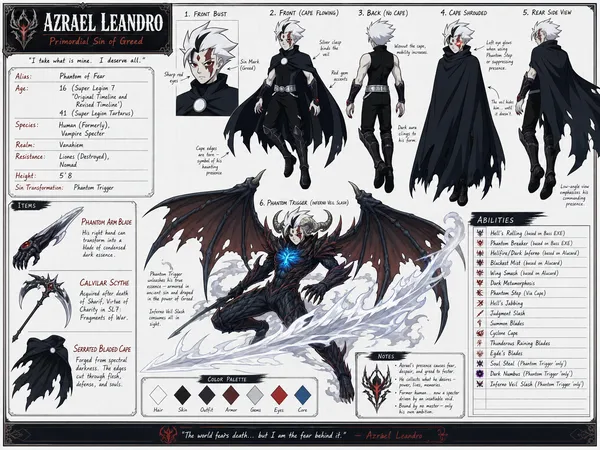
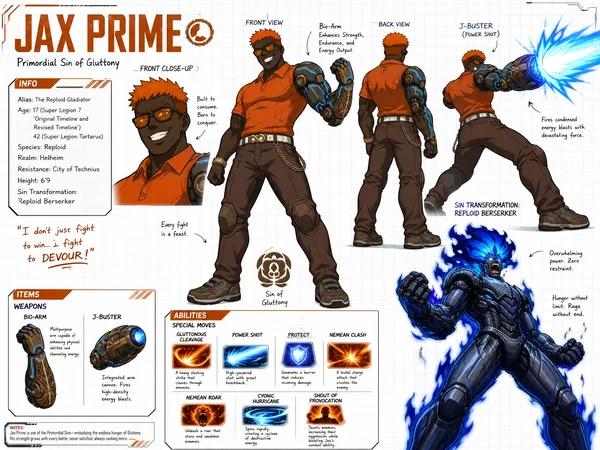
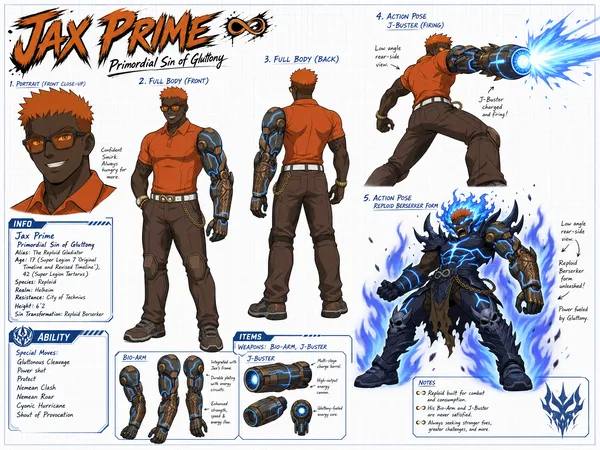
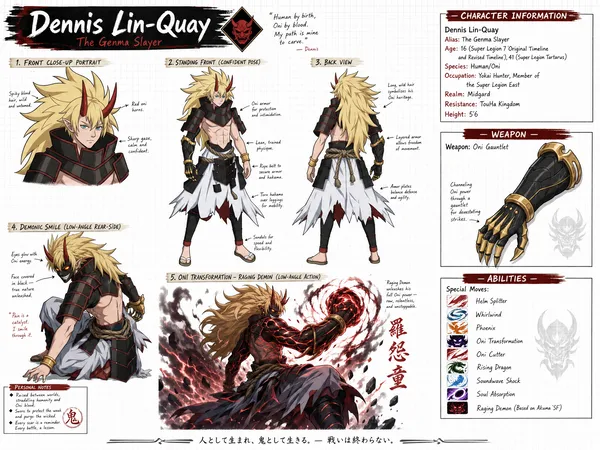
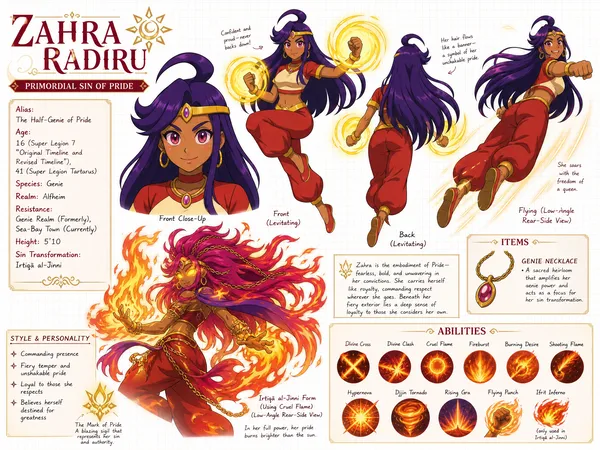
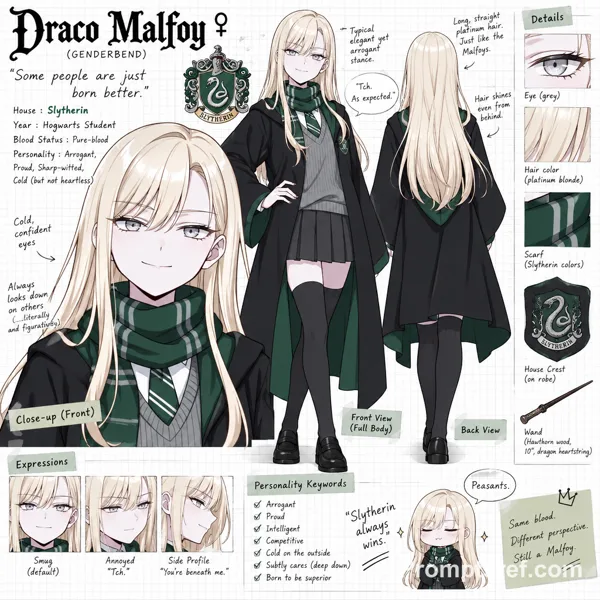
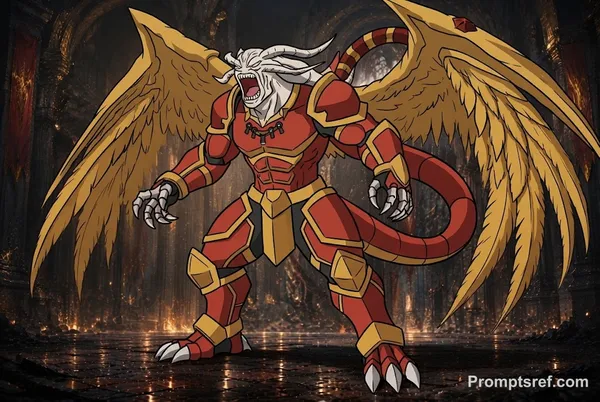
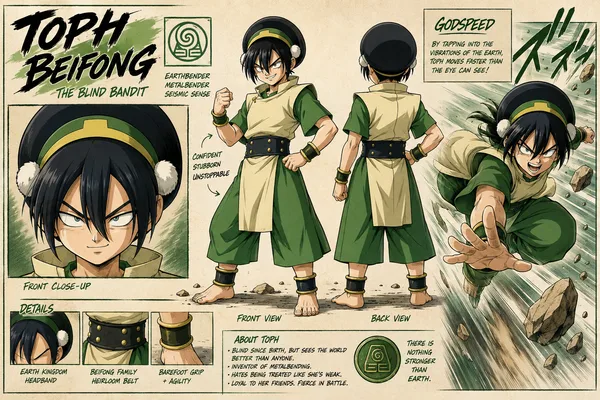
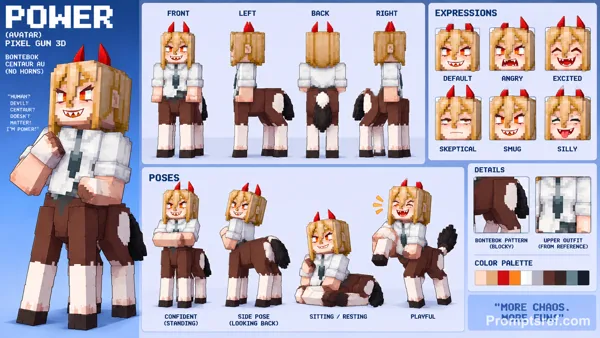
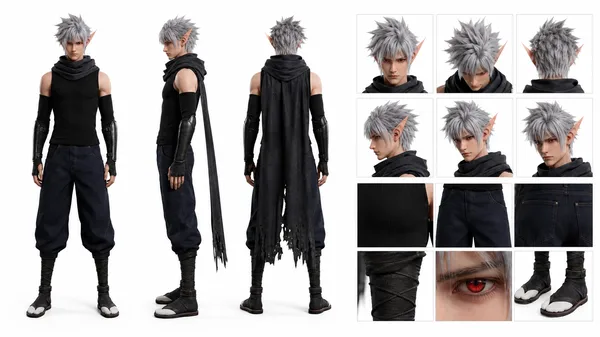
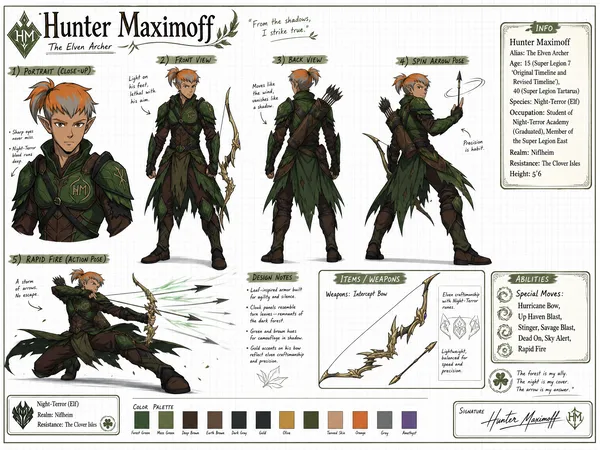
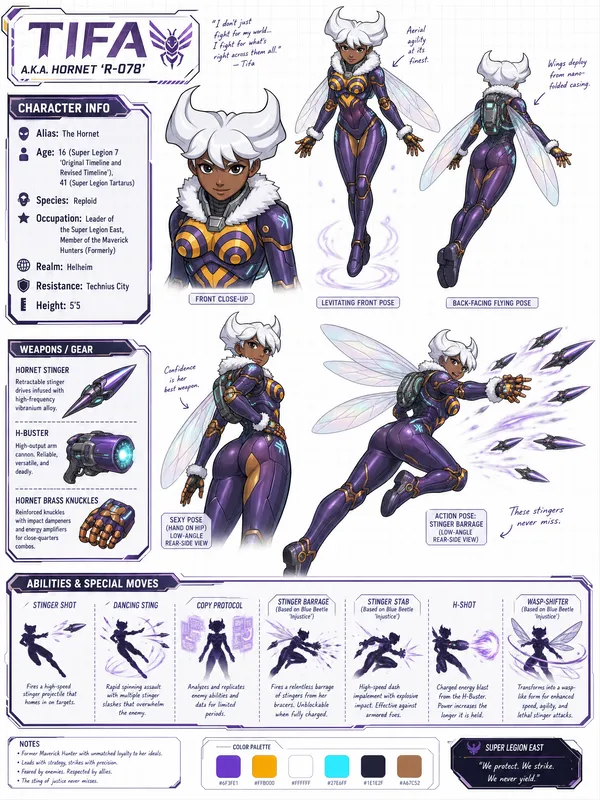
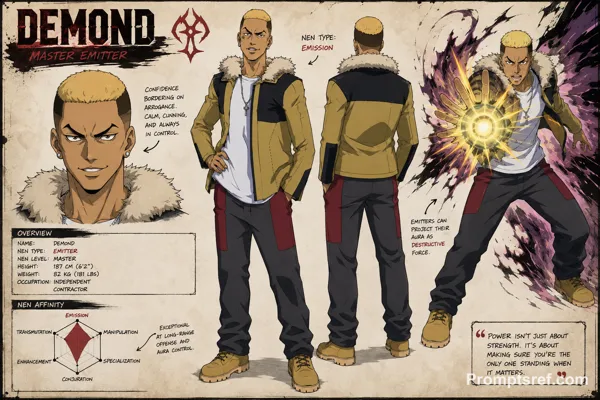
Create a wide, horizontal character reference sheet featuring Drakos (see reference photo 1). The background should be white grid paper.
The page should include multiple angles of the same character:
A front close-up
A confident standing front pose
A back-facing standing pose
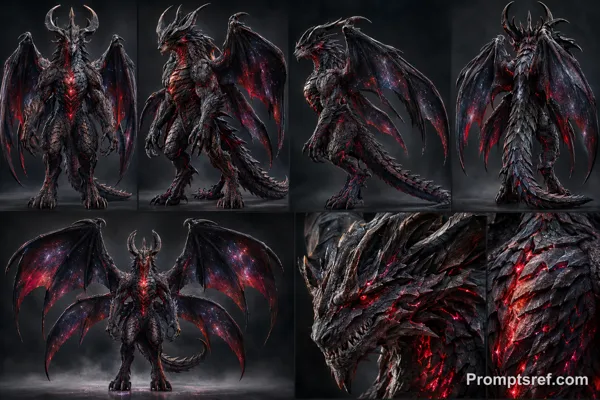
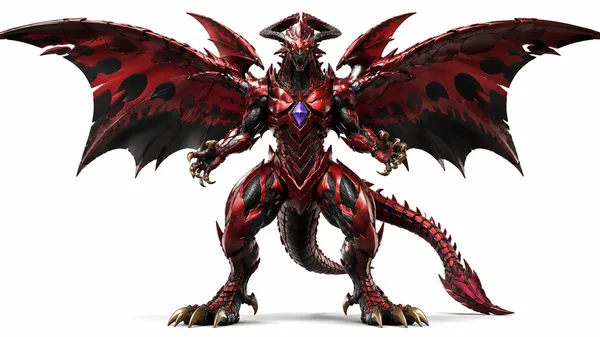
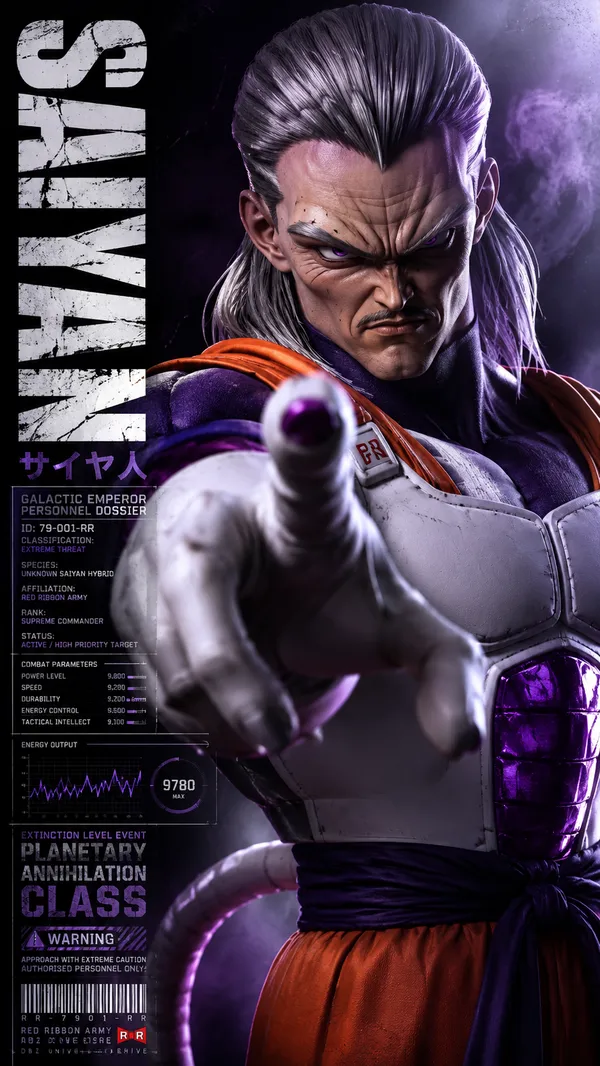
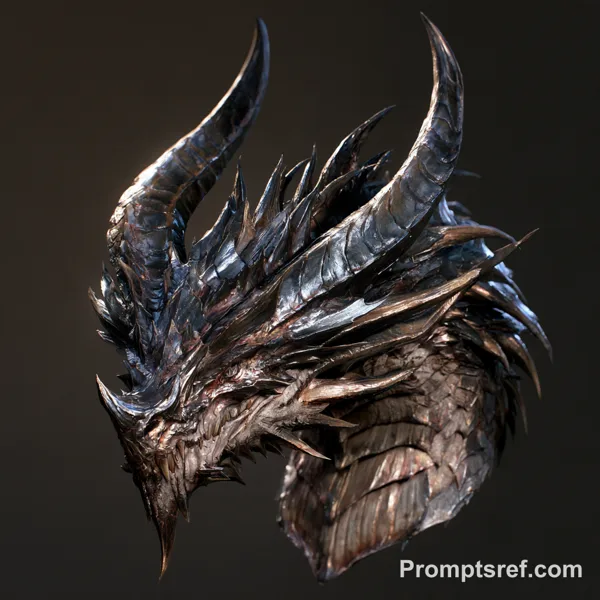
A front close-up of his Red Dragon form (see reference photo 2) (Same artstyle of the dragon referenced photo 2) (low-angle rear-side view)
An action pose of him in he's Red Dragon form flying and using Breath of Destruction(see reference photo 2) (Same artstyle of the dragon referenced photo 2) (low-angle rear-side view)
The layout should be customized to fit the character’s personality—visually rich yet clean and easy to read. You may include handwritten-style annotations, small arrows, and a prominent title area styled like a character name header.
Add these info below for his info box:
Drakos
Primordial Sin of Sloth
Alias: Dragon of Chaos
Age: 14 (Super Legion 7 ‘Original Timeline and Revised Timeline'), 39 (Super Legion Tartarus)
Species: Dragonik
Realm: Jotamheim
Resistance: Dragon Kingdom (Destroyed), Avalar
Height: 5’2 (humanoid size), 4799.78 (Red Dragon size ‘3rd Largest in Dragon class’)
Sin Transformation: Red Dragon of Calamity
Add this info to his Dragonology section (make images of them)
Types of Dragons he can use the Abilities of: Dragons (Regular), Wyverns, Drakes, Hydra, Wyrms, Nagas, Leviathans, Salamanders, Amphithere, Basilisk (raptor like dragons), Xuihcoatl, Asian Dragons, Fae, Kirins
Add this info to his Ability section
Special Moves: Fire Breath, Head Bash, Dragon Rush, Skewer, Wing Blitz, Poison Spit, Elemental Breath (Ice, Lightning, Water, Dragon)
For Abilities in Red Dragon form
Breath of Destruction (Red Dragon form only), Dragon’s Fear (Red Dragon form only), Physical Dominance (Red Dragon form only)
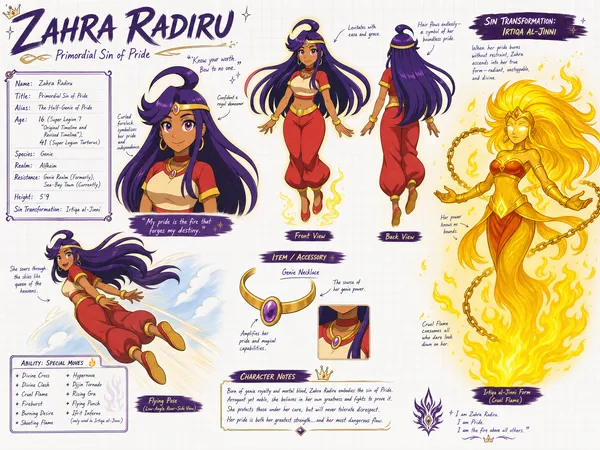
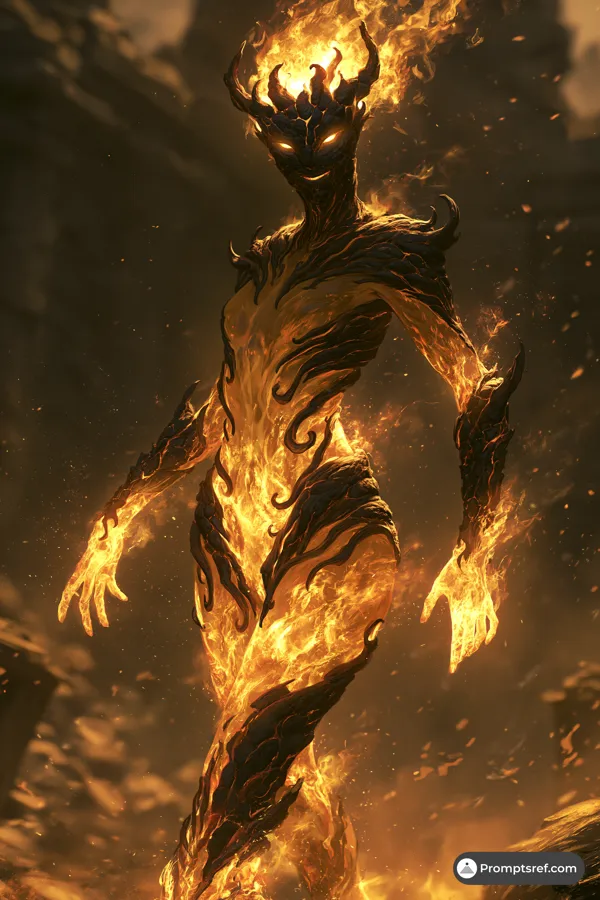
Reference image
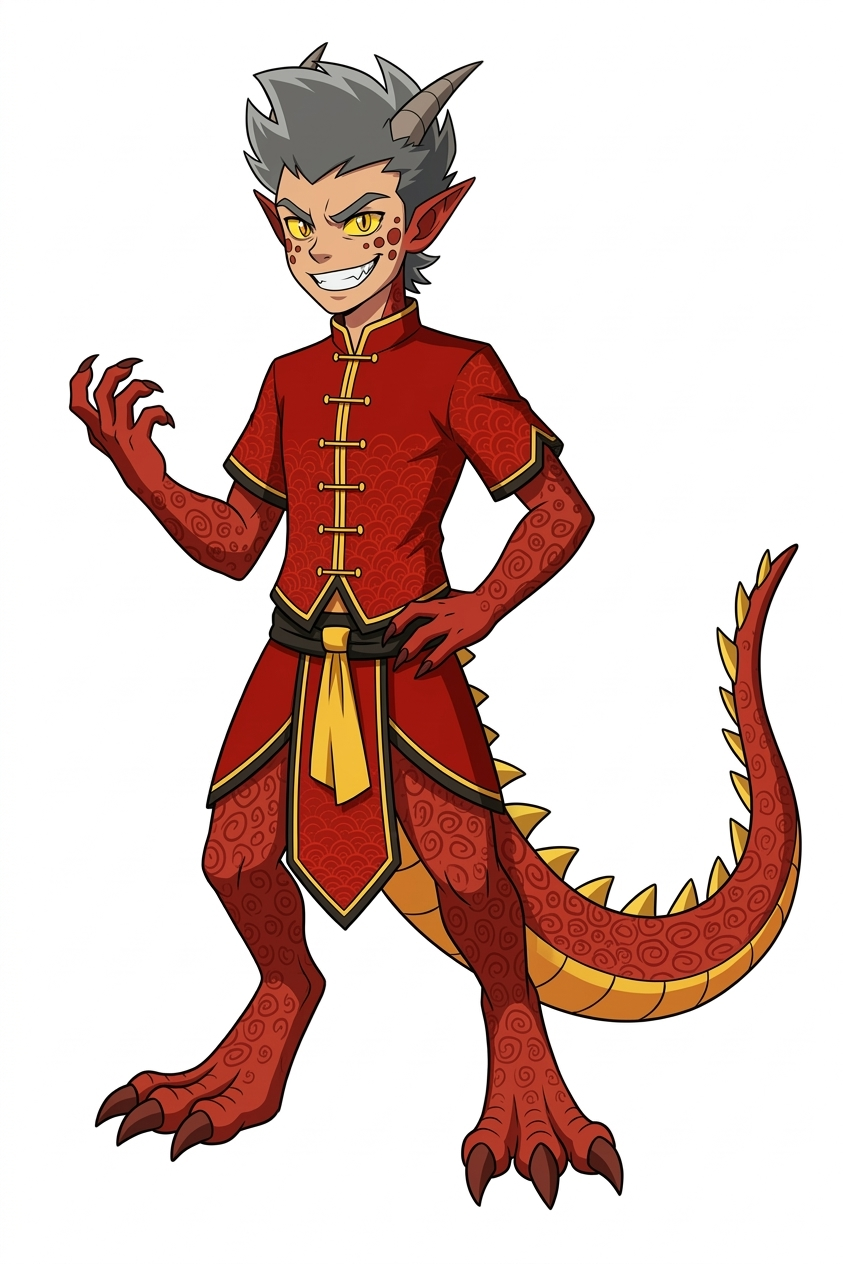
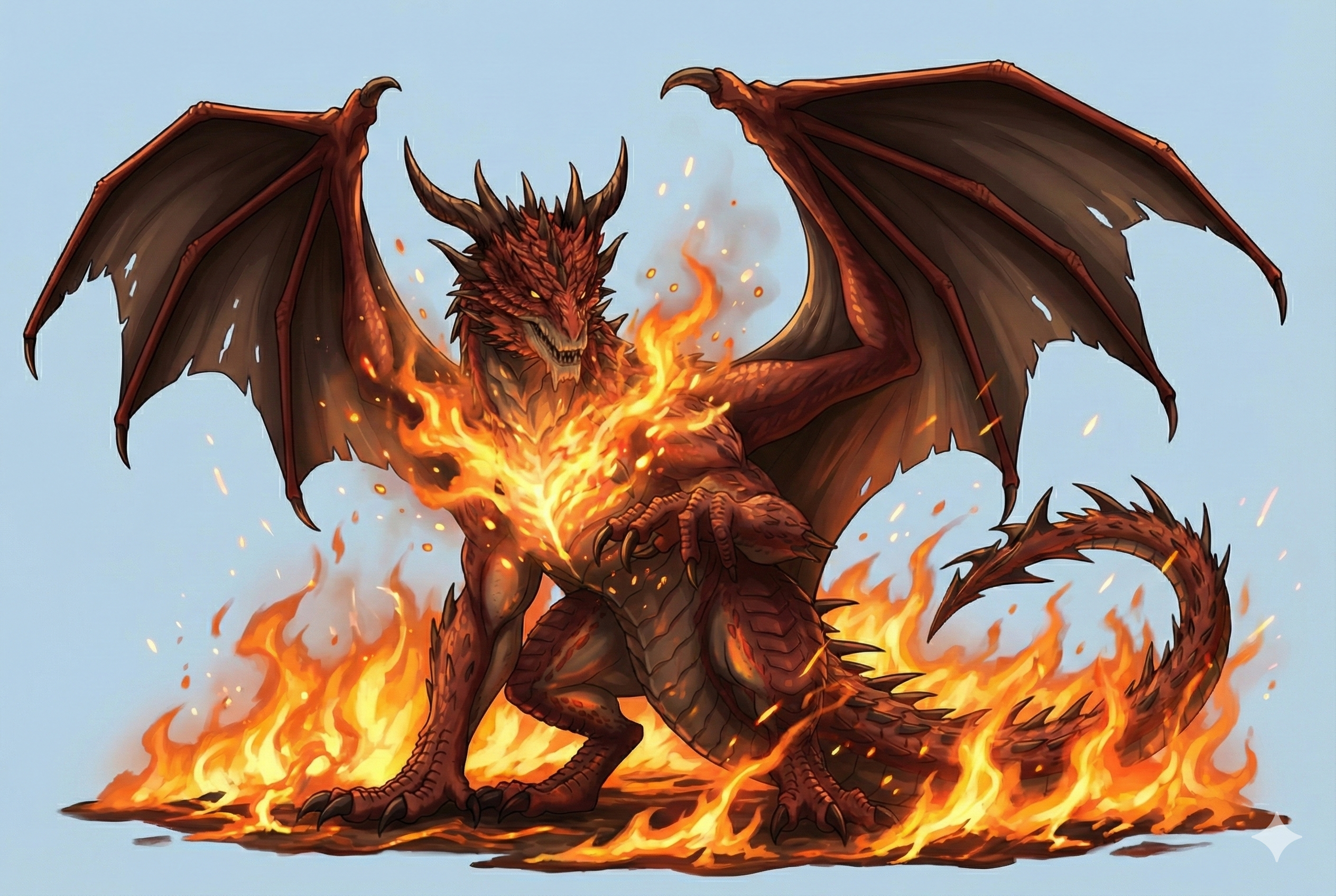
Remixes
RemixNo remixes yet. Be the first to make your own version.
Use this image prompt
- 01
Start with the prompt
Copy the prompt, or open it with the generate button.
- 02
Make your changes
Adjust the subject, setting, or details. Add reference media if needed.
- 03
Check before generating
Review the model and output settings. Results can vary between generations.