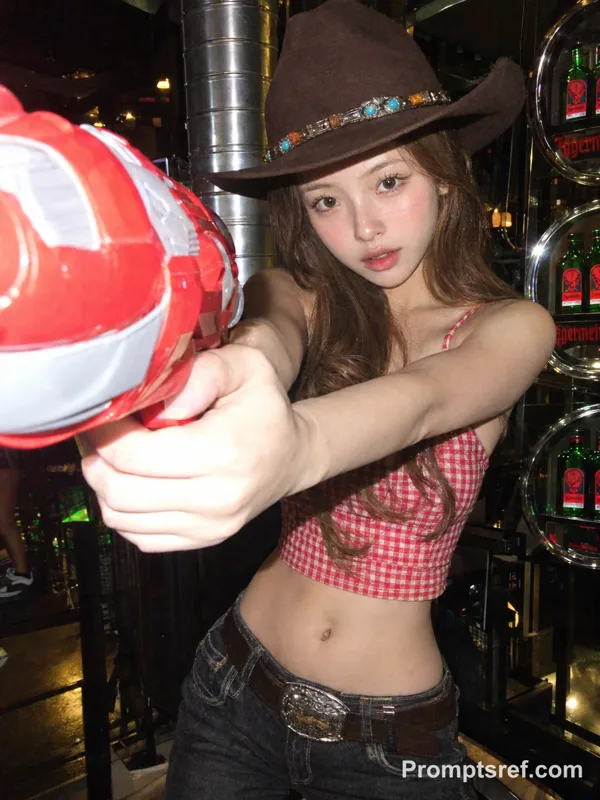
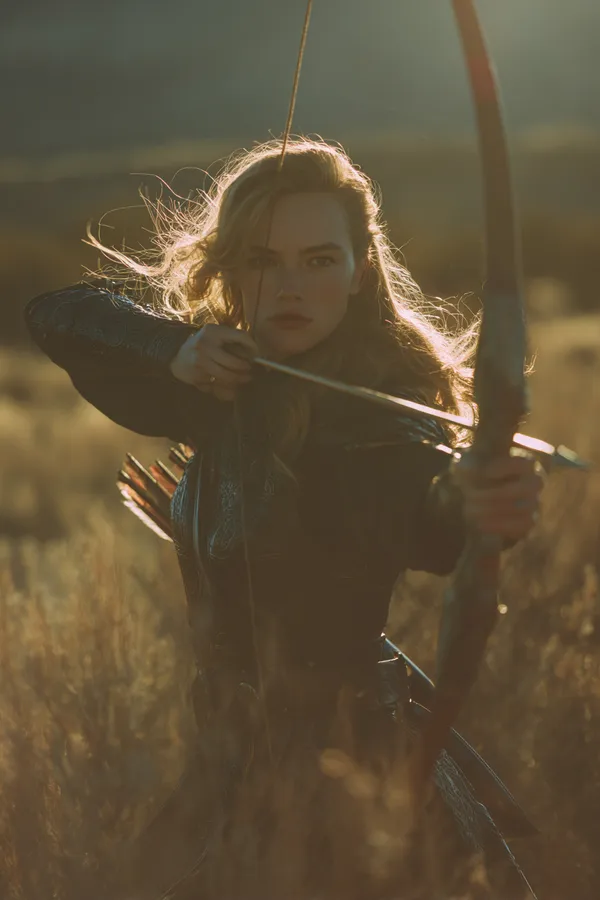
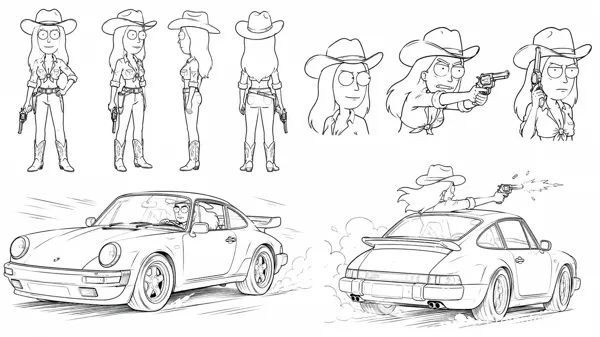
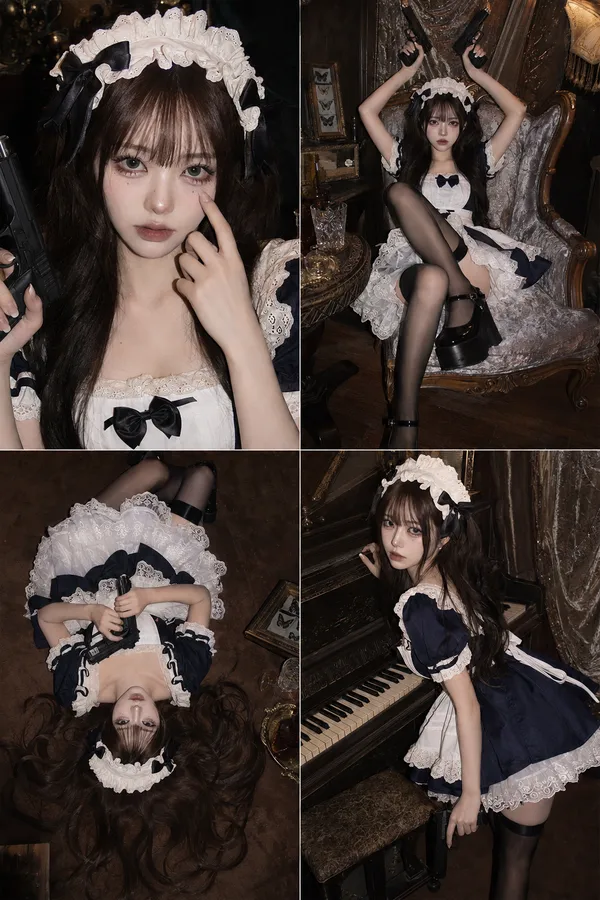
Nano Banana 2 Prompt - Cowgirl Confrontation Triptych

- Model
- Nano Banana 2
Prompt
A real-life woman is presented in a vertical triptych collage composition, depicting three consecutive moments (a calm stance, a direct confrontation, and a startled reaction). Each panel deliberately uses left–right offset positioning to create a coherent visual narrative flow. The image is shot in a photorealistic, cinematic live-action style, high resolution with subtle natural grain, true contrast, hard natural daylight, a clear blue sky, and deep depth of field consistent with real lens behavior. The scene takes place in an open outdoor environment. The subject wears a cowboy hat, a short-sleeve button-up shirt, and a brownish-red long skirt. Her makeup is retro-inspired, with distinct red lipstick and clearly defined eye makeup. Top panel: The subject is positioned toward the right, leaving open sky on the left. She stands with arms crossed, looking toward the lower-left with a surprised expression. Middle panel: The subject is positioned toward the left, aiming a firearm with the barrel angled toward the lower-right. Her expression is focused and sharp, and the shot is taken from a slightly top-down angle. In this panel, both the subject and the weapon intentionally break through the top and bottom panel borders, overlapping the frame lines to create a clear layered effect. The middle panel serves as the primary visual focal point. Bottom panel: The subject is positioned in the lower-right corner, leaving more negative space on the left. She raises both hands defensively, her eyes naturally widened in surprise, looking toward the upper-left. The subject intentionally breaks the panel frame and overlaps the border lines, forming a distinct layered composition. The image maintains a 2:3 aspect ratio and a photorealistic live-action style, explicitly avoiding illustration or comic aesthetics.
Remixes
RemixNo remixes yet. Be the first to make your own version.
Use this image prompt
- 01
Start with the prompt
Copy the prompt, or open it with the generate button.
- 02
Make your changes
Adjust the subject, setting, or details. Add reference media if needed.
- 03
Check before generating
Review the model and output settings. Results can vary between generations.