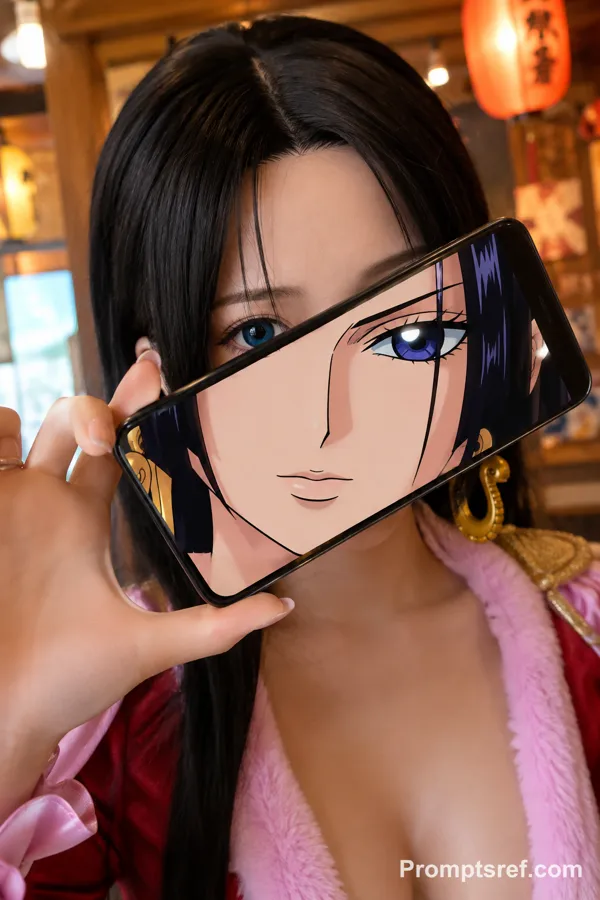
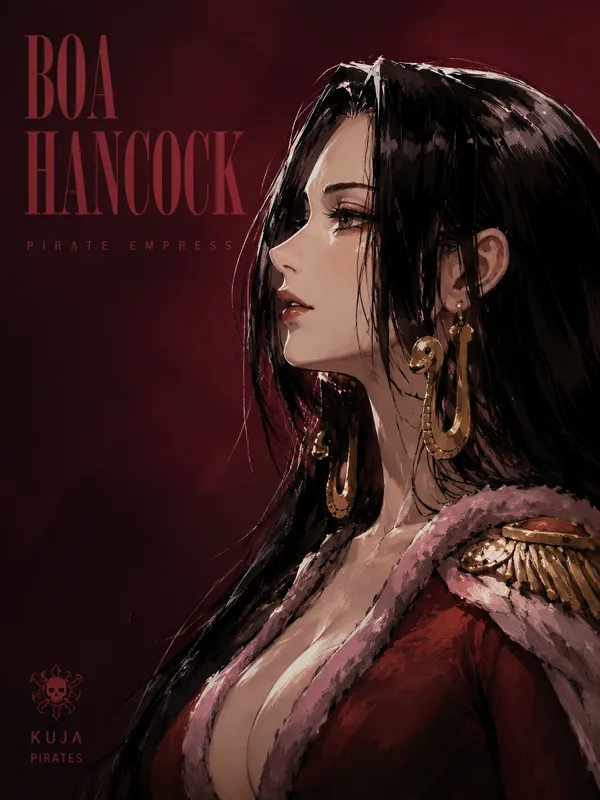
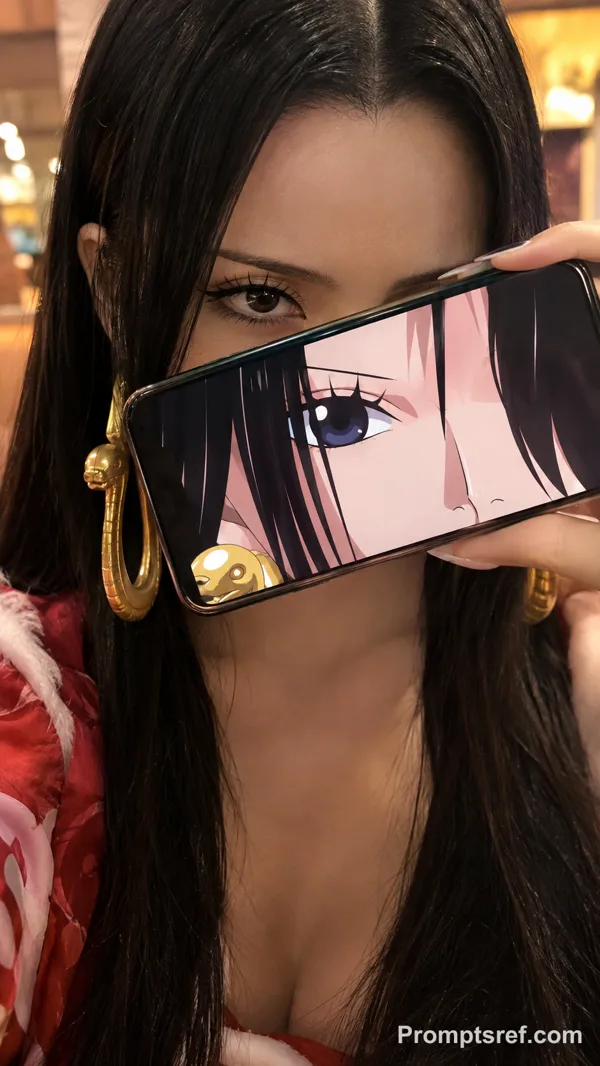
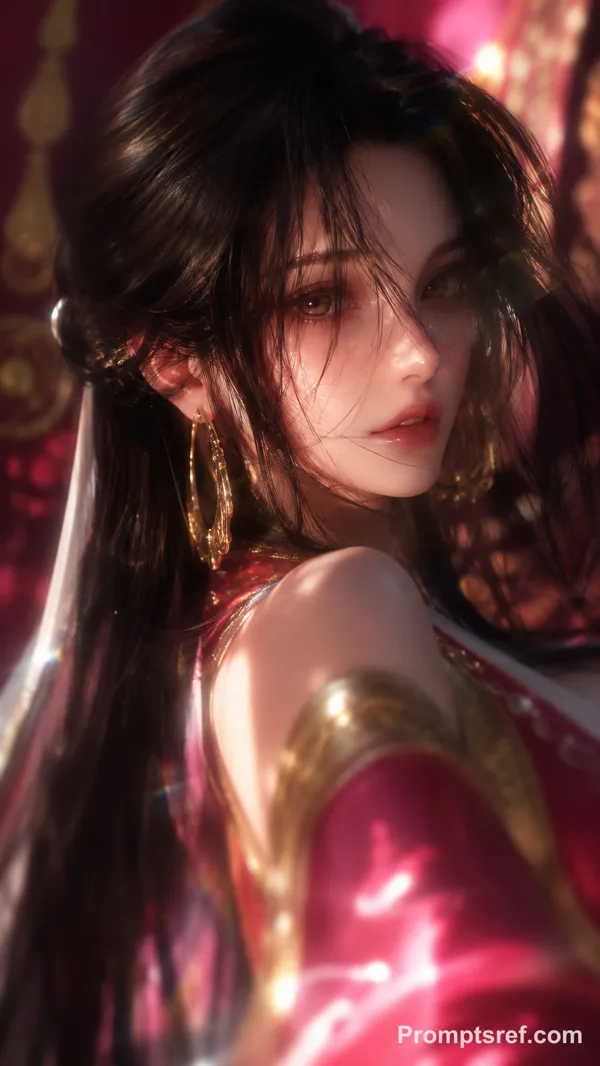
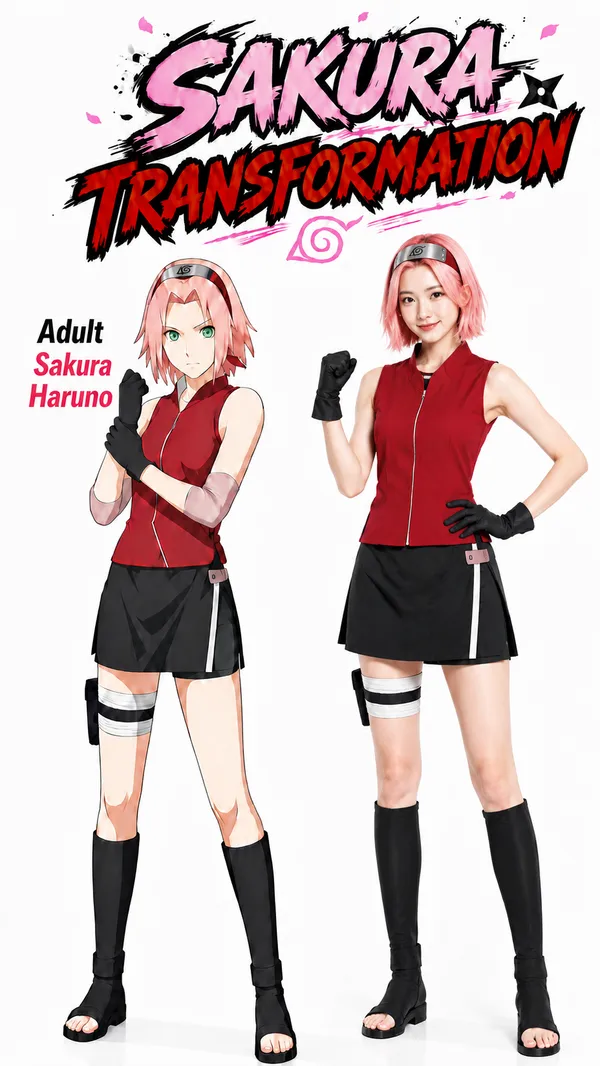
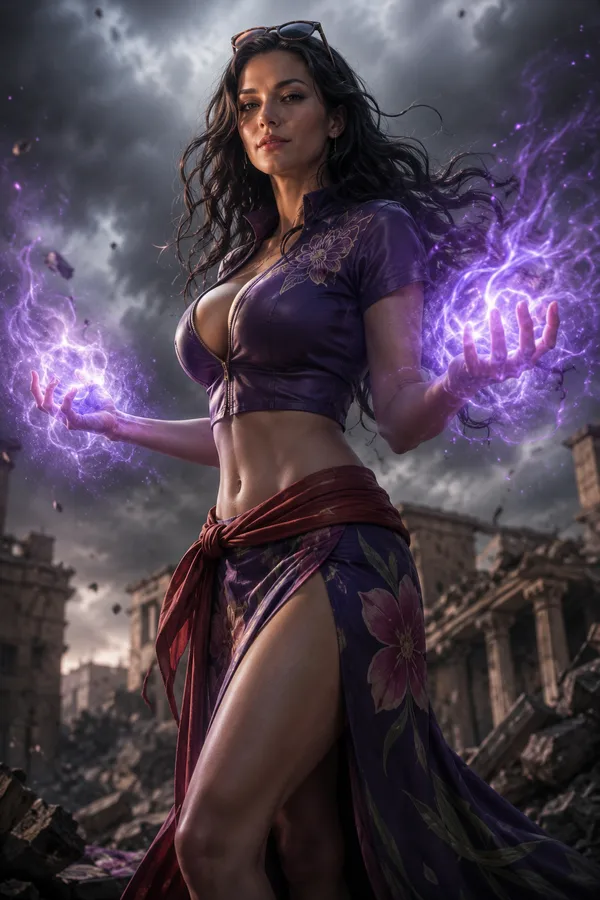
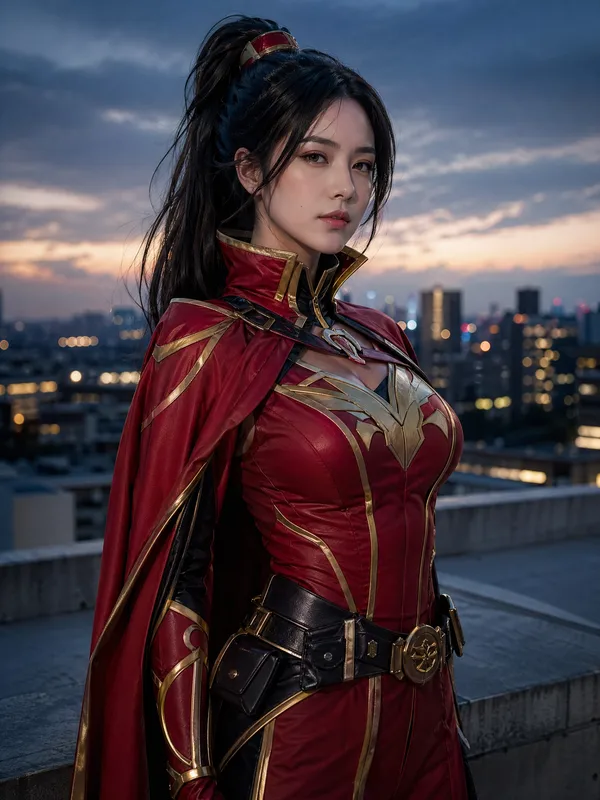
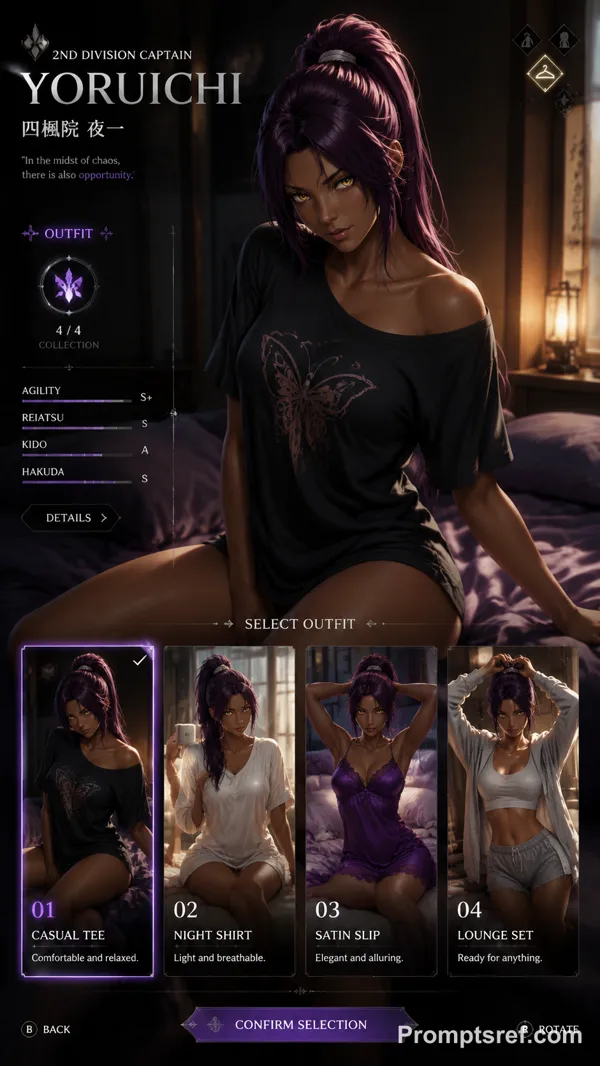
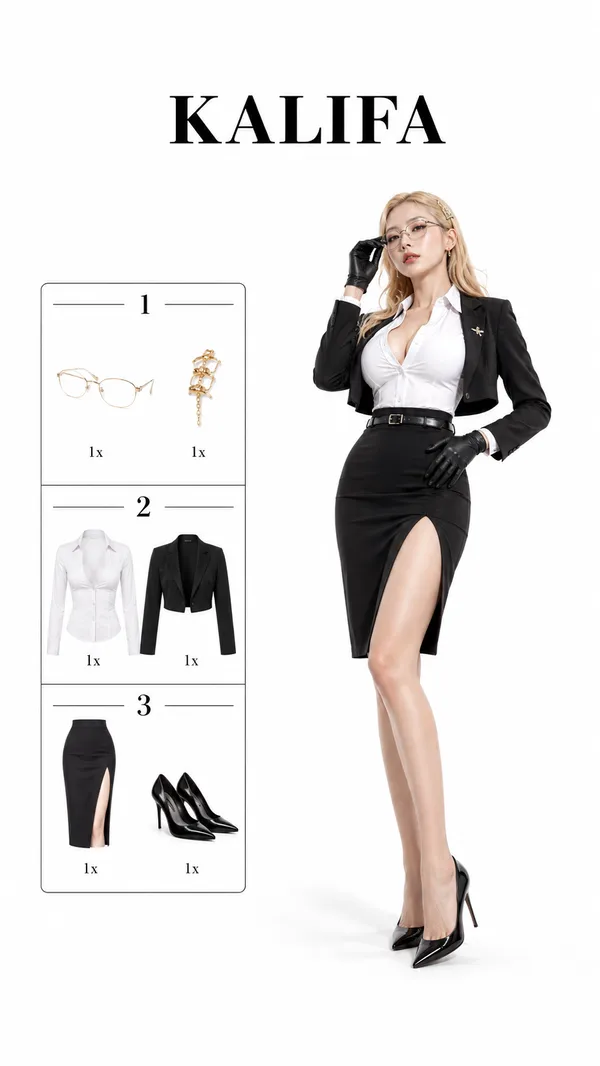
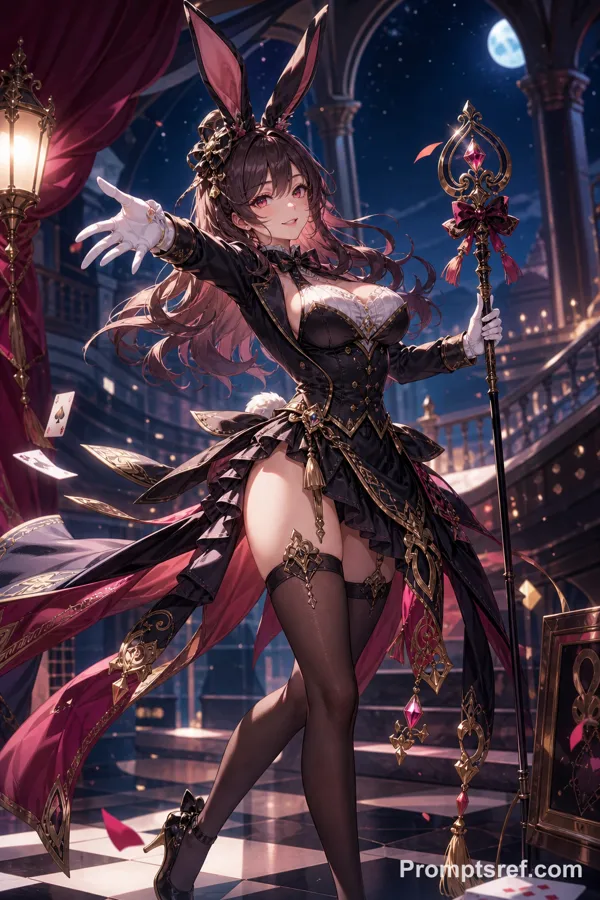
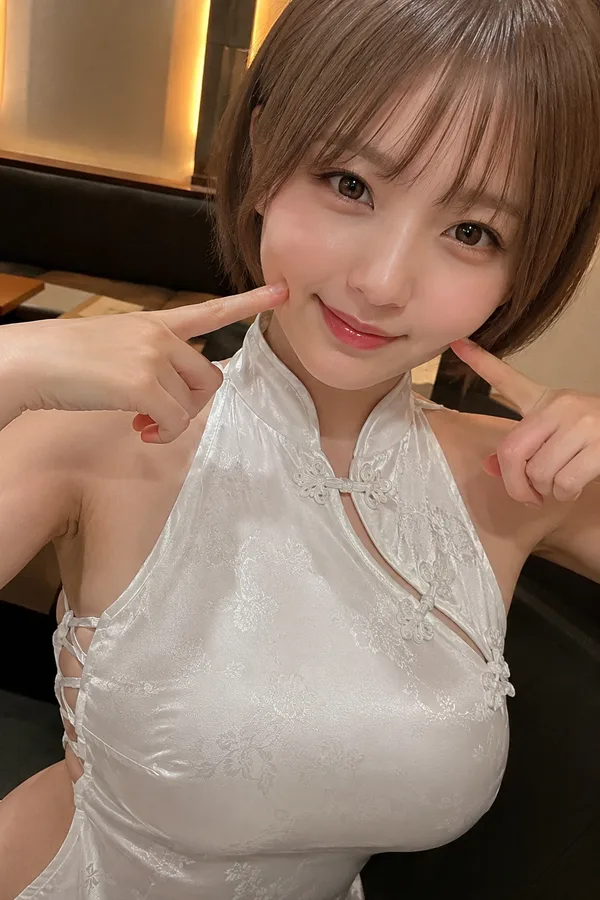
GPT Image 2.0 Prompt - Boa Hancock Cosplay Outfit Selection

- Model
- GPT Image 2.0
- Aspect ratio
- 9:16
- Quality
- 1K
Prompt
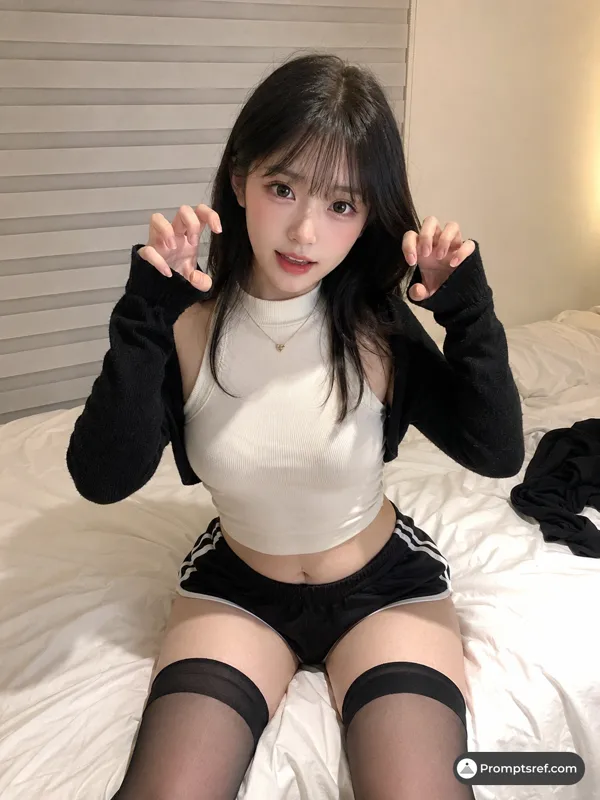
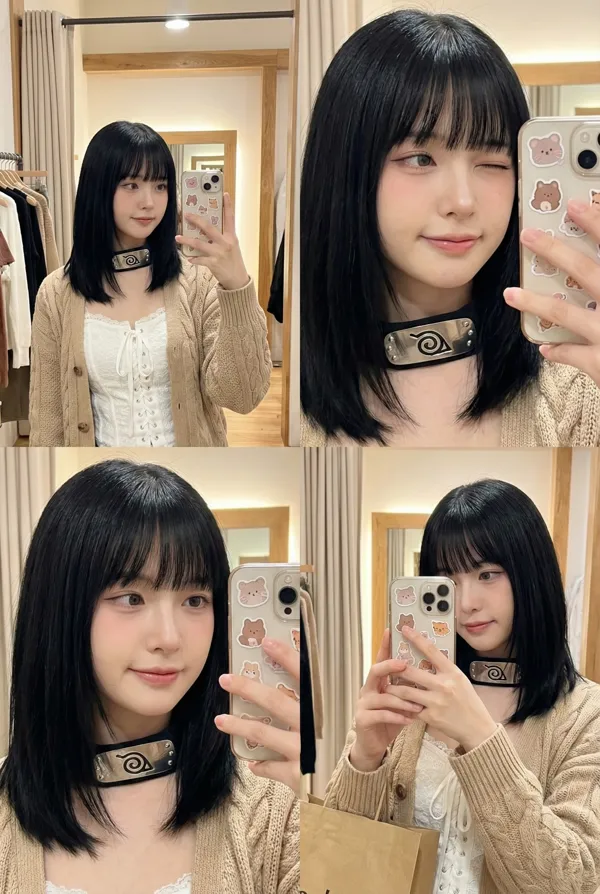
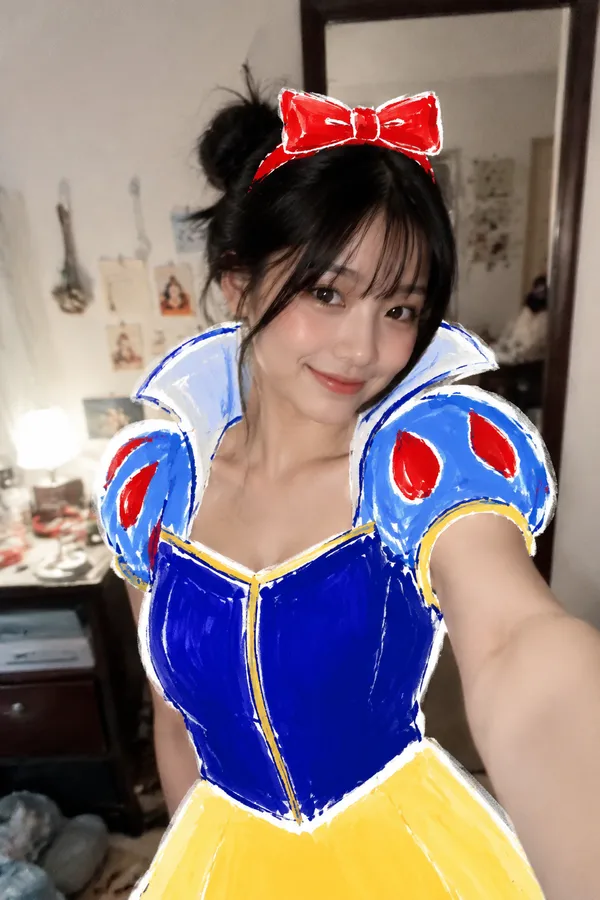
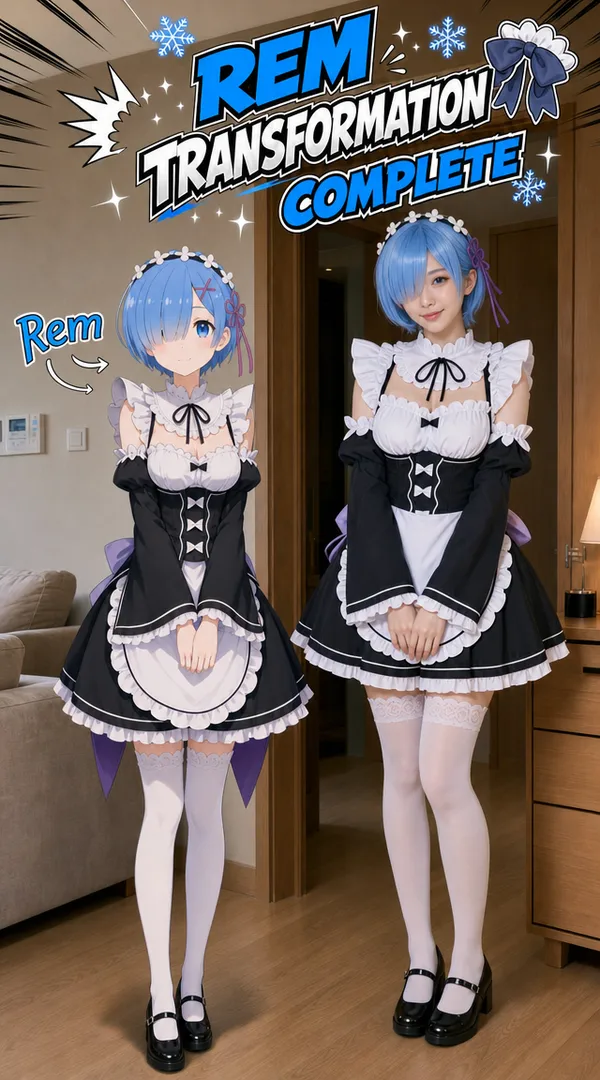
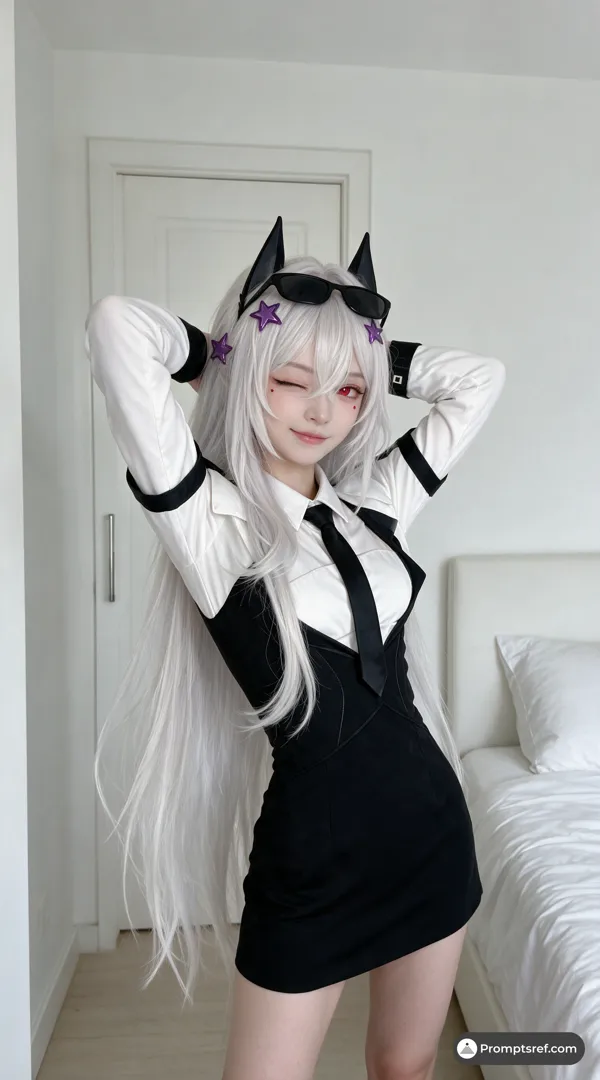
vertical smartphone video frame, realistic Korean adult woman in a cozy home outfit standing slightly left of center, plain cream-colored wall background, warm circular yellow spotlight behind her, soft indoor lighting, casual social media cosplay transformation video atmosphere, 9:16 vertical phone-camera realism, slight compression texture
the woman keeps the same appearance as the previous frame: long straight black hair, subtle Korean idol-style makeup, gentle confident smile, golden snake-shaped earrings, white fitted tank top, light pink cardigan resting naturally on her shoulders, comfortable high-waisted lounge shorts, hands gently behind her back, relaxed front-facing pose
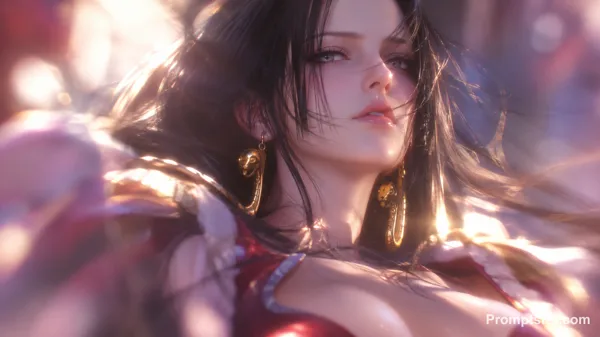
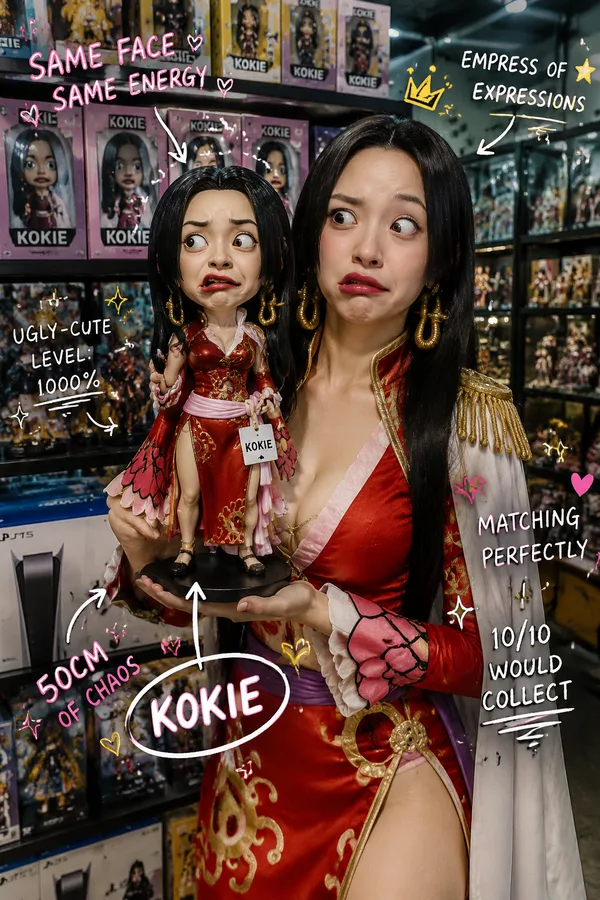
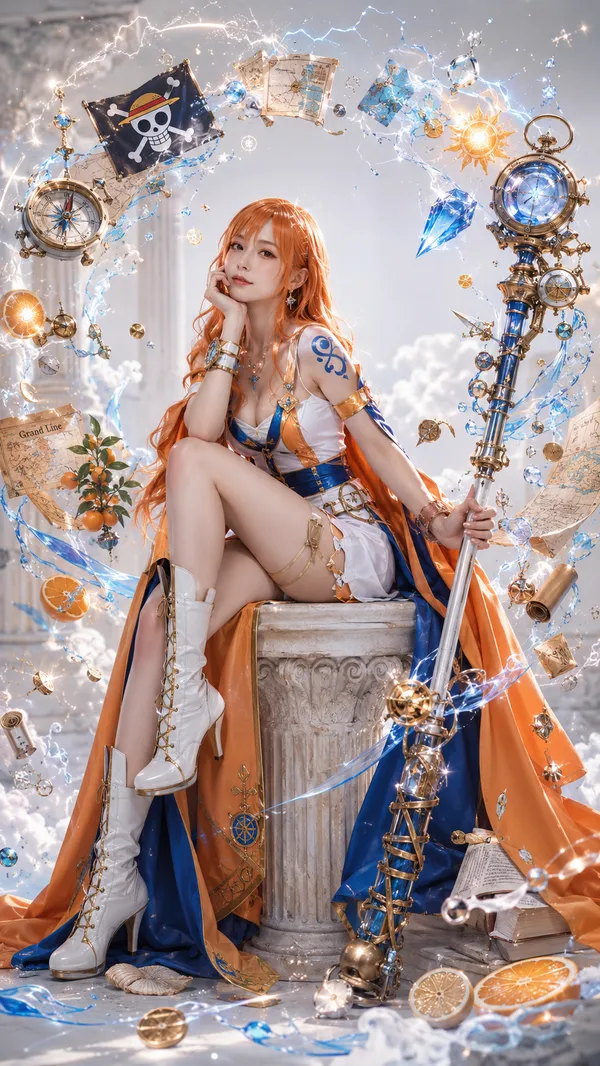
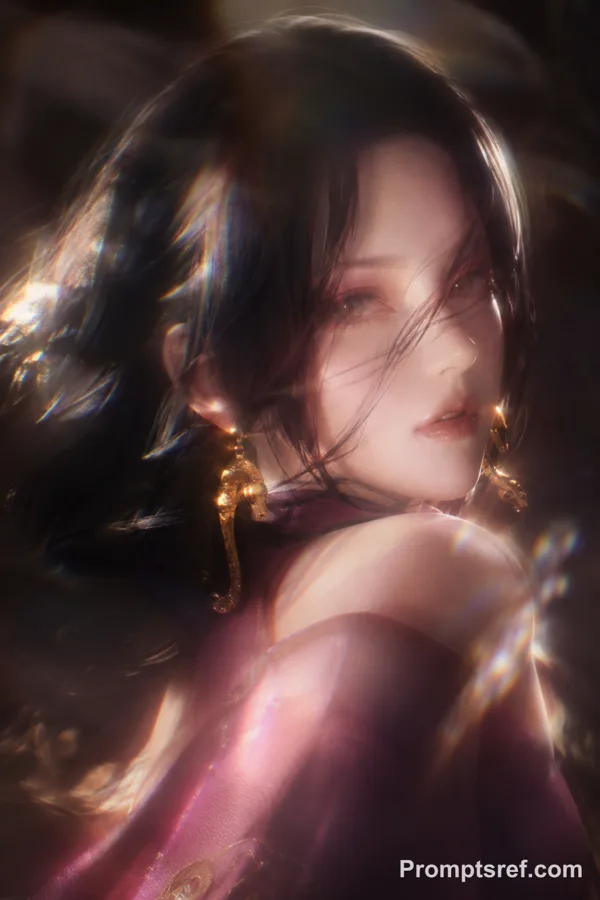
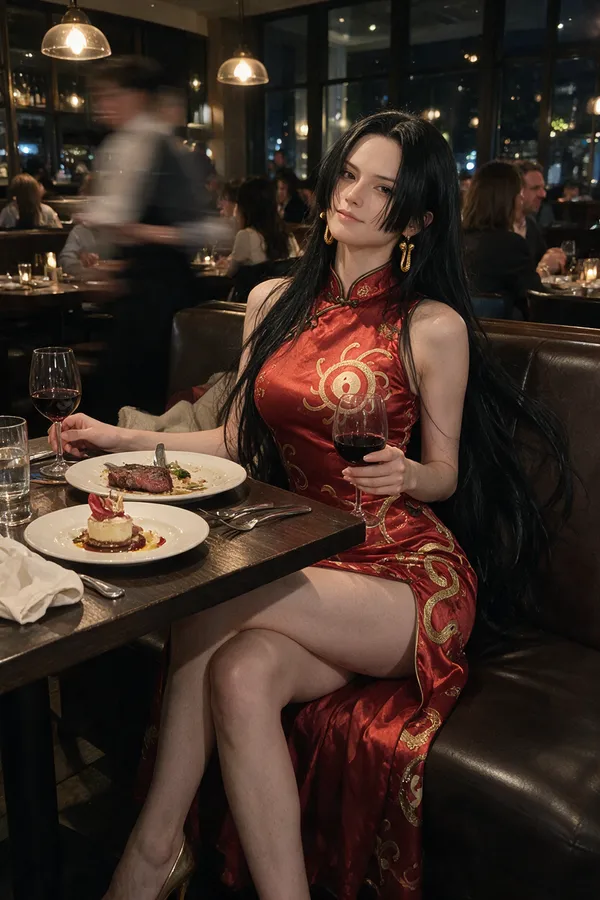
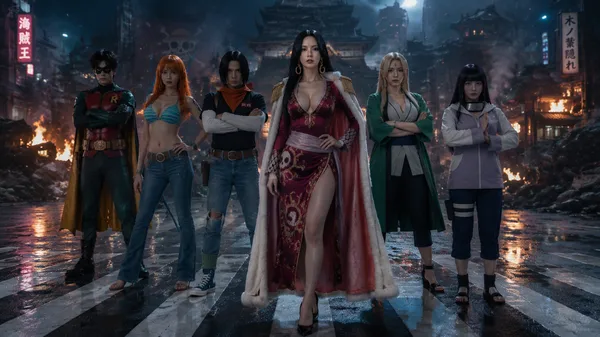
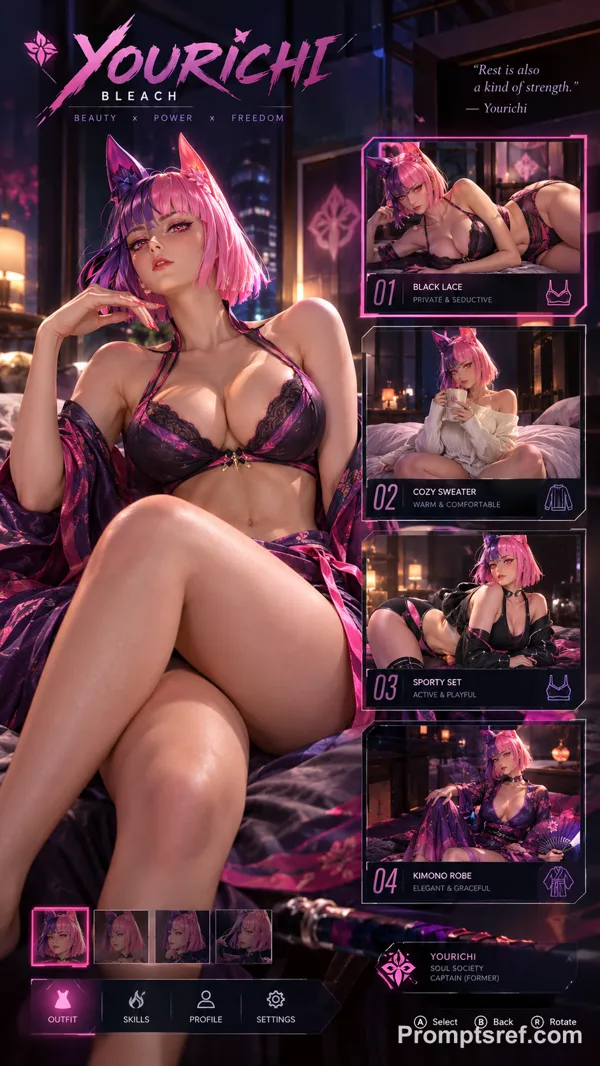
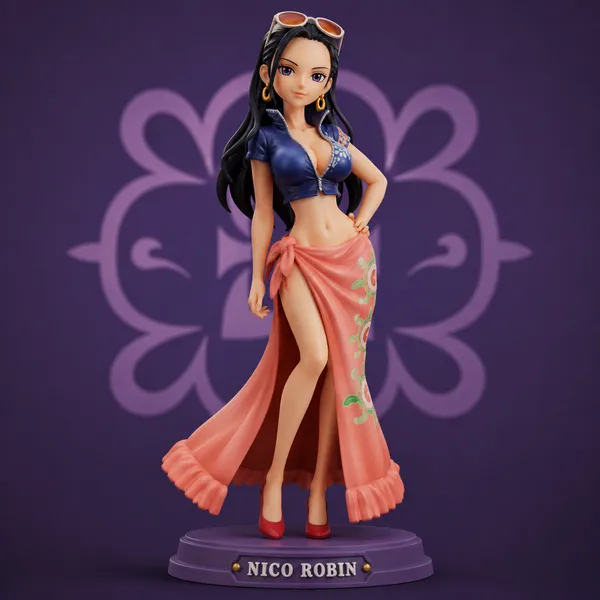
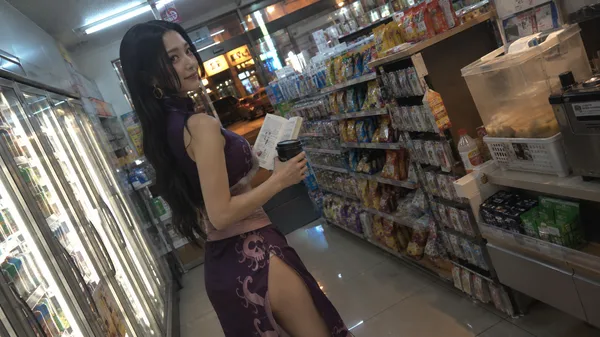
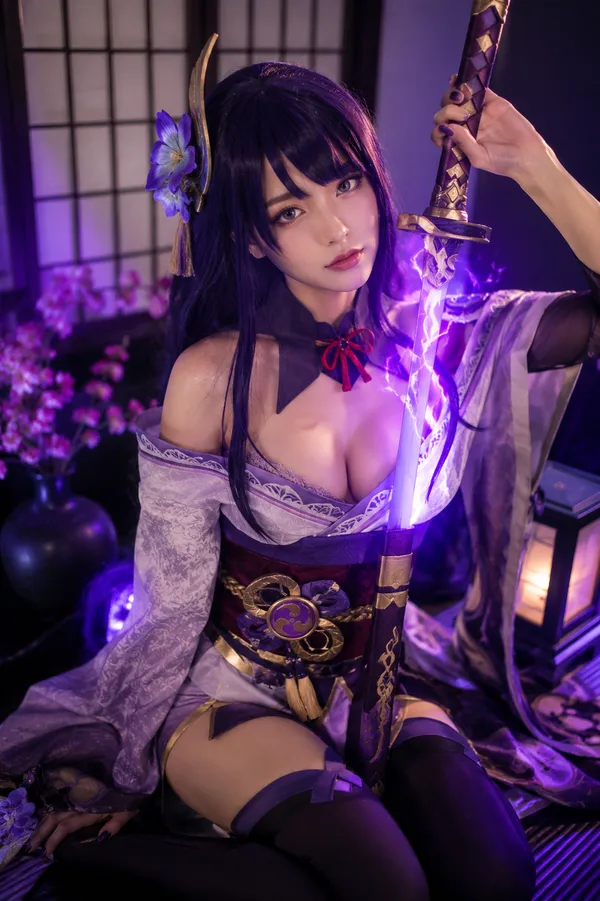
on the right side, a semi-transparent floating outfit reference image appears, like a selectable cosplay option overlay, showing Boa Hancock's classic One Piece empress outfit: elegant red and pink Chinese-style dress, high side slit but not revealing, gold ornamental patterns, pale sash around the waist, white cape-like shoulder drape, large golden snake earrings, long black hair, graceful pirate empress silhouette, anime character reference card feeling, about 55 percent opacity, softly blended into the scene, slight glowing edge, positioned in the previously empty right-side space
at the top, a clean white rectangular title banner with bold tall black condensed text: "BOA HANCOCK", thin gold border, small pink heart accents, subtle snake motif, pirate-empress ornamental corners, readable centered title
keep the main woman realistic and fully opaque, keep the right-side Boa Hancock outfit image semi-transparent, no physical interaction yet, clean background, warm playful transformation mood, the frame should clearly suggest a canon character outfit selection has just appeared
Reference image

Remixes
RemixNo remixes yet. Be the first to make your own version.
Use this image prompt
- 01
Start with the prompt
Copy the prompt, or open it with the generate button.
- 02
Make your changes
Adjust the subject, setting, or details. Add reference media if needed.
- 03
Check before generating
Review the model and output settings. Results can vary between generations.