AI Feet Generator: Create Hyper-Realistic Foot Images

Generate detailed, high-resolution feet photos for artists, content creators, nail salons and e-commerce. Create a new image, refine distorted feet or customize the pose and pedicure.

Reference photo (optional)Reference photo (optional)
702/10000
Total Credits13
Nano Banana Pro13
Publish to Explore
?
👑
Reference photo (optional)
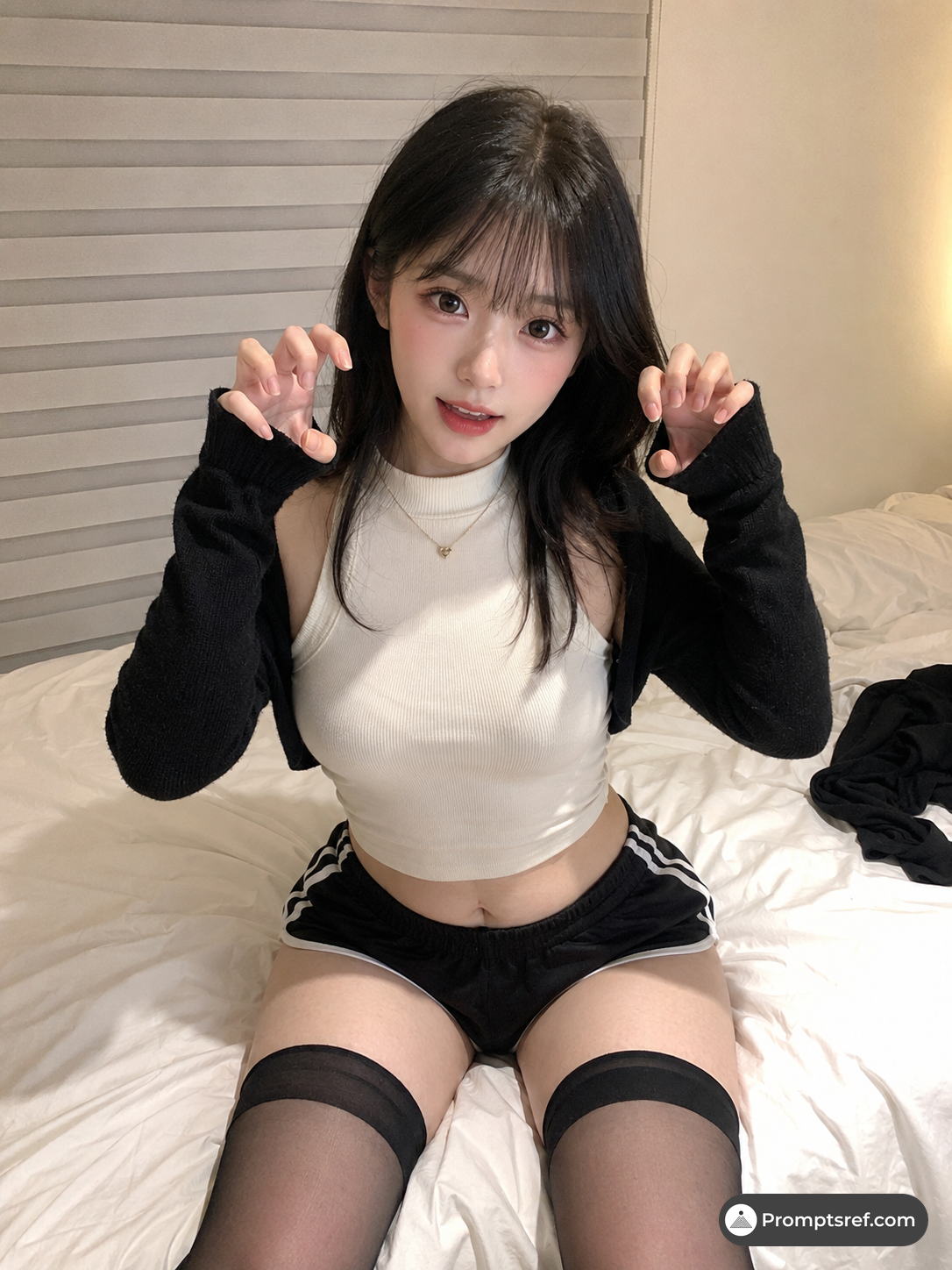
Original
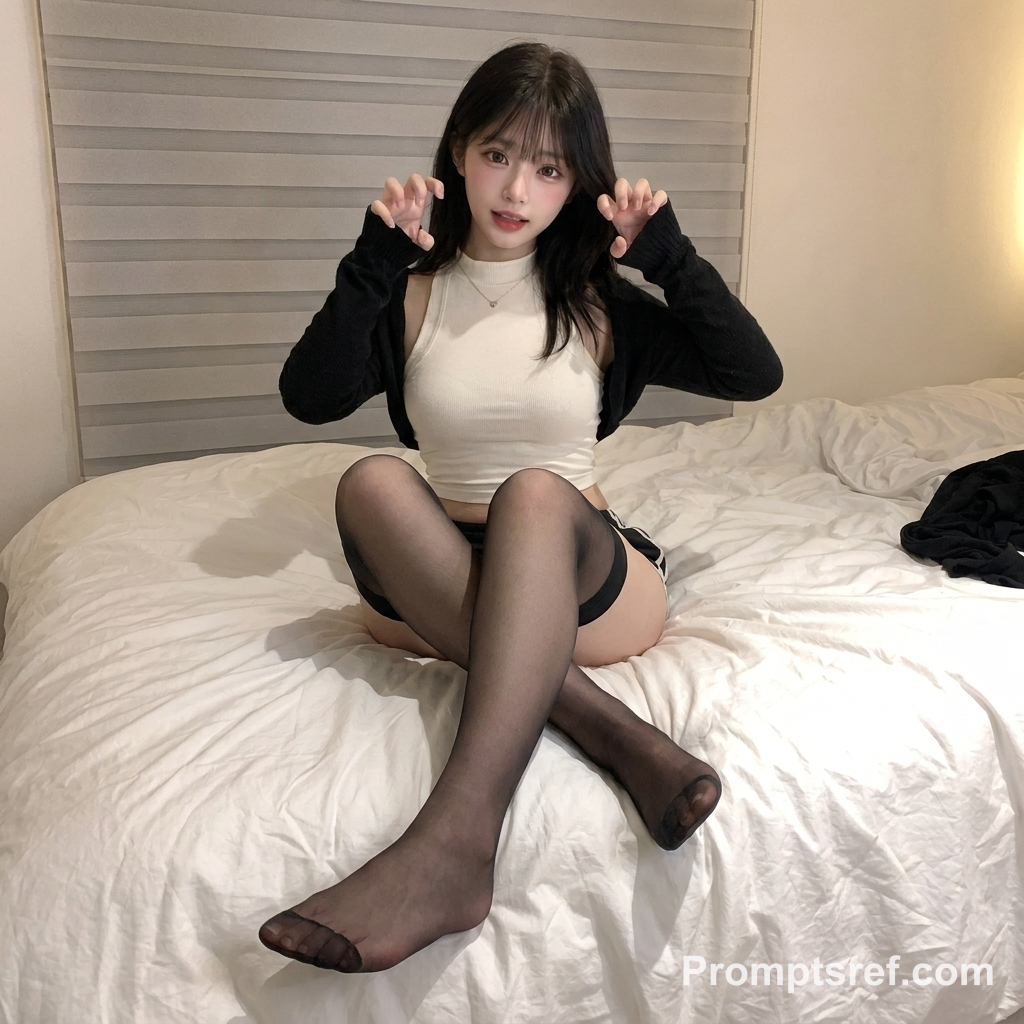
Foot Completion or Repair
Result

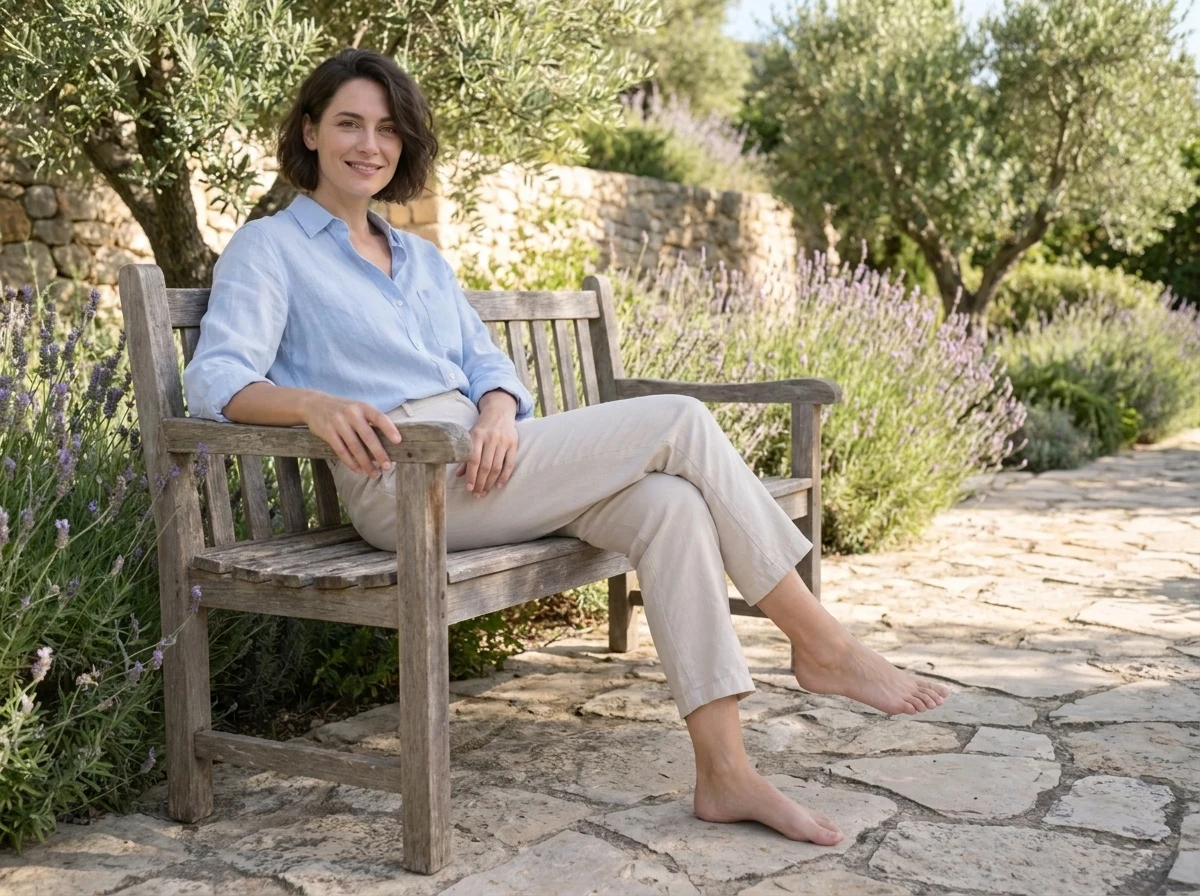
Prompt:Edit only the feet in the uploaded image. Generate or complete both feet so they are natural, realistic and visible. If the feet are missing, cropped out or obscured, infer a plausible placement from the legs, body pose and supporting surface. Keep the person's identity, face, pose, clothing, background and composition unchanged. Do not beautify the image or change its style. Ensure correct foot proportions, ankle anatomy and toe count, with no deformities. Match the original skin tone, perspective, lighting, shadows and sharpness, and add natural contact shadows. The result should be photorealistic and blend seamlessly into the original image, with no visible changes outside the foot area.
How to make an AI feet image

Skip the model photoshoot, the anatomy references and the retry loop of broken toes. You only need one sentence about the scene.

Describe the scene or pick an example
1

Describe the scene or pick an example

Write the pose, camera angle, light and style, or load one of the four examples and change the details. Upload a photo only if you want to edit it.

Choose model and aspect ratio
2

Choose model and aspect ratio

Nano Banana Pro at 4:3 is selected by default. Switch to GPT Image 2, another ratio or up to 4K if you need it. The credit cost shows before you generate.

Generate, check, download
3

Generate, check, download

Look at the toes, ankles and floor shadows. Keep the version you like or tweak one phrase and run it again. Subscribers download without a watermark.

Why choose Promptsref's AI feet generator

Turn a one-line idea into a feet image that looks right, without a photoshoot or an anatomy lesson.

Get feet with five toes and real ankles
01

Get feet with five toes and real ankles

Every example prompt asks for natural proportions, distinct toes and contact shadows, so your first result starts from correct anatomy instead of fused toes.

Go from a daylight photo to an anime scene
02

Go from a daylight photo to an anime scene

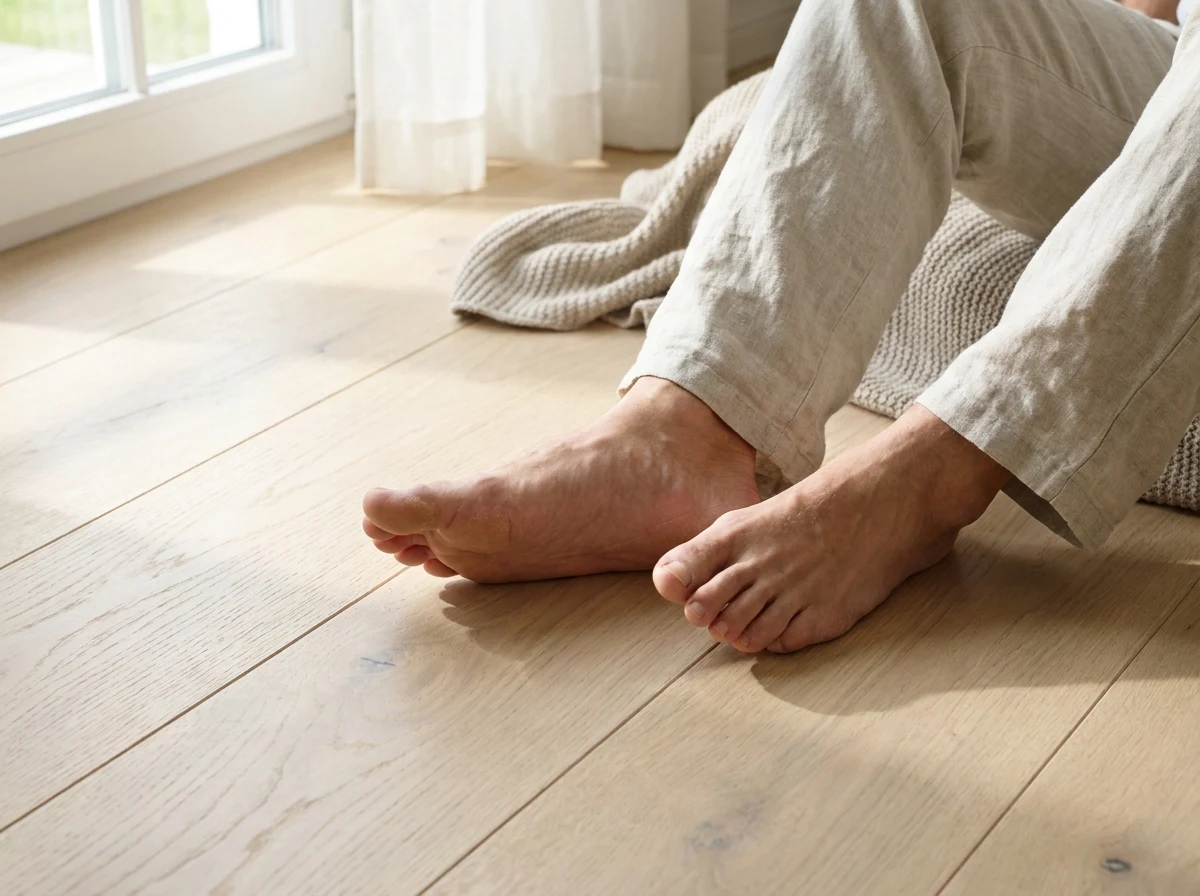
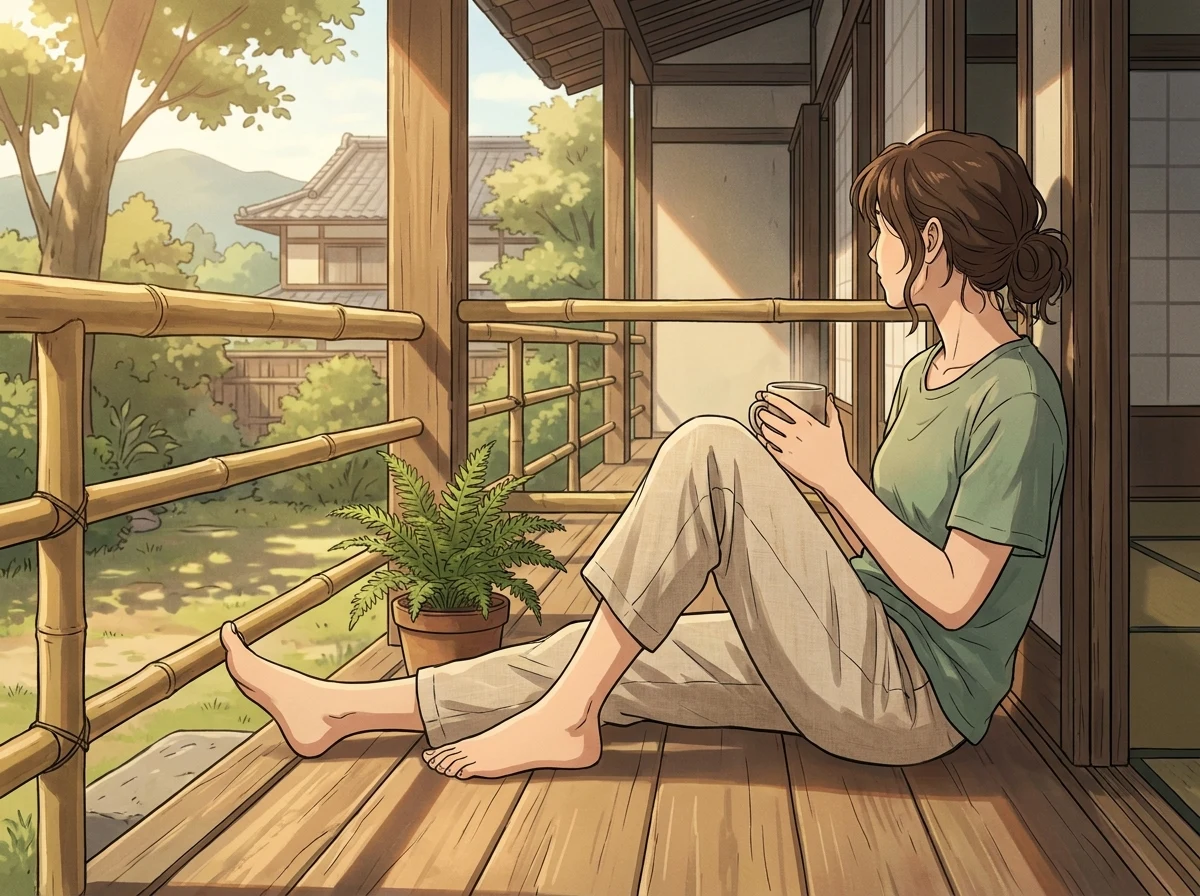
Change one line to switch between a photographic close-up and an illustrated character, or move the camera to a side, top-down or three-quarter view.

Fix the feet and keep everything else
03

Fix the feet and keep everything else

Upload a cropped or broken image and only the foot area is redrawn. The prompt asks the model to keep the face, outfit and background as they are.

Start from a prompt that already works
04

Start from a prompt that already works

Each example shows its full prompt, model and ratio. Load it, swap the pose or setting, and generate without writing a prompt from scratch.

What creators are saying

More to make

Other AI Image Generators

Want a different look? Each generator opens with its own examples, prompt tips, and ready-to-use settings.

Image to Image AI Generator
AI image

Image to Image AI Generator

Upload a reference image, tell the AI what should stay and what should change, then create a new variation without rebuilding the image from scratch.

AI Portrait Generator
AI image

AI Portrait Generator

Create a portrait from a written idea or add a reference photo to guide the face, pose, clothing, and visual style. Choose an image model and format for realistic headshots, editorial portraits, profile images, or illustrated characters.

Free AI Game Character Generator Online
AI image

Free AI Game Character Generator Online

Create original game character art from a text prompt or reference image. Choose an AI model and aspect ratio, then generate heroes, NPCs, enemies, portraits, and full-body concepts online.

AI Engraving Generator
AI image

AI Engraving Generator

Turn a prompt or reference image into artwork with cross-hatching, carved marks, and the texture of a traditional print.

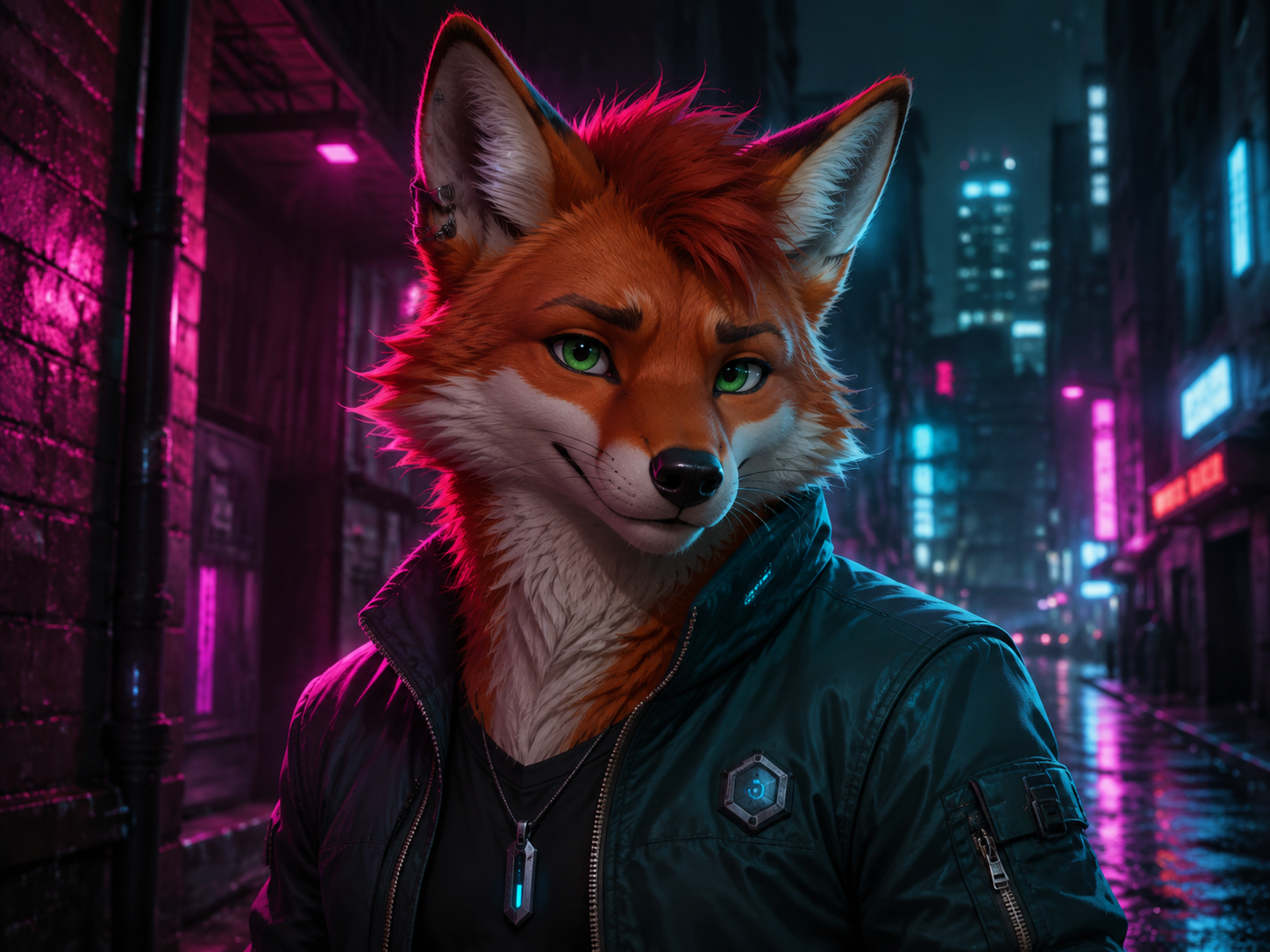
AI Furry Art Generator
AI image

AI Furry Art Generator

Start with a species and a few features you can picture clearly. Add an outfit, pose, and setting—or upload a reference image—and keep refining the character from there.

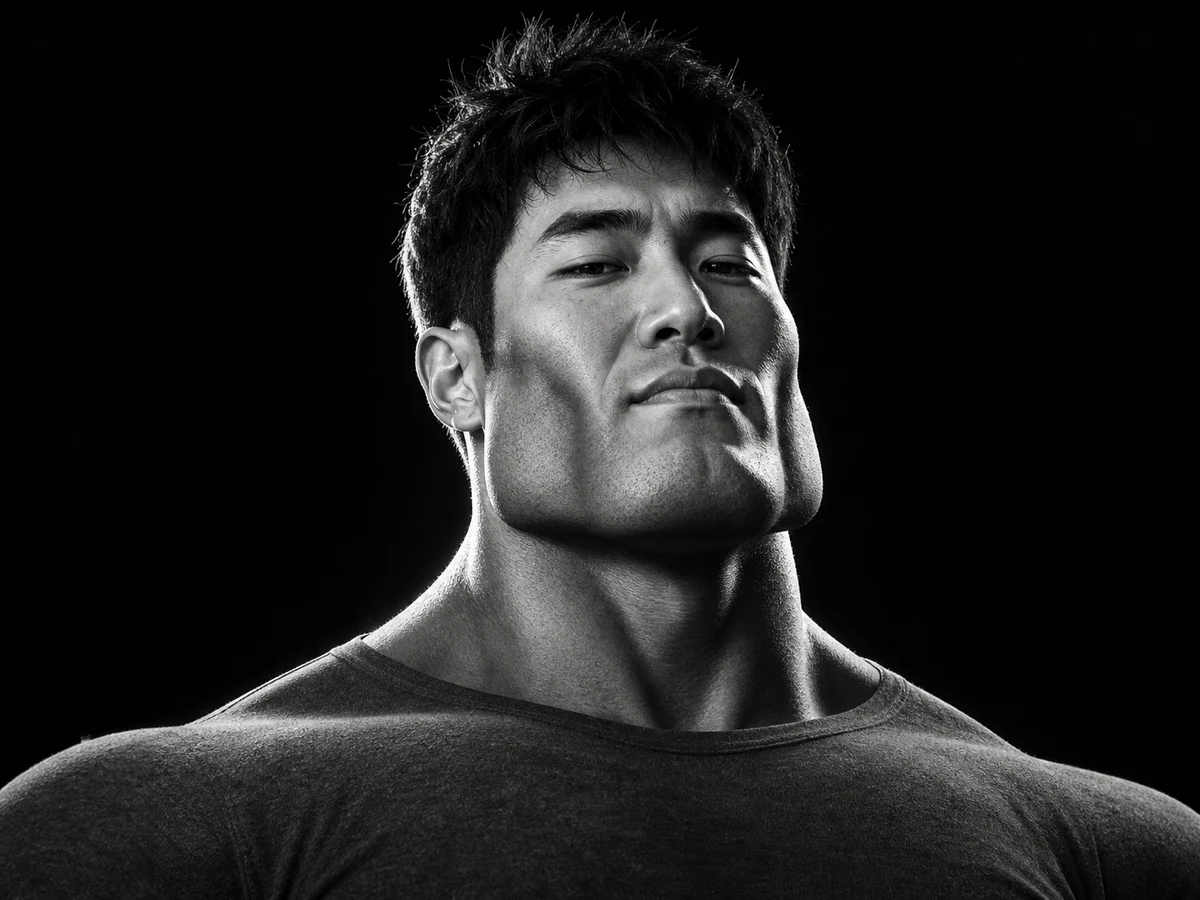
AI Giga Chad Generator Online Free
AI image

AI Giga Chad Generator Online Free

Upload a clear portrait or start with a prompt. Create a recognizable Gigachad-style image with a sharper jawline, sculpted cheekbones, confident expression, and the dramatic lighting that makes the meme instantly readable.

AI LinkedIn Photo Generator
AI image

AI LinkedIn Photo Generator

Upload one clear photo and turn it into a polished professional headshot. Keep your recognizable features while changing the outfit, background, lighting, and crop for LinkedIn, a résumé, or a company profile.

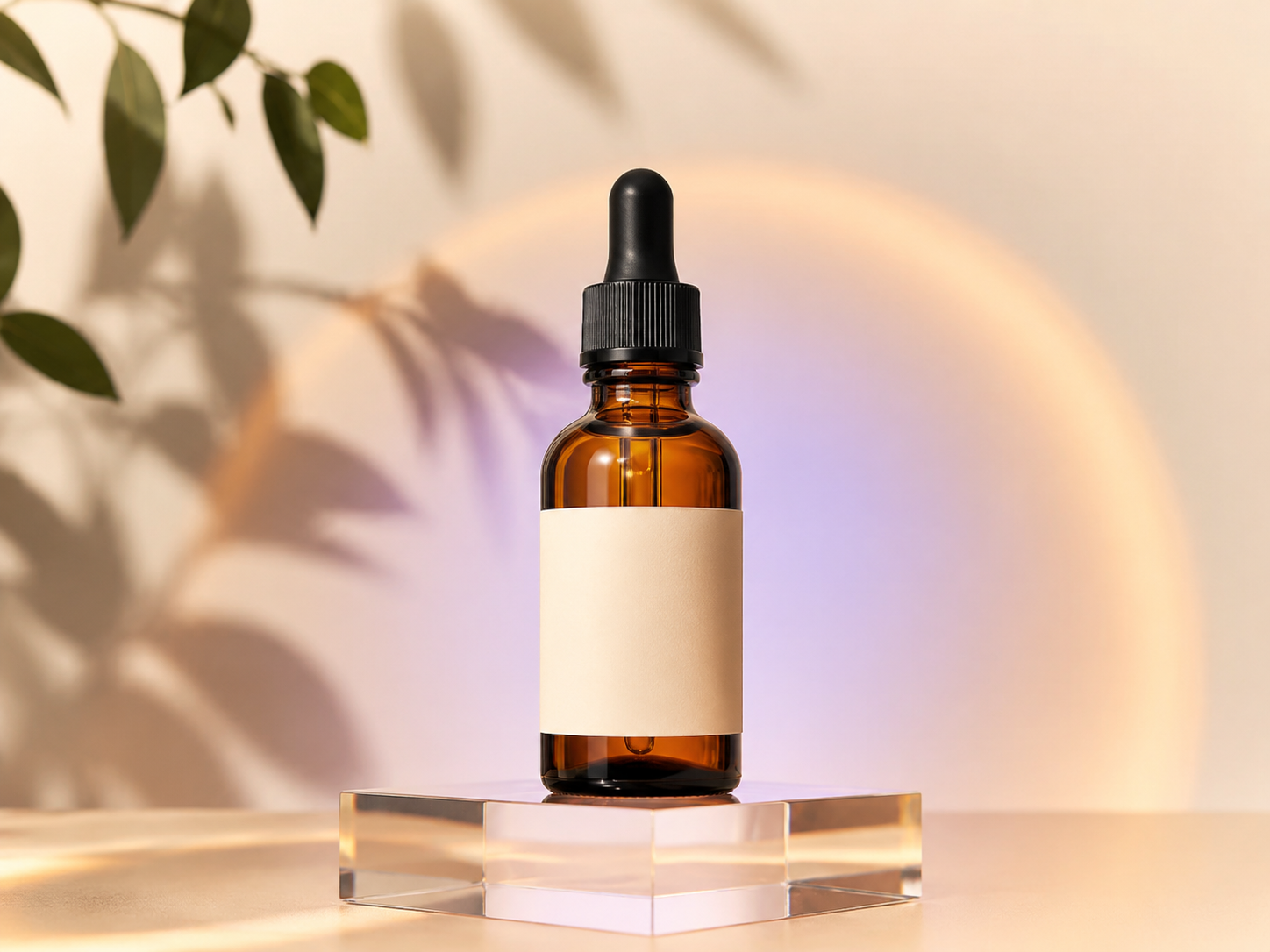
AI Product Listing Image Generator
AI image

AI Product Listing Image Generator

Upload a product photo or describe what you sell. Create clean product shots, lifestyle scenes, and ad images for your online store.

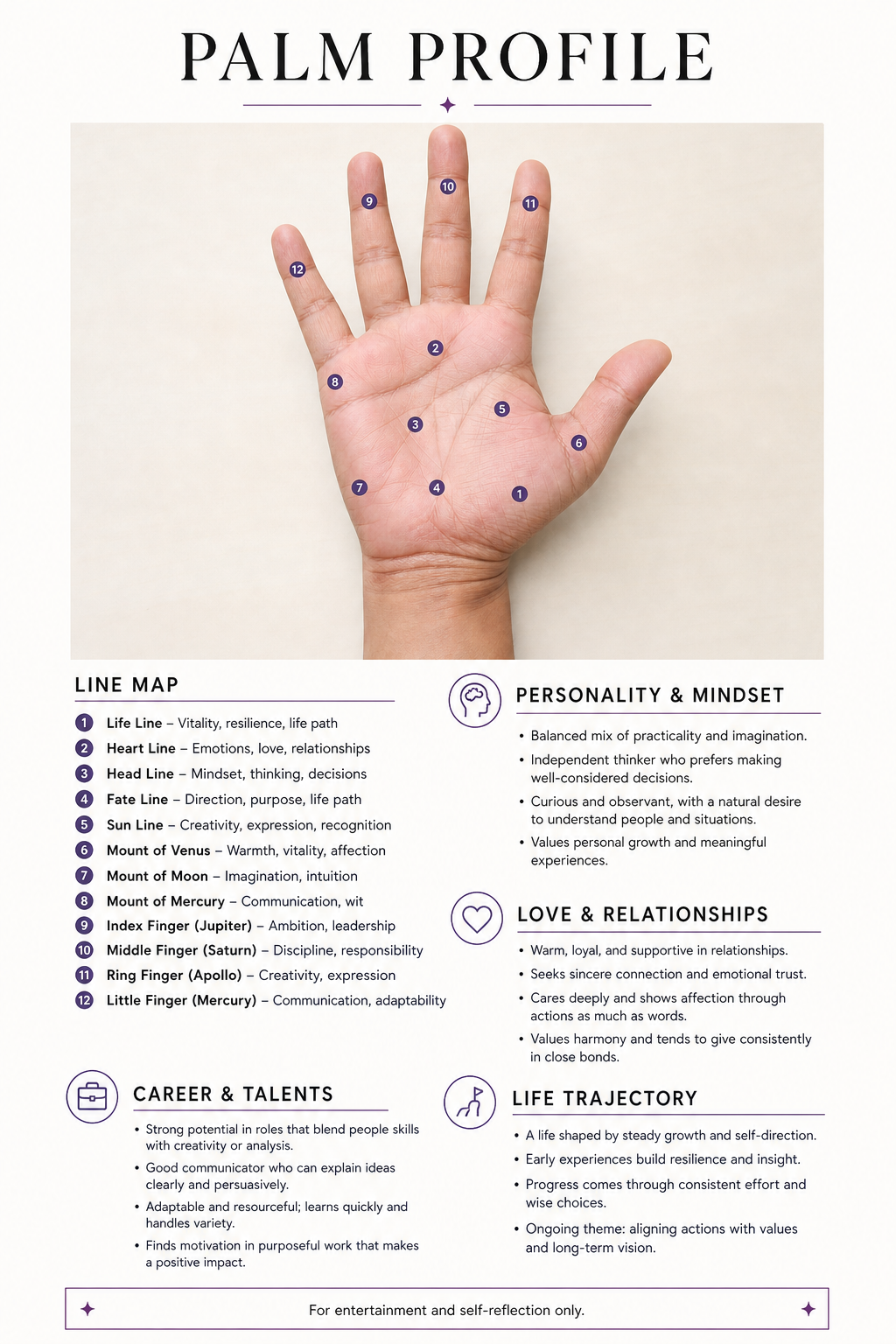
Free AI Palm Reader Online
AI image

Free AI Palm Reader Online

Upload a clear palm photo to map your life, heart, head, and fate lines. Create a personalized visual palmistry report with labeled details—for entertainment and self-reflection only.

YouTube Thumbnail Generator
AI image

YouTube Thumbnail Generator

Turn a video title, topic, or hook into a 16:9 thumbnail concept. Describe the scene, add a face or visual reference when useful, and compare multiple AI image models without rebuilding your prompt.

AI Feet Generator FAQs

Each generation uses credits, and the exact cost is shown before you click generate. Credit rules for new accounts and members are listed on the pricing page.

No. Text alone is enough. Upload a photo only if you want to fix the feet in it or use it to guide the person, pose or look.

Yes. Ask for skin texture and photographic light for a realistic photo, or clean linework and cel shading for anime art.

Write them in the prompt: standing, walking or seated; side, top-down or three-quarter view; close-up or wide shot. Simple, specific poses work best.

Feet have many small joints and are often partly hidden, so models guess. Ask for five distinct toes and natural ankle alignment, keep the pose simple, then check each result: five separate toes, ankles that join the legs naturally, a ground shadow and matching perspective on both feet.

Yes. Upload the image and use the Foot Completion or Repair example. Only the foot area is meant to change, but check nearby details after the edit.

The prompt tells the model to keep them, and most of the image stays the same, but small shifts can happen. Compare the result with your original before downloading.

Choose 1:1, 4:3, 16:9, 9:16 and other ratios in the generator. Resolution goes up to 4K, depending on the model you select.

Yes, with a subscription membership. Subscribers download the original images without a watermark.

Follow the site Terms and the selected model's usage rules. Do not create images of real people without their consent, and never create content involving minors.