

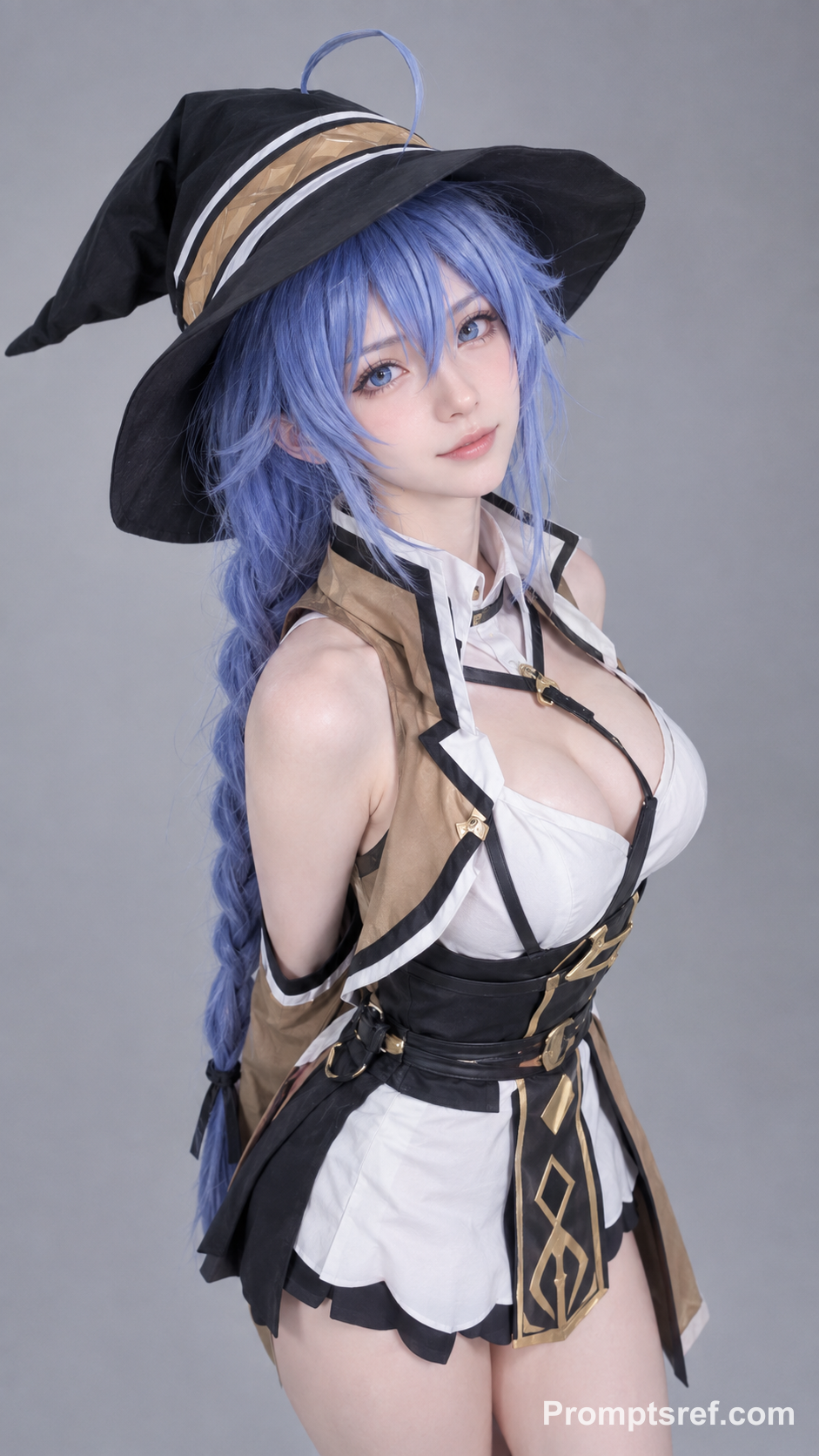
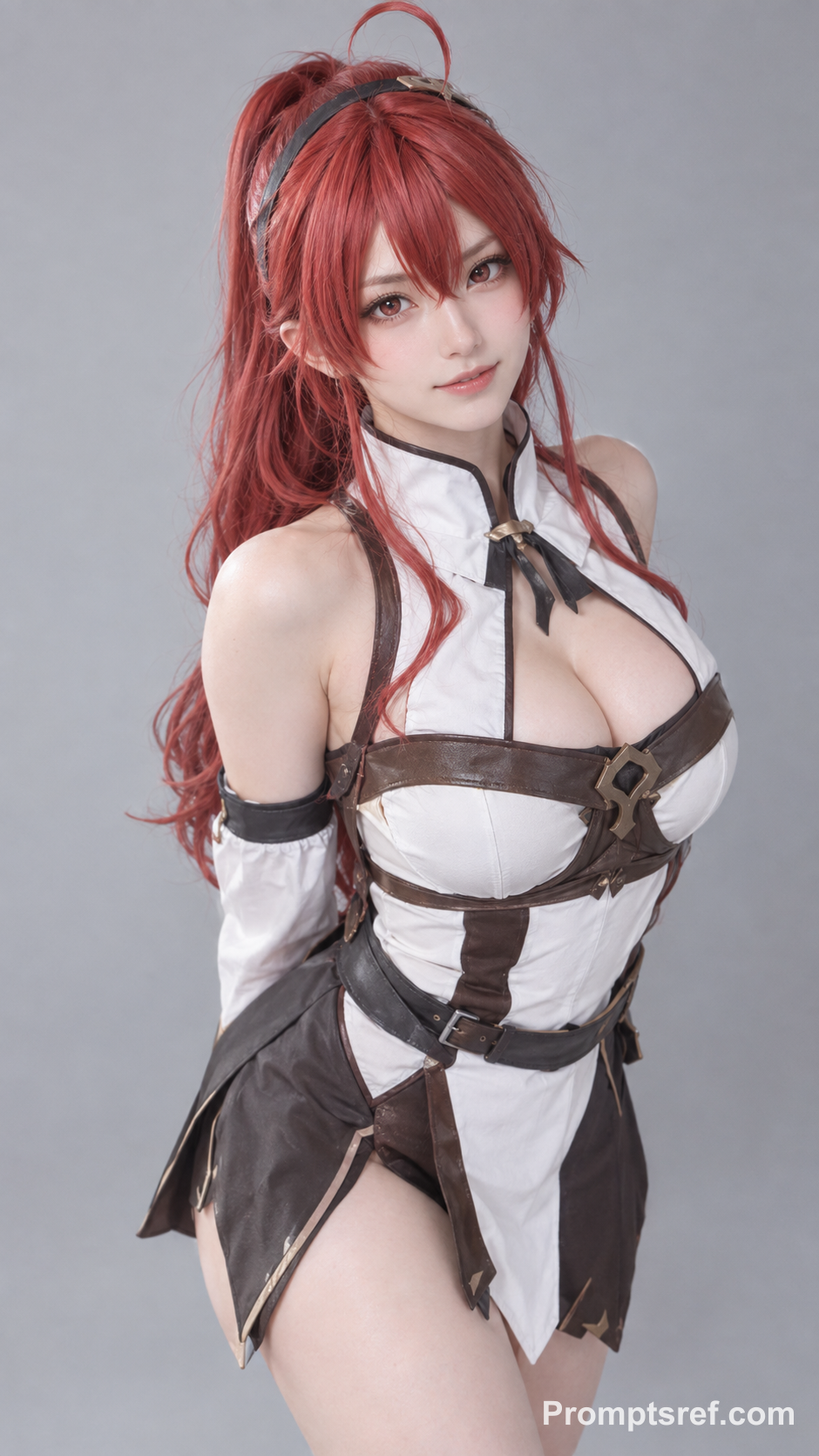
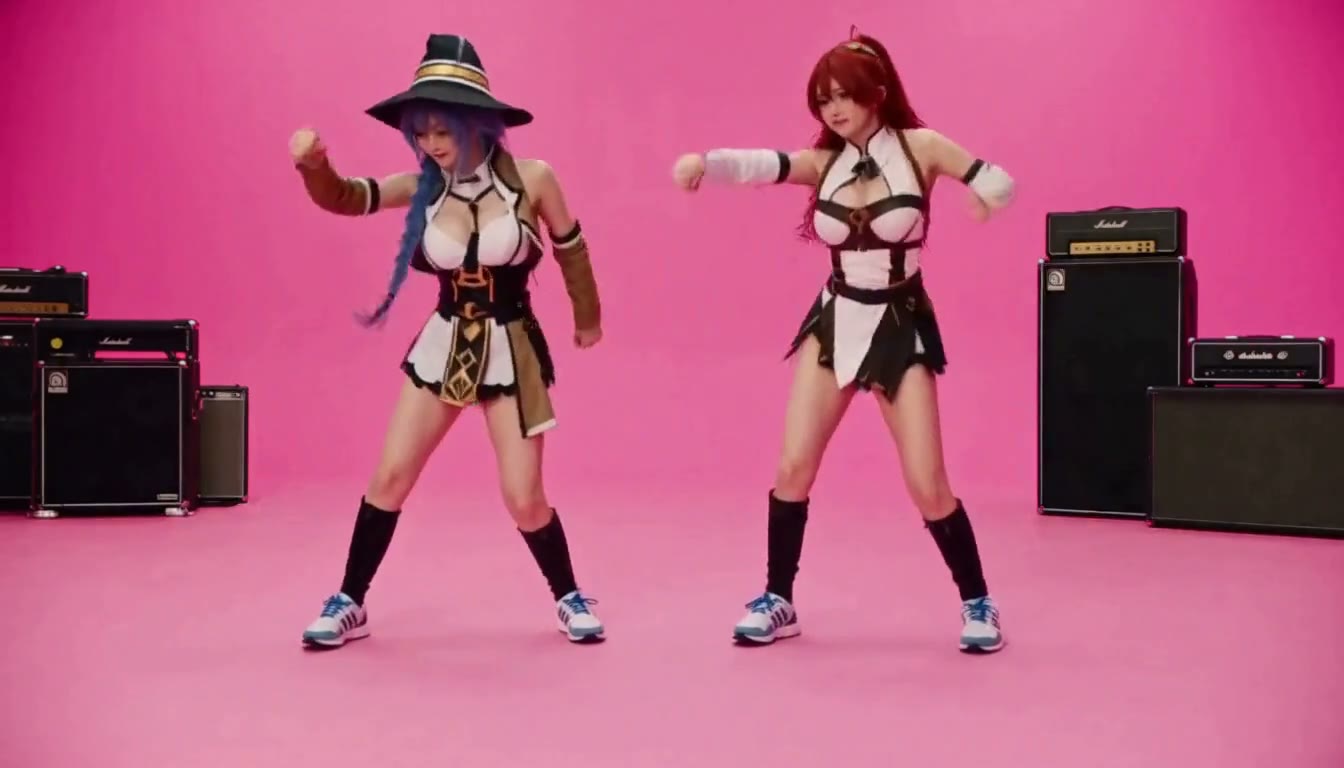
Have the people in image_1 and image_2 precisely replicate the movements of the two people in video_1, matching the timing and rhythm of every action. 1. Character replacement: Replace the person on the left with the person from image_1, and the person on the right with the person from image_2. Match their clothing and hairstyles to the reference images; do not retain the original video characters’ outfits. 2. Visual requirements: Movements must be fluid, with firm, grounded landings. Maintain consistent lighting, and follow video_1 for camera work, composition, the pink background, and musical instrument props, microphone. 3. Restrictions: Keep each character’s identity consistent throughout. Do not introduce any additional people.
Rosé & Bruno Mars APT. AI Video Generator
Add two photos to the Rosé & Bruno Mars APT. AI video generator — Photo 1 grabs the mic, Photo 2 takes the drums — and get a 15-second pink-studio duo video.
Add reference images (with key frames, max 9 images total). Each file under 30MB. Reference images cannot be combined with key frames.
MP4/MOV, each 2-15s, max 3 clips, combined <=15s.
MP3/WAV/AAC/M4A/OGG, max 3 clips, combined <=15s.
How to make a Rosé & Bruno Mars APT. AI video
Two roles, two photos: Photo 1 grabs the mic, Photo 2 sits at the drums. The pink set, the moves and a prompt we tuned for this clip are already in place.
Add Photo 1: the singer
Upload a clear solo photo of the person who should grab the mic. In the original MV, this is Rosé's part.
Add Photo 2: the drummer
Upload a second solo photo for the drummer — Bruno Mars' part in the MV. Keep the photos in this order.
Generate and download
The preset is 15 seconds at 768p (2K is optional). Check the credit cost on the button, generate, then download your clip.
Why choose Promptsref's APT. AI video generator
Turn two photos into your own pink-studio APT. clip — the set, the band gear and the moves are already there.
Recreate the APT. scene in one click
Hot-pink room, drum kit, amps and bright MV lighting come from the reference — no studio, props or camera crew.
Made for any duo
Best friends, couples, bandmates, cosplay pairs or a cartoon villain with a soldier — any two subjects can share the stage.
A gift-ready surprise
Birthdays, anniversaries or a group-chat joke: drop two faces in and send a clip nobody saw coming.
Your faces, your outfits
Faces, hair and clothes come from your photos, not the original performers, so it actually looks like you two.
What makes an APT. video look right
A prompt we kept testing until it worked with almost any photo
We ran the prompt through many generations with different kinds of photos and kept the wording that worked most reliably, then paired it with a 15-second reference we cut for this template.
Tuned over many test runs
We adjusted the wording round after round and kept the most compatible version — you don't need to touch it.
Works across very different inputs
The same prompt handled real people, cosplay renders and a cartoon villain in our examples.
A reference cut to match
Recognizable MV moments with both performers easy to tell apart, trimmed to the 15-second output.
Put each photo in the right spot
The template casts by order: slot 1 is the singer, slot 2 is the drummer. Swap them and the two of you swap parts.
Slot 1 → the mic
Whoever should kneel and sing goes first. A clear solo shot with an expressive face works best.
Slot 2 → the drums
Whoever should play goes second. A waist-up shot is enough, ideally with a different look from Photo 1.
Order flipped? Parts flip too
If your friend ends up singing instead of drumming, swap the two photos and generate again.
One person per photo, face uncovered
Group shots, sunglasses or hands over the face make the two people blur together.
APT. clips people have made
Lena Hoffmann
The photo order matters
First try I swapped the photos and my friend got the mic. Fixed the order and it was fine.
Other AI Video Generators
Hotel Lobby AI Rap Duo Video Generator
Upload 2 photos—friends, pets, or characters—and this free Hotel Lobby AI Rap Duo Video Generator drops them into the iconic orange booth to trade bars like Quavo & Takeoff.
AI Brainrot Generator
Turn an absurd idea, a first frame, or character reference images into a short, chaotic AI meme video. Start with an example, replace its image, and push the scene in your own direction.
AI Gugugaga Video Generator
Turn one Gugu Gaga Penguin image into a short, share-ready video. Upload a reference, choose a ready-made story prompt, and generate with compatible motion, audio, and aspect-ratio controls.
AI Fruit Story Video Generator
Just enter a prompt or upload character images. AI turns them into viral-style fruit meme videos with motion, dialogue, and sound.
KONG KONG KING KING KING AI Video Generator
Two photos. One keyboard. Your duo. Replace the left keyboard player and the right hype partner in the white-studio performance with your chosen pair.
STORM II AI video generator
Our STORM II AI video generator puts your characters in the scene: one image for the front, one for the steps. Our self-made depth reference carries only the dance, so every face and outfit comes from your images.
Rosé & Bruno Mars APT. AI video FAQs
Photo 1 becomes the singer with the microphone (Rosé's part in the MV). Photo 2 becomes the drummer (Bruno Mars' part).
No. The tested prompt and reference clip are preloaded. You can still edit the prompt before generating.
Yes. Roles follow the photo order, not gender. The prompt keeps each person's own face, hair and outfit.
15 seconds, matching the reference clip. The default is 768p; 2K is also available.
Browsing the template is free. Generating costs credits; the exact amount shows on the generate button before you start.
The reference has audio, but the output is not guaranteed to keep the original song or exact lip sync. Add music you are allowed to use in your editor.
Fast moves, cuts and covered faces can shift details. Clearer, more distinct photos usually help.
Yes, one of the examples uses a cartoon villain on the drums. Use a clear single-character image.
No. This is an independent APT.-style template, not affiliated with or endorsed by Rosé, Bruno Mars or the MV creators.