


How to Use Style Reference (--sref) in Midjourney V7, V6.1, V6, and Niji 6 & 7
What is the Style Reference (--sref) Feature?
Style Reference is a powerful Midjourney parameter that helps maintain visual style consistency in AI-generated images. Upload an image with the style you want, then add the --sref parameter followed by the image URL to your prompt.
/imagine prompt --sref [image_url]Why Does Style Reference (--sref) Exist?
Many Midjourney users see an inspiring image and want to recreate its style in a new work but do not know how. The --sref feature solves this problem by analyzing the style characteristics of a reference image and applying them to a new creation.
How to Use Style Reference (--sref) in Midjourney
Follow these steps: 1. Upload the reference image whose style you want Midjourney to learn 2. Add the --sref parameter and image URL to your prompt 3. Add multiple image URLs separated by spaces when you want several references 4. Use --sw to adjust style strength from 0 to 1000; the default is 100 5. Add double colons and a value after an image URL to control its weight, such as --sref urlA::2 urlB::3
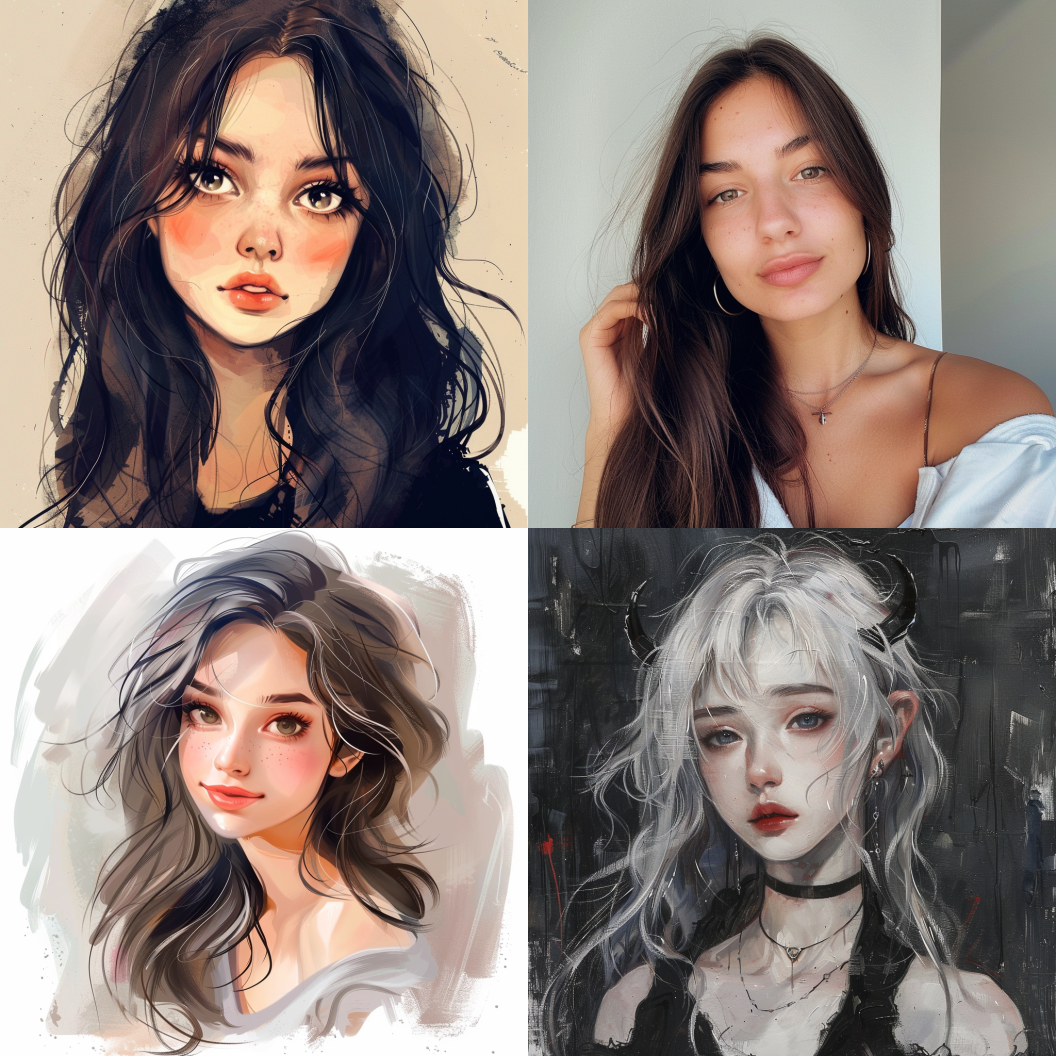
2.prompt: gril
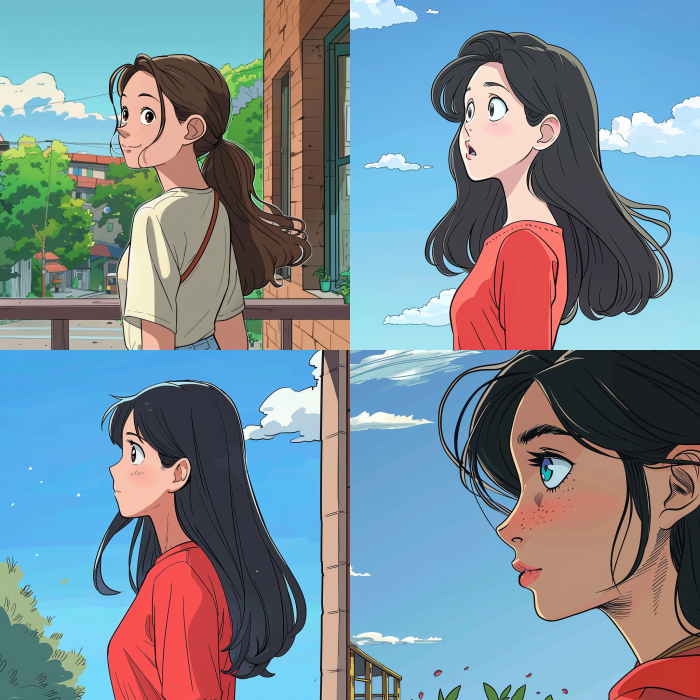
3.prompt: girl --sref https://s.mj.run/olpyywWsQ0w
The YouTube video below provides a detailed walkthrough. Watch it for a step-by-step explanation. 👇
Advanced Style Reference Techniques
Adjusting style weight (--sw): The --sw parameter controls how strongly the style reference affects the result. It ranges from 0 to 1000 and defaults to 100. Higher values make the reference style more influential. Combining multiple style references: You can blend several reference images and assign weights to control each image's influence and emphasize a particular aesthetic.
How to Obtain a Midjourney sref Code
There are two main methods. First, add --sref random to a prompt and Midjourney will generate and apply a random style code. This is simple for exploring styles, but the result is unpredictable. Second, use a curated sref code library or sharing platform. Promptsref lets you browse selected codes, example images, and prompts before choosing a style.
/imagine prompt [your description] --sref 5000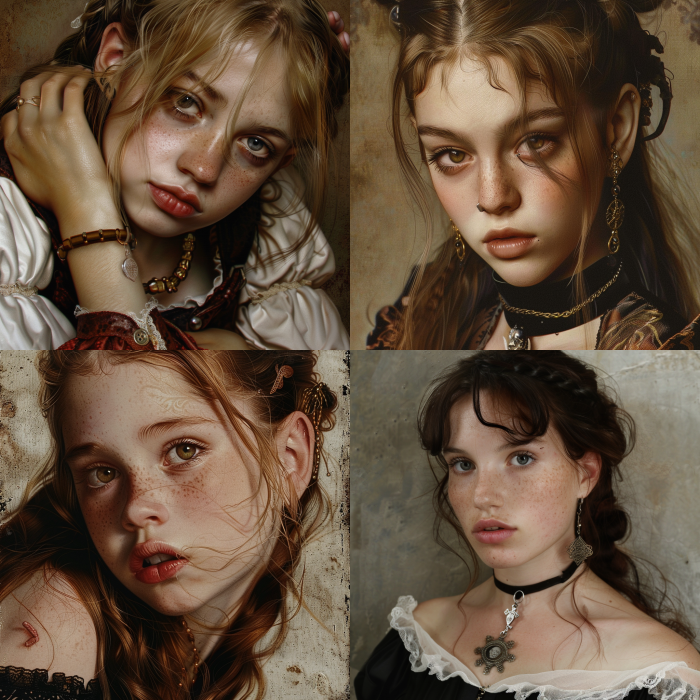

Advanced Style Reference Techniques
Adjusting style weight (--sw): The --sw parameter controls how strongly the style reference affects the result. It ranges from 0 to 1000 and defaults to 100. Higher values make the reference style more influential. Combining multiple style references: You can blend several reference images and assign weights to control each image's influence and emphasize a particular aesthetic.
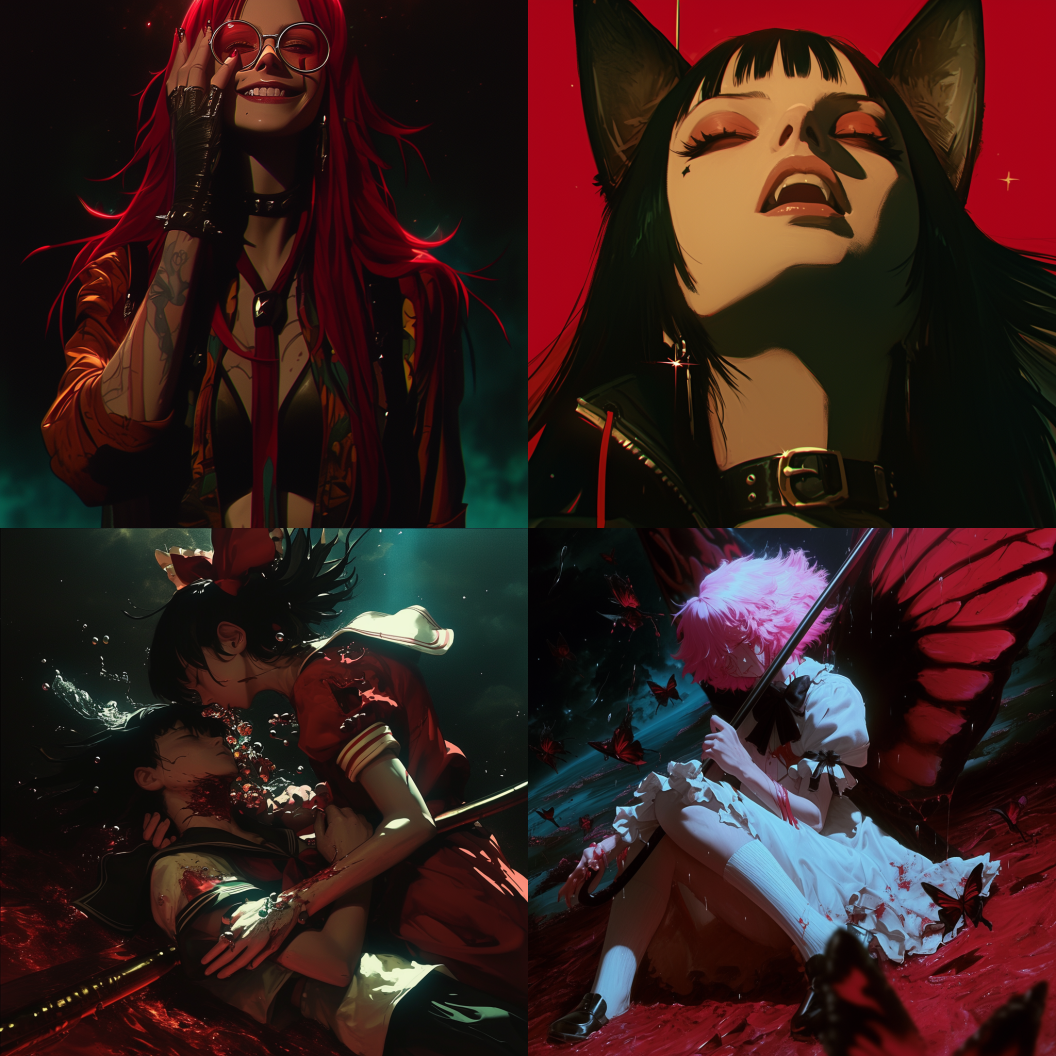
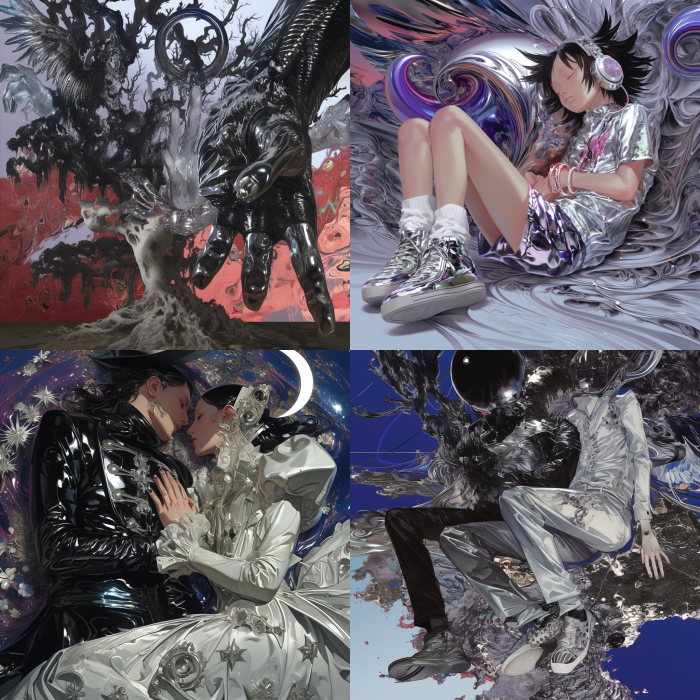
prompt: dream --sref 251 --niji 6 --s 1000
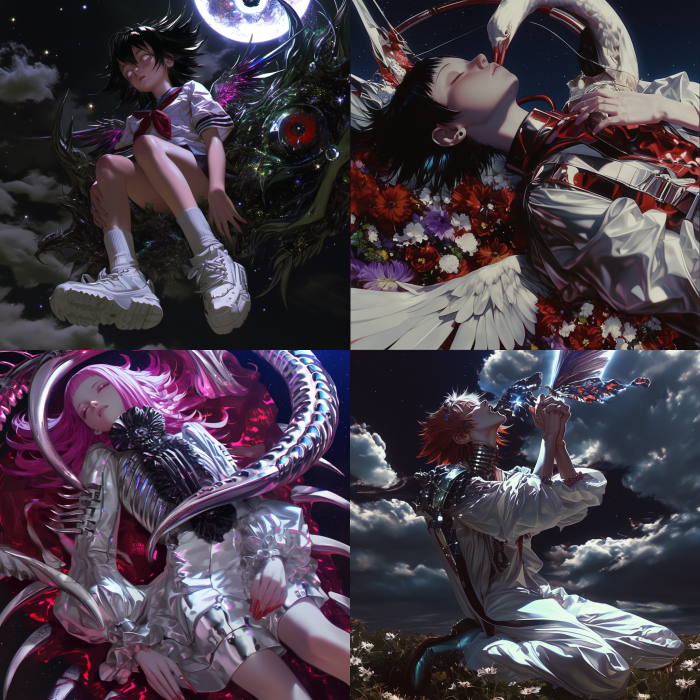
prompt: dream --sref 251 151032020 --niji 6 --s 1000
How to Obtain a Midjourney sref Code
There are two main methods. First, add --sref random to a prompt and Midjourney will generate and apply a random style code. This is simple for exploring styles, but the result is unpredictable. Second, use a curated sref code library or sharing platform. Promptsref lets you browse selected codes, example images, and prompts before choosing a style.
The YouTube video below provides a detailed walkthrough. Watch it for a step-by-step explanation. 👇
Thank you for reading. If this guide helped you, share it with someone who may also find it useful.


