

Split Image Into Grid Online 100% Free
Split an image into a grid (e.g. 3×3) and use AI to upscale each tile to HD.
Preview & Download


How to Use
- Upload a grid image that you want to split into individual tiles.
- Get split images with the selected number of rows and columns.
- Download individual tiles, or upscale them to HD while automatically removing borders and any text on the image with one click.
Unlock Creative Possibilities: Why Split Image Into Grid?
From Twitter threads to Instagram puzzles, splitting images creates engaging, scroll-stopping content.
Twitter / X “Split-to-Thread”
Want more clicks? Split image into grid of 2–6 tiles. Post the hook first, reveal the rest in the thread.
Best for: before/after edits, infographic zoom-ins.
Instagram Puzzle Feed
Split one hero image into a 3×3 grid to create a “puzzle” look across your profile feed.
Best for: brand launches, photography series.
Carousel Storytelling
Turn a single image into a mini story by splitting into tiles and posting as a carousel.
Best for: tutorials, visual guides.
Print & Craft
Split high-res artwork into printable tiles for posters, wall décor, or DIY collages.
Best for: posters, map art.
Video / Motion Workflow
Split into equal tiles to use as graphic elements in short videos (e.g., zooming tile transitions). Use our tool to split image into grid efficiently for your video projects.
Best for: Reels/TikTok edits, motion graphics.
HD Upscale: Why It Matters After You Split Image Into Grid
The Problem: Quality Loss
When you split an image into a grid, each tile becomes smaller — and small tiles often look soft, noisy, or pixelated once posted on social platforms or used in design.
The Solution: Promptsref’s Workflow
- •Clean Split: Split cleanly into any grid size (3×3, 4×4, custom).
- •HD Upscale: Upscale each tile so details stay crisp (faces, text, edges).
- •Cleanup: Optional border/text cleanup to avoid awkward seams.
What you’ll notice in the result:
- ✓Sharper micro-details: hair strands, textures, small typography become readable.
- ✓Cleaner edges: less jagged lines on shapes and UI screenshots.
- ✓More consistent tiles: each piece looks “finished,” not like a cropped screenshot.
When to use HD Upscale:
What Creators Say
“Exactly what I needed for my Twitter threads — splitting one image into a reveal sequence boosted clicks.”
“The HD upscale makes a huge difference. My 3×3 Instagram grid finally looks crisp, not blurry.”
“Fast, clean, and no Photoshop. I split product images into tiles and post details step-by-step.”
“Border cleanup is clutch. Seamless tiles without weird edges saves me a lot of time.”
“Simple UI, does one job really well — split, upscale, download.”
Other AI Tools
Explore more AI tools to enhance your creative workflow

AI Prompt Generator
Develop image and video prompts through conversation with selectable specialist Skills.
AI Lip Sync Generator
Turn a portrait and a script or audio file into a realistic talking video.
YouTube Thumbnail Generator
Create 16:9 YouTube thumbnail concepts from a prompt or reference image.
Video Motion Control
Generate videos with motion control using AI. Upload an image and a reference video to create dynamic video content.

AI Image Generator
Generate images from text prompts using multiple AI models simultaneously
AI Product Listing Image Generator
Turn a product photo or description into main images, lifestyle scenes, and ads for your online store.

Image to Prompt Generator
Upload a reference image and turn it into detailed JSON and natural-language prompts.

Upscale Image AI 4K
Upscale images to 2K, 4K, or 8K while preserving important details.

Multiple Angle Images AI Generator
Generate 3×3 multi-angle grid images from a single photo using AI

AI Change Angle
Upload one image and change its camera angle with AI rotation, tilt, and distance controls

Crop & Remove Background
Crop images and remove backgrounds. Upload an image and get clean cutouts or precise crops in seconds.

Free Video Frame Extractor
Extract frames from videos instantly. No server upload required - all processing happens in your browser. Customize frame rate and create grid layouts.

Free Turn Grid to Video
Upload grid images and convert them to videos. Split grid images into frames and combine them into smooth videos. Support multiple images for seamless video creation.
Multi-Model AI Video Generator
Generate videos from text or keyframes using multiple AI video models in a single workflow.
AI Depth Video Generator
Turn a short video into a depth-map video for motion transfer and reference-driven AI video workflows.
AI Video Quality Enhancer
Upscale short videos to 1080p or 4K and choose 30 or 60 fps.
AI Voice Generator
Create natural AI voiceovers with text to speech, voice clone, and voice design using Qwen3 TTS.
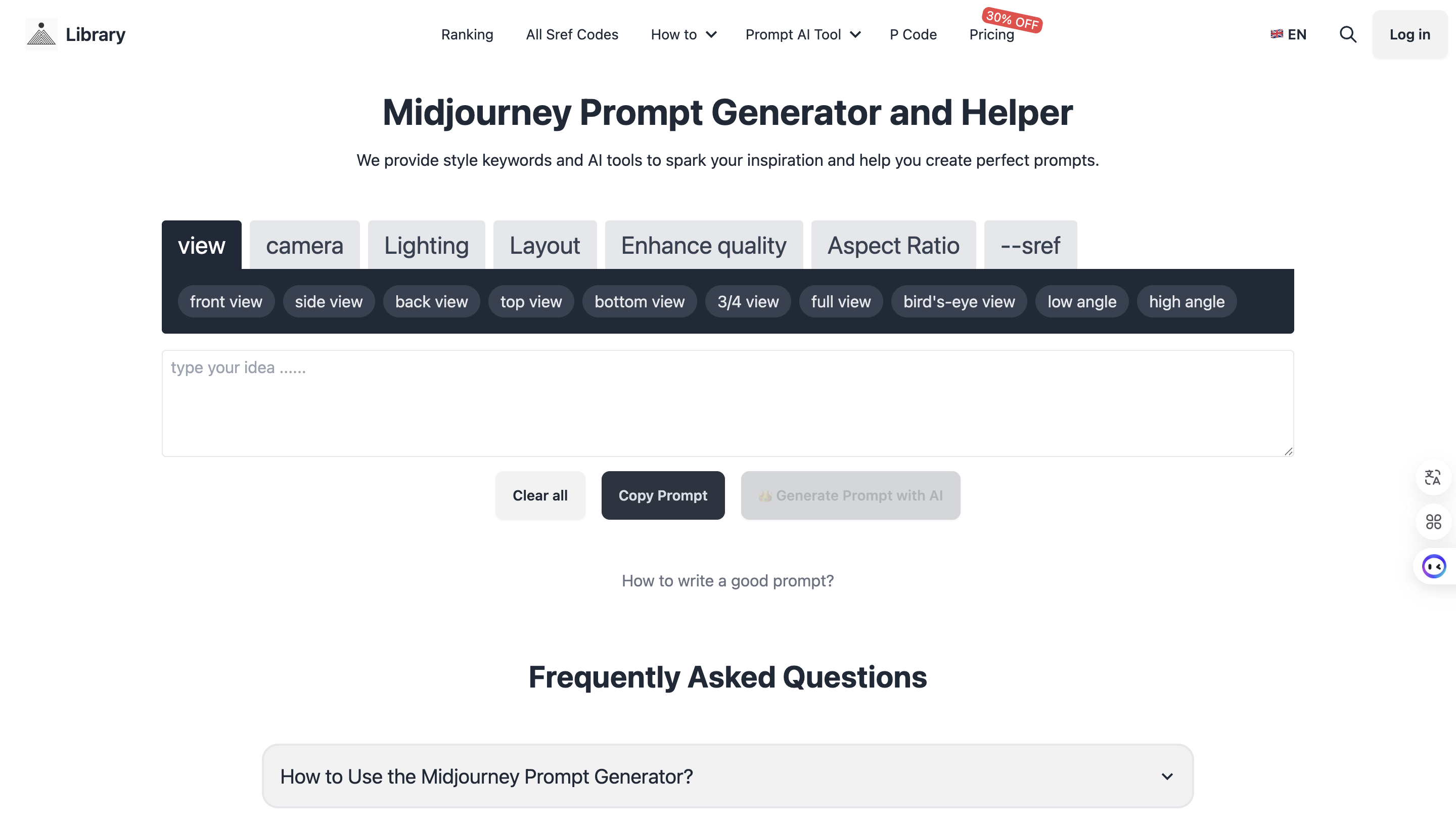
Midjourney Prompt Helper
Generate perfect prompts with AI assistance