Free AI Selfie with Celebrities Generator Online

Start with two clear photos: one of you and one celebrity reference. Load a complete example, replace the sample images, and create a believable backstage, premiere, or stadium selfie without manual compositing.

Your photoYour photo
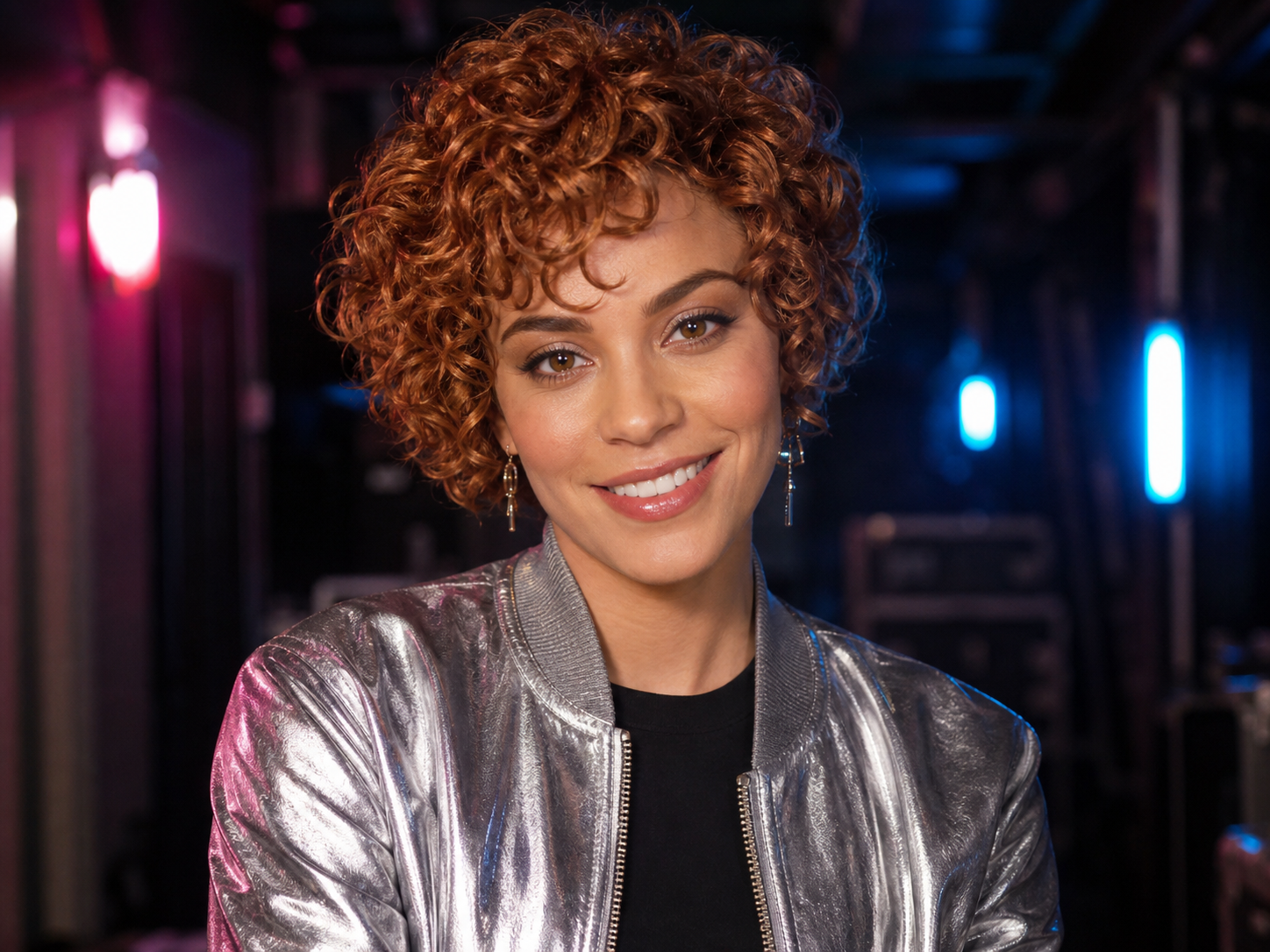
Celebrity photoCelebrity photo
510/20000
Total Credits9
GPT Image 29
Publish to Explore
?
👑
Concert Backstage Selfie

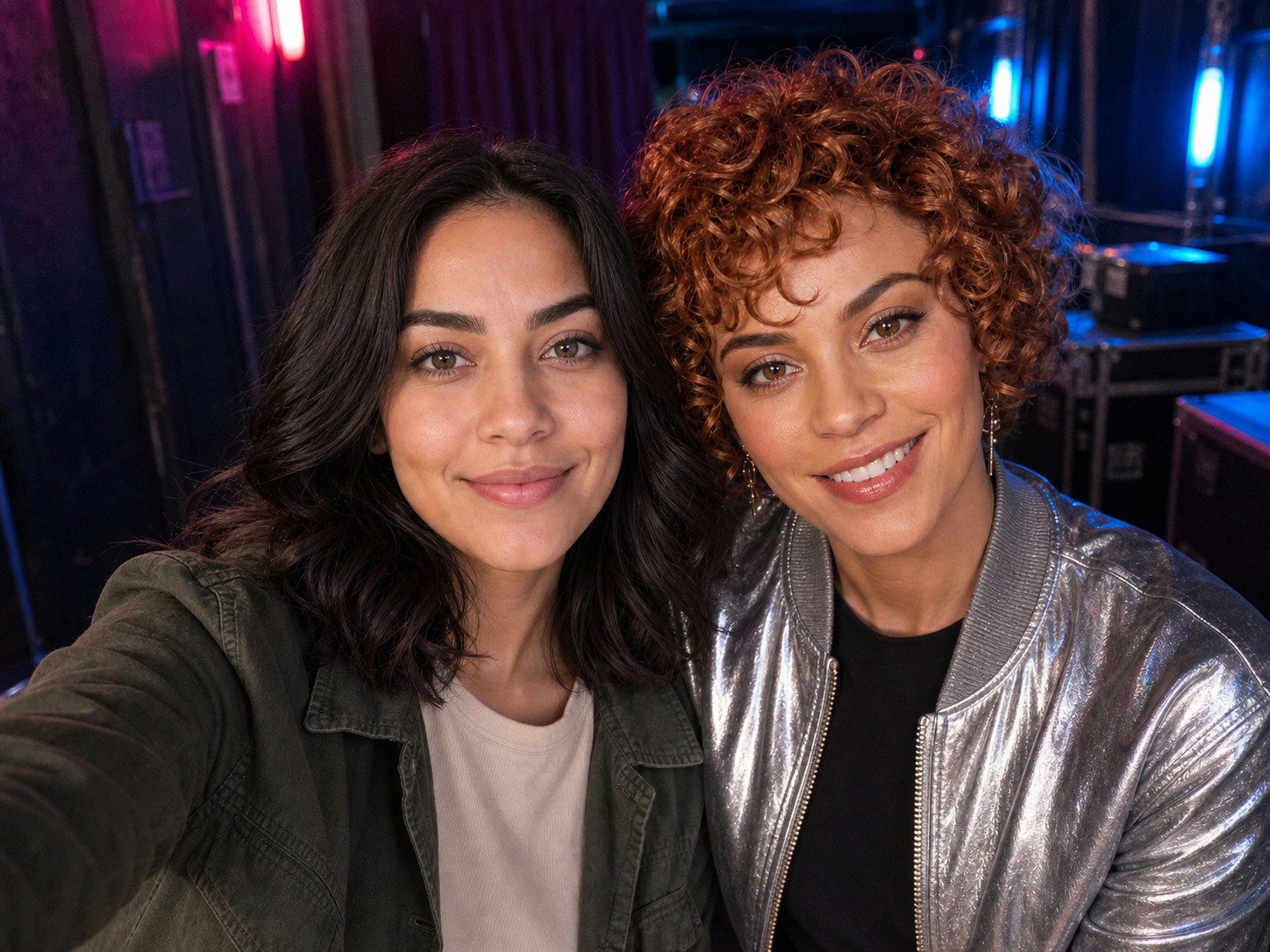
Use image 1 as the selfie taker and image 2 as the celebrity reference. Create a believable candid smartphone selfie of these two people together in a concert backstage corridor shortly after a show. Keep both faces recognizable, with natural skin texture, matching magenta and blue practical light, relaxed smiles, shoulders touching, realistic arm-length wide-angle perspective, and slightly imperfect handheld framing. Exactly two people. No face blending, text, logo, watermark, or readable venue branding.
Turn two portraits into one believable celebrity selfie

This free AI selfie with celebrities generator online uses two reference images to build a new phone-style photo. The first image tells the model who is taking the selfie. The second supplies the celebrity or public-figure reference. A written prompt then controls the location, pose, expression, lighting, and camera feel. Unlike a basic face swap, the generator rebuilds the whole scene so both people can share the same perspective and light.

Keep both people recognizable

Use clear portraits and state which image is the selfie taker and which is the celebrity reference. This gives the model a stable identity order instead of asking it to guess.

Build a complete scene

Choose a concert corridor, movie premiere, stadium, café, fan meeting, or travel setting. The AI recreates pose, background, perspective, and light together rather than pasting one face onto another photo.

Start from a working example

Each example loads its own two reference images, prompt, model, and aspect ratio. Replace the samples one at a time, then refine only the scene details you want to change.

Create a celebrity selfie
AI-generated concert backstage selfie made from two fictional portrait references

Choose photos that are easy for the AI to match

The quality of the two inputs matters more than adding a long list of camera terms. Use recent, sharp portraits where each face is large enough to inspect. Similar head angles and lighting help the model place both people into the same selfie without changing their defining features. You should have permission to use every uploaded photo.

Show the full face

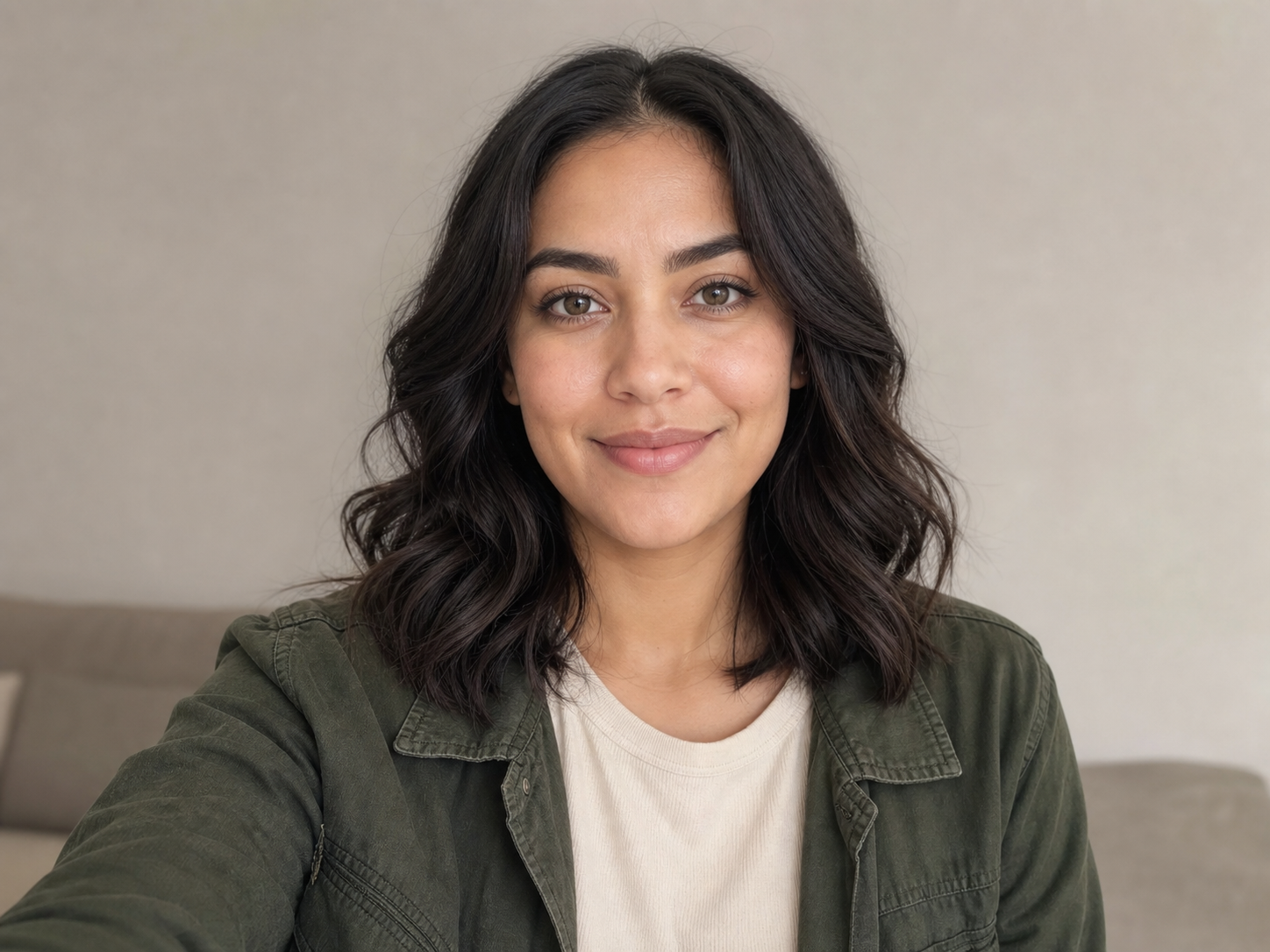
Use one adult subject per reference image. Keep the eyes, nose, mouth, jawline, hair, and skin tone visible. Avoid sunglasses, masks, heavy motion blur, extreme beauty filters, or a face cropped at the chin.

Match the viewing angle

Two front-facing or gentle three-quarter portraits are easier to combine than one profile and one overhead photo. Similar image sharpness also reduces the chance that one person looks more synthetic than the other.

Use the slots in order

Put your photo in image 1 and the celebrity reference in image 2. If you reverse them, update the prompt as well. A consistent order makes it easier to reuse and troubleshoot your setup.

Upload your photos
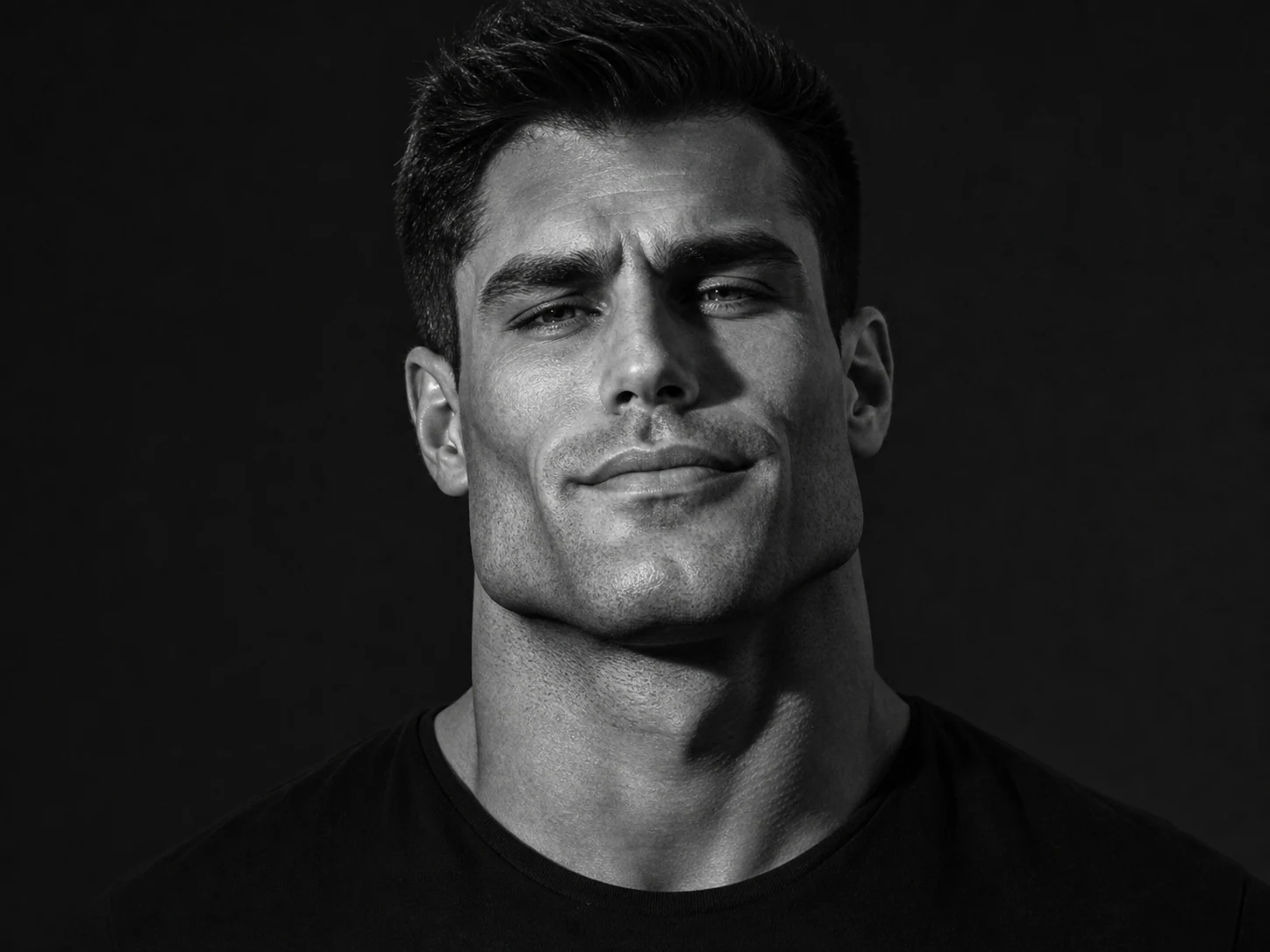
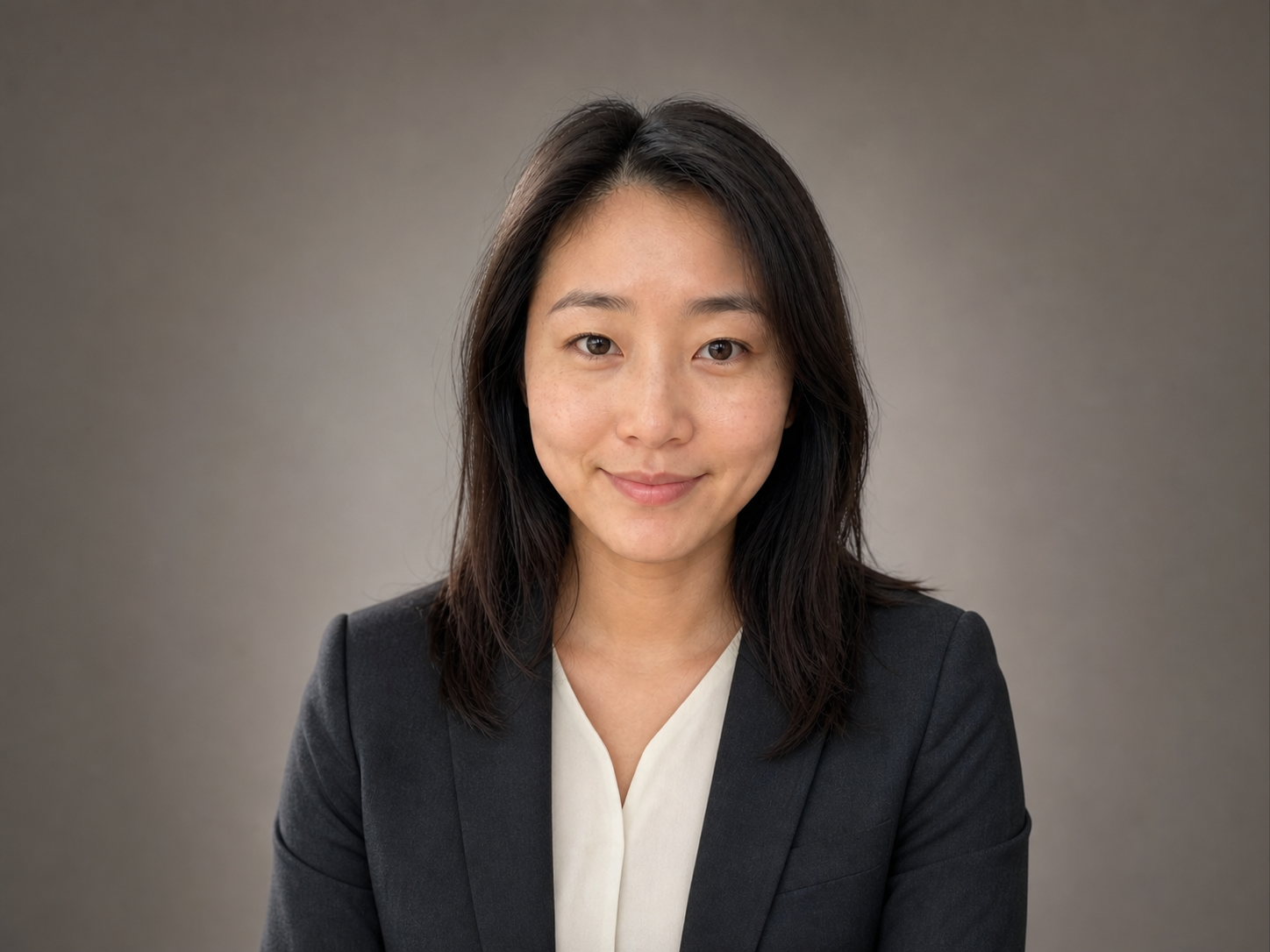
Clear front-facing fictional portrait suitable for an AI celebrity selfie reference

Write a realistic AI celebrity selfie prompt

A useful prompt explains what each image represents, then describes one plausible moment. Include the setting, body position, expressions, phone-camera perspective, and light source. Add the identity details that must remain unchanged. Avoid mixing several unrelated locations or photography styles in the same request.

Begin with image roles

Write “Use image 1 as the selfie taker and image 2 as the celebrity reference.” This simple instruction is more reliable than repeatedly naming “the first person” later in the prompt.

Describe a phone photo, not a studio campaign

Ask for arm-length wide-angle perspective, slightly imperfect framing, matching light, natural skin texture, and both faces close to camera. Those cues make the image read as a selfie instead of a formal composite.

Protect the important details

Request recognizable faces, hair, skin tone, and clothing cues. Add “exactly two people,” “no face blending,” and “no extra limbs” when the scene should contain only the uploaded pair.

Try a selfie prompt
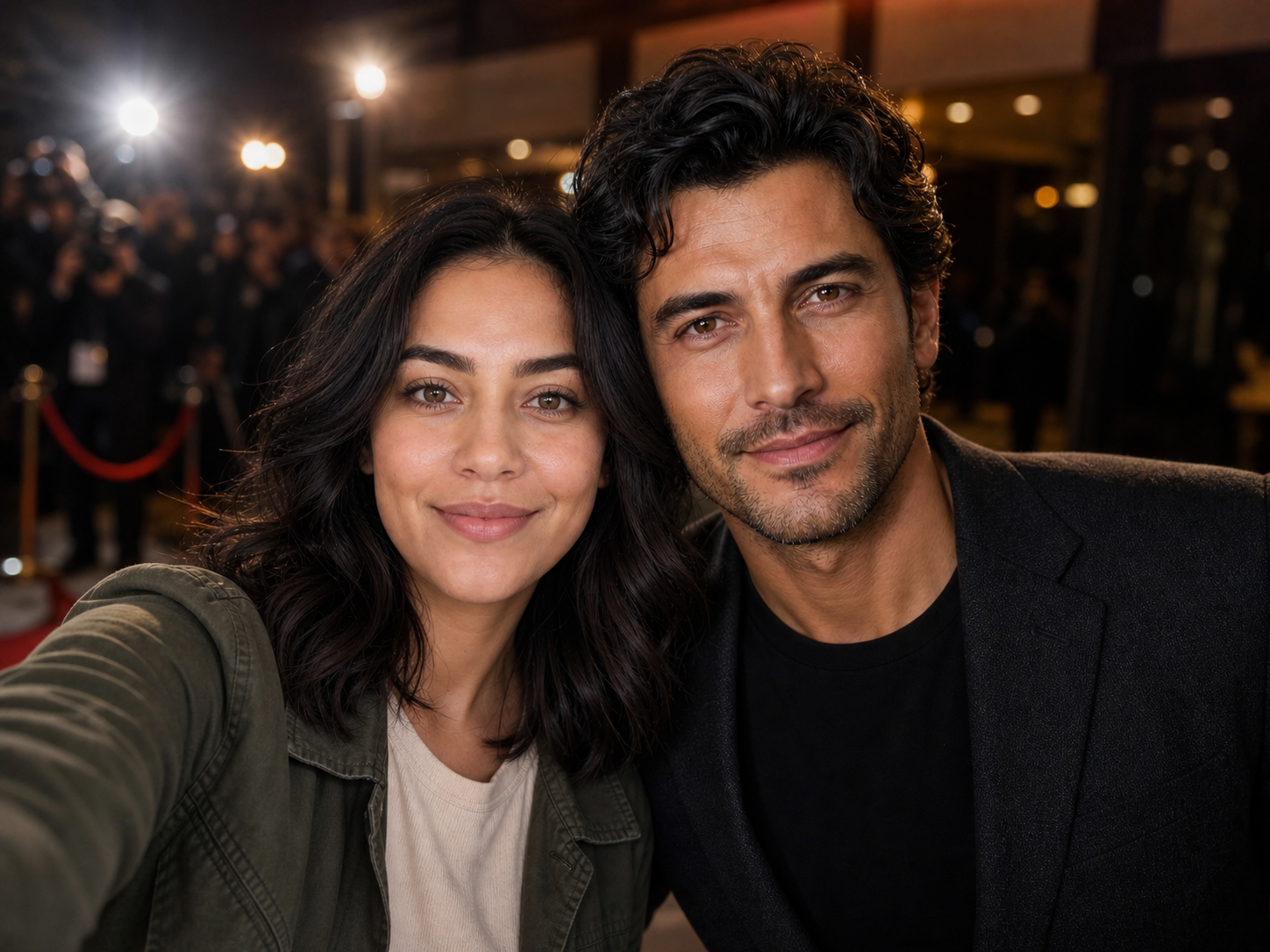
AI-generated fictional movie premiere celebrity selfie with warm camera flashes

Make fan art without creating a false endorsement

A convincing AI celebrity selfie can be mistaken for a real event photo when it is shared without context. Treat the result as synthetic fan art. Do not use it to impersonate someone, support a scam, fabricate evidence, advertise a product as if a public figure endorsed it, or harass the people shown. Local publicity, privacy, copyright, and platform rules may apply.

Check visibility before generating

The generator includes a Public Visibility setting. Review it before submitting personal photos. When public visibility is enabled, your generated work may be eligible to appear in community surfaces.

Label public posts as AI-generated

A short disclosure such as “AI-generated fan image” helps viewers understand that the encounter did not happen. Avoid captions written to trick people into believing the selfie documents a real meeting.

Use photos you are allowed to use

Upload your own photo or one you have permission to edit. For celebrity references, consider image rights, the intended use, and the rules of the platform where you plan to publish the result.

Create responsibly
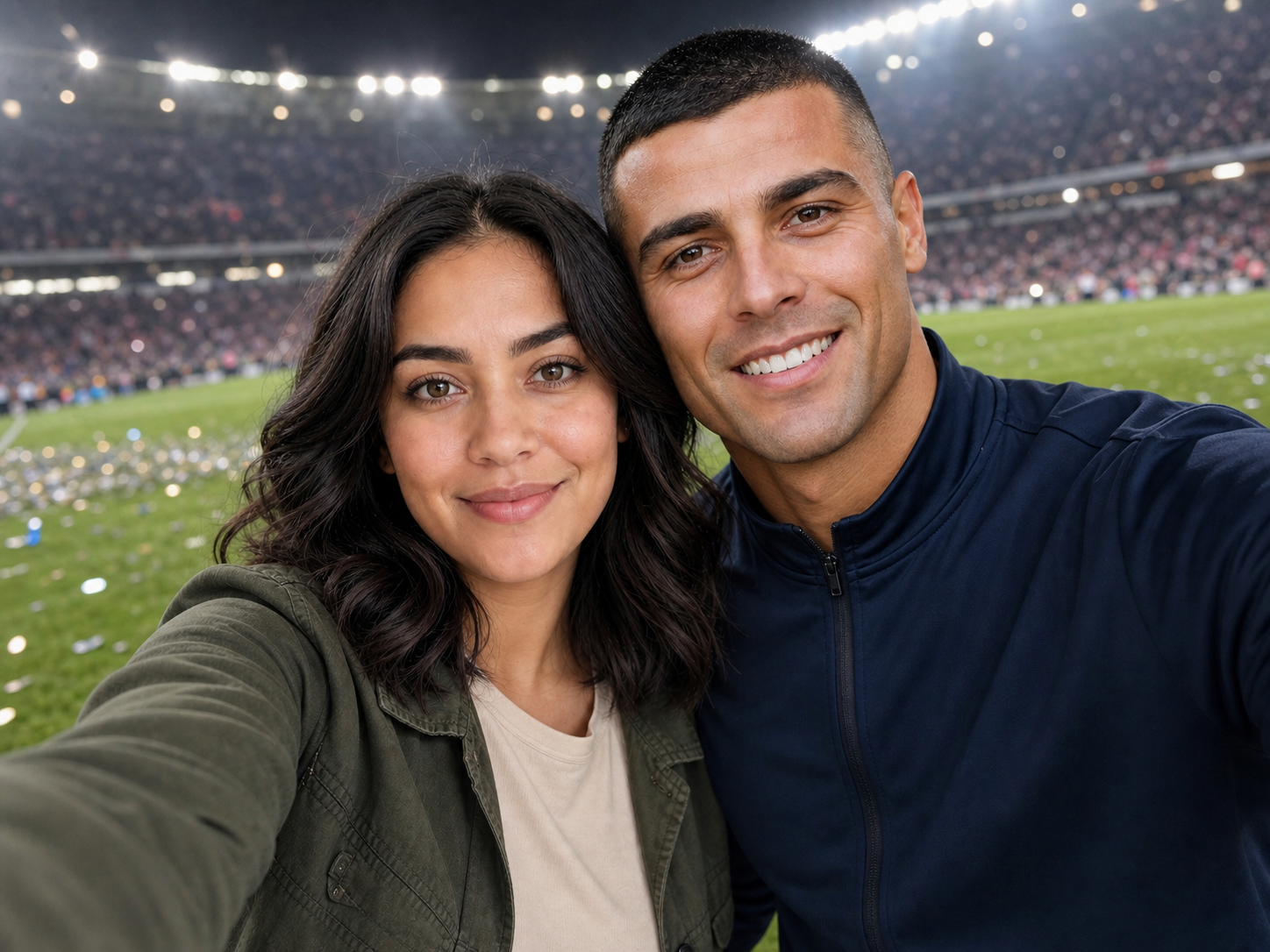
Clearly staged fictional AI selfie beside a stadium pitch

How to use the free AI selfie with celebrities generator online

Create a new celebrity-style selfie in three steps. No masking, layer alignment, or manual color matching is required.

1

Load an example and replace both photos

Choose a backstage, premiere, or stadium example. Click “Use this selfie setup,” then replace image 1 with your portrait and image 2 with the celebrity reference you are permitted to use.

2

Adjust the scene and identity instructions

Keep the image roles at the beginning of the prompt. Change the location, mood, expressions, or camera style, and state which facial or clothing details should remain recognizable.

3

Generate, inspect, and refine

Confirm the model, ratio, quality, credit total, and visibility setting. After generation, inspect both identities, hands, background text, and lighting. Change one instruction at a time if another pass is needed.

Celebrity selfie scenes to try

The same two-image workflow can produce very different moments. Choose one setting with a clear light source and a simple interaction. These examples use original fictional people so you can evaluate the composition without suggesting a real endorsement or meeting.

More to make

Other AI Image Generators

Want a different look? Each generator opens with its own examples, prompt tips, and ready-to-use settings.

AI Selfie with Celebrities Generator FAQ

It is an image generator that uses portrait references and a written prompt to create a new selfie-style scene. This page accepts one photo for the selfie taker and a second photo for the celebrity reference, then generates a complete image with shared lighting, perspective, pose, and background.

You can try the generator with available free credits. The exact credit cost depends on the selected model, resolution, and number of outputs, and the current total is shown before you generate.

Two clear images are recommended for this effect: image 1 should be your portrait and image 2 should be the celebrity reference. GPT Image 2 can accept more references, but extra images can make identity roles less clear unless the prompt explains each one.

Use sharp adult portraits with one visible face per image, natural skin detail, and similar head angles. Avoid tiny faces, heavy filters, cropped chins, sunglasses, masks, and strong motion blur. Similar lighting in both inputs makes the final composite easier to balance.

Yes. A face swap usually replaces a face inside an existing image. This workflow creates a new scene from two identity references and a prompt, allowing the model to rebuild the pose, phone perspective, background, and lighting around both people.

Yes. Describe one setting, the distance between the subjects, their expressions, the camera angle, and the lighting. For more stable revisions, keep the same reference images and change only one part of the prompt at a time.

AI image generation can preserve recognizable features, but it may still change facial details, hair, clothing, hands, or proportions. Review every result carefully and generate another version when identity accuracy matters.

You can share appropriate synthetic fan art when you have the right to use the input images and follow local laws and platform rules. Clearly label the post as AI-generated and do not present it as proof of a real meeting, endorsement, or event.

No. The page examples use original fictional adults created specifically to demonstrate the two-reference workflow. Promptsref is not affiliated with or endorsed by any celebrity, athlete, performer, team, studio, or event shown or mentioned by users.

Avoid uploading sensitive images, review the site privacy terms, and check the Public Visibility control before generating. Use a photo you are comfortable processing and publishing according to the visibility setting you choose.

Create your own AI celebrity selfie online

Load a complete example, replace the two sample portraits, and turn an imagined fan moment into a new backstage, premiere, or stadium selfie.