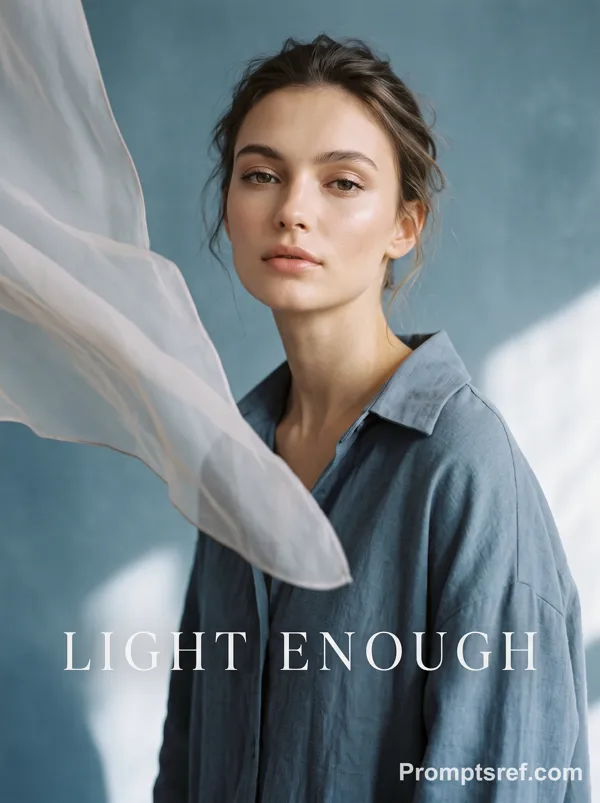
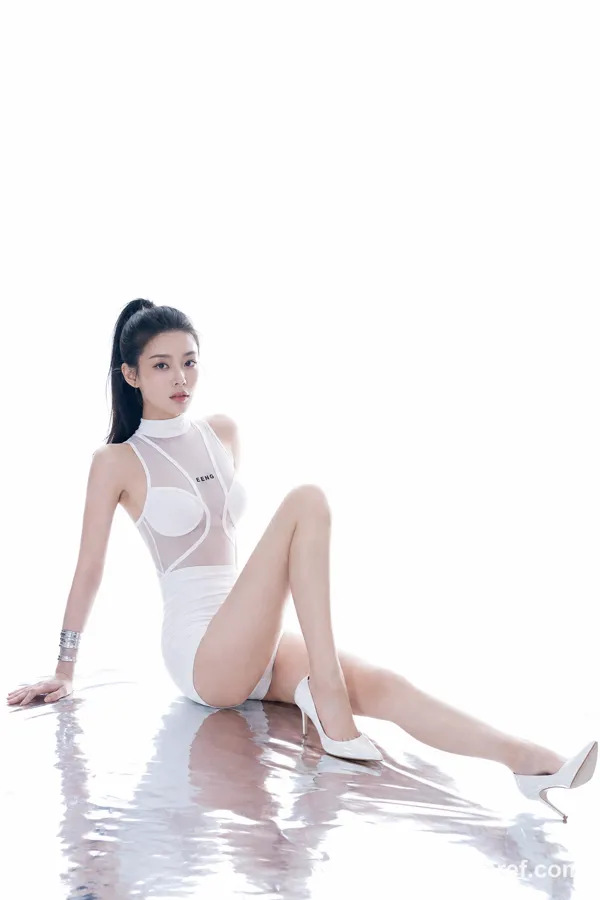
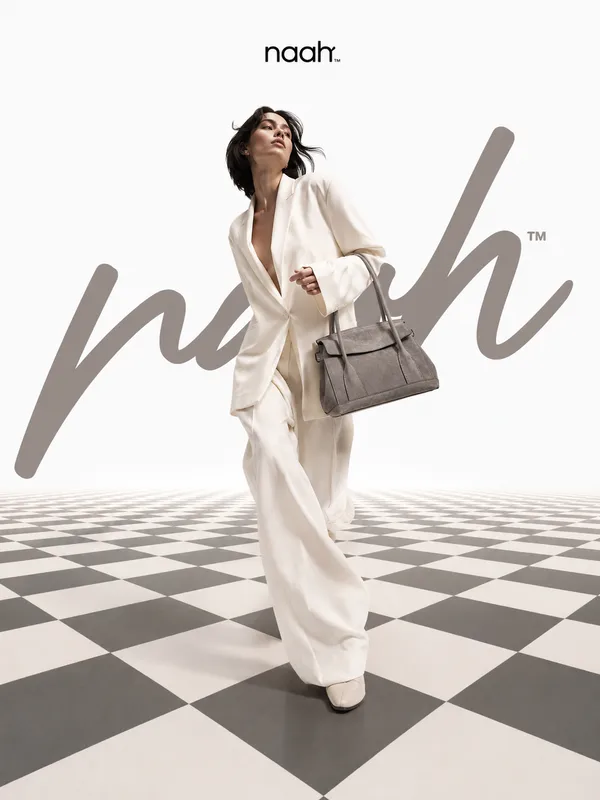
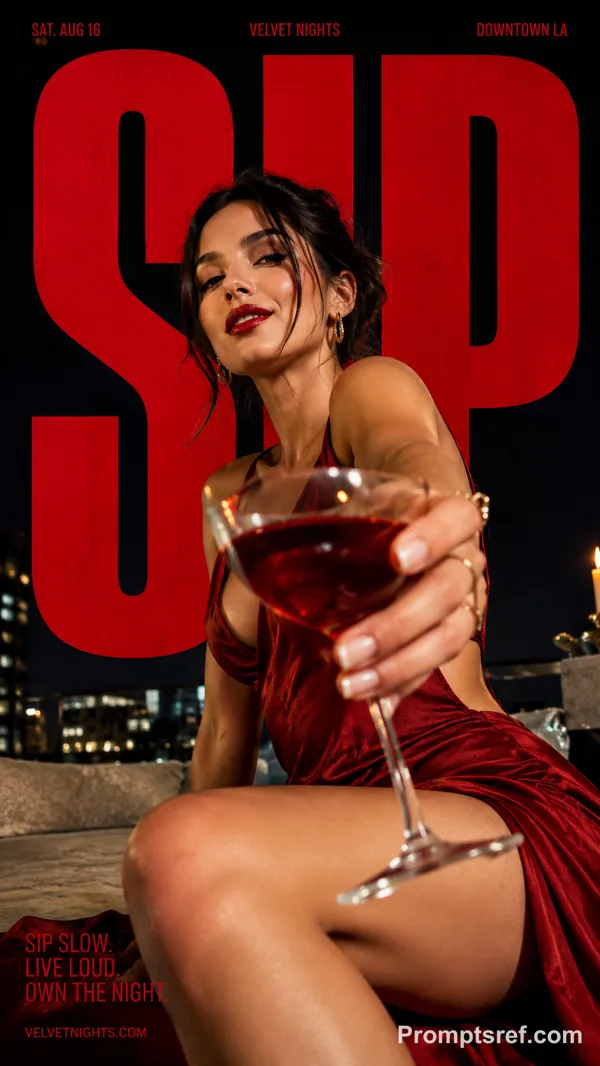
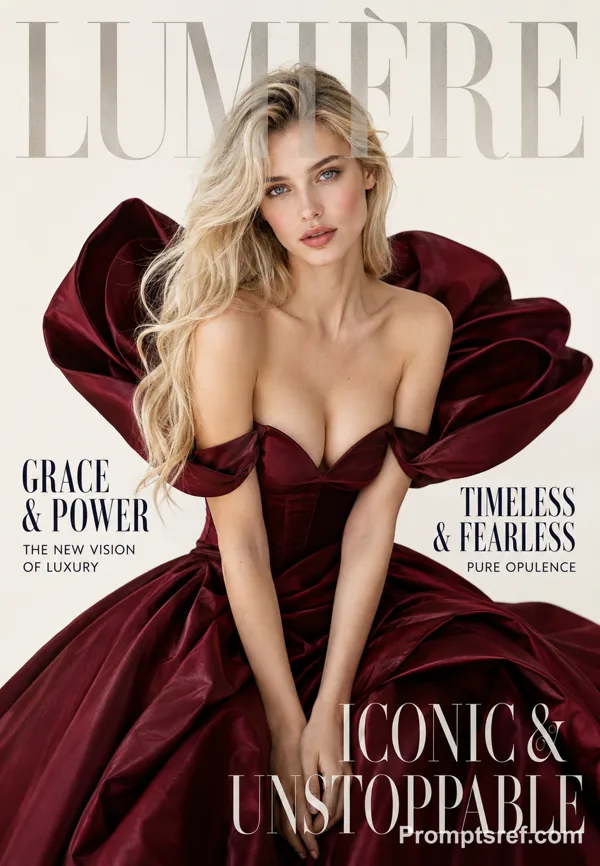
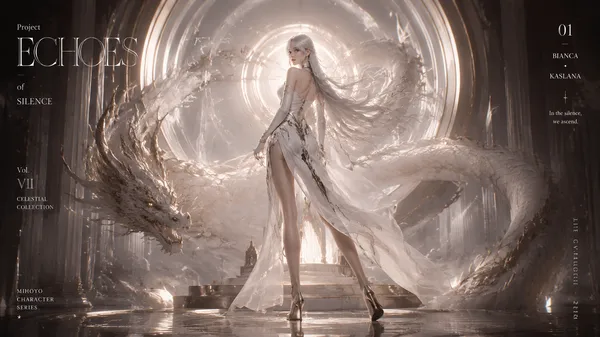
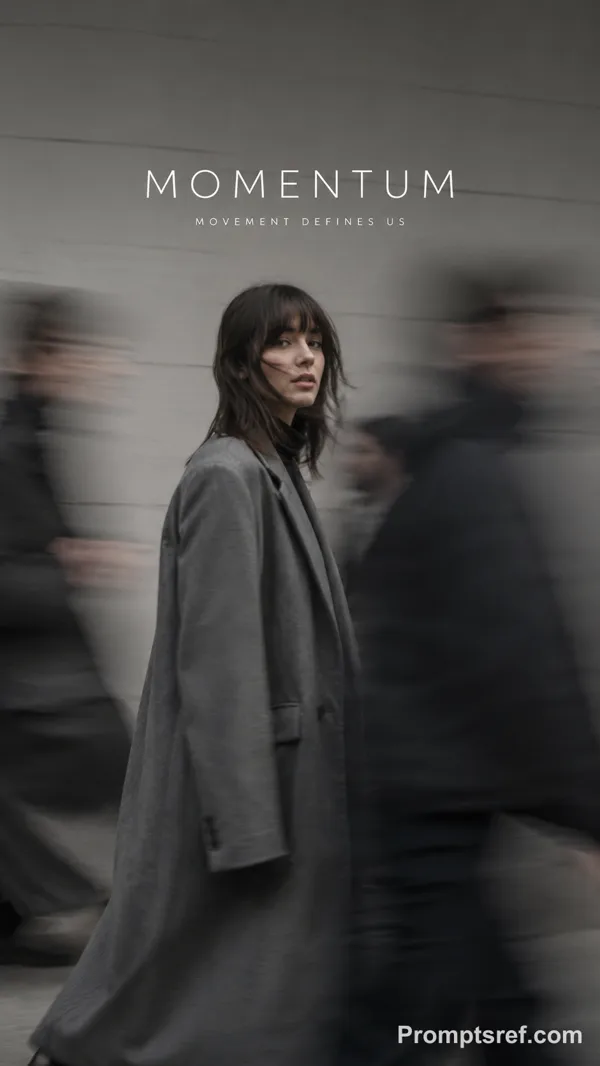
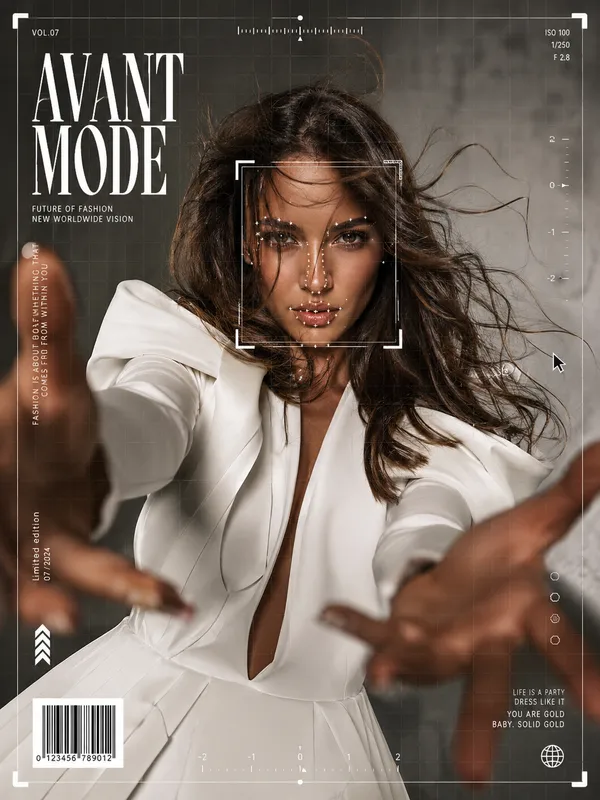
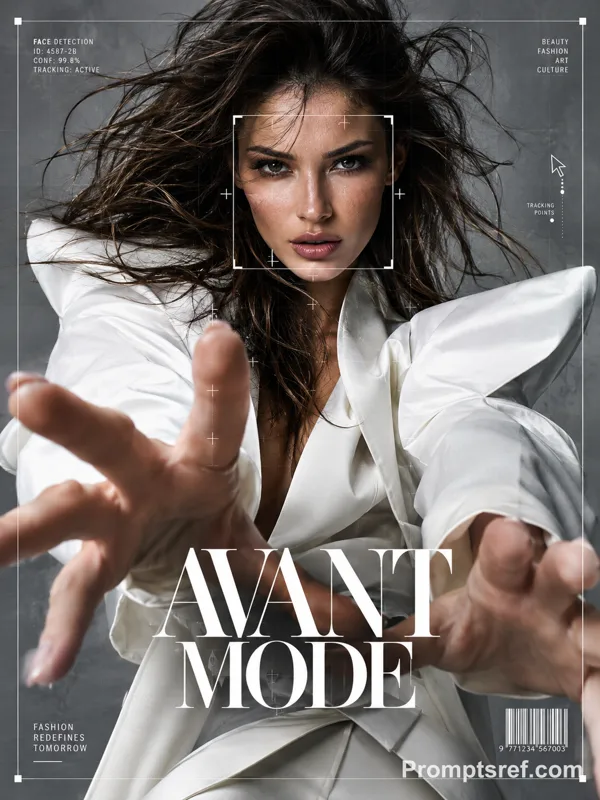
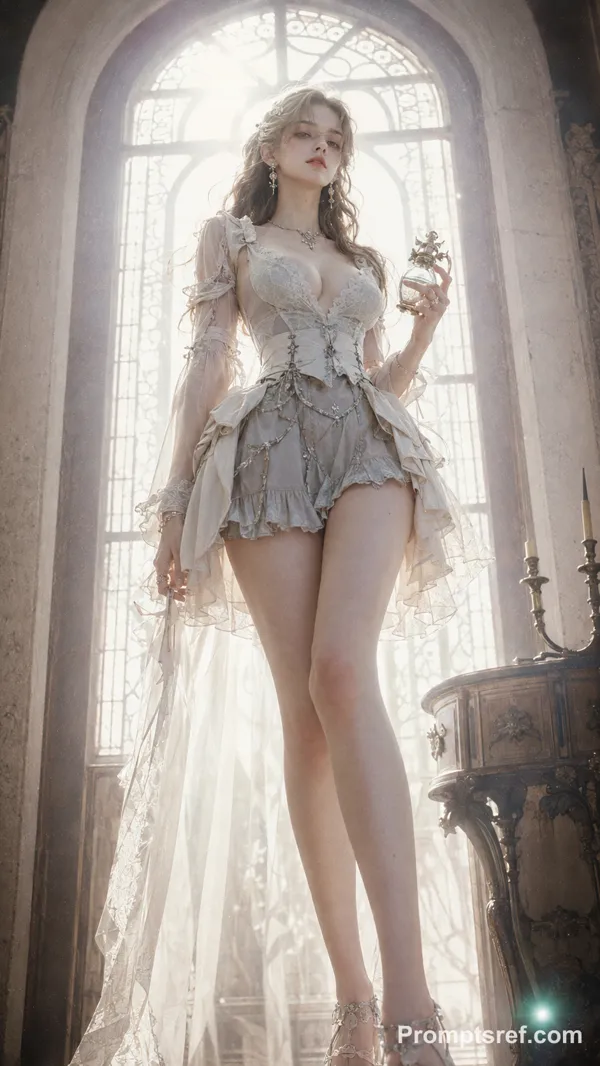
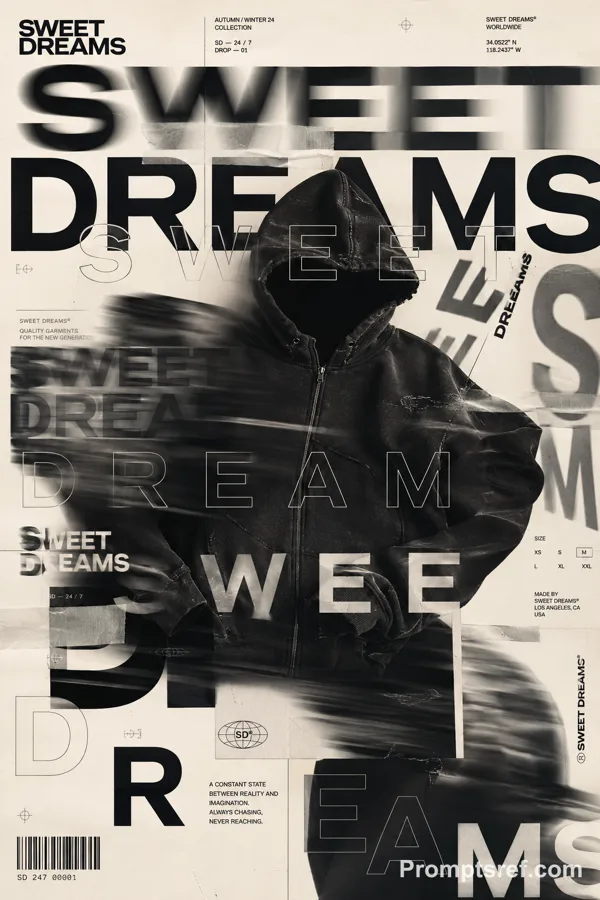
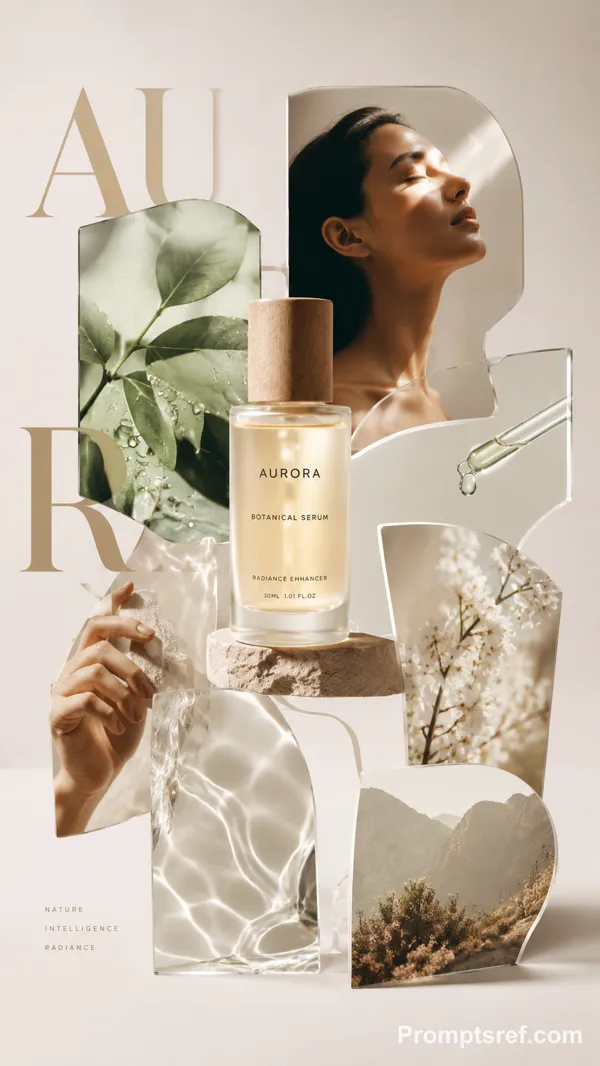
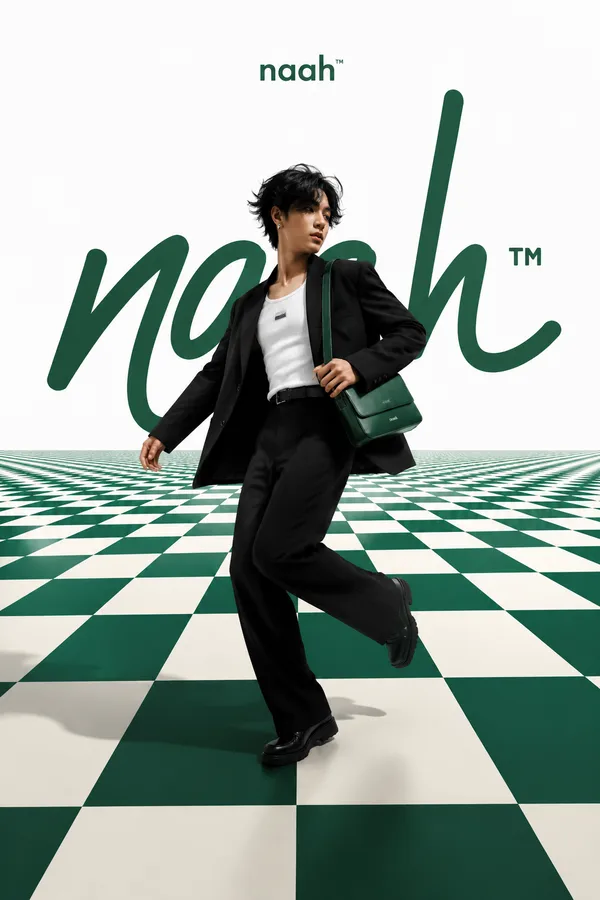
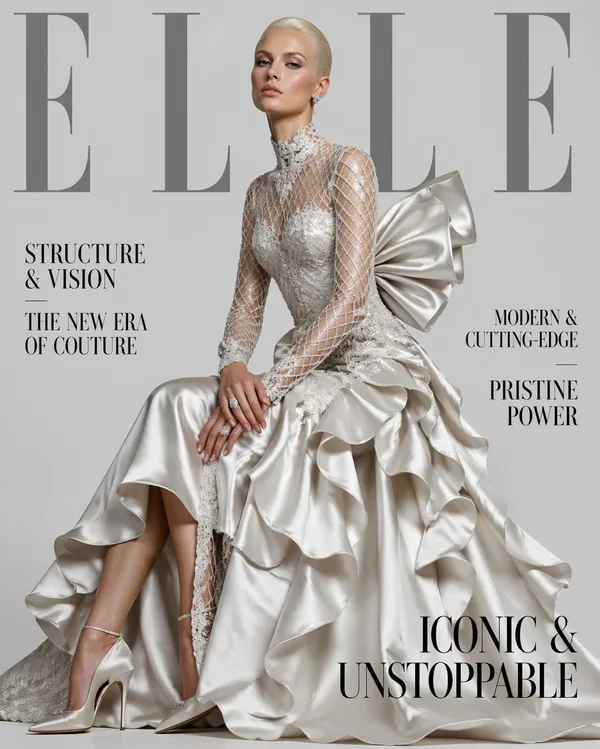
GPT Image 2.0 Prompt - High-Fashion-Typografieportal-Poster

- Modell
- GPT Image 2.0
- Seitenverhältnis
- auto
- Qualität
- 1K
Prompt
Theme: [TITLE]
Type element: [LETTER / WORD]
Type behavior: [PORTAL / LAYER / FRAME / MOTION]
Model: [adult fashion model]
Outfit: [couture look]
Palette: [background / type / outfit]
Format: 9:16
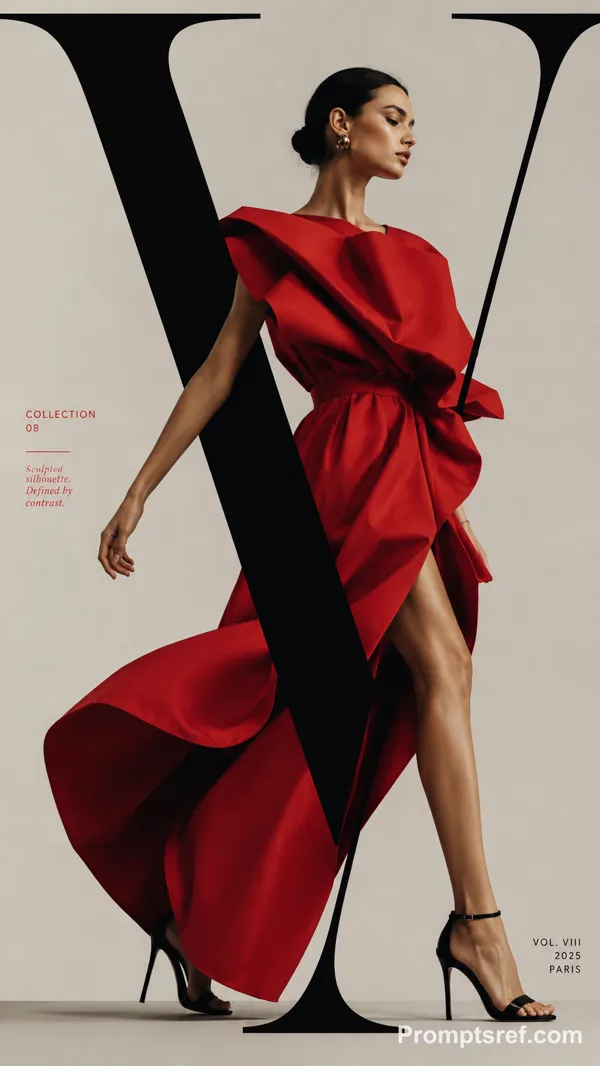
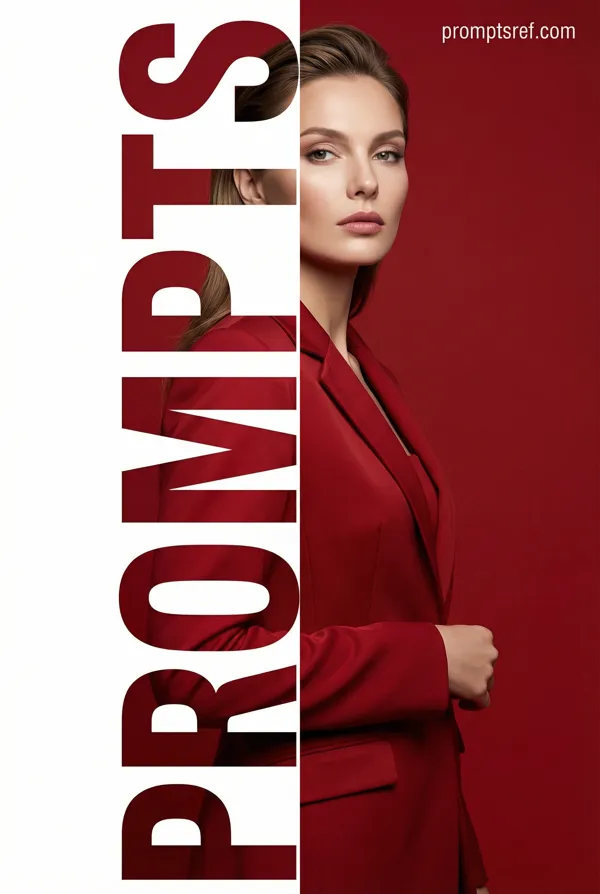
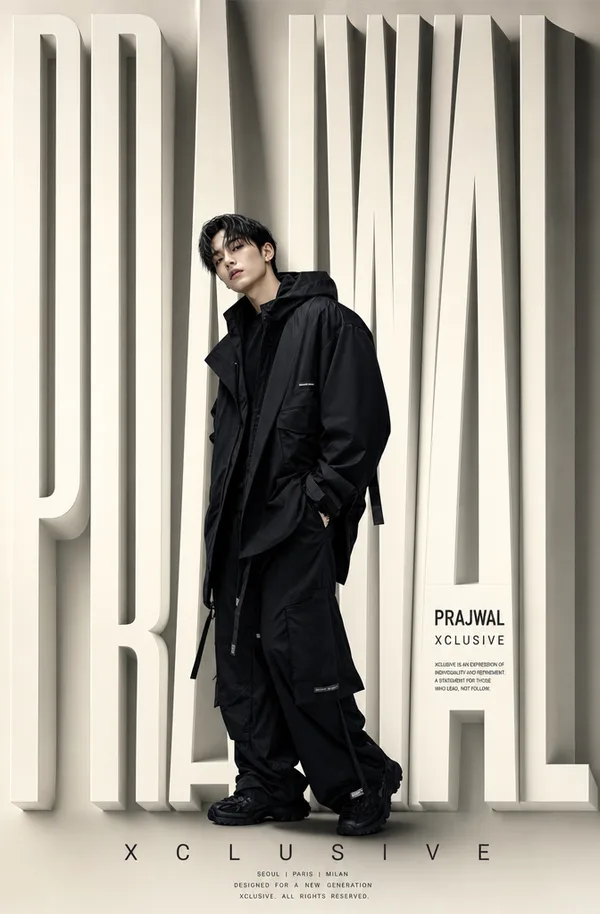
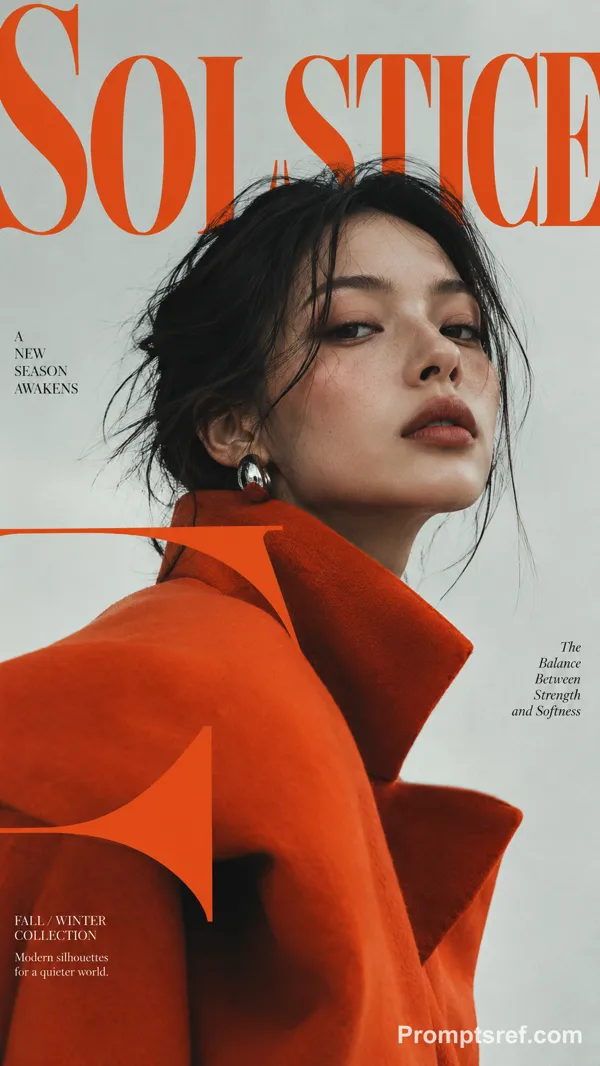
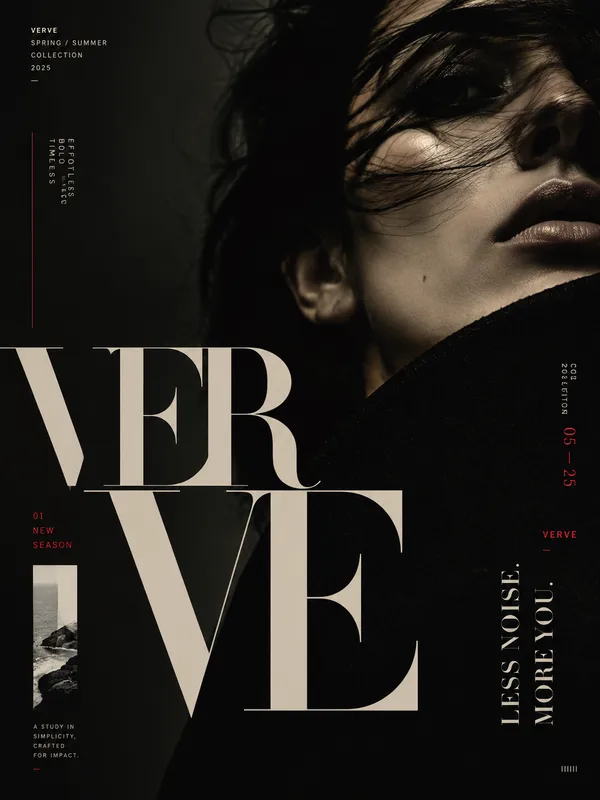
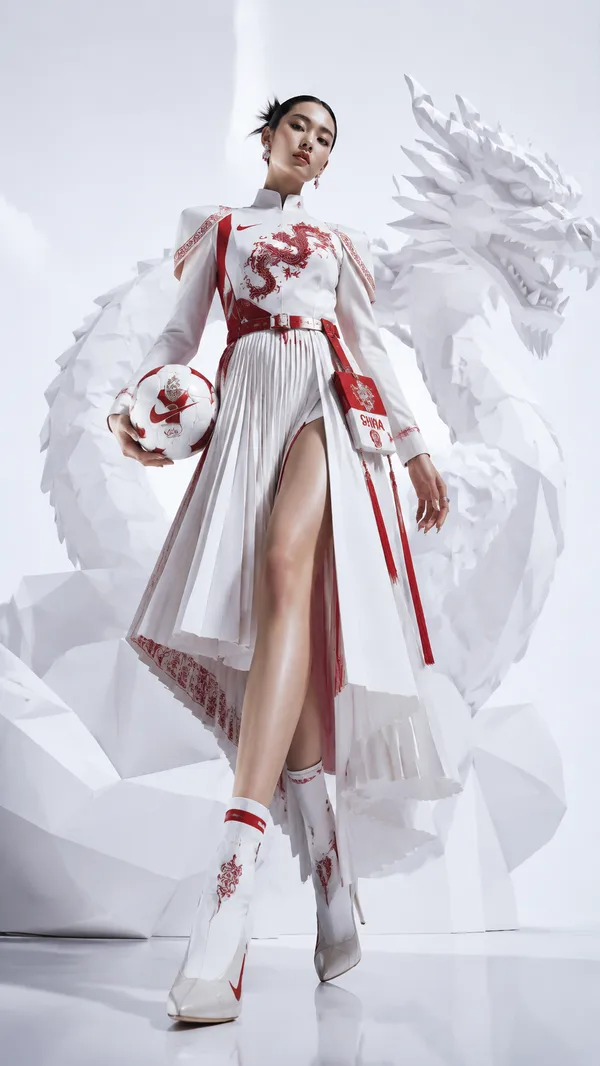
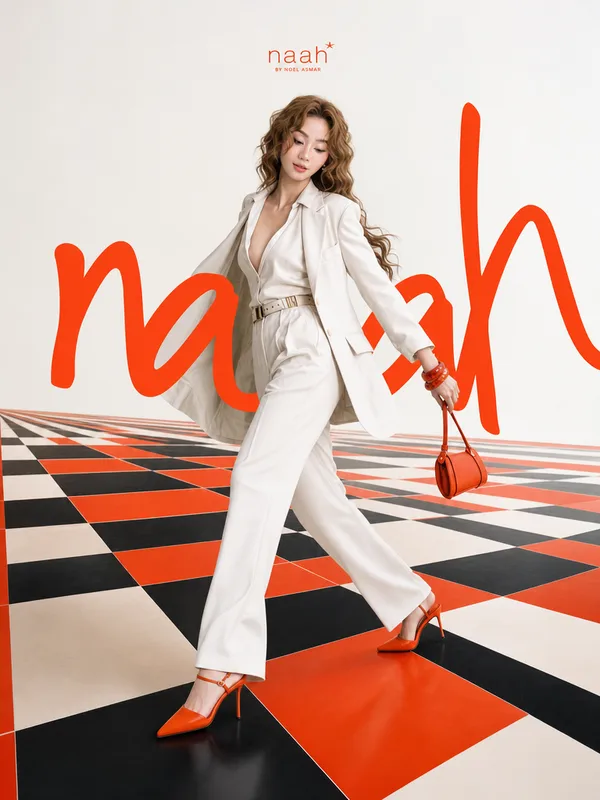
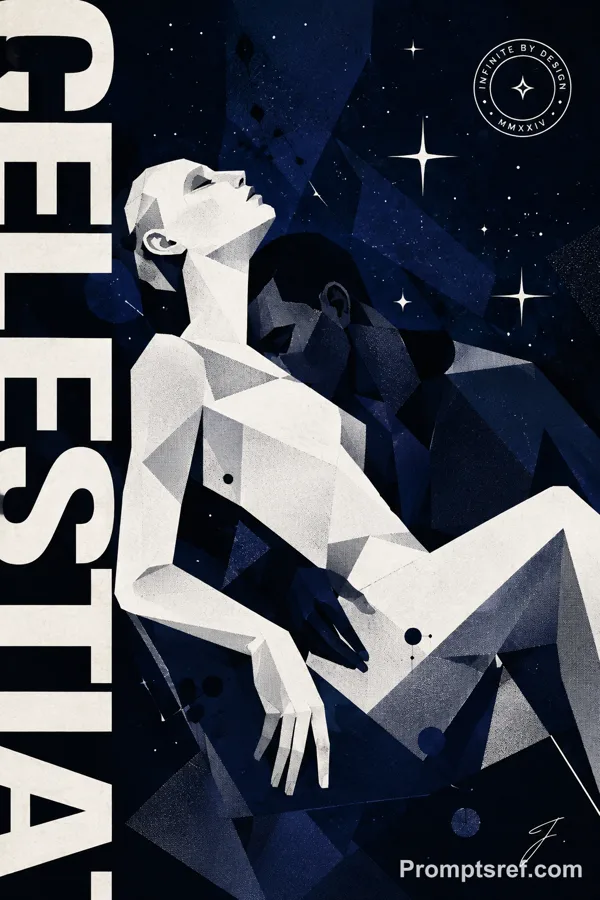
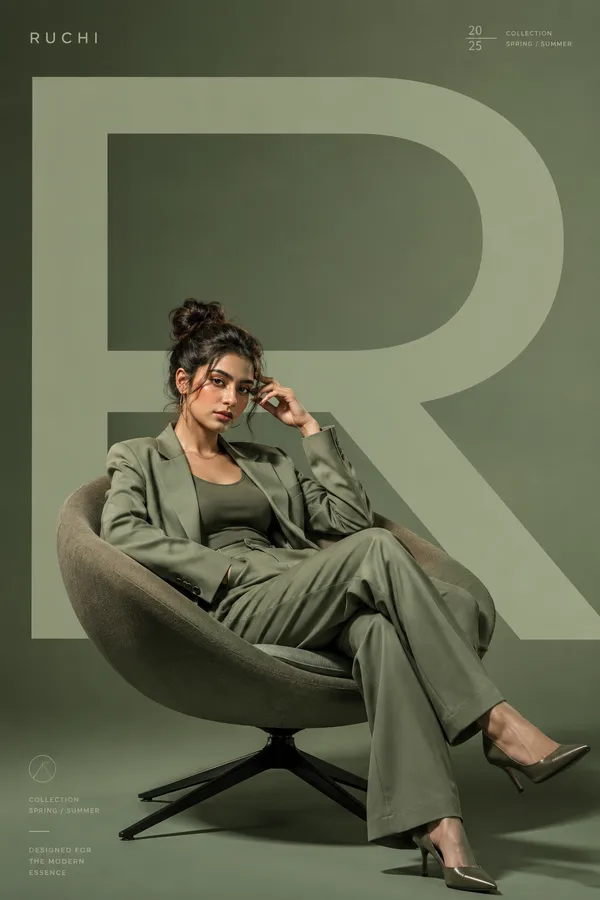
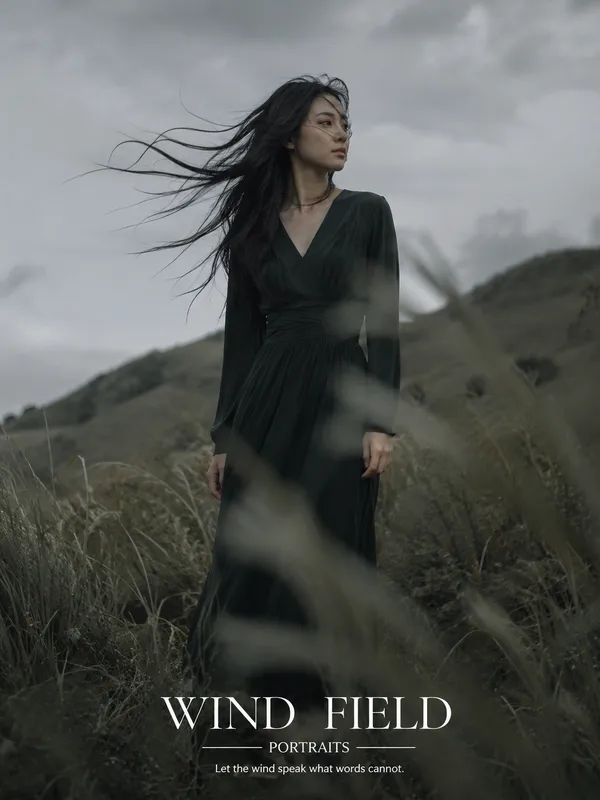
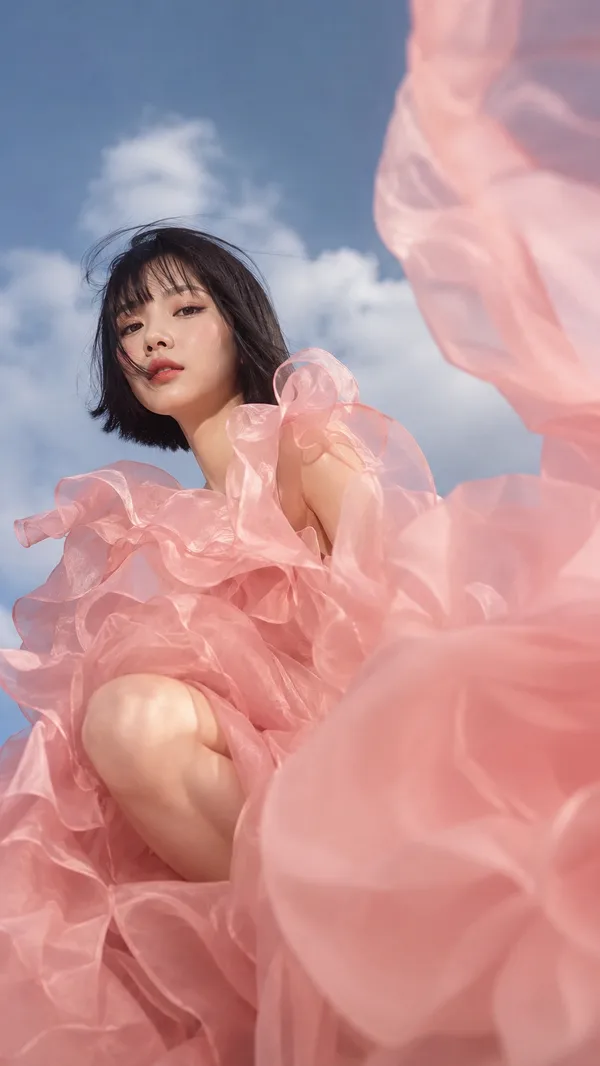
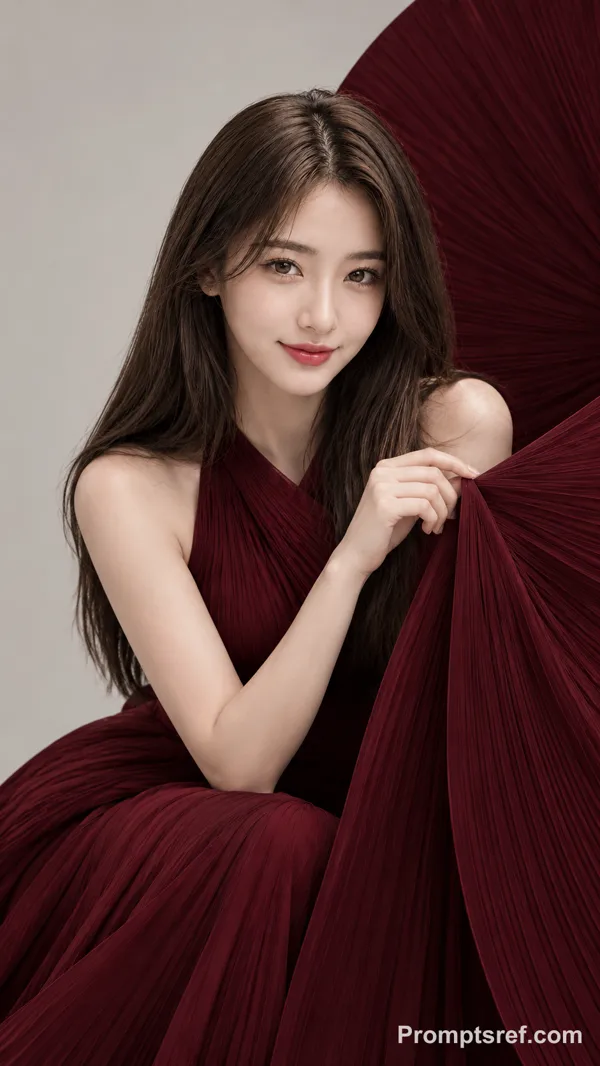
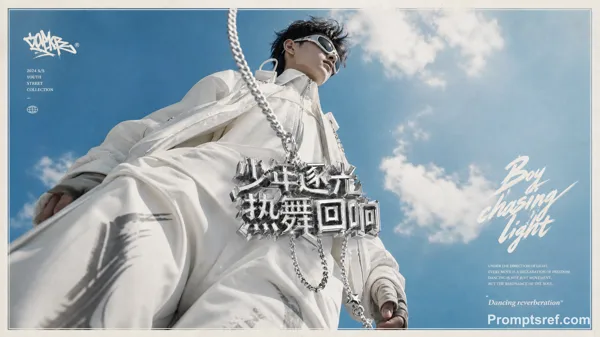
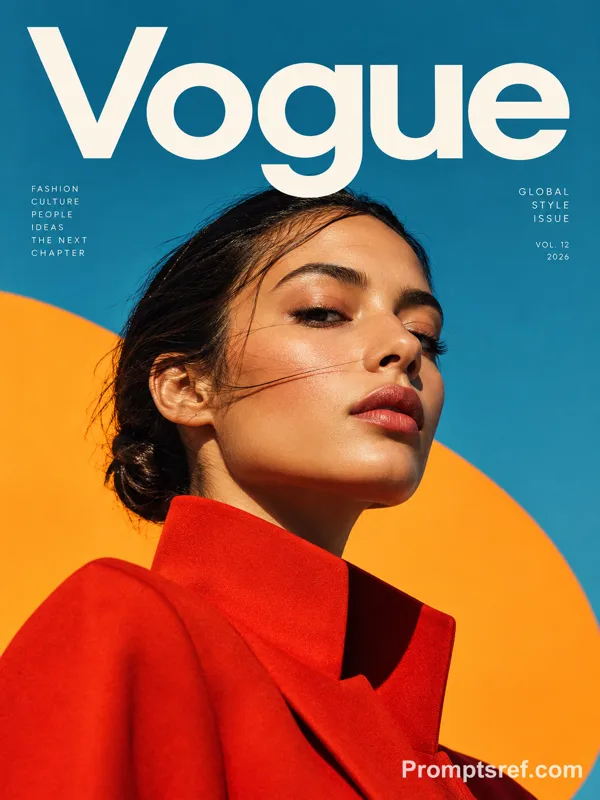
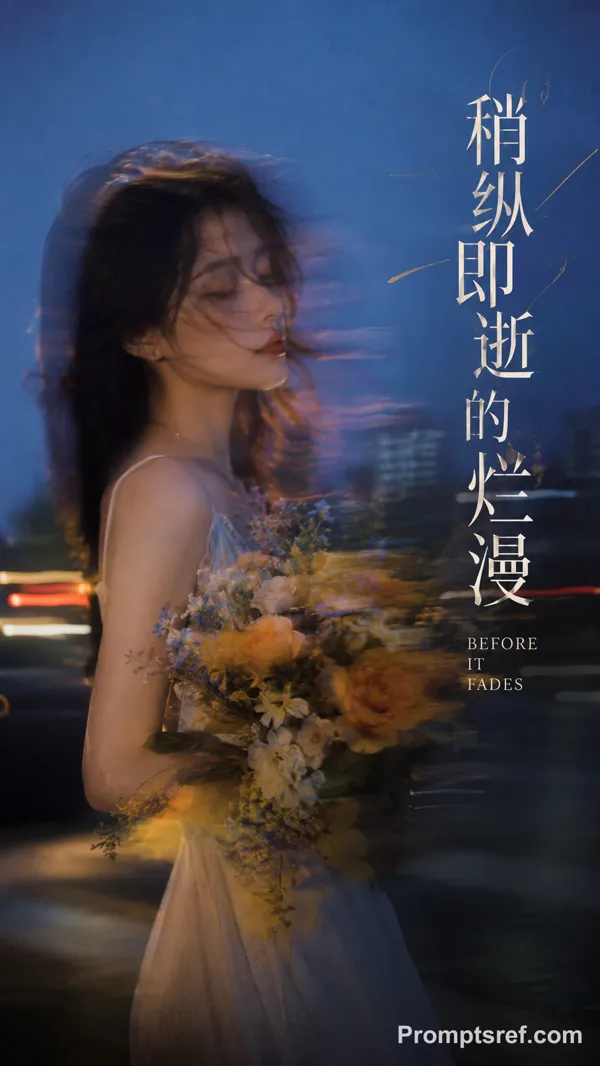
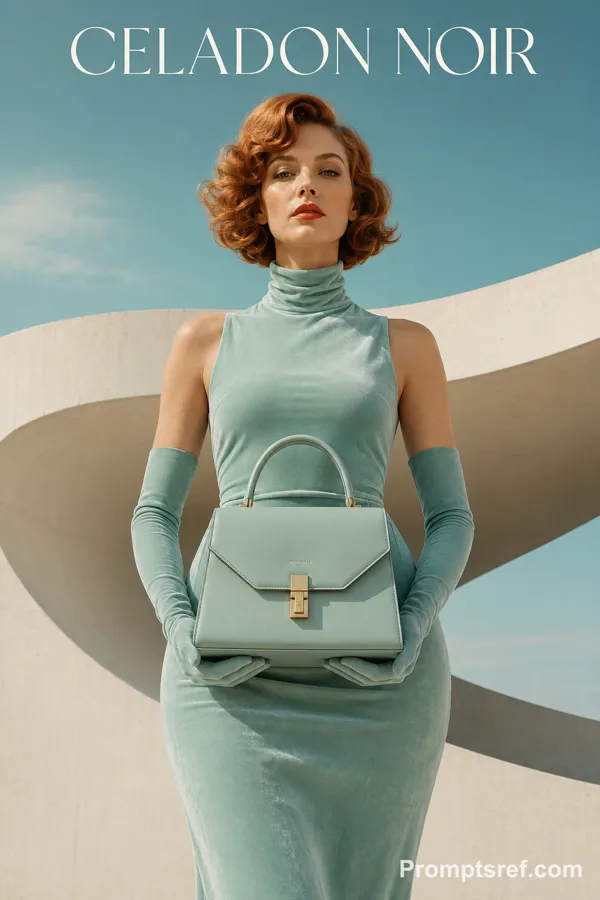
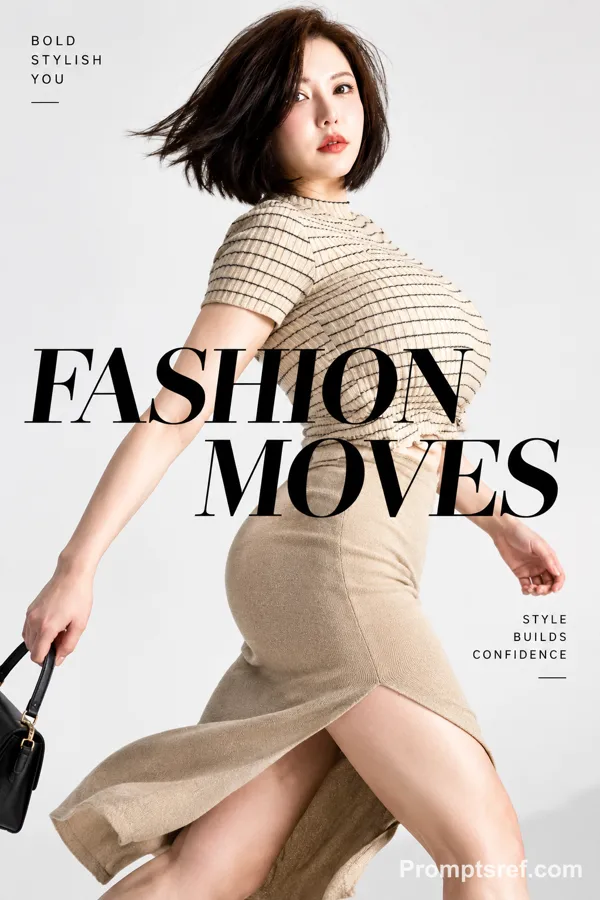
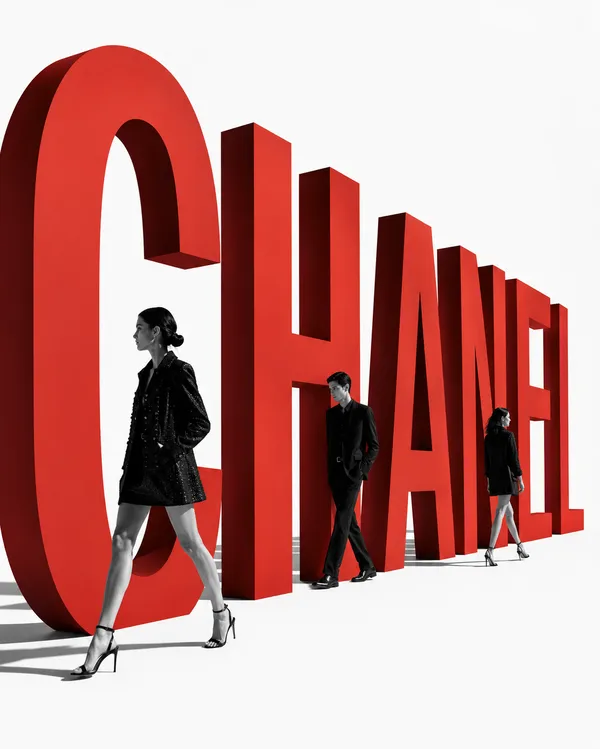
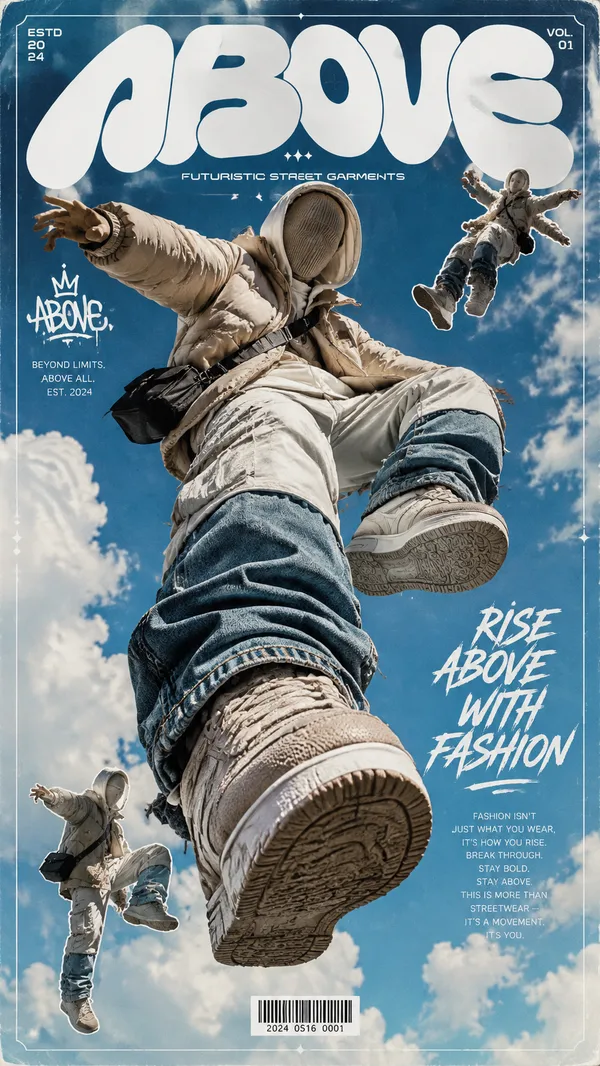
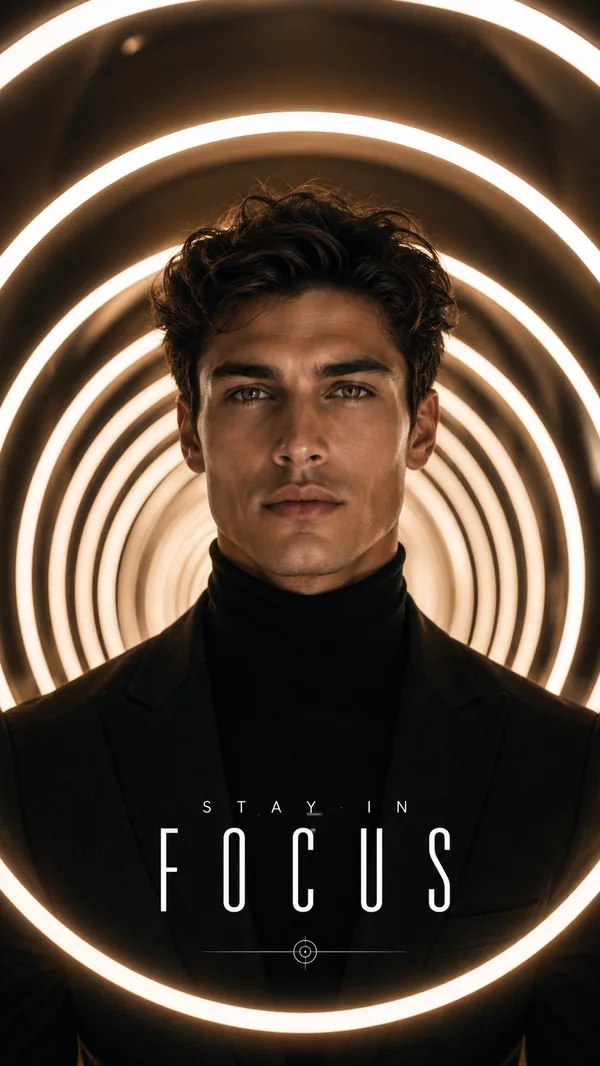
Create a high-fashion editorial poster where oversized typography becomes part of the physical composition, not just text placed behind the model.
Make the figure and type share the same space through clear front/back occlusion: let parts of the letter sit behind the body, other parts cross in front, and let the figure or fabric break through the type.
Use one dominant letter or word occupying roughly 50–75% of the frame. Keep the model realistic, with natural skin texture, refined couture styling, strong silhouette, and expressive fabric movement.
Keep the palette restrained to 2–4 main colors. Add only a few small editorial text elements for hierarchy and atmosphere.
The key is: type should act as space — a portal, layer, frame, or motion structure — rather than a background graphic.
Minimal layout, strong negative space, premium fashion photography, realistic fabric and lighting, no logos, no numbering, no decorative sparkles.
Remixe
RemixNoch keine Remixe. Erstelle die erste Version.
Diesen Bild-Prompt verwenden
- 01
Mit dem Prompt starten
Kopiere den Prompt oder öffne ihn über die Schaltfläche zum Generieren.
- 02
Eigene Änderungen vornehmen
Passe Motiv, Umgebung oder Details an. Füge bei Bedarf Referenzen hinzu.
- 03
Vor dem Generieren prüfen
Prüfe Modell und Ausgabeeinstellungen. Die Ergebnisse können variieren.