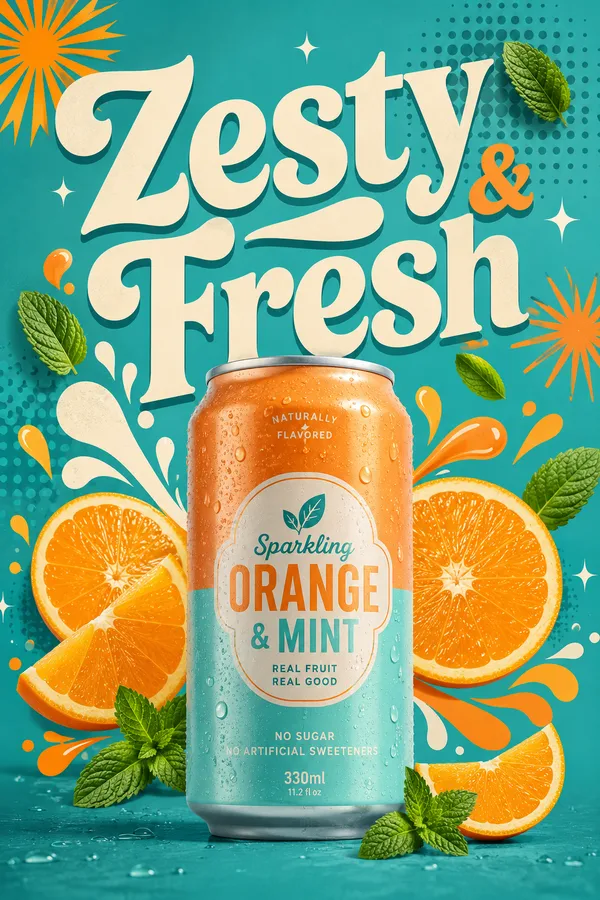
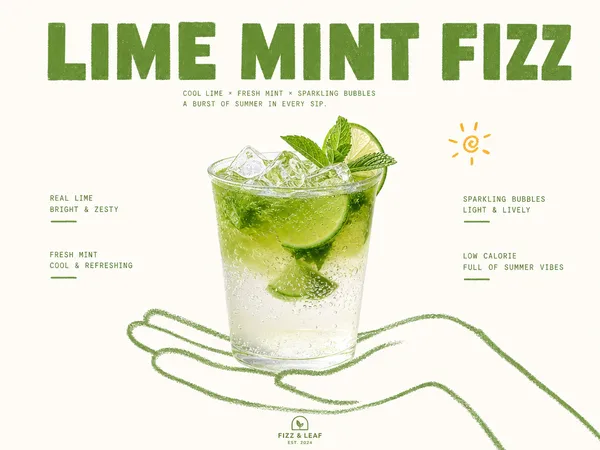
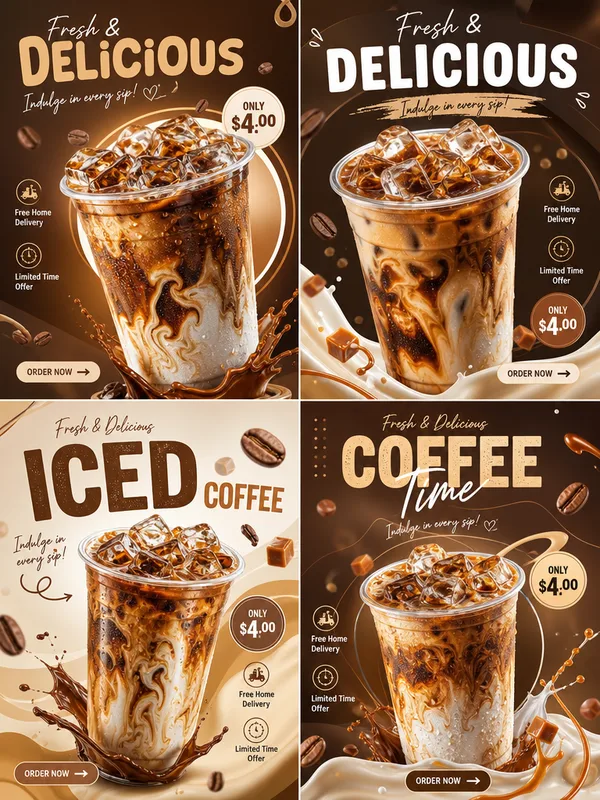
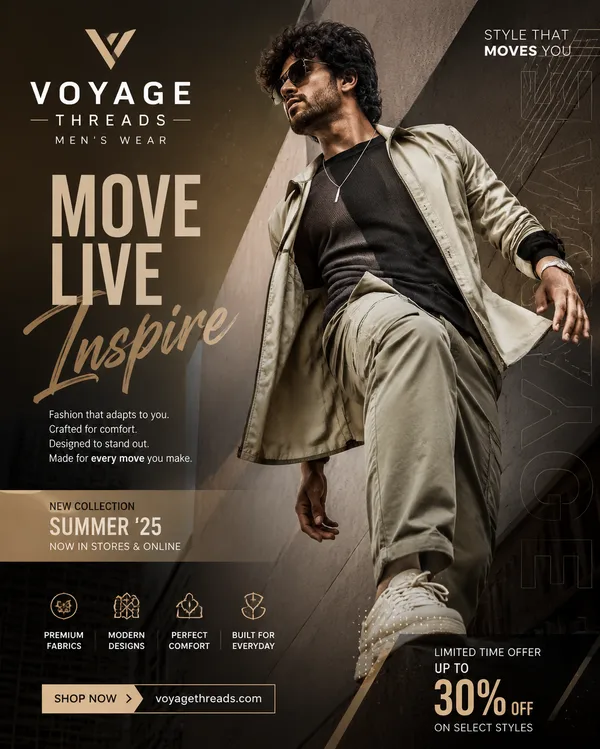
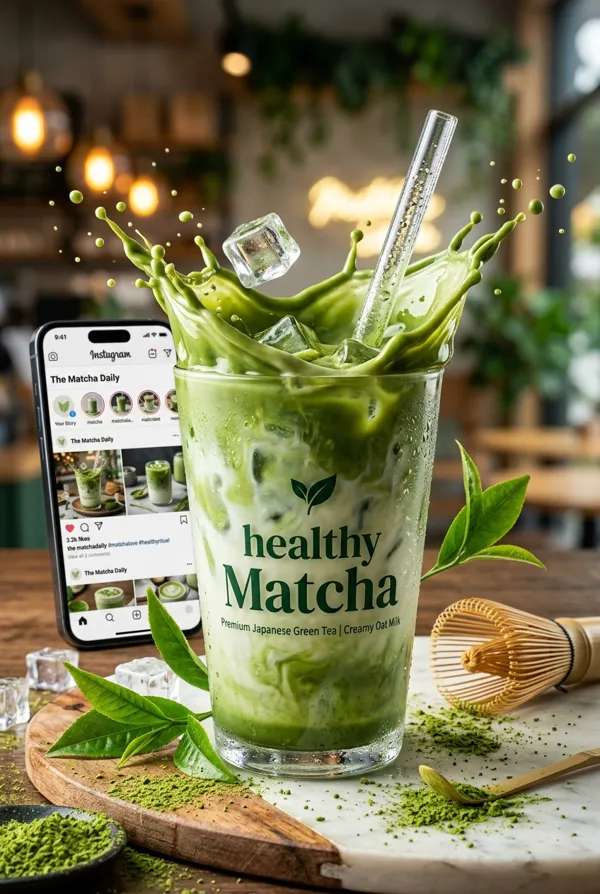
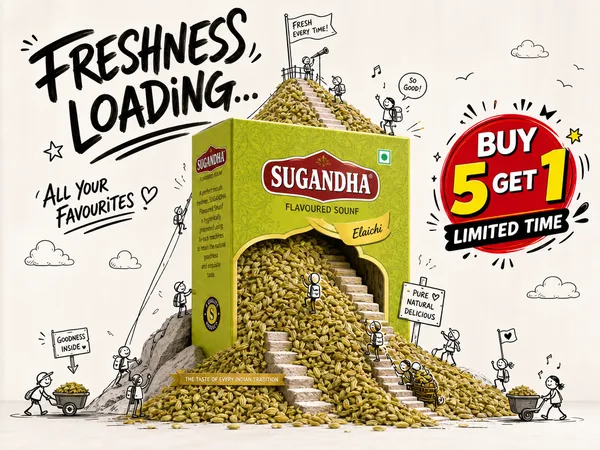
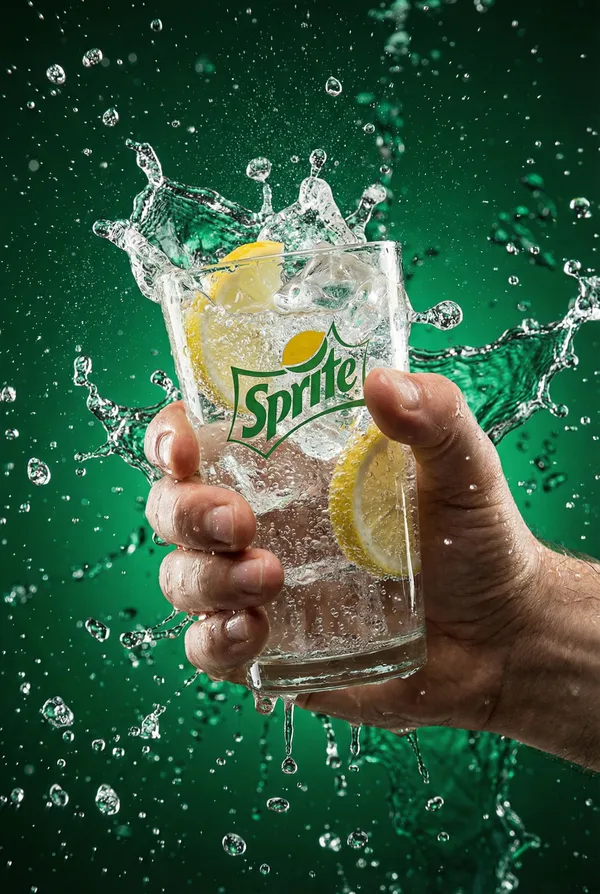
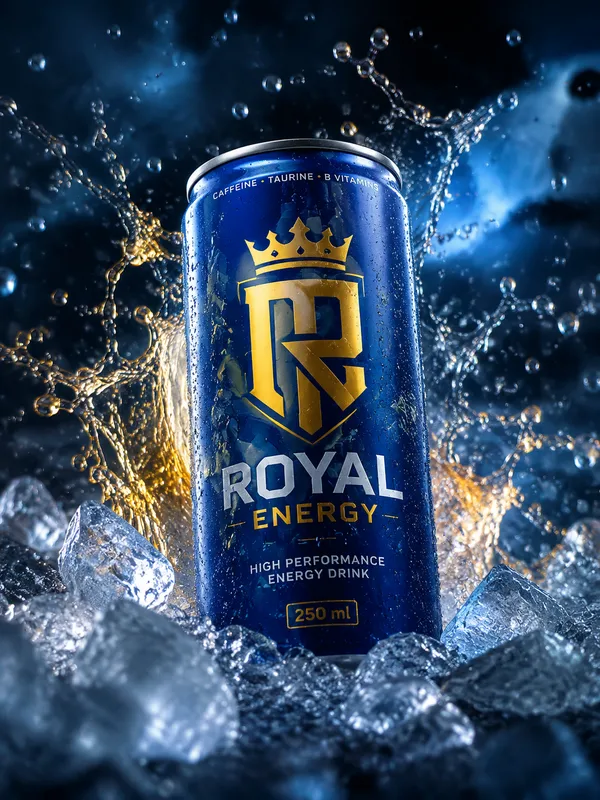
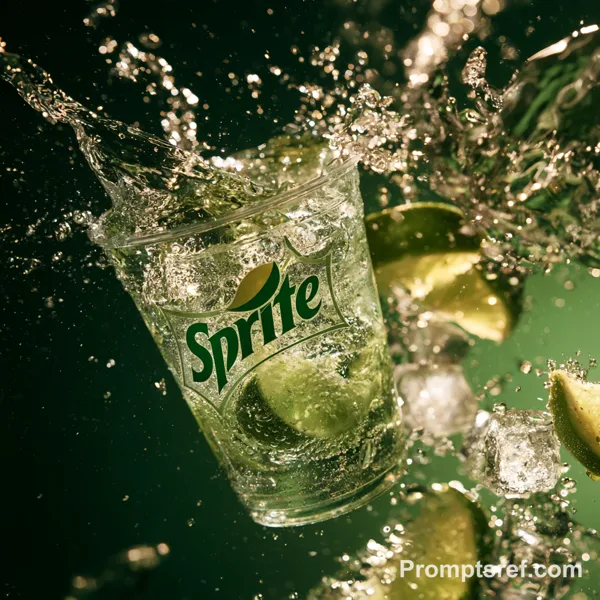
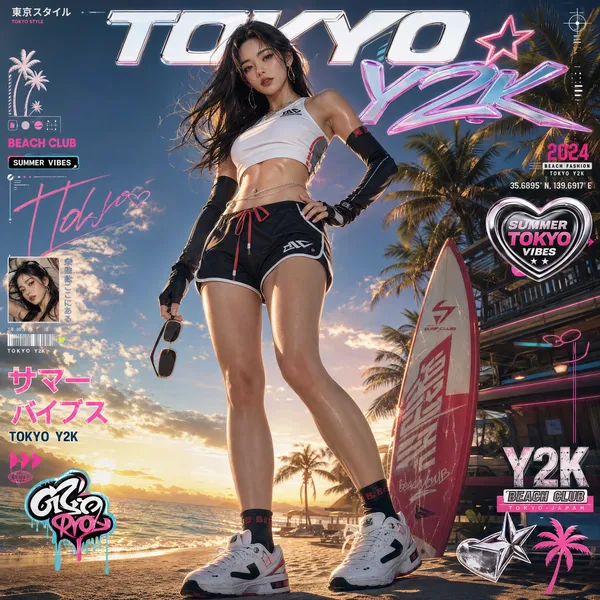
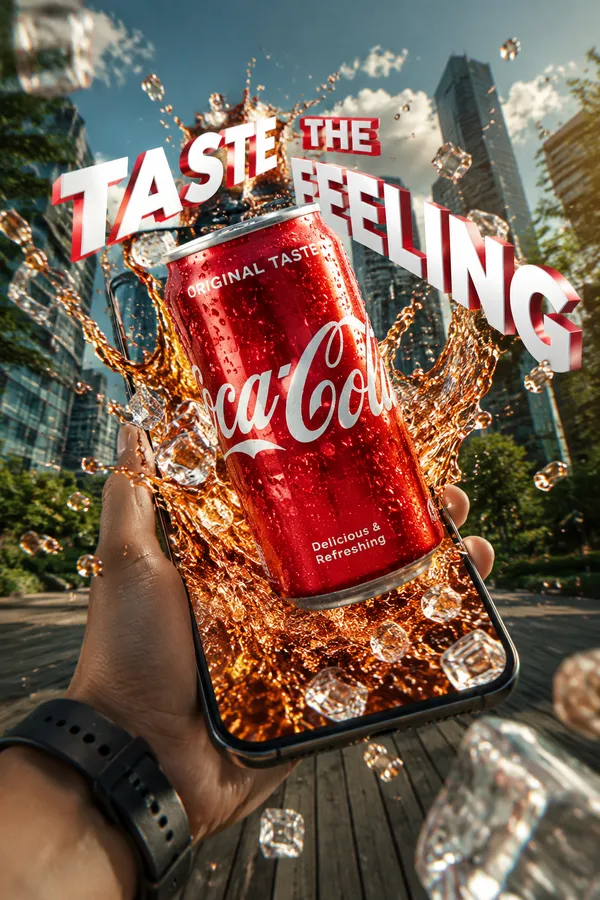
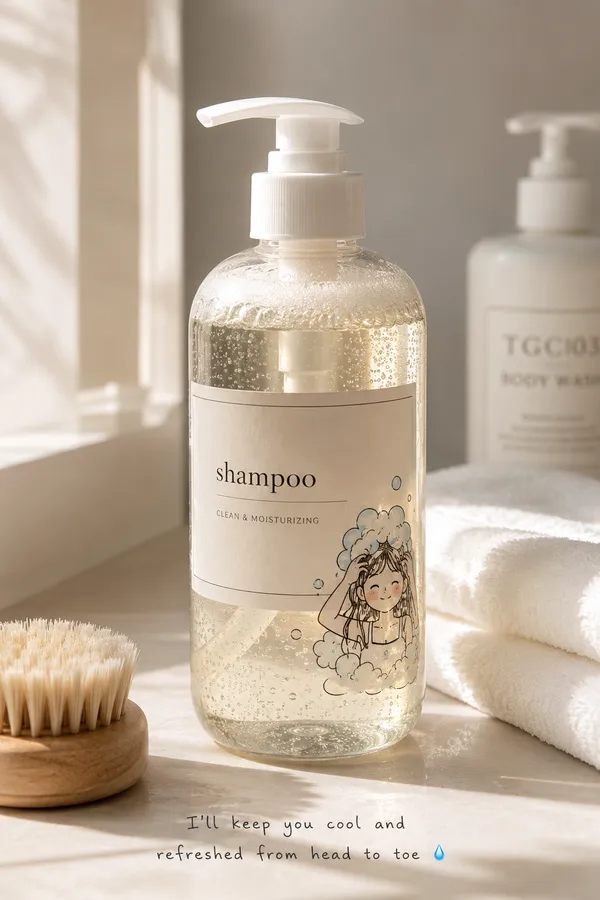
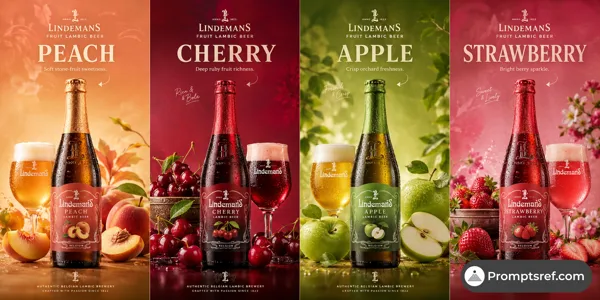
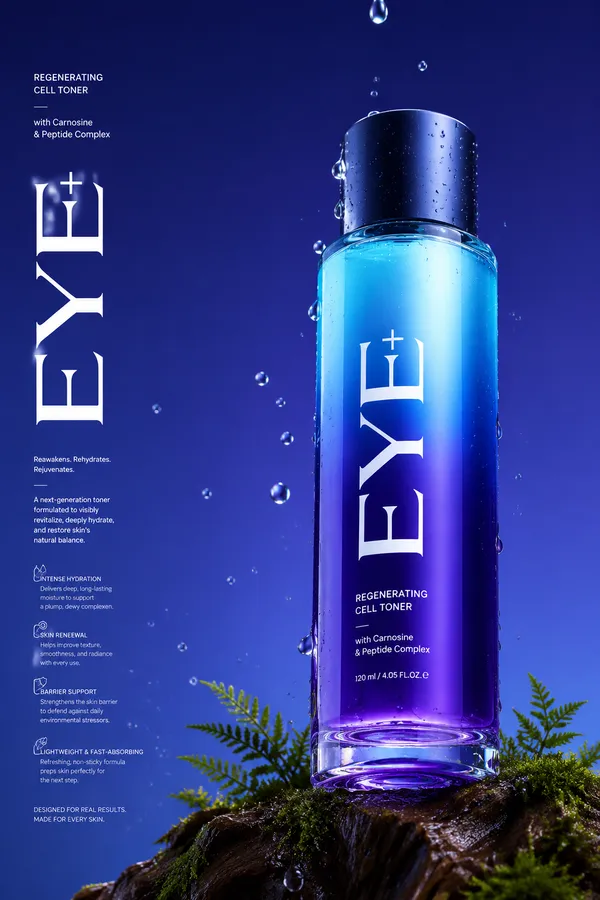
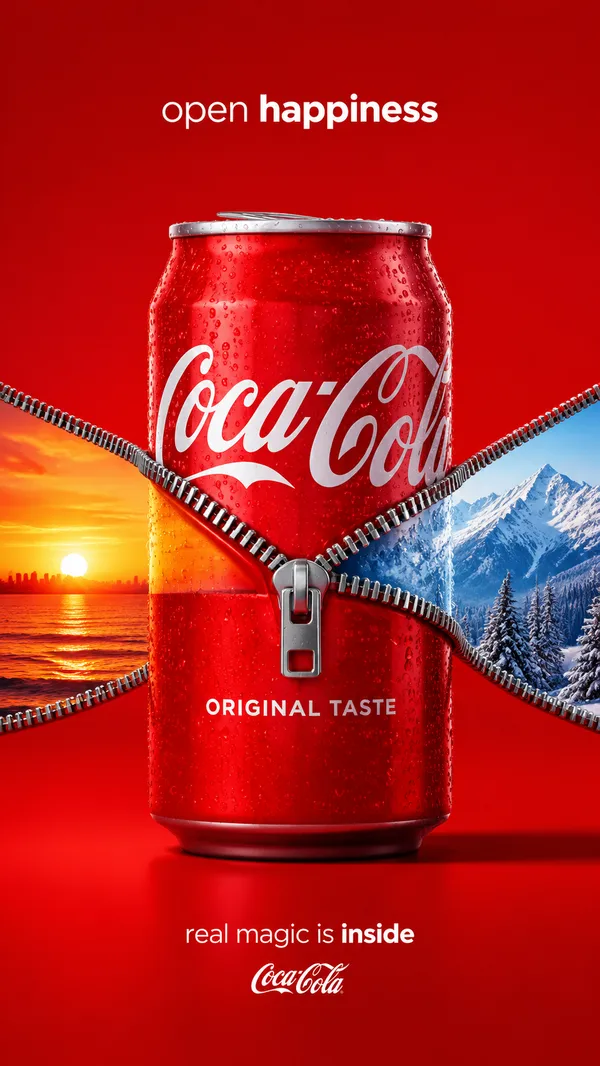
GPT Image 2.0 Prompt - Vorlage für ein tropisches Produktwerbeplakat

- Modell
- GPT Image 2.0
- Seitenverhältnis
- 3:4
- Qualität
- 1k
Prompt
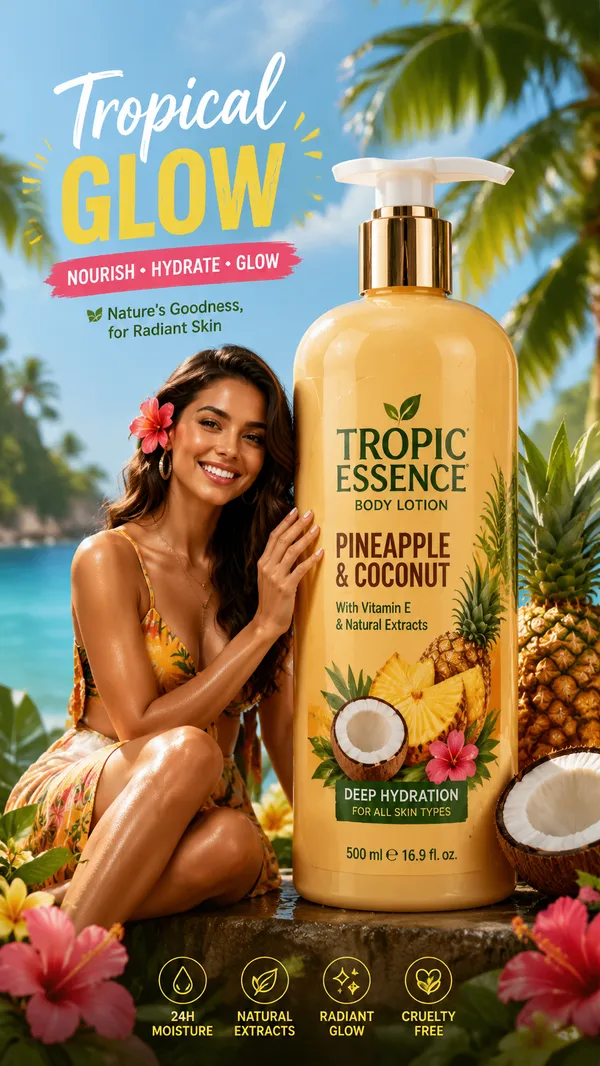
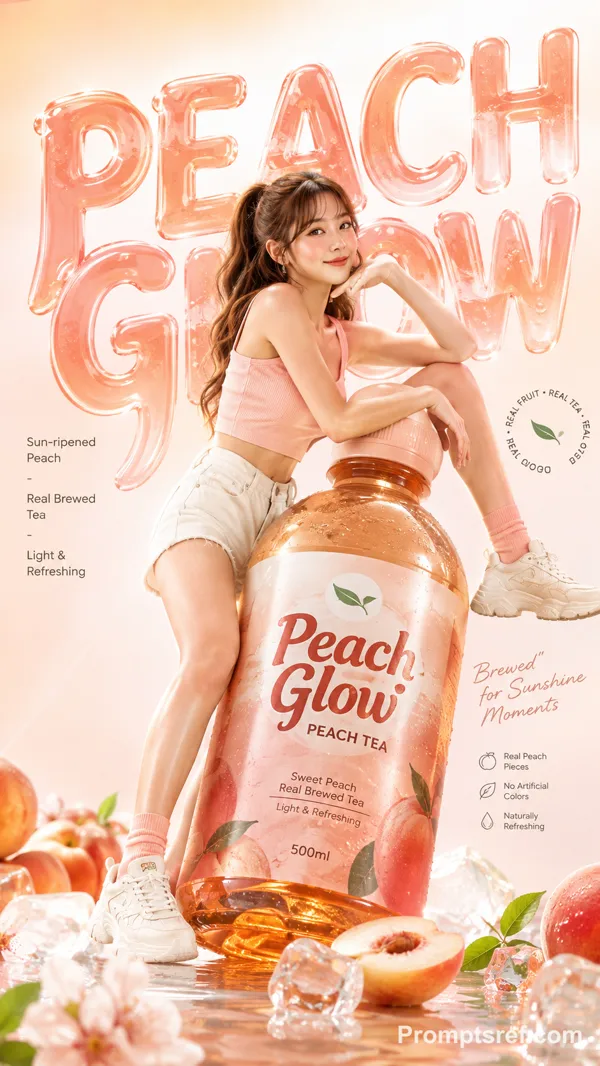
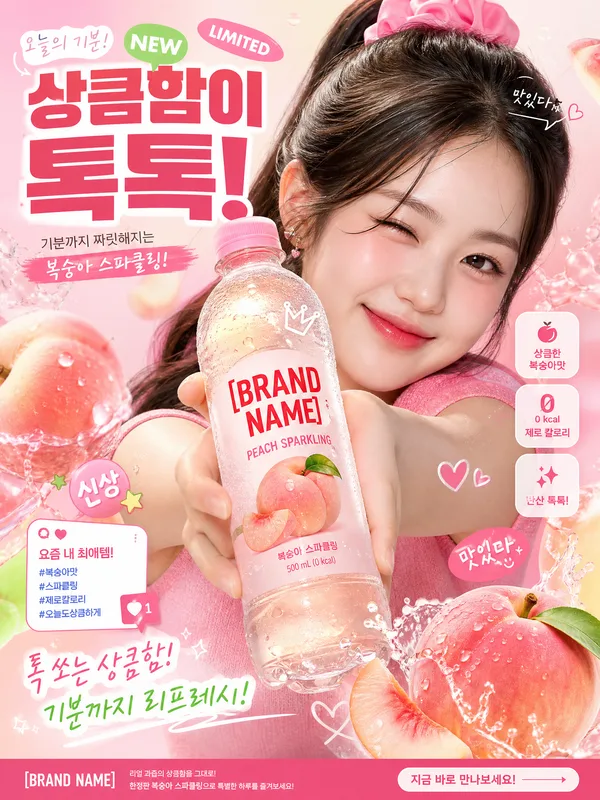
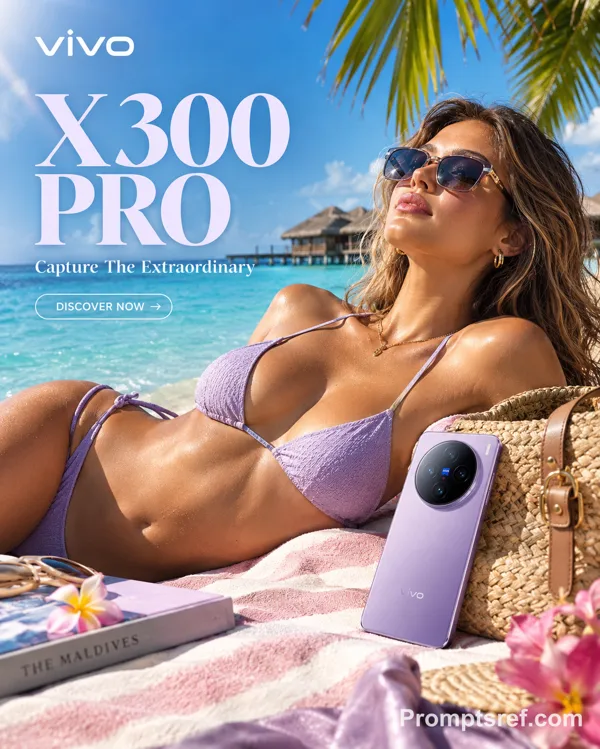
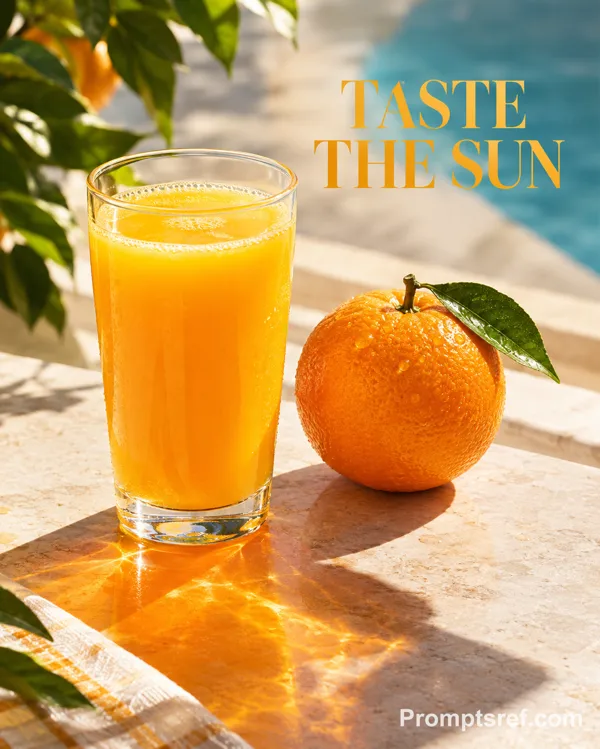
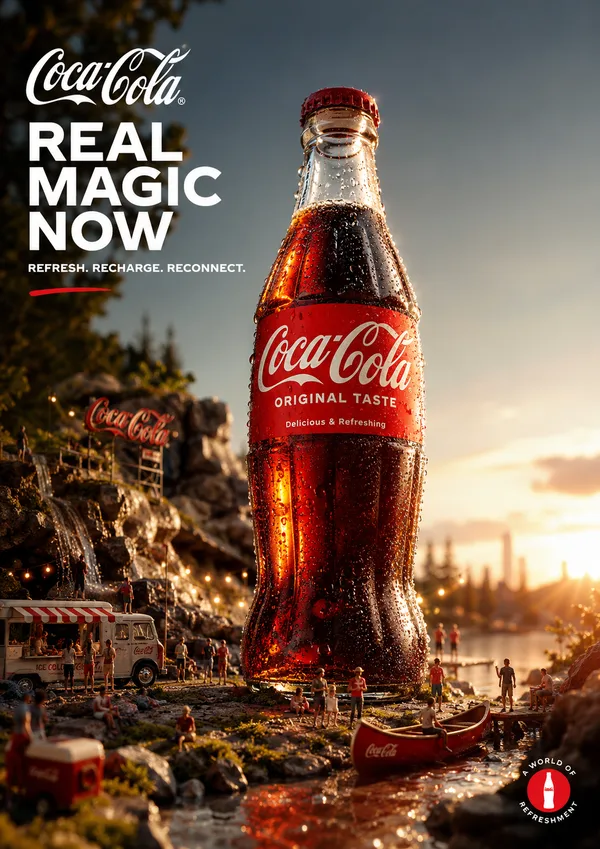
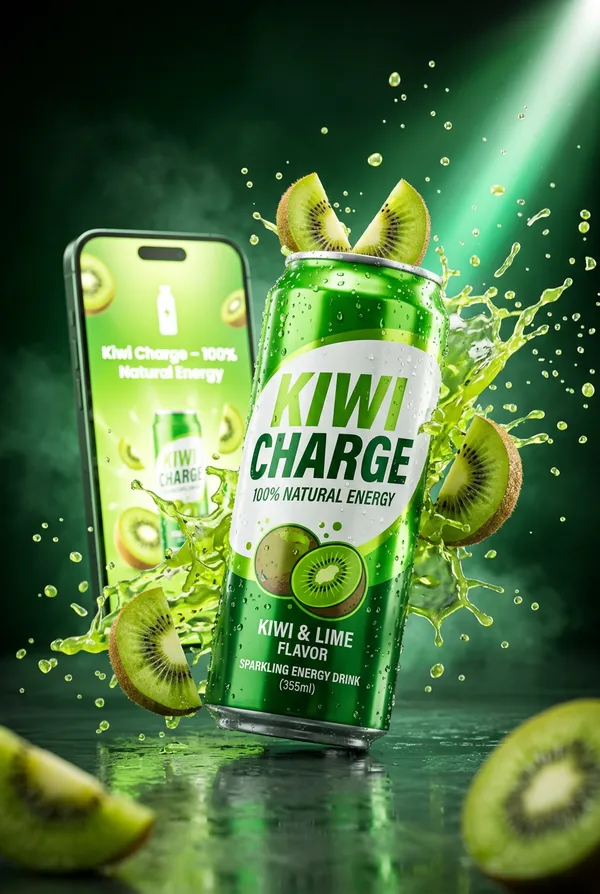
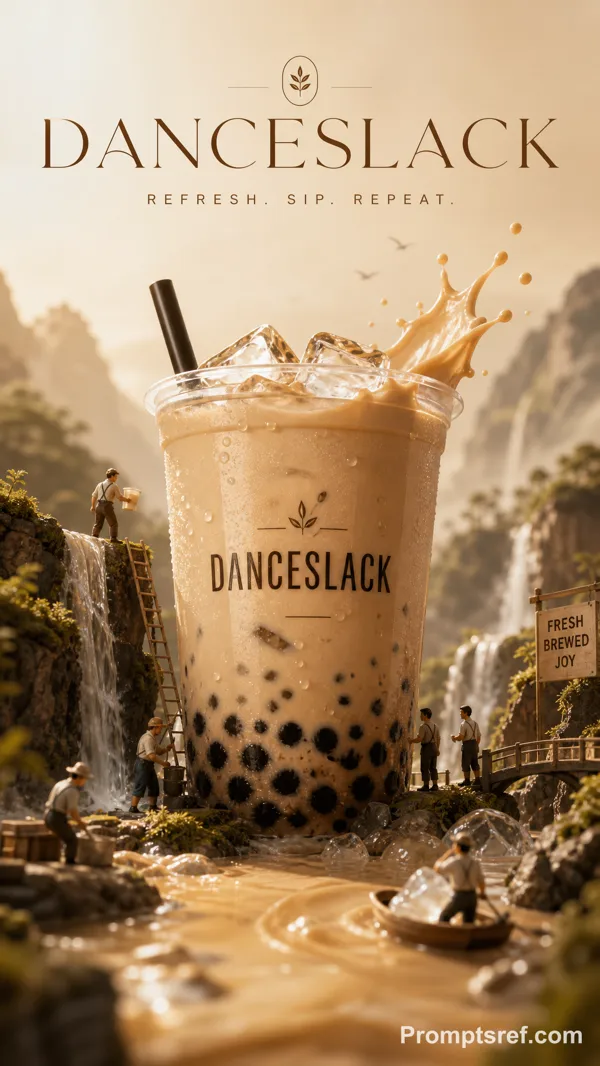
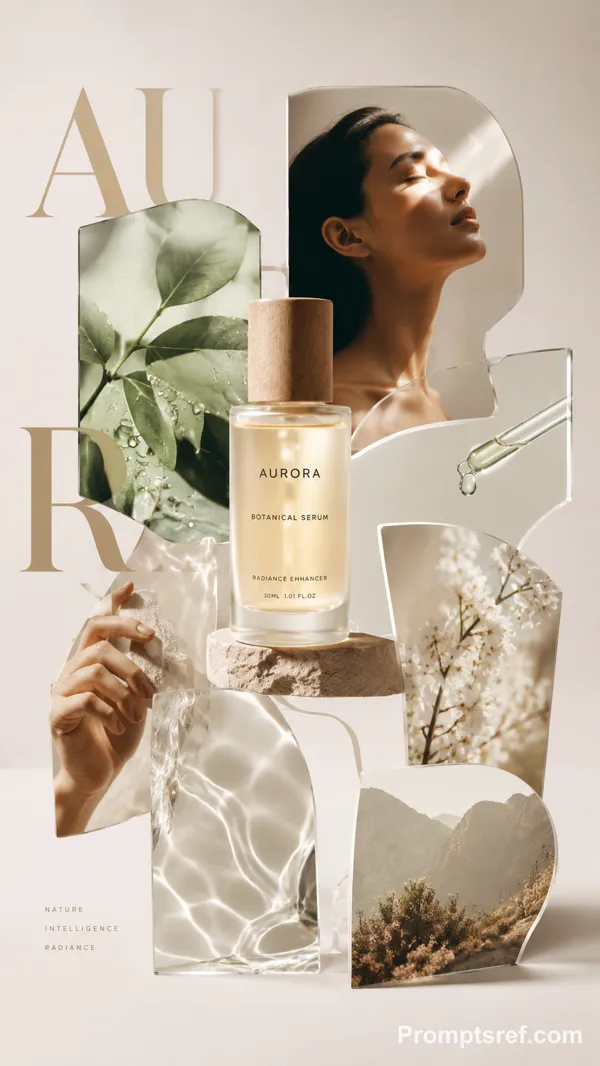
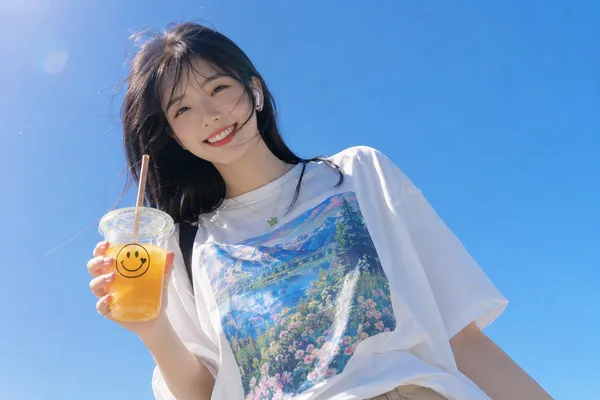
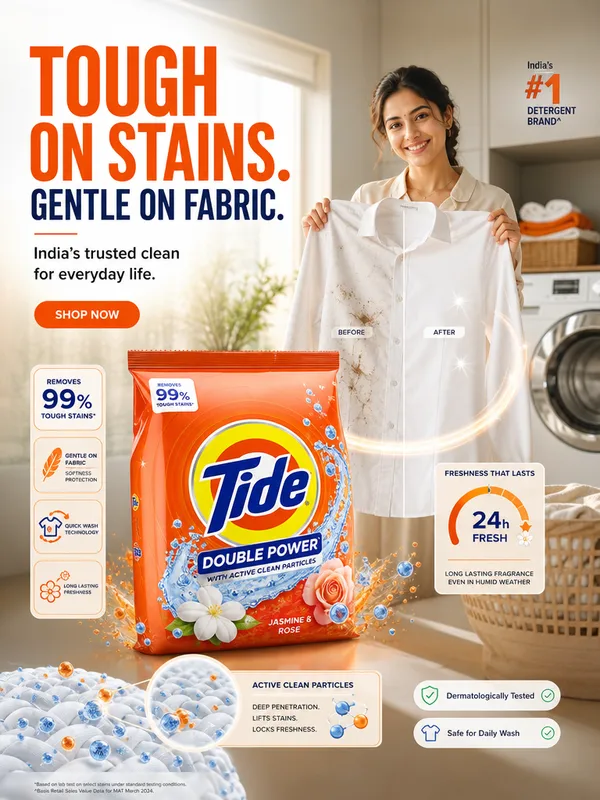
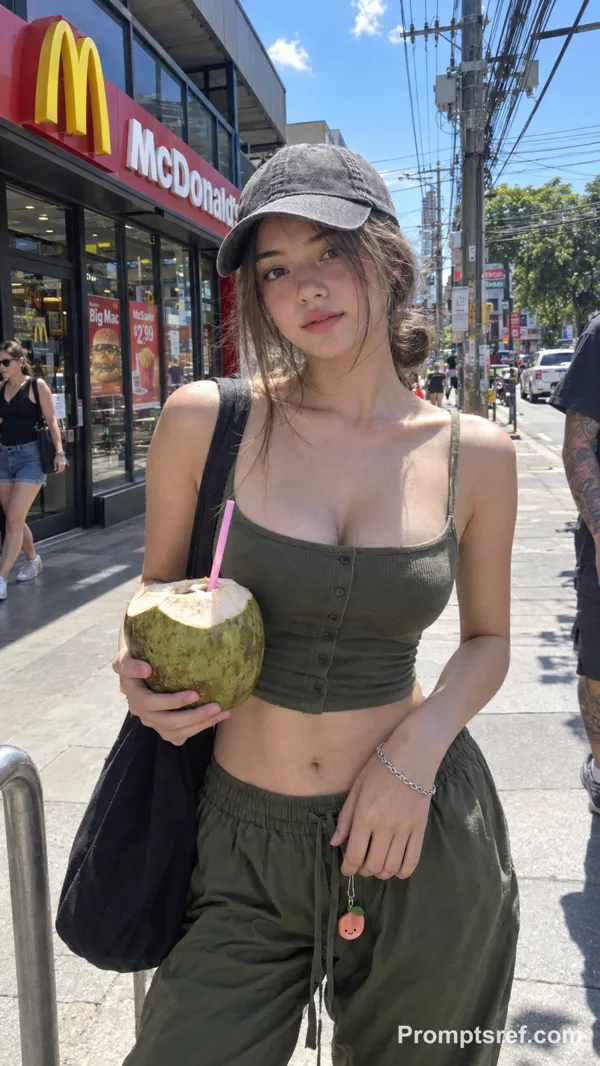
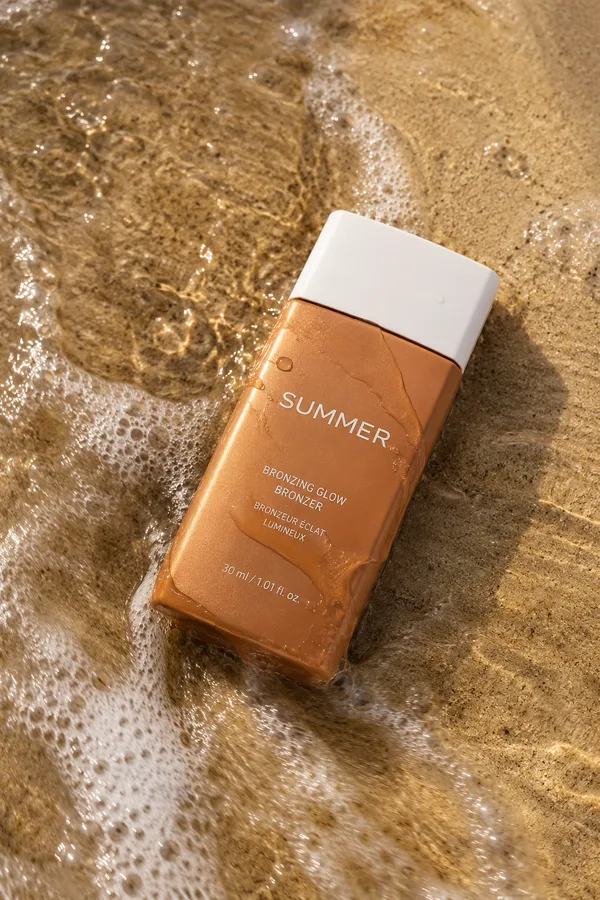
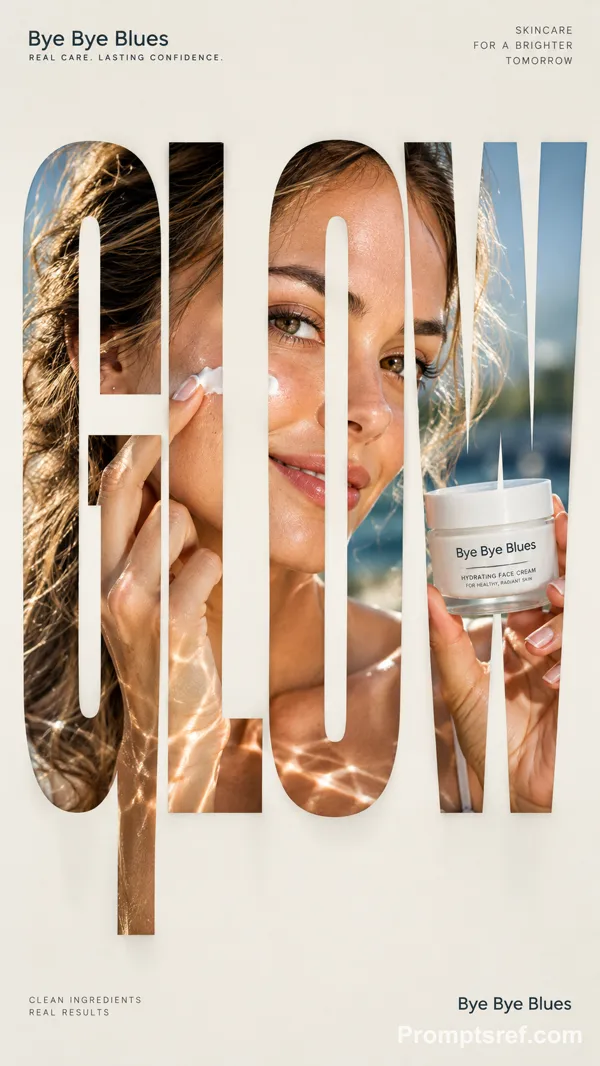
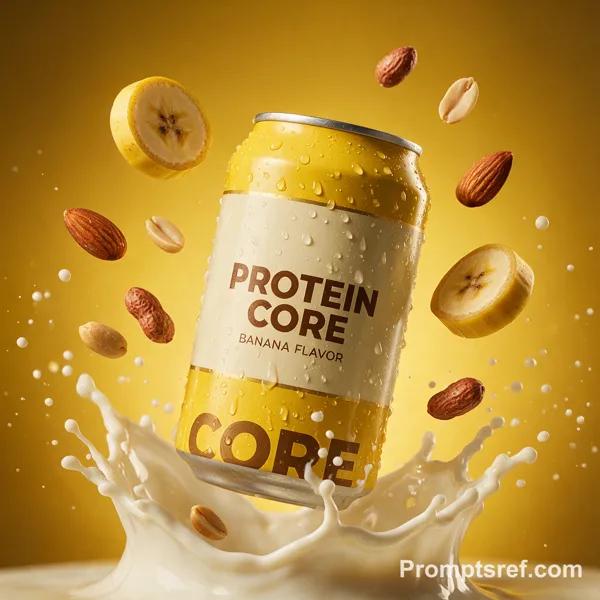
Create a creative commercial advertising poster for [PRODUCT NAME], a [PRODUCT TYPE], inspired by vibrant tropical product campaigns. Place the product as a large hero object on the center-right with realistic glossy reflections, sharp label details, and premium lighting. Add a stylish model sitting beside or slightly in front of the product, naturally interacting with it by [MODEL ACTION]. The model should look [MOOD], wearing [OUTFIT STYLE], and should not cover the product label.
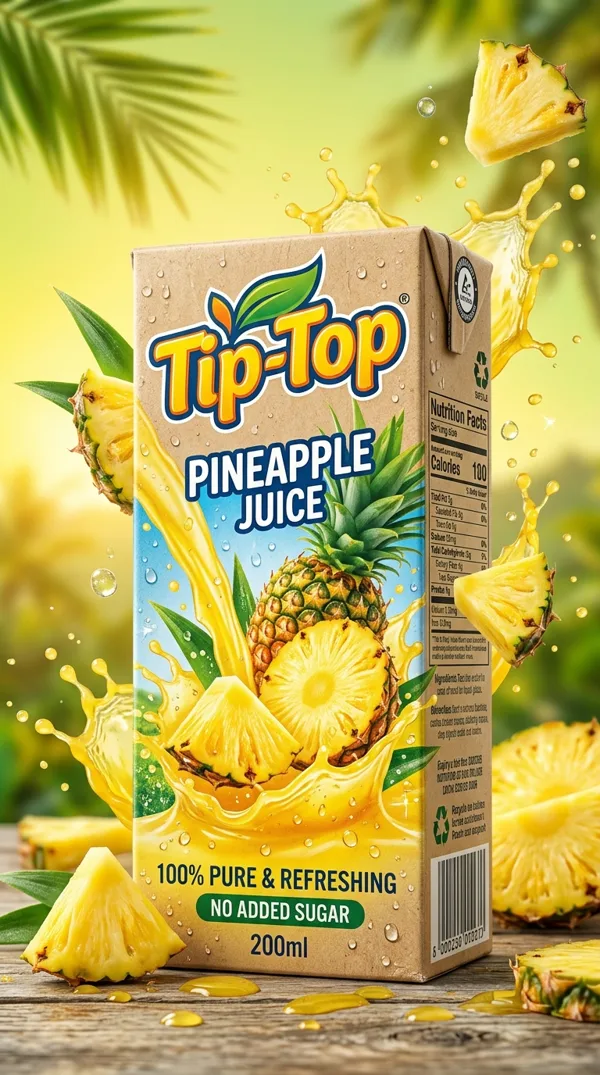
Use a bold [COLOR PALETTE] background with a clean studio floor/table surface. Add product-related elements such as [SUPPORTING ELEMENTS] around the product to enhance freshness and brand identity. Include a subtle framed artwork on the upper-right wall featuring [THEME ILLUSTRATION].
Place the brand logo placeholder in the top-left. Add a large headline on the left: “[MAIN HEADLINE]” with elegant modern typography. Add a circular offer badge on the right saying “[OFFER TEXT]”. At the bottom, include a phone number placeholder, website placeholder, social icons, and a rounded CTA button saying “[CTA TEXT]”.
Make the design premium, creative, realistic, product-focused, social-media ready, clean, vibrant, cinematic, high-resolution, professionally composed, with strong depth, soft shadows, controlled highlights, and polished advertising aesthetics.
Remixe
RemixNoch keine Remixe. Erstelle die erste Version.
Diesen Bild-Prompt verwenden
- 01
Mit dem Prompt starten
Kopiere den Prompt oder öffne ihn über die Schaltfläche zum Generieren.
- 02
Eigene Änderungen vornehmen
Passe Motiv, Umgebung oder Details an. Füge bei Bedarf Referenzen hinzu.
- 03
Vor dem Generieren prüfen
Prüfe Modell und Ausgabeeinstellungen. Die Ergebnisse können variieren.