GPT Image 2.0 Prompt - Tifas Tokyo-Y2K-Strandkampagne

- Modell
- GPT Image 2.0
- Seitenverhältnis
- 1:1
- Qualität
- 2K
Prompt
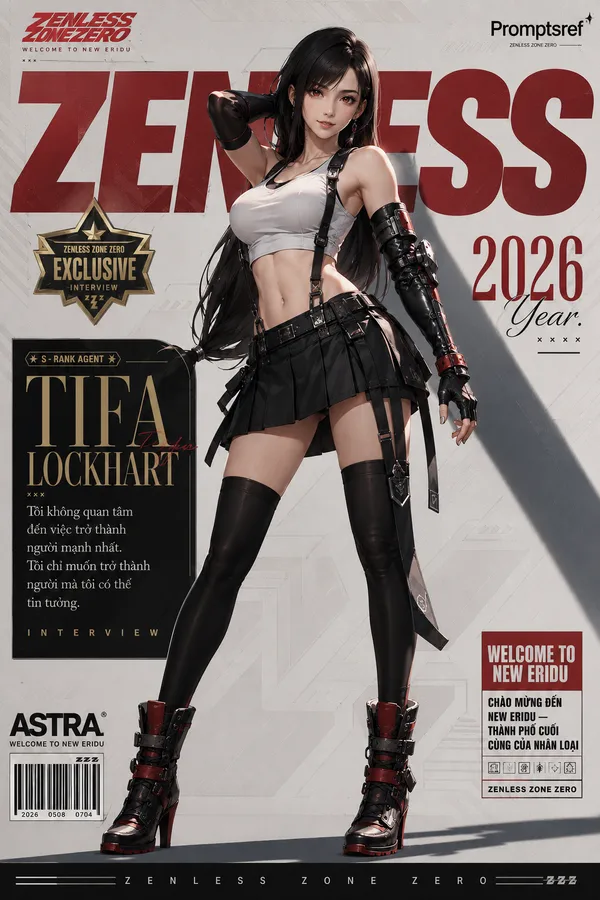
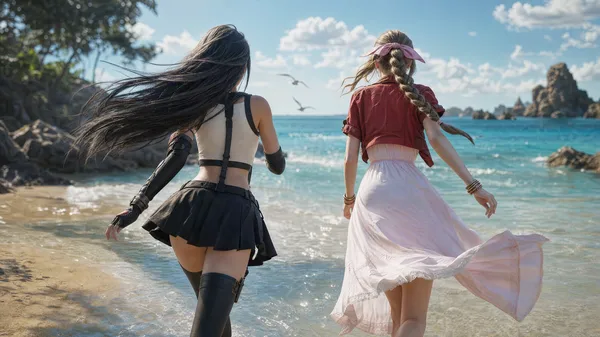
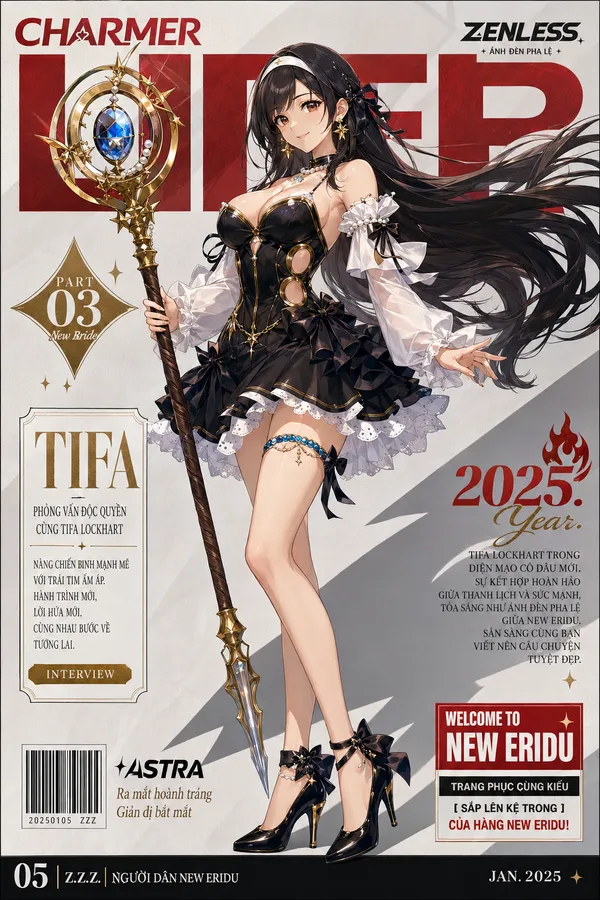
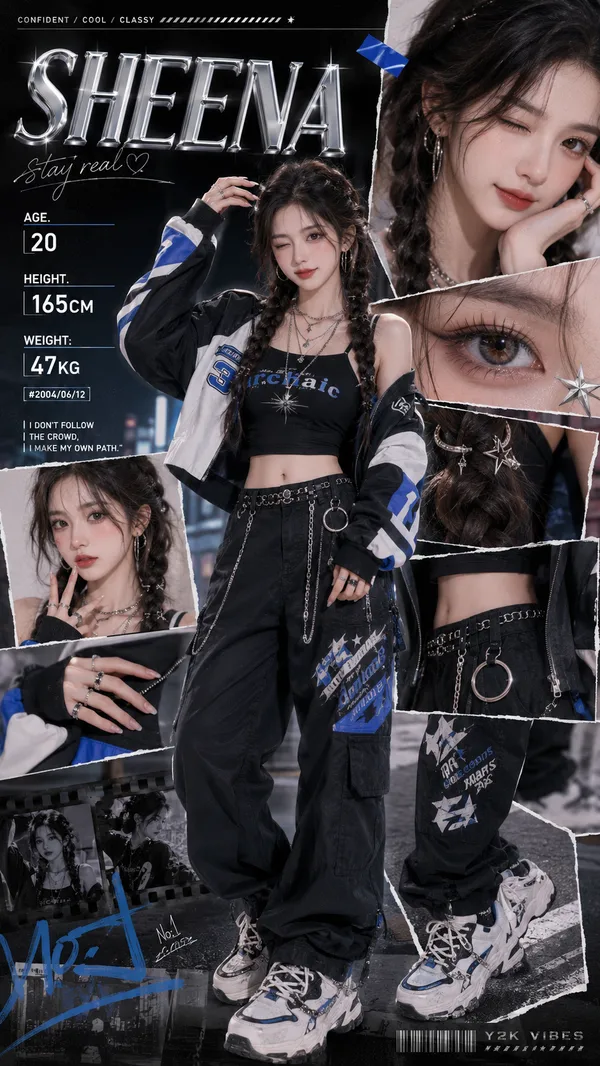
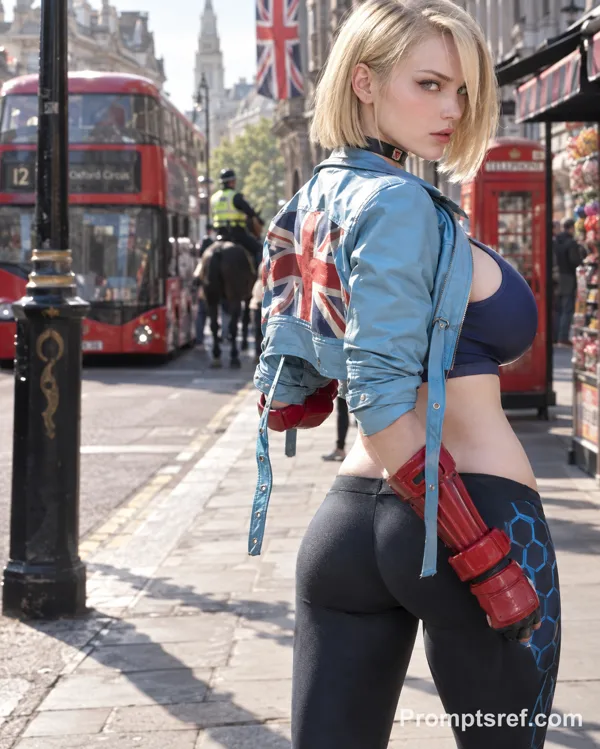
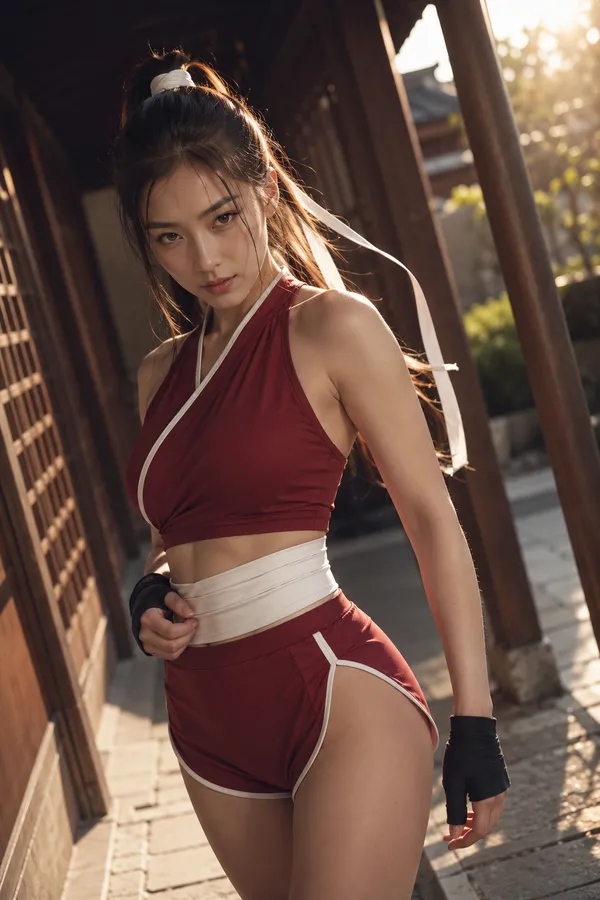
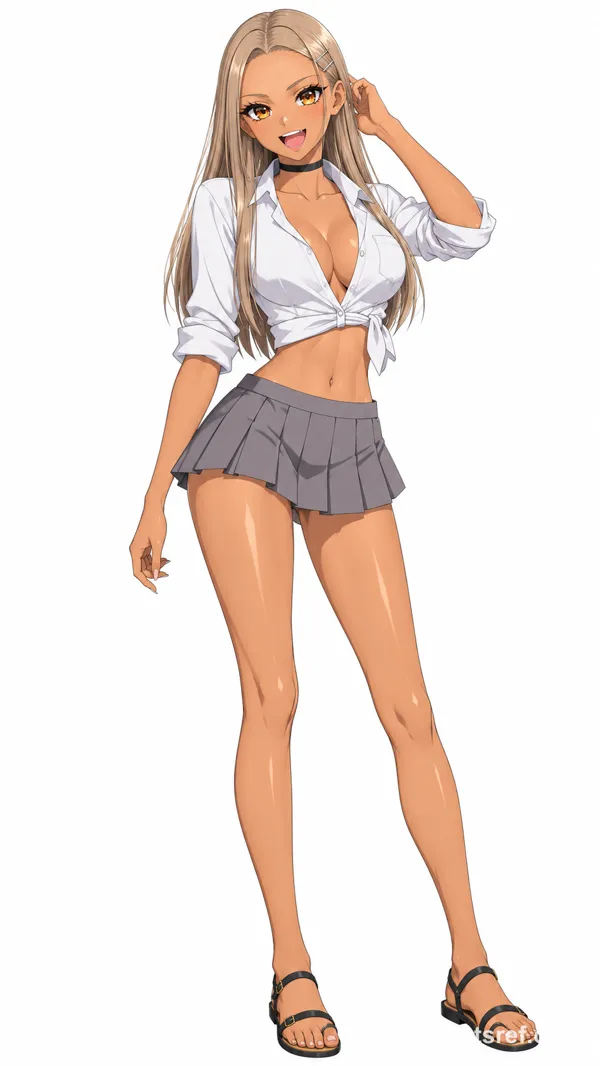
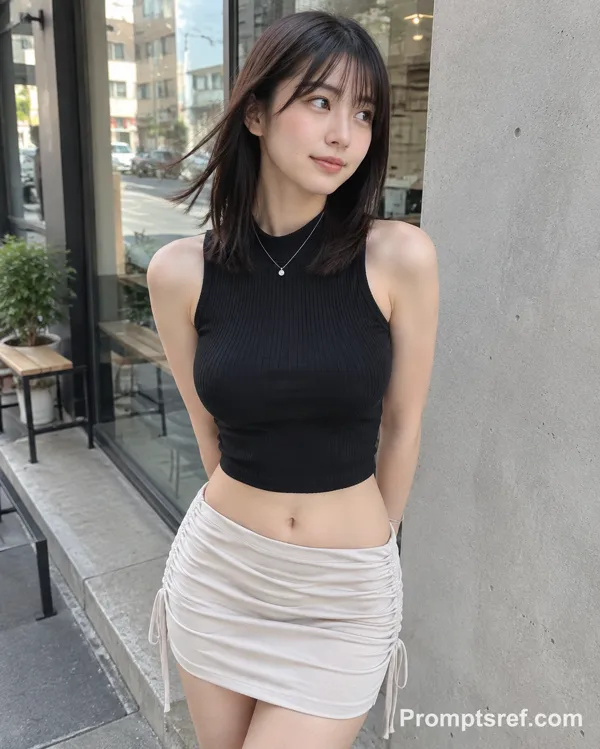
Create a vertical 9:16 premium Tokyo Y2K beach campaign poster featuring Tifa Lockhart from Final Fantasy VII as an adult reimagined character.
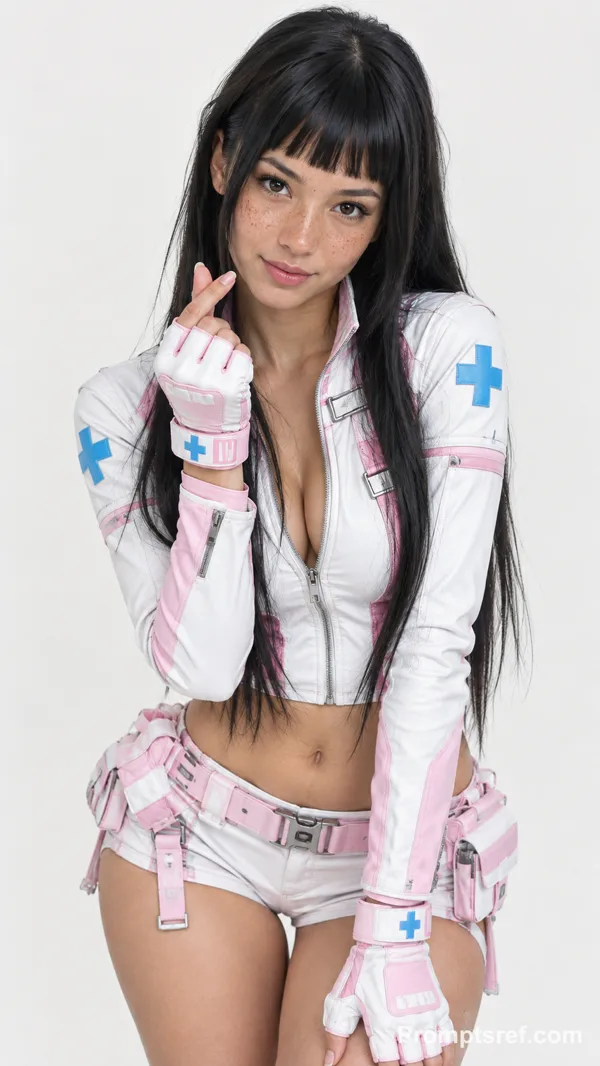
The central character is a beautiful 25-year-old Japanese-Korean woman with long silky black hair, soft windblown strands, beautiful brown eyes, an elegant mature face, soft glossy lips, and a fit athletic curvy body. She has a confident, slightly seductive summer expression and looks directly at the viewer.
She is standing on a tropical beach at sunset in a stylish fashion-poster pose. Use a low-angle editorial composition, with her occupying most of the frame. One hand rests near her hip, while the other holds stylish sunglasses or a surfboard strap. A surfboard is placed nearby as a beach campaign prop.
Her outfit is a modern Tifa-inspired luxury summer look: a white fitted crop top, black low-rise bikini bottoms or ultra-short beach shorts, black arm sleeves, fingerless gloves, subtle red accents, a delicate waist chain, and premium glossy swimwear fabric. The outfit should feel sporty, sexy, fashionable, and tasteful.
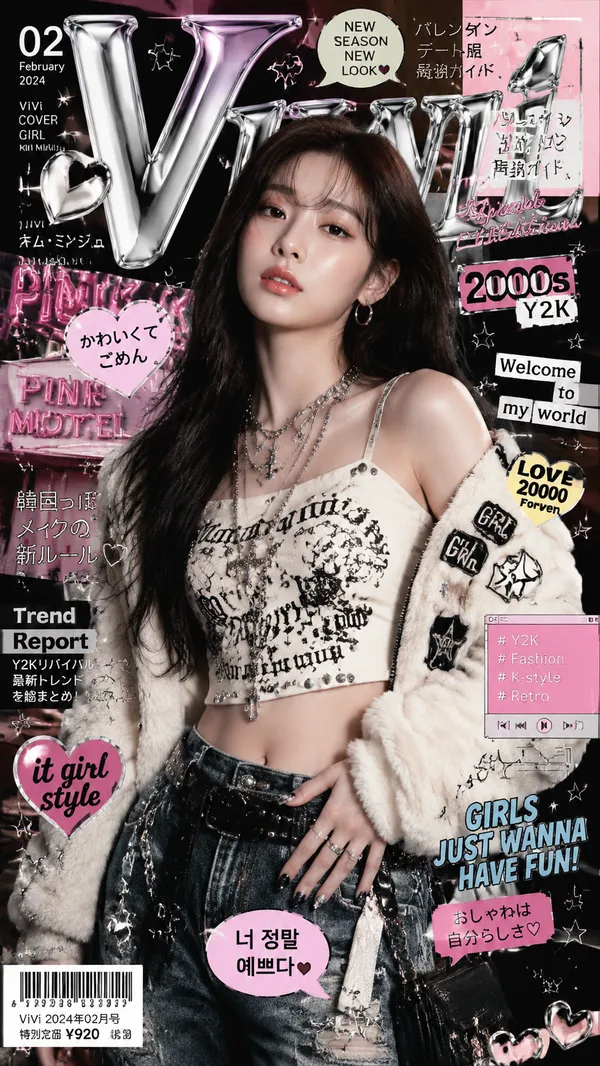
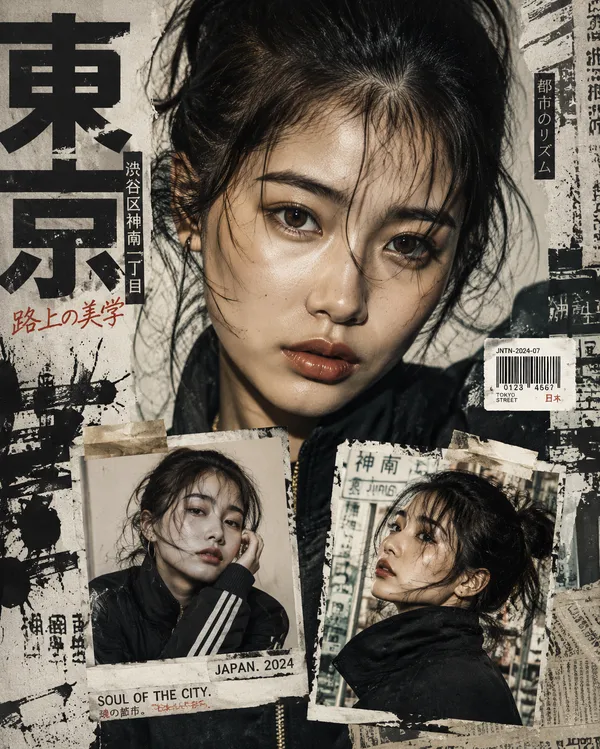
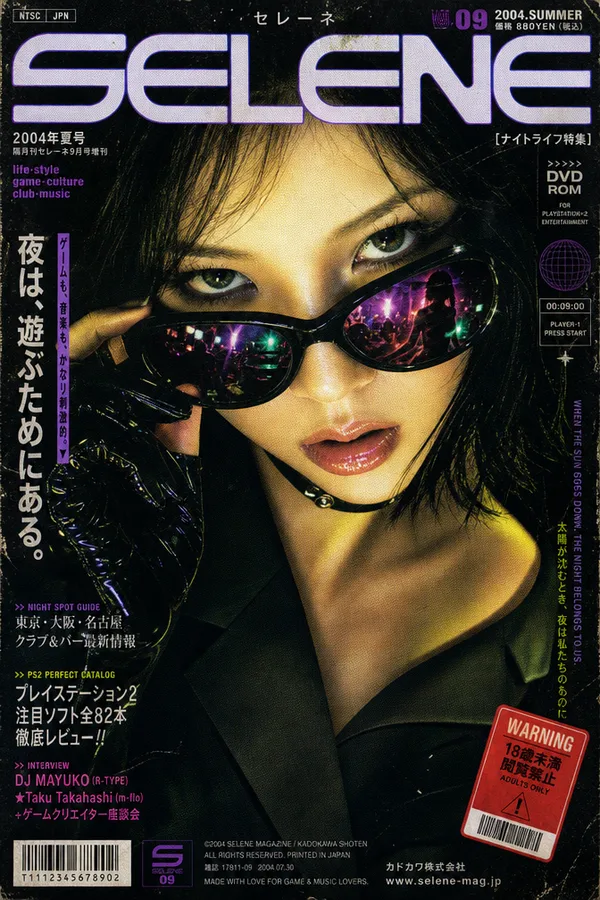
The visual style is Tokyo Y2K beach campaign mixed with Japanese hip-hop fashion. Add Harajuku summer styling, glossy chrome design elements, neon pink and cyan accents, retro-futuristic beach graphics, graffiti stickers, star icons, chrome hearts, digital UI details, and bold magazine-style poster typography.
Background: tropical beach, golden sunset sky, palm trees, ocean waves, beach club atmosphere, soft lens flare, warm sunlight, cinematic rim lighting, glowing highlights on the skin, subtle summer body sheen, detailed skin texture, glossy magazine-quality finish.
Make the final image ultra-detailed, semi-realistic anime-to-realistic, cinematic, sharp, stylish, luxurious, and suitable as a high-end summer fashion advertisement.
Remixe
RemixNoch keine Remixe. Erstelle die erste Version.
Diesen Bild-Prompt verwenden
- 01
Mit dem Prompt starten
Kopiere den Prompt oder öffne ihn über die Schaltfläche zum Generieren.
- 02
Eigene Änderungen vornehmen
Passe Motiv, Umgebung oder Details an. Füge bei Bedarf Referenzen hinzu.
- 03
Vor dem Generieren prüfen
Prüfe Modell und Ausgabeeinstellungen. Die Ergebnisse können variieren.