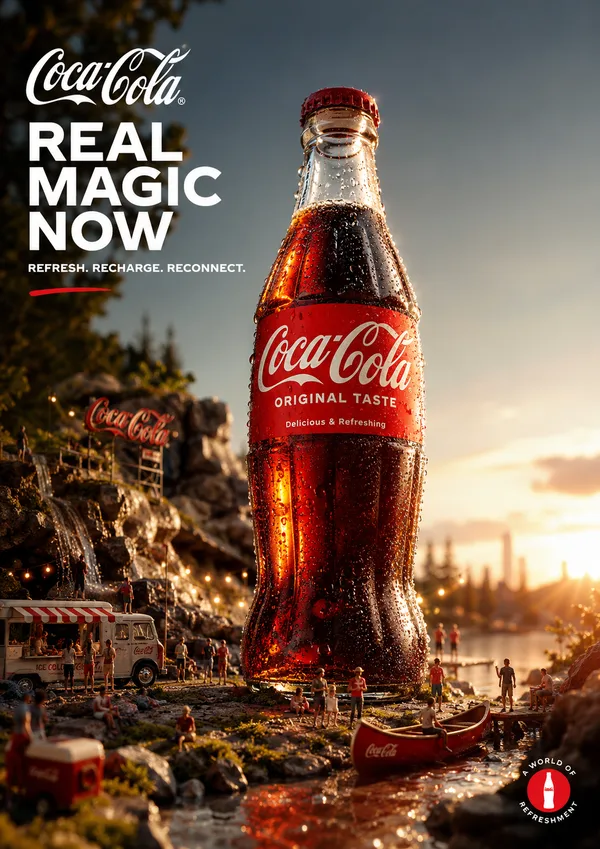
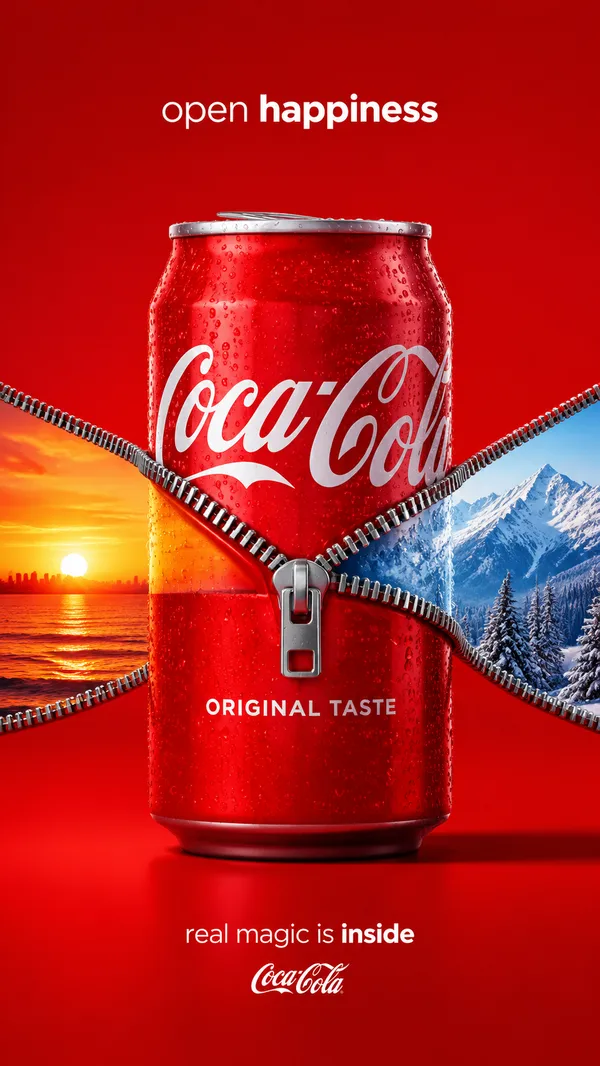
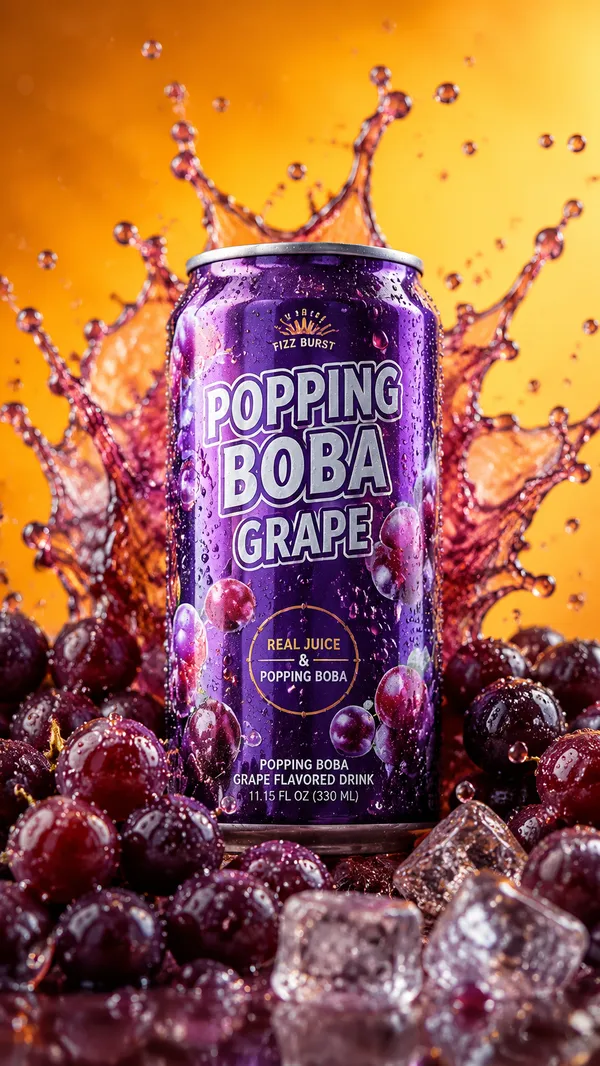
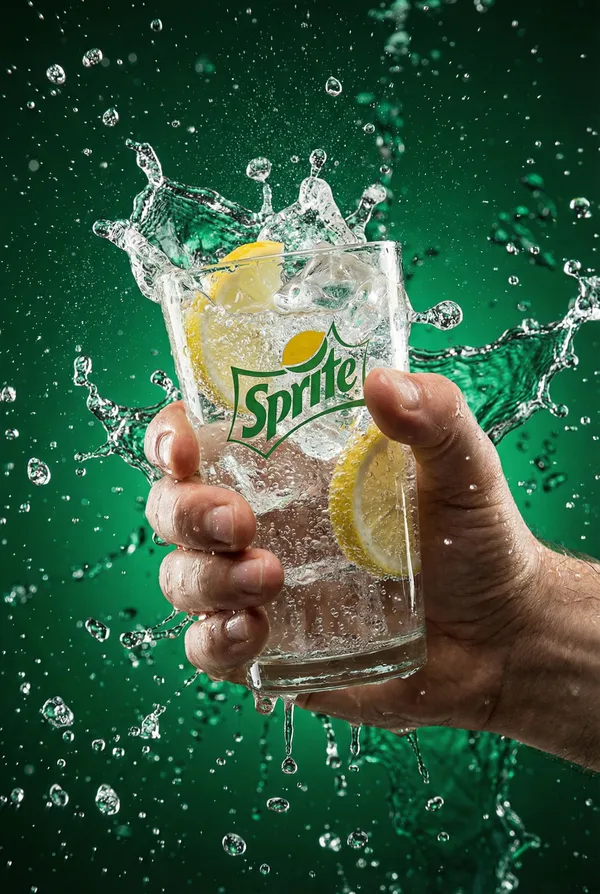
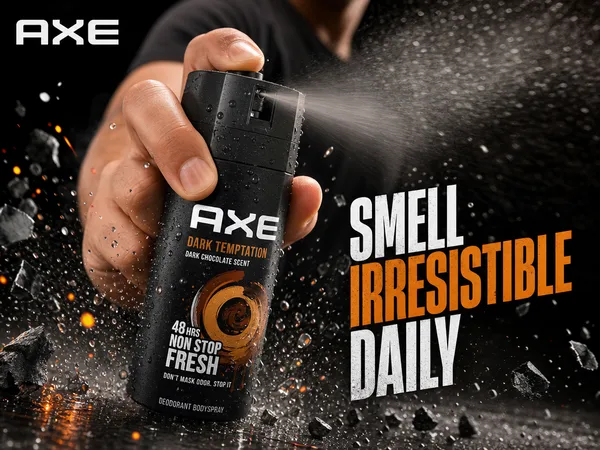
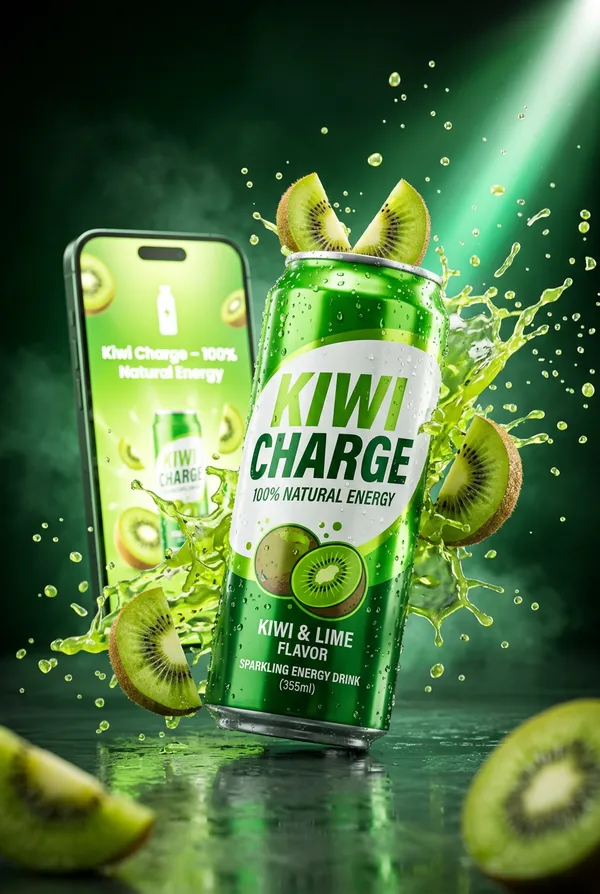
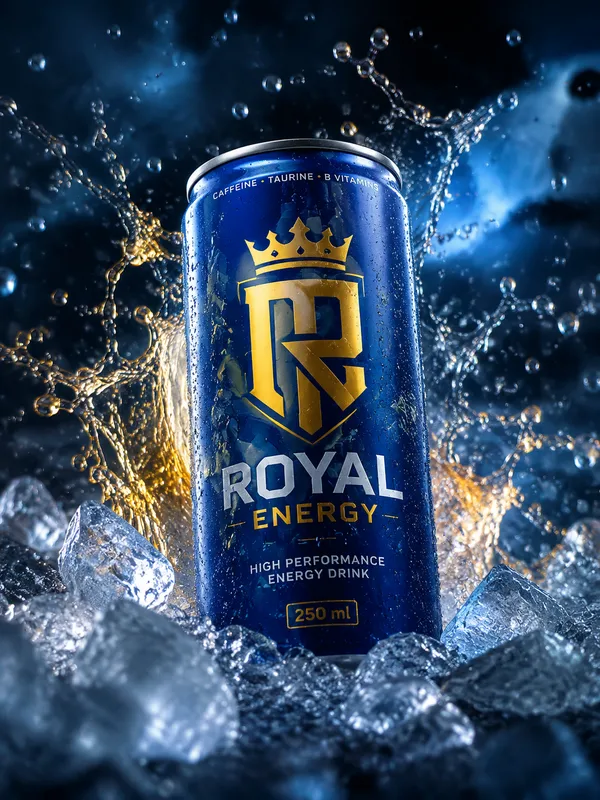
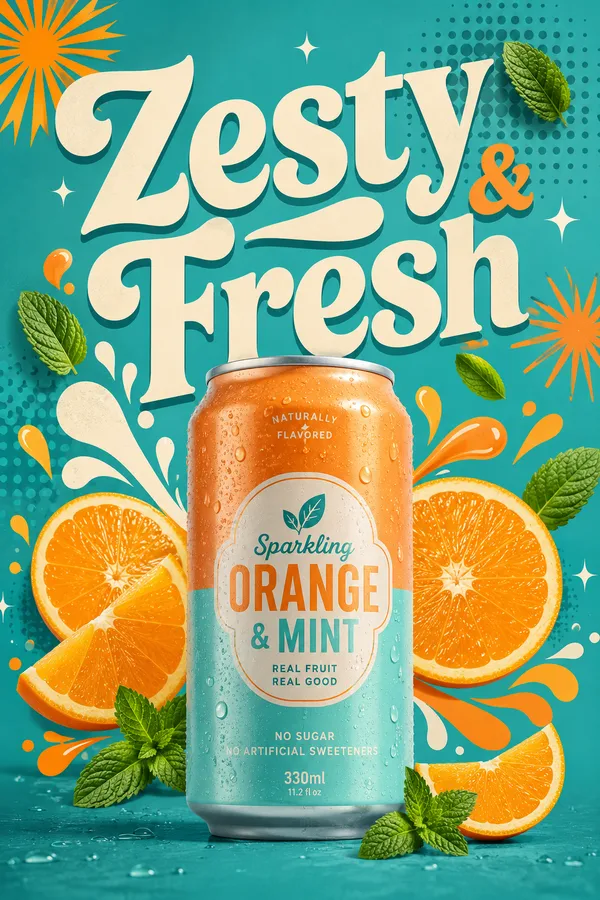
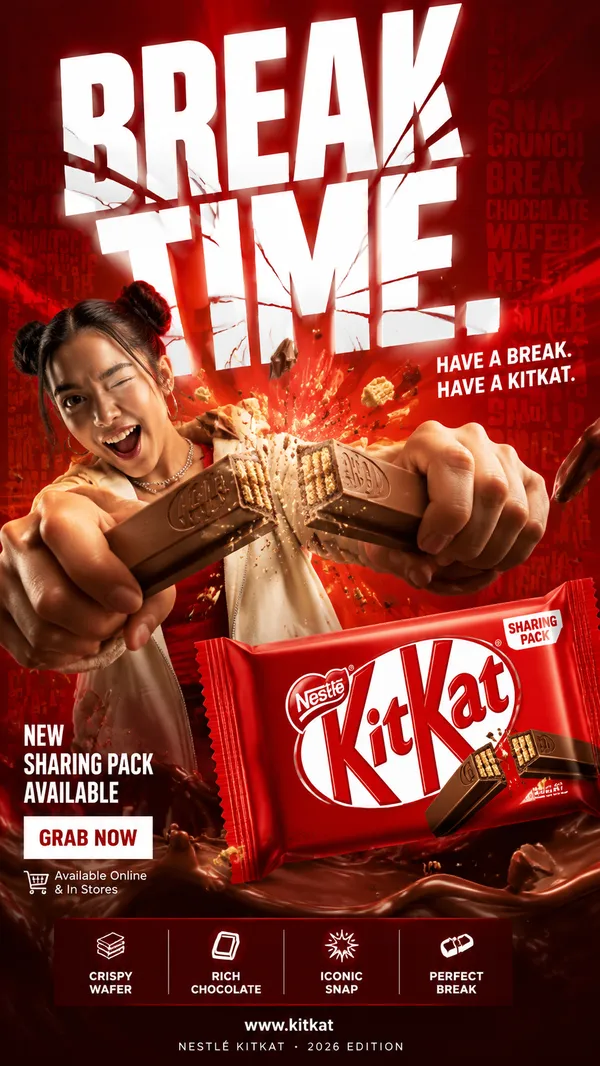
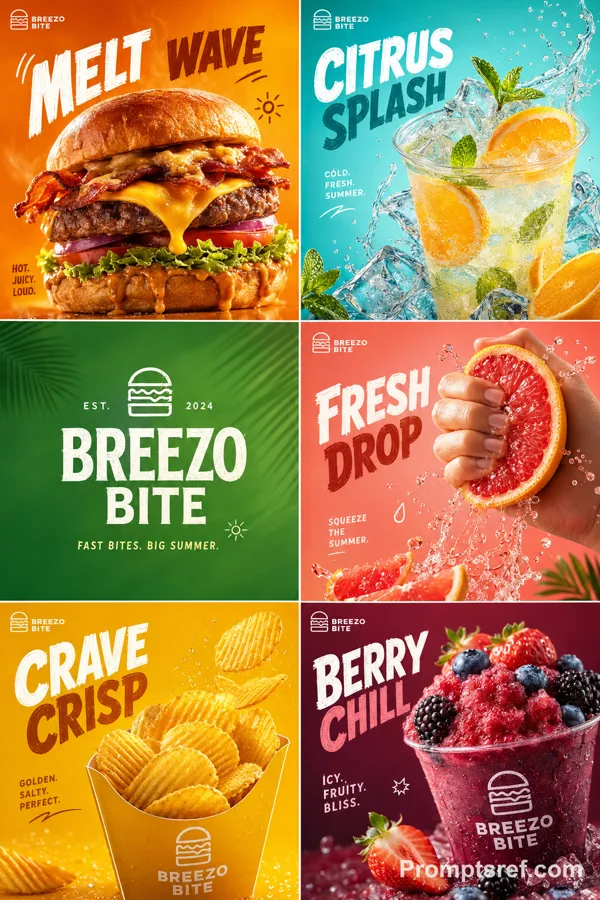
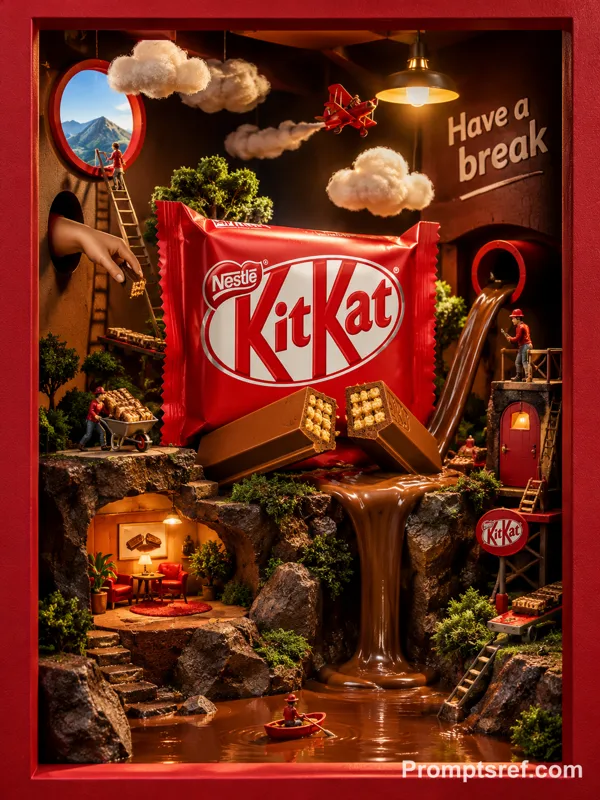
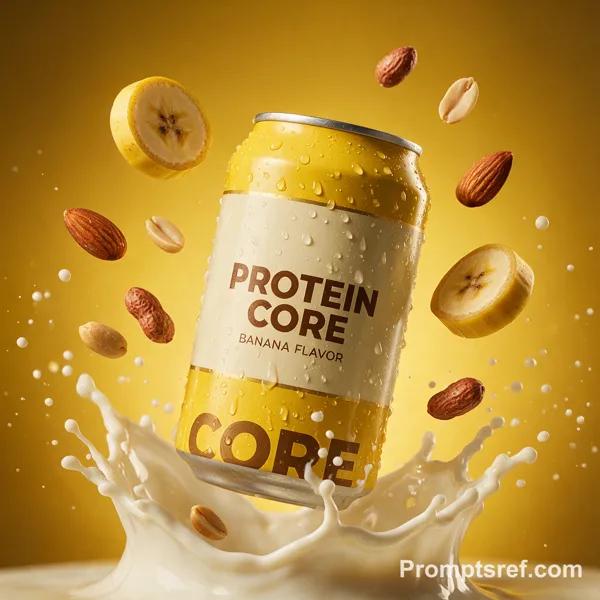
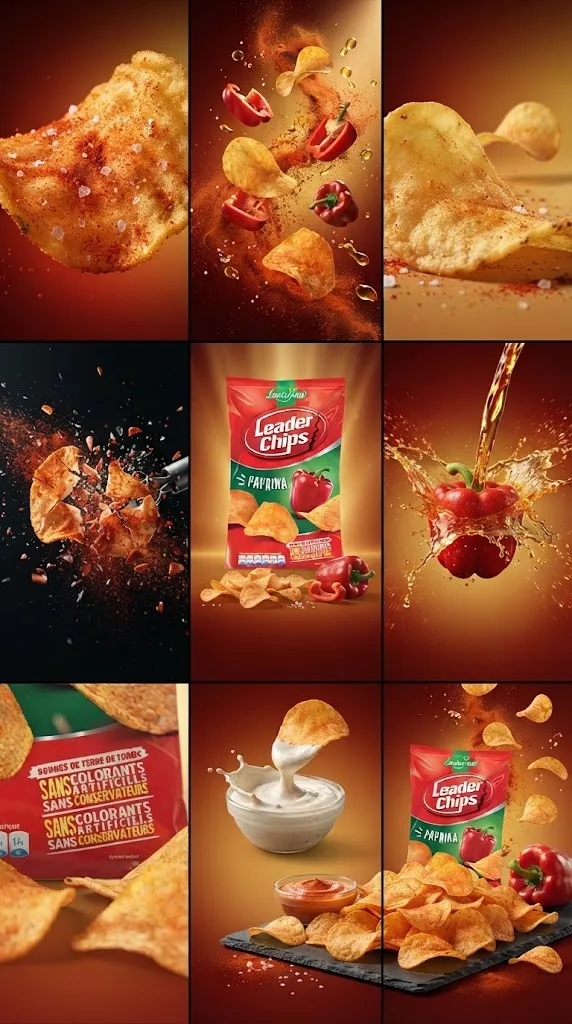
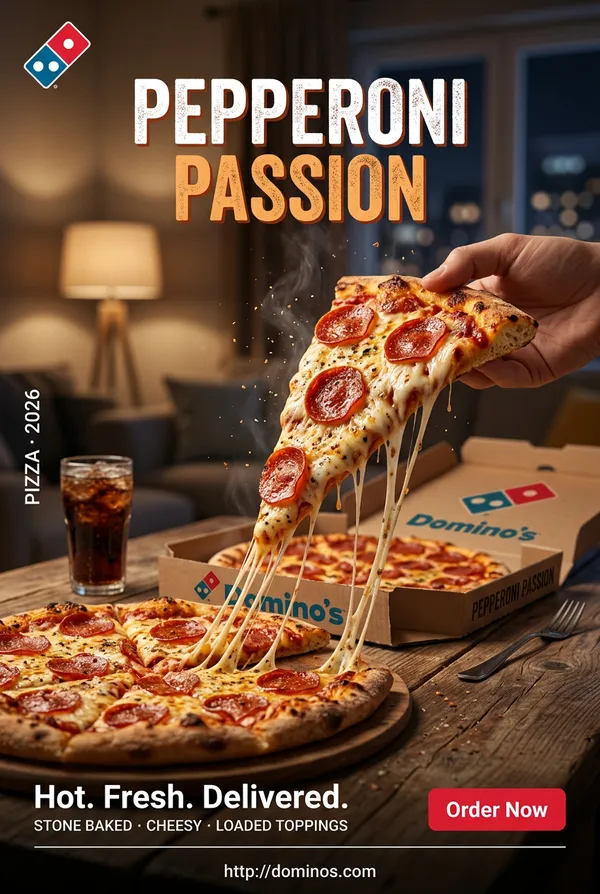
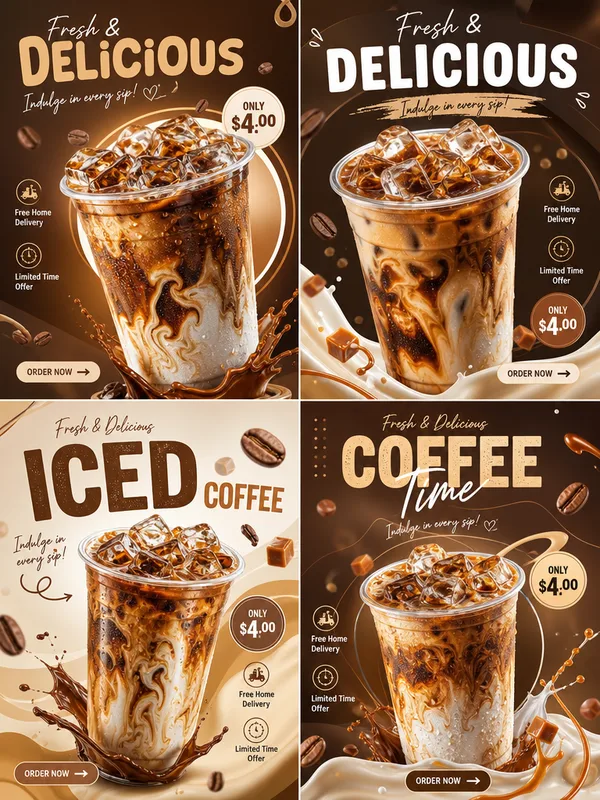
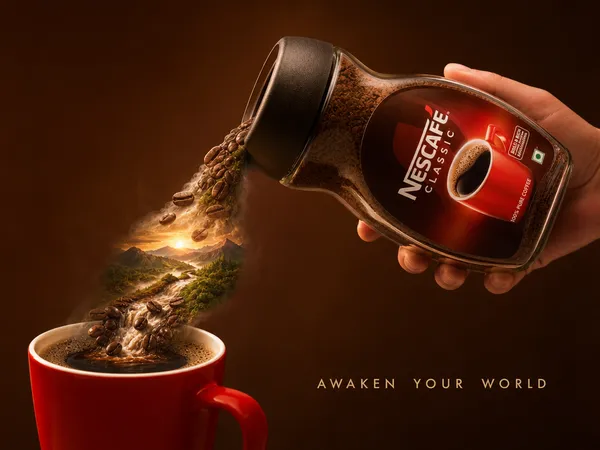
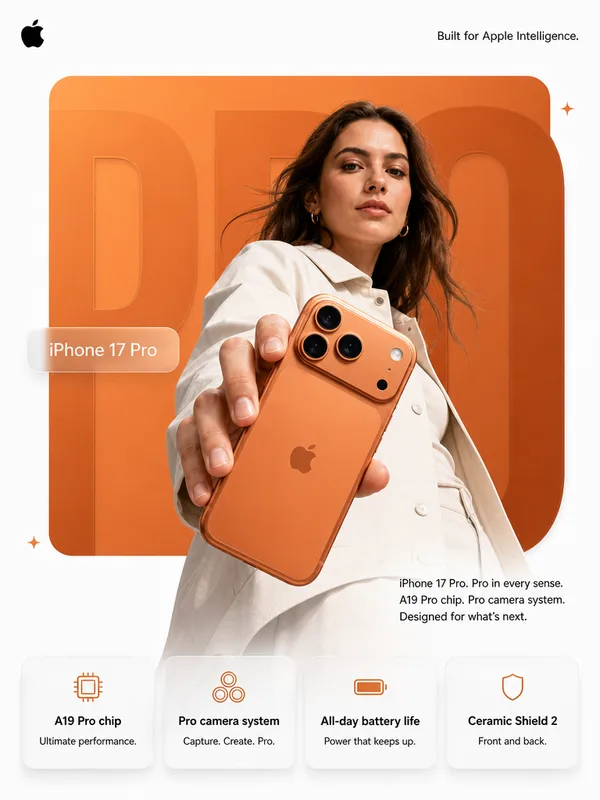
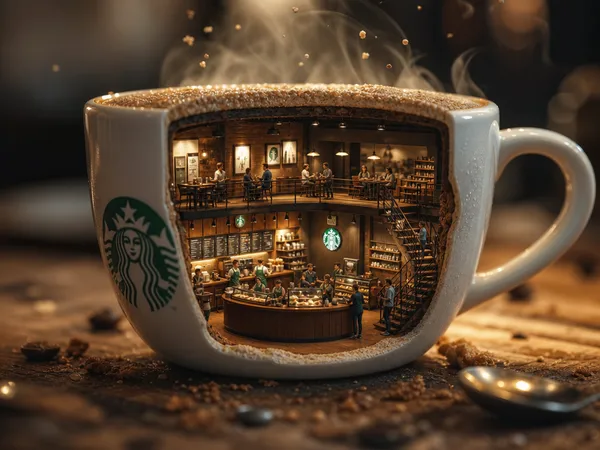
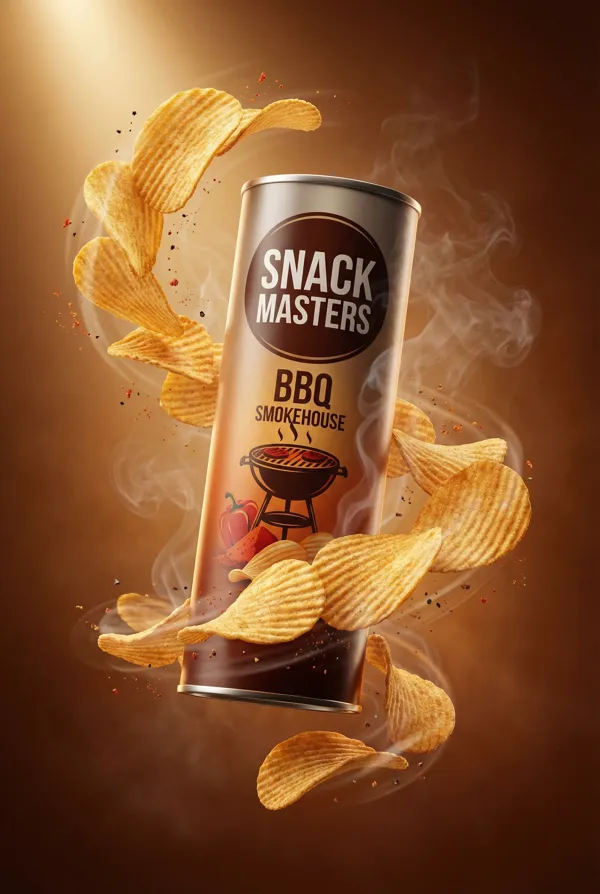
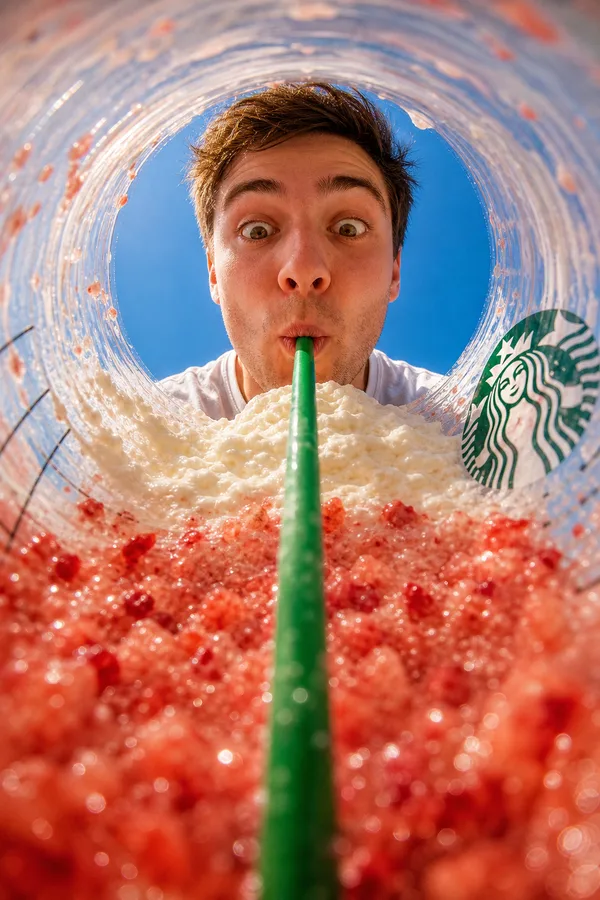
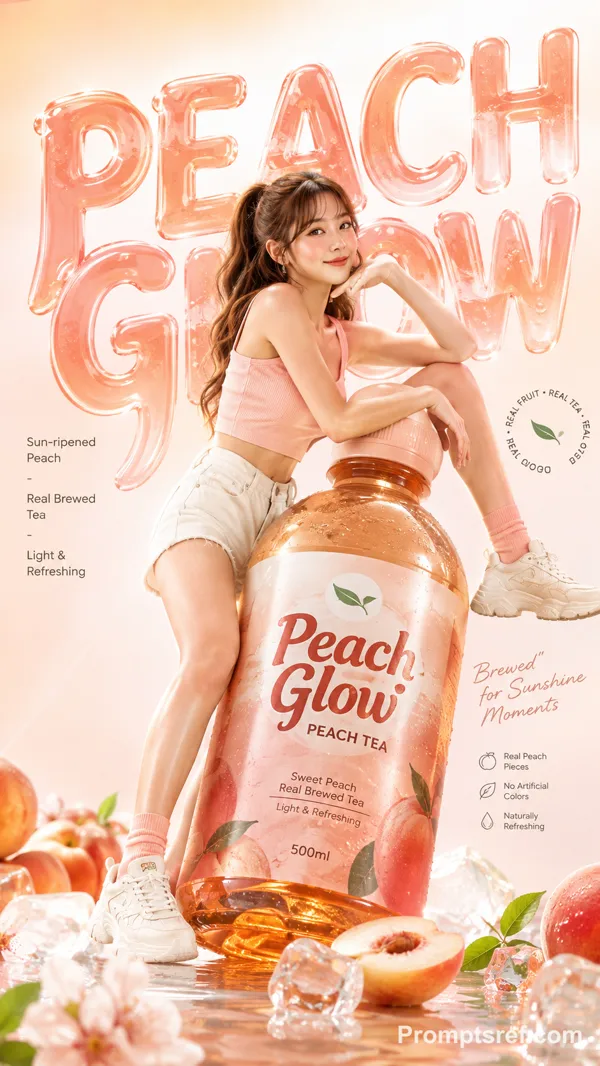
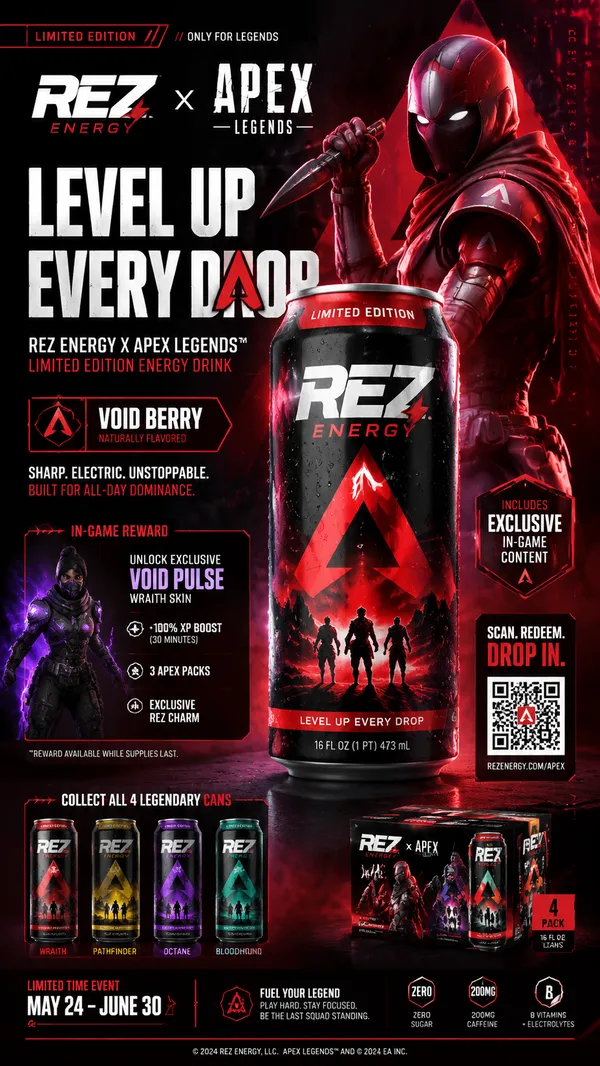
GPT Image 2.0 Prompt - AR-Produktwerbung mit Smartphone-Durchbruch

- Modell
- GPT Image 2.0
- Seitenverhältnis
- auto
- Qualität
- 1K
Prompt
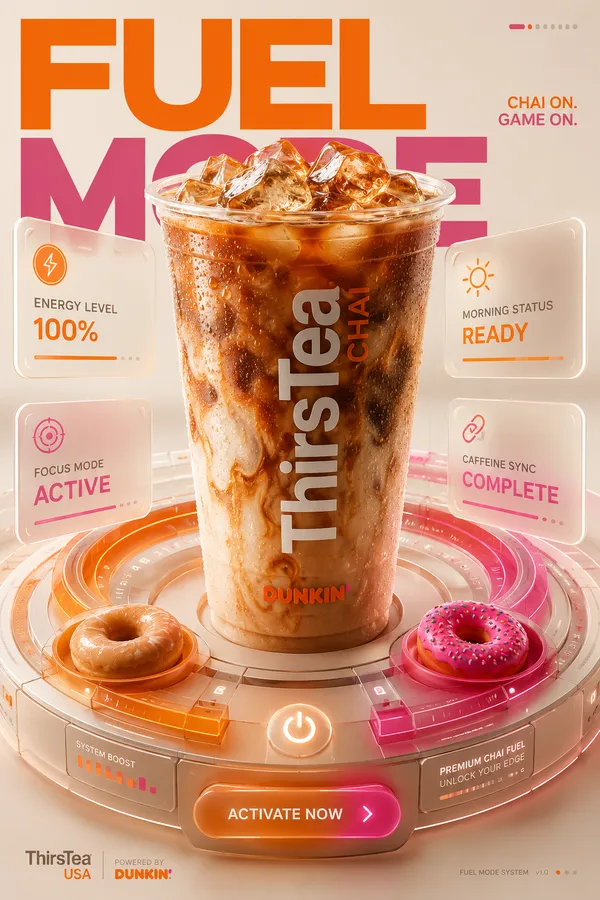
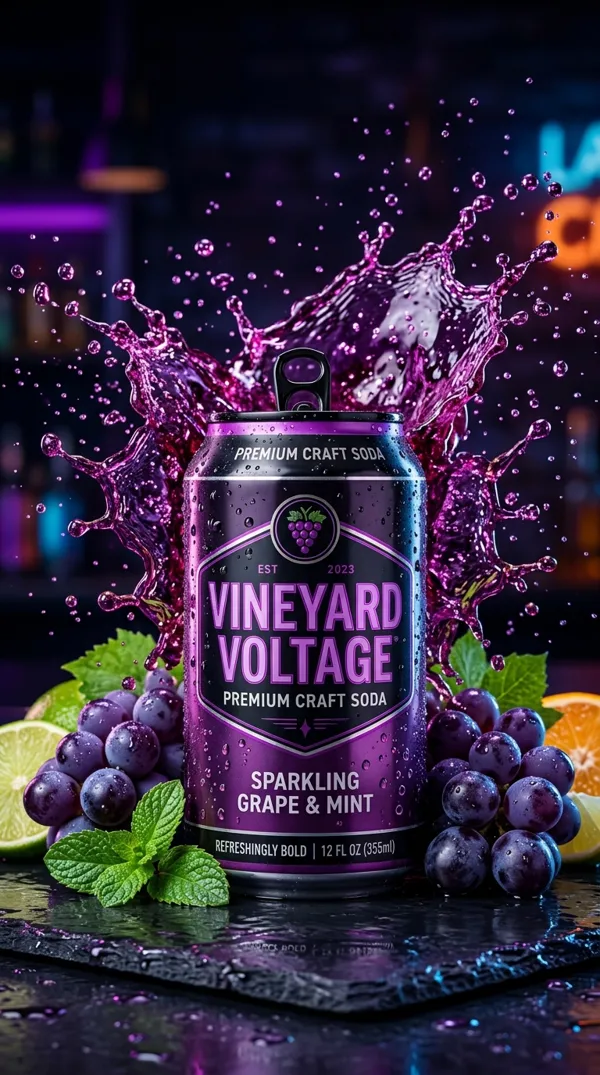
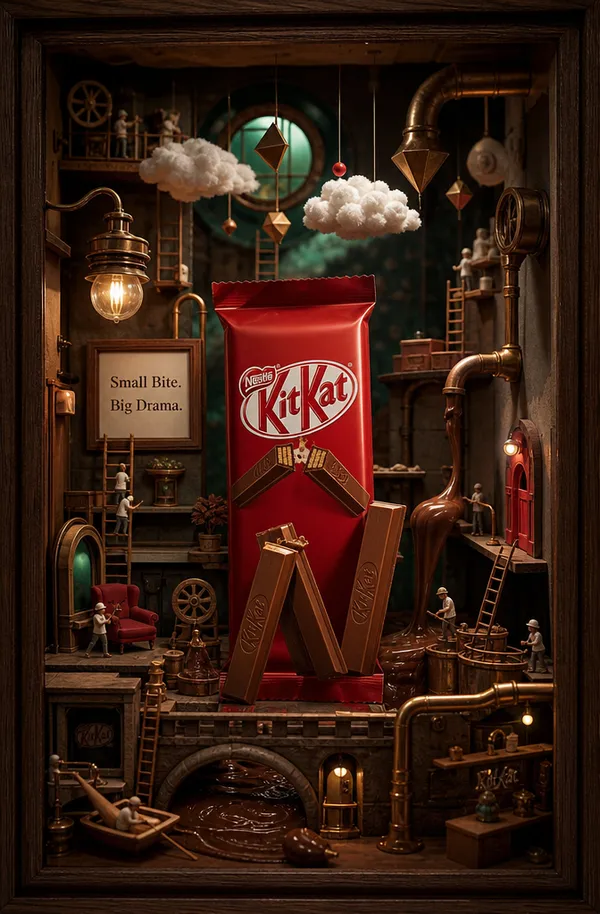
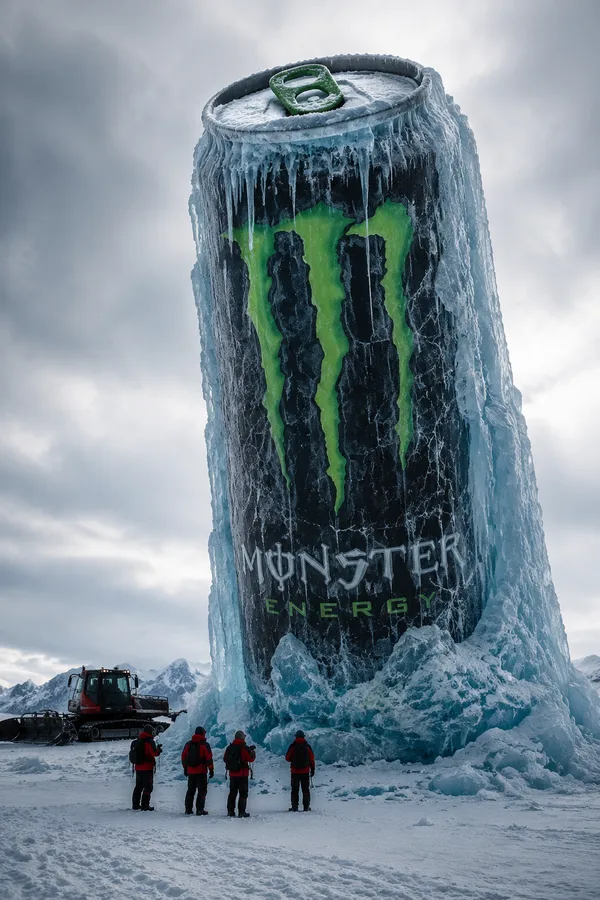
{ "product": "[Enter product name]", "goal": "Photorealistic AR-style ad where the product bursts out of the viewer's phone screen toward them with dramatic realism", "orientation": "vertical 2:3", "viewpoint": "first-person perspective as if the viewer is holding their phone; subject angled slightly forward for depth", "action": "dynamic motion and key visual elements from the product explode outward toward the viewer, accompanied by matching environmental effects", "effects": { "primary": [ "high-detail 3D elements unique to the product's identity swirling or flying in mid-air", "environmental effects that reflect the product's nature", "particles or splashes adding motion energy" ], "secondary": [ "subtle glow or vapor halo", "light sparkles or highlights relevant to product material" ], "forbidden": [ "fake plastic look", "cartoonish rendering", "low-res textures" ] }, "lighting": { "style": "cinematic high-Kelvin highlights or matching tones to product palette", "shadows": "realistic contact shadows and light direction consistent with environment" }, "materials_and_detail": [ "accurate surface textures and finishes unique to the product", "fine detailing of logos or brand marks if applicable", "realistic material reflections and light behavior" ], "color_grading": "cinematic; colors adapted to emphasize the product's brand or core palette", "depth_and_perspective": { "technique": "exaggerated foreground elements for pop-out effect; depth-of-field keeps product sharp", "aim": "maximum sensory and visual impact" }, "environment": { "context": "neutral or brand-themed background that enhances subject presence", "integration": "lighting and reflections match both screen and real environment" }, "slogan": { "text": "[Enter 4-word slogan]", "word_count": 4, "placement": "bold 3D text dynamically wrapping around the product or main visual effect", "integration": "physically correct reflections, shadows, and motion blur" }, "composition": "agency-grade hero shot; product centered; slogan path clear and unobstructed", "quality": "single output; ultra-realistic; high-end commercial imagery", "notes": "scene should feel physically present and immersive, as if breaking the barrier between screen and reality"}
Remixe
RemixNoch keine Remixe. Erstelle die erste Version.
Diesen Bild-Prompt verwenden
- 01
Mit dem Prompt starten
Kopiere den Prompt oder öffne ihn über die Schaltfläche zum Generieren.
- 02
Eigene Änderungen vornehmen
Passe Motiv, Umgebung oder Details an. Füge bei Bedarf Referenzen hinzu.
- 03
Vor dem Generieren prüfen
Prüfe Modell und Ausgabeeinstellungen. Die Ergebnisse können variieren.