


01
Choose models based on your needs
Pick the model that fits the scene, from realistic photos and product shots to stylized posters, character sets, and reference-based edits.
Promptsref helps you turn one prompt or reference image into usable visuals faster: compare models, avoid extra subscriptions, and export clean results without design skills.
Turn a simple prompt into photos, concept art, product shots, posters, and thumbnails.
Upload a reference image, then use AI models to change objects or backgrounds, or generate a fresh style.
Create crisp, high-resolution images that are ready for product pages, campaigns, posts, and client previews.
Download clean AI images without visible watermarks, ready for social, marketing, brand, and design work.

Promptsref brings GPT Image, Nano Banana Pro, Midjourney, and Seedream 5.0 Pro into one workspace. Each model handles scenes differently, so you can test the same idea side by side without juggling separate subscriptions.
Best for realistic AI photos, natural product or portrait detail, and cleaner text rendering for ads, posters, and branded visuals.
Best for character consistency, controlled iterations, reference-based edits, and stable identity across image sets.
Best for artistic composition, rich lighting, cinematic mood, and strong visual taste in stylized image creation.
Best for text or reference-image generation, precise edits, dense visuals, and multilingual text rendering.

Run one prompt across different AI image models at the same time, then compare style, realism, composition, and prompt following side by side before choosing the best result.
Change backgrounds, angles, and details without opening a separate editor. Describe the edit, review the result, and keep iterating from the same page.
Upload an image, describe exactly what you want to change, and generate a polished result that follows your edit direction.
Remove backgrounds with clean edges and polished subject details, ready for product visuals, profile images, and design assets.
Turn an existing image into a new camera perspective, then refine crop, lighting, objects, or small details while keeping the main idea intact.
Prepare sharper images for marketing pages, presentations, thumbnails, client previews, product listings, and other high-resolution use cases.

Create campaign images, brand assets, product visuals, and daily content from prompts or reference images, then keep iterating in the same workspace.
Promptsref works directly in your browser, so you can build prompts on a desktop, continue from mobile web, and download watermark-free images without installing an app.
Use the larger screen for longer prompts, reference images, model comparison, gallery browsing, and high-resolution downloads.
Open the same online AI image generator on your phone to write prompts, upload references, review results, and save images on the go.
Your account, credits, history, and saved work stay available through the web, whether you are on a computer or a phone.

Describe the image you want. Promptsref understands natural language, including mixed English and Chinese prompts.
Select image dimensions, choose an aspect ratio, add reference images when needed, and pick the models that fit your creative or production goal.
Click Generate to create multiple outputs, compare style and realism side by side, and choose the image that best follows your prompt.
Download your creation in high resolution, then refine the prompt, adjust settings, reuse references, or run another variation for rapid creative iteration.

Choose the models you need, generate more images faster in batches, learn from proven community prompts, and make the whole workflow easier and more efficient.
Pick the model that fits the scene, from realistic photos and product shots to stylized posters, character sets, and reference-based edits.
Run parallel generations, compare outputs side by side, and move from one idea to multiple usable directions in minutes.
Use generated images and search to explore 10,000+ high-quality community works, then find stronger prompts and visual ideas for your next creation.
Use leading AI image models plus editing, upscaling, and creative tools in one workspace instead of paying for separate subscriptions.
Join thousands of creators who are using our AI image generator to bring their ideas to life.
This is a game changer. I can generate multiple variations in seconds and compare them side by side. The quality is amazing and it saved me so much time on my last project.
As a designer, I use this daily. The character consistency in Nano Banana Pro is exactly what I needed. My workflow is much faster now.
This is a game changer. I can generate multiple variations in seconds and compare them side by side. The quality is amazing and it saved me so much time on my last project.
As a designer, I use this daily. The character consistency in Nano Banana Pro is exactly what I needed. My workflow is much faster now.
Want a different look? Each generator opens with its own examples, prompt tips, and ready-to-use settings.
 AI image
Turn a prompt or reference image into artwork with cross-hatching, carved marks, and the texture of a traditional print.
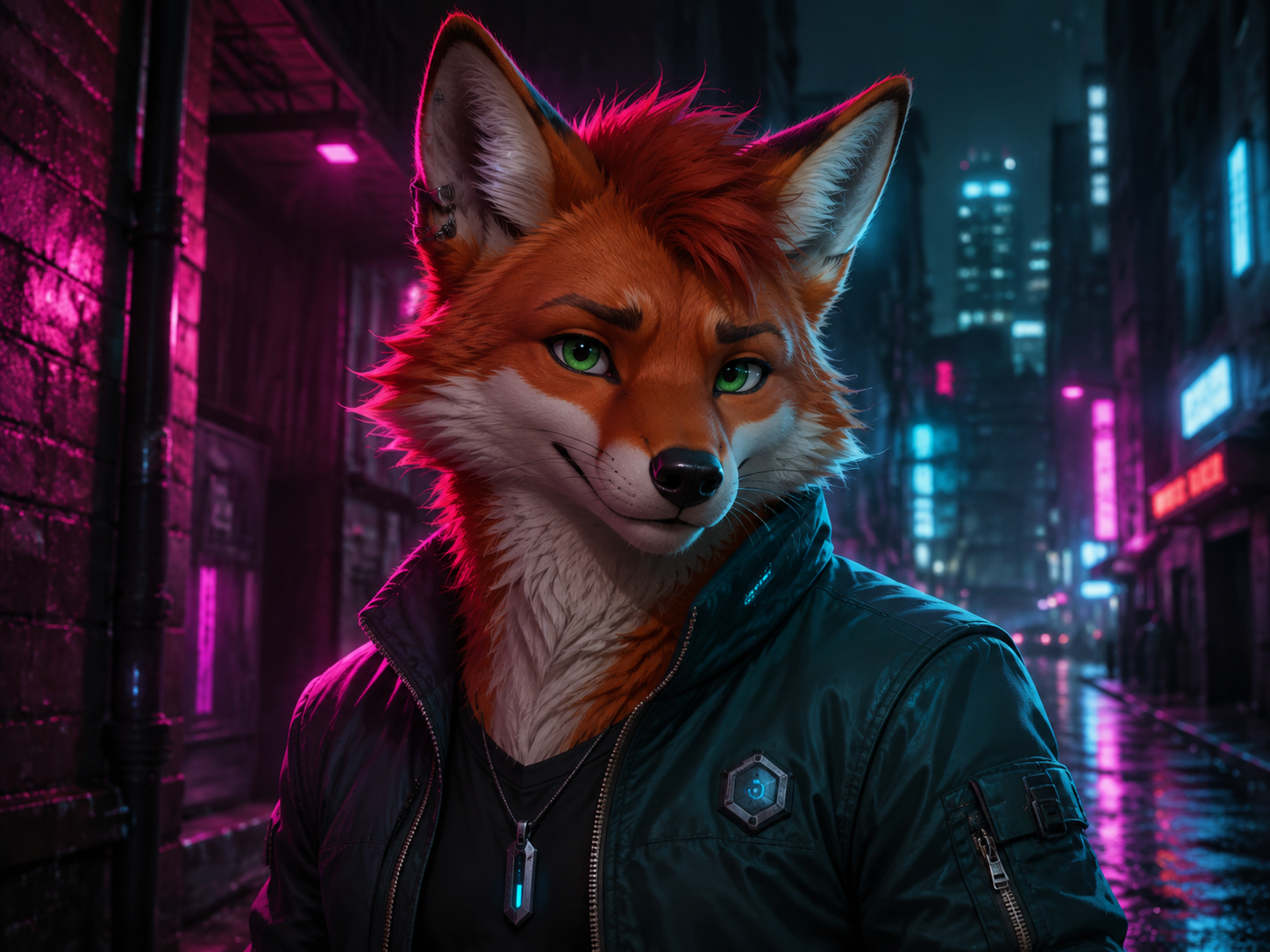 AI image
Start with a species and a few features you can picture clearly. Add an outfit, pose, and setting—or upload a reference image—and keep refining the character from there.
 AI image
Upload a product photo or describe what you sell. Create clean product shots, lifestyle scenes, and ad images for your online store.
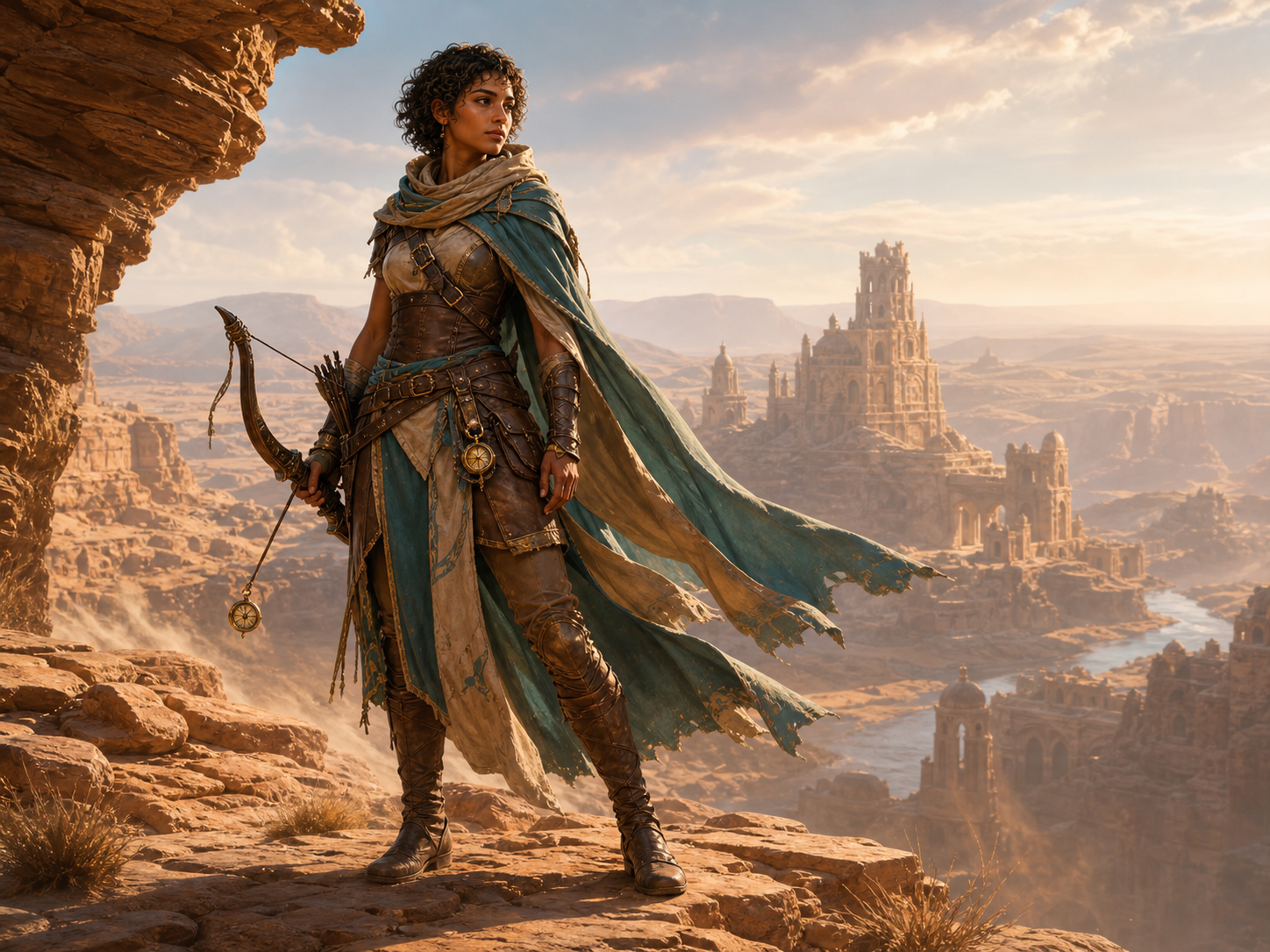 AI image
Create original game character art from a text prompt or reference image. Choose an AI model and aspect ratio, then generate heroes, NPCs, enemies, portraits, and full-body concepts online.