Nano Banana 2 プロンプト - 生命を宿す陶器の質感

プロンプト
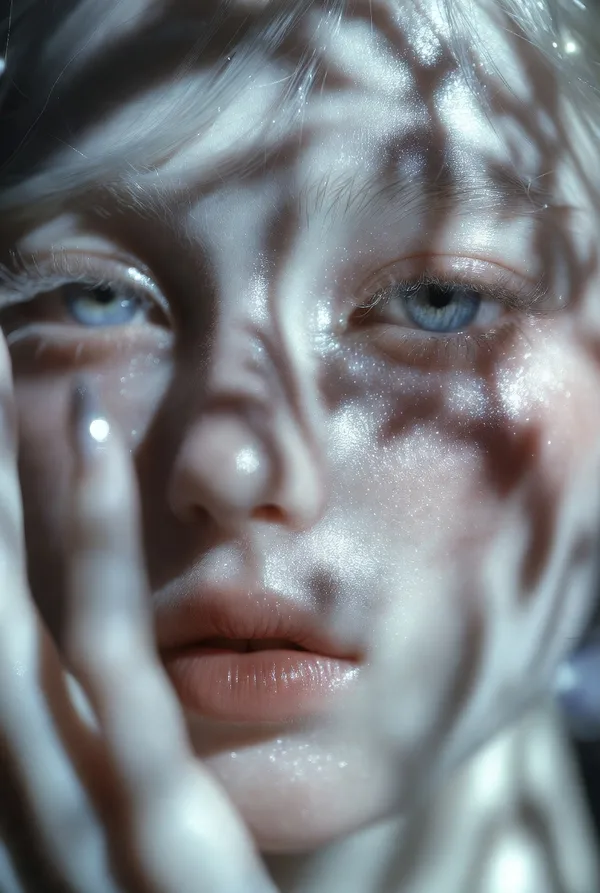
{ "vibe_title_en": "Living Ceramic Texture", "master_prompt": "A hyper-realistic, macro portrait of The Protagonist embodying 'The High-Gloss Rebel'. The subject is wearing a sophisticated practical-effect mask made of drying white kaolin clay that has physically cracked and shattered across the face, mimicking the texture of broken porcelain. Through the fissures of the dry clay, the subject's actual skin is visible—intensely dewy, sweaty, and glowing with life, creating a stark textural contrast between 'dry/dead' and 'wet/living'. Small, real pale pink tea roses are physically tucked into the deep cracks of the mask near the temple and cheekbone, appearing to bloom from the skin. The subject holds a direct, unwavering eye-contact with a slight, arrogant smirk that seems to be breaking the mask further. Lighting is a harsh, editorial direct ring-flash to create sharp specular highlights on the sweaty skin and define the jagged edges of the clay. Shot on a Hasselblad H6D-100c with an HC 120mm Macro lens. Kodak Portra 160 film simulation.", "frame": { "aspect": "4:5", "composition": "Center-weighted macro portrait" }, "subject": { "gender": "Female", "face": "Symmetrical features, covered in cracked white clay, revealing hyper-dewy skin underneath", "hair": "Slicked back, wet-look, dark", "expression": "Direct eye contact, challenging gaze, slight arrogant smirk" }, "wardrobe_accessories": { "accessories": [{ "item": "Floral Appliqué", "material": "Fresh Tea Roses" }, { "item": "Face Mask", "material": "Dried Kaolin Clay" }] }, "lighting": { "key": "Direct Ring-Flash (Frontal)", "color_temperature": "5600K (Daylight Balanced)" }, "camera": { "focal_length": "120mm", "aperture": "f/11", "sensor_format": "Medium Format" }, "post_processing": { "color": "Desaturated slightly, emphasizing pink flowers and natural skin tones", "texture": "Fine grain (Kodak Portra style), zero smoothing" } }
リミックス作品
リミックスまだリミックスはありません。最初のバージョンを作ってみましょう。
この画像プロンプトを使う
- 01
プロンプトから始める
プロンプトをコピーするか、生成ボタンで開きます。
- 02
自分のアイデアを加える
被写体や背景、細部を調整し、必要に応じて参考素材を追加します。
- 03
生成前に確認する
モデルと出力設定を確認してください。生成結果は毎回異なる場合があります。