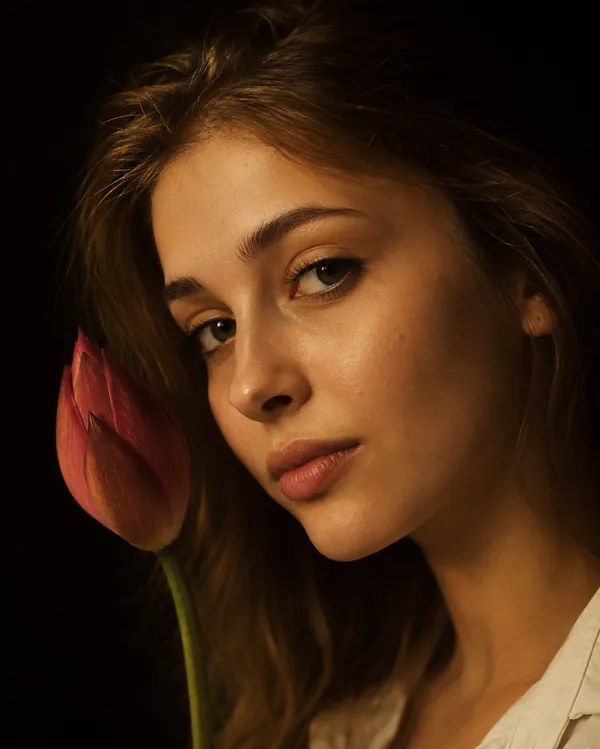
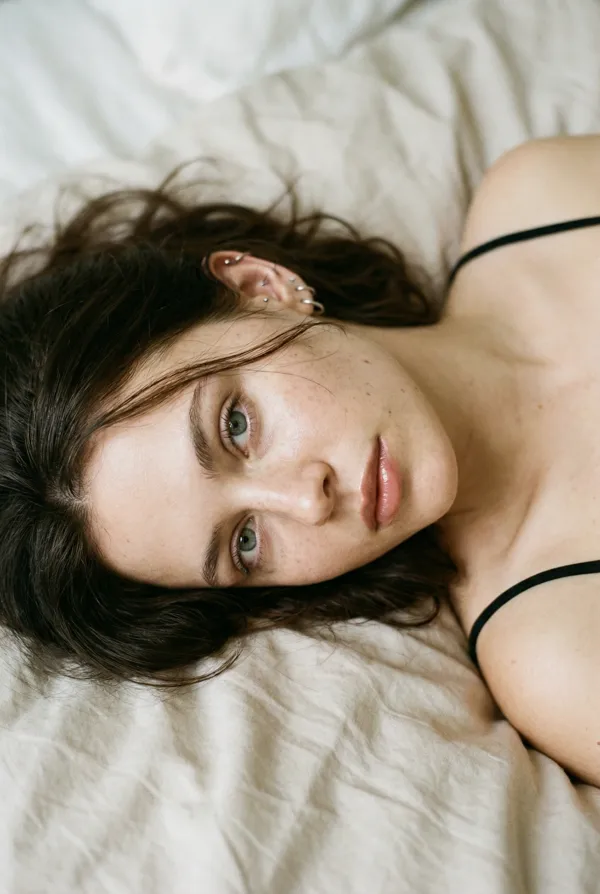
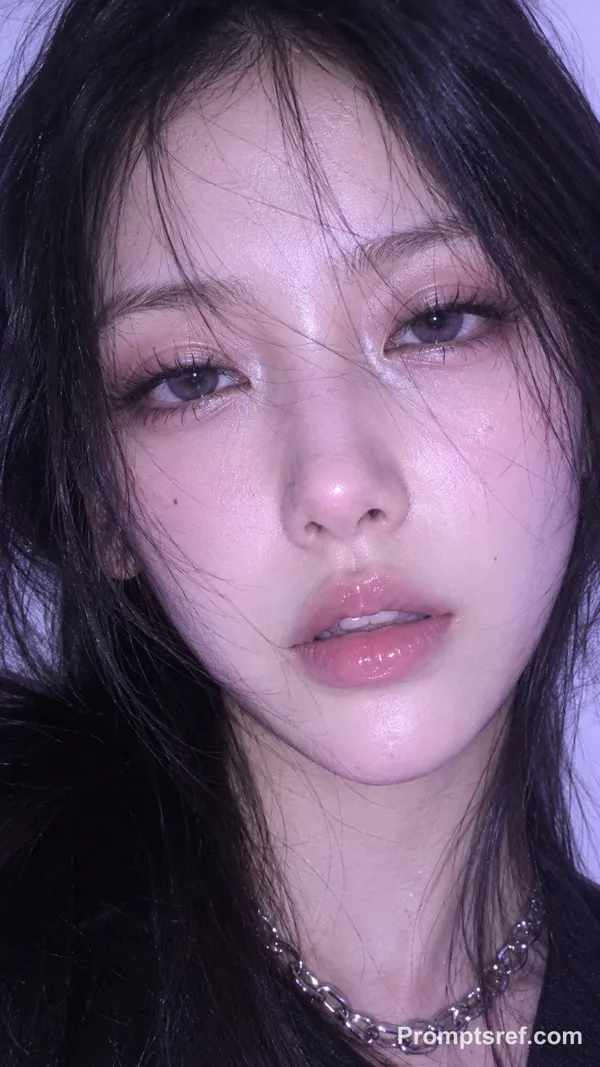
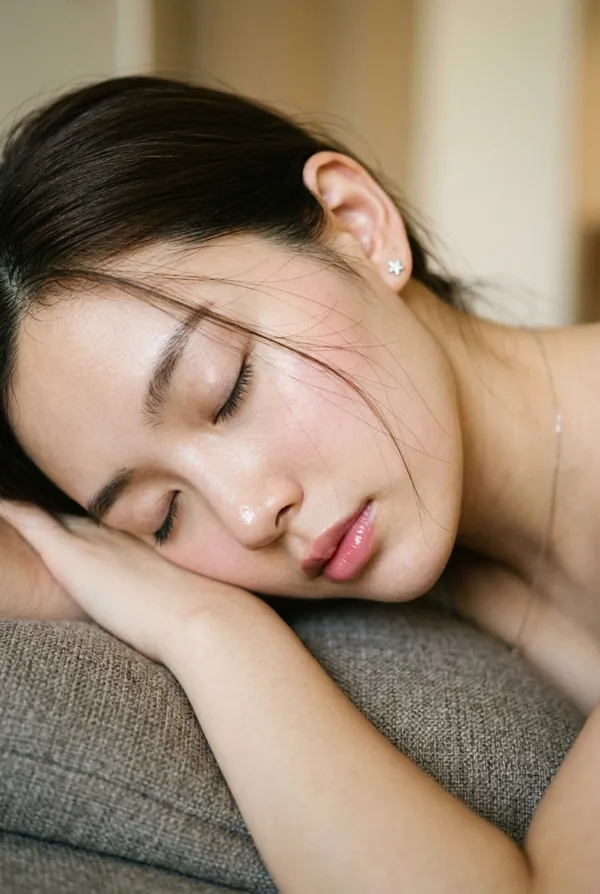
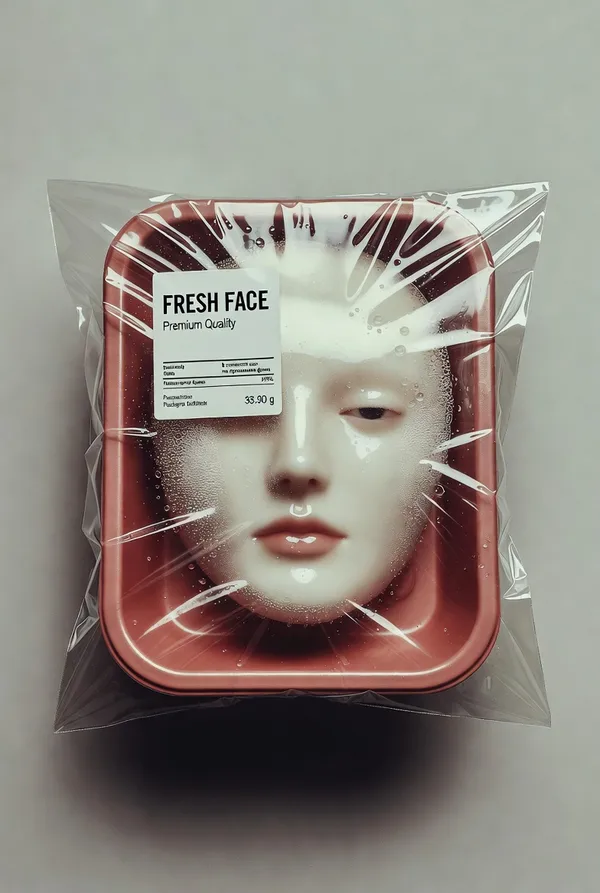
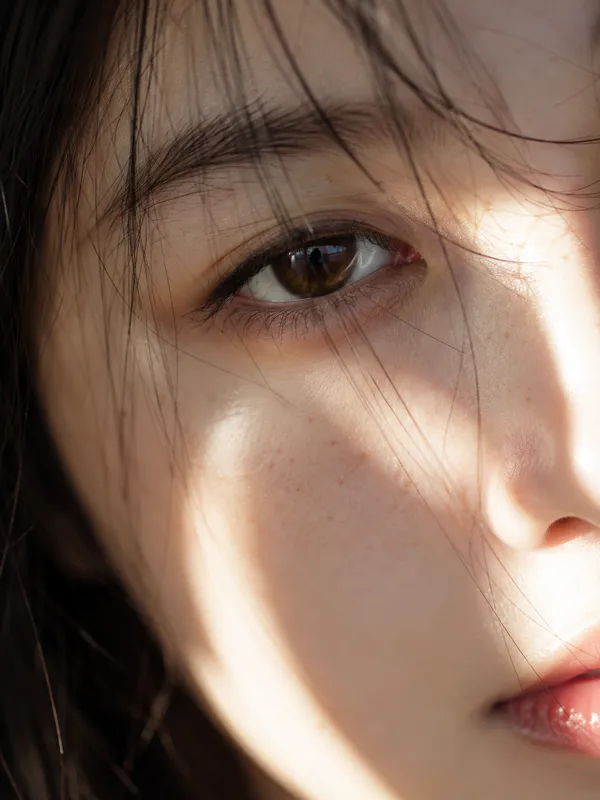
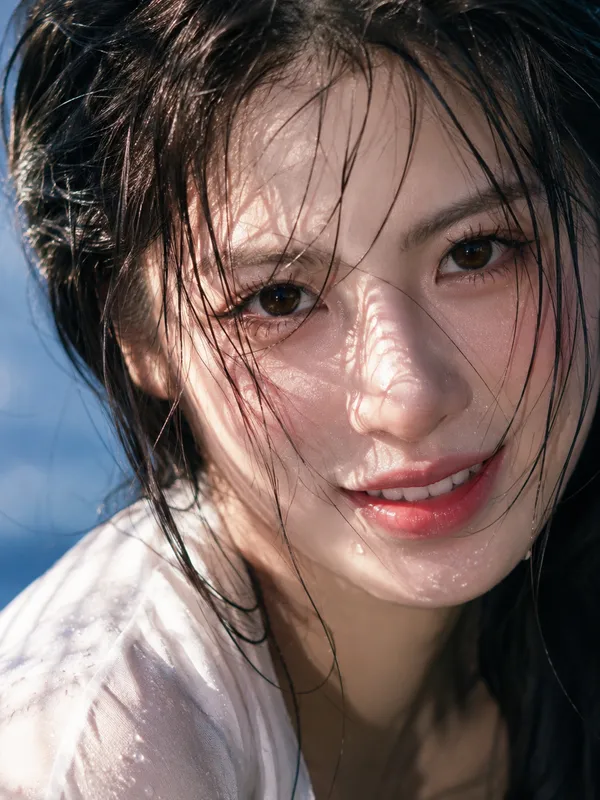
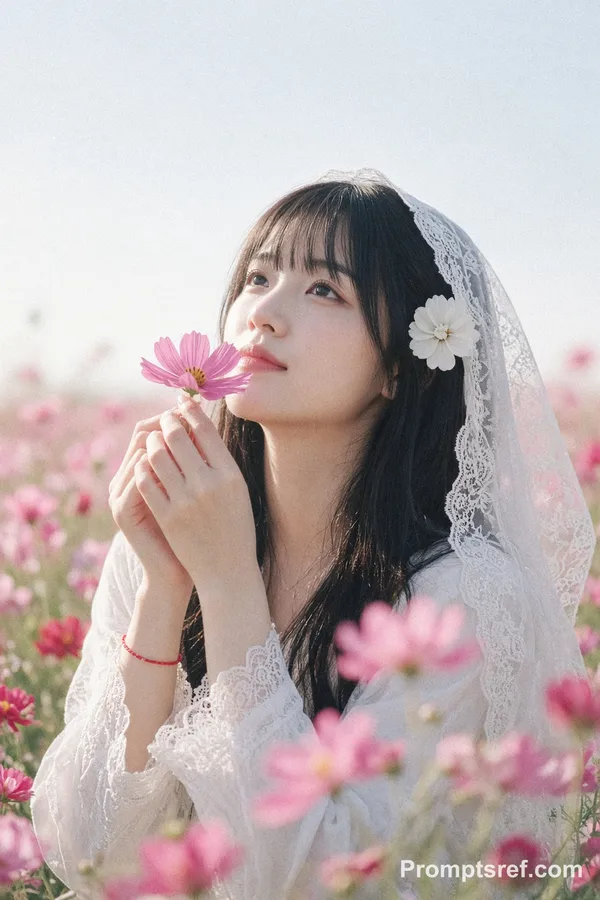
Nano Banana 2 Prompt - Texture de céramique vivante

- Modèle
- Nano Banana 2
Prompt
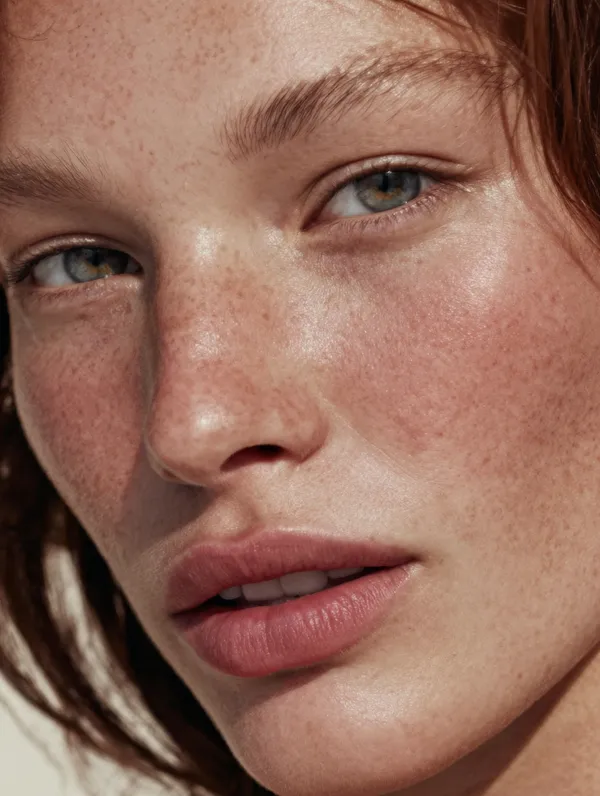
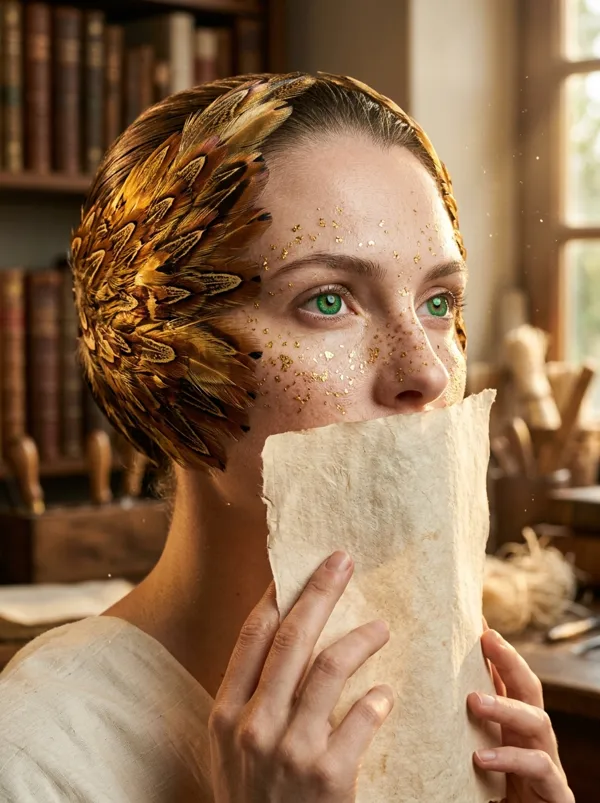
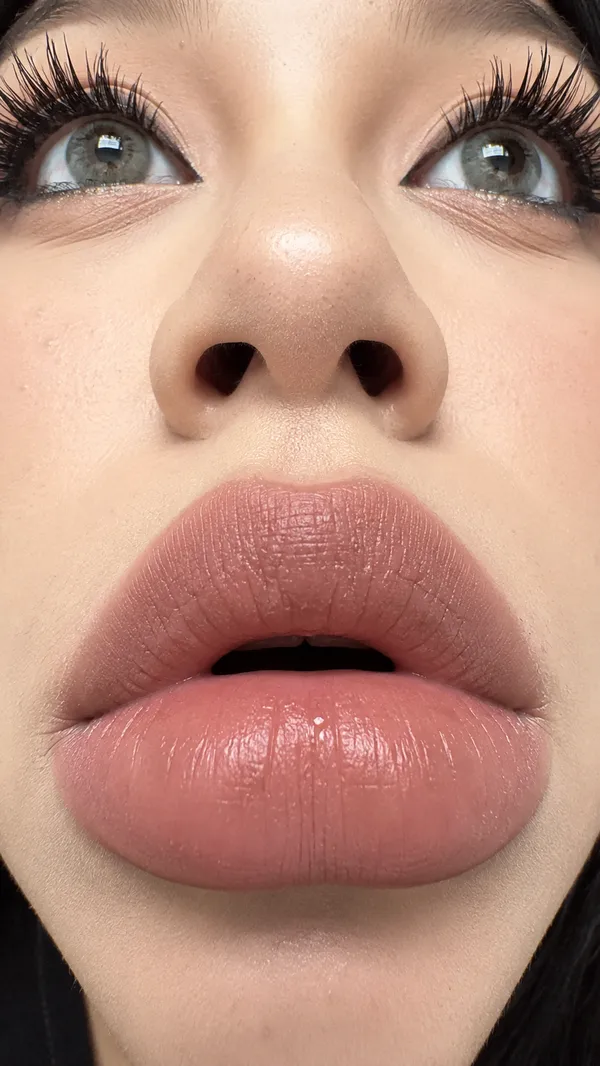
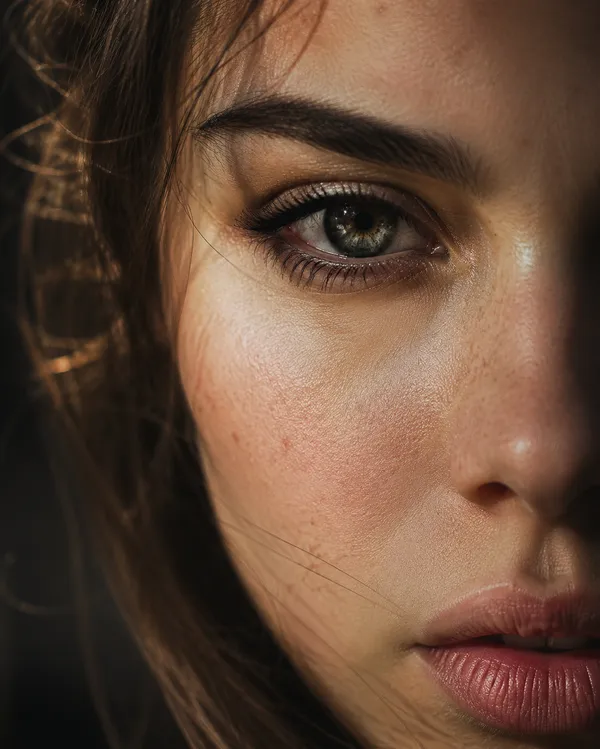
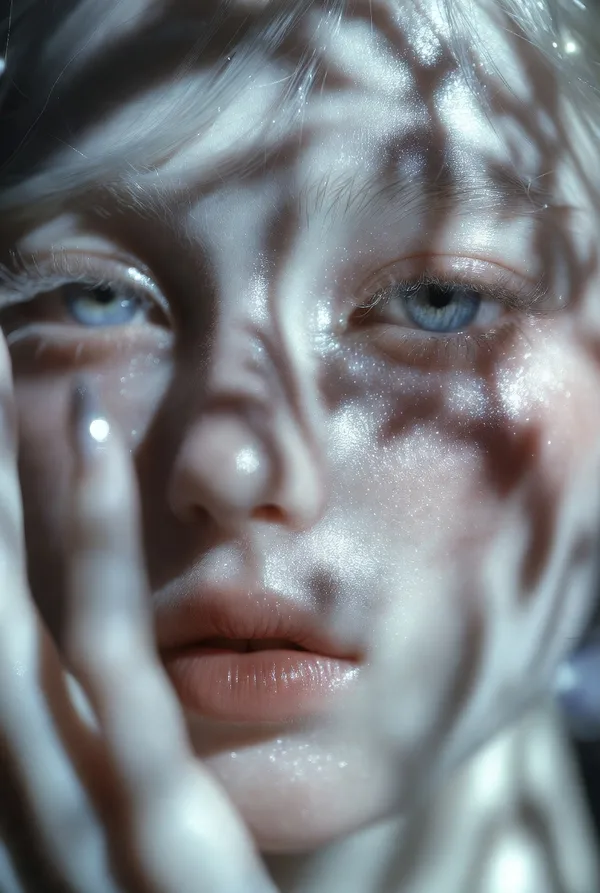
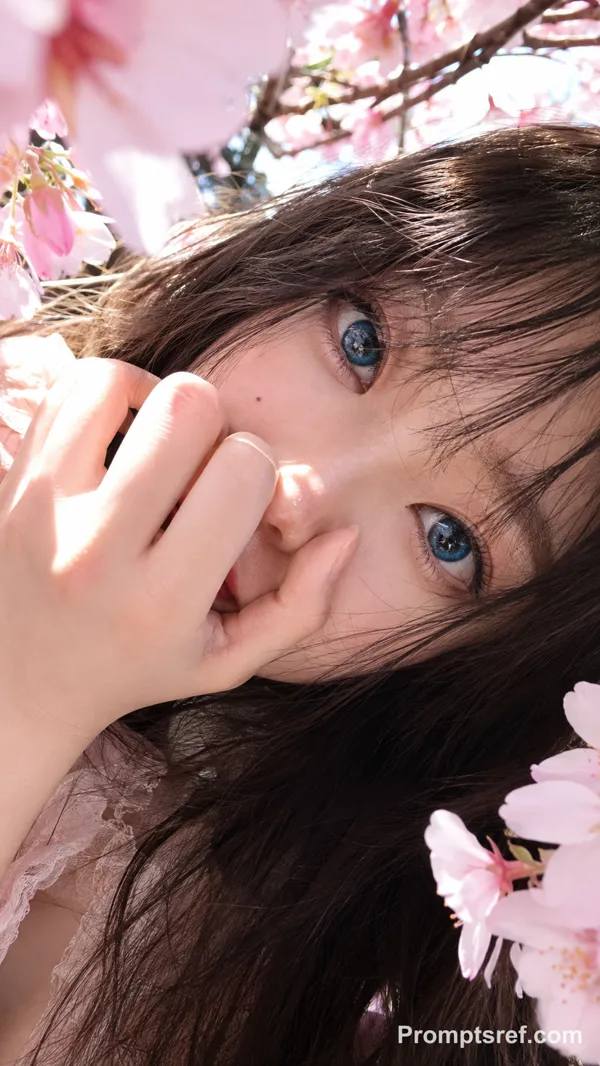
{ "vibe_title_en": "Living Ceramic Texture", "master_prompt": "A hyper-realistic, macro portrait of The Protagonist embodying 'The High-Gloss Rebel'. The subject is wearing a sophisticated practical-effect mask made of drying white kaolin clay that has physically cracked and shattered across the face, mimicking the texture of broken porcelain. Through the fissures of the dry clay, the subject's actual skin is visible—intensely dewy, sweaty, and glowing with life, creating a stark textural contrast between 'dry/dead' and 'wet/living'. Small, real pale pink tea roses are physically tucked into the deep cracks of the mask near the temple and cheekbone, appearing to bloom from the skin. The subject holds a direct, unwavering eye-contact with a slight, arrogant smirk that seems to be breaking the mask further. Lighting is a harsh, editorial direct ring-flash to create sharp specular highlights on the sweaty skin and define the jagged edges of the clay. Shot on a Hasselblad H6D-100c with an HC 120mm Macro lens. Kodak Portra 160 film simulation.", "frame": { "aspect": "4:5", "composition": "Center-weighted macro portrait" }, "subject": { "gender": "Female", "face": "Symmetrical features, covered in cracked white clay, revealing hyper-dewy skin underneath", "hair": "Slicked back, wet-look, dark", "expression": "Direct eye contact, challenging gaze, slight arrogant smirk" }, "wardrobe_accessories": { "accessories": [{ "item": "Floral Appliqué", "material": "Fresh Tea Roses" }, { "item": "Face Mask", "material": "Dried Kaolin Clay" }] }, "lighting": { "key": "Direct Ring-Flash (Frontal)", "color_temperature": "5600K (Daylight Balanced)" }, "camera": { "focal_length": "120mm", "aperture": "f/11", "sensor_format": "Medium Format" }, "post_processing": { "color": "Desaturated slightly, emphasizing pink flowers and natural skin tones", "texture": "Fine grain (Kodak Portra style), zero smoothing" } }
Remix
RemixPas encore de remix. Créez la première version.
Utiliser ce prompt d’image
- 01
Commencer avec le prompt
Copiez le prompt ou ouvrez-le avec le bouton de génération.
- 02
Apporter vos modifications
Adaptez le sujet, le décor ou les détails. Ajoutez des références si nécessaire.
- 03
Vérifier avant de générer
Vérifiez le modèle et les paramètres de sortie. Les résultats peuvent varier.