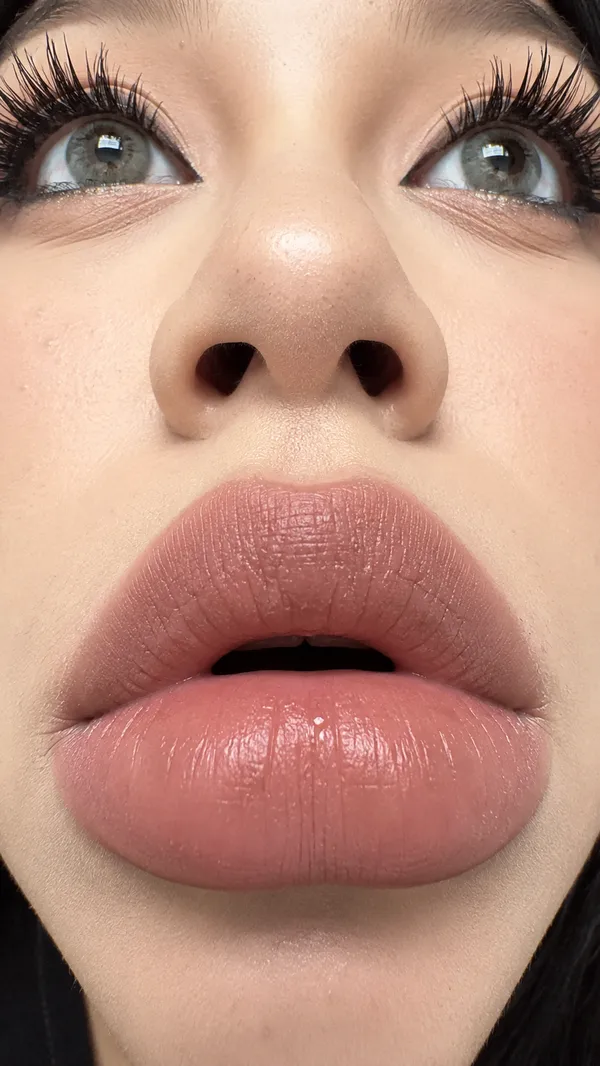
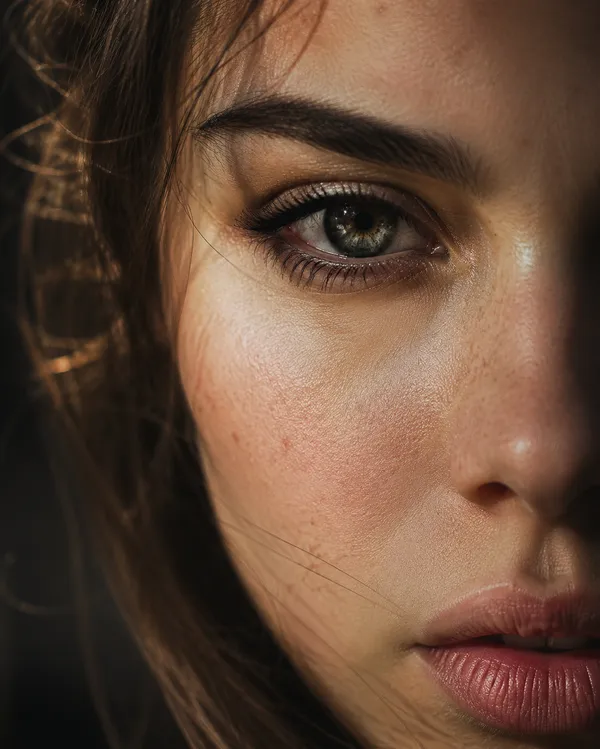
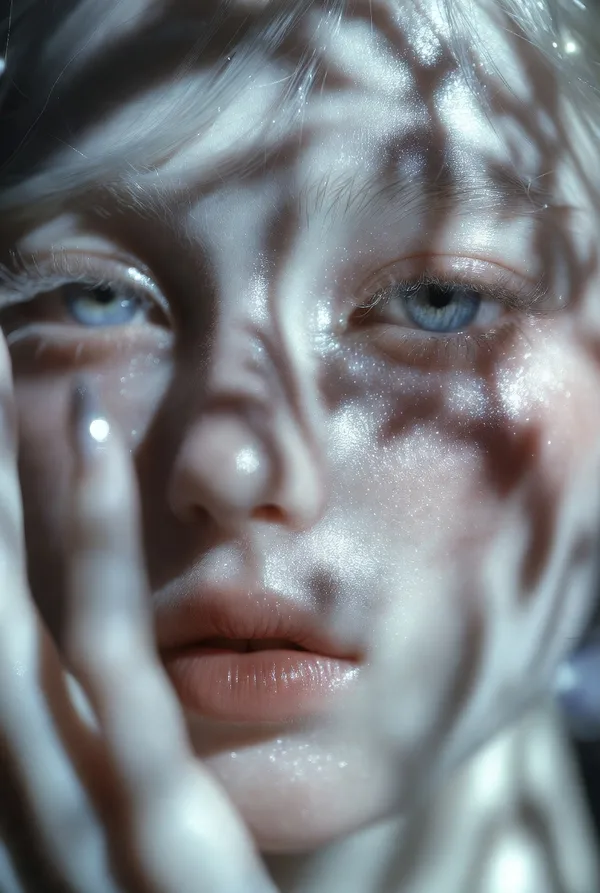
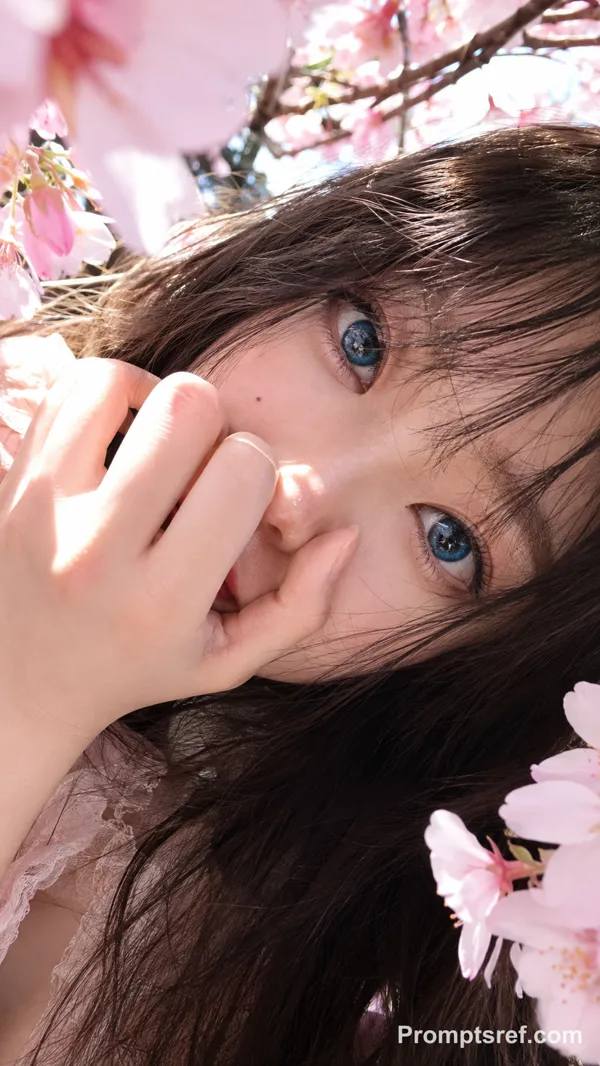
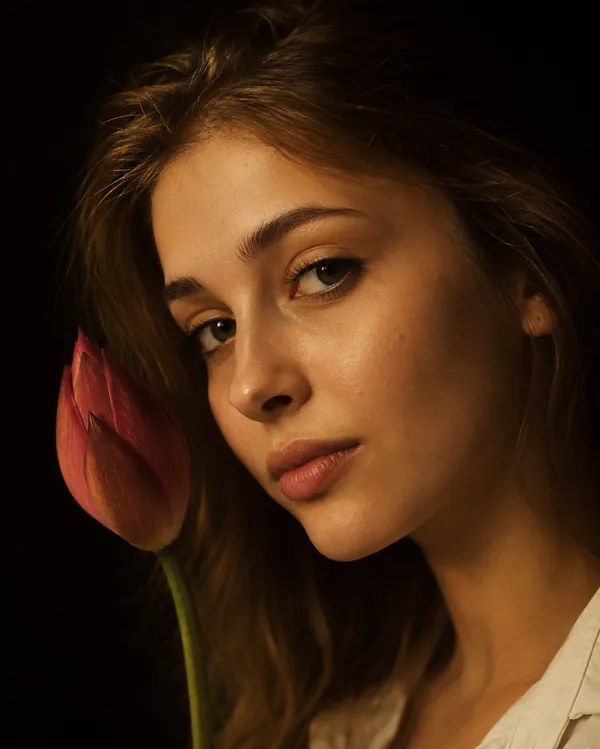
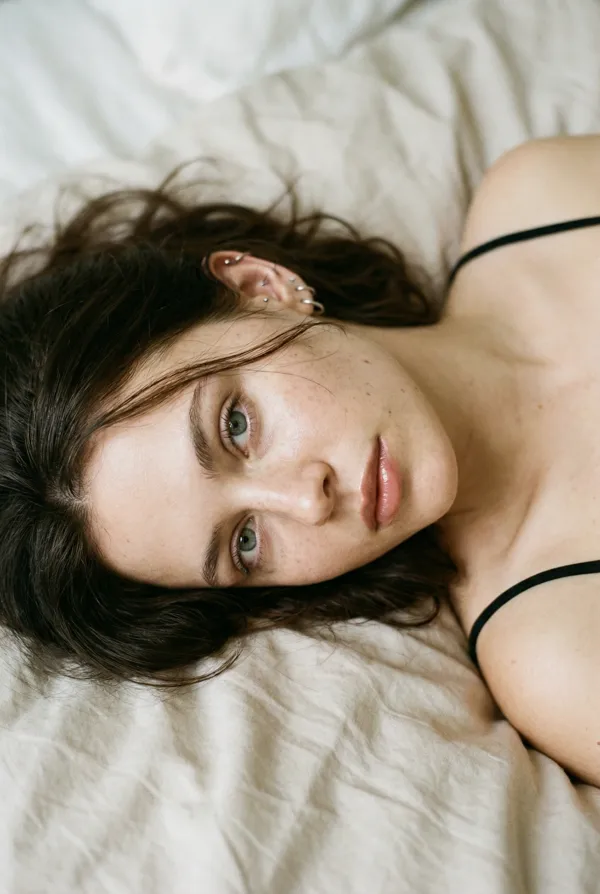
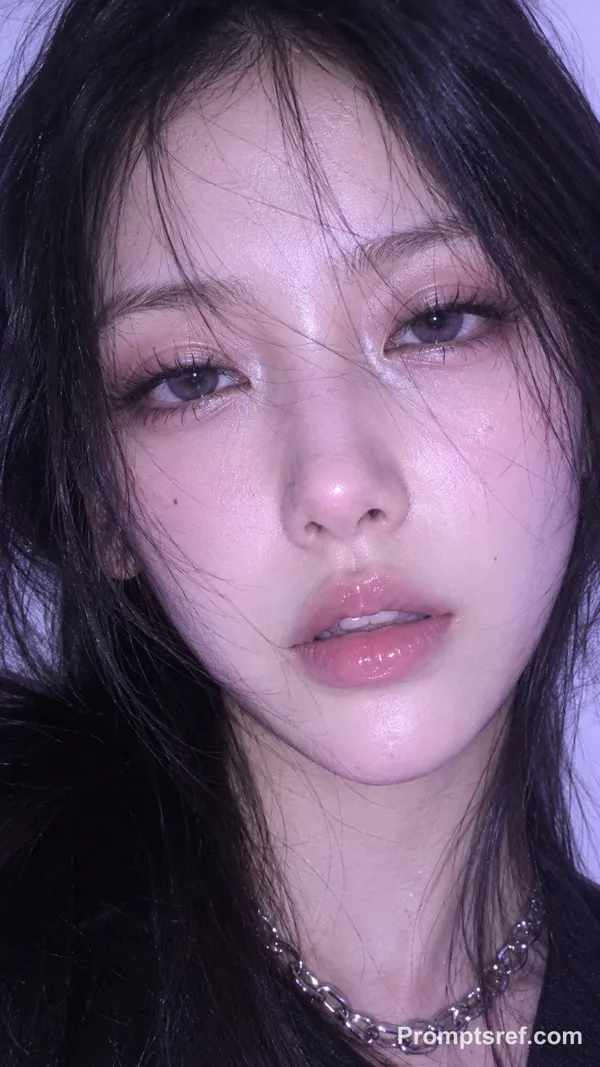
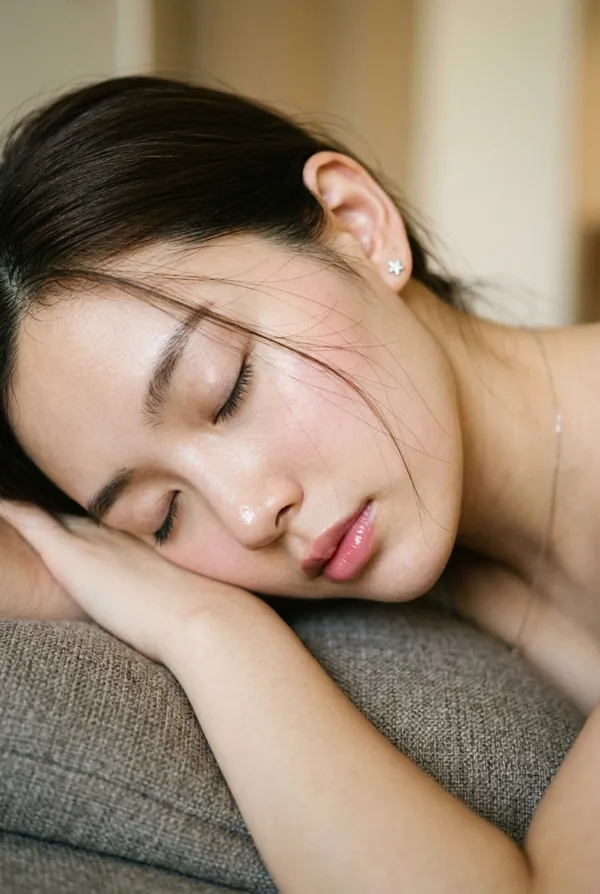
Nano Banana 2 Prompt - Textura de cerámica viva

- Modelo
- Nano Banana 2
Prompt
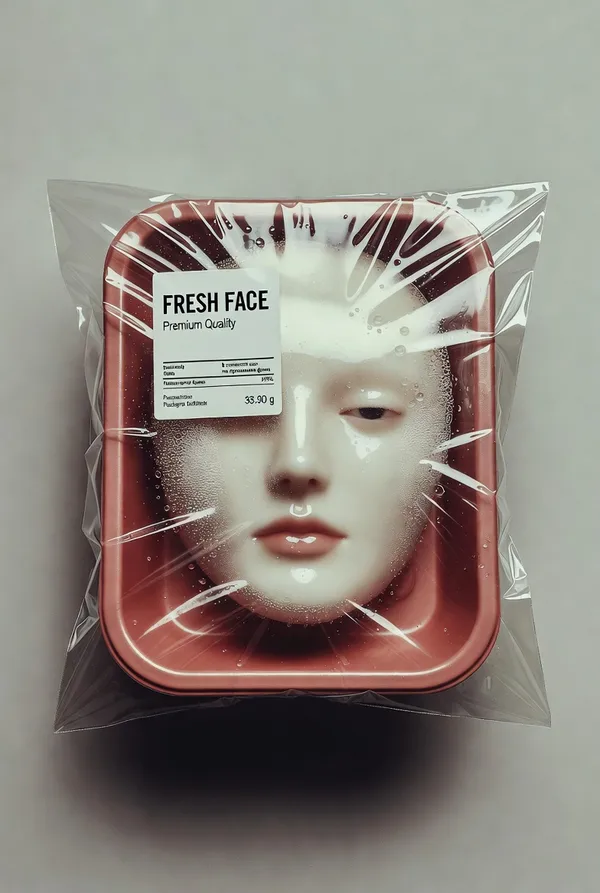
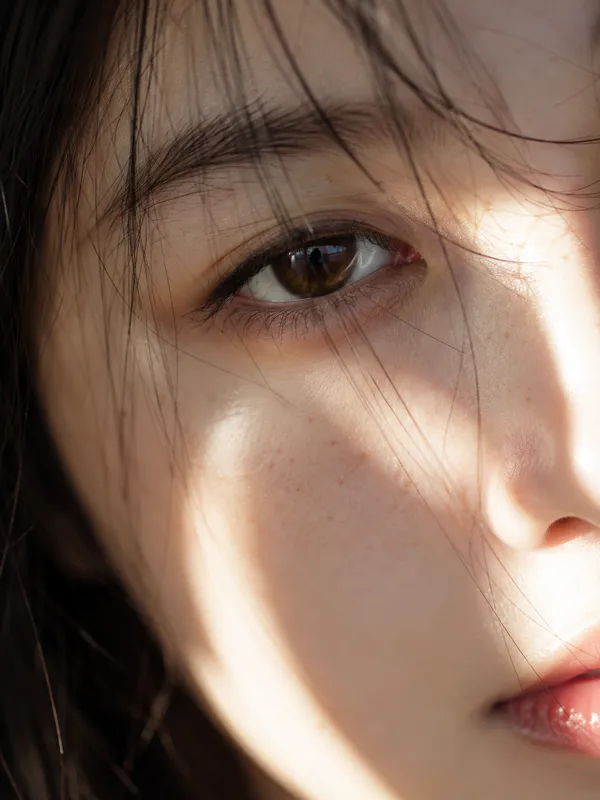
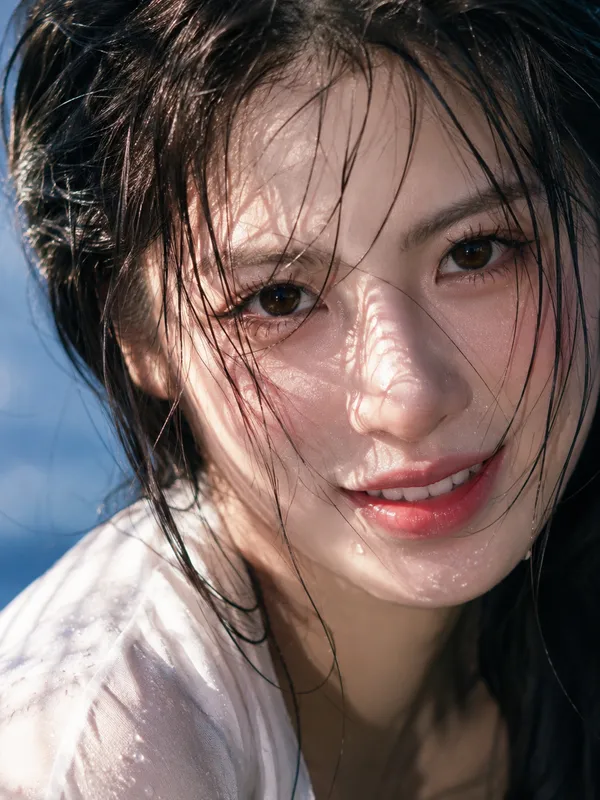
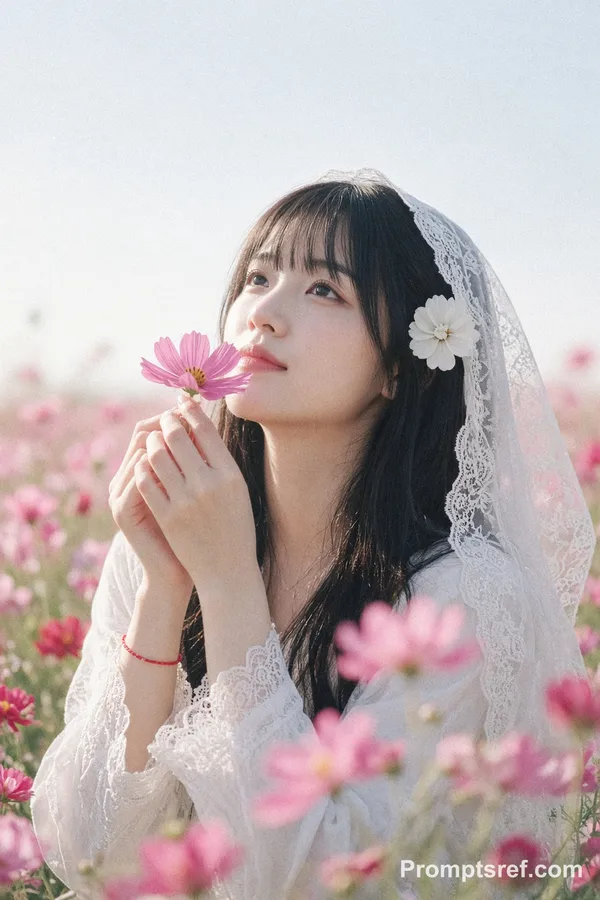
{ "vibe_title_en": "Living Ceramic Texture", "master_prompt": "A hyper-realistic, macro portrait of The Protagonist embodying 'The High-Gloss Rebel'. The subject is wearing a sophisticated practical-effect mask made of drying white kaolin clay that has physically cracked and shattered across the face, mimicking the texture of broken porcelain. Through the fissures of the dry clay, the subject's actual skin is visible—intensely dewy, sweaty, and glowing with life, creating a stark textural contrast between 'dry/dead' and 'wet/living'. Small, real pale pink tea roses are physically tucked into the deep cracks of the mask near the temple and cheekbone, appearing to bloom from the skin. The subject holds a direct, unwavering eye-contact with a slight, arrogant smirk that seems to be breaking the mask further. Lighting is a harsh, editorial direct ring-flash to create sharp specular highlights on the sweaty skin and define the jagged edges of the clay. Shot on a Hasselblad H6D-100c with an HC 120mm Macro lens. Kodak Portra 160 film simulation.", "frame": { "aspect": "4:5", "composition": "Center-weighted macro portrait" }, "subject": { "gender": "Female", "face": "Symmetrical features, covered in cracked white clay, revealing hyper-dewy skin underneath", "hair": "Slicked back, wet-look, dark", "expression": "Direct eye contact, challenging gaze, slight arrogant smirk" }, "wardrobe_accessories": { "accessories": [{ "item": "Floral Appliqué", "material": "Fresh Tea Roses" }, { "item": "Face Mask", "material": "Dried Kaolin Clay" }] }, "lighting": { "key": "Direct Ring-Flash (Frontal)", "color_temperature": "5600K (Daylight Balanced)" }, "camera": { "focal_length": "120mm", "aperture": "f/11", "sensor_format": "Medium Format" }, "post_processing": { "color": "Desaturated slightly, emphasizing pink flowers and natural skin tones", "texture": "Fine grain (Kodak Portra style), zero smoothing" } }
Remixes
RemixAún no hay remixes. Crea la primera versión.
Usa este prompt de imagen
- 01
Empieza con el prompt
Copia el prompt o ábrelo con el botón de generar.
- 02
Haz tus cambios
Ajusta el sujeto, el entorno o los detalles. Añade referencias si las necesitas.
- 03
Revisa antes de generar
Comprueba el modelo y los ajustes de salida. Los resultados pueden variar.