

Upload a photo and create a five-second hand-drawn fantasy video with warm colors, soft scenery, and natural-looking motion.
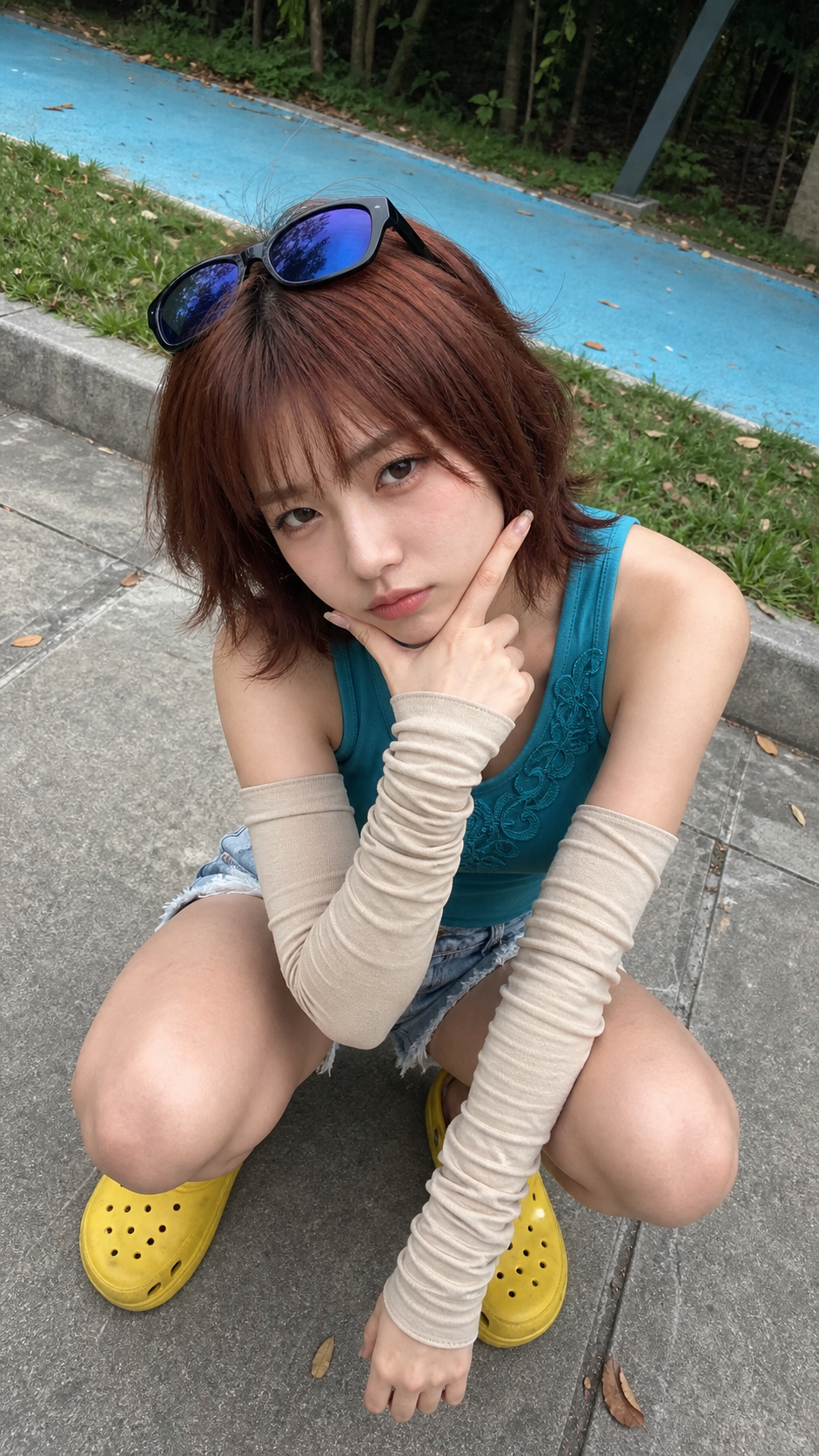
Original photo
Upload one clear image with a person, pet, or character.
Generated video
The effect turns the photo into a five-second hand-drawn animated scene.
Duration
Turn your photo into a scene that feels alive
This effect does more than add an anime filter. It keeps your subject recognizable while adding softer light, hand-painted color, and subtle motion that makes the image feel like a moment from an animated story.
Your subject stays recognizable
Key details such as the face, hairstyle, outfit, and pose remain visible, so the result still feels connected to the original photo.
The setting gets a storybook look
Warm lighting, soft colors, and hand-painted scenery turn an everyday image into a gentle fantasy scene.
Subtle motion keeps it believable
Small movements—a blink, a breeze, a slight smile, or a slow camera drift—work especially well in the five-second format.
Choose a clear photo with space around your subject
You do not need a professional portrait. Start with a well-lit photo where the main subject is easy to see and there is enough background for the effect to add scenery and movement.
Focus on one main subject
A single person, pet, or character usually produces a more consistent result than a crowded group photo.
Keep the face visible
Front-facing and slightly angled photos both work. Avoid covered eyes, deep shadows, or faces that appear very small in the frame.
Include some background
A little sky, landscape, street, or indoor space gives the generator more room to add depth and environmental motion.
Show distinctive details
A unique hairstyle, outfit, accessory, or pet marking helps the finished video feel more personal.
How to use the Studio Ghibli AI Video Generator
Upload one photo
Choose a portrait, pet photo, illustration, or travel image with one clear main subject.
Choose the resolution
Use 360p or 540p for a quick test, then choose 720p or 1080p when you want a sharper final version.
Generate your video
Create your five-second video, preview the result, and download or share it when you are happy with it.
Made for portraits, pets, travel photos, and everyday memories
The effect works best when you want warmth and atmosphere instead of fast action or dramatic visual effects. Try it with personal photos that already have a clear subject or sense of place.
Personal memories
Turn a family portrait, vacation photo, or everyday moment into a short animated keepsake.
Pet and character portraits
Clear silhouettes, expressive eyes, and recognizable markings translate well into warm, storybook-style animation.
Travel and nature scenes
Trees, clouds, old streets, and open landscapes give the generator plenty of visual detail to animate.
Your own stories and characters
Use your own photos and ideas to create an original scene instead of recreating a specific movie or protected character.
Try another video effect
Compare the previews and pick an effect for your next video.