

Upload one photo and get a 12-second AI Chanel Dance clip with fashion-inspired motion and generated sound, ready to preview, download, and share.
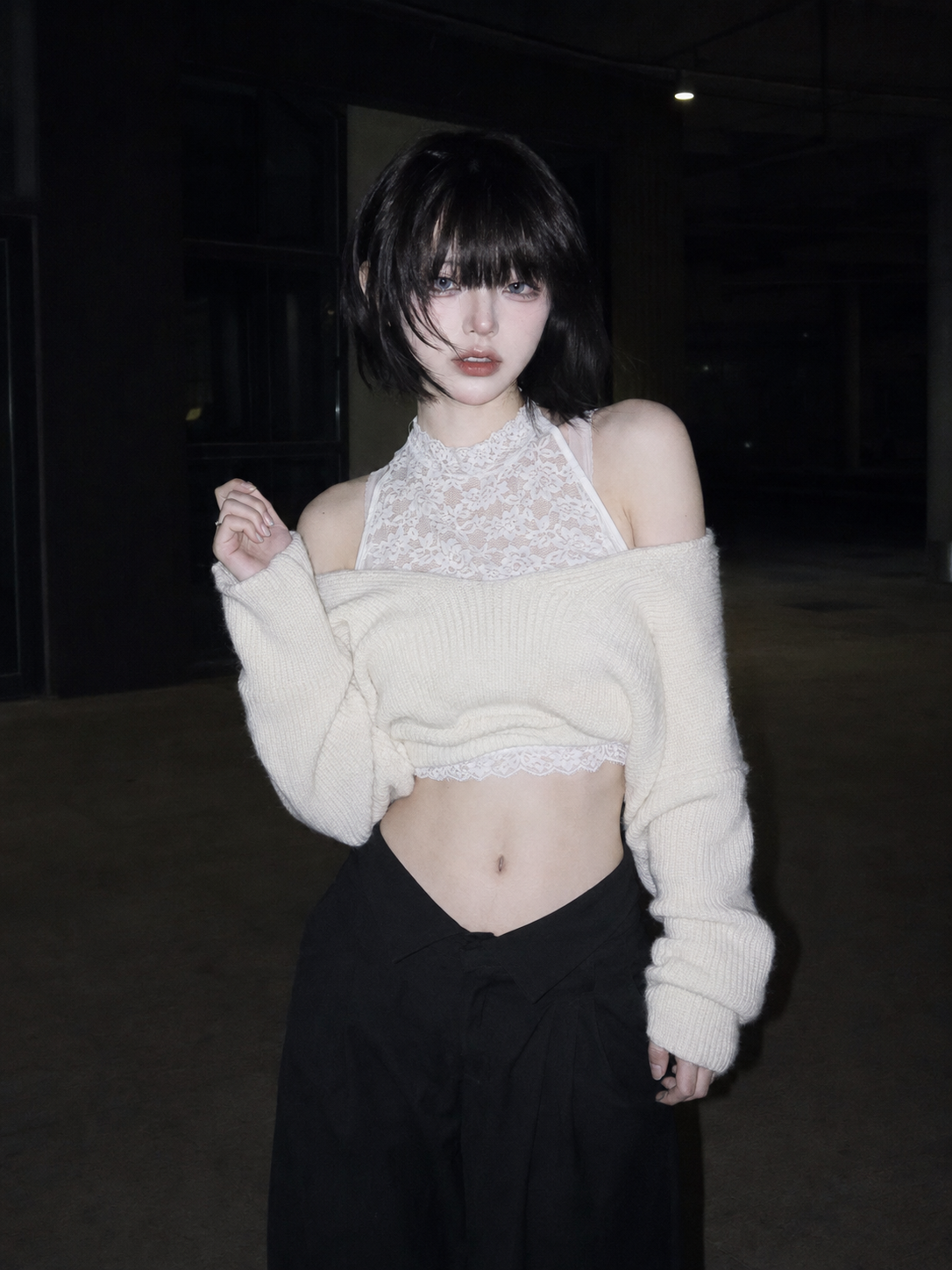
Upload one clear photo
Choose one person, character, or pet with the body easy to see.
Create the AI Chanel Dance video
The effect turns the uploaded image into a 12-second dance clip.
Duration
Turn one photo into an AI Chanel Dance video
Upload one clear photo and create a 12-second AI Chanel Dance video inspired by the viral Put Me in Chanel trend. The effect handles the dance motion, camera movement, timing, and generated sound, so there is nothing to film or edit.
One photo is all you need
Use a clear photo of one person, character, mascot, or pet.
Movement and timing are built in
The effect adds choreography-style motion, camera movement, pacing, and generated sound.
Ready to share
Preview the finished clip, then download or post it without filming or editing.
Pick a photo that moves well
Chanel Dance AI works best with one sharp, front-facing subject. A visible face, arms, and outfit give the effect more detail to work with and make the dance look cleaner.
Use one subject
Avoid group shots. The effect needs one clear person, character, or pet.
Keep the body in frame
Full-body photos work best. Upper-body photos can also work when the arms and torso are visible.
Keep the pose simple
Use a standing pose with the face, arms, and outfit easy to see.
Make your AI Chanel Dance video in 3 steps
Upload your photo
Choose a clear image from your device or library.
Choose the quality
Use 720p for the best available quality, or test with a lower resolution to save credits.
Generate and share
Create the 12-second clip, preview the motion and sound, then download or share it.
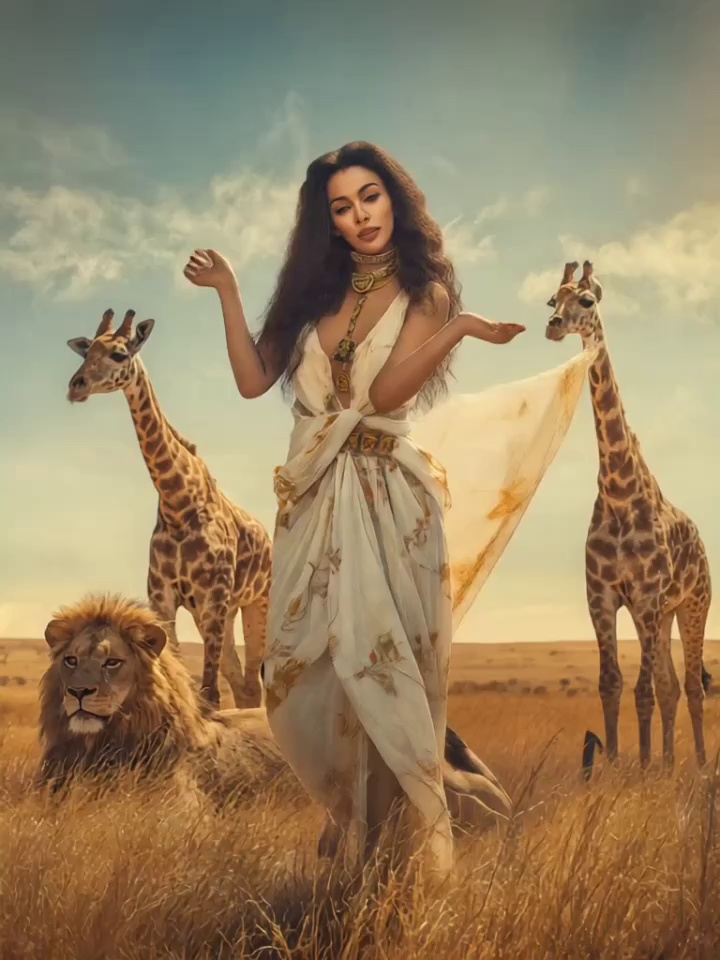
AI Chanel Dance video examples
See how different photos turn into dance videos with the Chanel Dance AI effect.
Try another video effect
Compare the previews and pick an effect for your next video.