

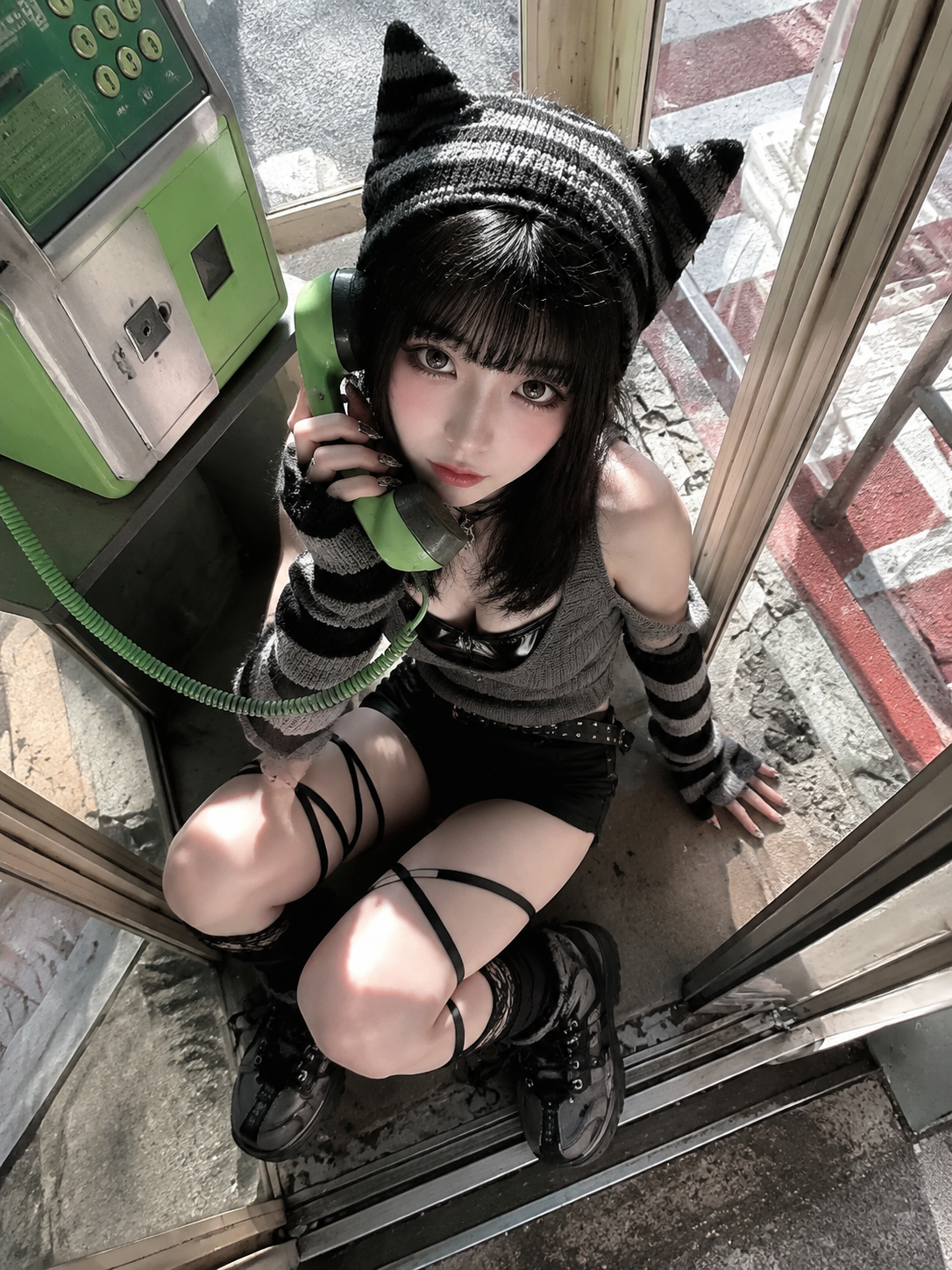
Upload the source image
Use a clear image so the interview subject stays easy to recognize.
Generate the interview video
The result looks like a short sports interview with natural motion and a real post-game feel.
Duration
Why AI post-game interview videos are trending
People already know the post-game interview format: tight framing, a mic, and someone reacting after a match. The AI version is fun because you can drop in different people, characters, outfits, or styles and still have it read like a real interview.
The format is instantly recognizable
Viewers understand the scene right away, even before they know who is being interviewed.
You can swap the subject
The same setup works with athletes, creators, game characters, fictional players, or a completely unexpected look.
The surprise is the hook
A serious interview style applied to a surprising character or outfit makes the clip funny before anyone reads the caption.
How to create an AI post-game interview video
Upload a clear image, choose a quality, and let the template create the interview framing, motion, and post-game feel.
Use a clear subject
Portraits, selfies, upper-body shots, and character images work best when the face is easy to recognize.
Pick the output quality
720p works well for social posts; 1080p is better for a sharper export.
Choose the most natural result
Keep the version with the most stable likeness, natural face motion, and convincing interview energy.
Why this AI post-game interview generator works well
It uses a believable interview setup
The video uses familiar sports interview framing, natural face motion, and a clear after-game mood.
No editing workflow required
Upload one image, choose a quality, and generate. There is no filming, prompting, or video editing to manage.
It works with different looks
Portraits, selfies, creator shots, game characters, and fan edits can all fit the format when the subject is clear.
AI post-game interview examples
Real videos made with the same template and different uploaded images.
Try another video effect
Compare the previews and pick an effect for your next video.