GPT Image 2.0 Prompt - Feine Landschaft auf elfenbeinernem Gouachefeld

- Modell
- GPT Image 2.0
- Seitenverhältnis
- auto
- Qualität
- 1K
Prompt
[TITLE]: [Title]
[LANDSCAPE]: [Landscape]
[COLOR FIELD]: [Color Field]
[MICRO NARRATIVE]: [Micro Narrative]
[SUBTITLE]: [Subtitle]
[HANDWRITTEN NOTE]: [Handwritten Note]
[FORMAT]: 9:16
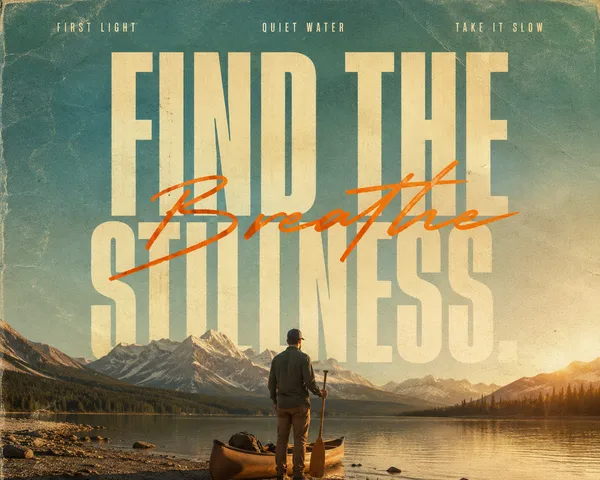
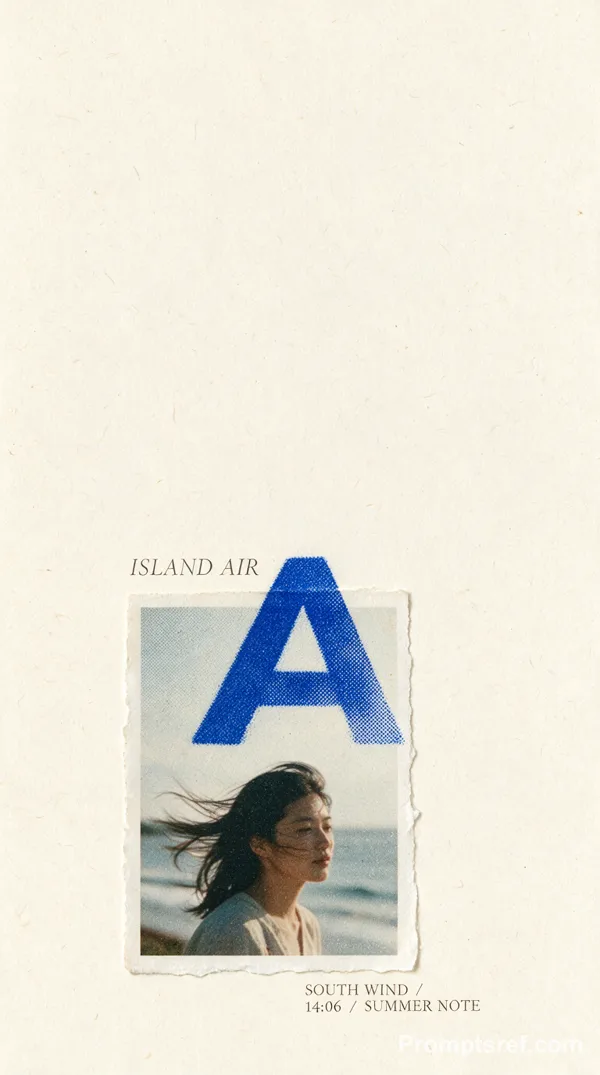
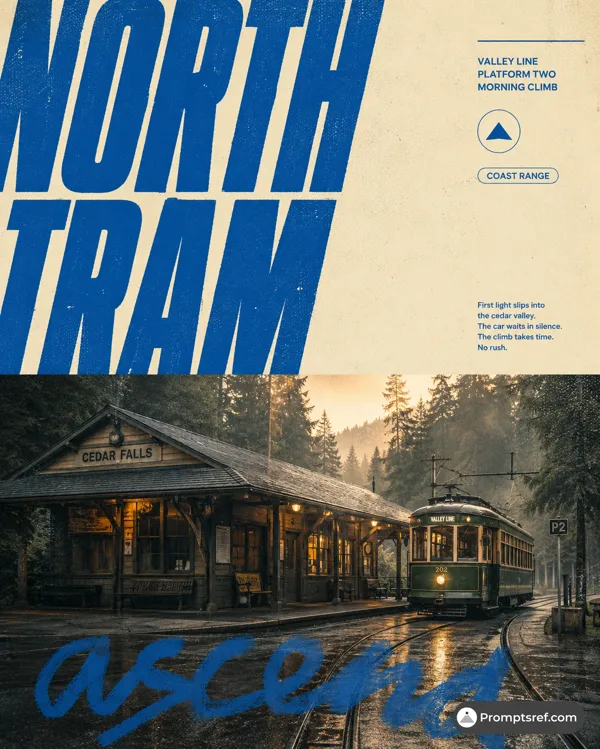
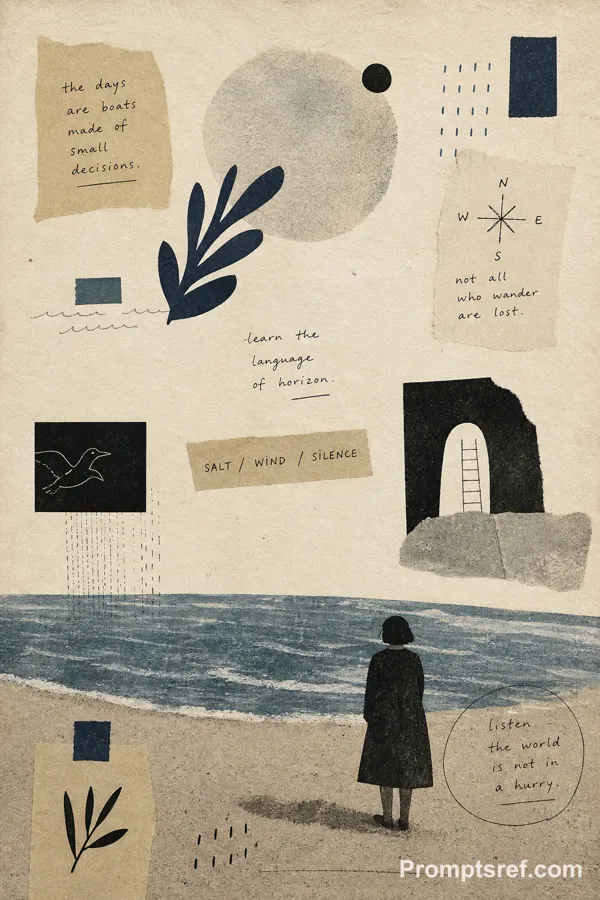
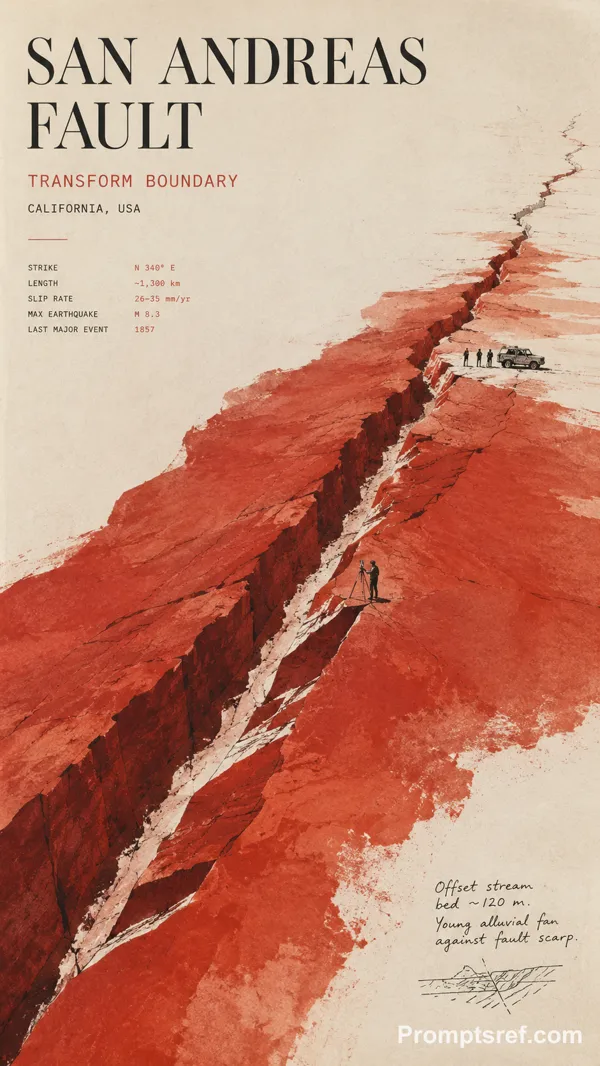
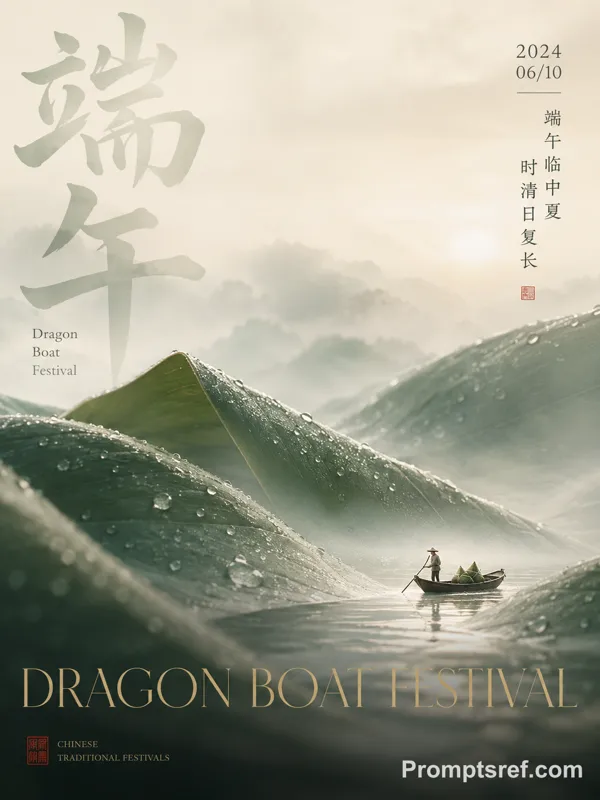
Create a refined minimalist editorial poster on warm ivory fine-art paper.
Use one large irregular [COLOR FIELD] with subtle silkscreen, gouache and mineral-pigment texture. Add a very thin black [LANDSCAPE] with tiny [MICRO NARRATIVE] details to create a strong scale contrast.
Set “[TITLE]” in sophisticated editorial typography and add the subtitle “[SUBTITLE]”. Include sparse field-note information such as time, season, route, weather or distance, plus one small natural handwritten note: “[HANDWRITTEN NOTE]”.
Keep the hierarchy clear: large color field, tiny landscape, strong typography, micro information. The poster should feel minimal from far away but detailed up close.
Each new image should change the landscape structure, color-field direction, typography layout and narrative rather than simply swapping colors and titles.
Avoid flat vector shapes, cheap gradients, oversized scenery, random text, UI styling, dirty grunge texture, logos, watermarks, numbering, starbursts and sparkle symbols.
Remixe
RemixNoch keine Remixe. Erstelle die erste Version.
Diesen Bild-Prompt verwenden
- 01
Mit dem Prompt starten
Kopiere den Prompt oder öffne ihn über die Schaltfläche zum Generieren.
- 02
Eigene Änderungen vornehmen
Passe Motiv, Umgebung oder Details an. Füge bei Bedarf Referenzen hinzu.
- 03
Vor dem Generieren prüfen
Prüfe Modell und Ausgabeeinstellungen. Die Ergebnisse können variieren.