GPT Image 2.0 Prompt - Entspanntes Selfie im schwarzen Doodle-Shirt

- Modell
- GPT Image 2.0
- Seitenverhältnis
- auto
- Qualität
- 1K
Prompt
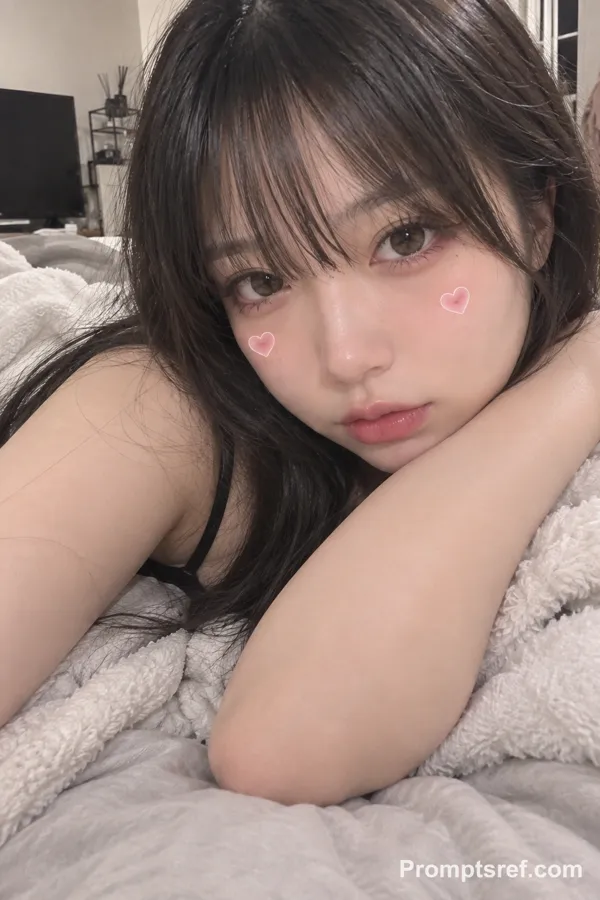
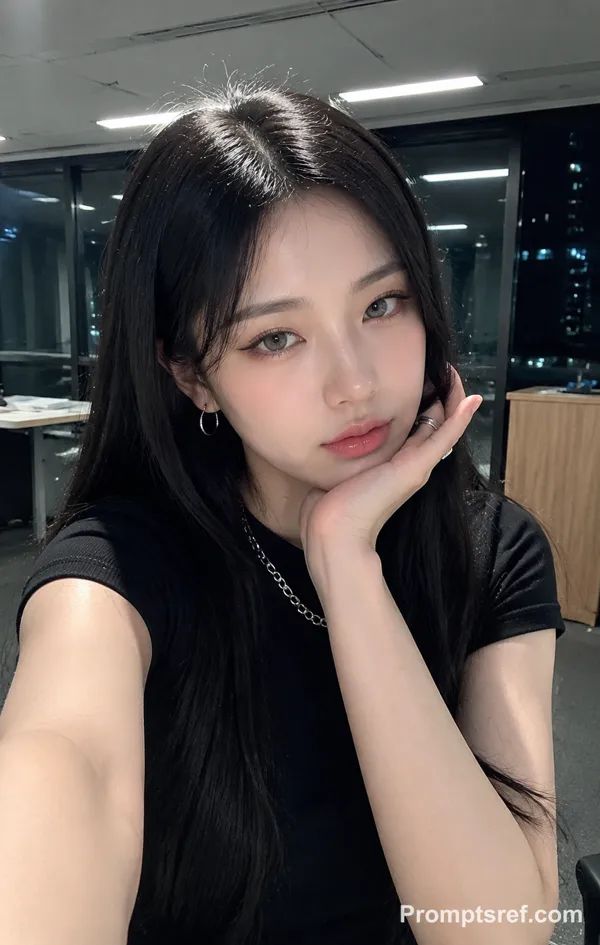
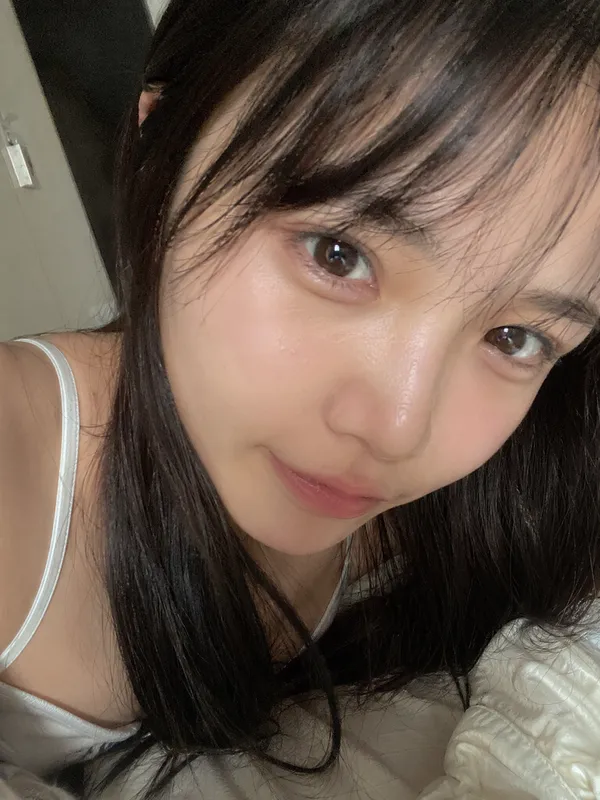
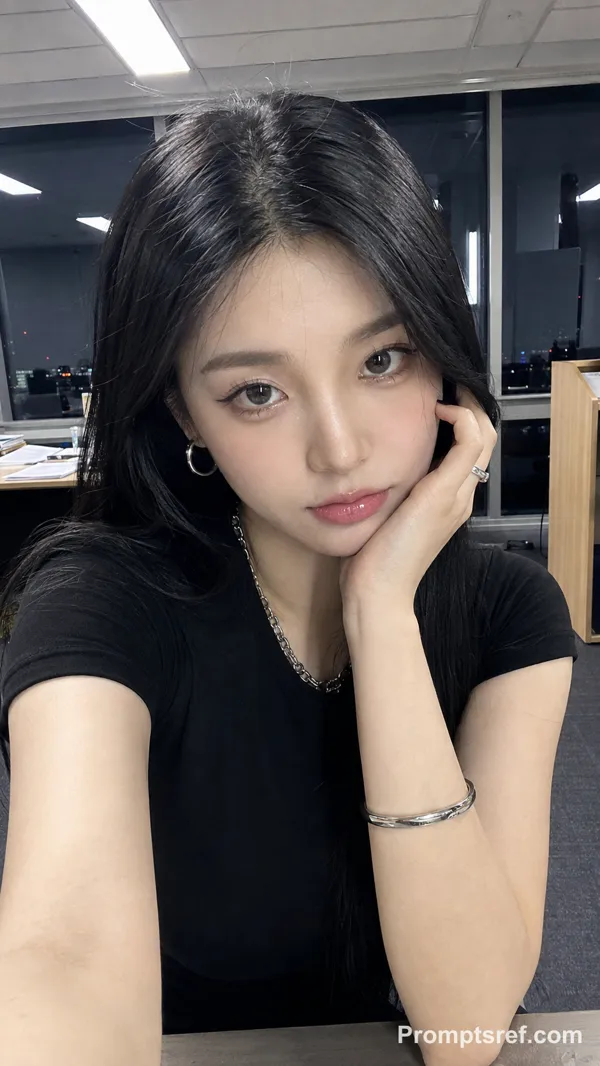
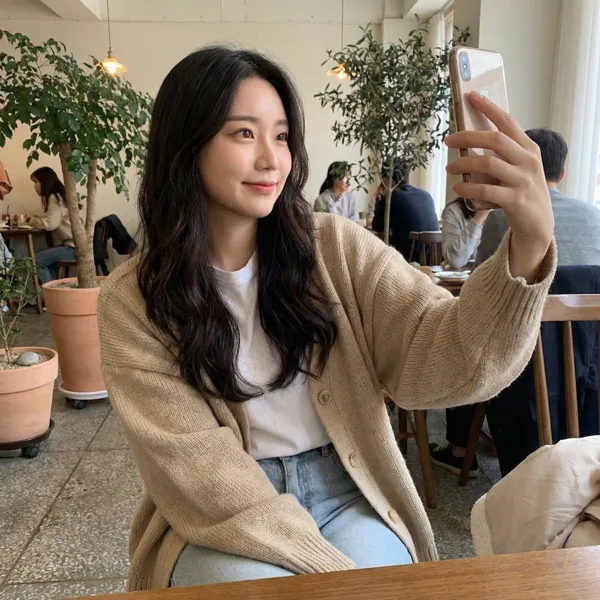
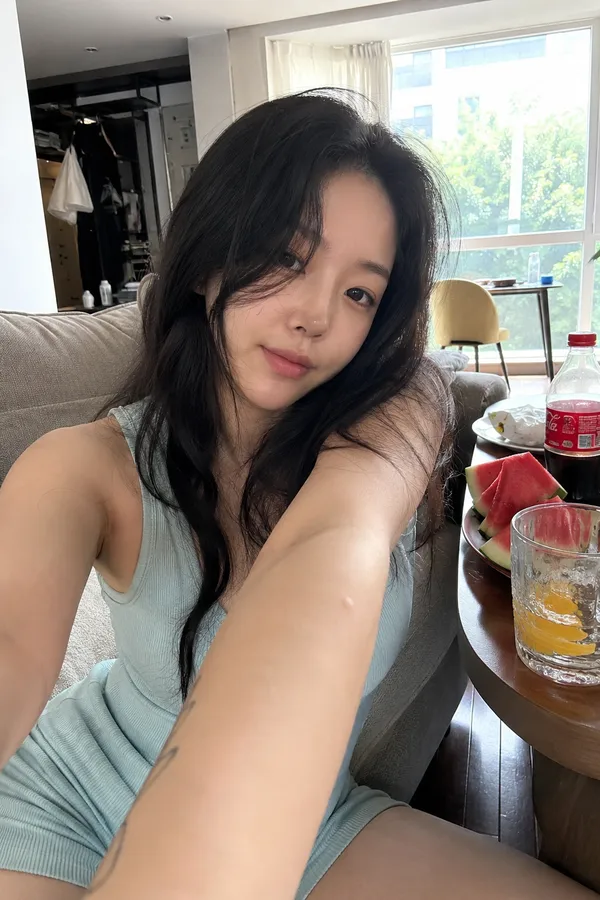
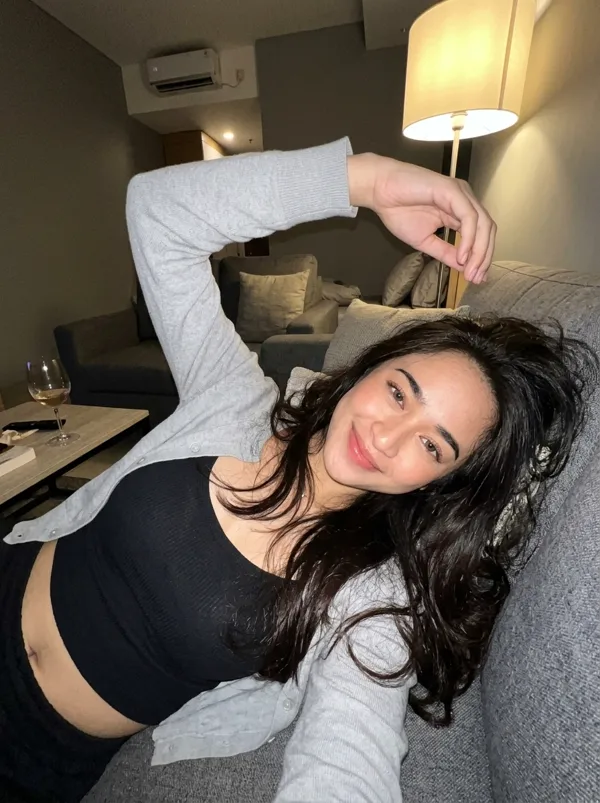
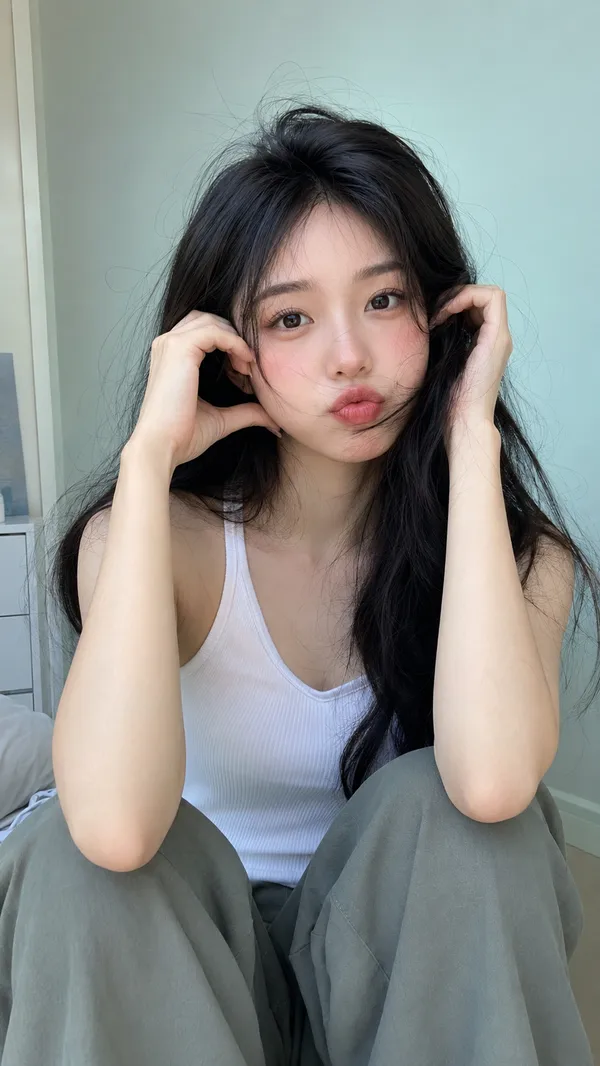
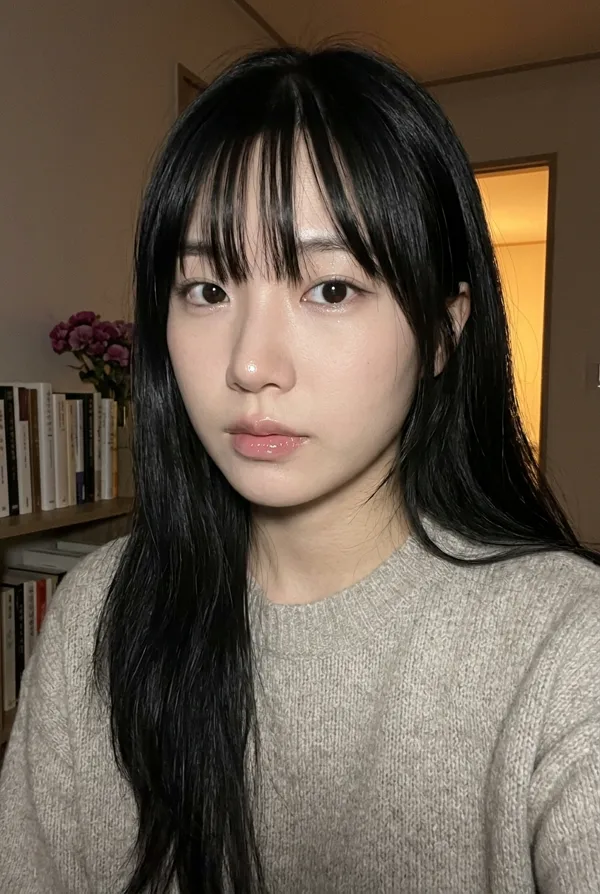
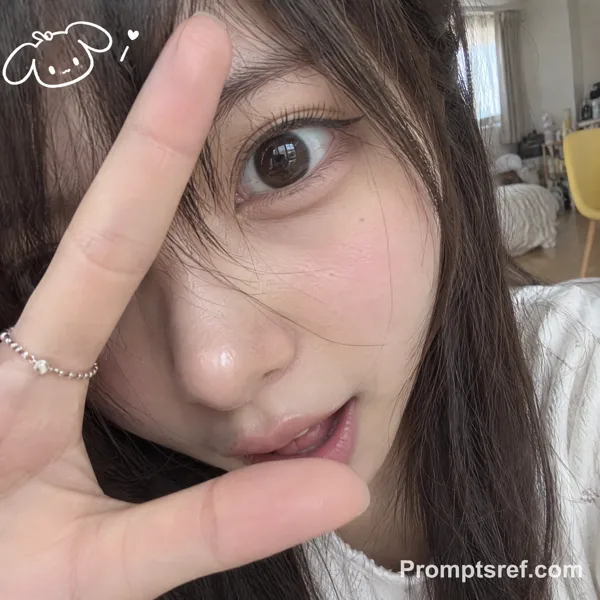
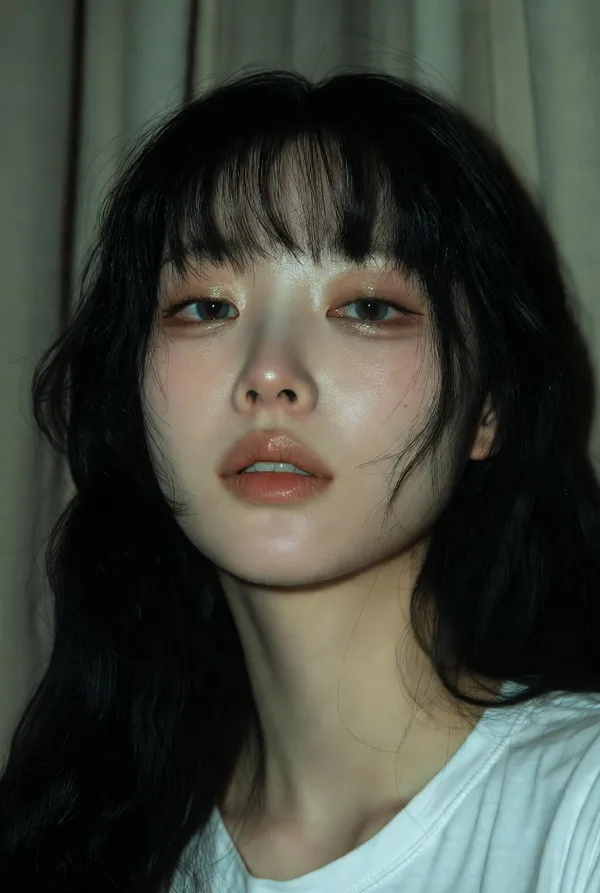
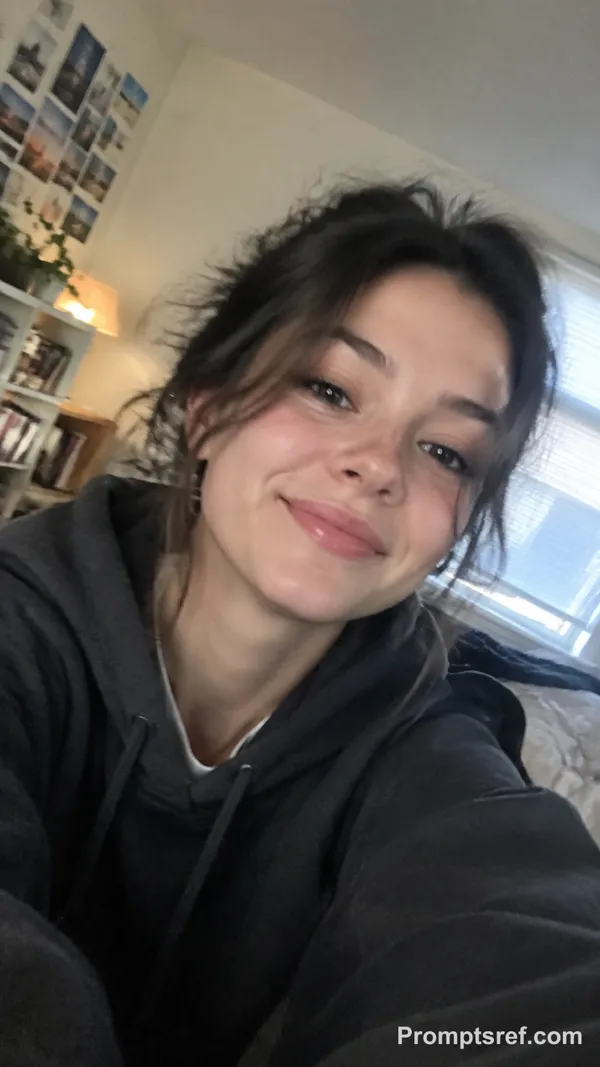
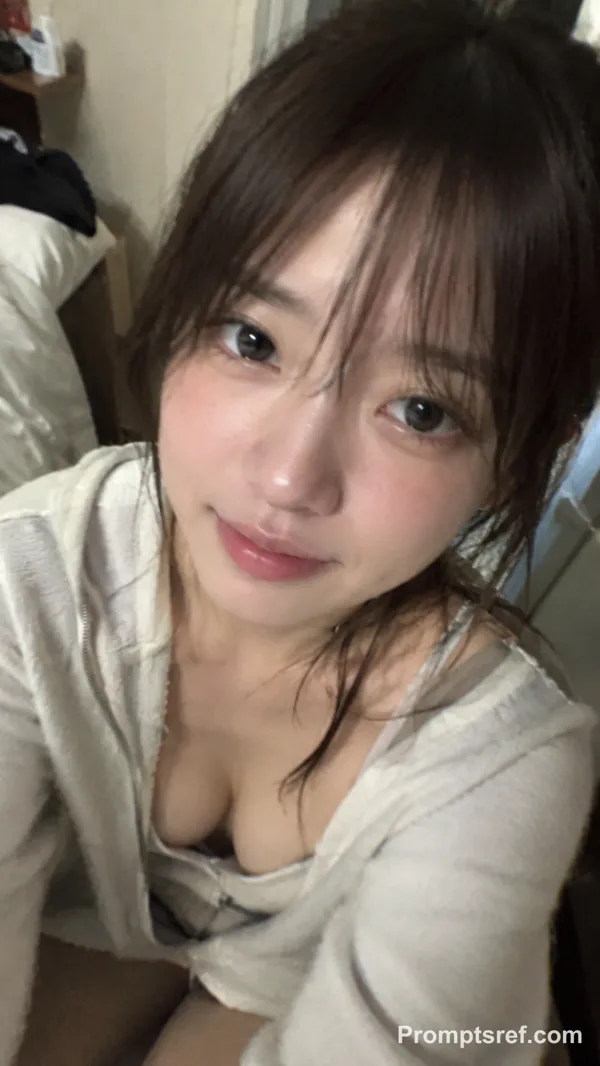
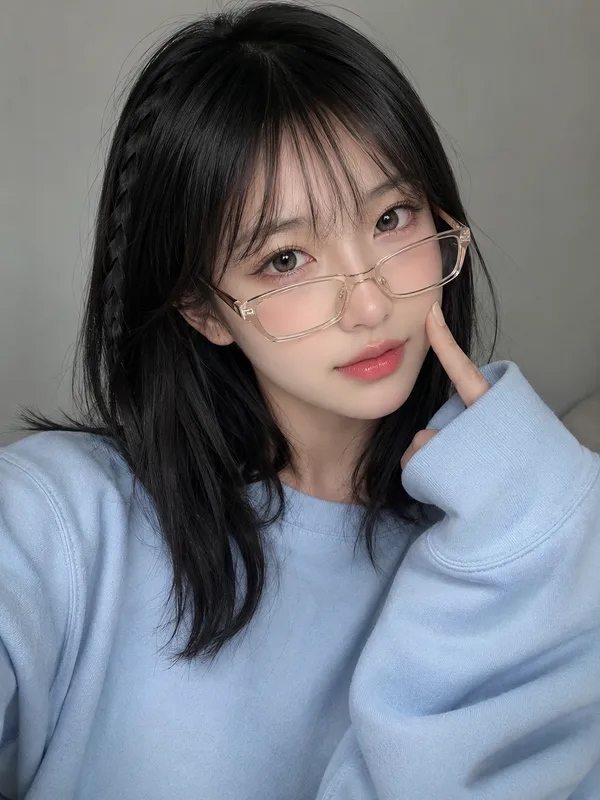
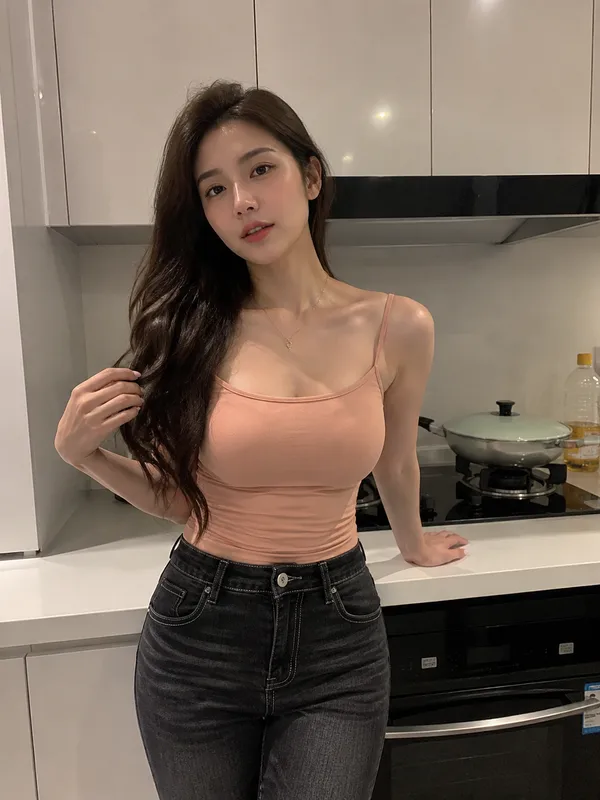
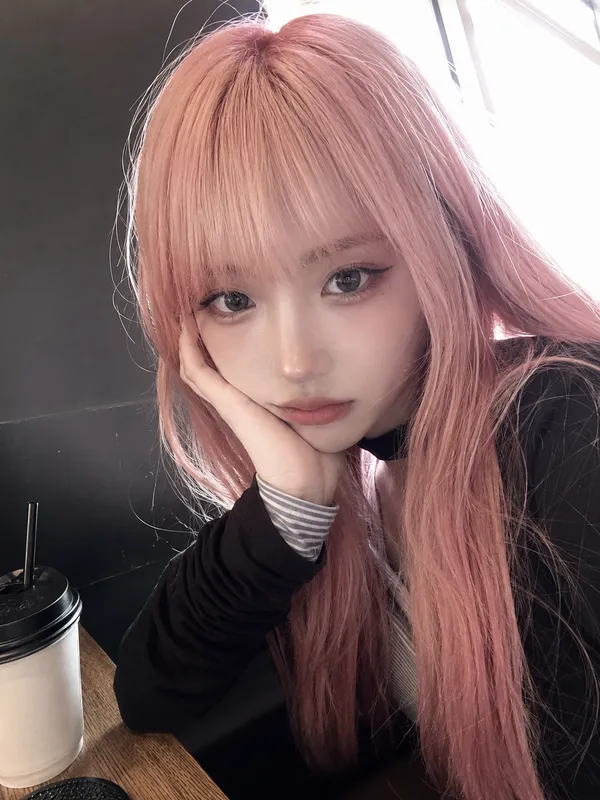
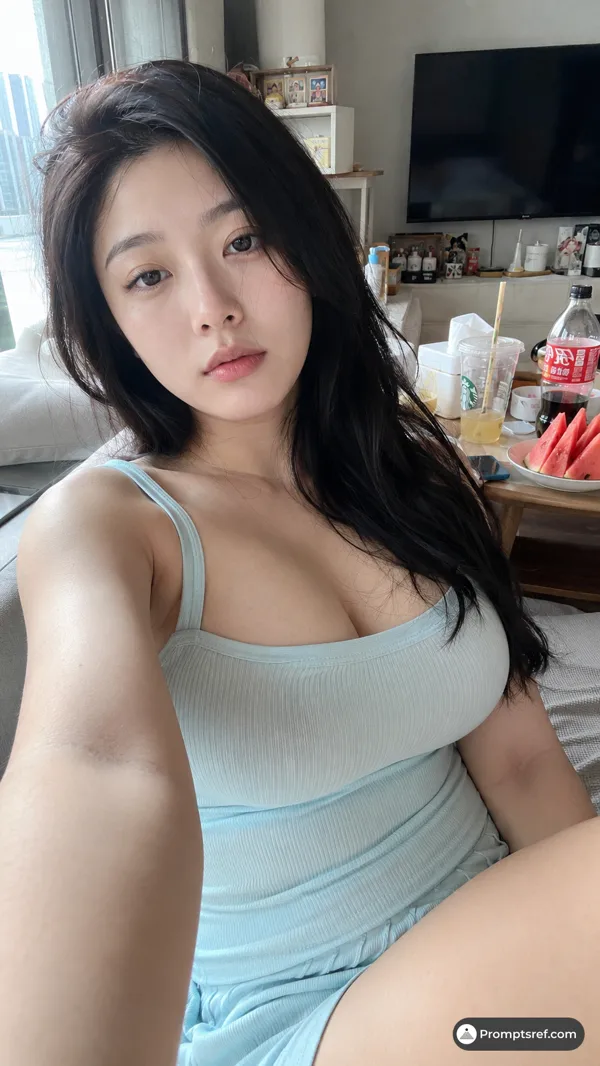
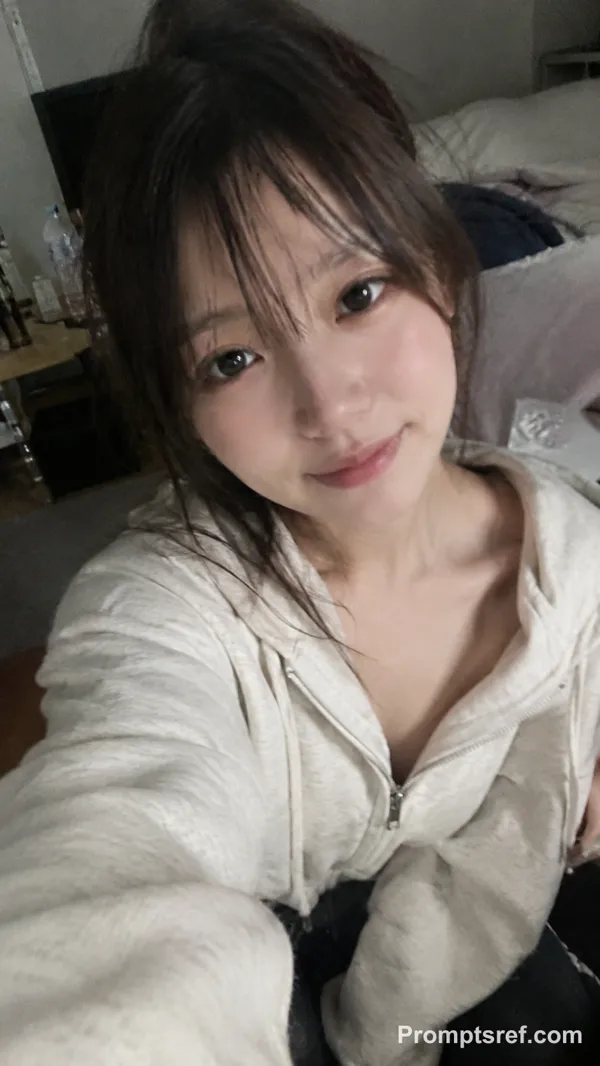
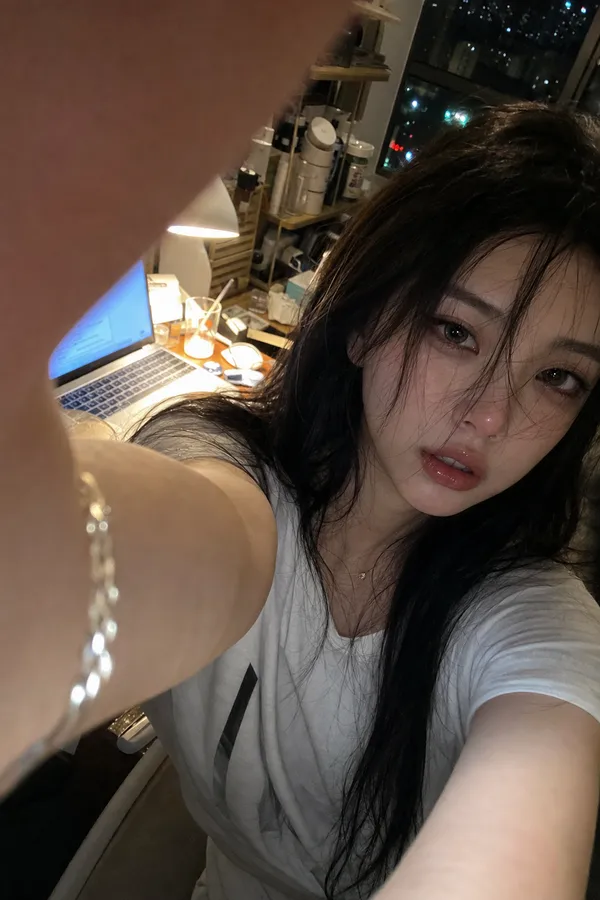
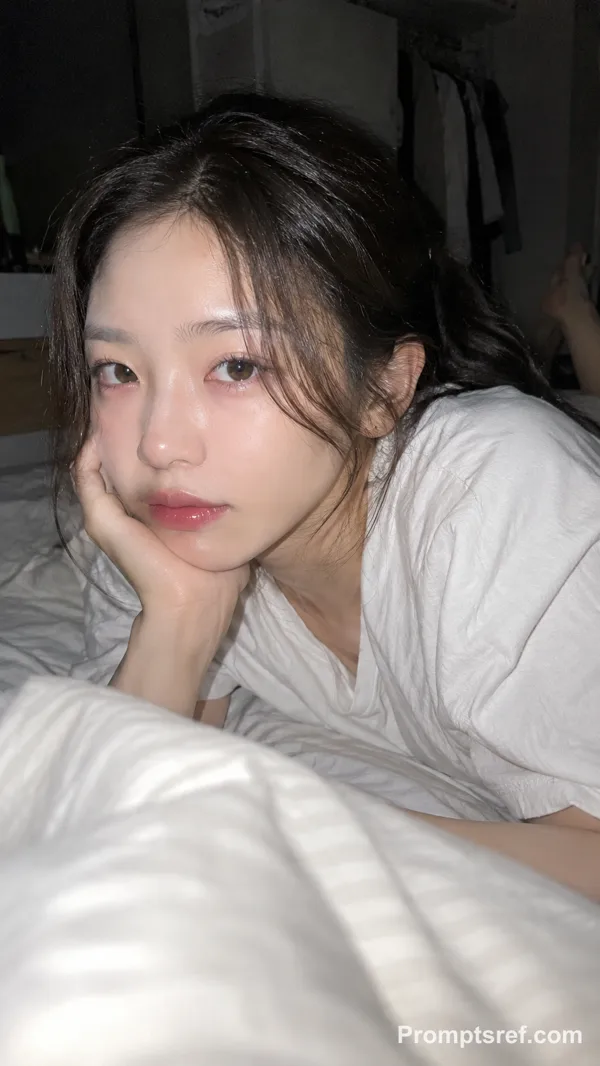
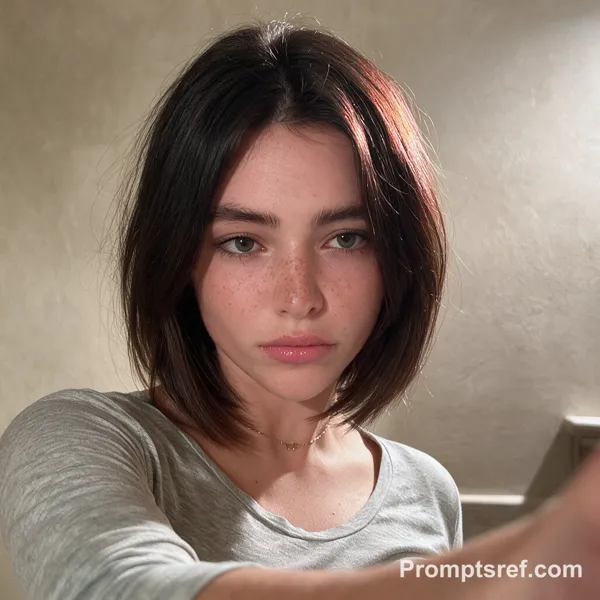
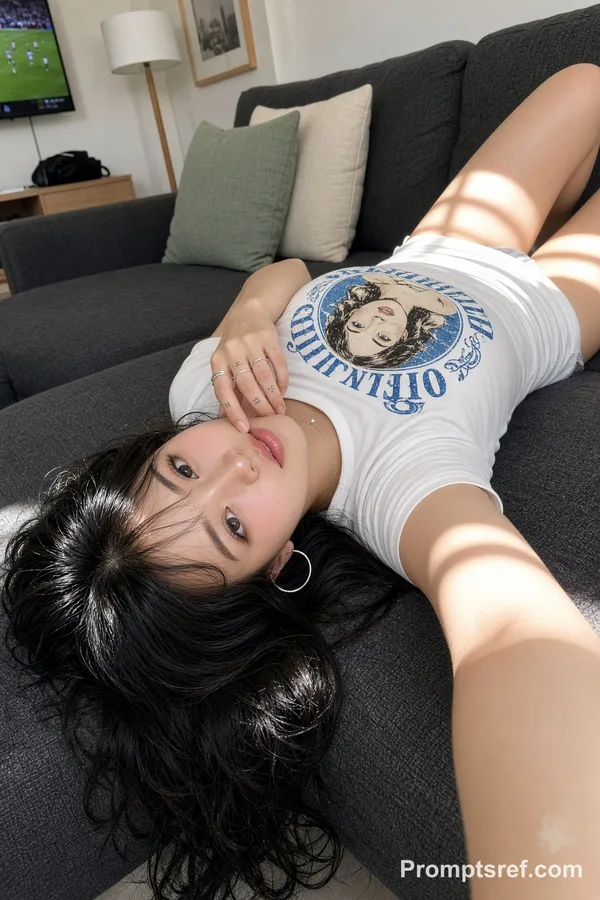
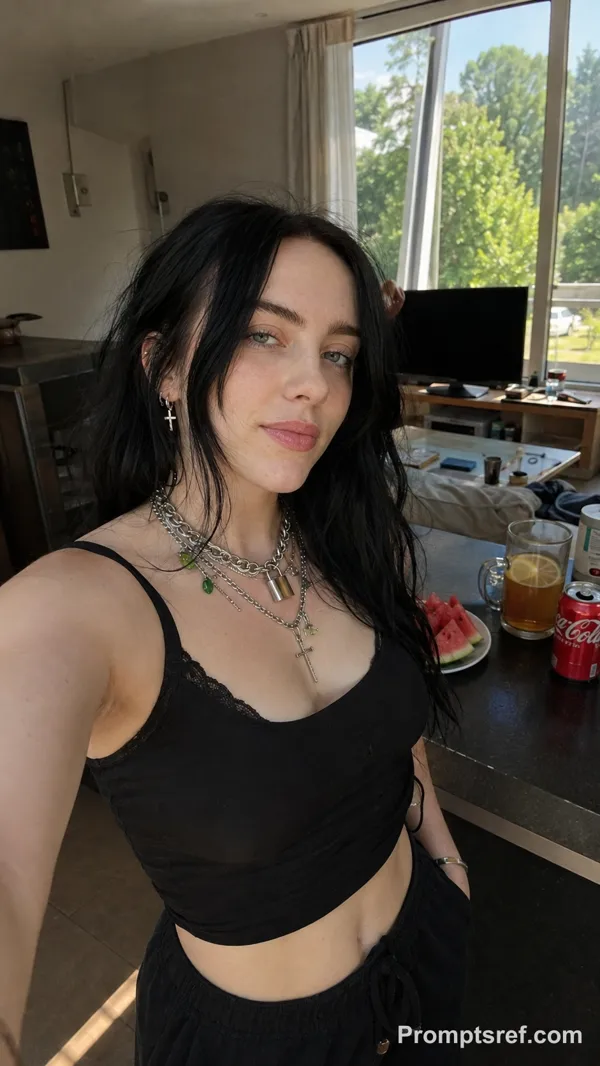
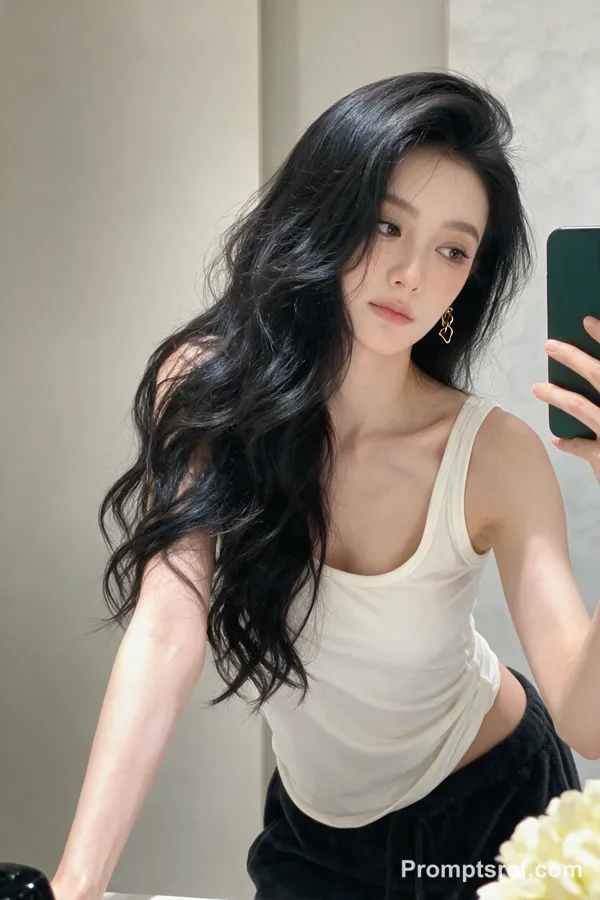
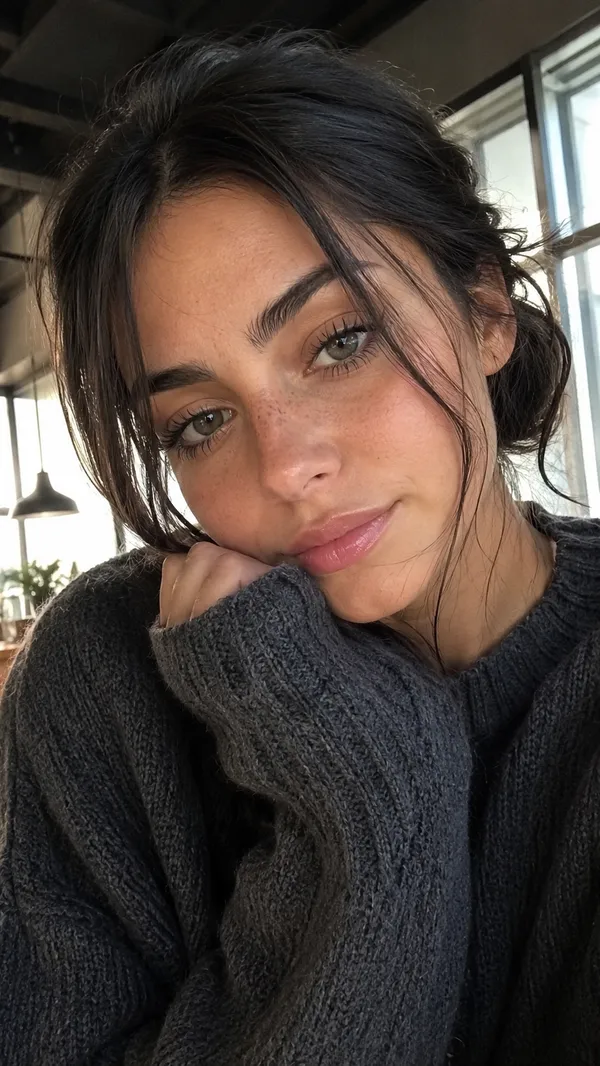
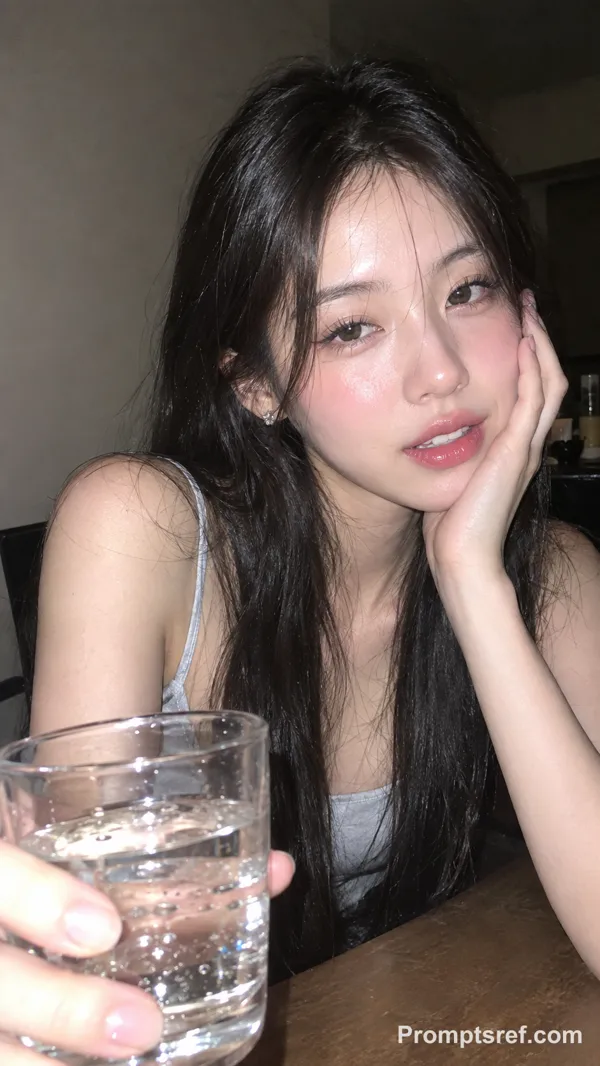
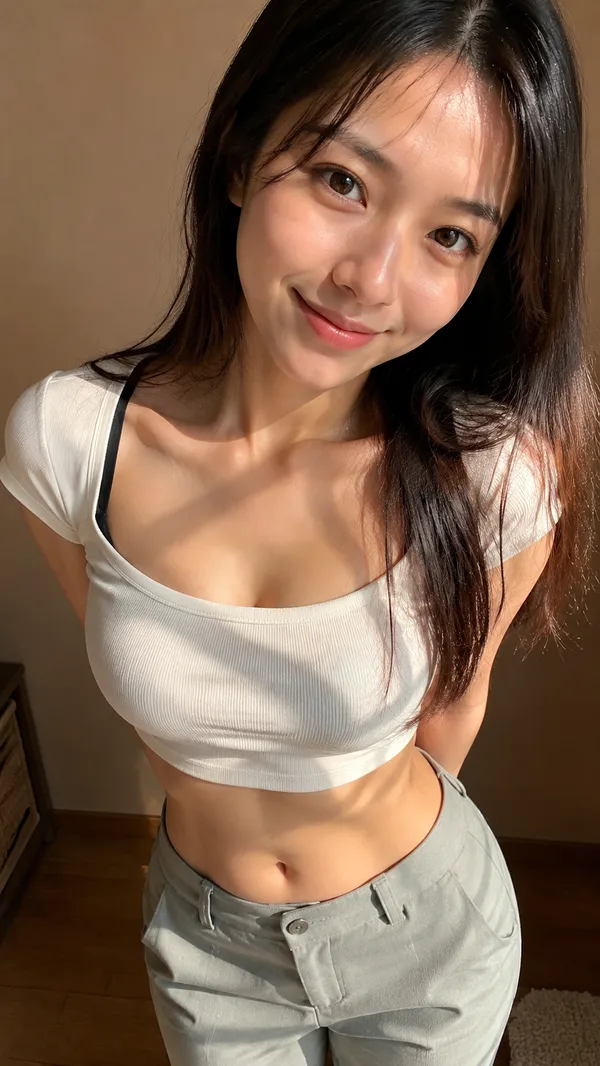
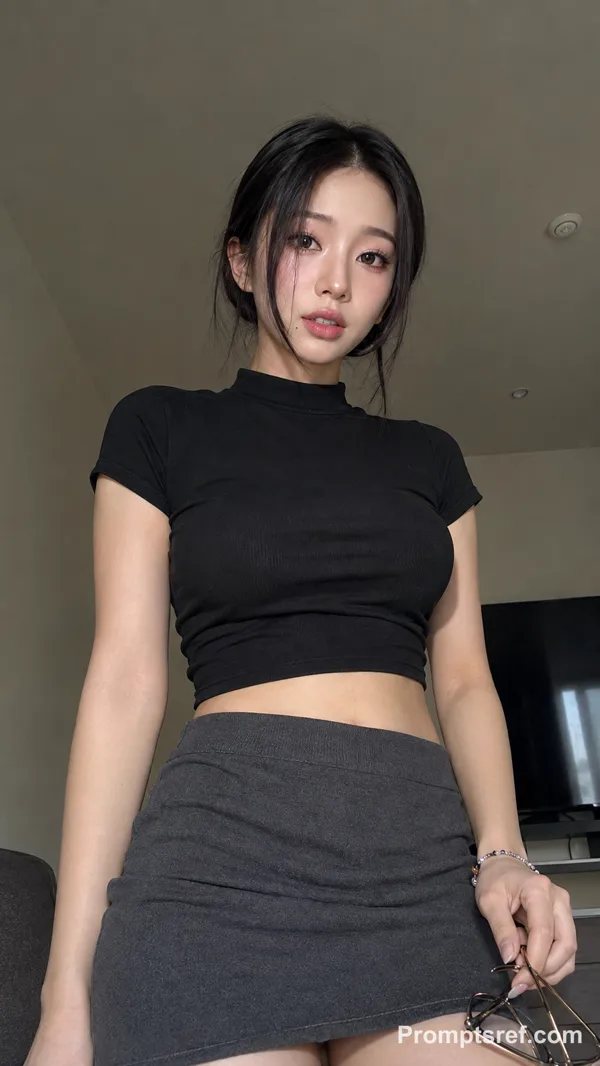
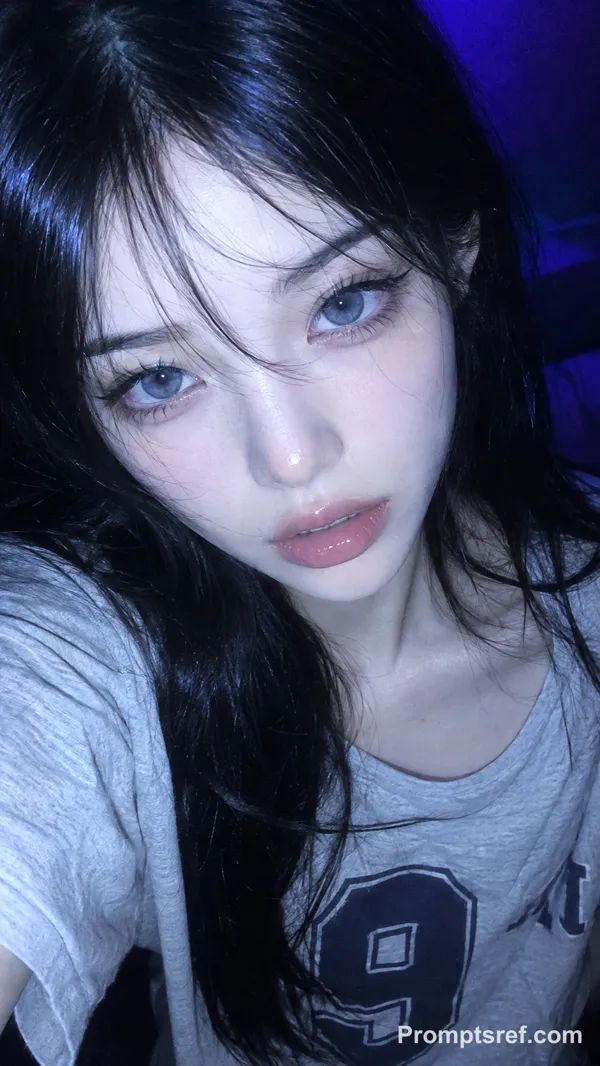
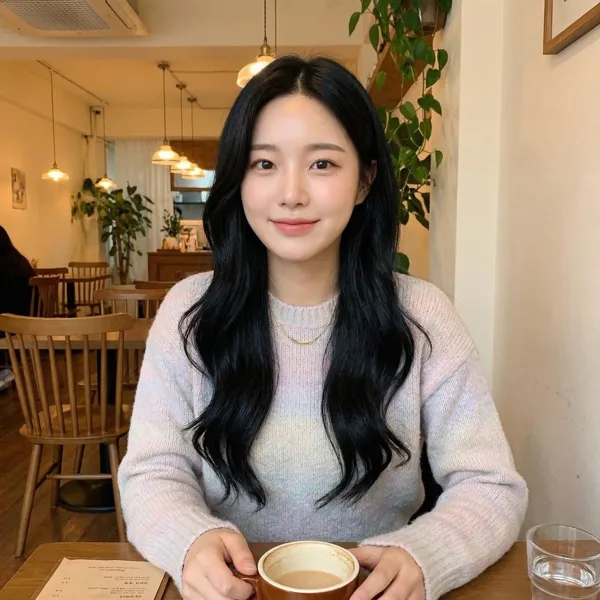
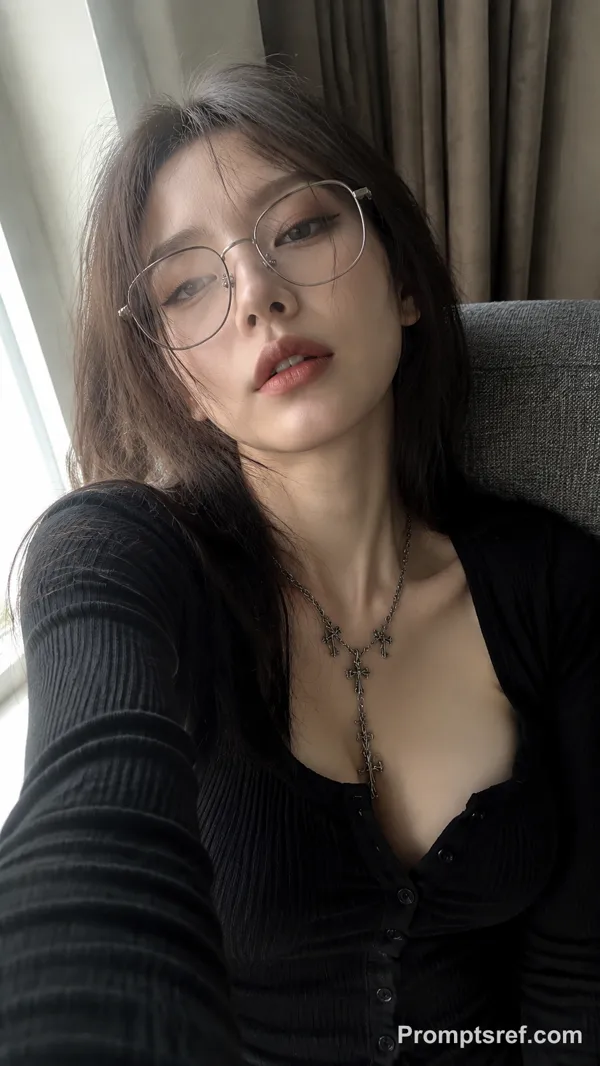
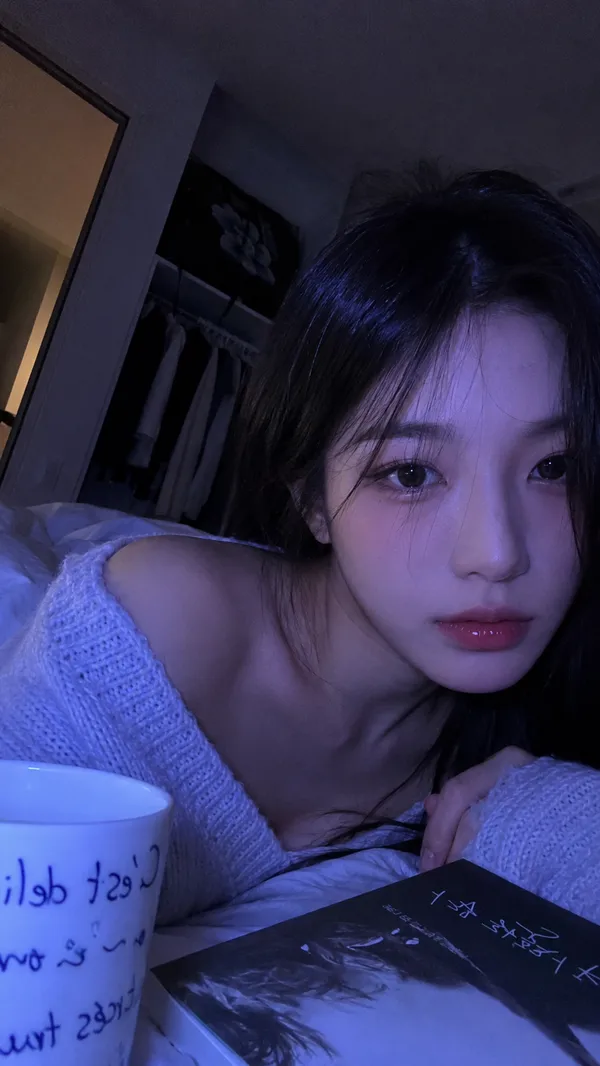
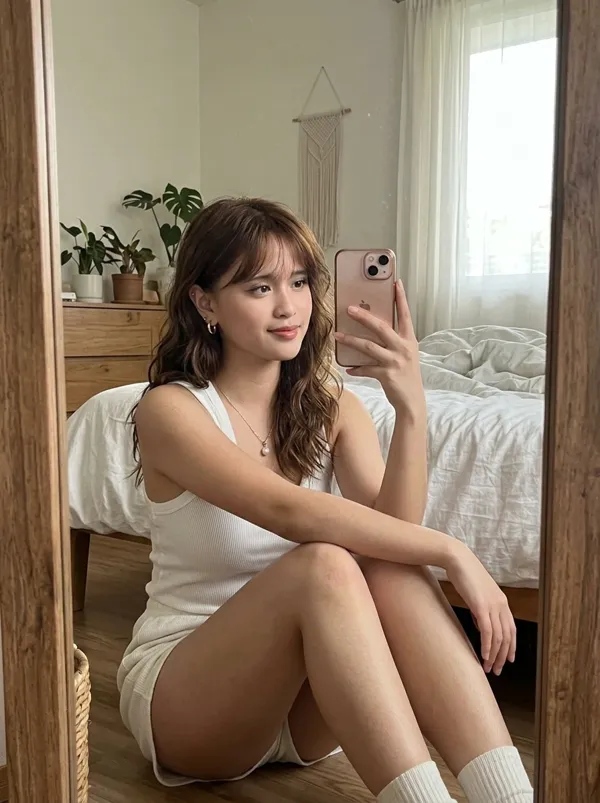
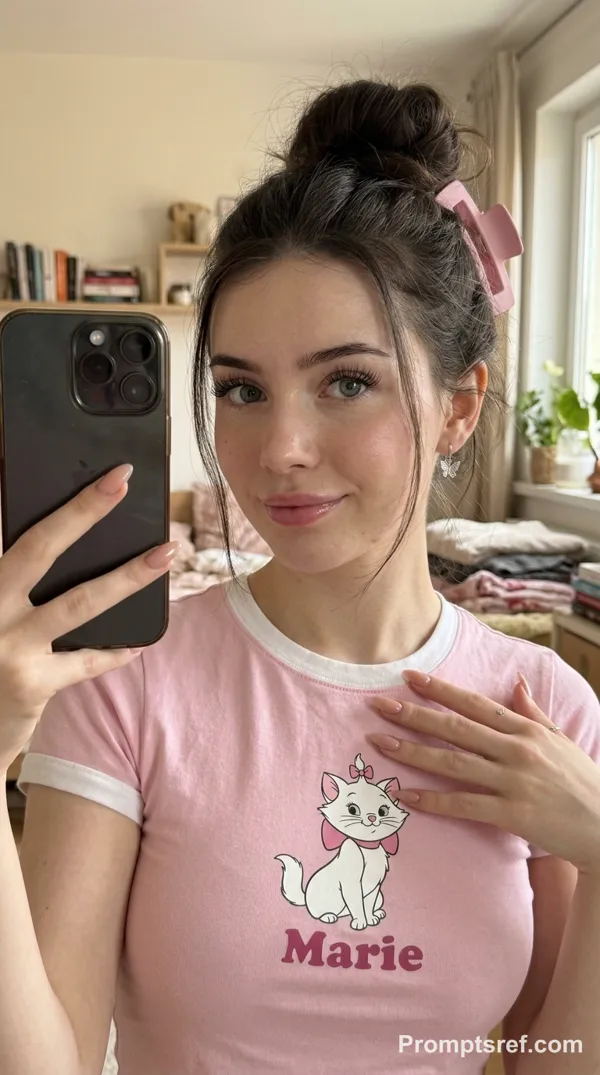
An indoor lifestyle selfie portrait photographed from a first-person, front-facing-camera perspective. A young East Asian woman is positioned in the center of the frame. She has long, voluminous, slightly messy dark brown-black wavy hair, paired with scattered airy bangs. Her hair falls loosely and casually.
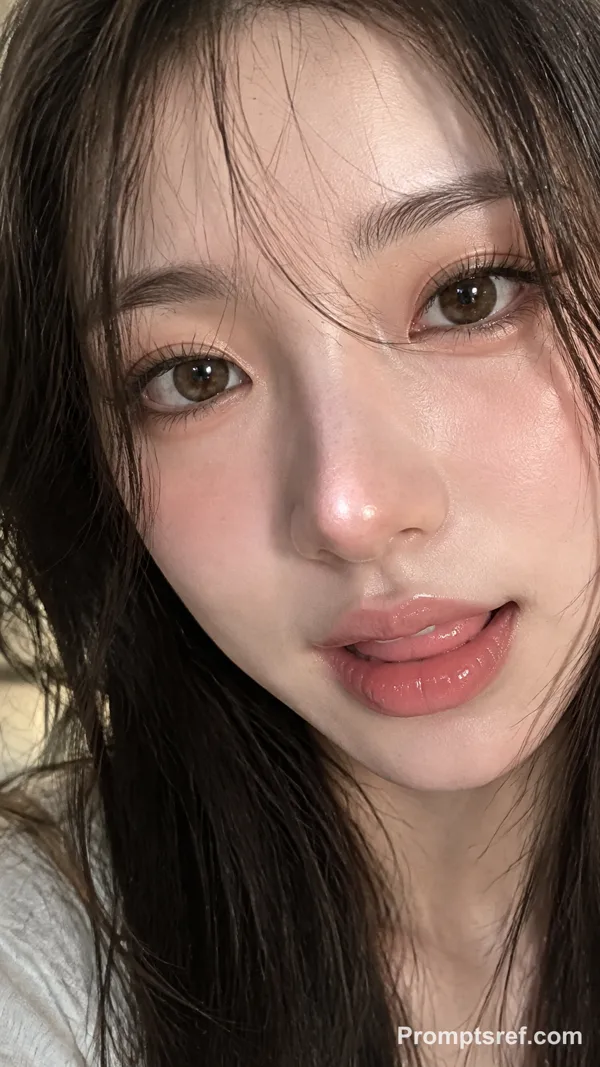
She wears light, translucent, natural-looking makeup with a soft atmospheric quality. Her cheeks have a natural pink flush, the center of her face has a gentle skin sheen, and a tiny beauty mark adorns her cheek. She looks calmly and softly into the camera with a relaxed, natural expression.
She is wearing an oversized black T-shirt printed with white handwritten-style doodles. One arm extends toward the camera, creating an authentic selfie composition.
The setting is a bright home interior, illuminated primarily by soft natural light from a nearby window. The light is gently diffused, producing slightly overexposed highlights while preserving natural tonal separation between light and shadow.
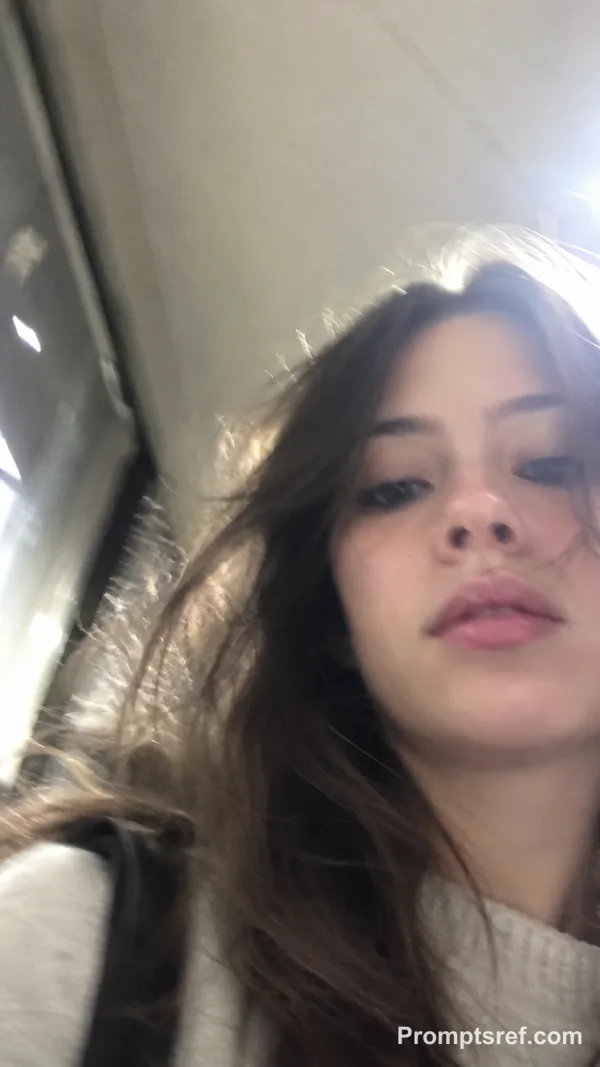
Authentic smartphone front-camera snapshot aesthetic. Preserve realistic skin texture and visible pore details without excessive retouching or skin smoothing. Soft, slightly warm color palette with a strong candid, documentary quality. No obvious posing; the mood is lazy, relaxed, and reminiscent of casual Korean lifestyle photography.
Close-up, large-head half-body framing with a shallow depth of field that subtly softens the background and concentrates attention on the subject’s face. Aim for an authentic, everyday domestic atmosphere without overly polished influencer-style filters. Recreate the effortless feeling of a casual selfie taken at home: realistic, vivid, soft, comforting, and naturally relaxed.
Remixe
RemixNoch keine Remixe. Erstelle die erste Version.
Diesen Bild-Prompt verwenden
- 01
Mit dem Prompt starten
Kopiere den Prompt oder öffne ihn über die Schaltfläche zum Generieren.
- 02
Eigene Änderungen vornehmen
Passe Motiv, Umgebung oder Details an. Füge bei Bedarf Referenzen hinzu.
- 03
Vor dem Generieren prüfen
Prüfe Modell und Ausgabeeinstellungen. Die Ergebnisse können variieren.