GPT Image 2.0 Prompt - Lässiges Sommer-Selfie im Wohnzimmer

- Modell
- GPT Image 2.0
- Seitenverhältnis
- auto
- Qualität
- 1K
Prompt
16:19
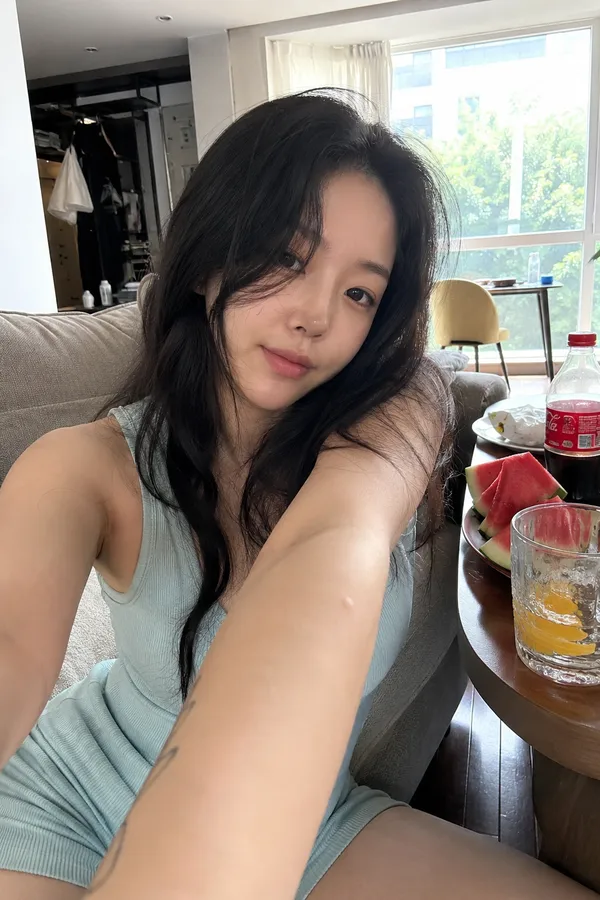
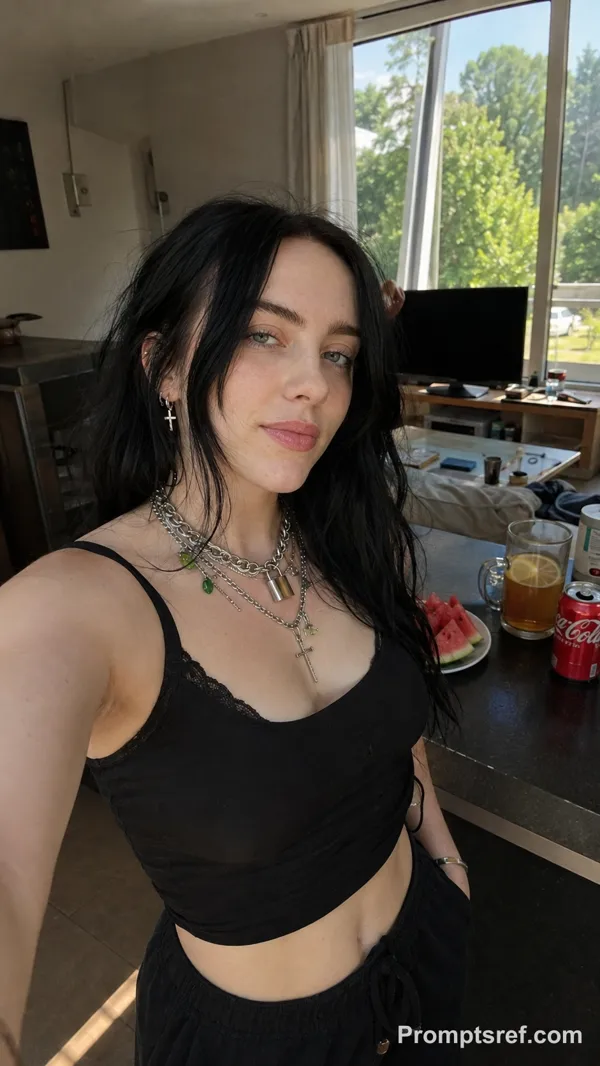
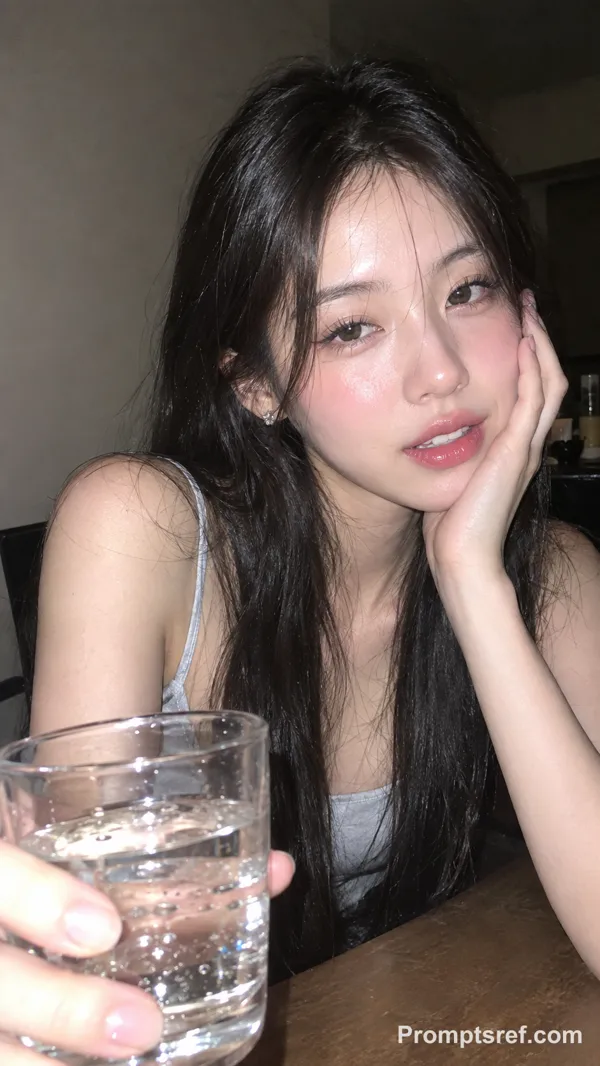
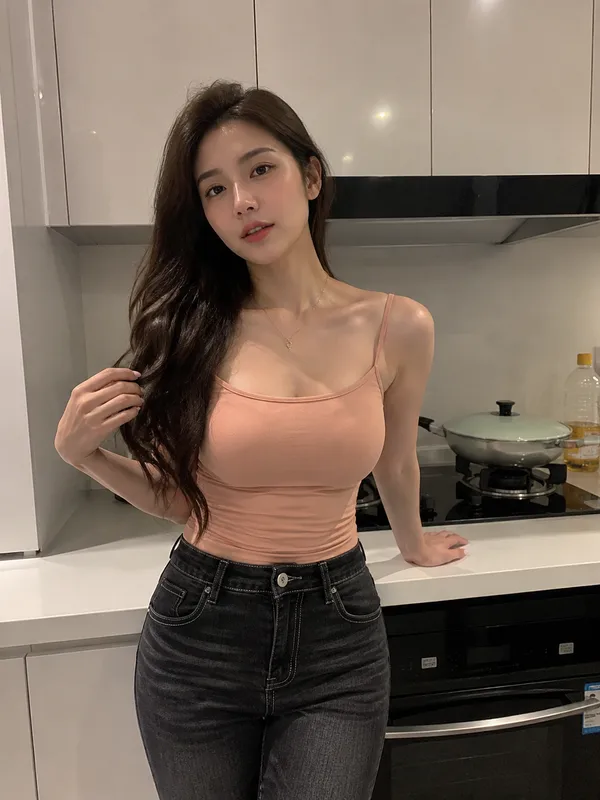
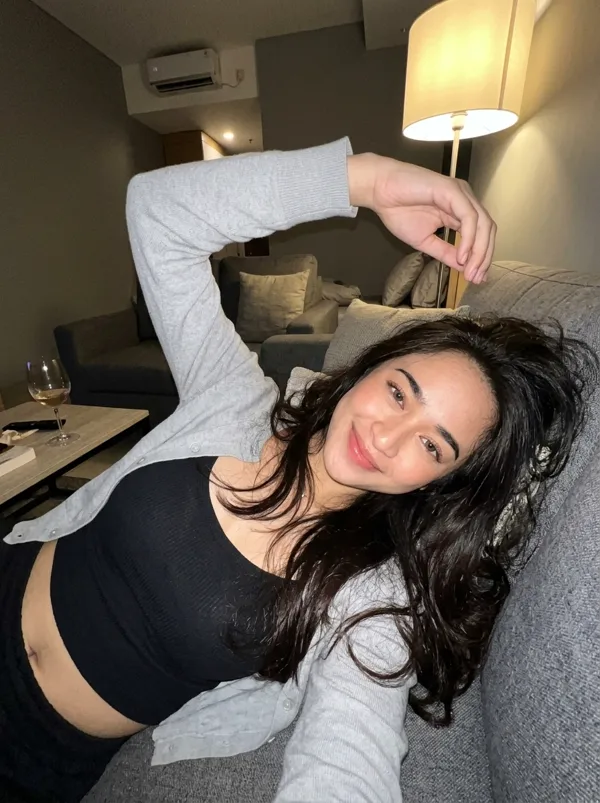
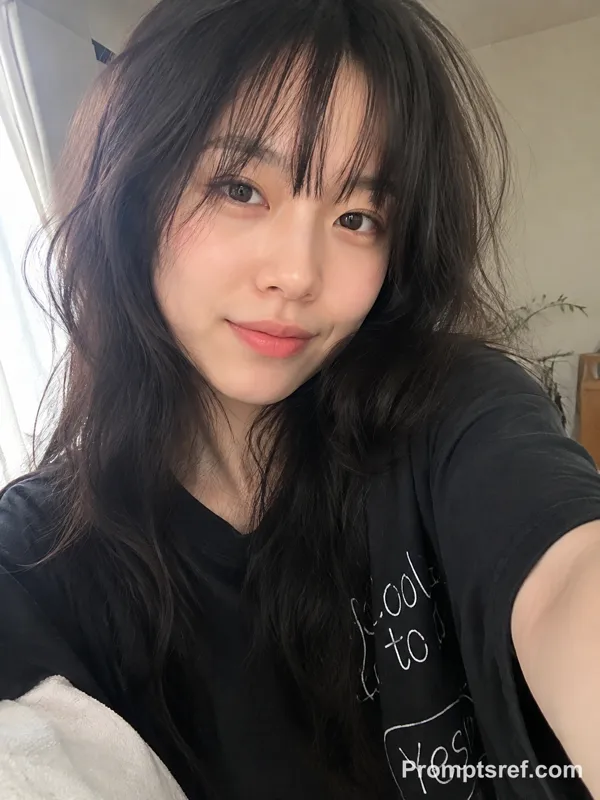
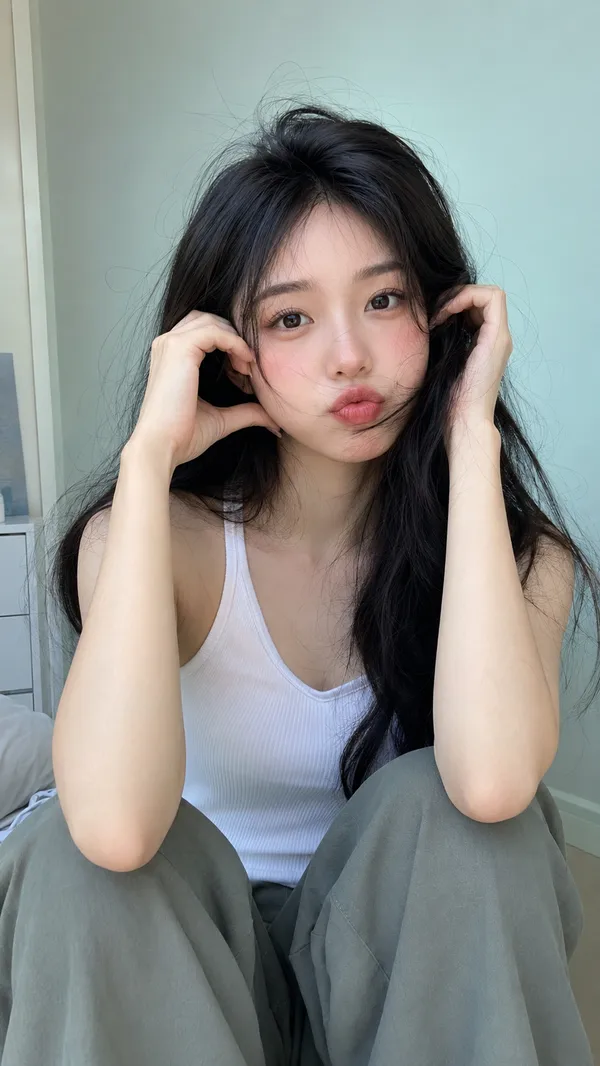
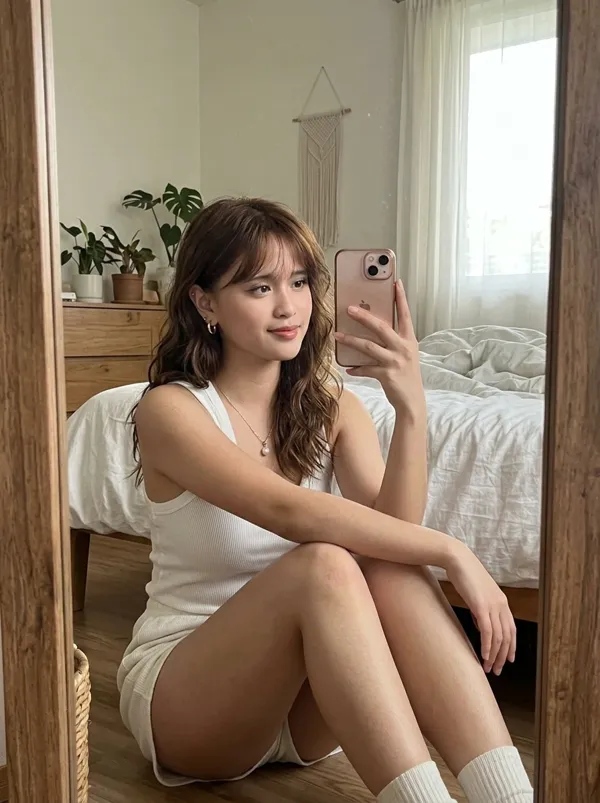
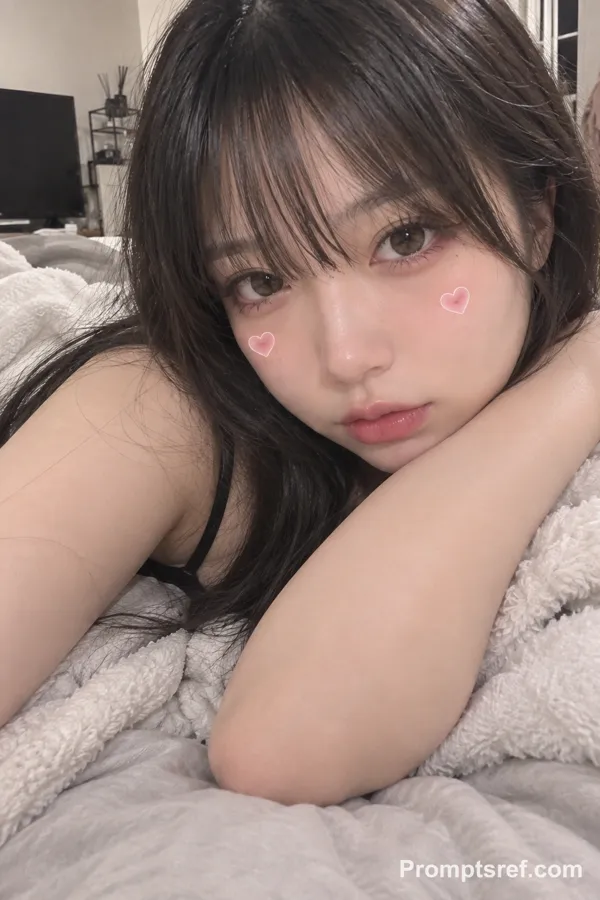
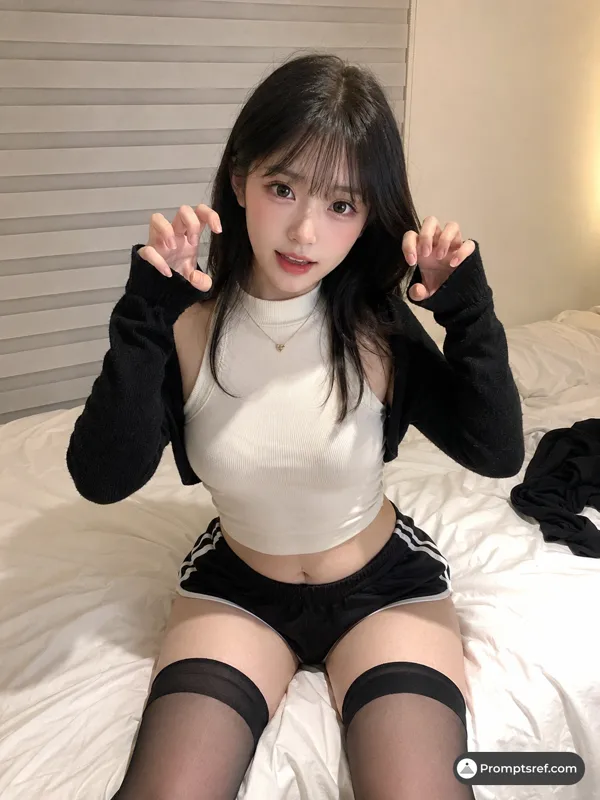
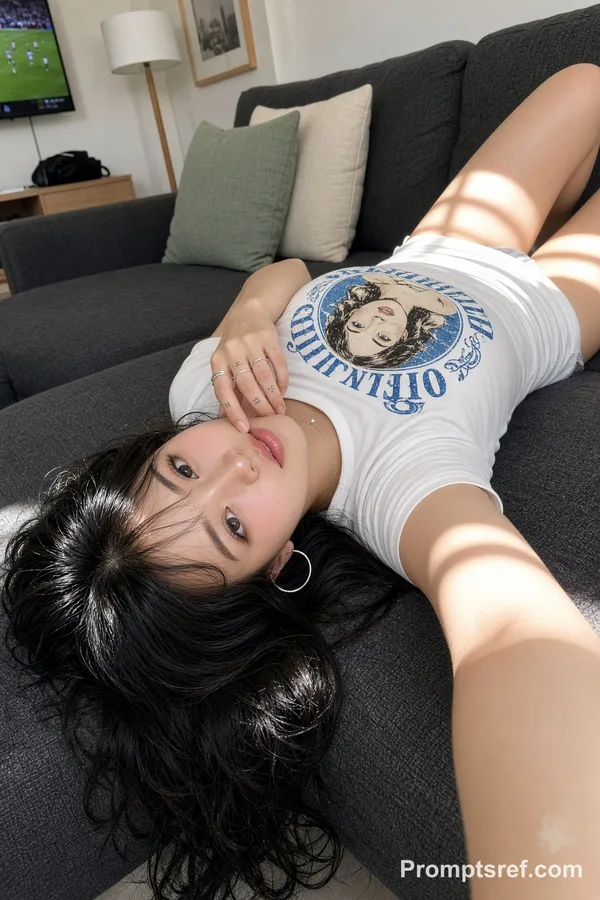
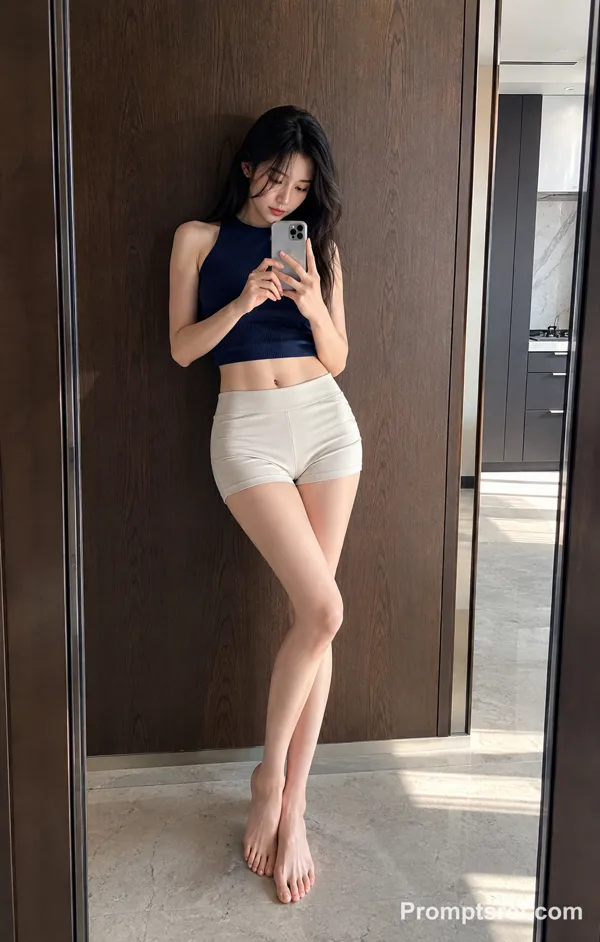
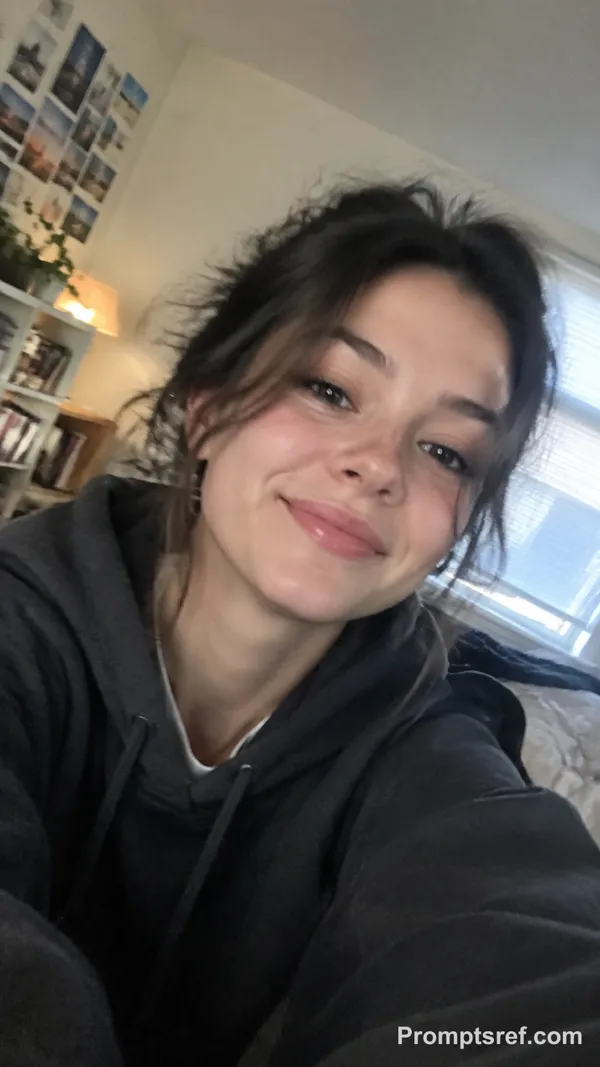
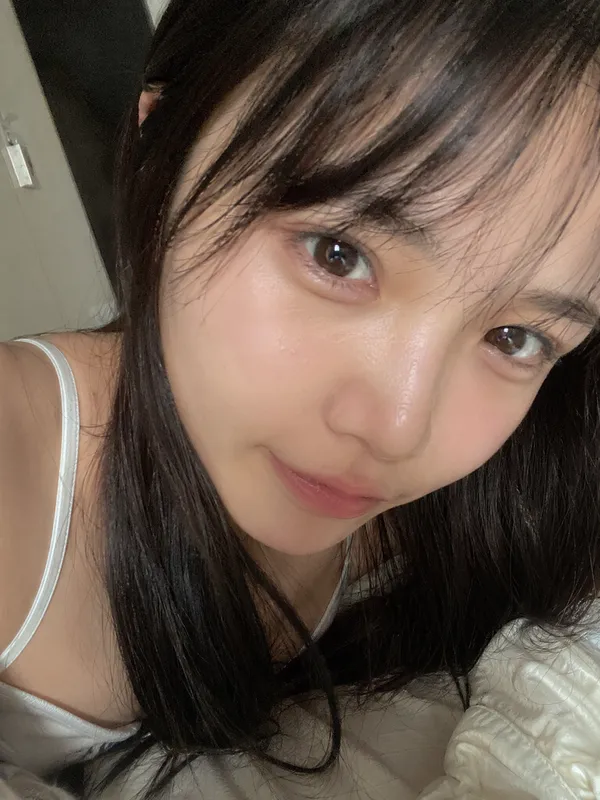
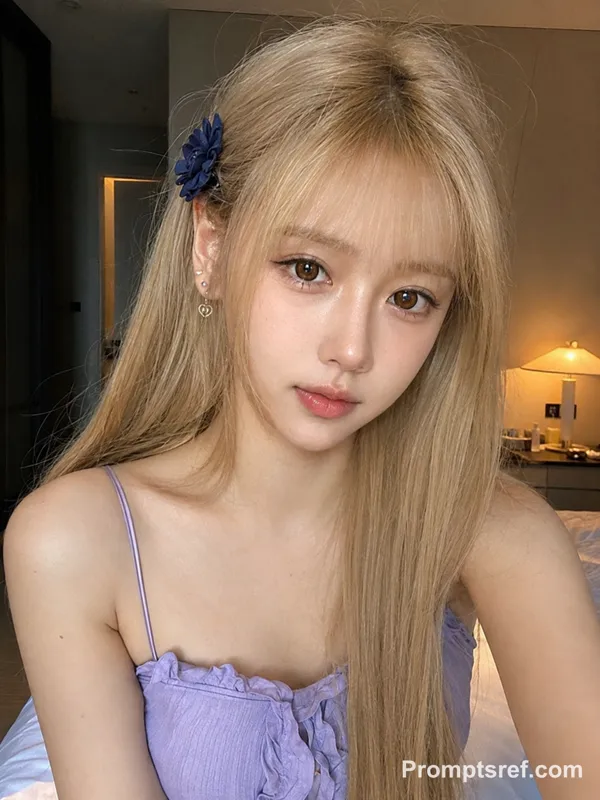
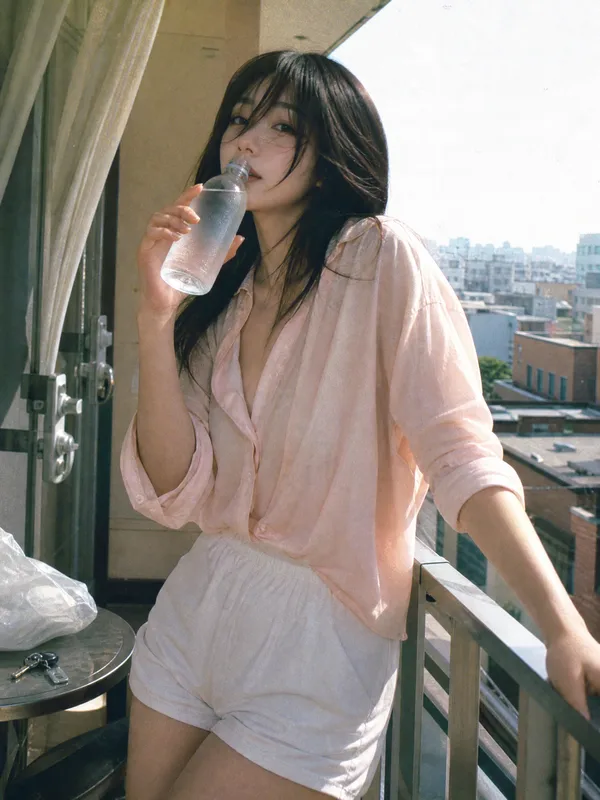
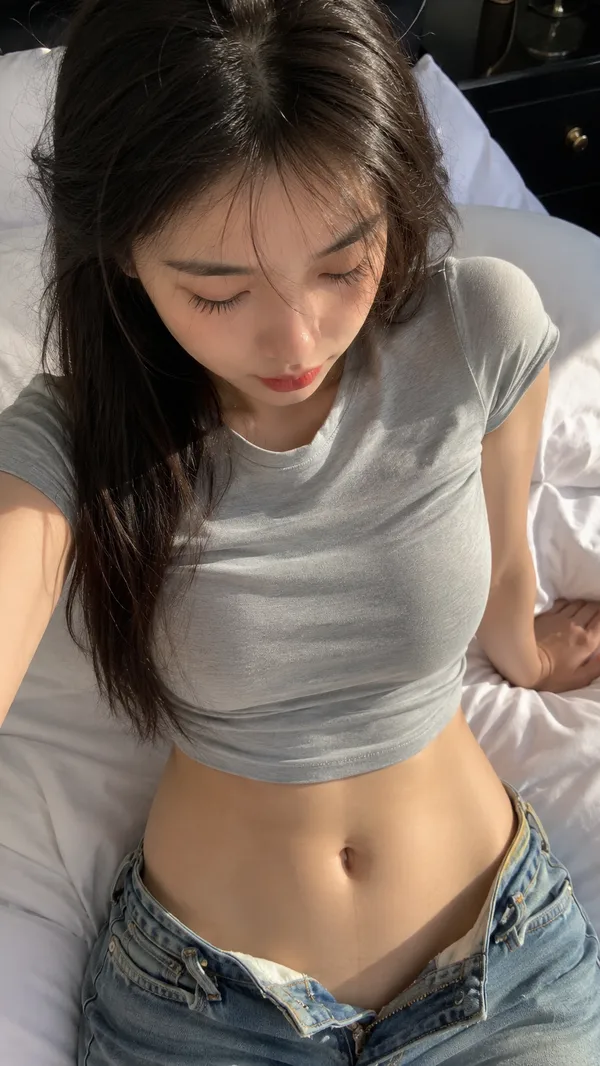
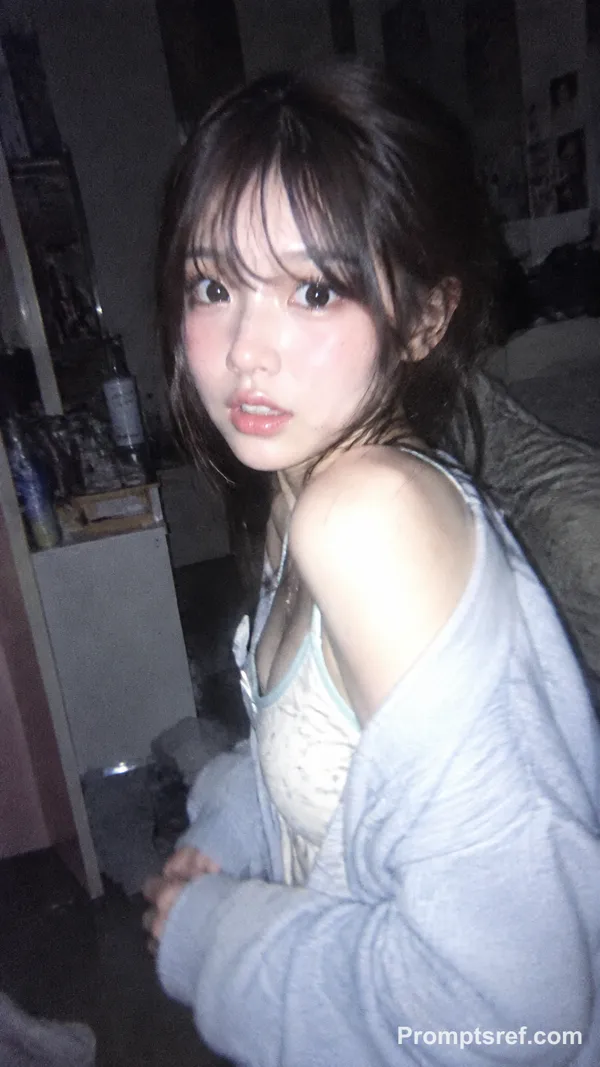
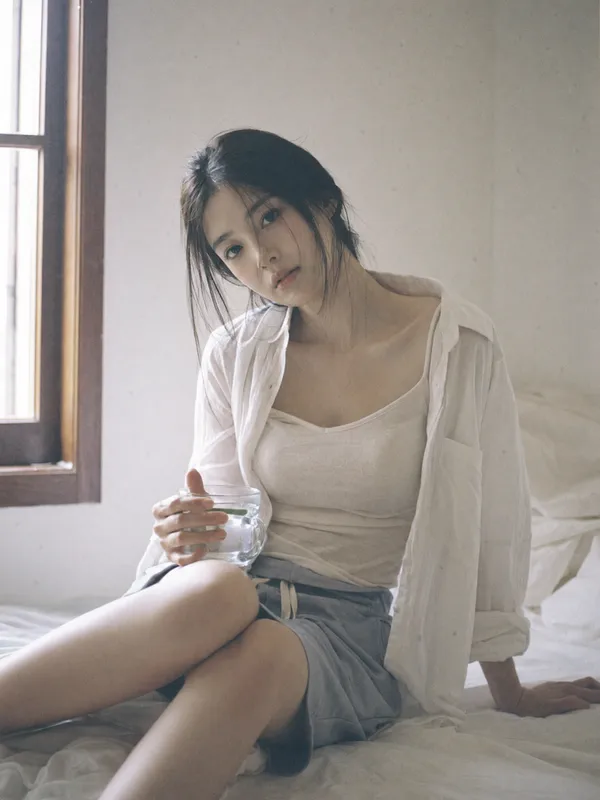
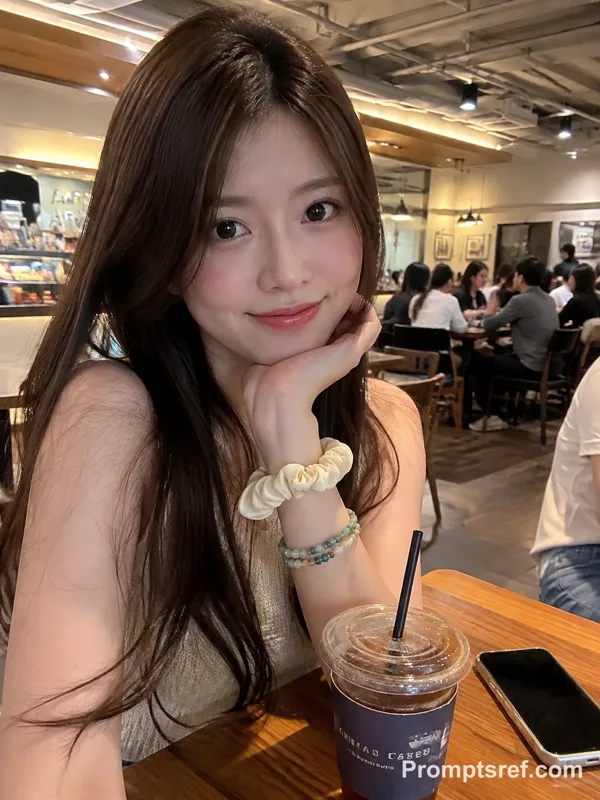
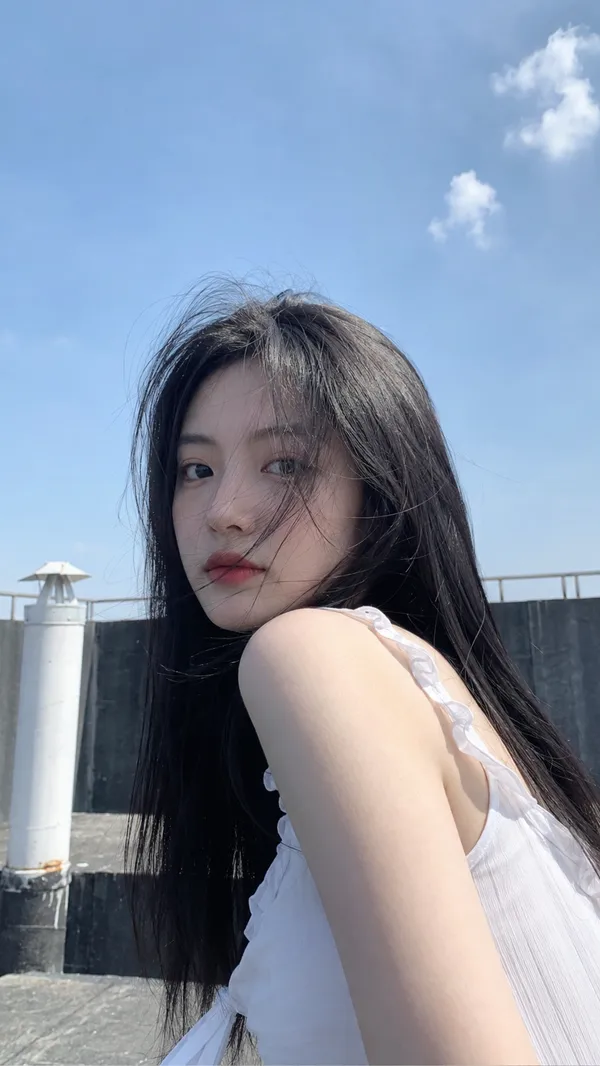
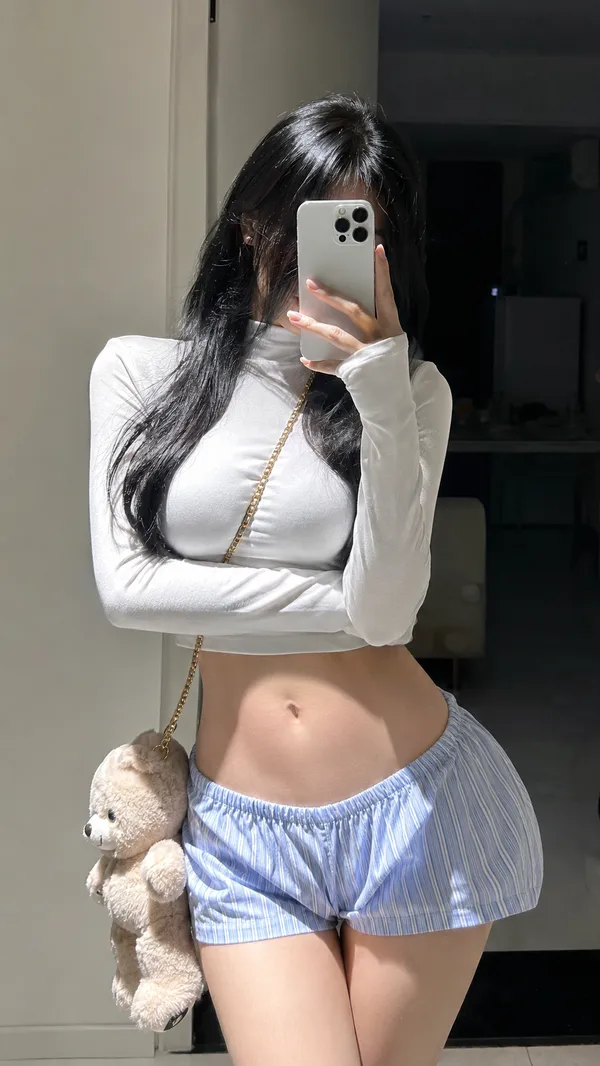
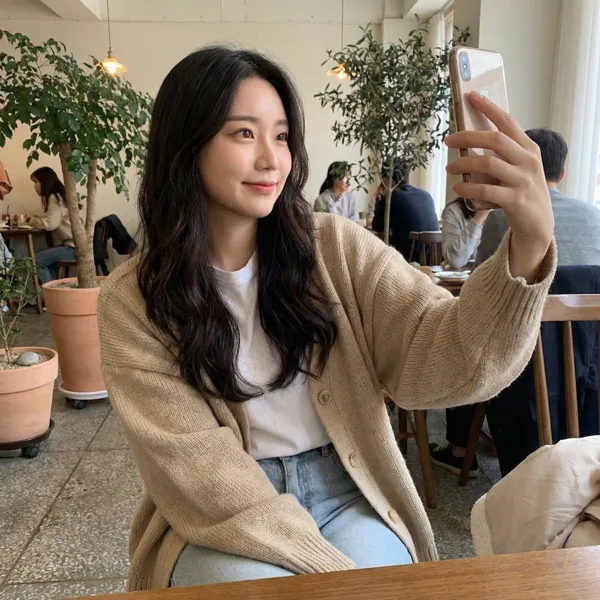
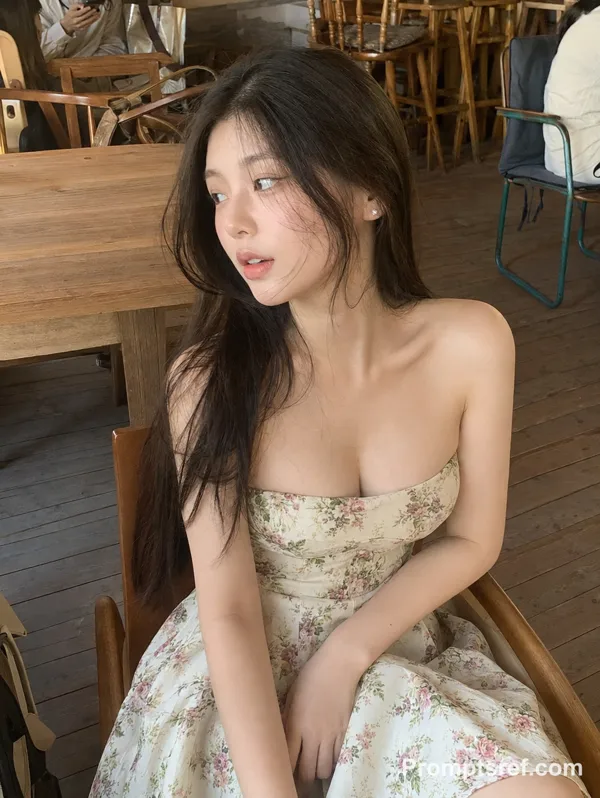
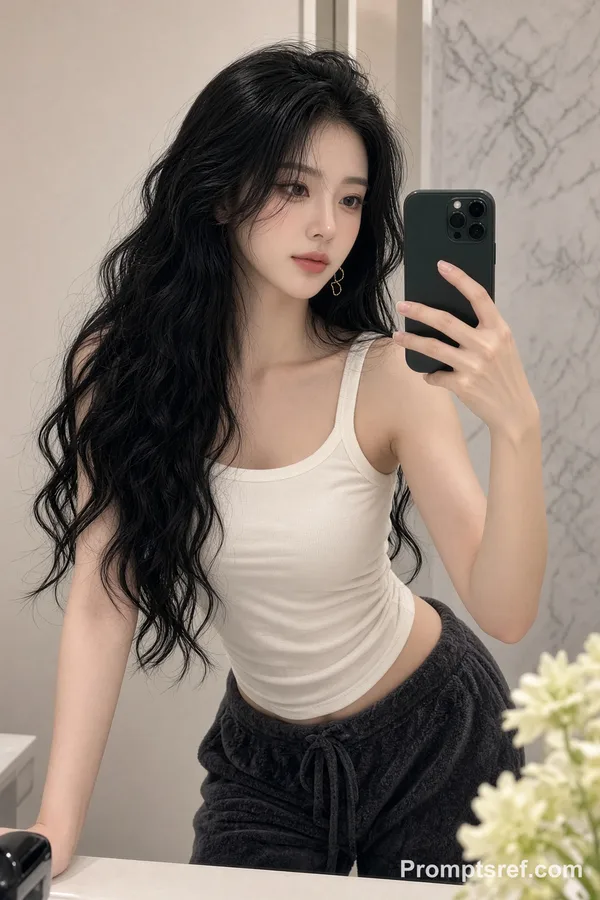
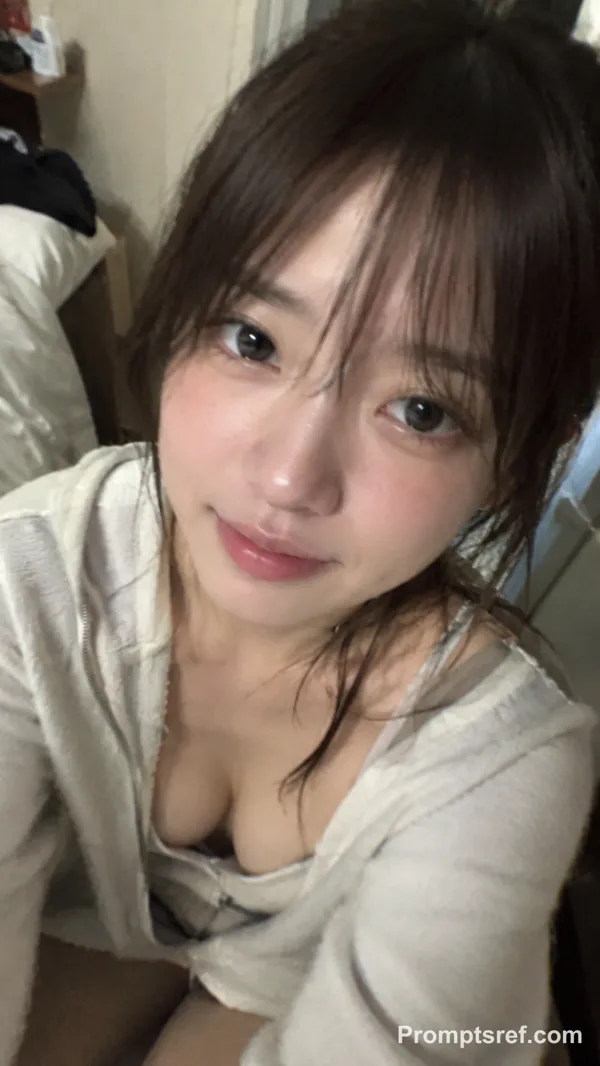
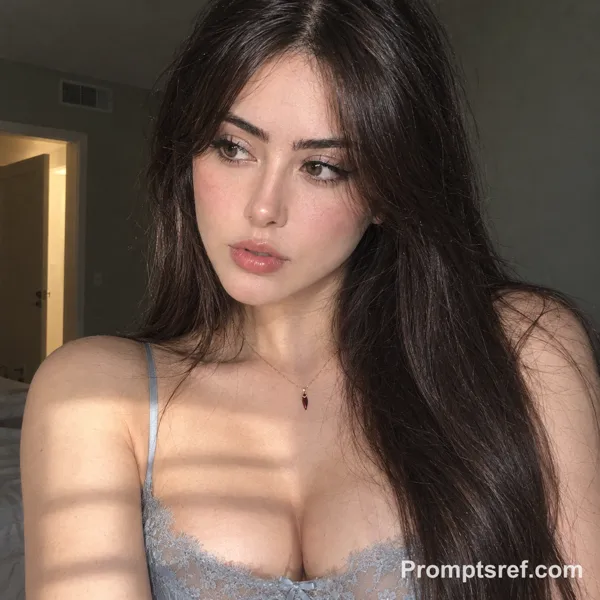
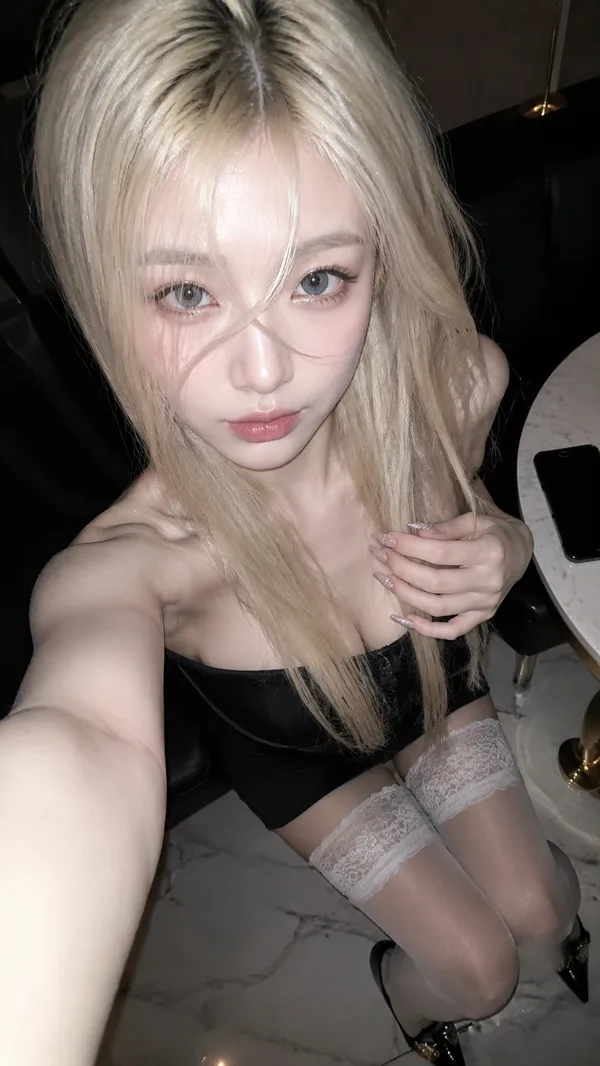
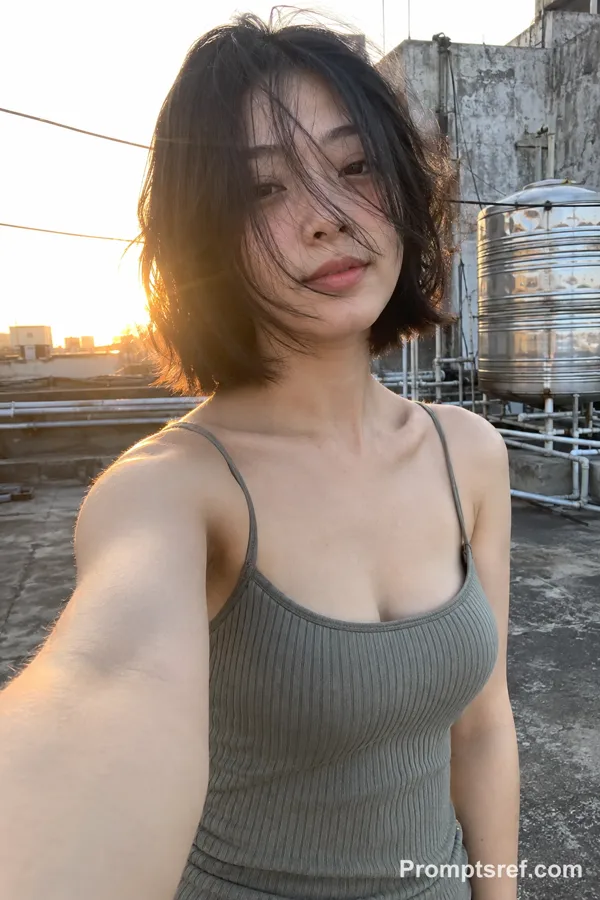
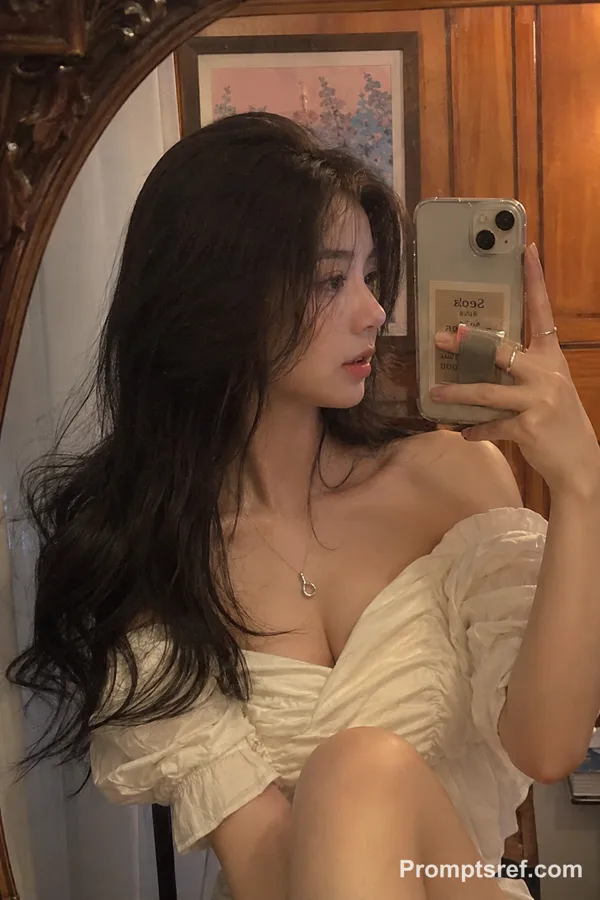
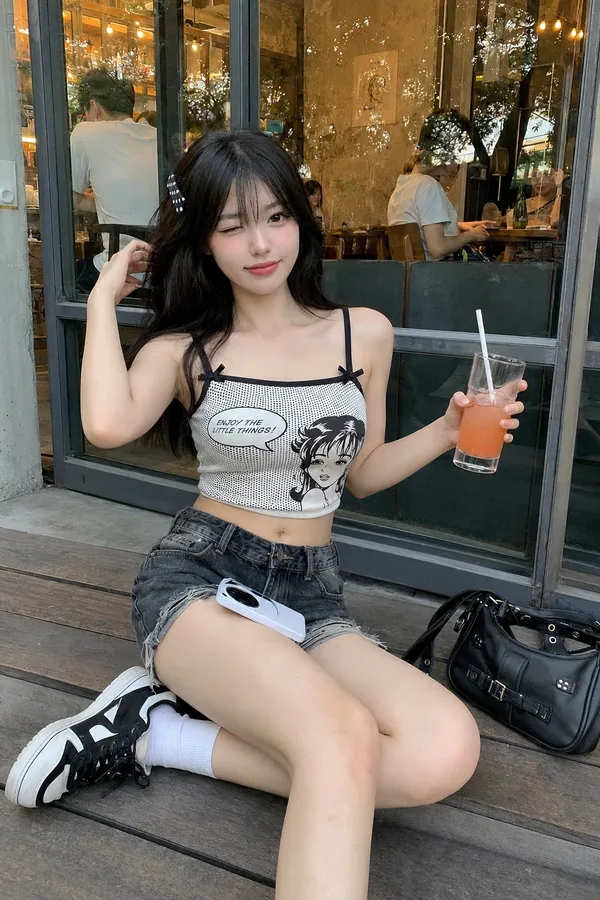
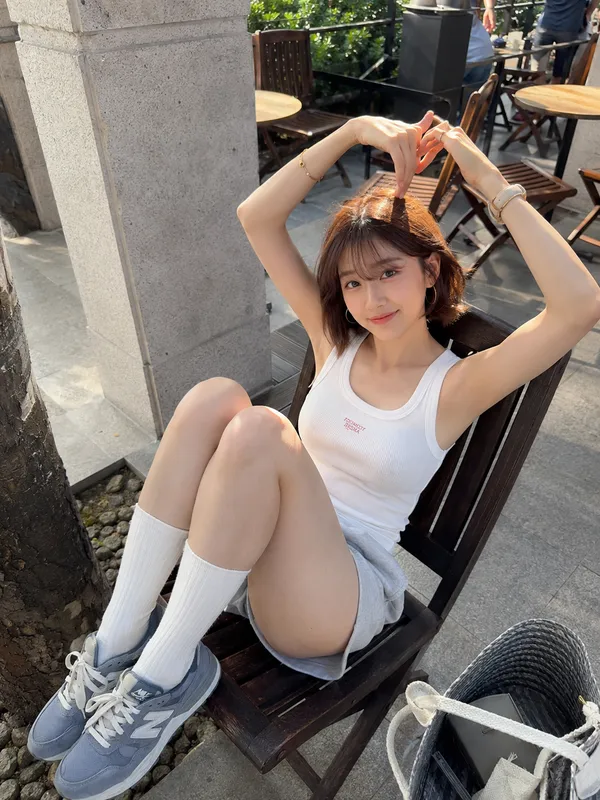
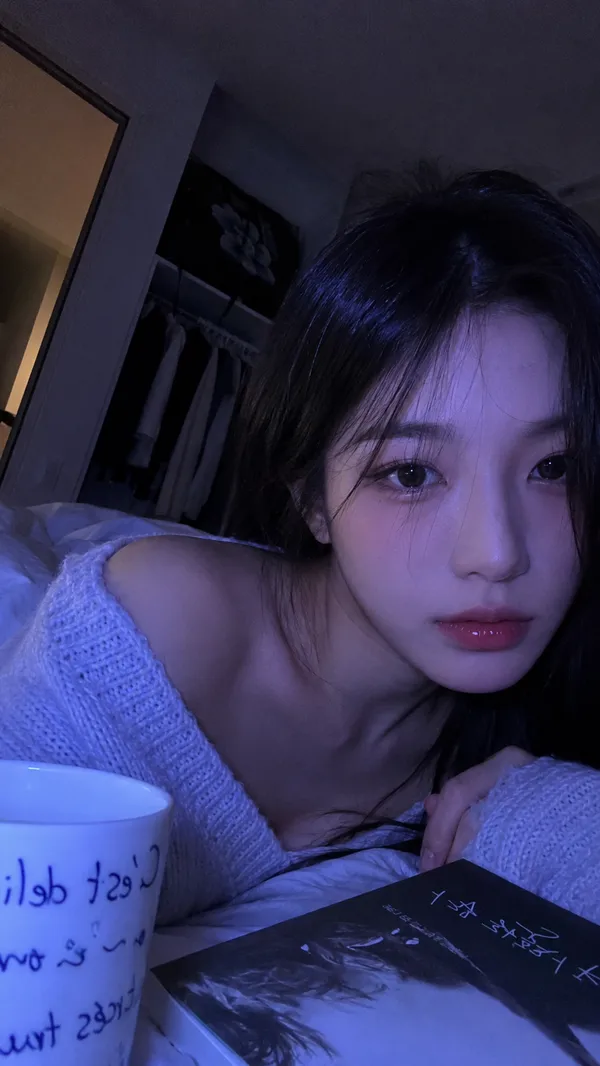
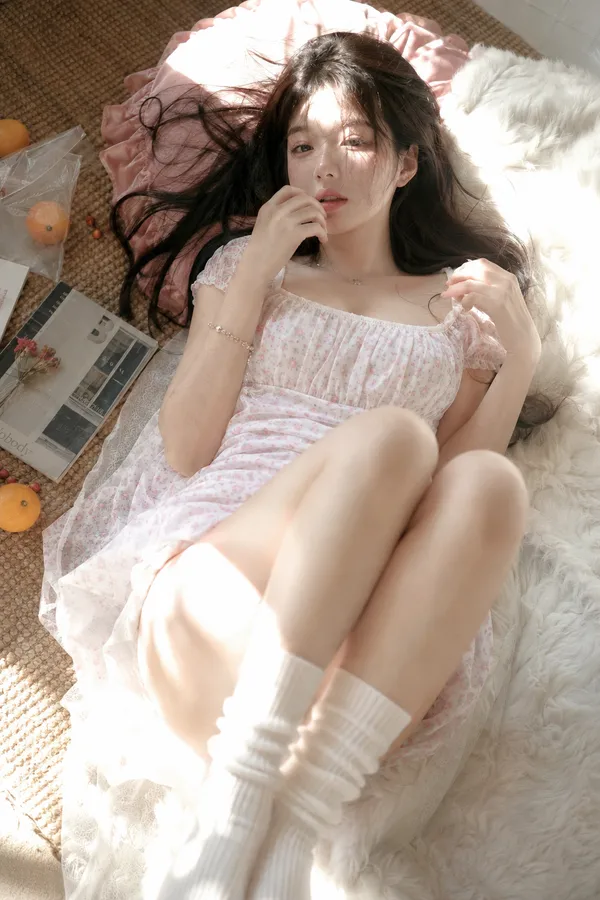
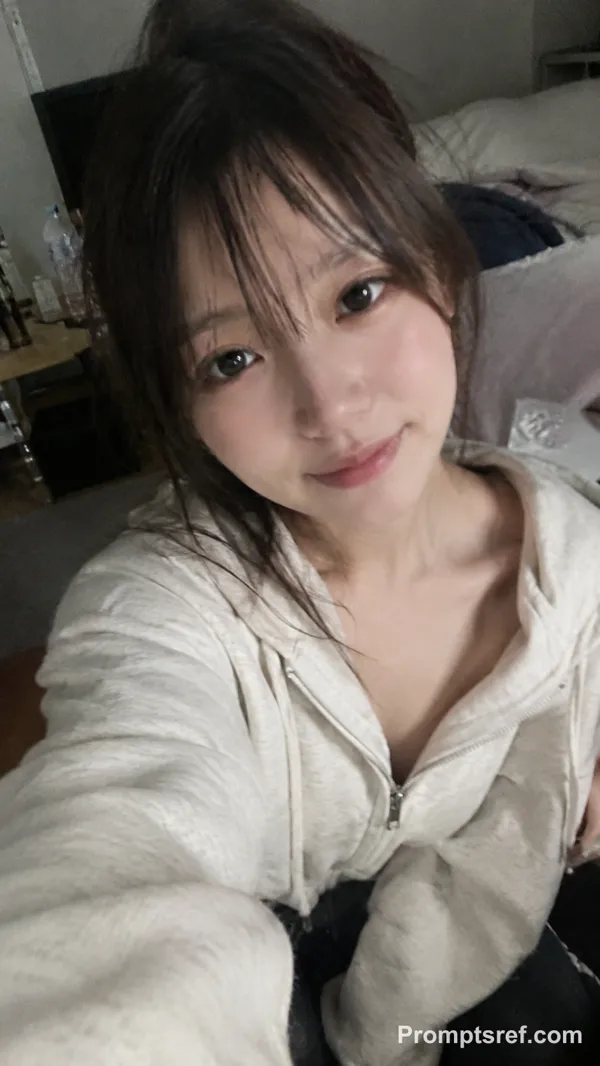
9:16 vertical, ultra-photorealistic selfie taken with an iPhone’s front-facing camera. Preserve the authentic, unedited look of an original smartphone photo, as if captured casually by her partner during an ordinary moment at home.
A 25-year-old adult East Asian woman with long black hair worn loose and slightly tousled. She has a mature, elegant presence, a naturally full and well-proportioned figure, and anatomically realistic body contours. Her gaze is soft and relaxed, with a hint of confidence and languor. She is not deliberately smiling.
She is sitting on a sofa or beside a window in a summer living room. Having just taken a break, she casually picks up her phone for a selfie. Her body leans back naturally, with one arm extended toward the camera and partially visible in the frame. The phone is held at close range, creating subtle 24mm front-camera wide-angle distortion, with her face slightly closer to the lens. The composition is spontaneous, asymmetrical, and unposed.
She wears lightweight ice-blue or mint-green loungewear made from soft fabric, with natural folds, creases, and realistic signs of wear.
On a nearby table sits a half-finished lemon tea and a Coca-Cola, with condensation droplets visible on the cup or glass. Slices of chilled watermelon are casually placed beside them. Bright midsummer sunlight enters through the window, while ordinary household clutter adds to the atmosphere of a genuine afternoon at home.
An original, unedited iPhone photo with automatic exposure, natural white balance, subtle HDR, gently blown highlights, and preserved shadow detail. Realistic skin texture, slight smartphone noise, and an ordinary domestic setting. It should feel like a candid snapshot found in a friend’s camera roll—no studio lighting, no commercial portrait aesthetic, and no visible signs of AI generation.
Remixe
RemixNoch keine Remixe. Erstelle die erste Version.
Diesen Bild-Prompt verwenden
- 01
Mit dem Prompt starten
Kopiere den Prompt oder öffne ihn über die Schaltfläche zum Generieren.
- 02
Eigene Änderungen vornehmen
Passe Motiv, Umgebung oder Details an. Füge bei Bedarf Referenzen hinzu.
- 03
Vor dem Generieren prüfen
Prüfe Modell und Ausgabeeinstellungen. Die Ergebnisse können variieren.