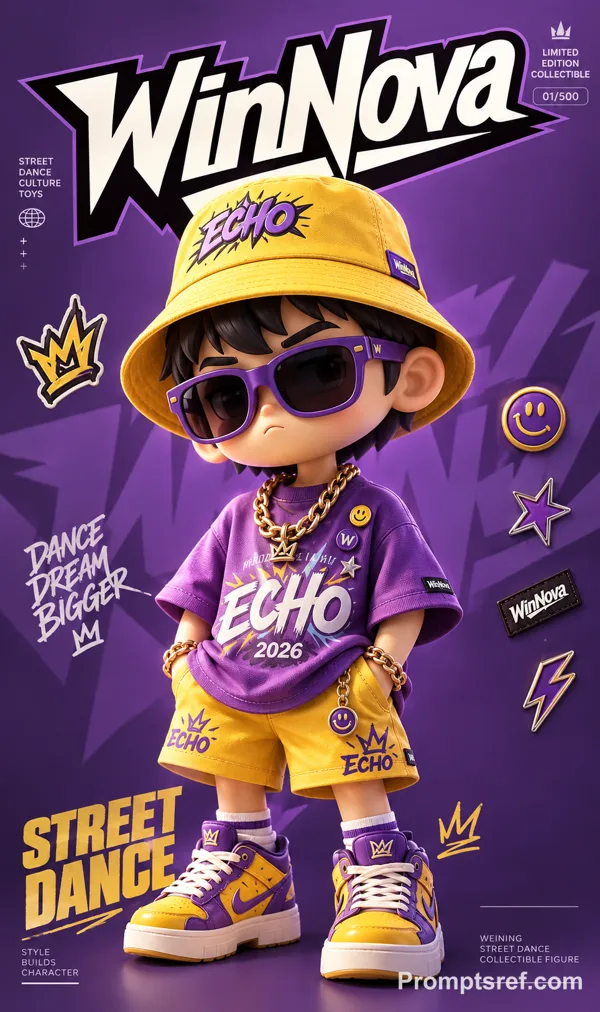
GPT Image 2.0 Prompt - Premium-Porträt als Designer-Art-Toy

- Modell
- GPT Image 2.0
- Seitenverhältnis
- 2:3
- Qualität
- 1K
Prompt
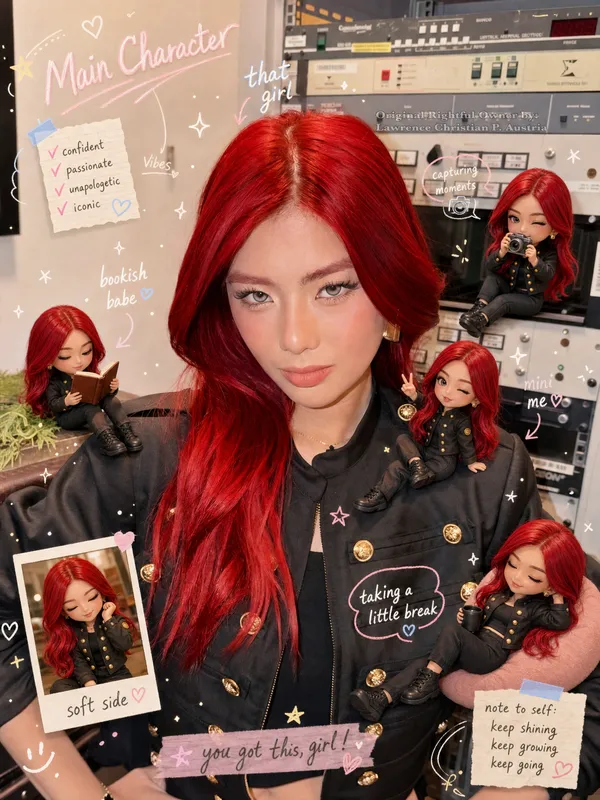
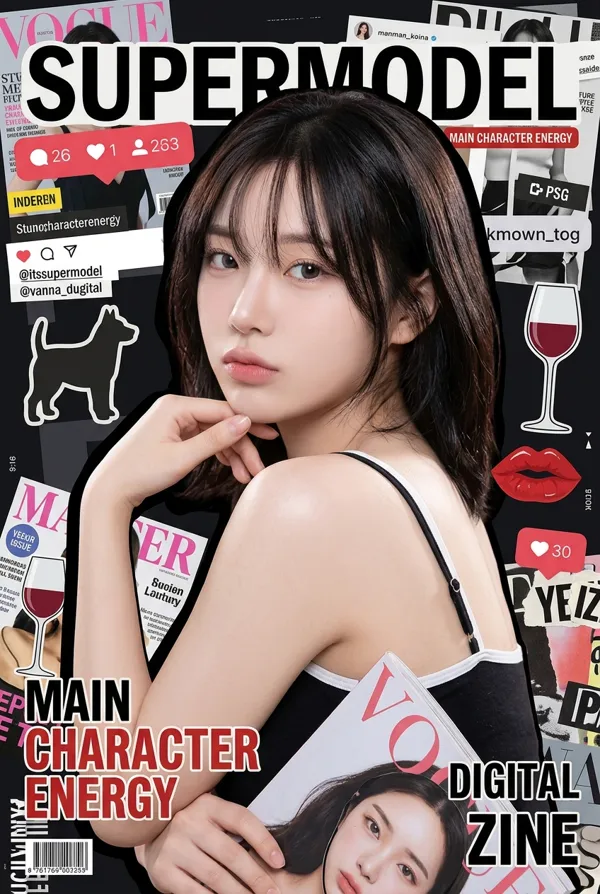
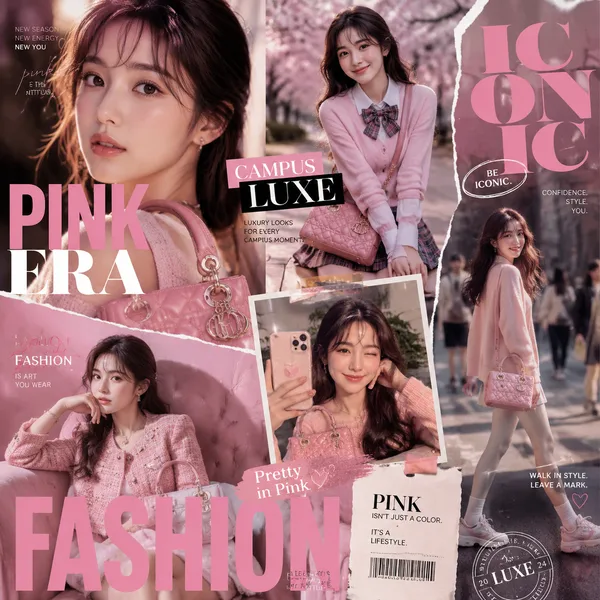
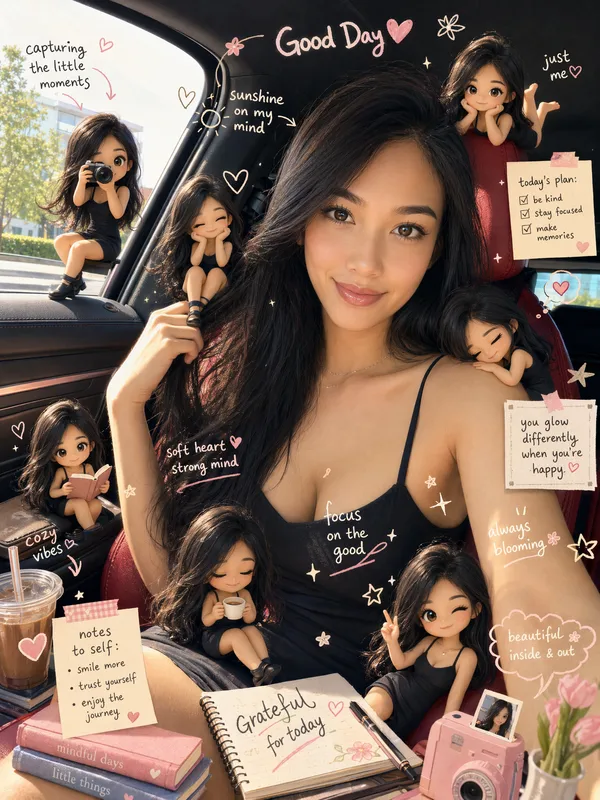
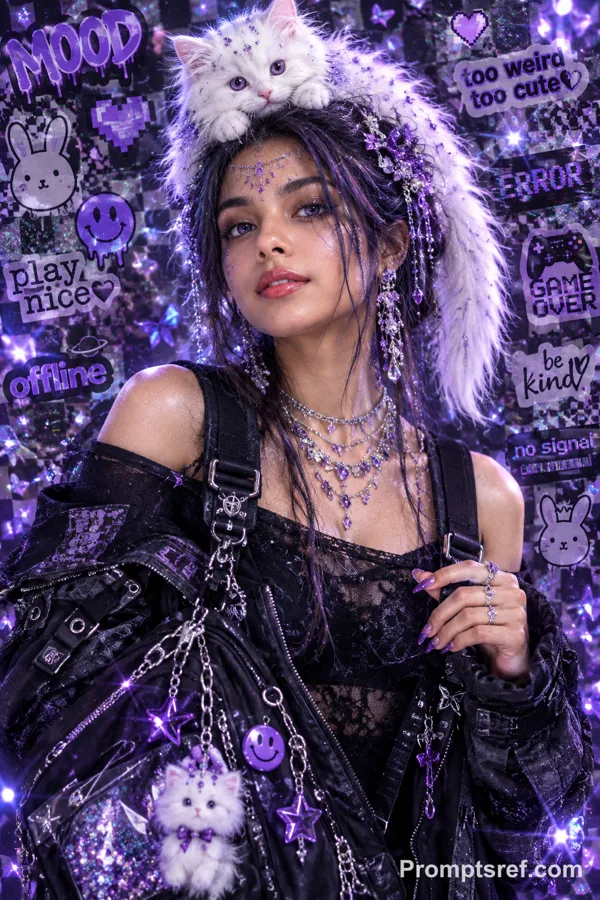
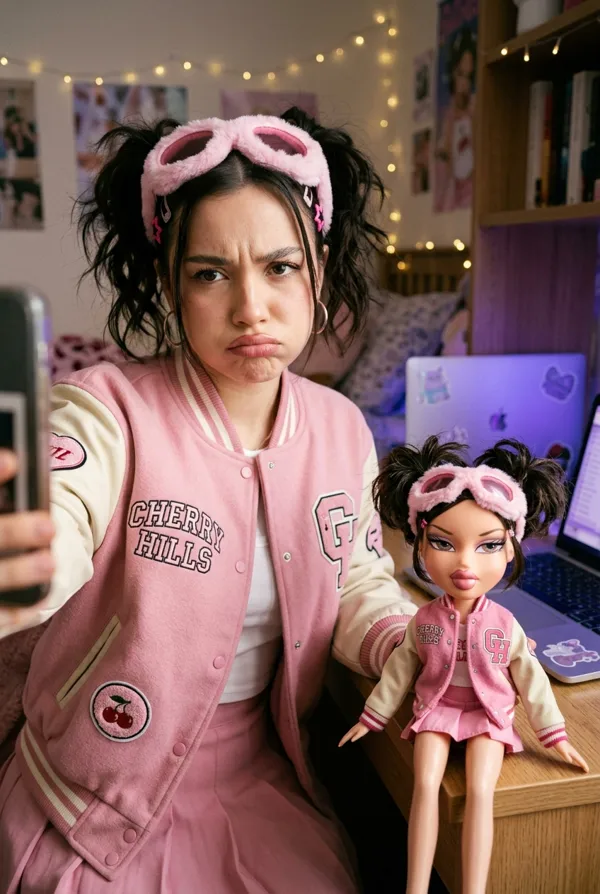
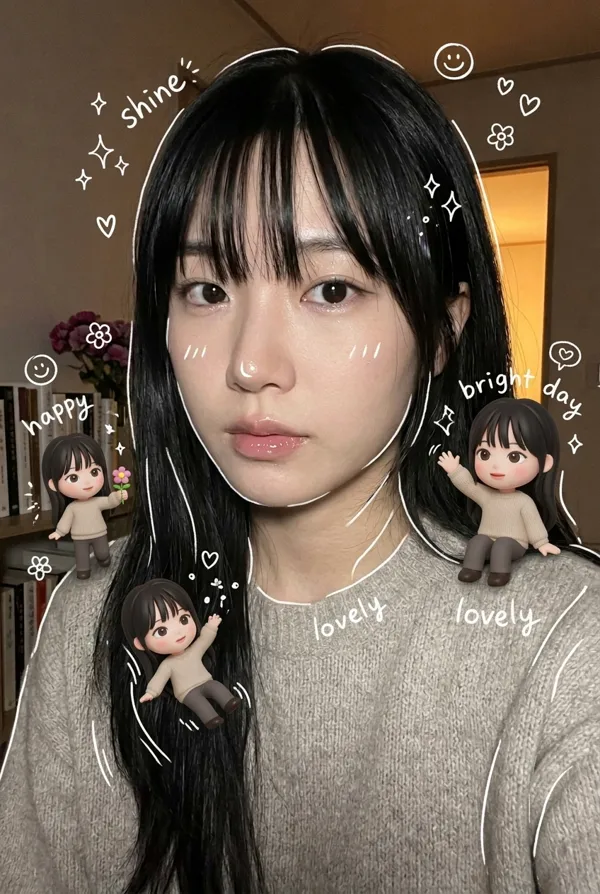
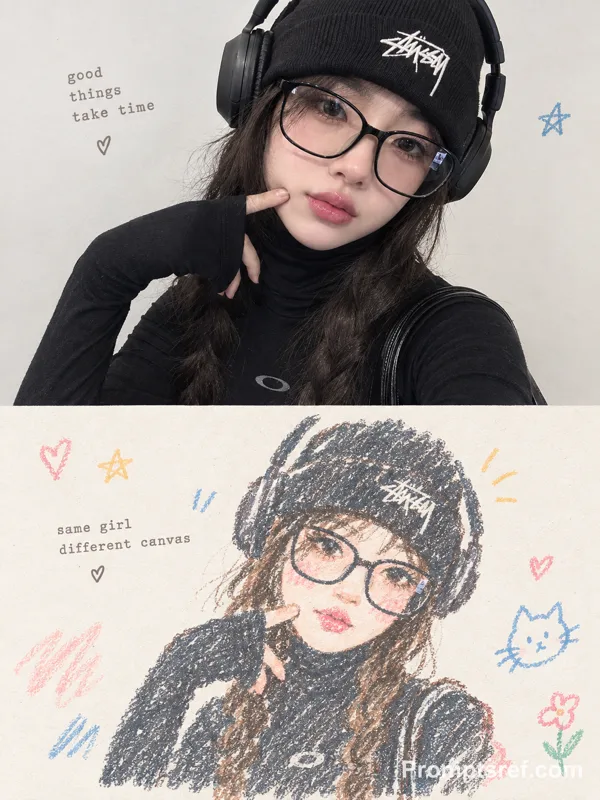
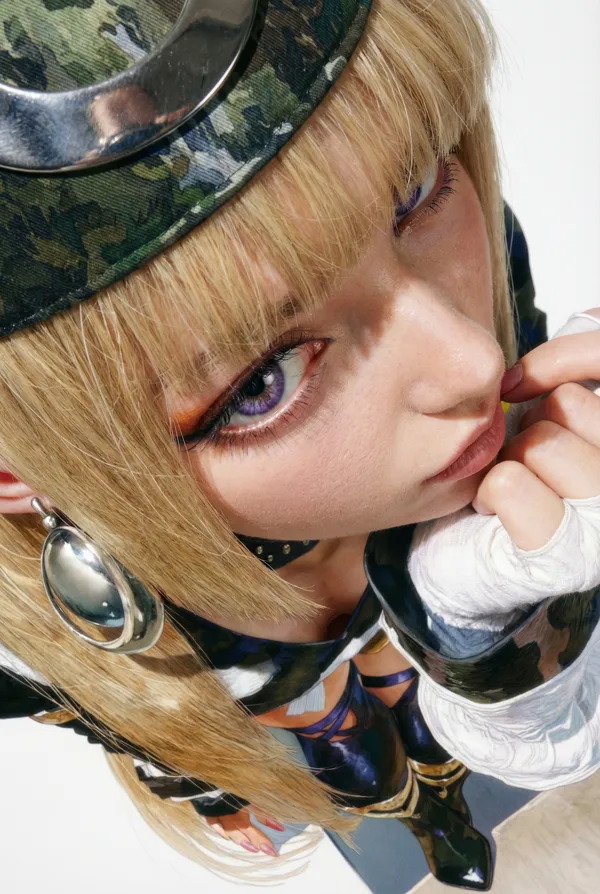
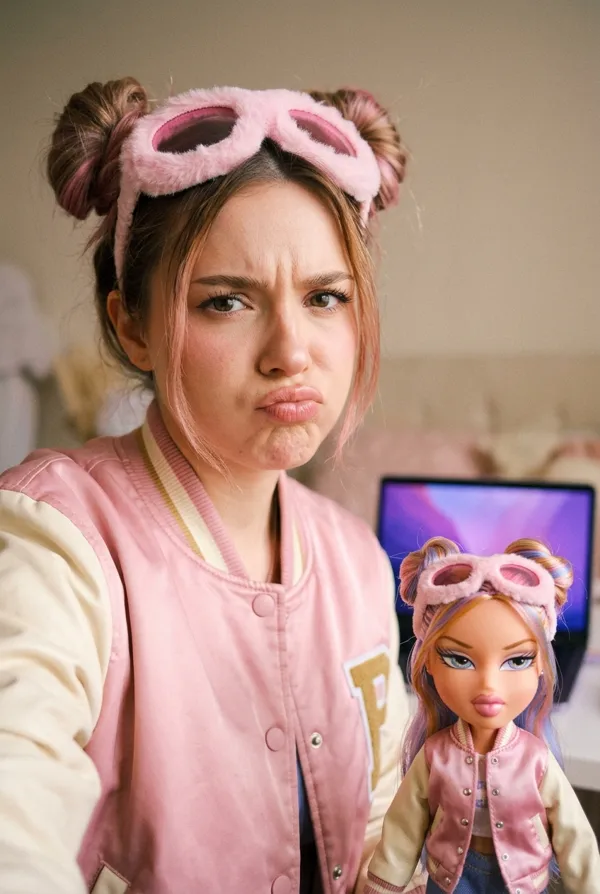
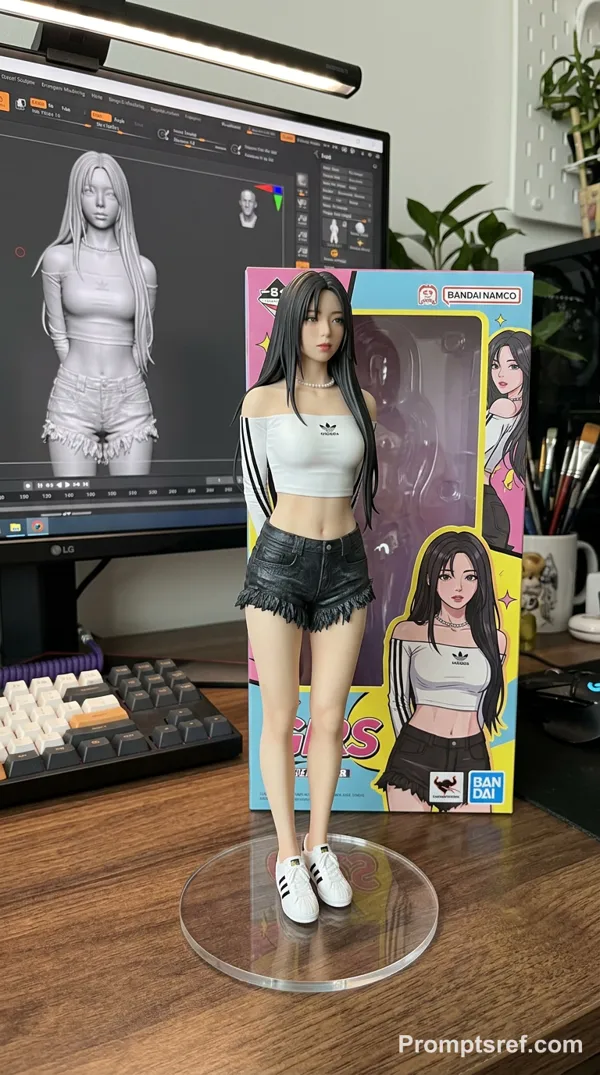
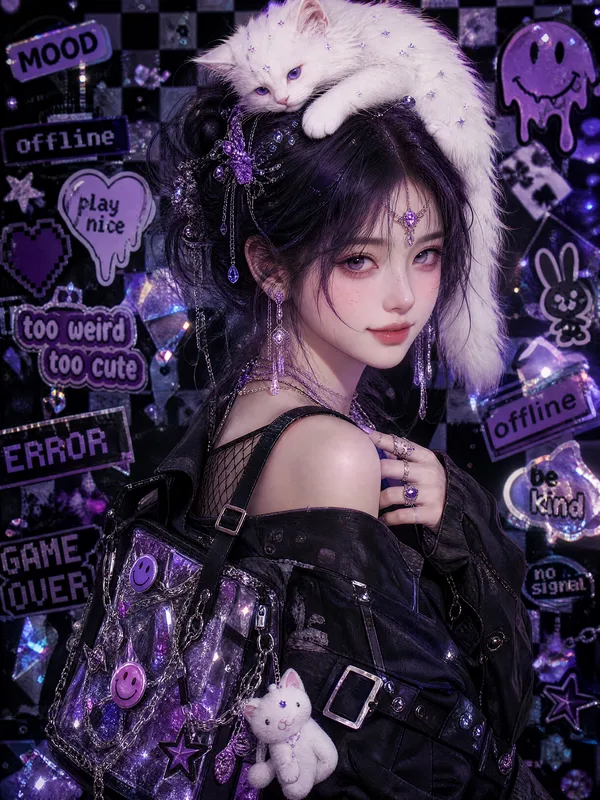
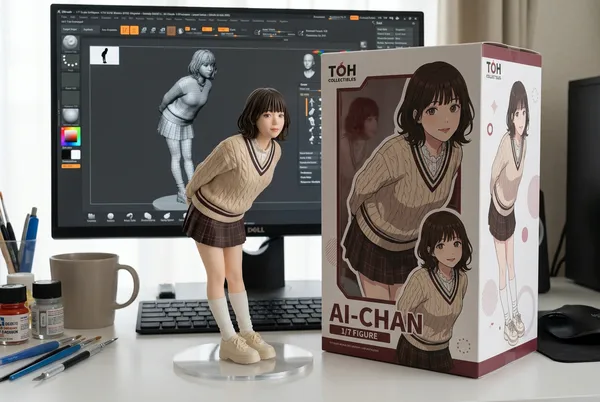
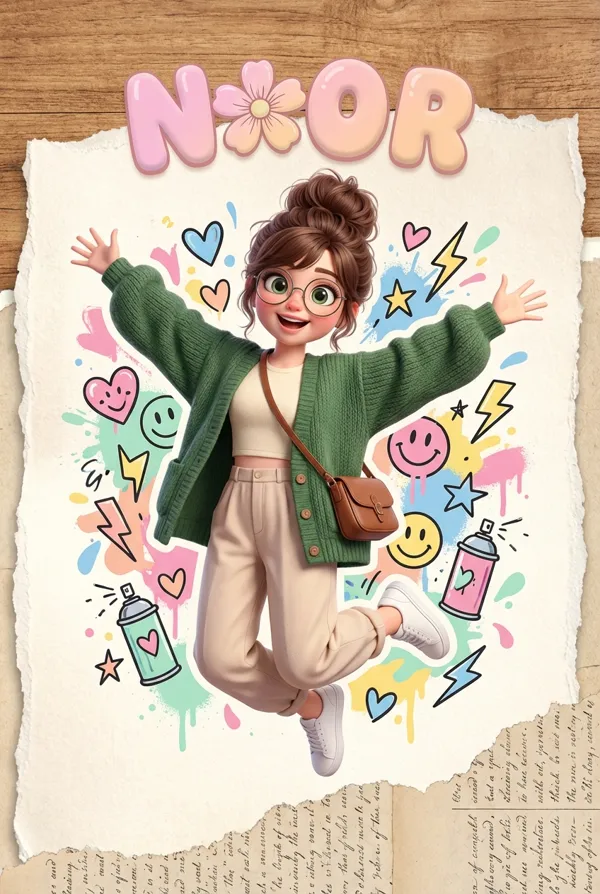
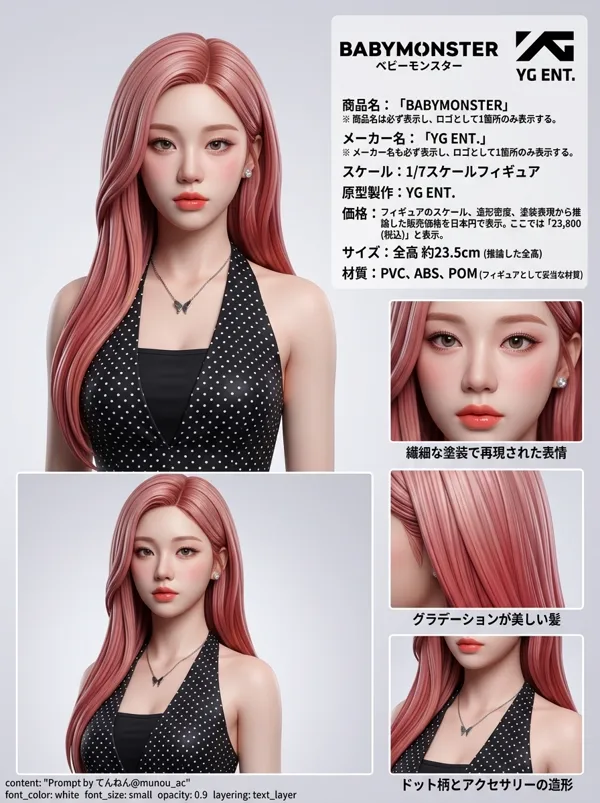
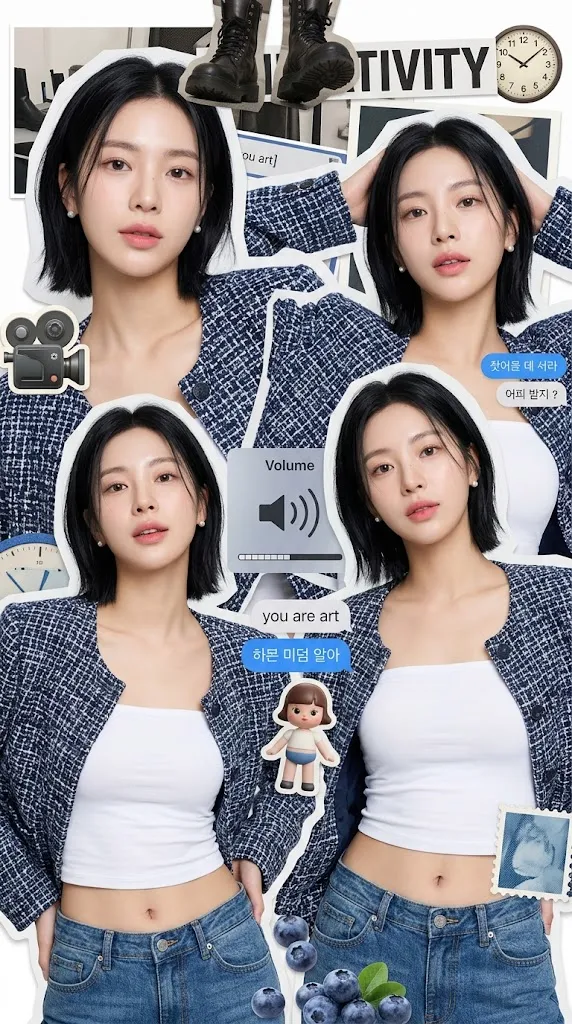
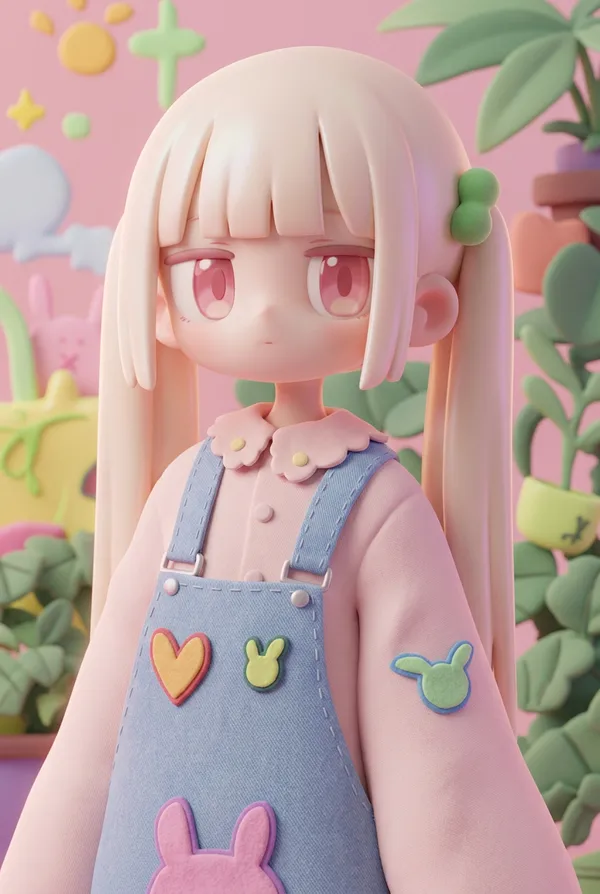
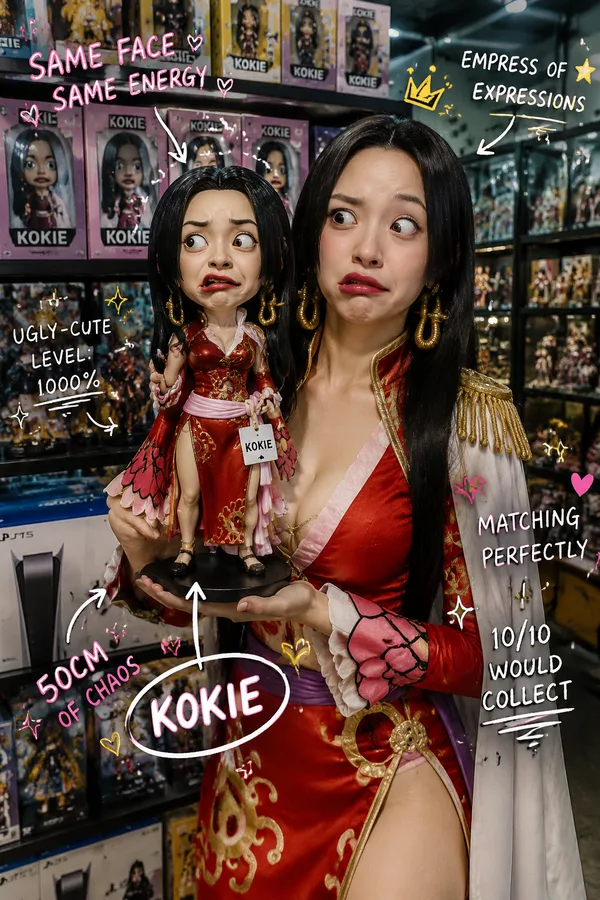
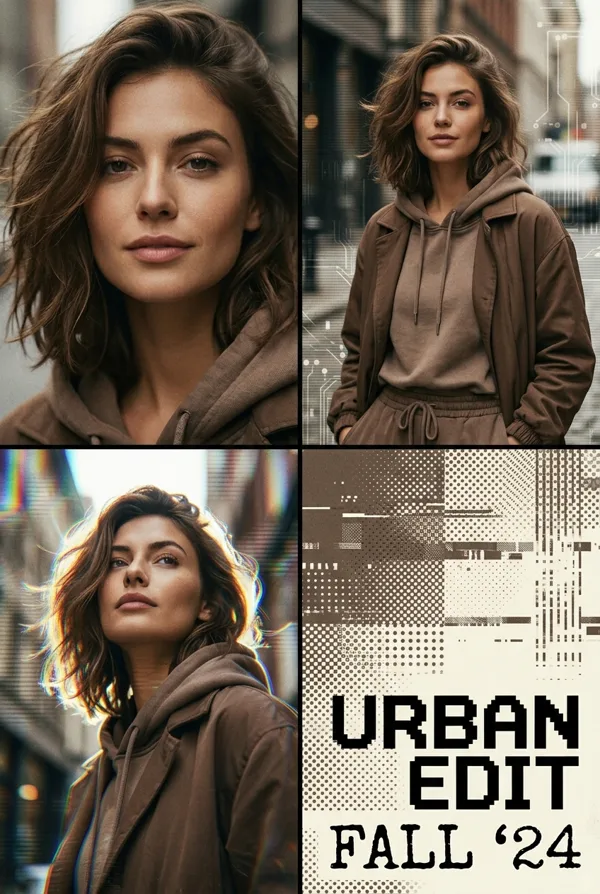
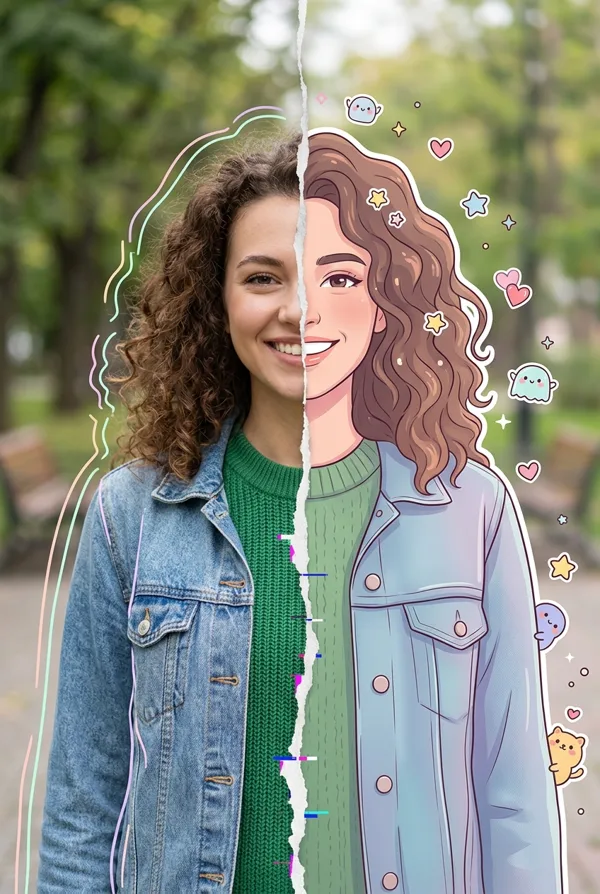
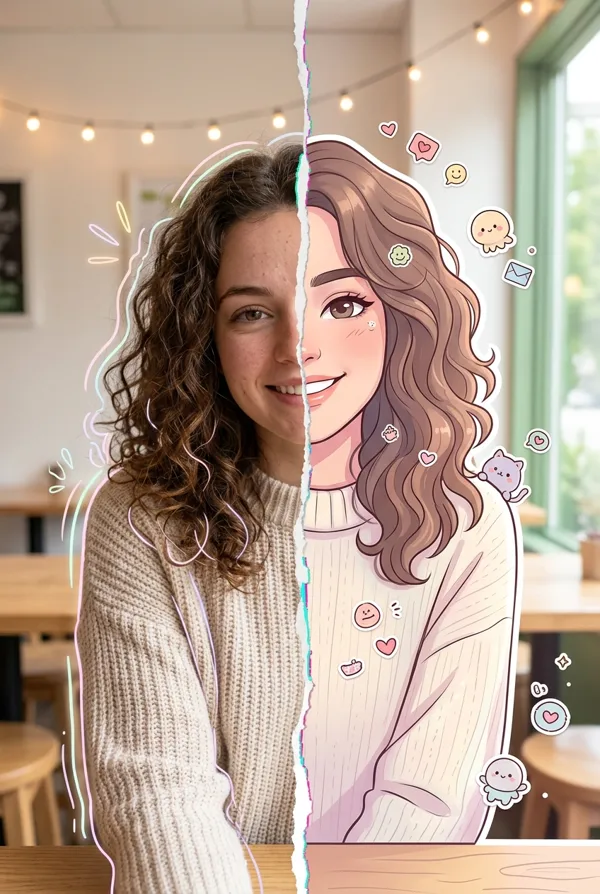
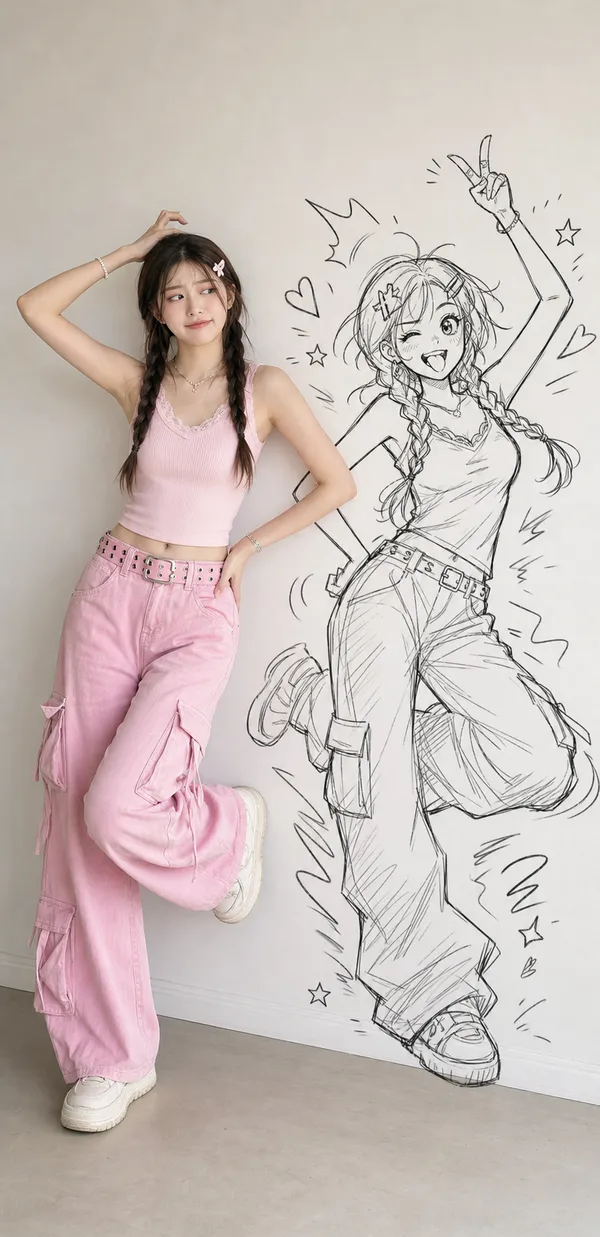
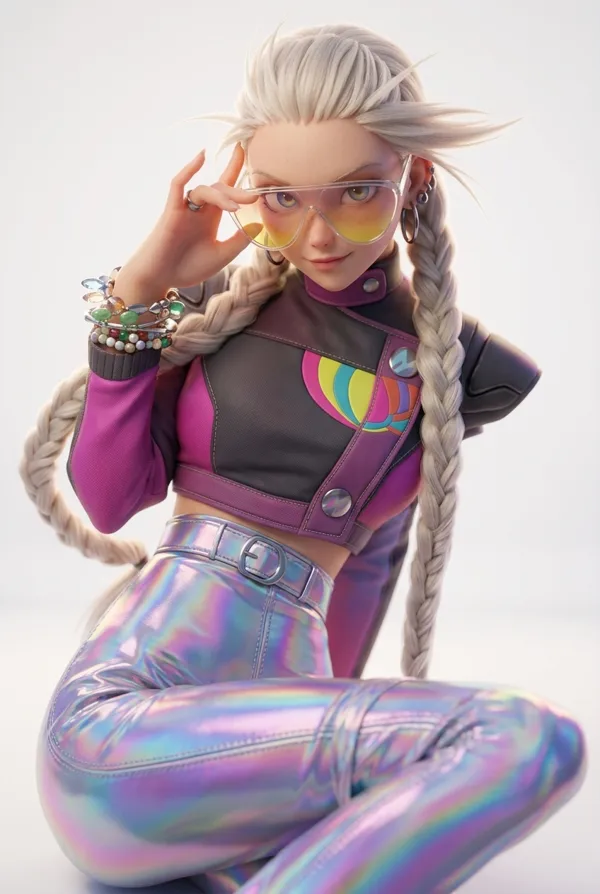
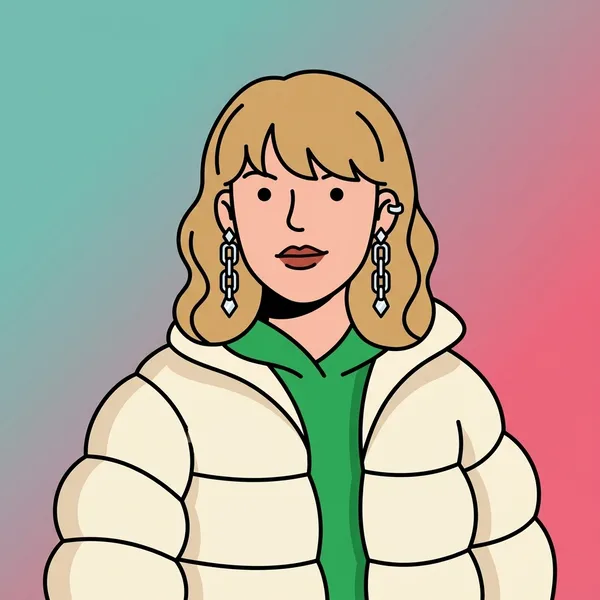
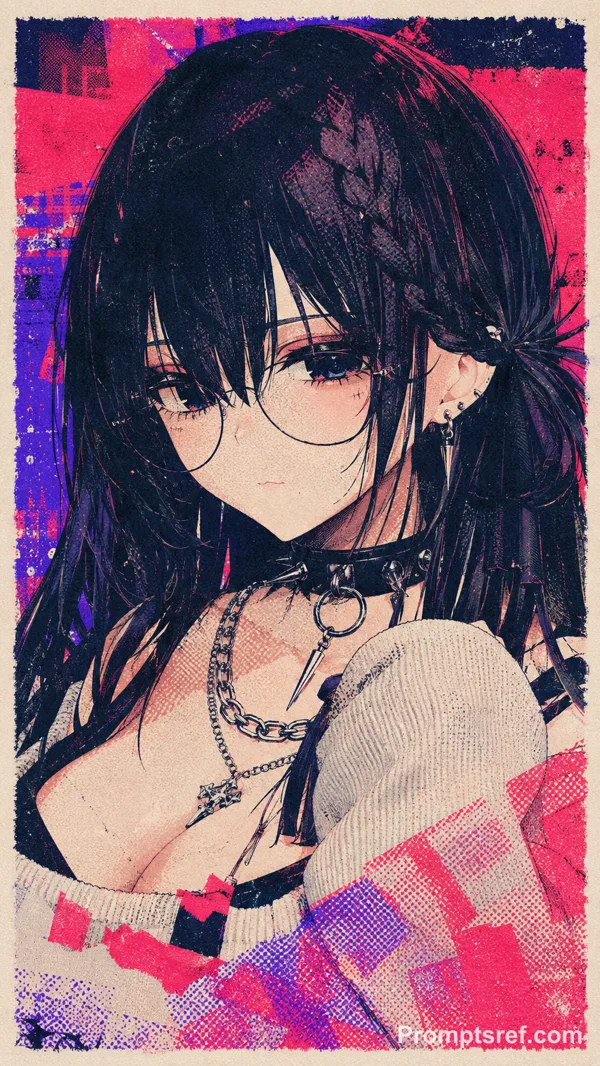
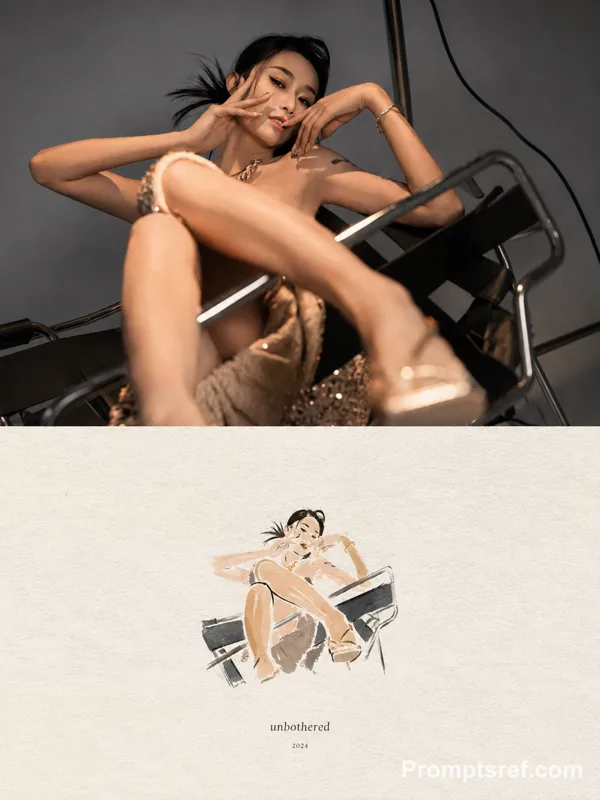
Transform the input image into a premium designer collectible-art toy aesthetic. Preserve the subject's identity, pose, composition, and key features, but reinterpret everything as a highly detailed stylized vinyl/resin character. Features: Cute yet sophisticated designer toy proportions Large expressive eyes with subtle side-glance attitude Smooth polished skin and soft sculpted facial features High-end 3D render quality Hyper-detailed materials and textures Soft ambient global illumination Studio-grade lighting with gentle bloom Slightly exaggerated facial proportions Clean toy-like surface finish Premium collectible figurine appearance Styling: Add playful graphic stickers, pins, patches, charms, decals, that match the subject's personality Decorative details should feel curated and collectible, not random Fashion and clothing should remain inspired by the original image but elevated into designer-toy aesthetics Rich layered materials such as knit fabrics, glossy plastics, enamel pins, embroidered patches, metallic jewelry, and soft textiles Subtle freckles, texture details, and micro-surface imperfections for realism Composition: Centered portrait framing Magazine-cover presentation Bold oversized typography Modern editorial layout Minimal geometric UI elements Limited edition collectible packaging design language Clean visual hierarchy Luxury streetwear toy-brand aesthetic Color System: Extract the dominant color from the outfit Use that color as the primary background gradient Create monochromatic harmony between background and wardrobe Add small complementary accent colors through stickers and accessories Vibrant but cohesive palette Rendering: Ultra-detailed 3D character render Octane/Redshift/Cinema4D quality Sharp focus High contrast Soft depth of field Commercial toy photography Luxury collectible product shot Premium designer art toy aesthetic Contemporary street-culture collectible design
Remixe
RemixNoch keine Remixe. Erstelle die erste Version.
Diesen Bild-Prompt verwenden
- 01
Mit dem Prompt starten
Kopiere den Prompt oder öffne ihn über die Schaltfläche zum Generieren.
- 02
Eigene Änderungen vornehmen
Passe Motiv, Umgebung oder Details an. Füge bei Bedarf Referenzen hinzu.
- 03
Vor dem Generieren prüfen
Prüfe Modell und Ausgabeeinstellungen. Die Ergebnisse können variieren.