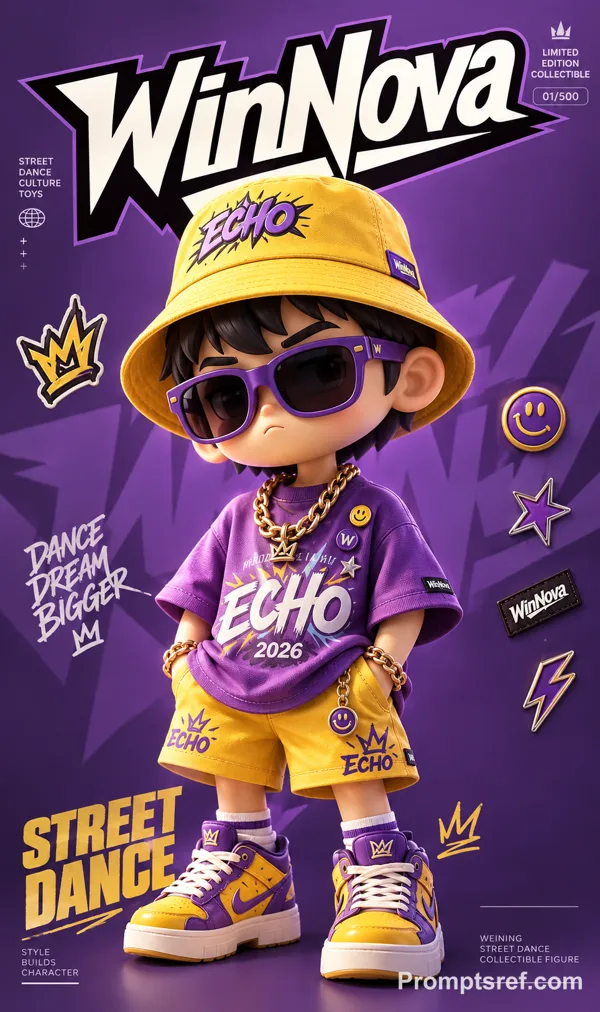
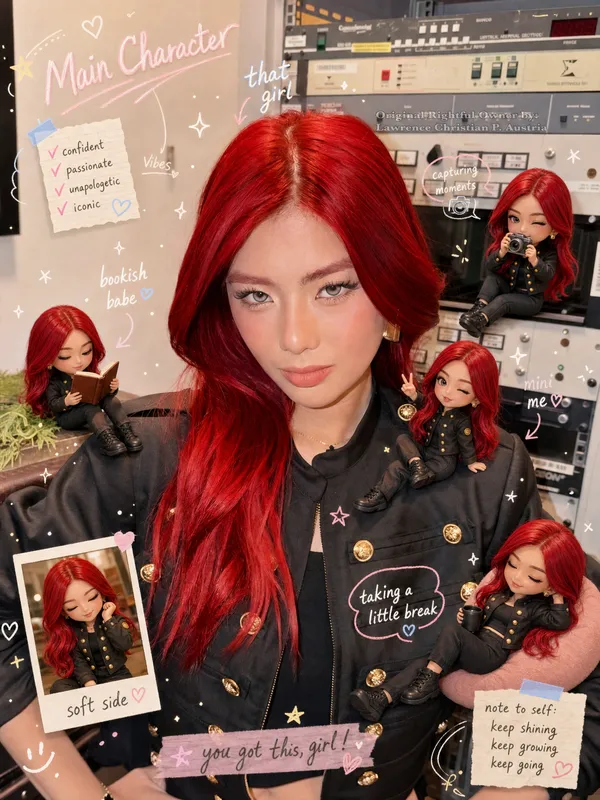
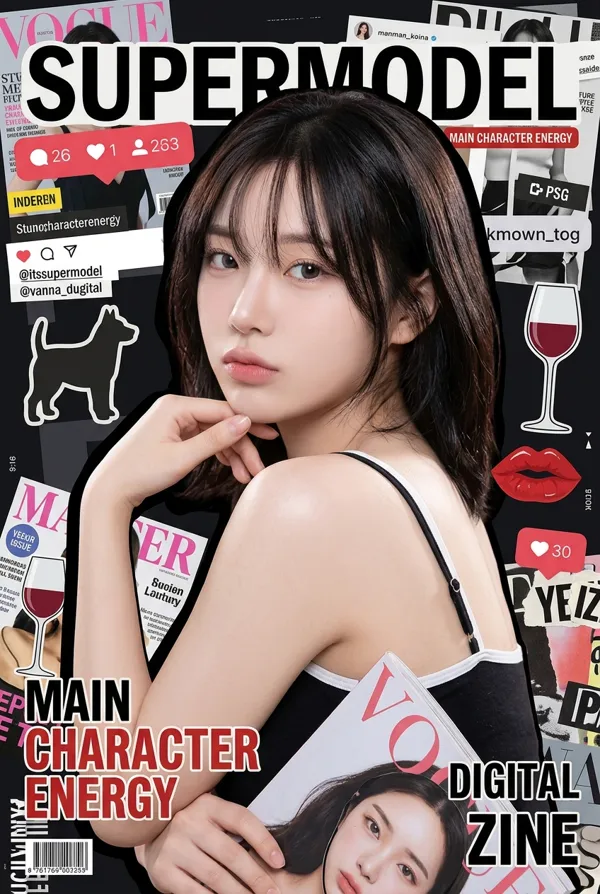
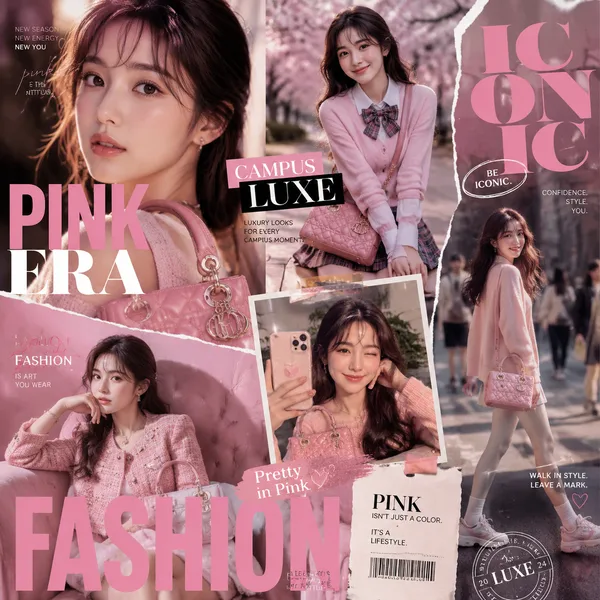
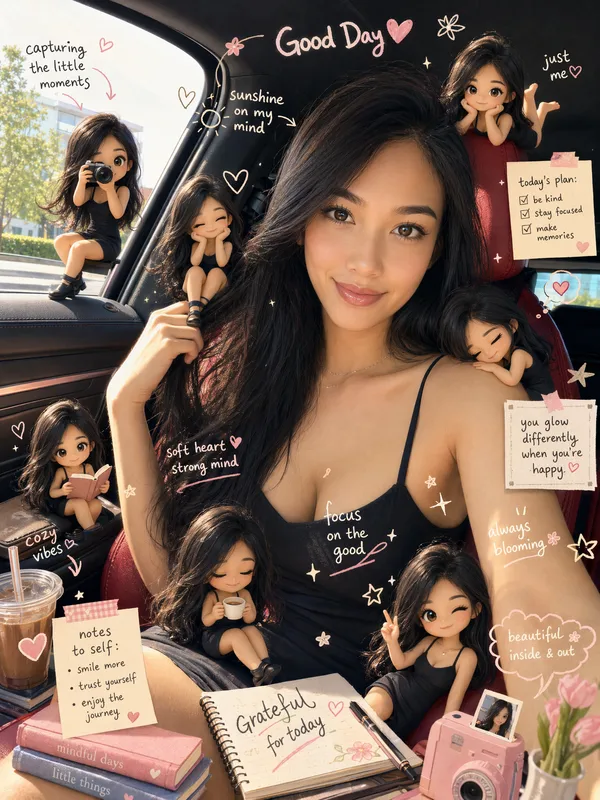
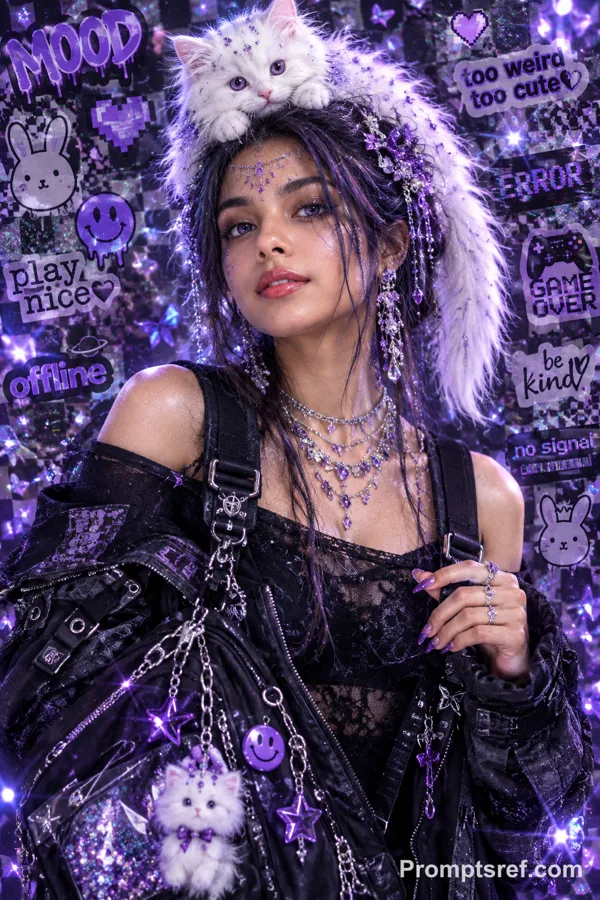
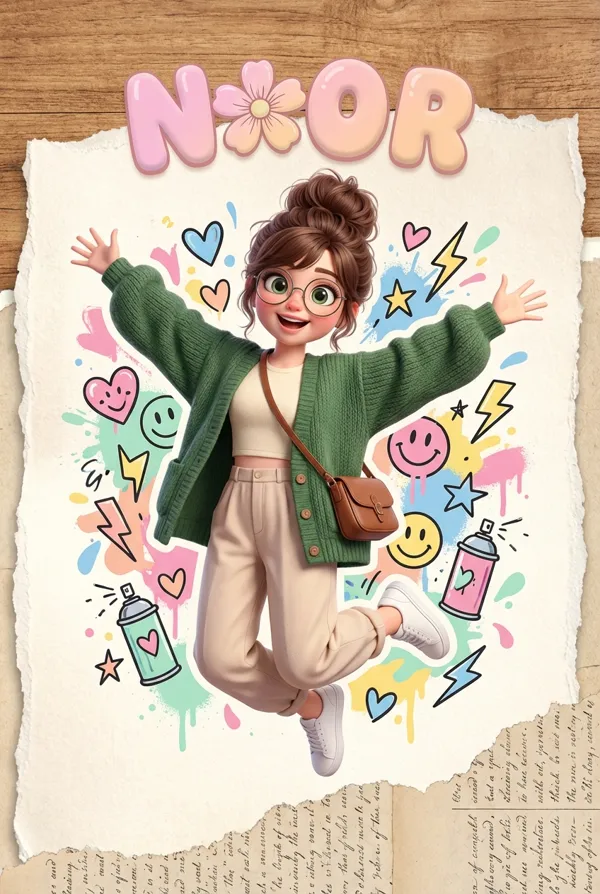
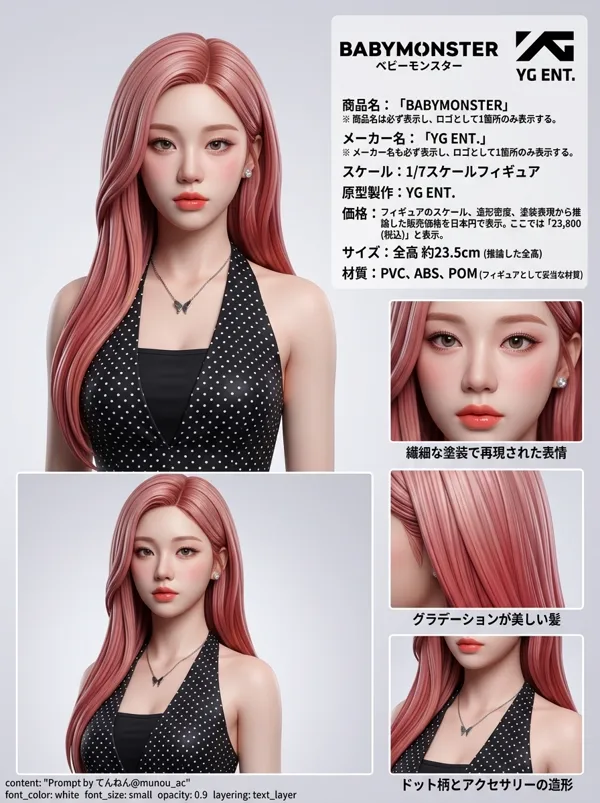
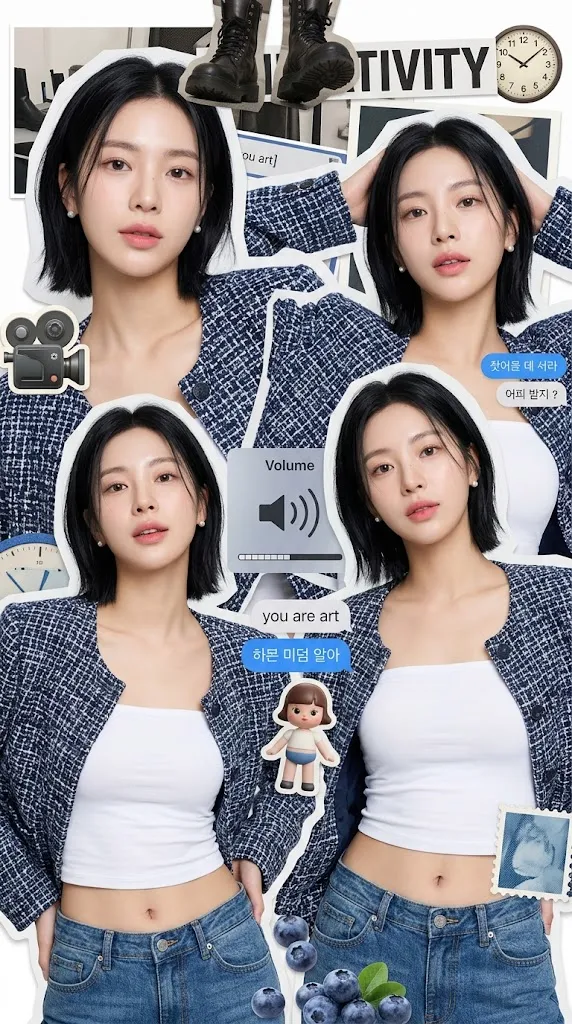
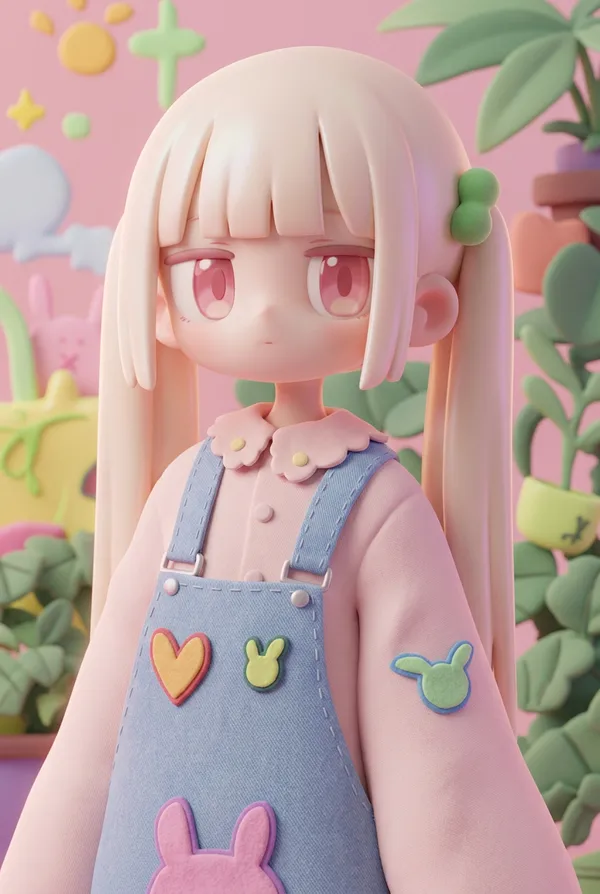
GPT Image 2.0 프롬프트 - 프리미엄 디자이너 아트 토이 초상

- 화면 비율
- 2:3
- 화질
- 1K
프롬프트
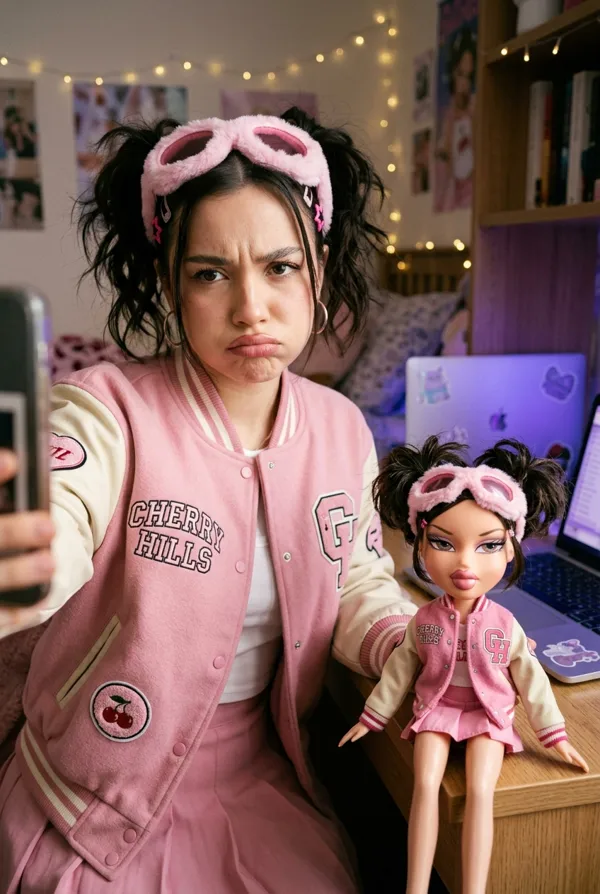
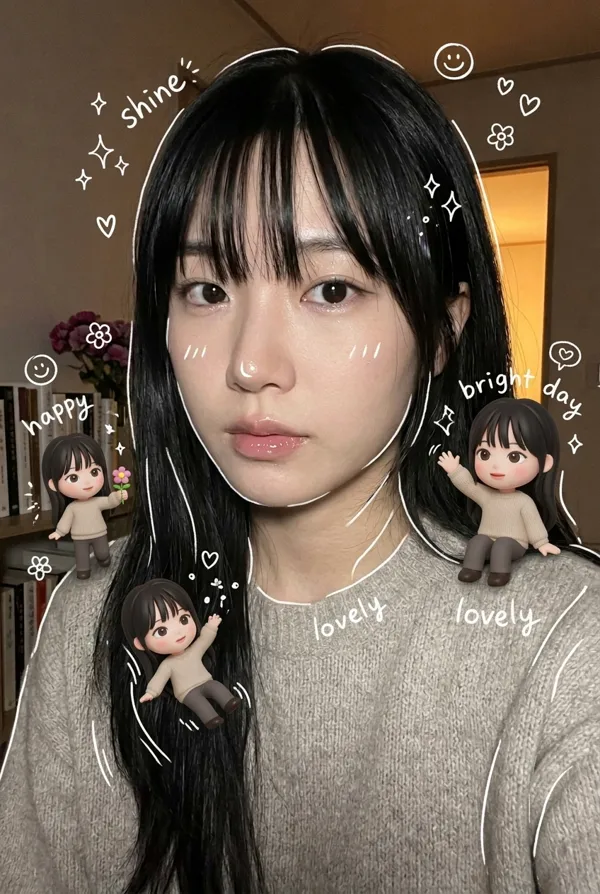
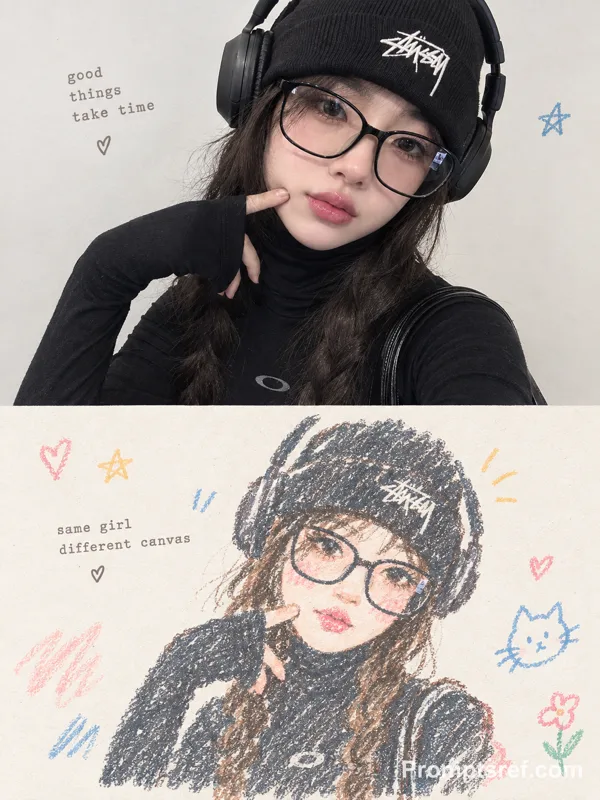
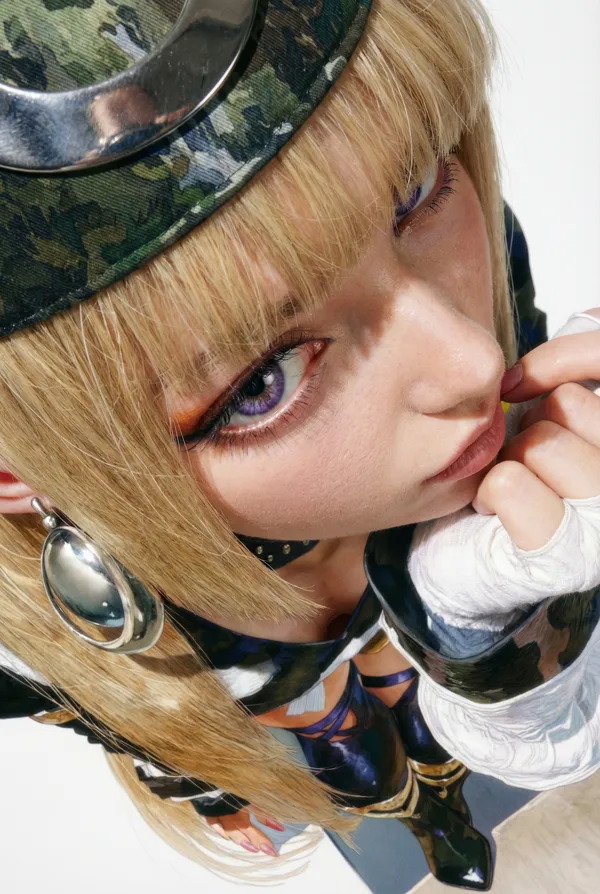
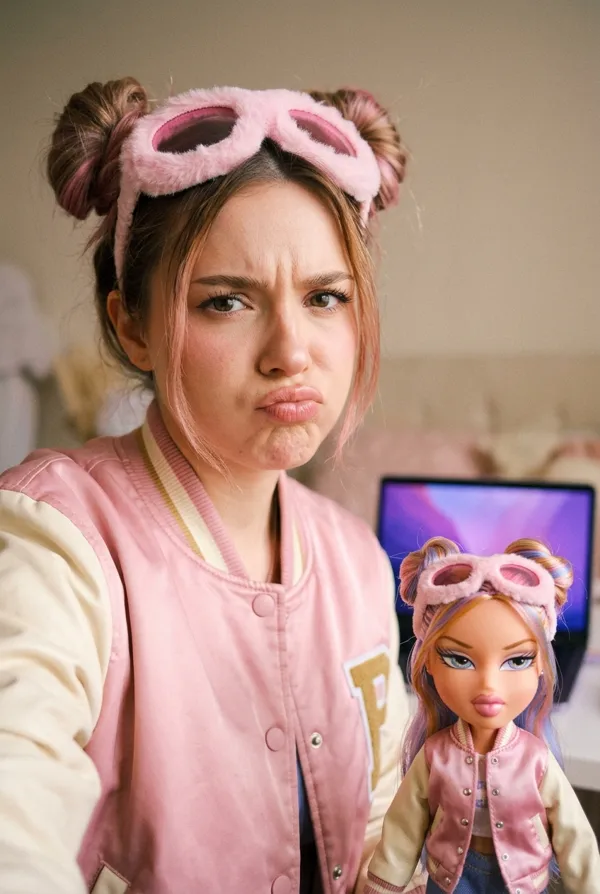
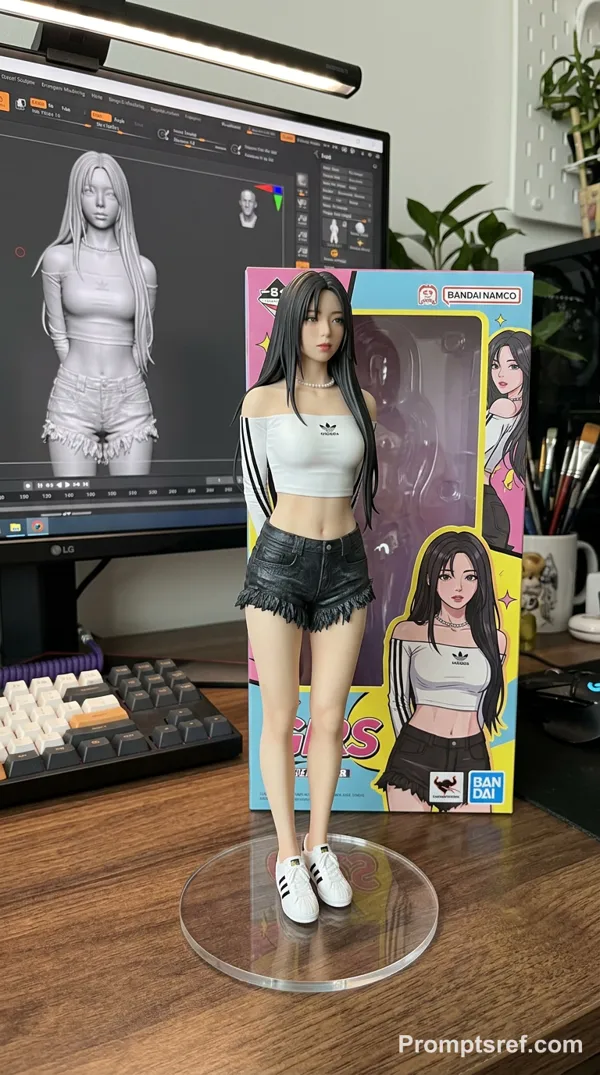
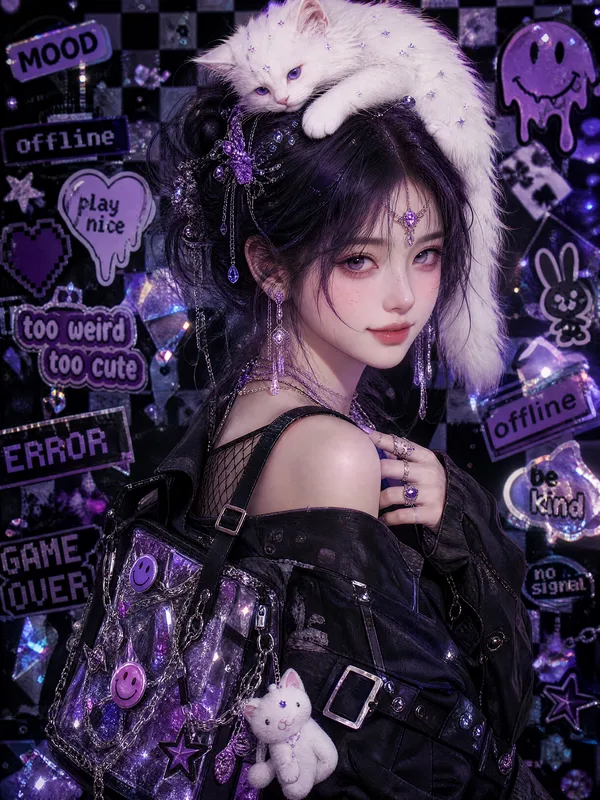
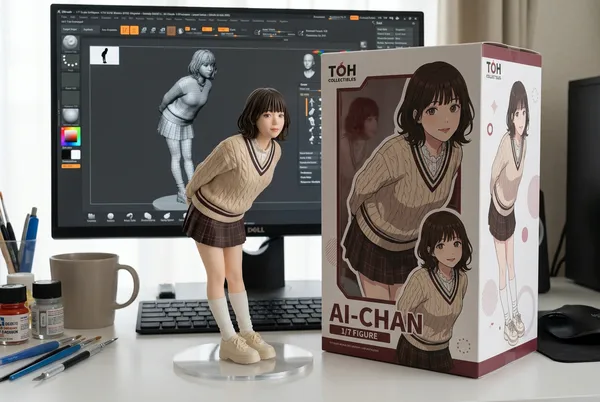
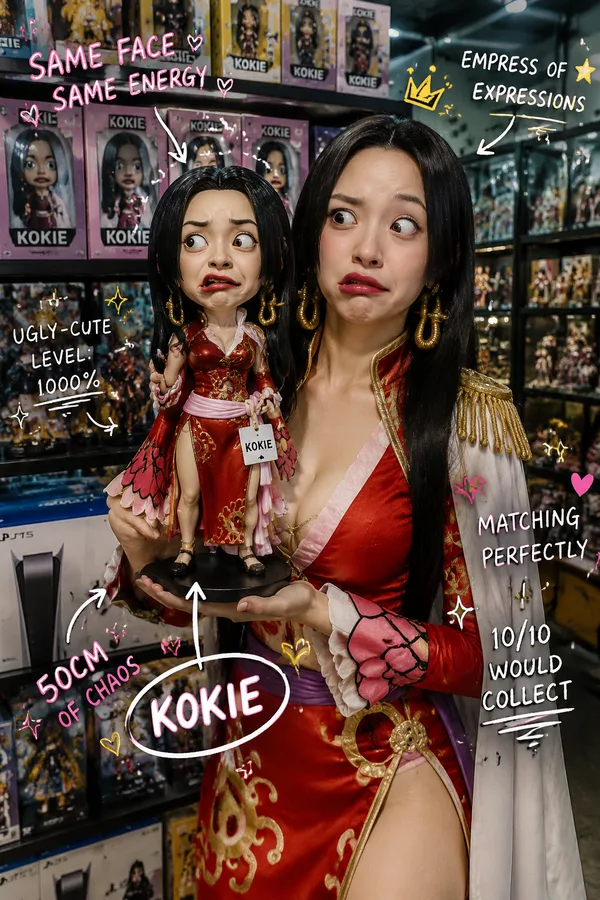
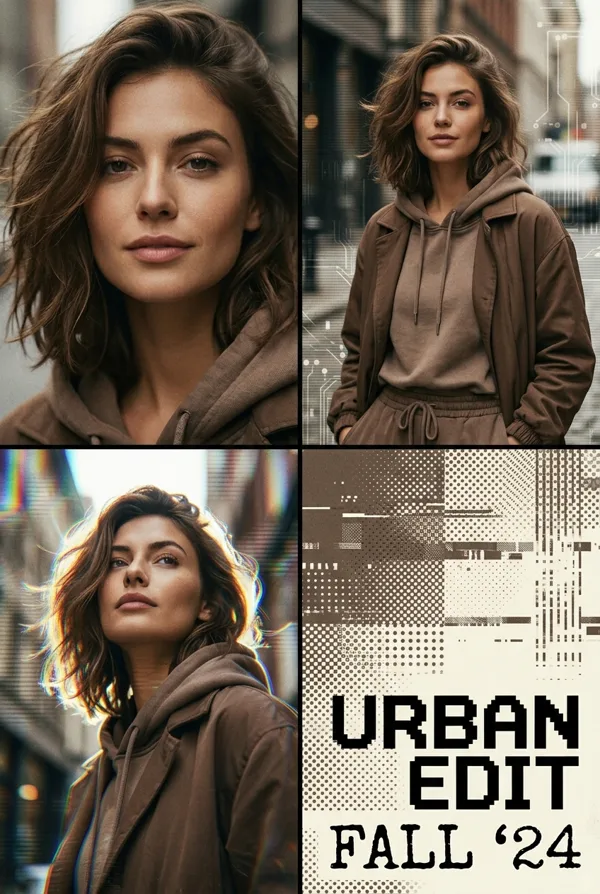
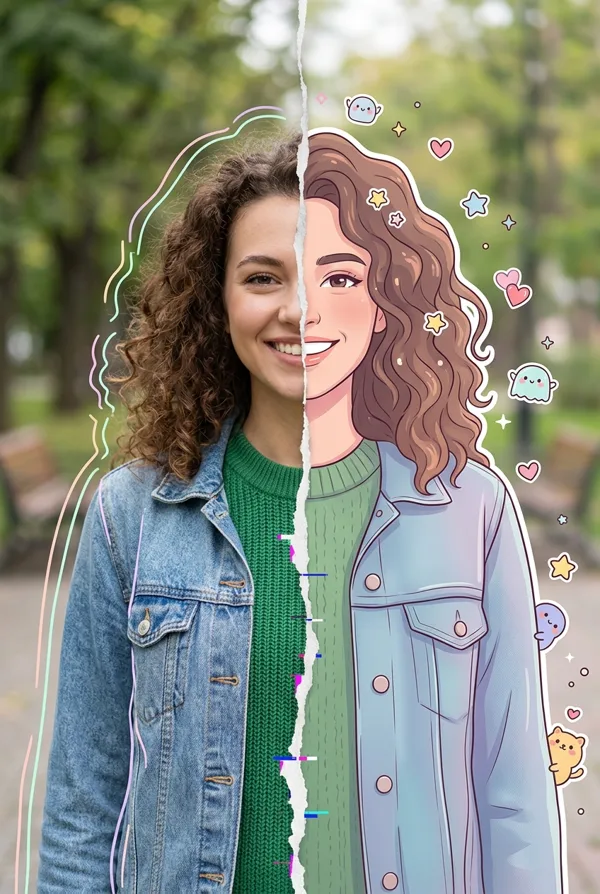
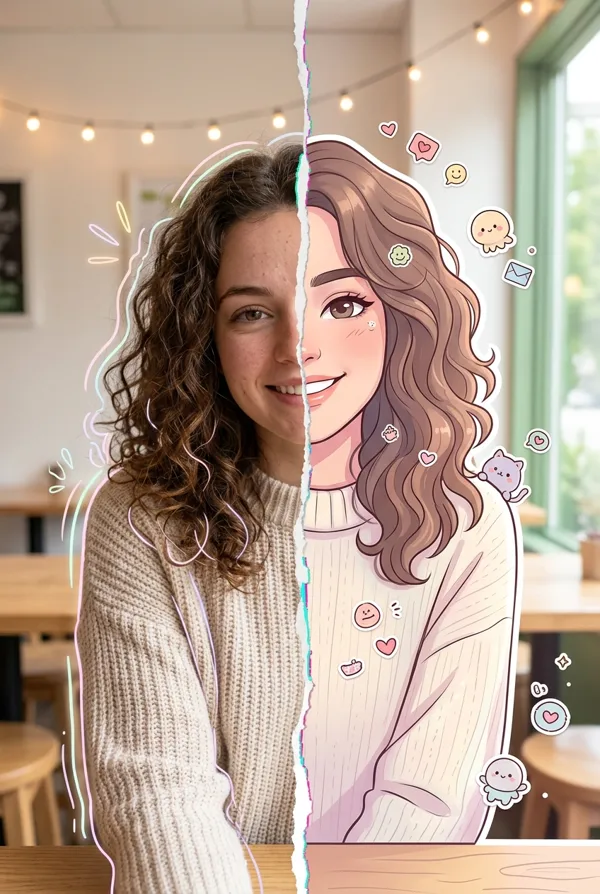
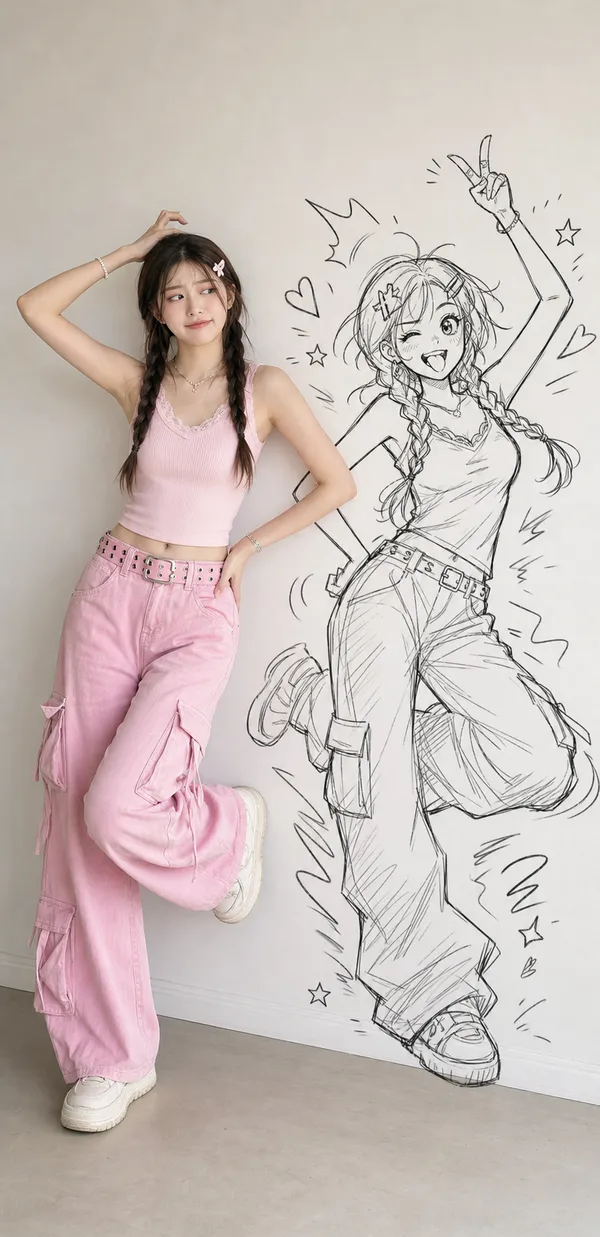
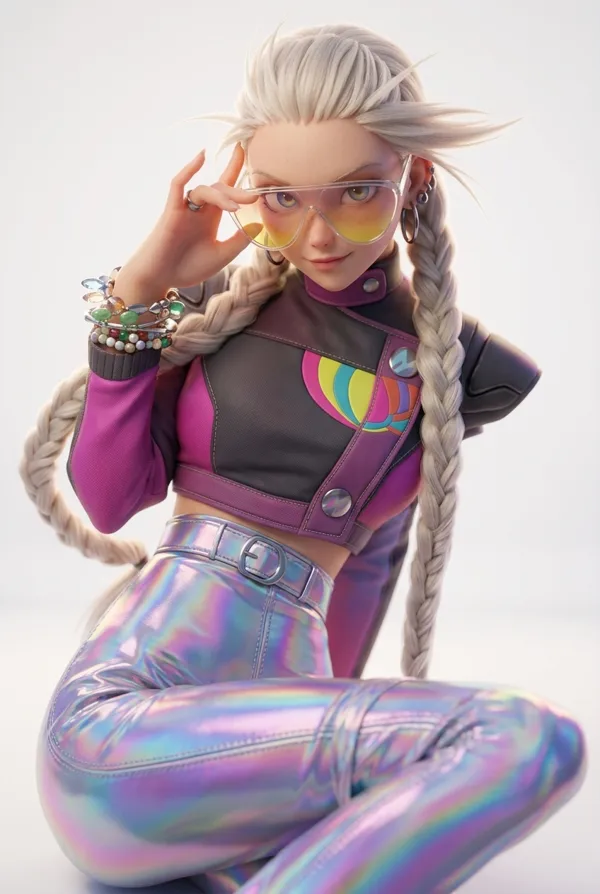
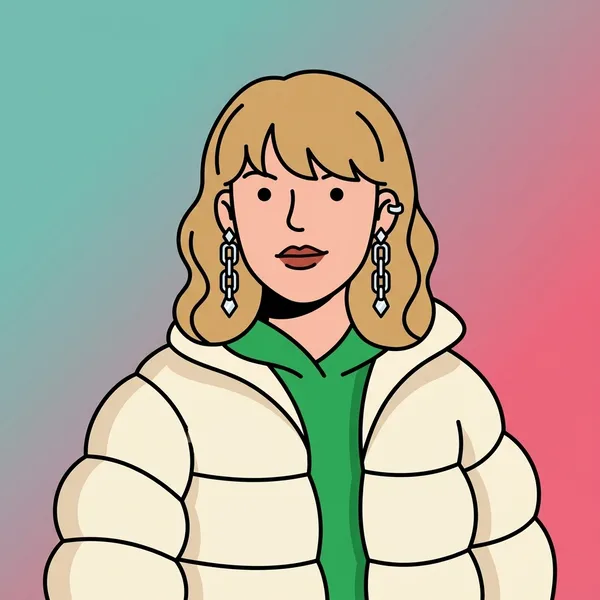
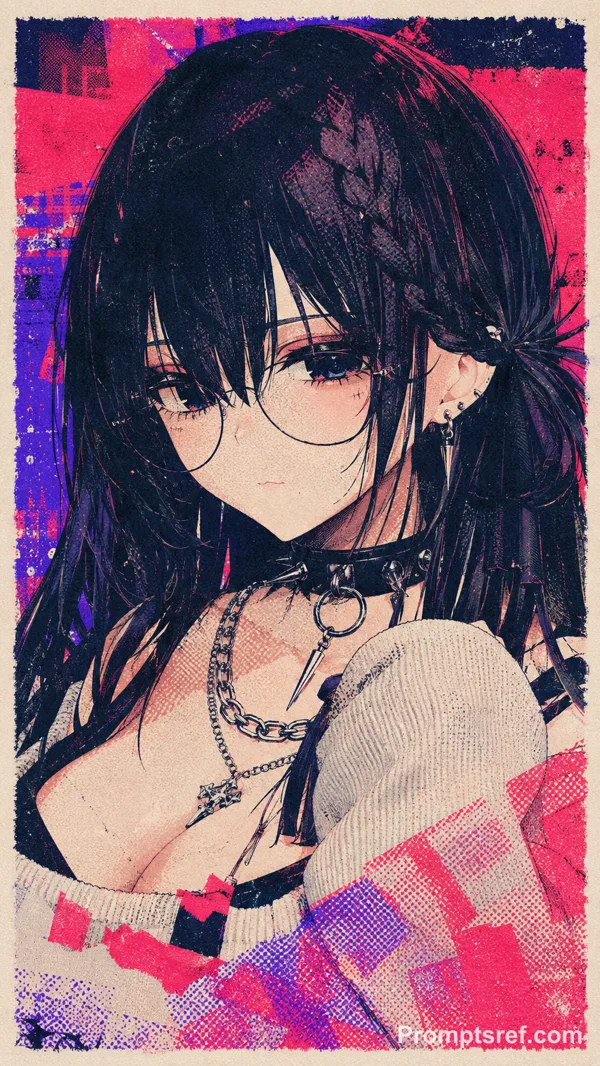
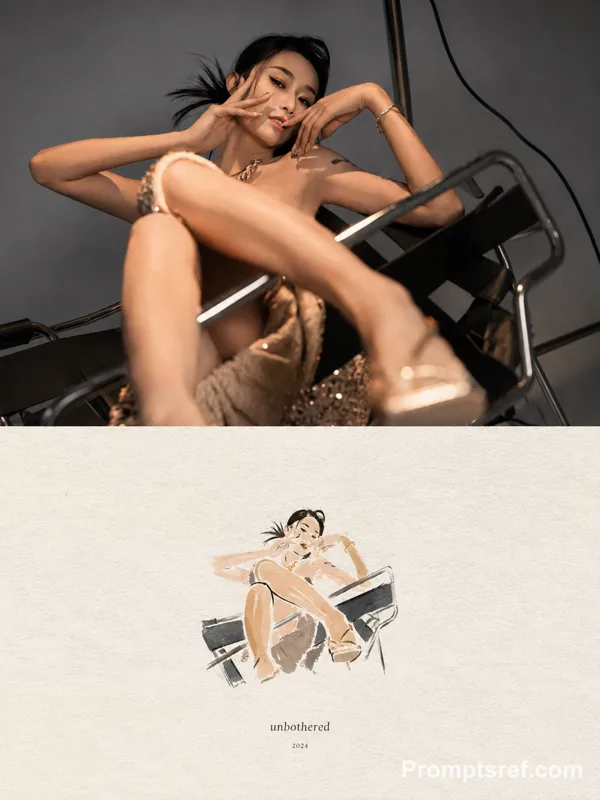
Transform the input image into a premium designer collectible-art toy aesthetic. Preserve the subject's identity, pose, composition, and key features, but reinterpret everything as a highly detailed stylized vinyl/resin character. Features: Cute yet sophisticated designer toy proportions Large expressive eyes with subtle side-glance attitude Smooth polished skin and soft sculpted facial features High-end 3D render quality Hyper-detailed materials and textures Soft ambient global illumination Studio-grade lighting with gentle bloom Slightly exaggerated facial proportions Clean toy-like surface finish Premium collectible figurine appearance Styling: Add playful graphic stickers, pins, patches, charms, decals, that match the subject's personality Decorative details should feel curated and collectible, not random Fashion and clothing should remain inspired by the original image but elevated into designer-toy aesthetics Rich layered materials such as knit fabrics, glossy plastics, enamel pins, embroidered patches, metallic jewelry, and soft textiles Subtle freckles, texture details, and micro-surface imperfections for realism Composition: Centered portrait framing Magazine-cover presentation Bold oversized typography Modern editorial layout Minimal geometric UI elements Limited edition collectible packaging design language Clean visual hierarchy Luxury streetwear toy-brand aesthetic Color System: Extract the dominant color from the outfit Use that color as the primary background gradient Create monochromatic harmony between background and wardrobe Add small complementary accent colors through stickers and accessories Vibrant but cohesive palette Rendering: Ultra-detailed 3D character render Octane/Redshift/Cinema4D quality Sharp focus High contrast Soft depth of field Commercial toy photography Luxury collectible product shot Premium designer art toy aesthetic Contemporary street-culture collectible design
리믹스 작품
리믹스아직 리믹스가 없어요. 첫 번째 버전을 만들어 보세요.
이 이미지 프롬프트 사용하기
- 01
프롬프트로 시작하기
프롬프트를 복사하거나 생성 버튼으로 여세요.
- 02
나만의 아이디어 더하기
주제, 배경, 세부 사항을 조정하고 필요하면 참고 자료를 추가하세요.
- 03
생성 전 확인하기
모델과 출력 설정을 확인하세요. 생성 결과는 매번 다를 수 있습니다.