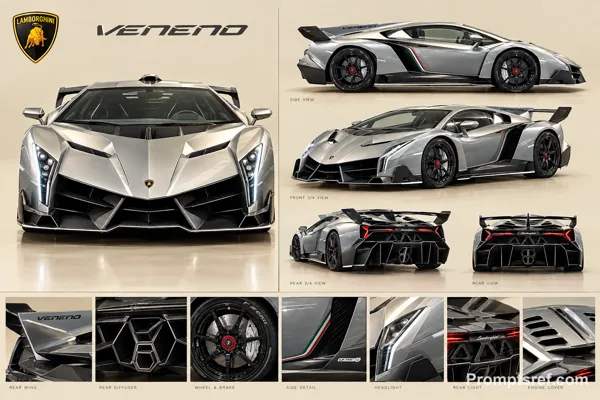
GPT Image 2.0 Prompt - Pantum Tonerkartuschen im Editorial-Raster

- Modell
- GPT Image 2.0
- Seitenverhältnis
- 9:16
- Qualität
- 1K
Prompt
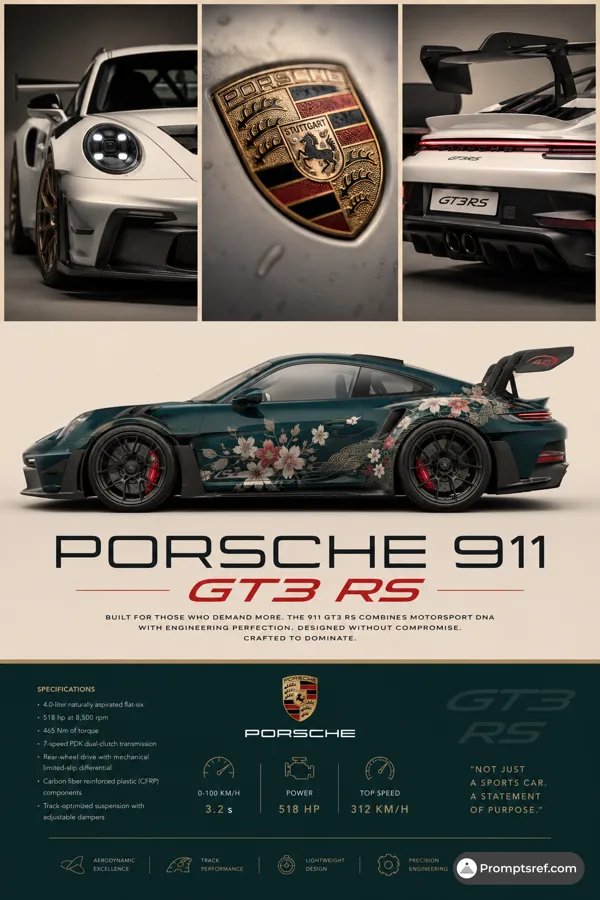
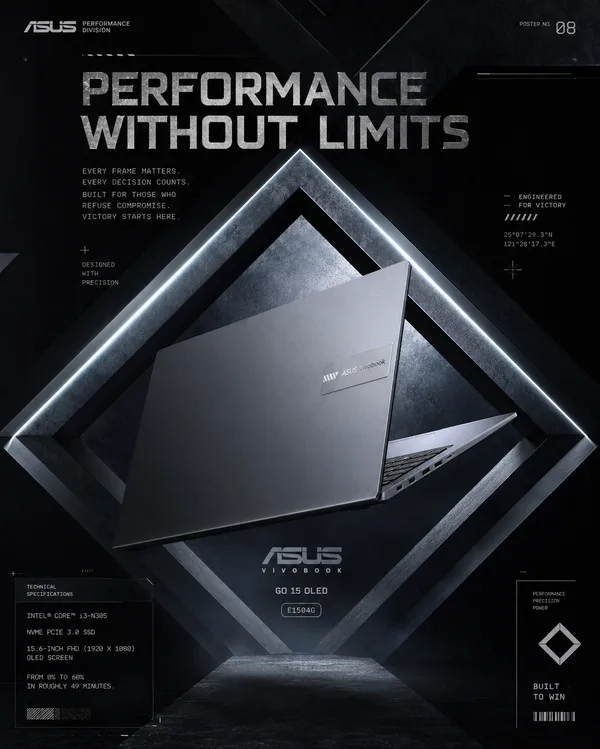
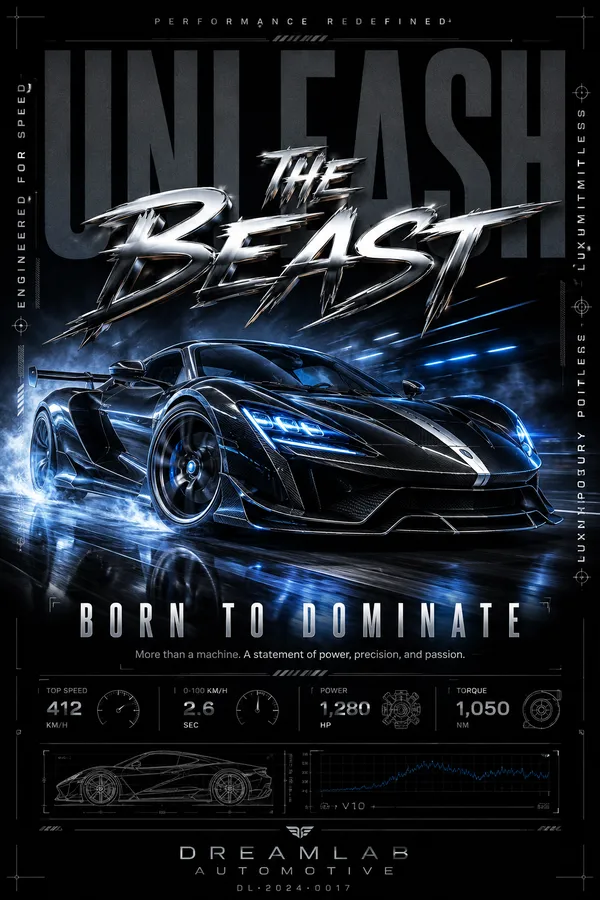
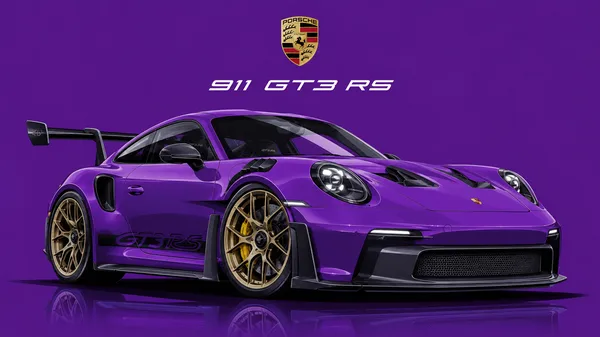
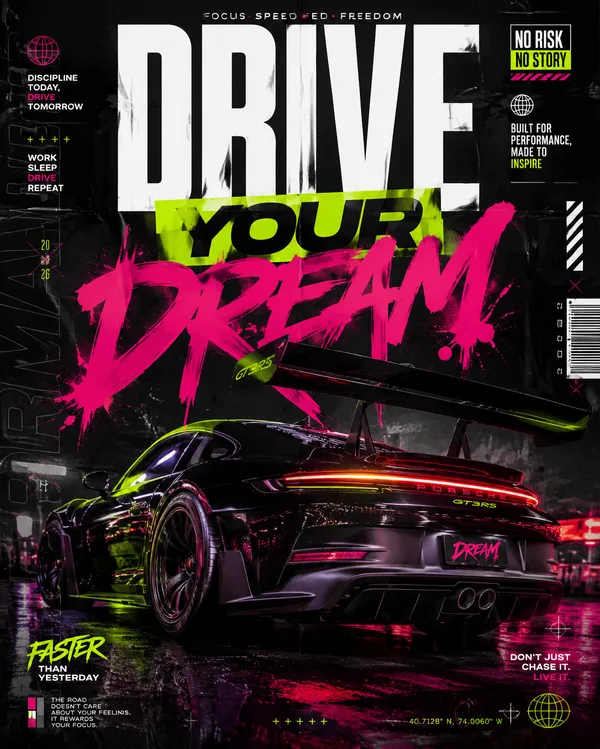
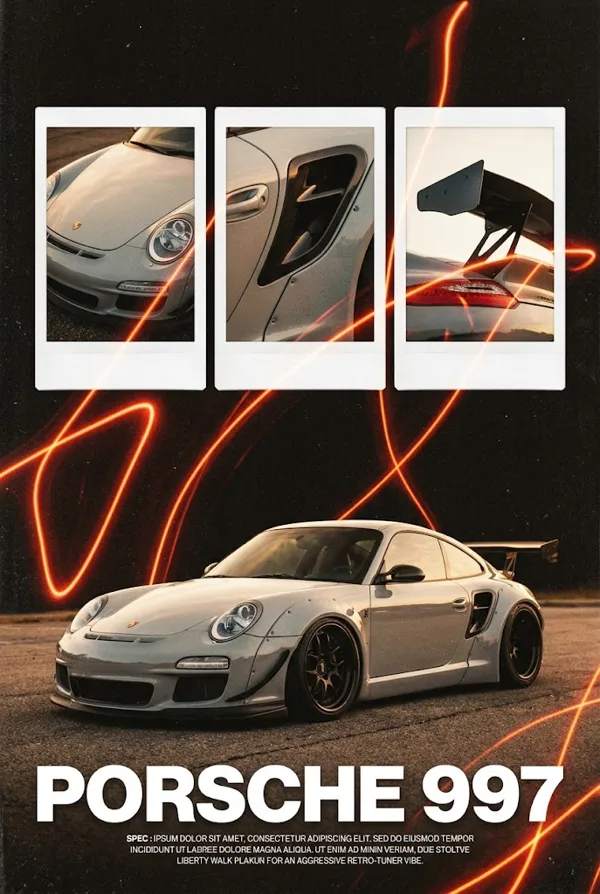
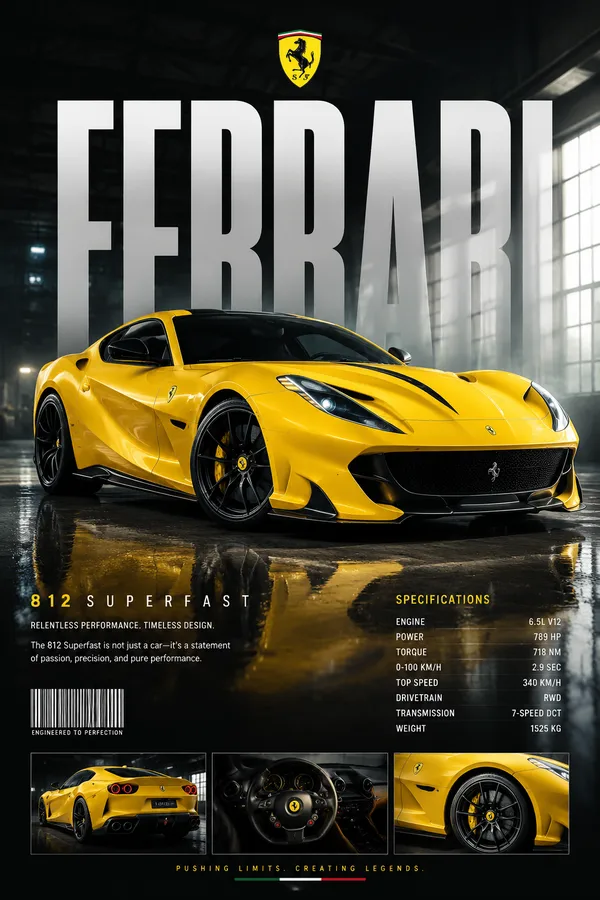
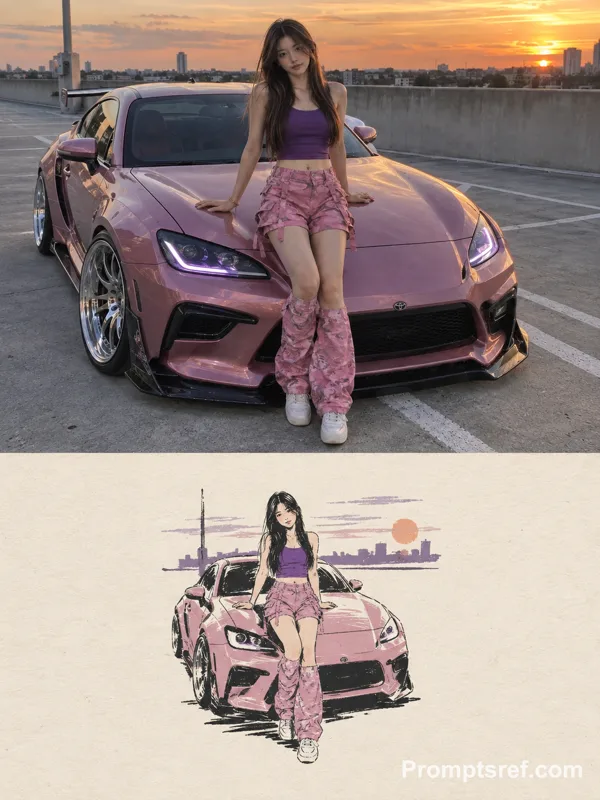
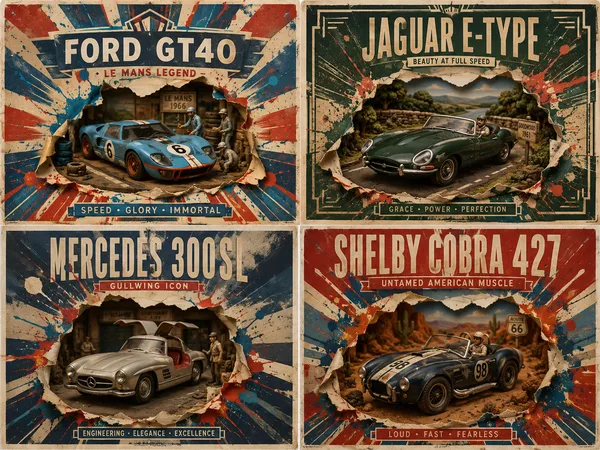
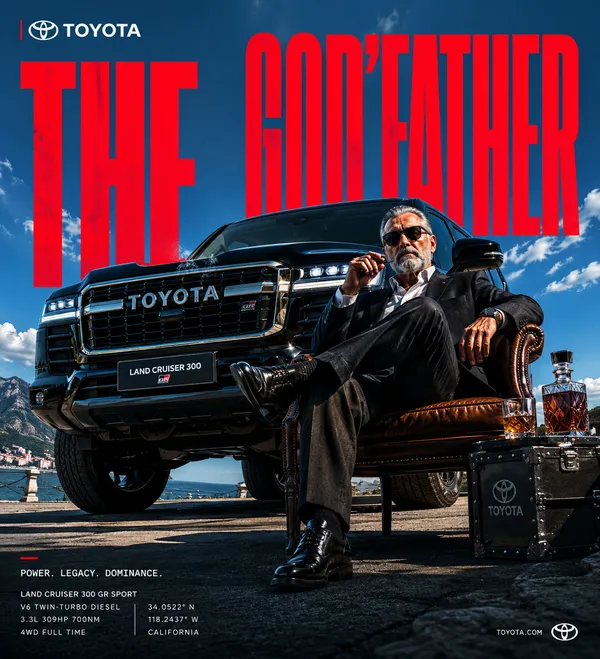
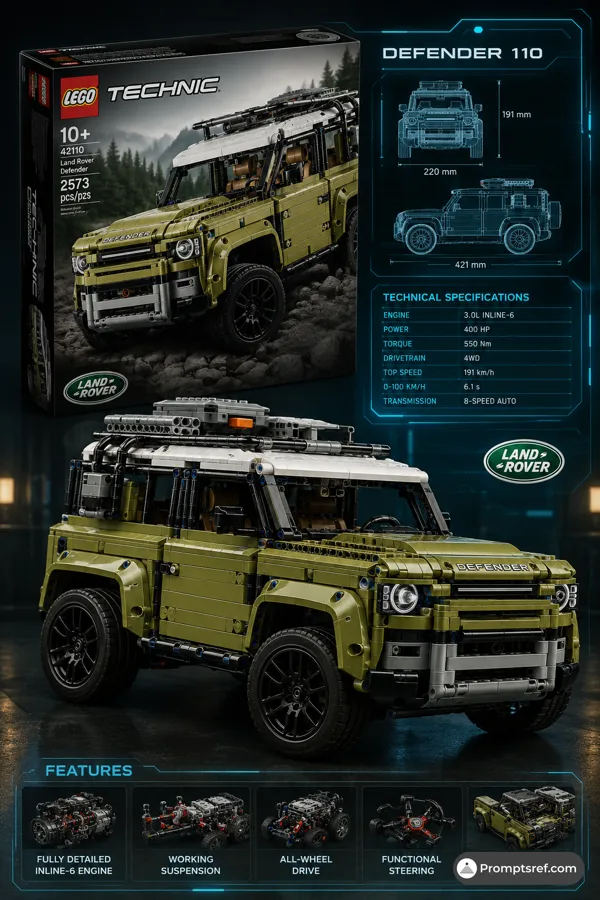
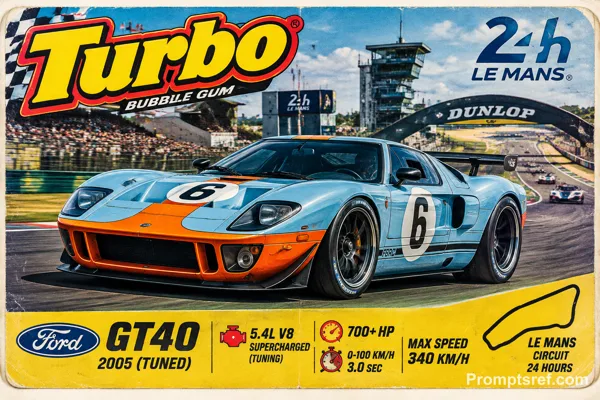
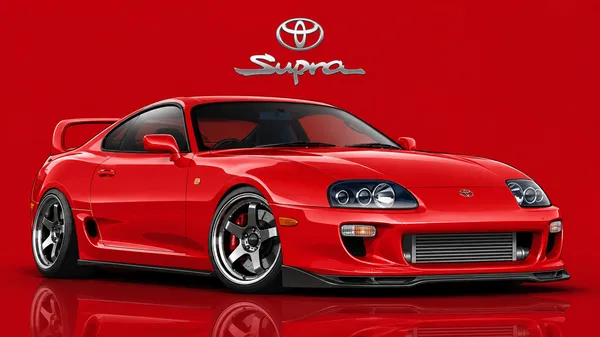
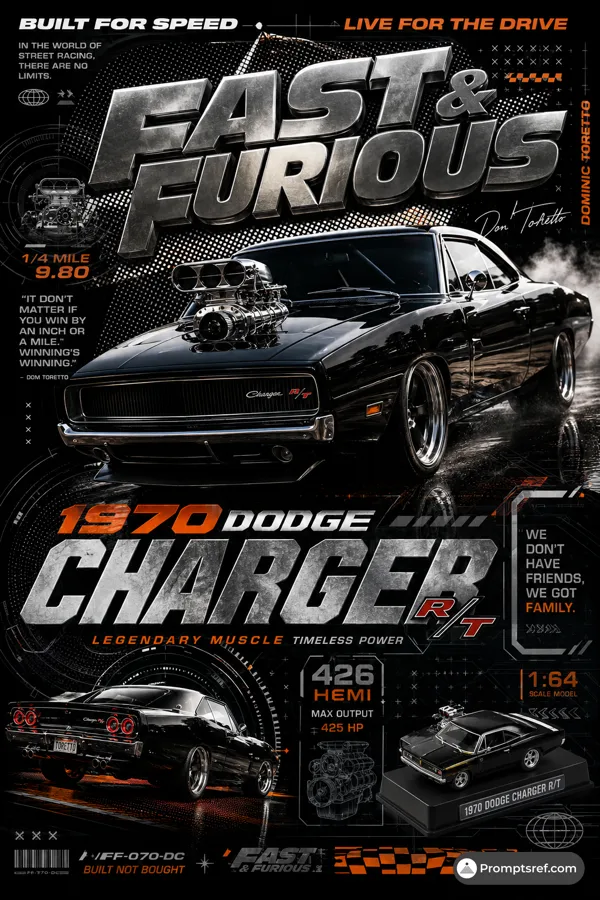
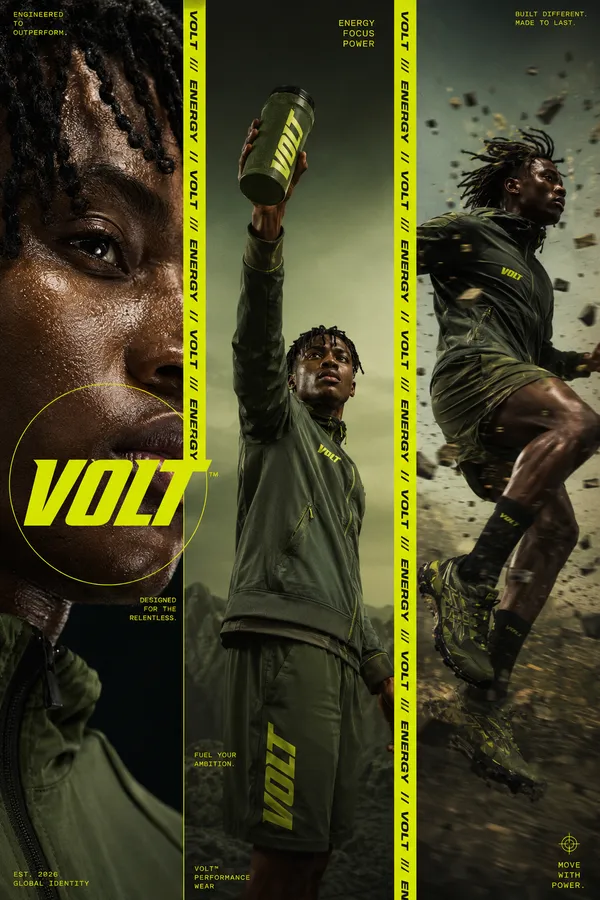
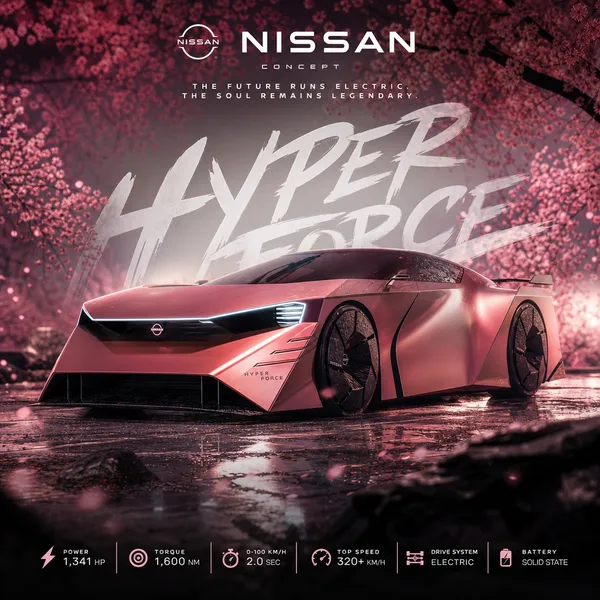
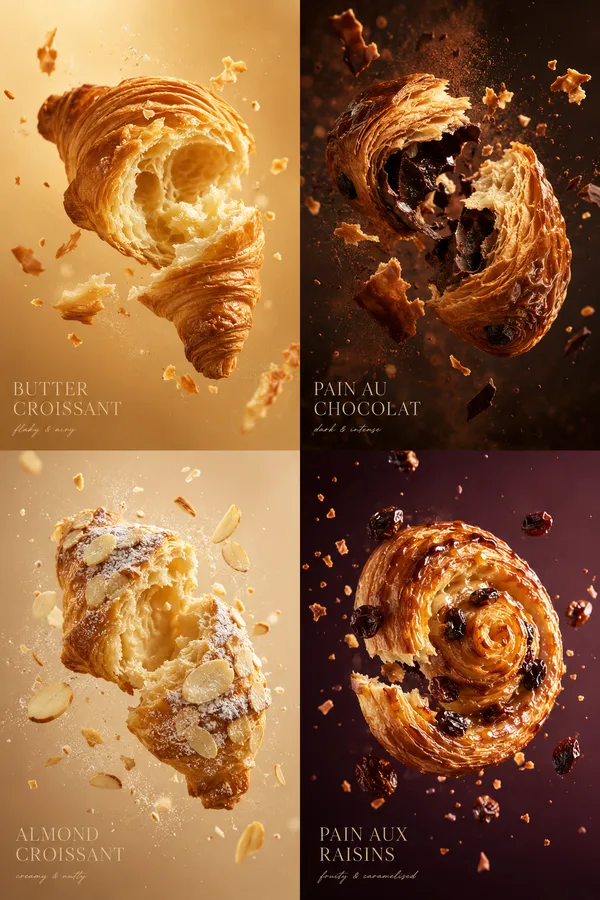
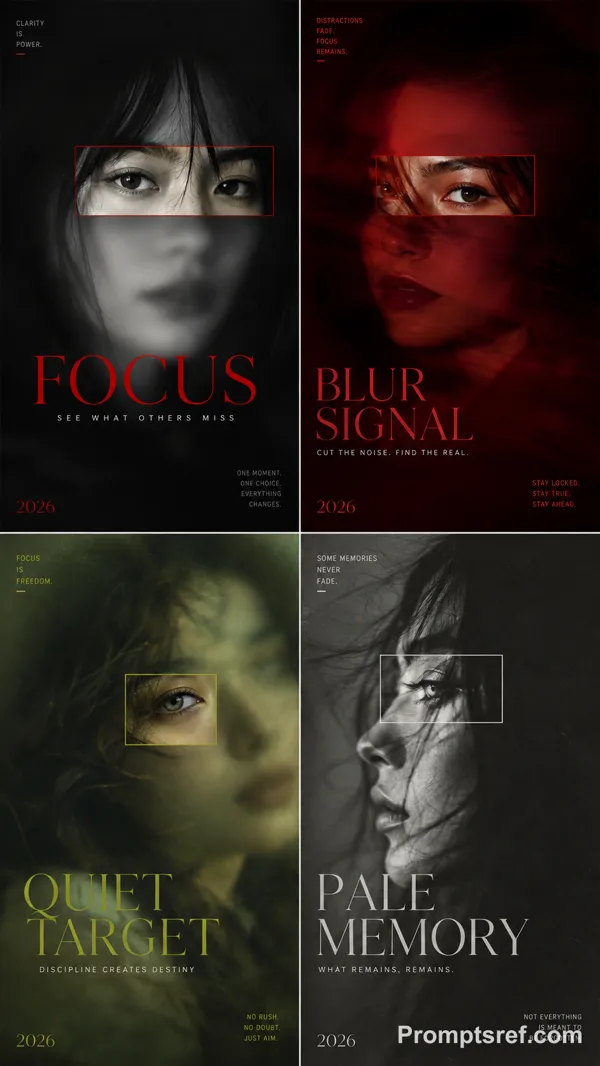
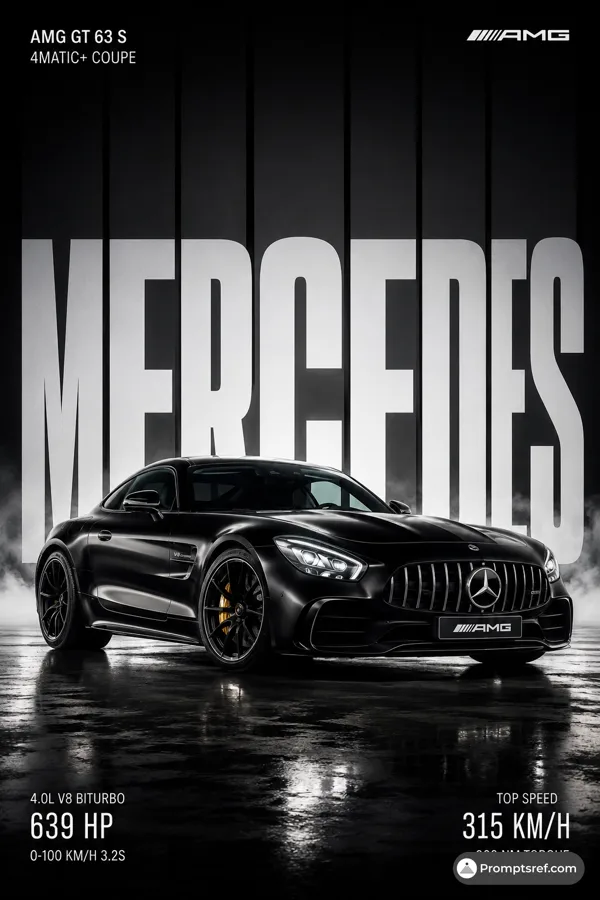
A high-quality editorial toner cartridge poster split into a 2x2 grid layout, each quadrant featuring one iconic cartridge with a bold typographic name as the background. Top-left: Pantum PD213 in Cobalt Blue, side profile view, floating above its reflection, massive "PANTUNM" text behind in matching blue tones, cobalt blue panel background, small detail inset photos of exploded drawings and chips in the corner, editorial body copy below the car. Top-right: Pantum CTL2100 in golden yellow, side profile, "CTL2100" in massive serif bold letters behind it. Bottom-left: Pantum PD400 in Championship Red, aggressive front-three-quarter angle, massive "PD400" text melting into the dark red background, dramatic low-angle lighting, small thumbnail of front grille and wing spoiler. Bottom-right: Pantum CTL350 in burnt orange/rust tone, side profile, "CTL350" in oversized bold condensed font. All four panels have a dark bottom section with white serif editorial description text, small divider lines, and 2–3 small square detail photos. Overall layout: vertical 9:13 poster, magazine-editorial aesthetic, graphic design studio quality, toner cartridge illustration meets print poster art. Ultra photorealistic, 8K, no text overlays, cinematic color grading.
Remixe
RemixNoch keine Remixe. Erstelle die erste Version.
Diesen Bild-Prompt verwenden
- 01
Mit dem Prompt starten
Kopiere den Prompt oder öffne ihn über die Schaltfläche zum Generieren.
- 02
Eigene Änderungen vornehmen
Passe Motiv, Umgebung oder Details an. Füge bei Bedarf Referenzen hinzu.
- 03
Vor dem Generieren prüfen
Prüfe Modell und Ausgabeeinstellungen. Die Ergebnisse können variieren.