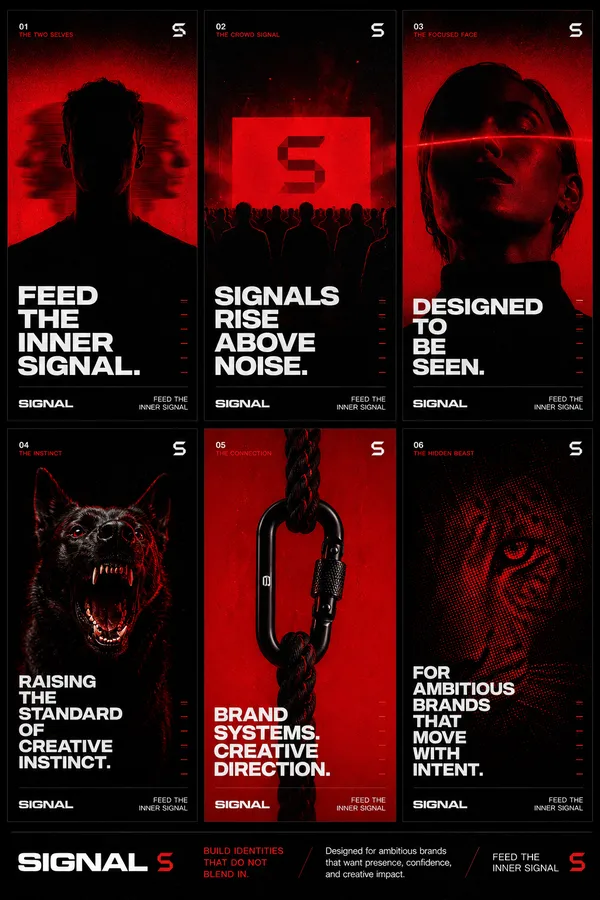
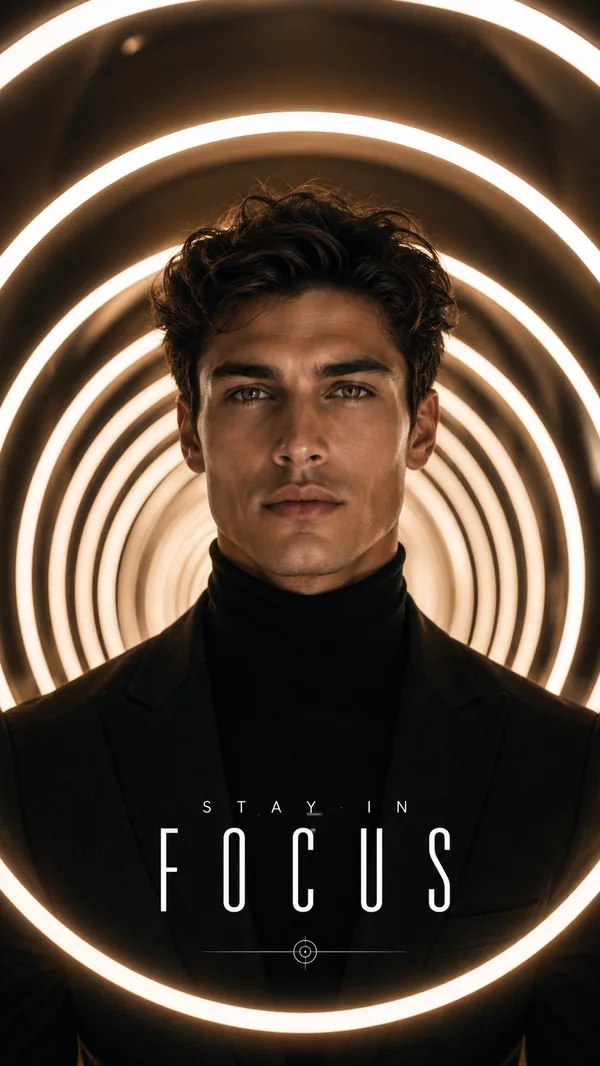
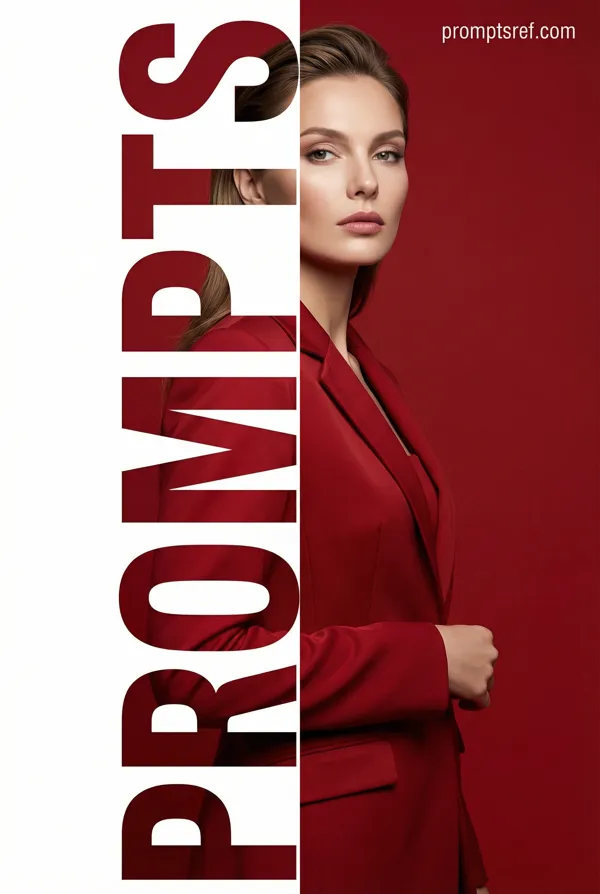
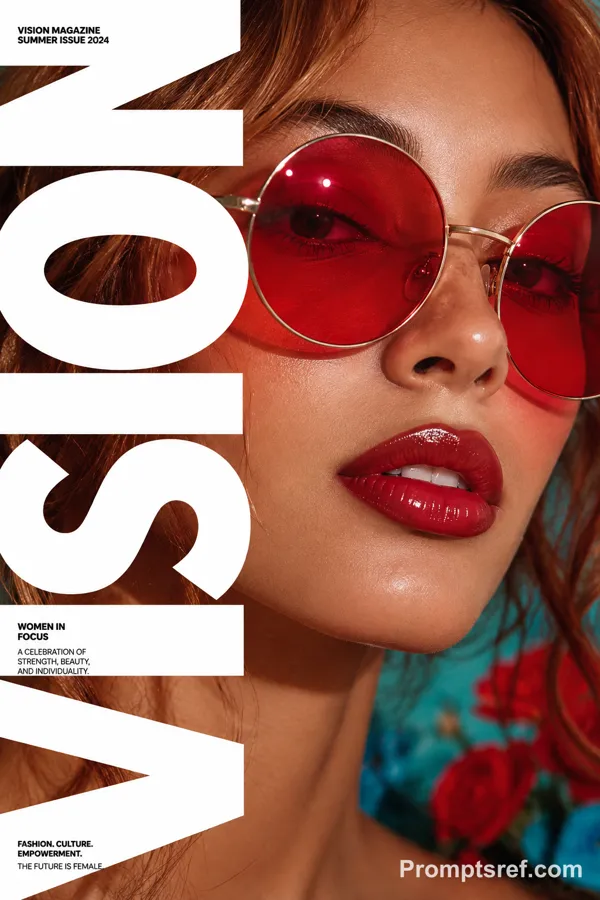
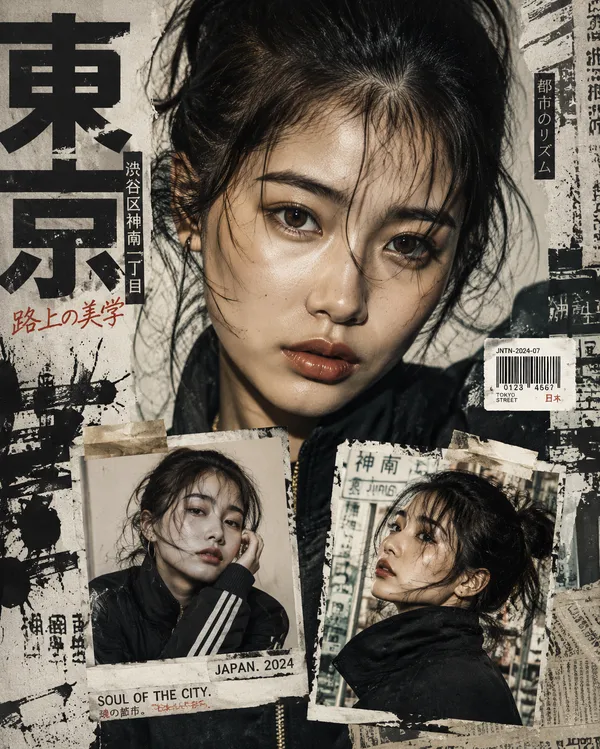
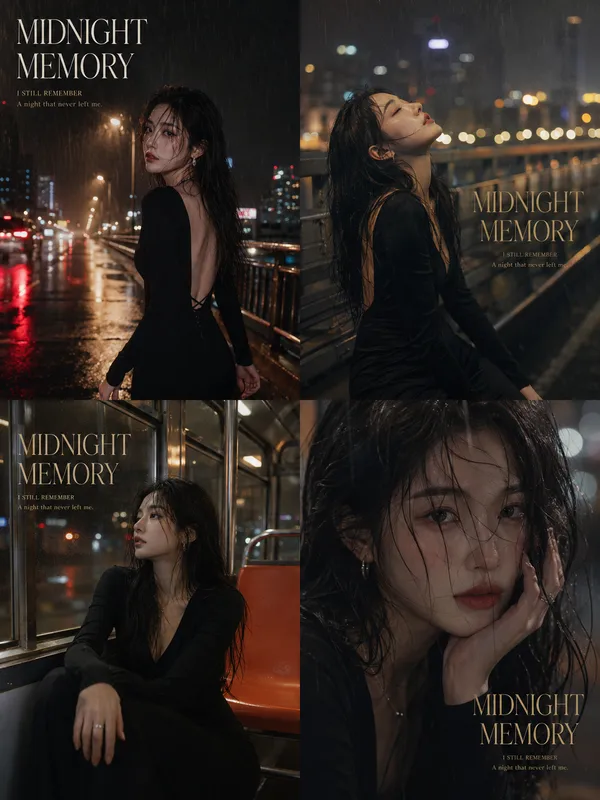
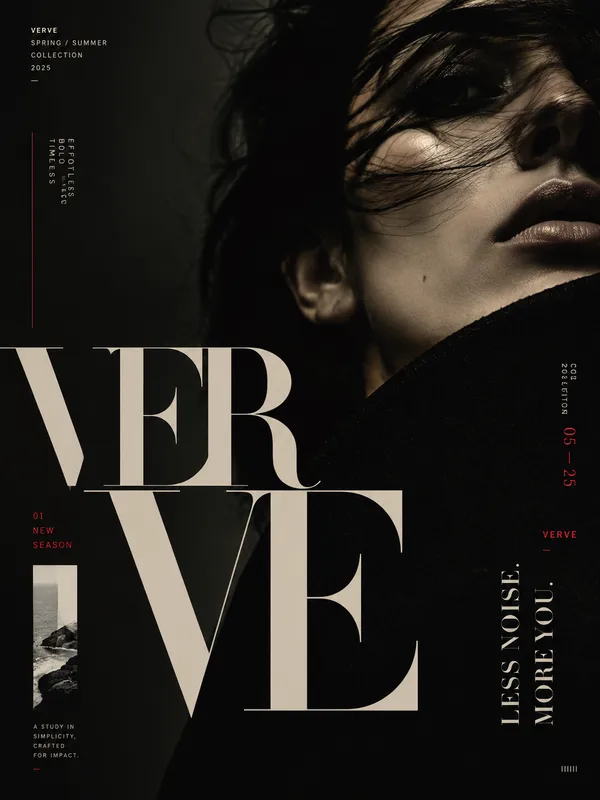
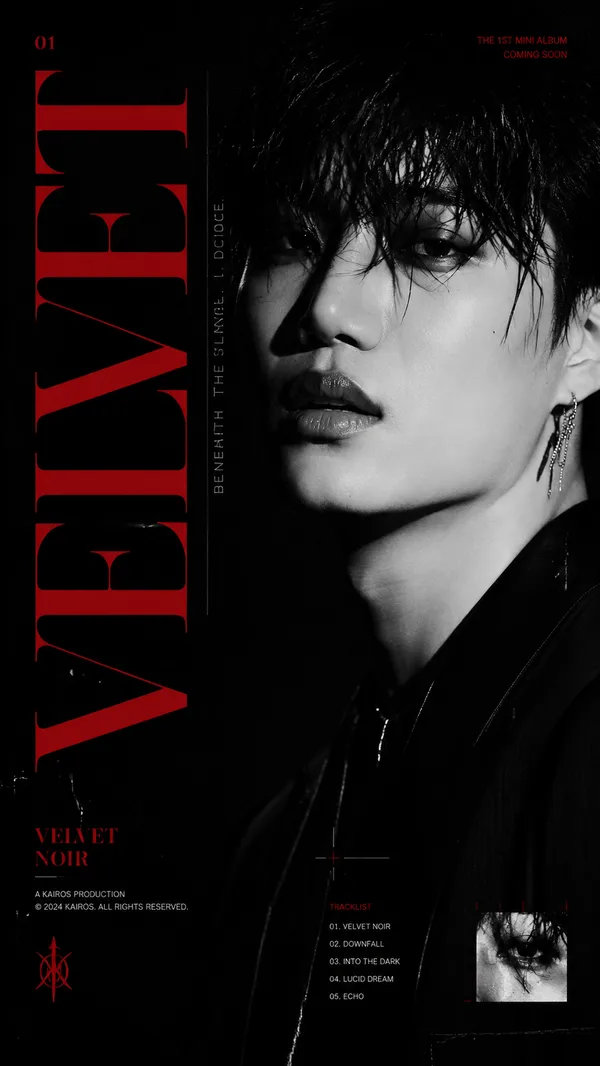
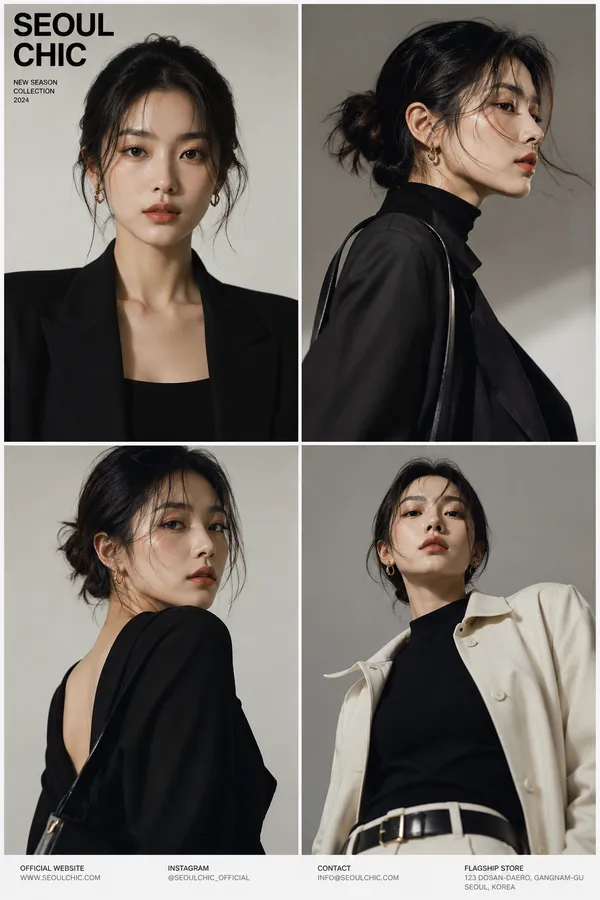
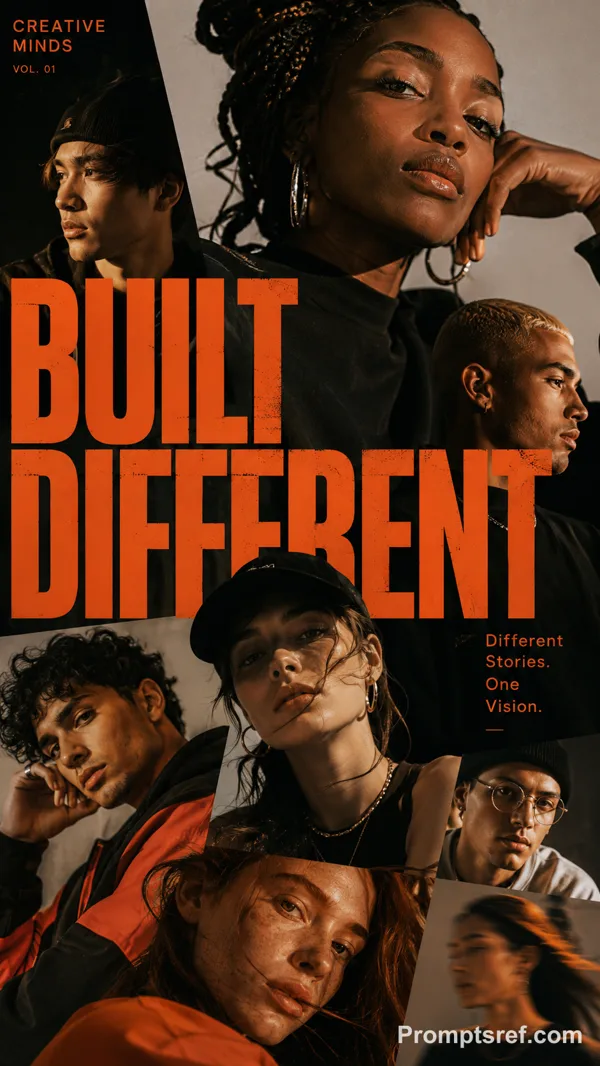
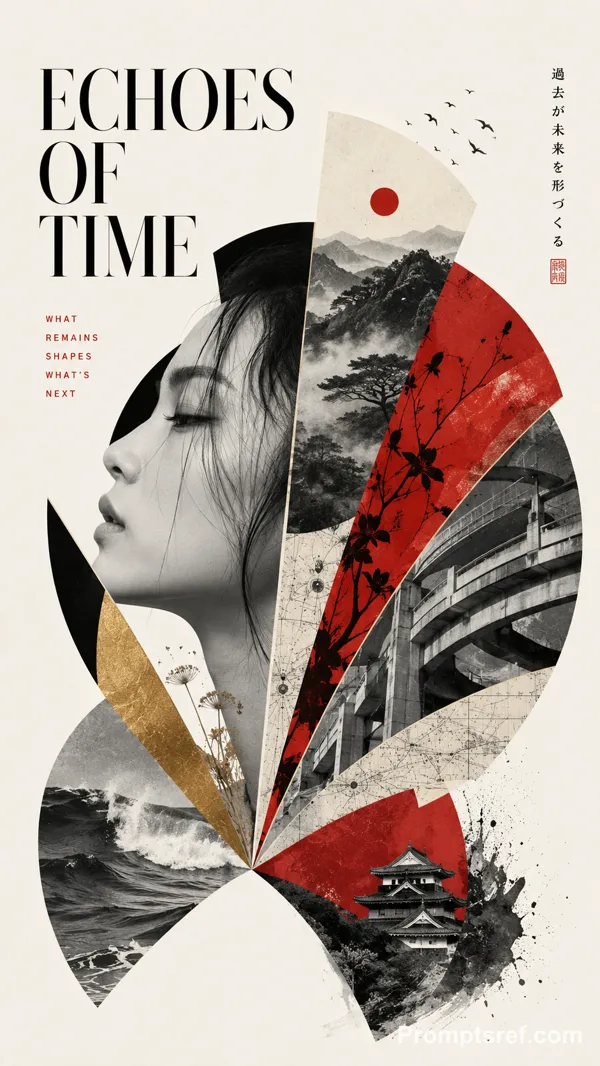
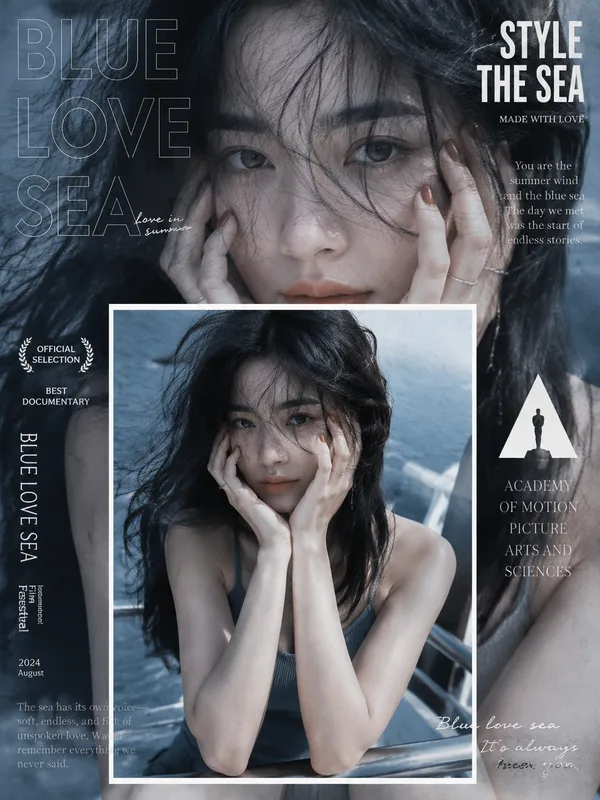
GPT Image 2.0 Prompt - Porträtcover-Vorlage mit Fokusfenster

- Modell
- GPT Image 2.0
- Seitenverhältnis
- auto
- Qualität
- 1K
Prompt
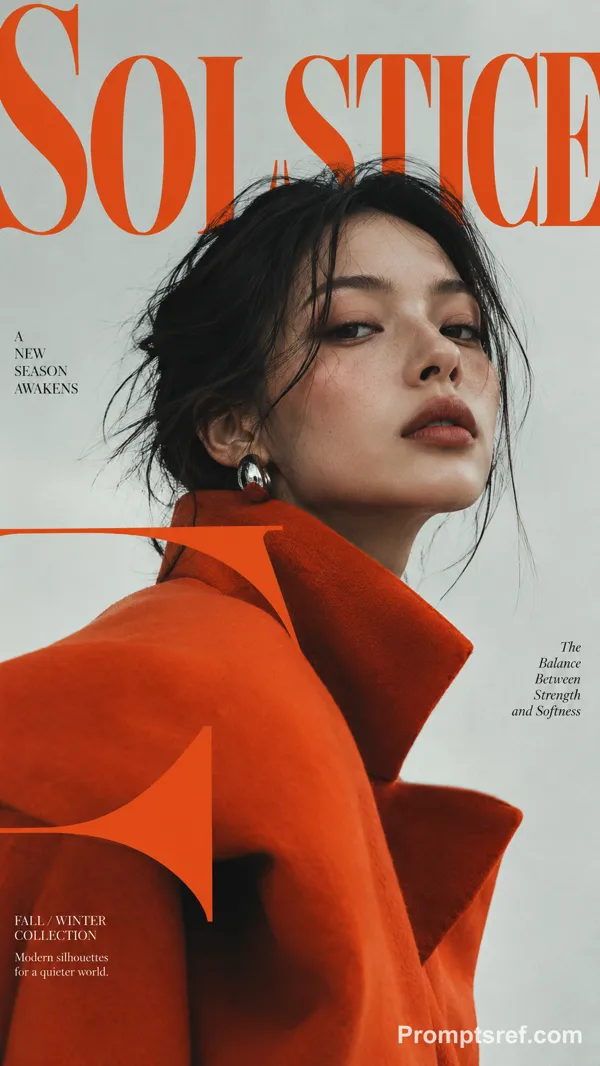
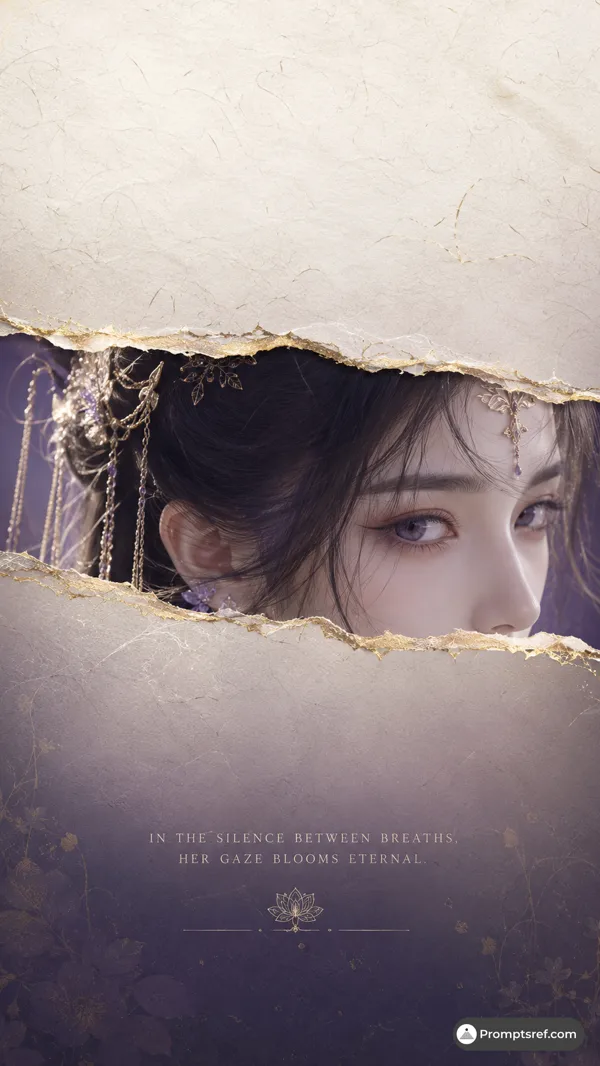
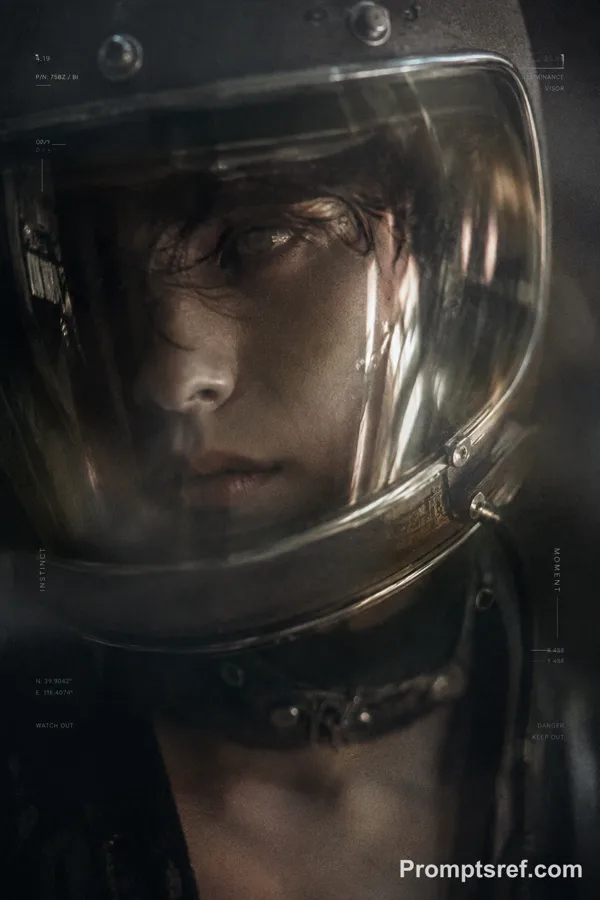
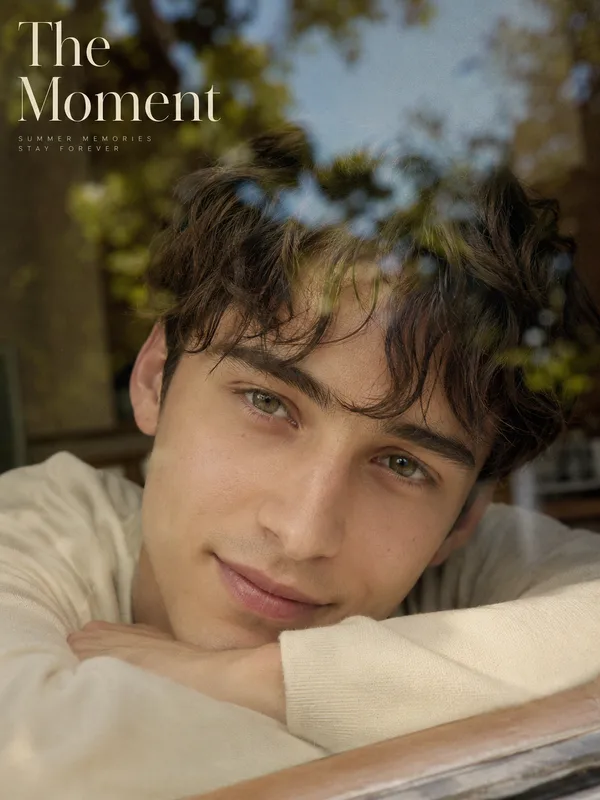
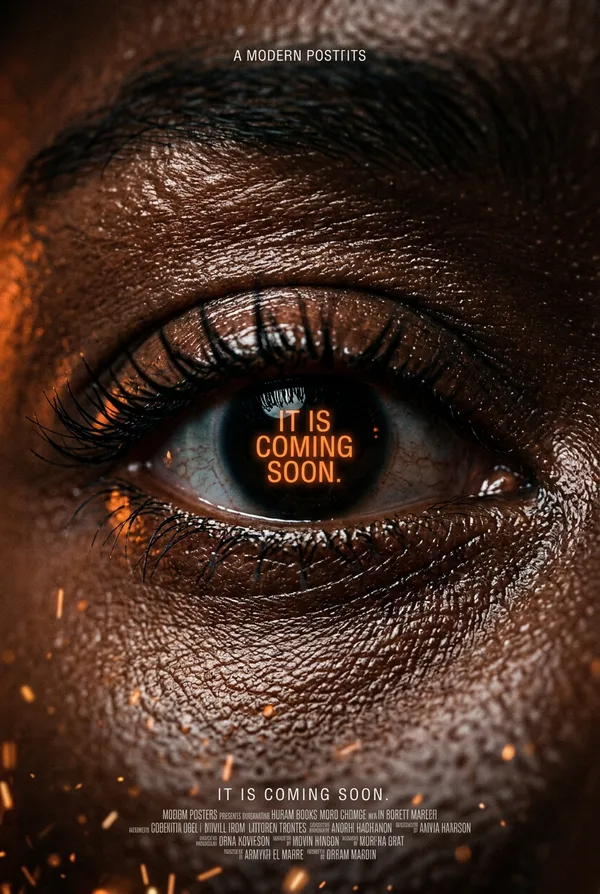
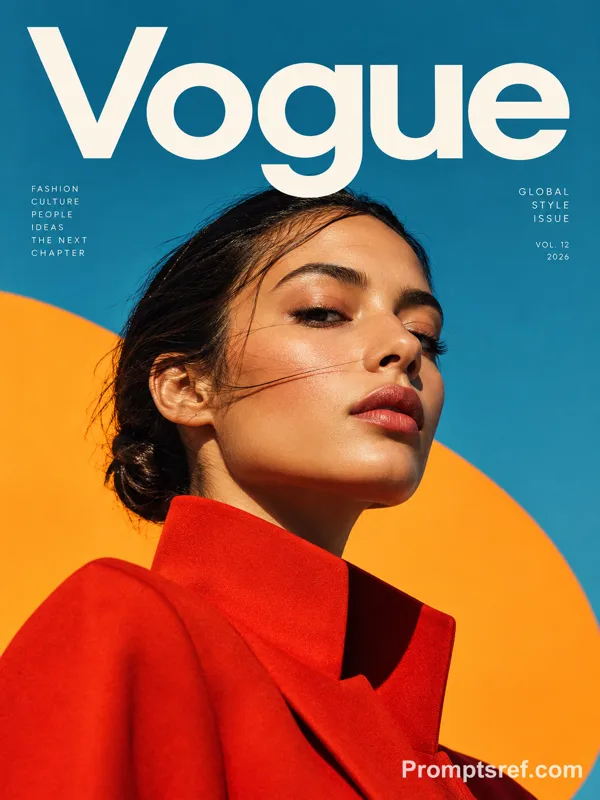
Create a 9:16 high-end focus-window portrait cover.
Theme: [Custom Title]
Subject: [Subject Description]
Color palette: [Color Palette]
Focus window: [Focus Window Style]
Supporting text: [Supporting Text]
Year: 2026
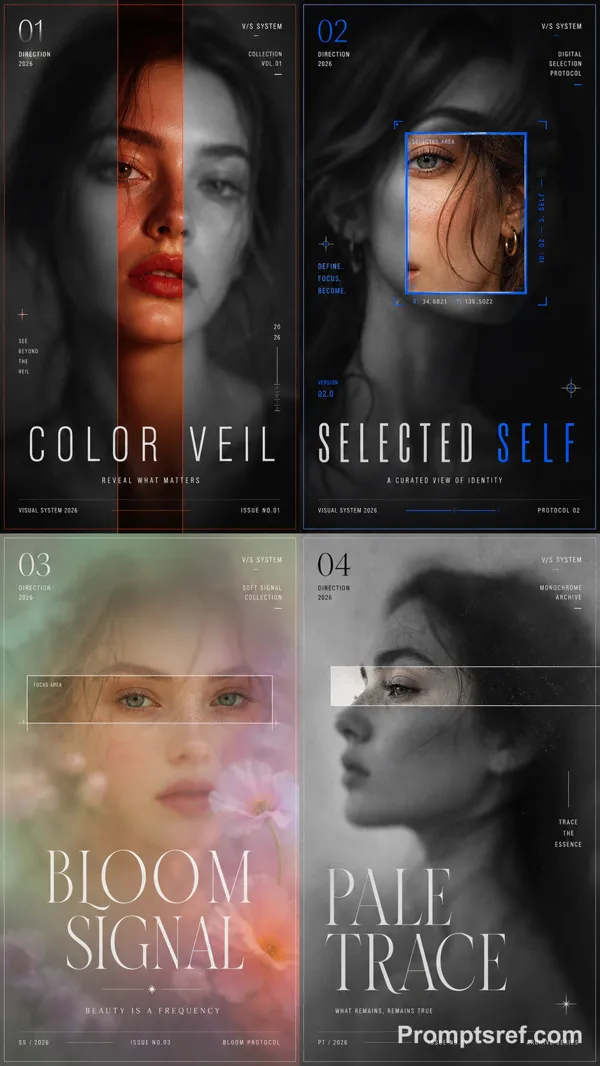
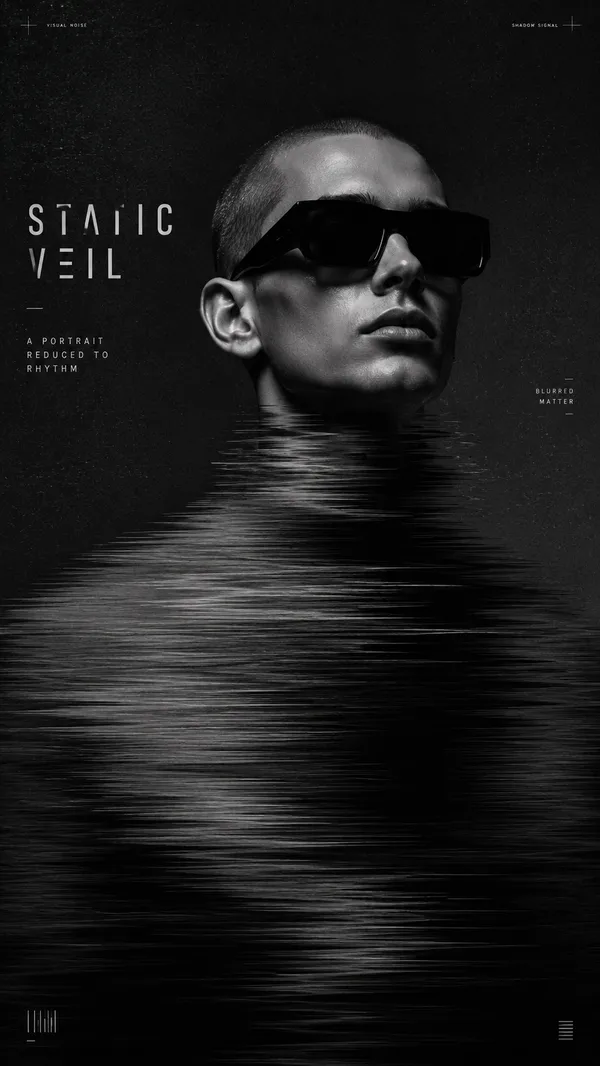
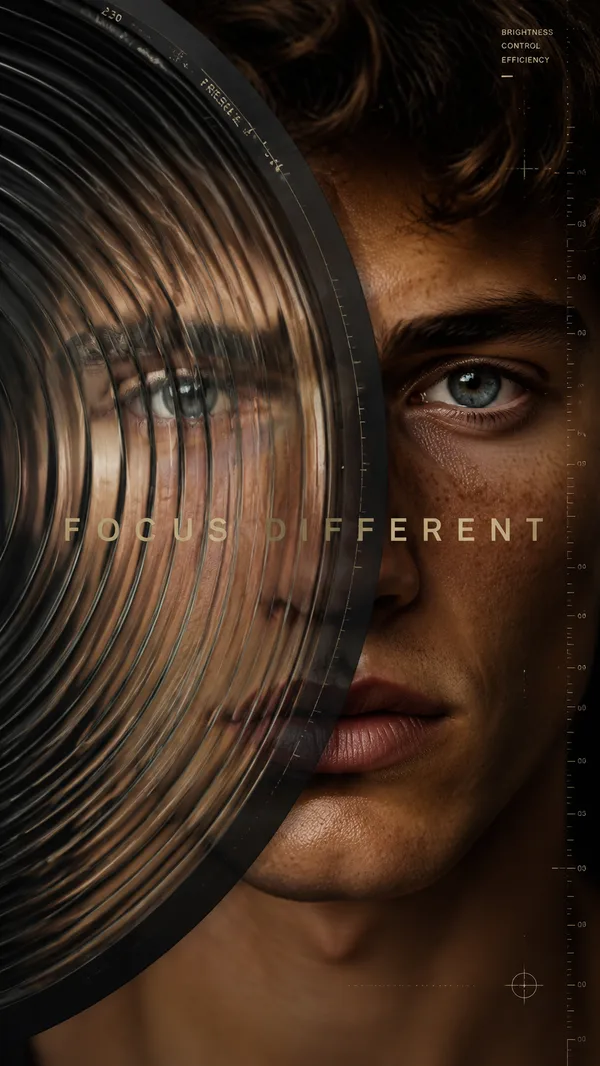
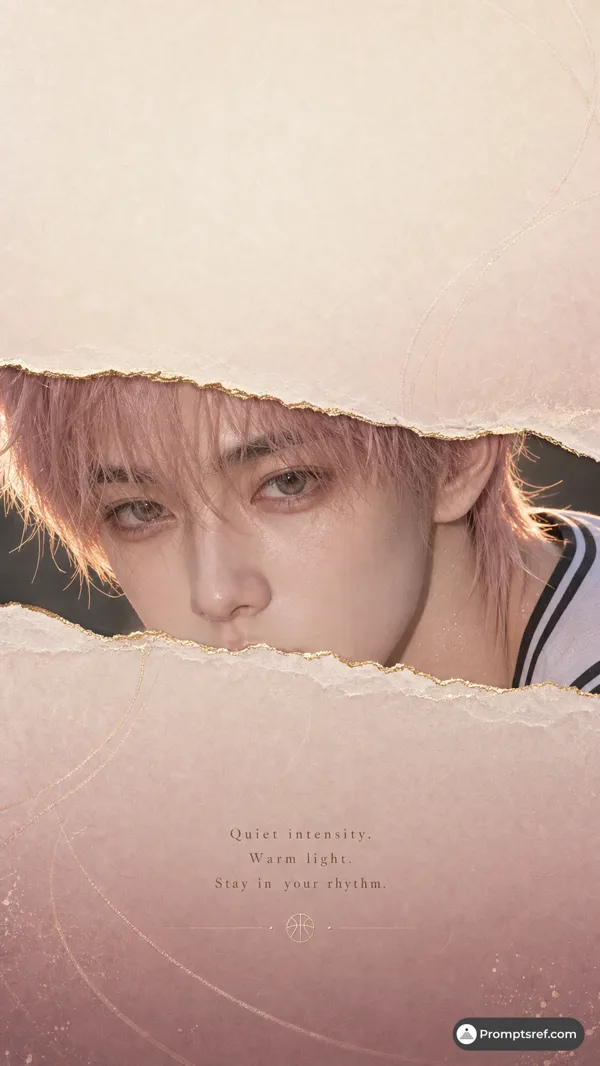
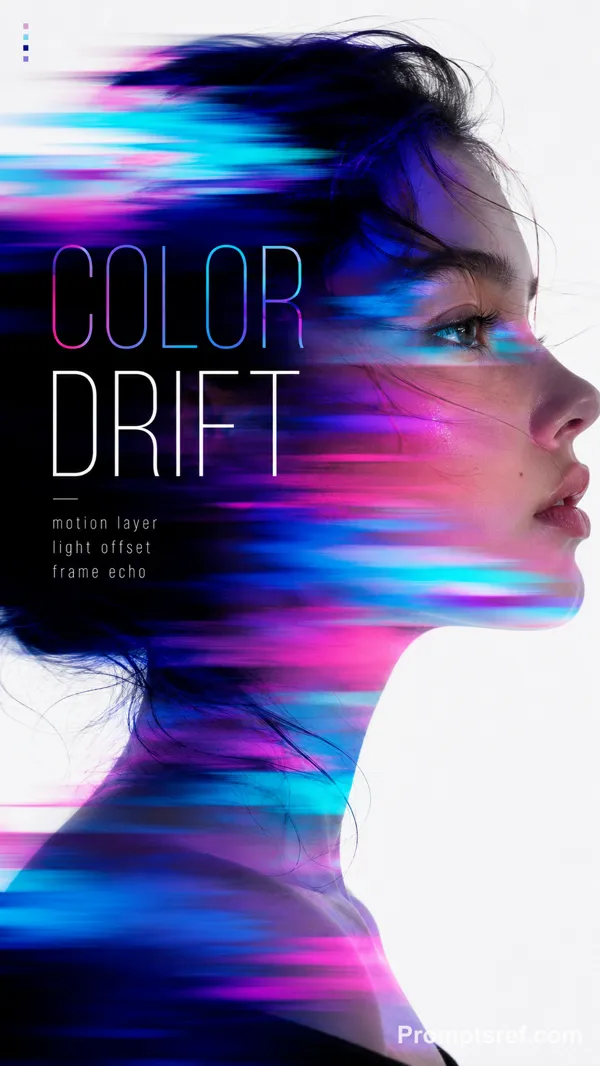
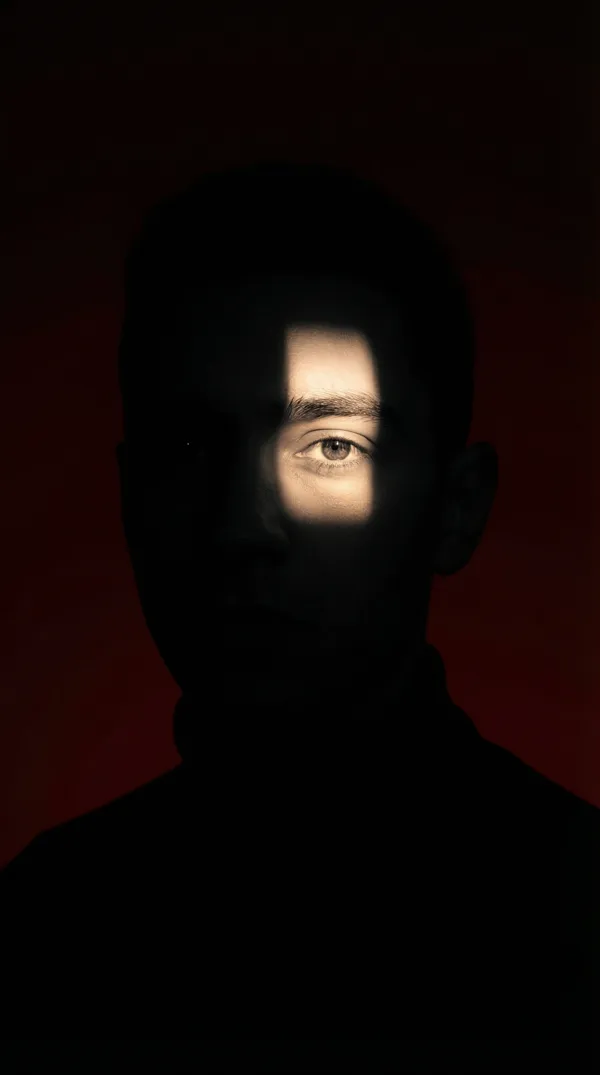
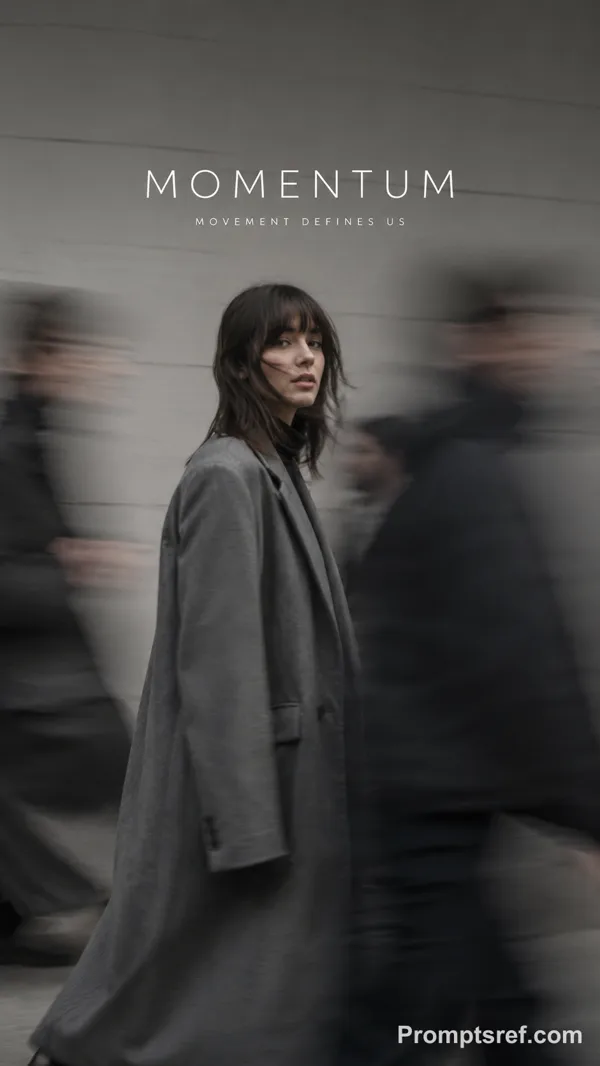
Use one continuous portrait as the base image. Most of the face and body should remain softly blurred, grainy, misted, or motion-softened, while one selected facial fragment inside the window becomes sharp and memorable.
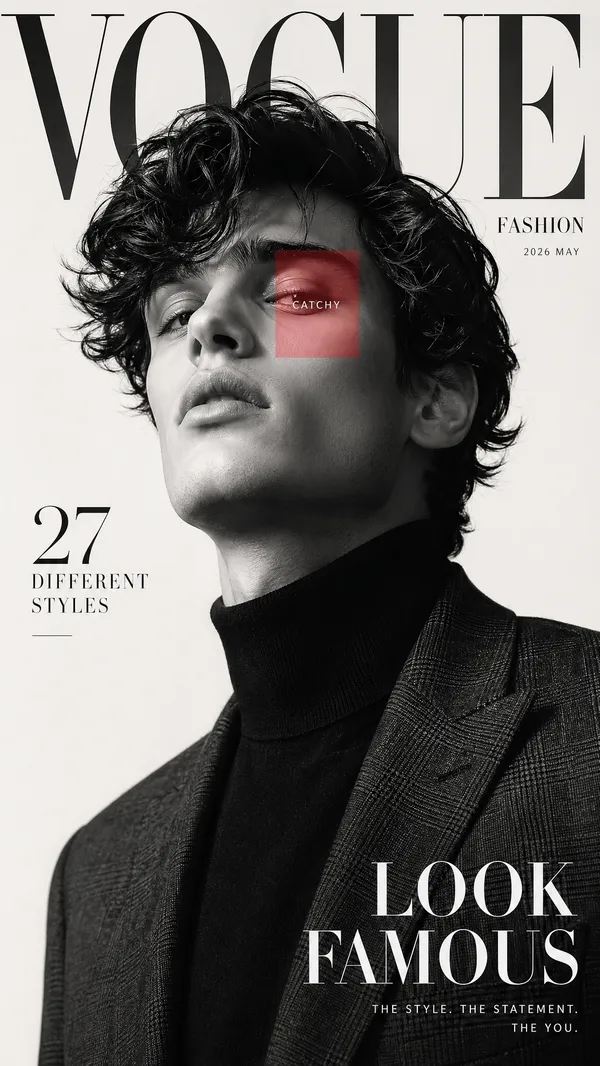
The focus window must reveal the same aligned portrait, not a second face. Prioritize the eyes, eyebrow, cheekbone, lips, or a narrow half-face section.
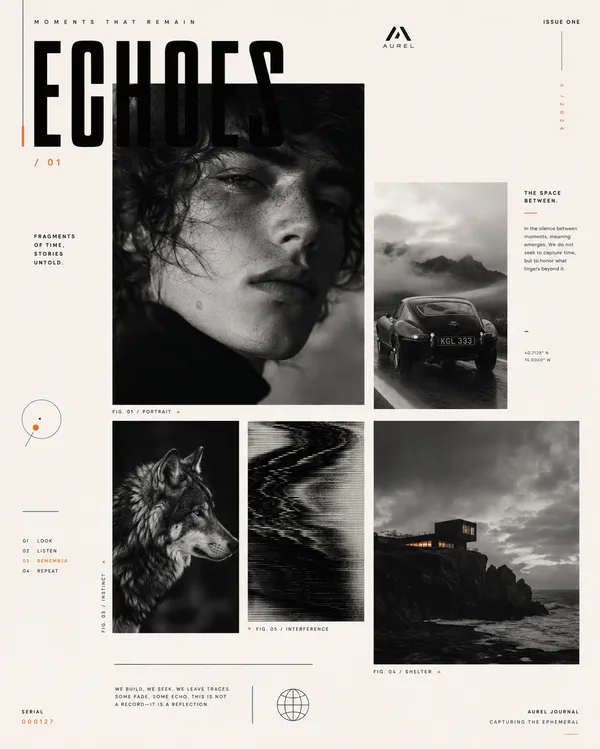
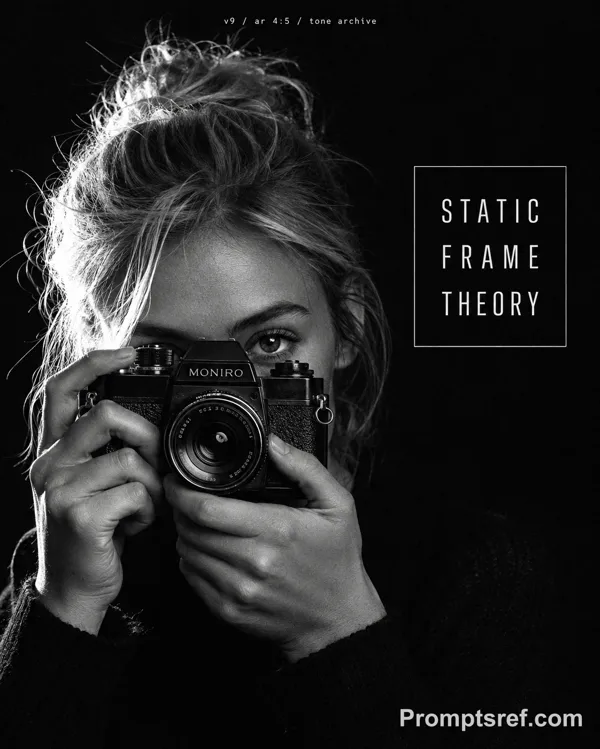
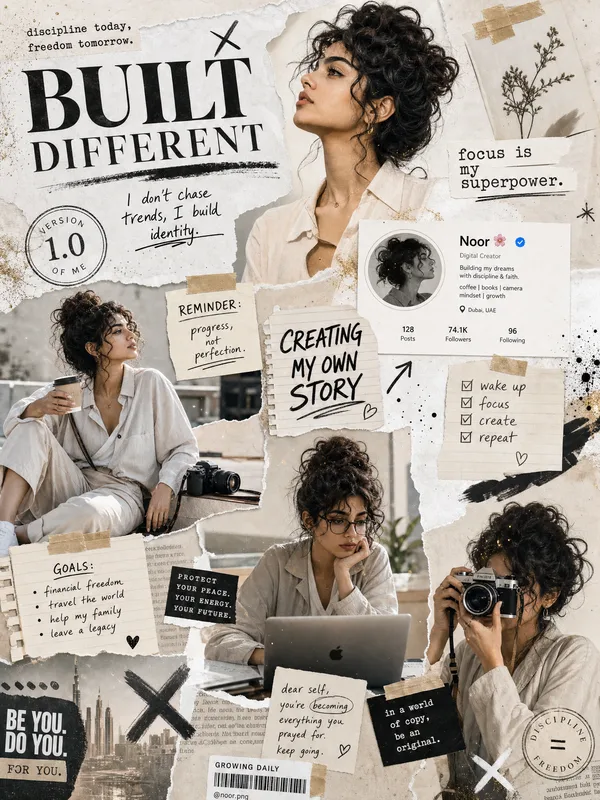
Use realistic skin texture, natural hair strands, expressive eyes, soft film grain, subtle paper texture, refined editorial typography, and strong negative space. Keep the text sparse: one dominant title, one subtitle, a few short notes, and 2026.
4 directions:
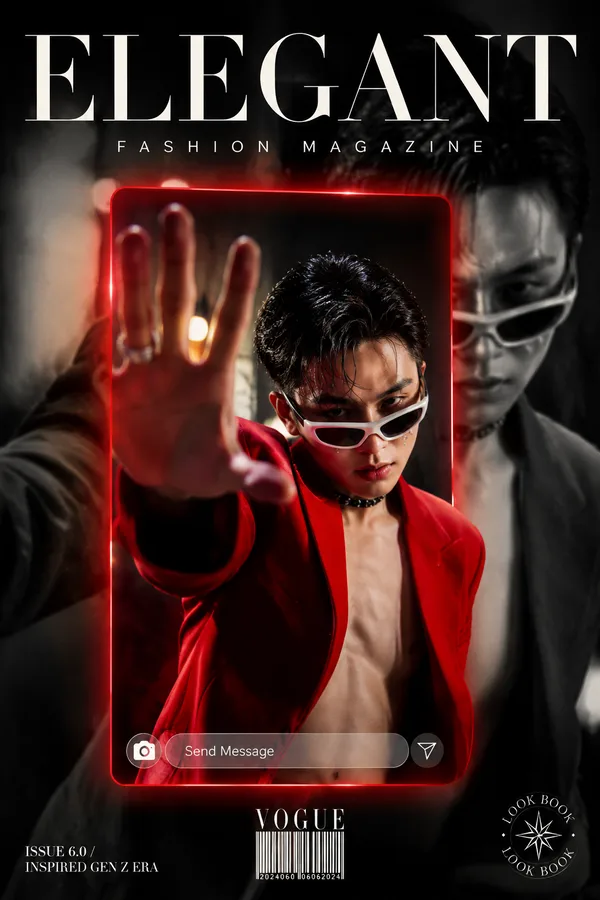
1. EYE DISTRICT — black-and-white portrait with a red frame revealing the eyes
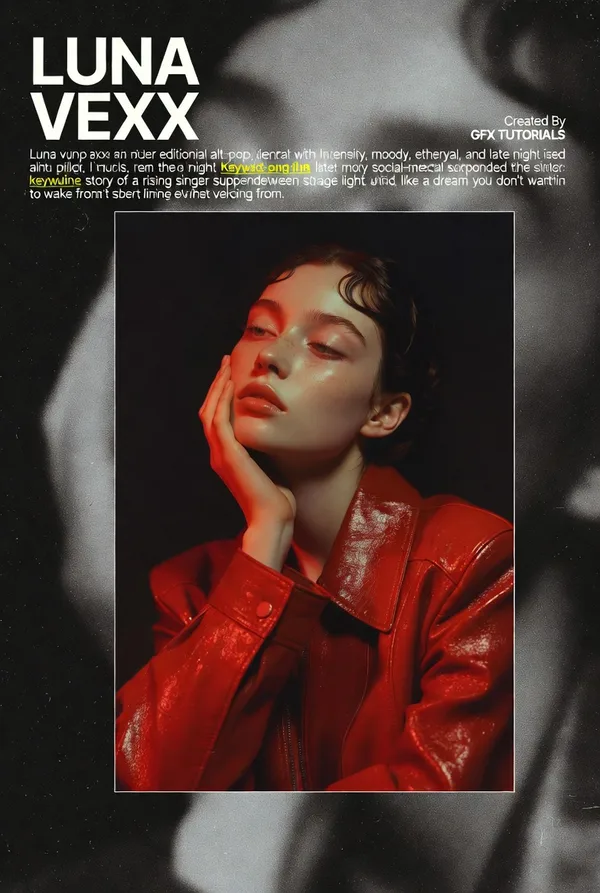
2. BLUR SIGNAL — deep crimson portrait with a sharp gaze window
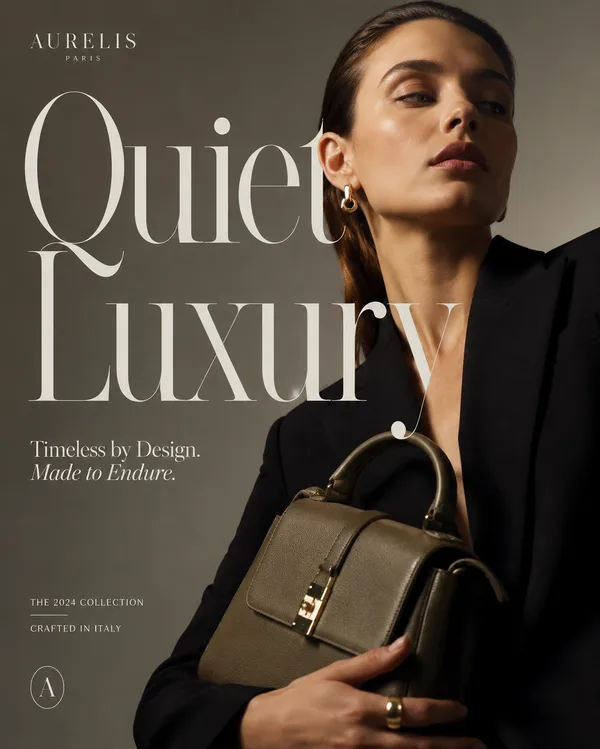
3. QUIET TARGET — olive-green haze with a yellow-green eye crop
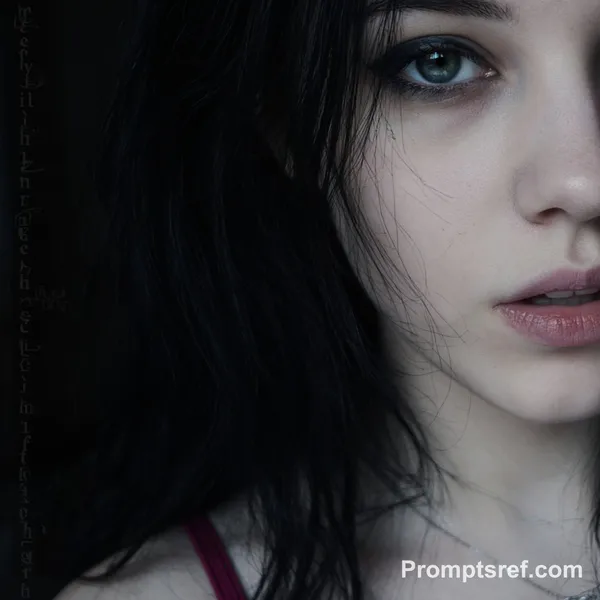
4. PALE MEMORY — grayscale side profile with a thin white focus window
Overall mood: cinematic, fashion editorial, psychological, refined, modern, and magazine-cover quality.
Remixe
RemixNoch keine Remixe. Erstelle die erste Version.
Diesen Bild-Prompt verwenden
- 01
Mit dem Prompt starten
Kopiere den Prompt oder öffne ihn über die Schaltfläche zum Generieren.
- 02
Eigene Änderungen vornehmen
Passe Motiv, Umgebung oder Details an. Füge bei Bedarf Referenzen hinzu.
- 03
Vor dem Generieren prüfen
Prüfe Modell und Ausgabeeinstellungen. Die Ergebnisse können variieren.