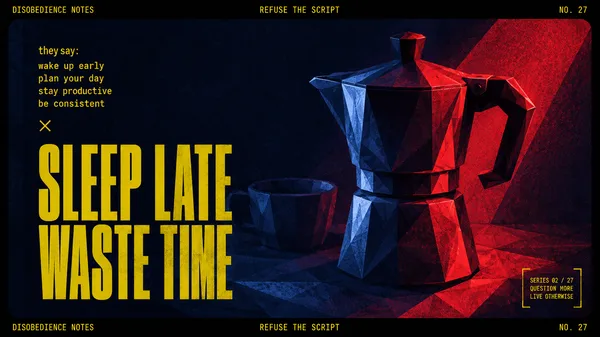
GPT Image 2.0 Prompt - Misos langsamer Samstag aus Prismenglas

- Modell
- GPT Image 2.0
- Seitenverhältnis
- auto
- Qualität
- 1K
Prompt
{
"style": "prismatic-glass-animal-weekend-editorial",
"aspect_ratio": "4:5",
"style_rules": {
"field": "pure black studio void, no floor line, no gradient",
"subject": "one small animal rendered as transparent blown glass — heavy dispersion, rainbow caustics on edges, deep internal reflections, resting pose only",
"organic_anchor": "exactly ONE un-glassed detail (real fur face, whiskers, or one amber-glass prop) — the focal point is where the glass breaks",
"masthead": "the pet's NAME, huge white racing-italic caps, top of frame",
"editorial_stack": "thin light type for the ritual title, tiny mono metadata: fictional series name, month/day, circled issue number",
"footer": "city in spaced caps + bold italic mantra + one quiet sub-line"
},
"negative": "colored background, environment, action pose, cartoon proportions, opaque materials, text errors",
"swap": {
"PET_NAME": "MISO",
"ANIMAL": "a chubby shorthair cat lying beside a glass alarm clock, eyes half closed",
"RITUAL": "THE SLOW SATURDAY",
"CITY": "TOKYO",
"MANTRA": "LET THE MORNING ARRIVE"
}
}
Remixe
RemixNoch keine Remixe. Erstelle die erste Version.
Diesen Bild-Prompt verwenden
- 01
Mit dem Prompt starten
Kopiere den Prompt oder öffne ihn über die Schaltfläche zum Generieren.
- 02
Eigene Änderungen vornehmen
Passe Motiv, Umgebung oder Details an. Füge bei Bedarf Referenzen hinzu.
- 03
Vor dem Generieren prüfen
Prüfe Modell und Ausgabeeinstellungen. Die Ergebnisse können variieren.