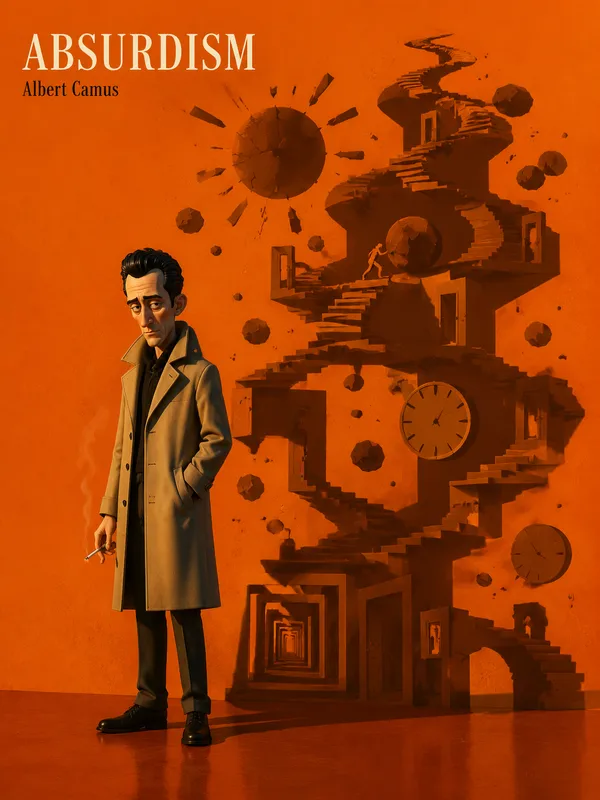
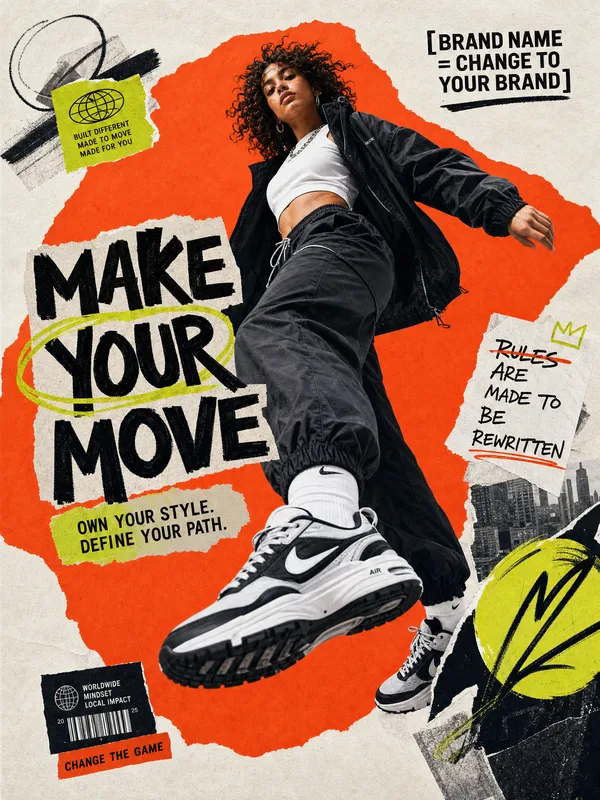
GPT Image 2.0 Prompt - Filmische Low-Poly-Objektposterserie

- Modell
- GPT Image 2.0
- Seitenverhältnis
- auto
- Qualität
- 1K
Prompt
{
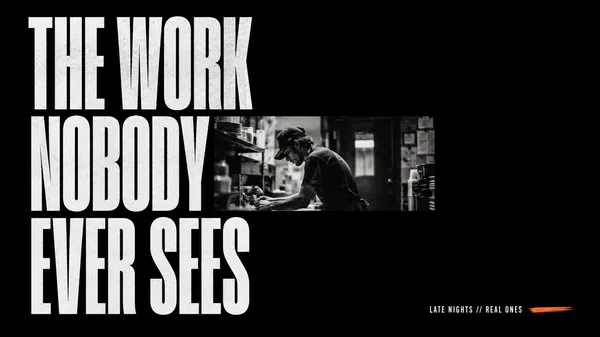
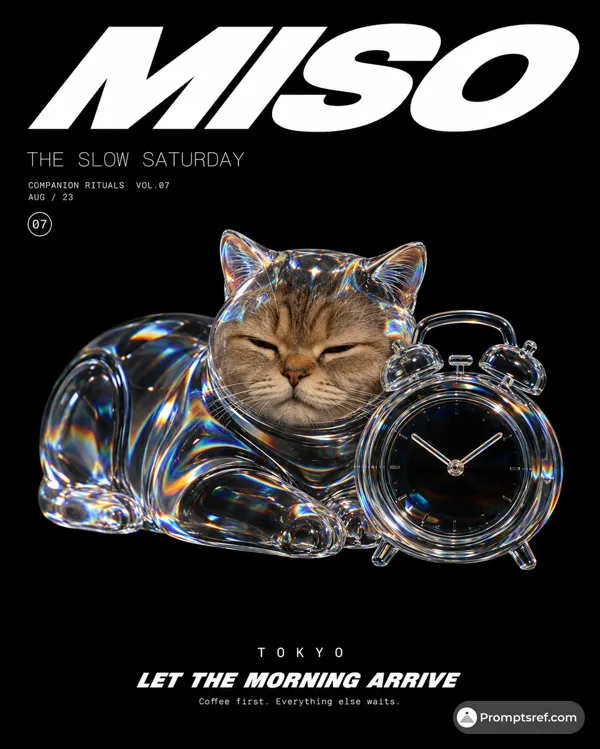
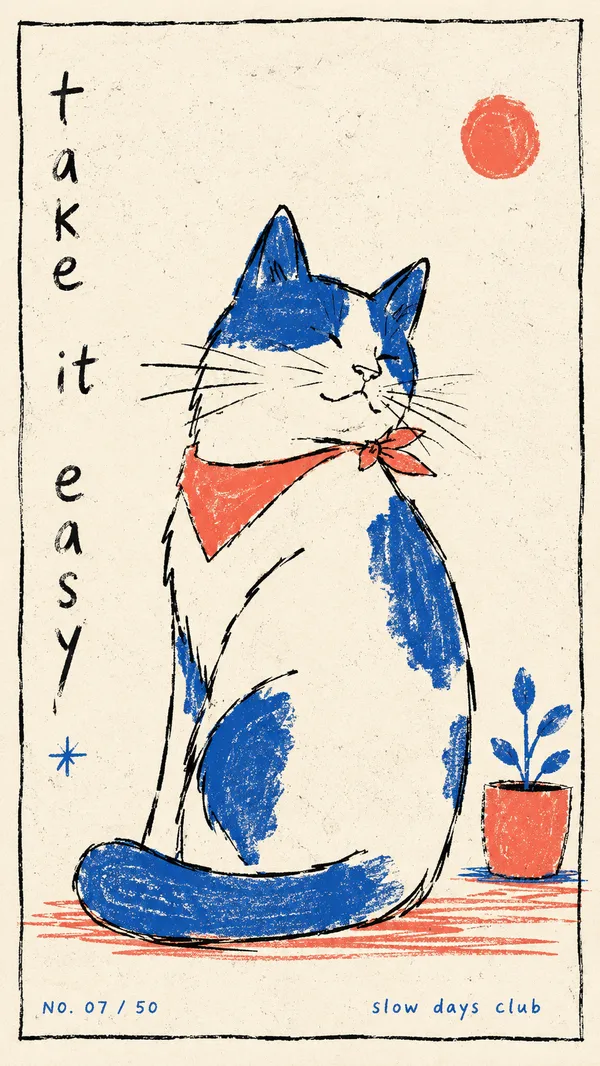
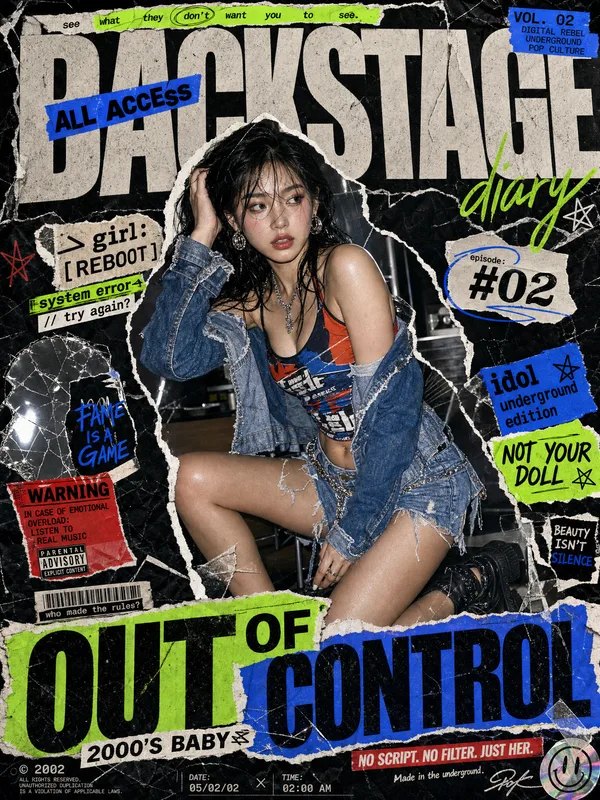
"style_rules": {
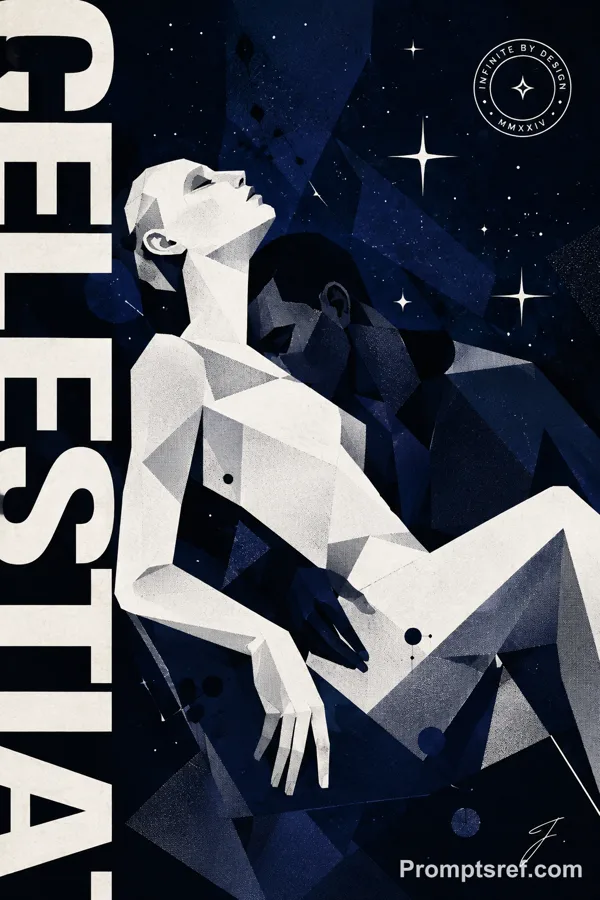
"illustration_style": "low-poly faceted geometric render — every surface broken into flat angular planes, heavy film grain/noise overlay",
"lighting": "single diagonal cinematic light split — deep indigo/blue dominant, sharp crimson-red beam cutting across at an angle, faceted highlight on every plane",
"subject": "one mundane everyday object or partial human gesture (hand, silhouette) rendered with outsized cinematic weight — no full visible human face",
"frame": "full-bleed black rounded-corner border around entire canvas",
"header_footer_bars": "identical top and bottom text bars: [LEFT LABEL] ... [CENTER LABEL] ... [NO. XX] — small caps yellow text",
"convention_block": "small yellow text block: 'they say:' followed by 2-4 short clichéd instructions, one per line — must sound reasonable/correct",
"divider_glyph": "one small typographic symbol (× / * +) between convention block and title",
"title": "ultra-heavy condensed yellow sans-serif, 2 lines stacked, left third of frame — title DIRECTLY CONTRADICTS the 'they say' block above it",
"corner_annotation": "optional bracket-framed micro-copy in a corner: series number + 2 short imperative phrases",
"color_system": "indigo/navy + crimson red + signal yellow only — no other hues",
"format": "16:9 horizontal"
},
"negative": "photorealistic rendering, full visible human face, warm/bright palette, headline that agrees with the setup text, flat even lighting, more than 3 colors",
"variables": {
"object_or_scene": "[Mundane Object/Moment]",
"convention_lines": "[Convention Lines]",
"title": "[Title]",
"top_bottom_labels": "[Top Bottom Labels]",
"divider_glyph": "[Divider Glyph]"
}
}
Remixe
RemixNoch keine Remixe. Erstelle die erste Version.
Diesen Bild-Prompt verwenden
- 01
Mit dem Prompt starten
Kopiere den Prompt oder öffne ihn über die Schaltfläche zum Generieren.
- 02
Eigene Änderungen vornehmen
Passe Motiv, Umgebung oder Details an. Füge bei Bedarf Referenzen hinzu.
- 03
Vor dem Generieren prüfen
Prüfe Modell und Ausgabeeinstellungen. Die Ergebnisse können variieren.