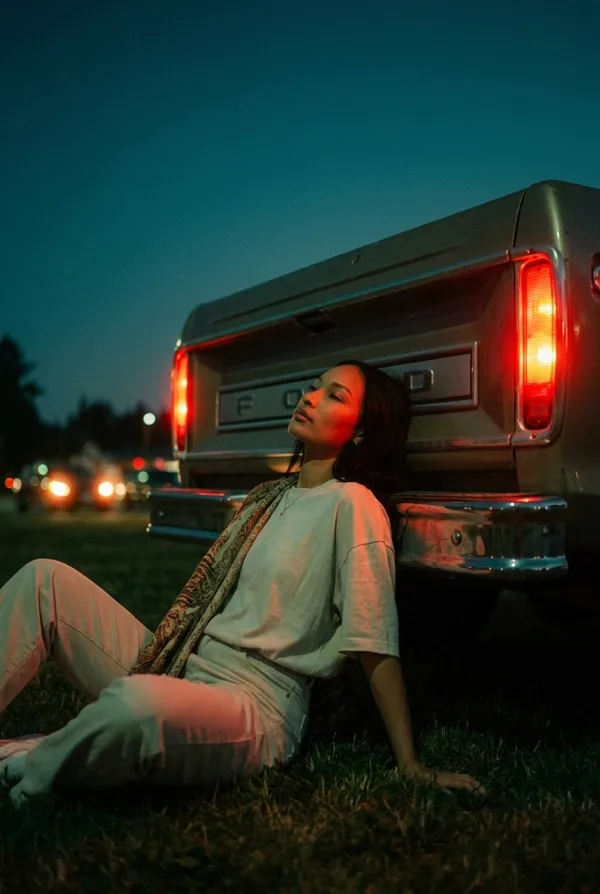
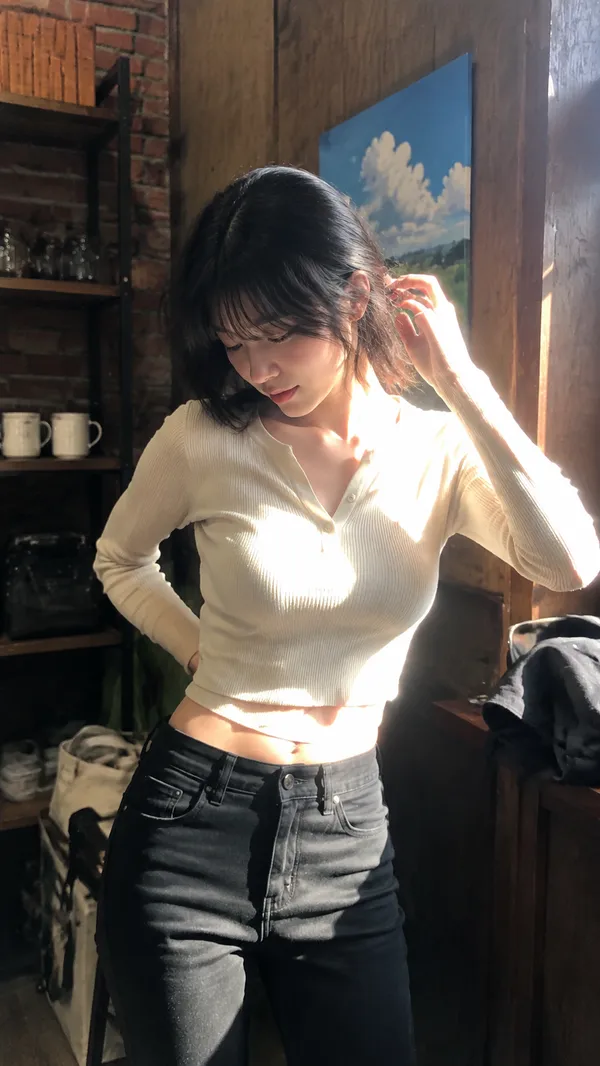
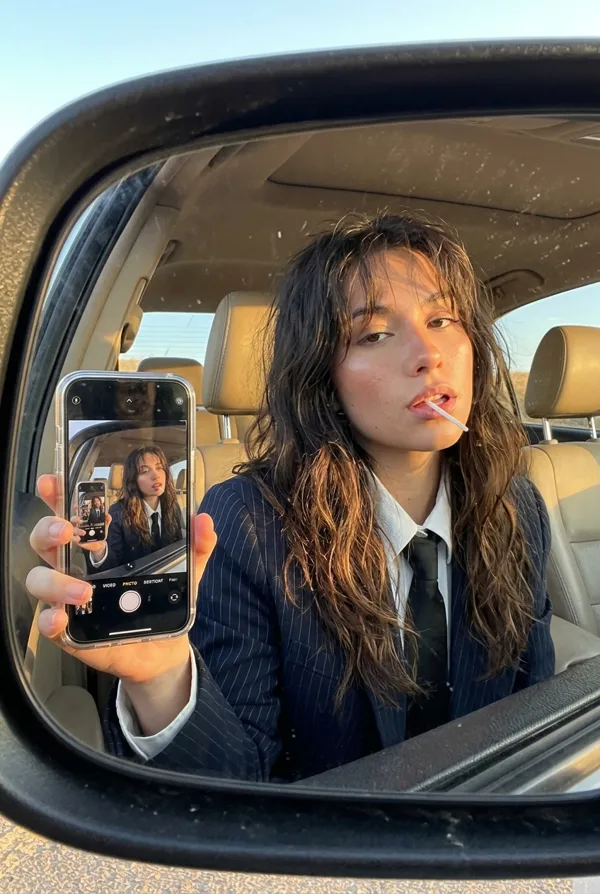
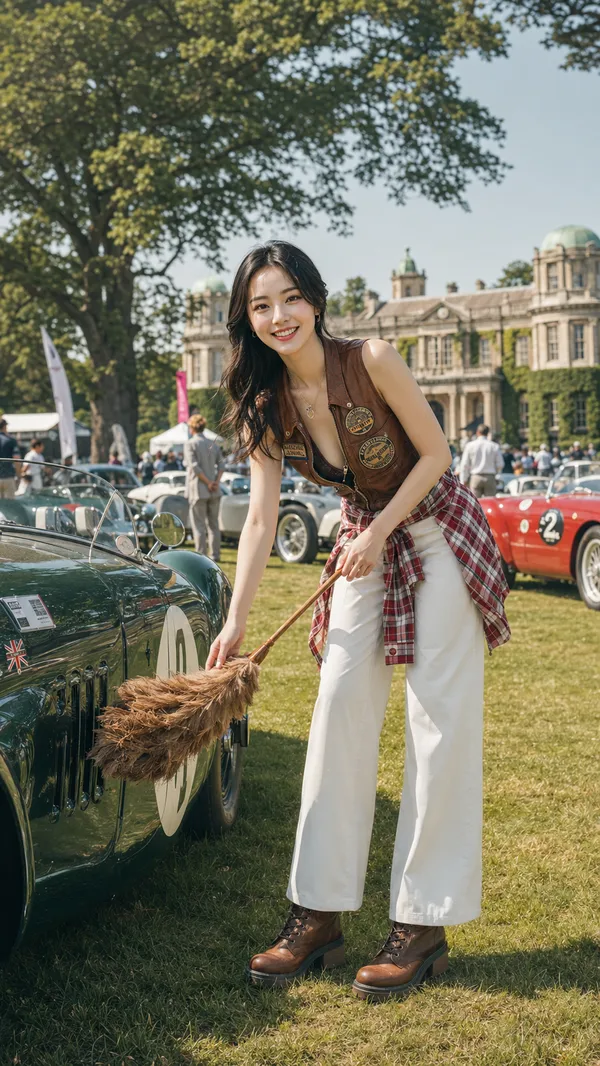
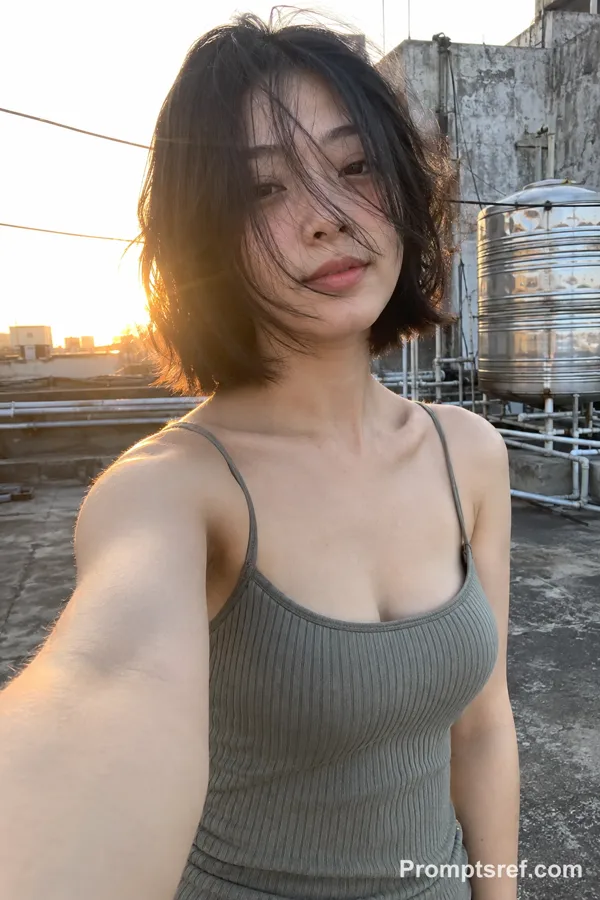
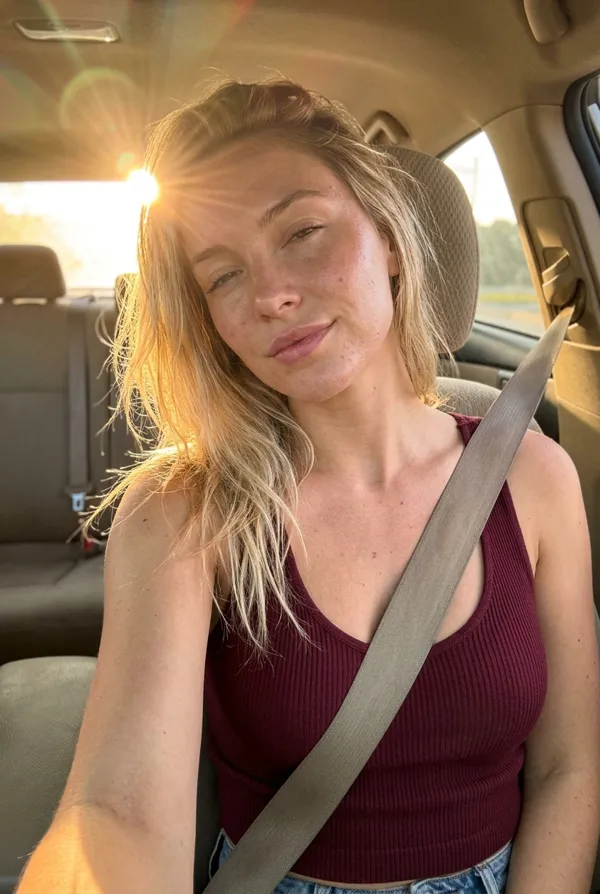
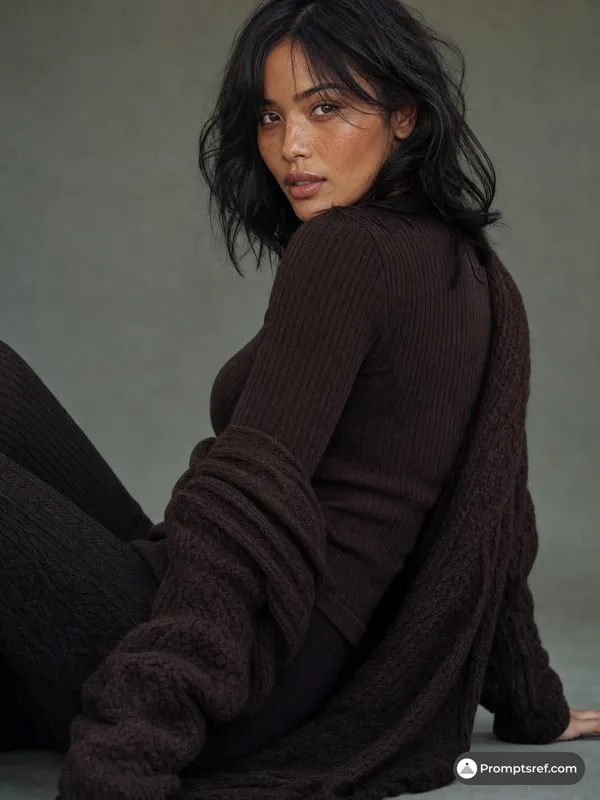
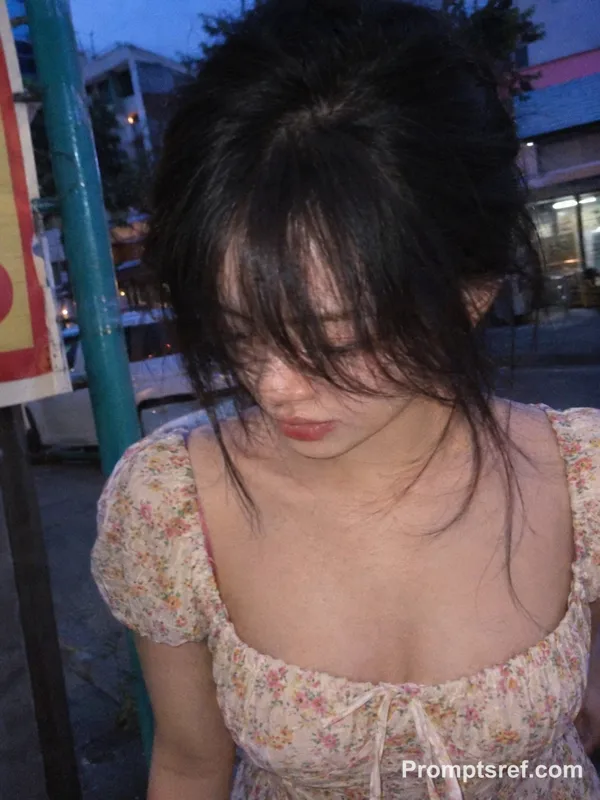
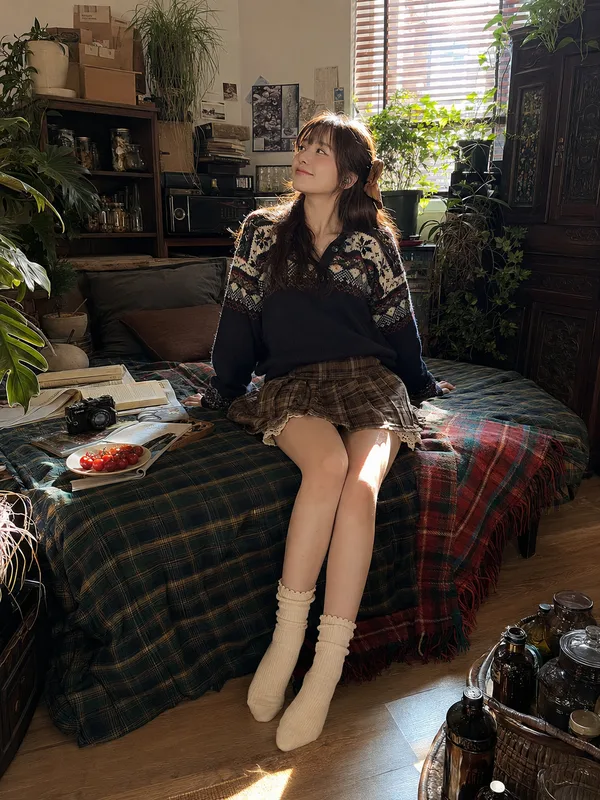
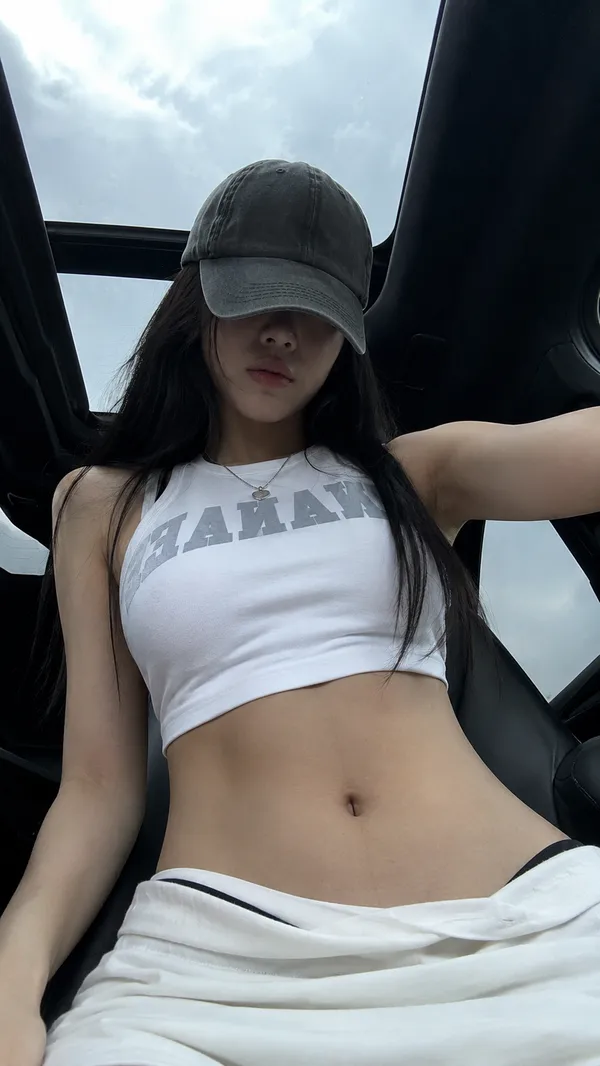
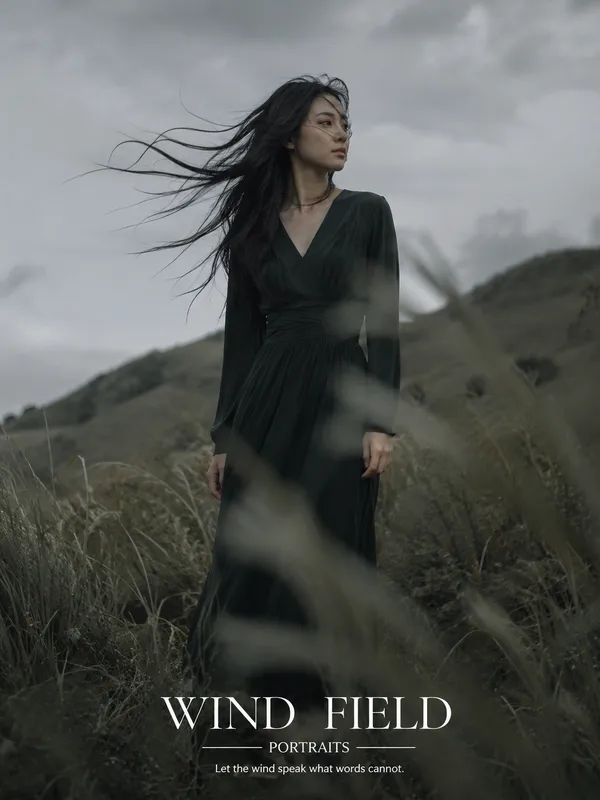
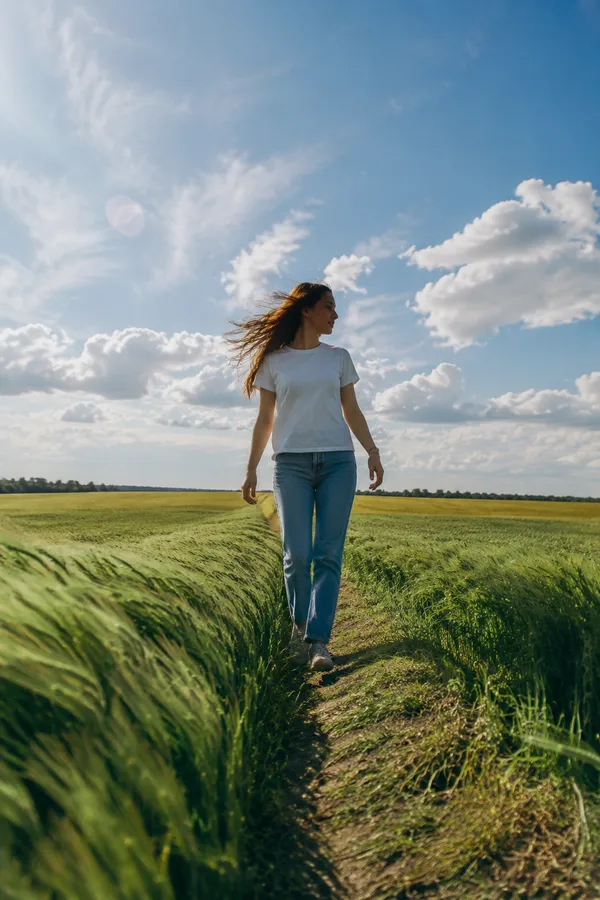
GPT Image 2.0 Prompt - Roadtrip-Porträt zur goldenen Stunde

- Modell
- GPT Image 2.0
- Seitenverhältnis
- auto
- Qualität
- 1K
Prompt
{
"image_generation": {
"reference": {"use_uploaded_photo": true, "role": "main subject", "identity_preservation": true},
"scene": {
"location": "rural countryside",
"background": ["tall dry grass fields", "distant metal powerline tower"],
"time": "golden hour",
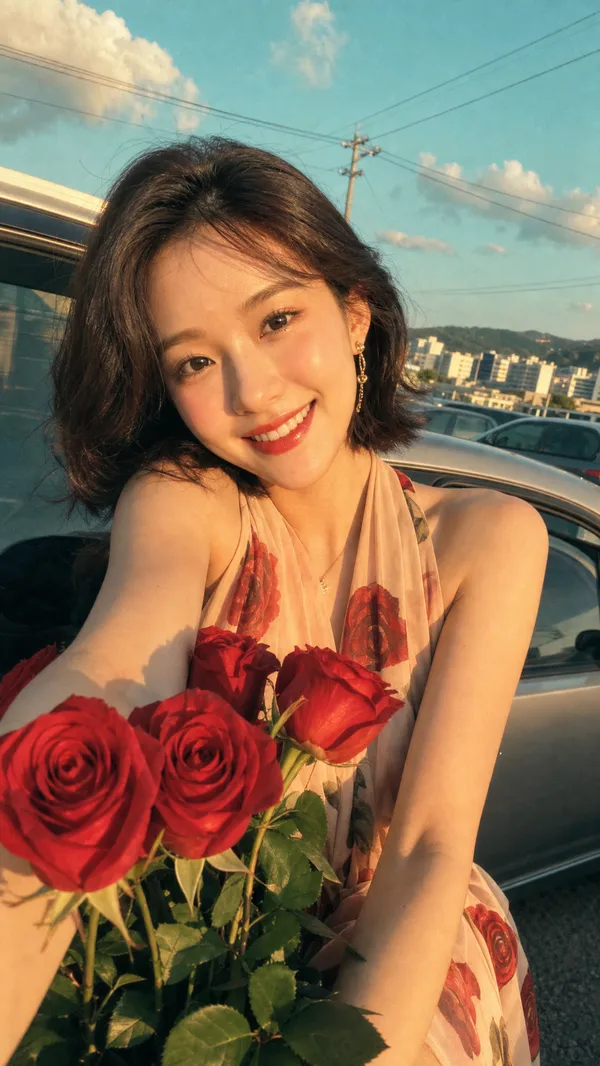
"atmosphere": "calm, nostalgic road trip mood"
},
"subject": {
"pose": "casually leaning against a vintage car, one arm resting on the open door frame",
"expression": "thoughtful, relaxed, looking off to the side",
"hair": "gently moved by the wind",
"style": "natural, candid portrait"
},
"outfit": {
"top": "retro striped sweater in warm earthy tones",
"bottom": "high waisted beige trousers"
},
"lighting": {"type": "soft sunset light", "highlights": "warm", "shadows": "cool", "contrast": "soft"},
"camera": {
"lens": "35mm analog look",
"depth_of_field": "shallow",
"focus": "sharp on subject, smooth background falloff",
"composition": "editorial fashion portrait"
},
"color_grading": {"style": "muted vintage tones", "saturation": "slightly reduced", "film_grain": "subtle"},
"quality": {"realism": "high", "texture": "natural skin and fabric detail", "render": "cinematic, editorial, realistic"}
}
}
Remixe
RemixNoch keine Remixe. Erstelle die erste Version.
Diesen Bild-Prompt verwenden
- 01
Mit dem Prompt starten
Kopiere den Prompt oder öffne ihn über die Schaltfläche zum Generieren.
- 02
Eigene Änderungen vornehmen
Passe Motiv, Umgebung oder Details an. Füge bei Bedarf Referenzen hinzu.
- 03
Vor dem Generieren prüfen
Prüfe Modell und Ausgabeeinstellungen. Die Ergebnisse können variieren.