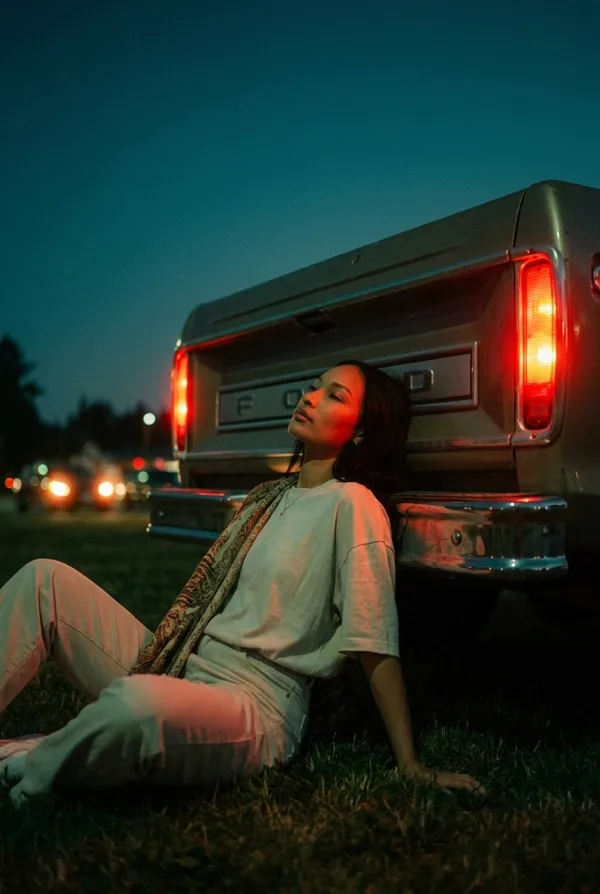
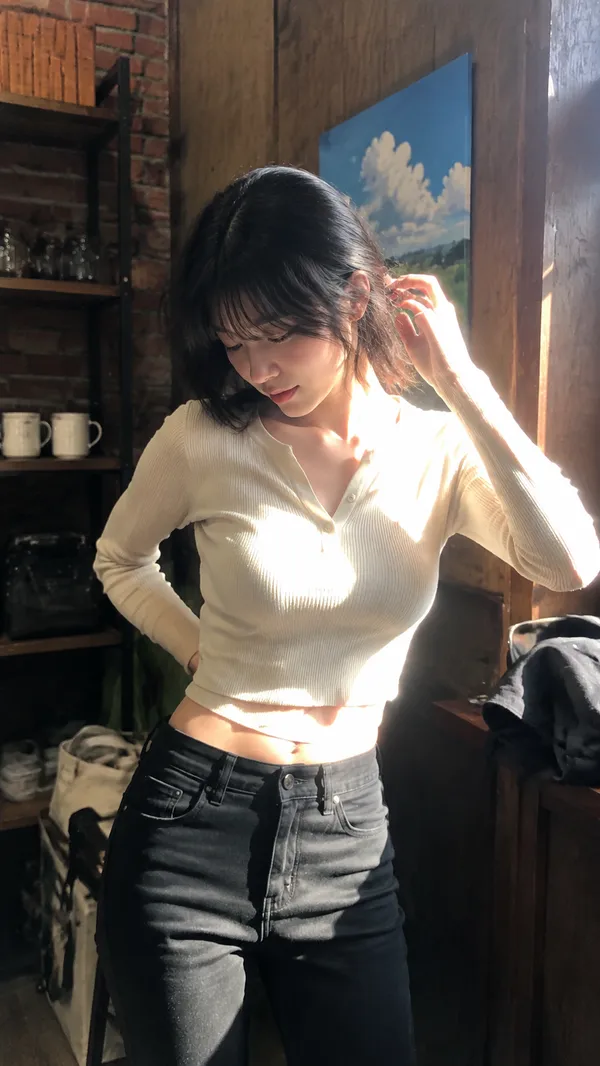
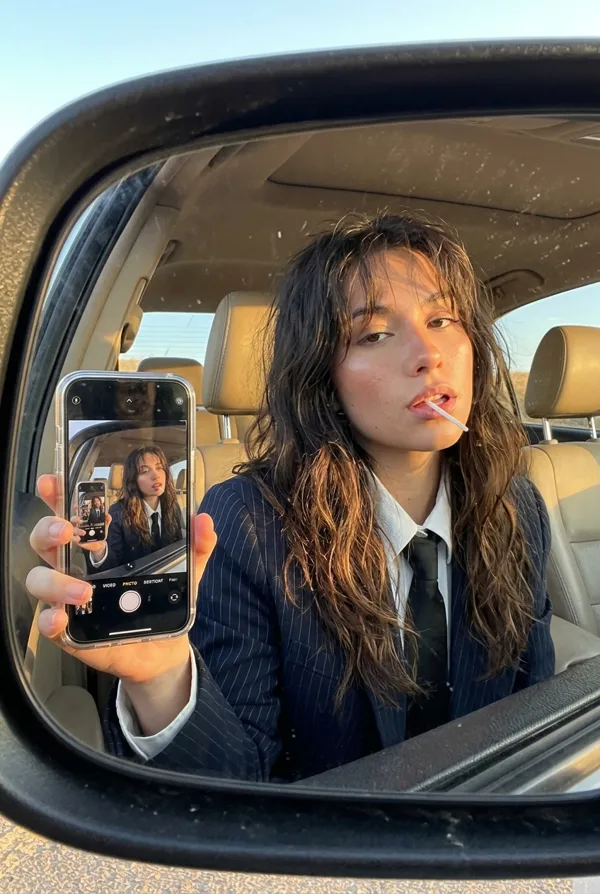
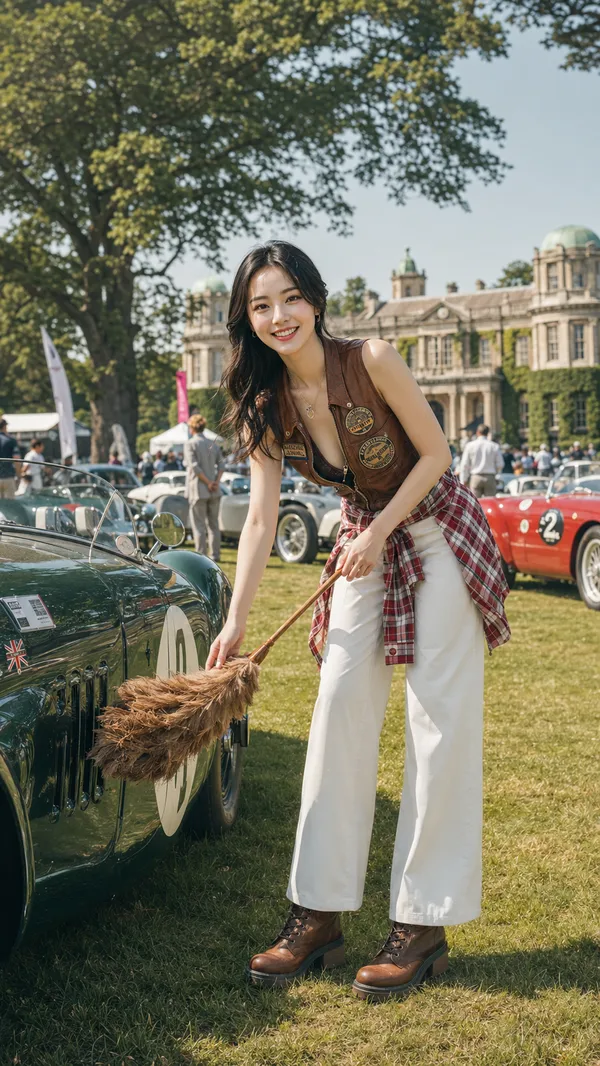
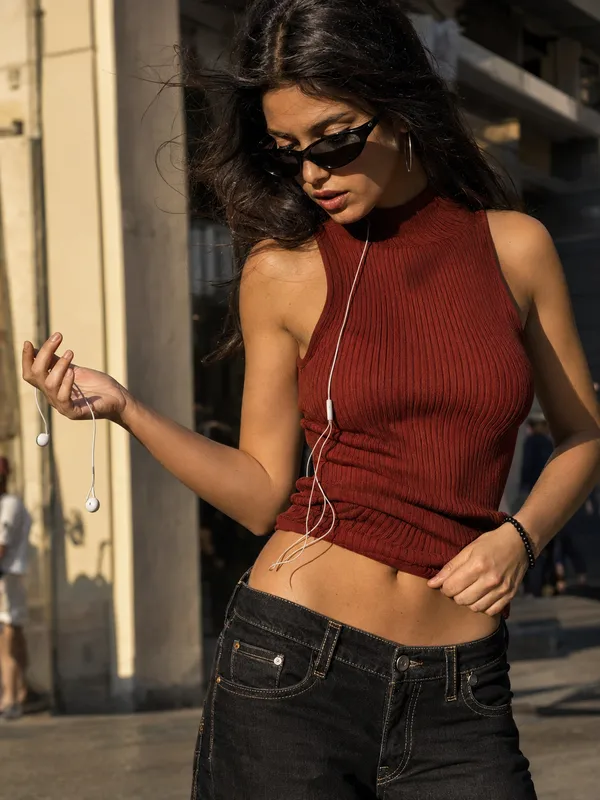
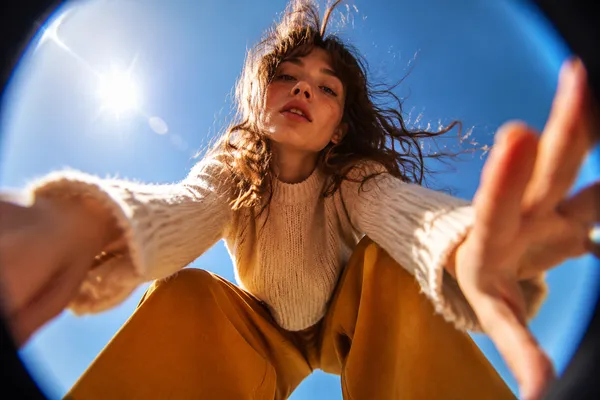
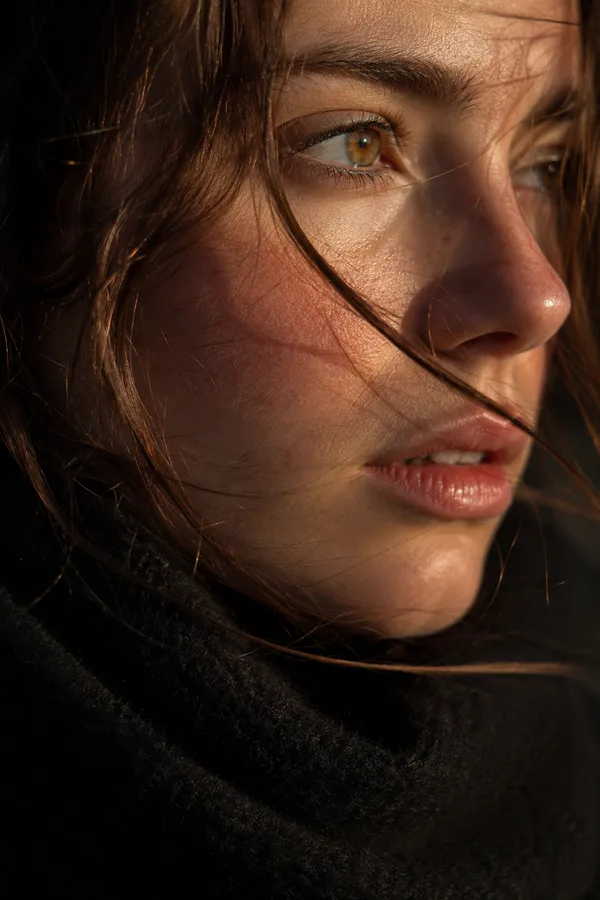
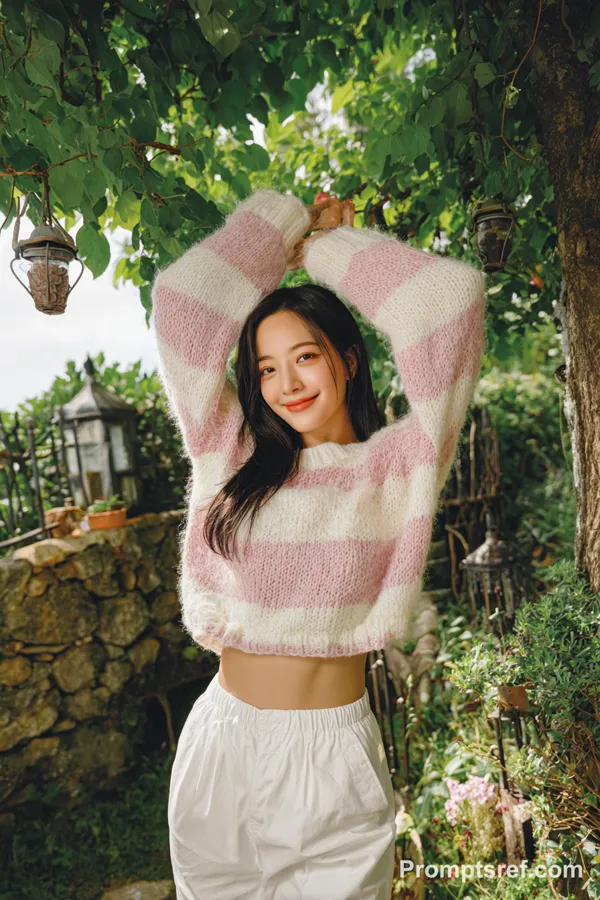
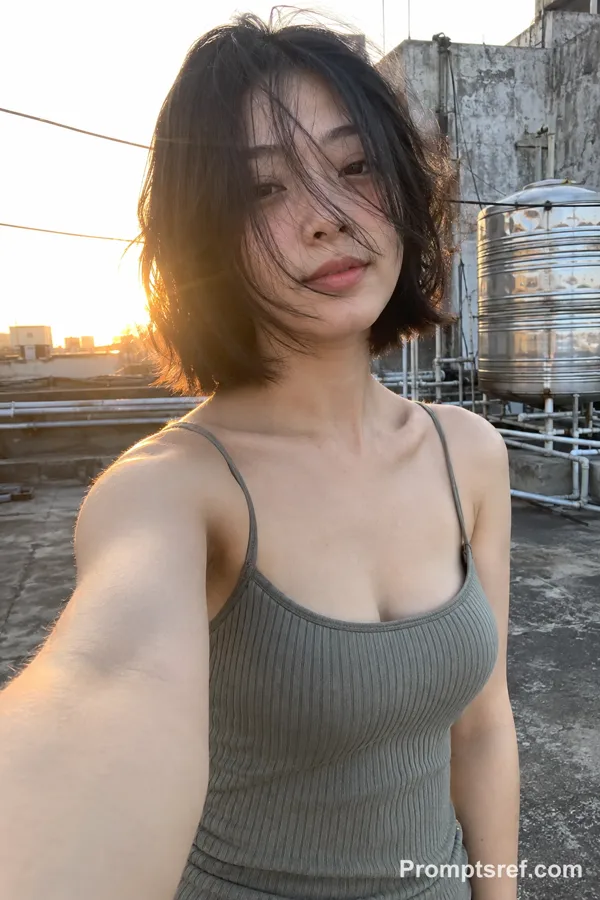
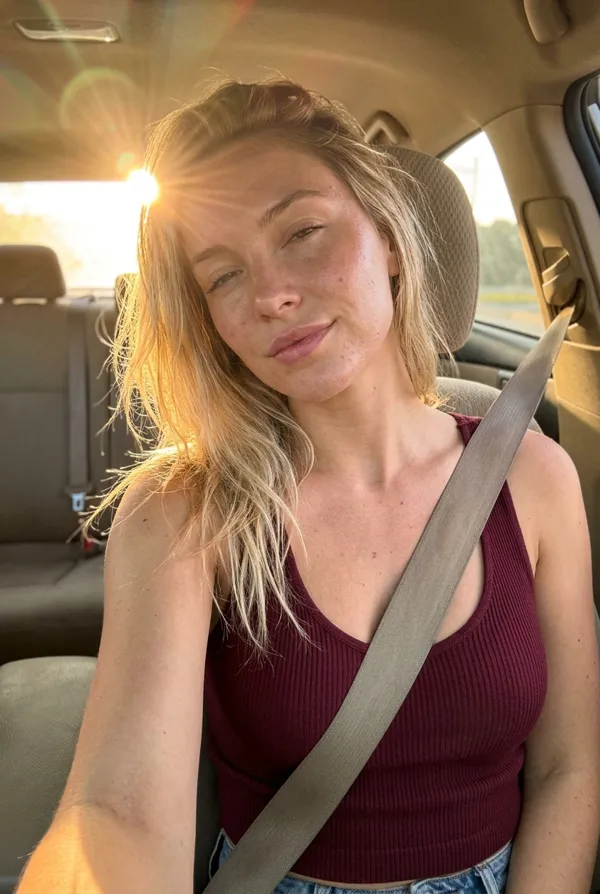
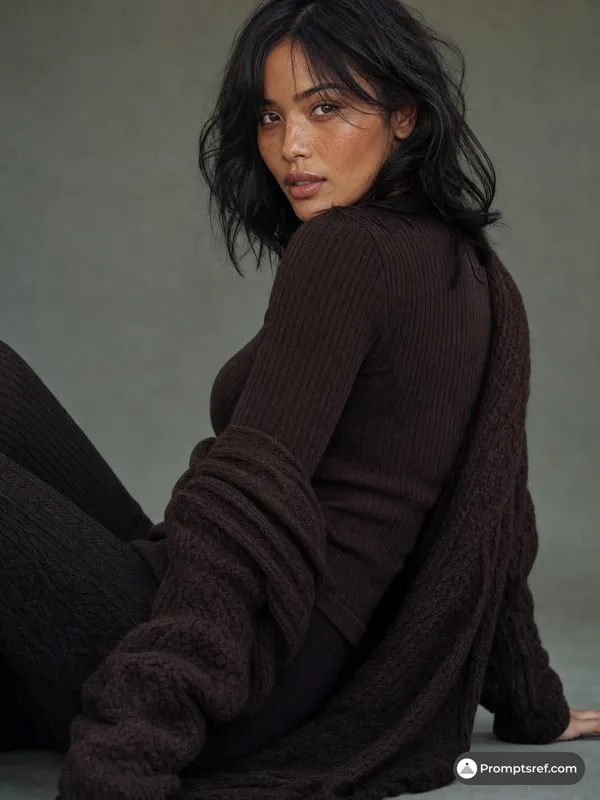
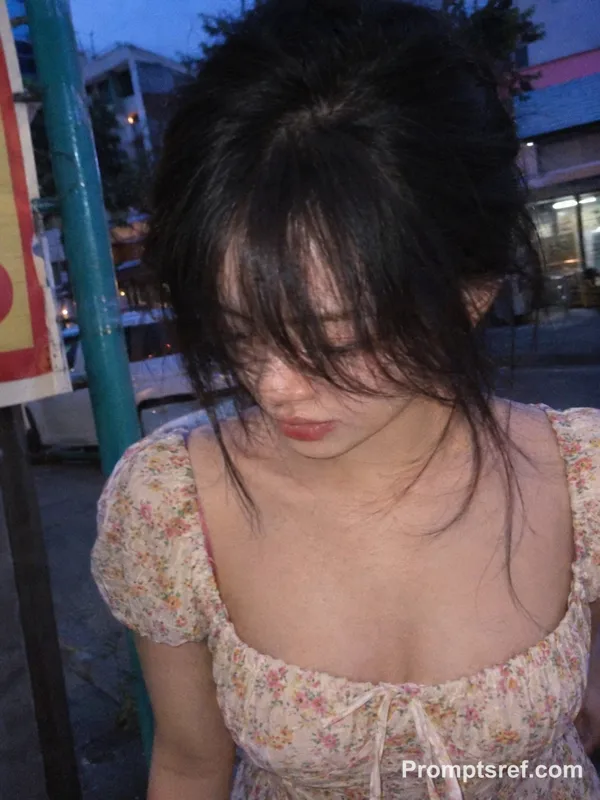
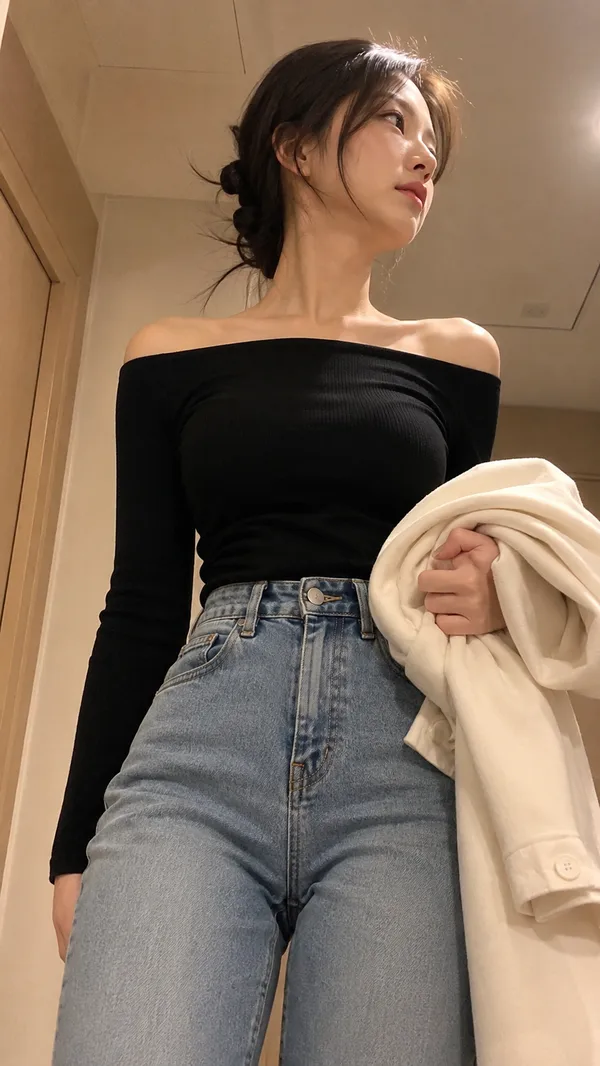
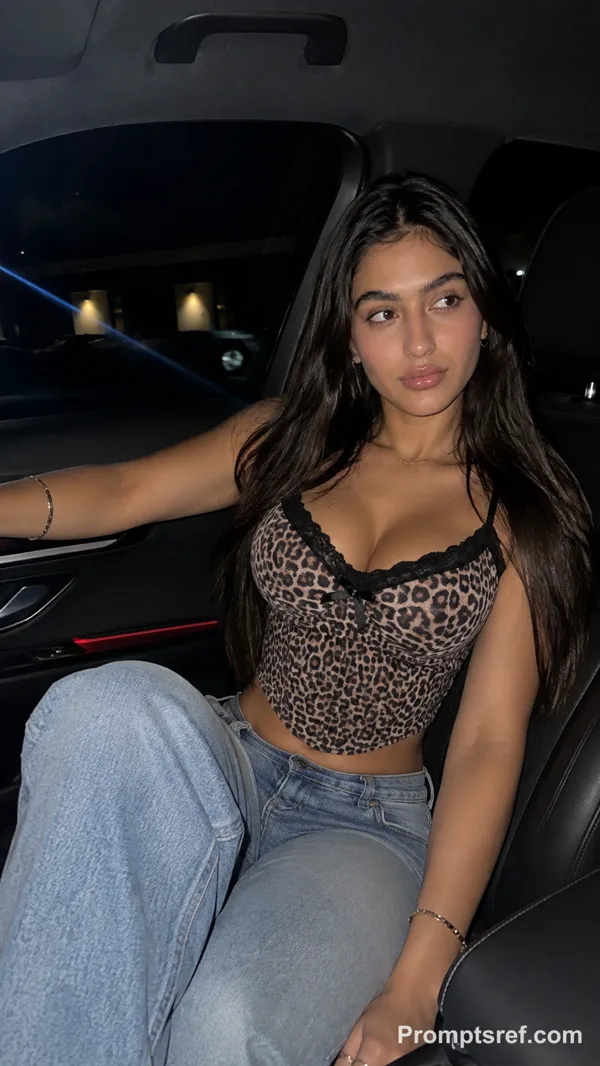
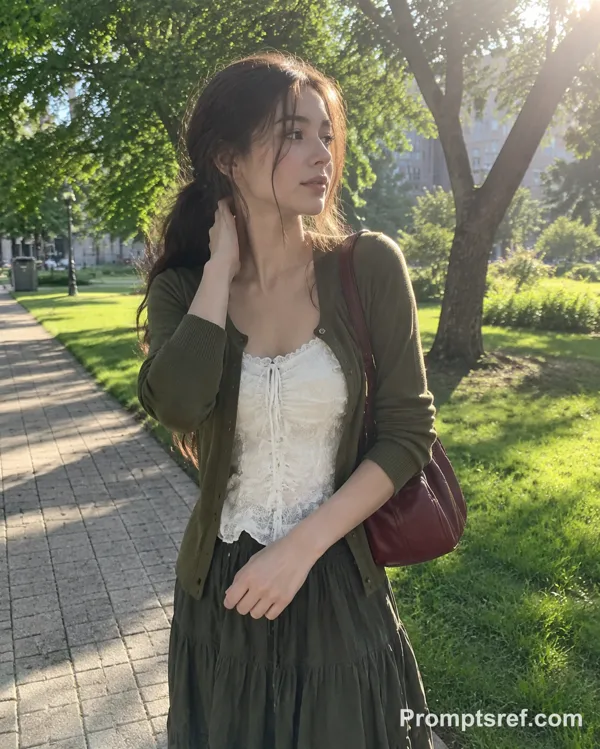
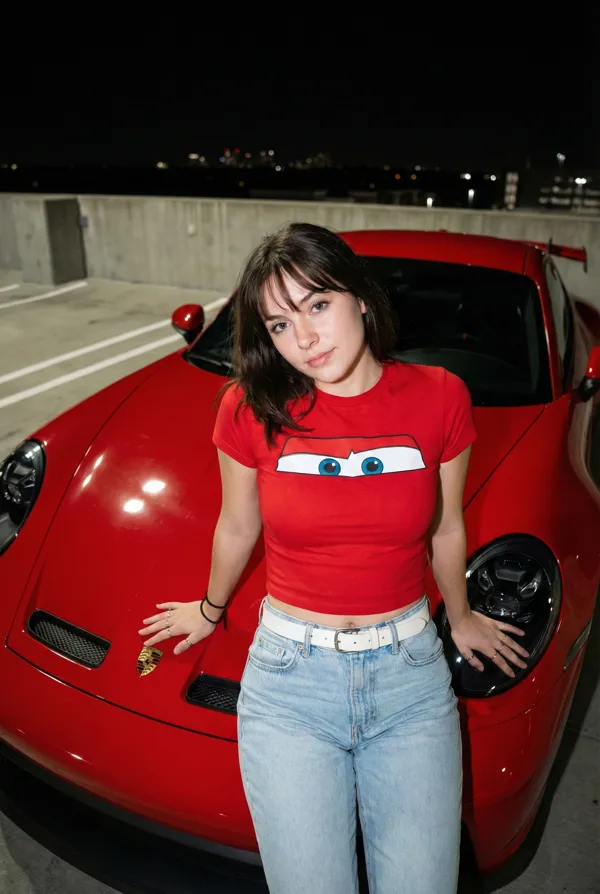
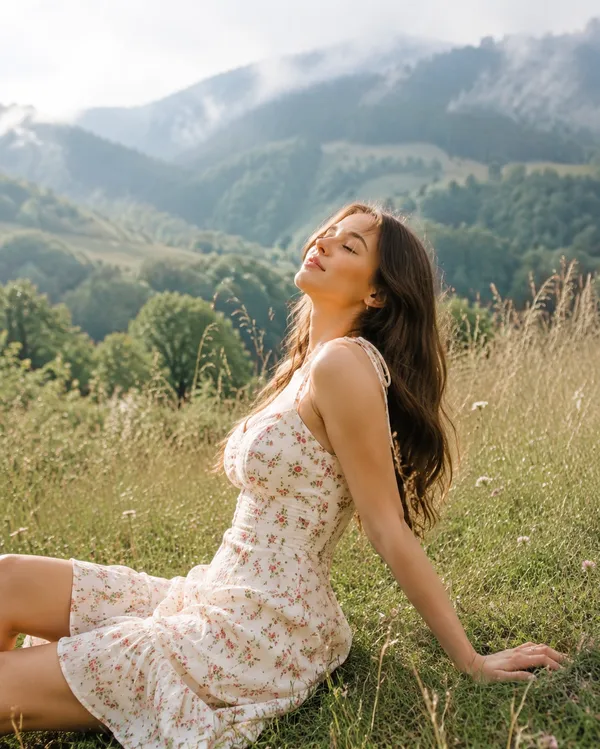
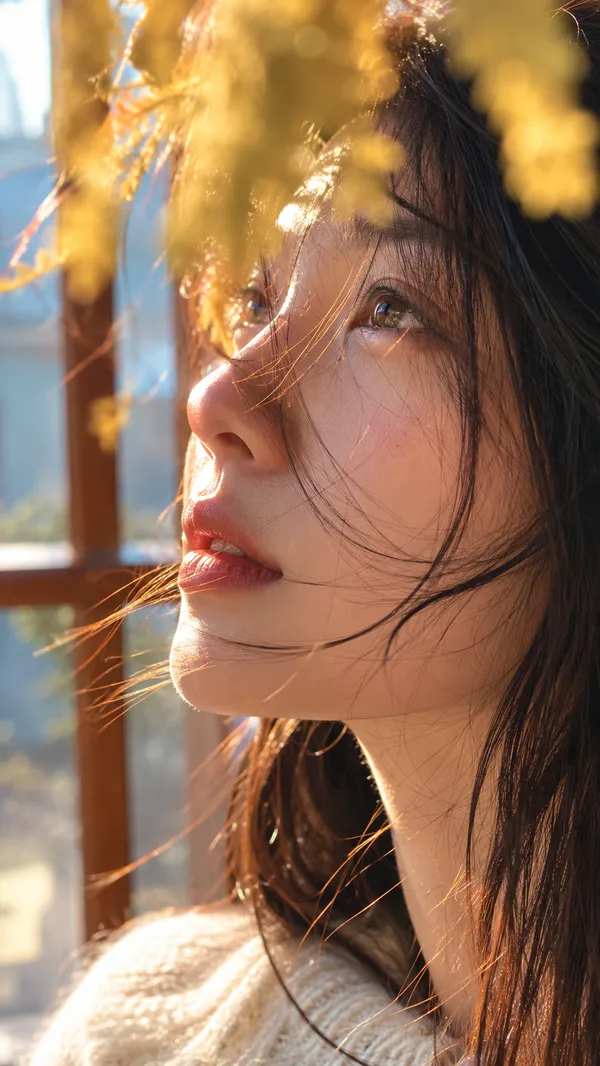
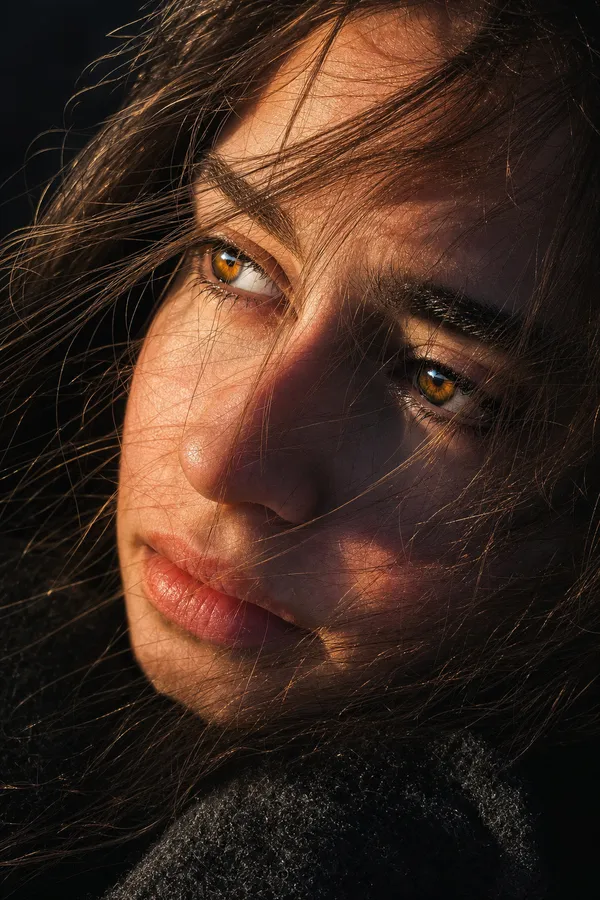
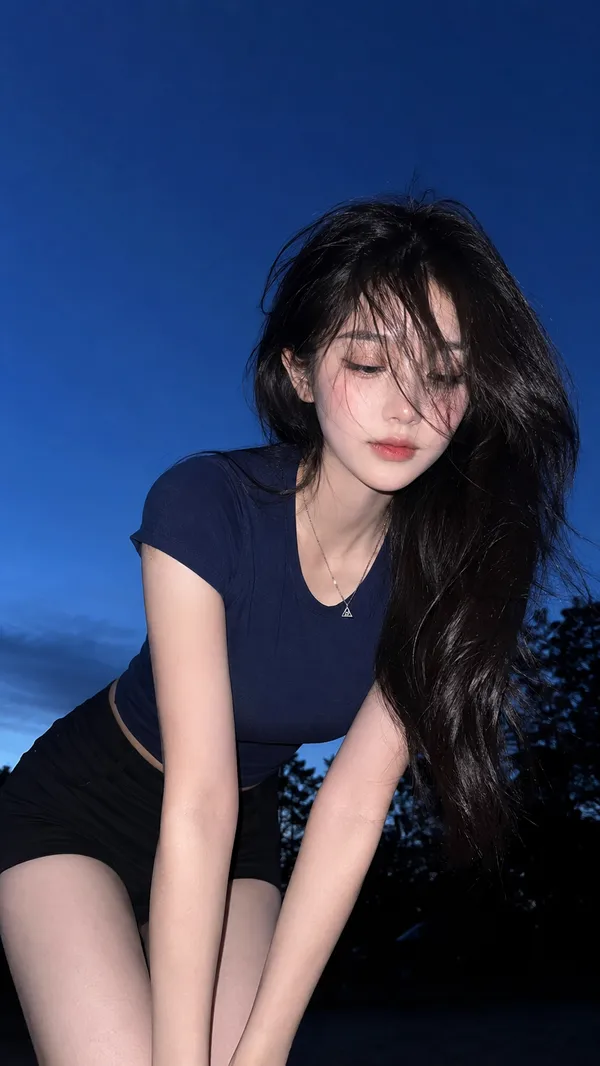
GPT Image 2.0 프롬프트 - 골든아워 로드트립 초상

- 화면 비율
- auto
- 화질
- 1K
프롬프트
{
"image_generation": {
"reference": {"use_uploaded_photo": true, "role": "main subject", "identity_preservation": true},
"scene": {
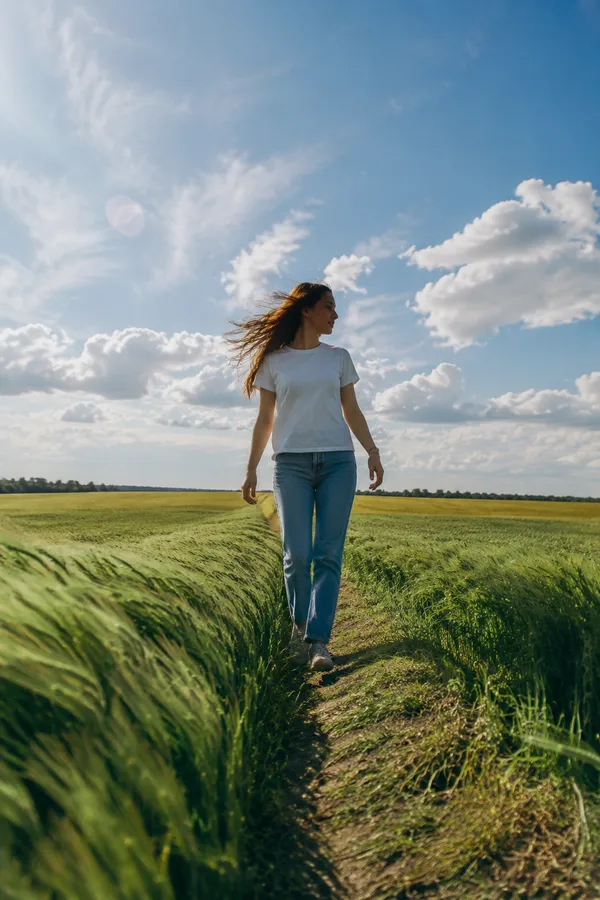
"location": "rural countryside",
"background": ["tall dry grass fields", "distant metal powerline tower"],
"time": "golden hour",
"atmosphere": "calm, nostalgic road trip mood"
},
"subject": {
"pose": "casually leaning against a vintage car, one arm resting on the open door frame",
"expression": "thoughtful, relaxed, looking off to the side",
"hair": "gently moved by the wind",
"style": "natural, candid portrait"
},
"outfit": {
"top": "retro striped sweater in warm earthy tones",
"bottom": "high waisted beige trousers"
},
"lighting": {"type": "soft sunset light", "highlights": "warm", "shadows": "cool", "contrast": "soft"},
"camera": {
"lens": "35mm analog look",
"depth_of_field": "shallow",
"focus": "sharp on subject, smooth background falloff",
"composition": "editorial fashion portrait"
},
"color_grading": {"style": "muted vintage tones", "saturation": "slightly reduced", "film_grain": "subtle"},
"quality": {"realism": "high", "texture": "natural skin and fabric detail", "render": "cinematic, editorial, realistic"}
}
}
리믹스 작품
리믹스아직 리믹스가 없어요. 첫 번째 버전을 만들어 보세요.
이 이미지 프롬프트 사용하기
- 01
프롬프트로 시작하기
프롬프트를 복사하거나 생성 버튼으로 여세요.
- 02
나만의 아이디어 더하기
주제, 배경, 세부 사항을 조정하고 필요하면 참고 자료를 추가하세요.
- 03
생성 전 확인하기
모델과 출력 설정을 확인하세요. 생성 결과는 매번 다를 수 있습니다.