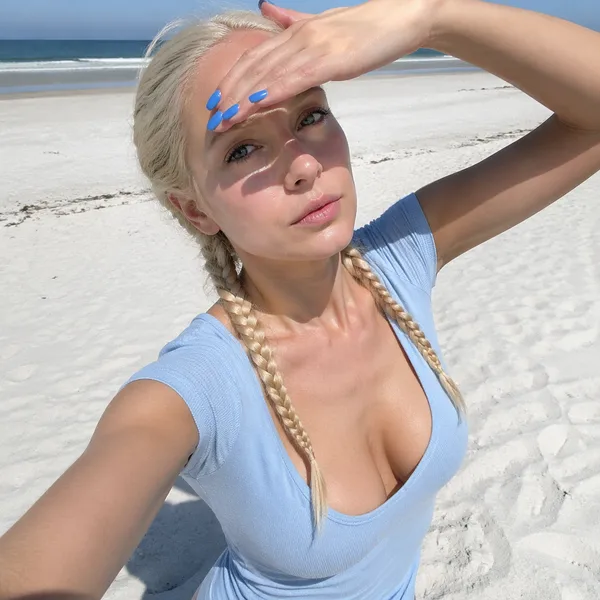
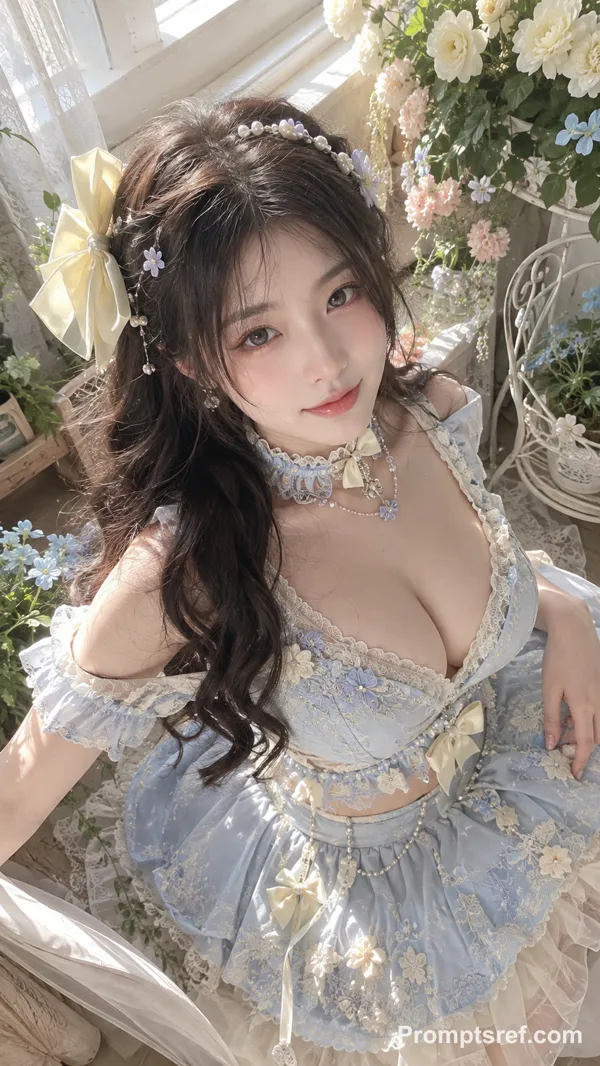
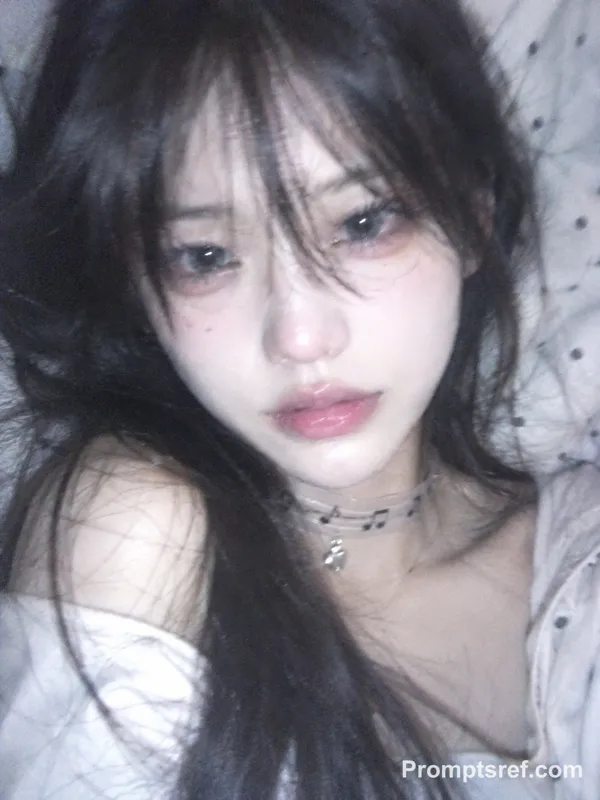
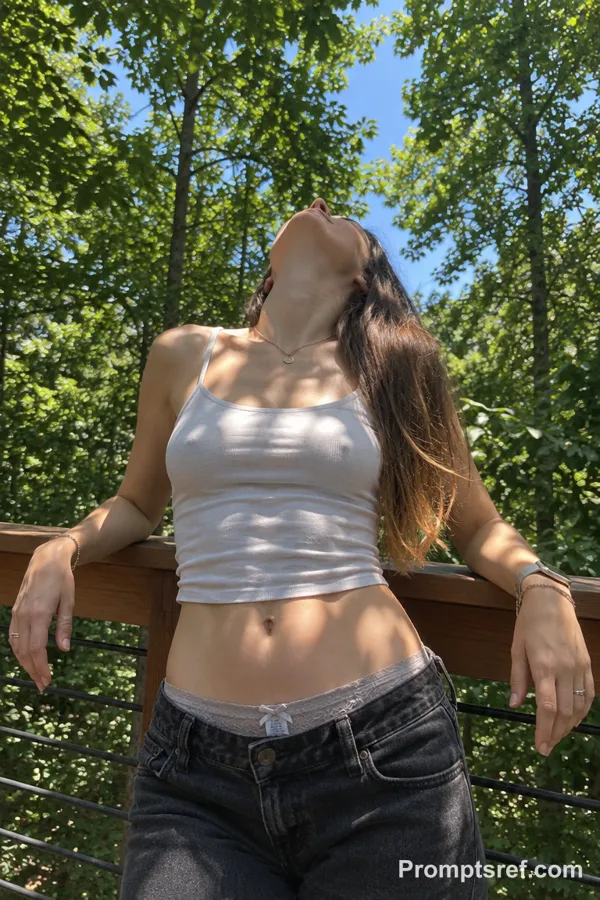
Grok Prompt - Gingham-Selfie im sonnigen Wald

- Modell
- Grok
Prompt
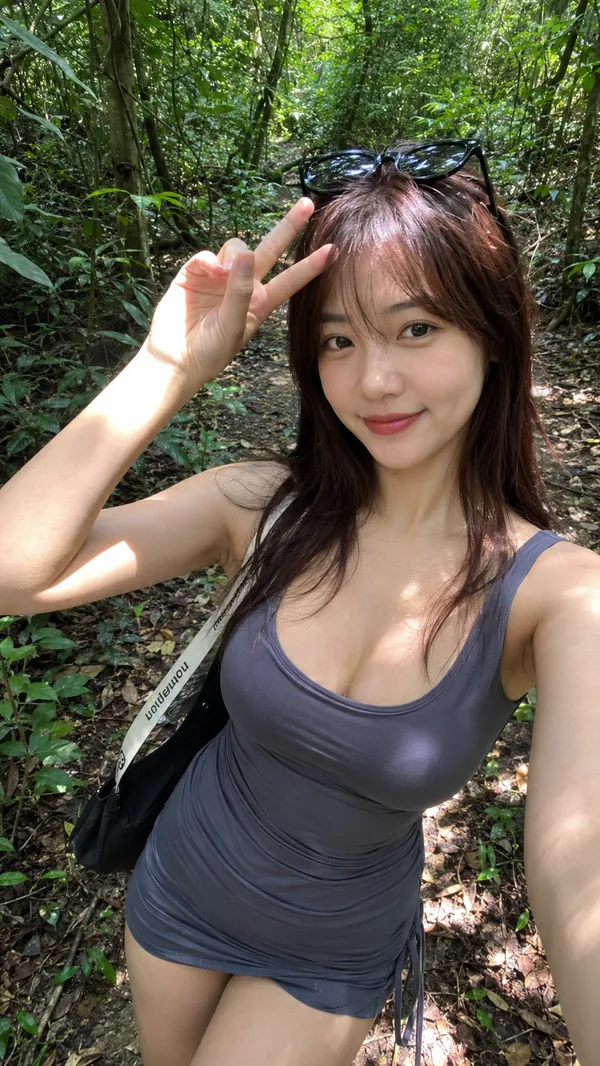
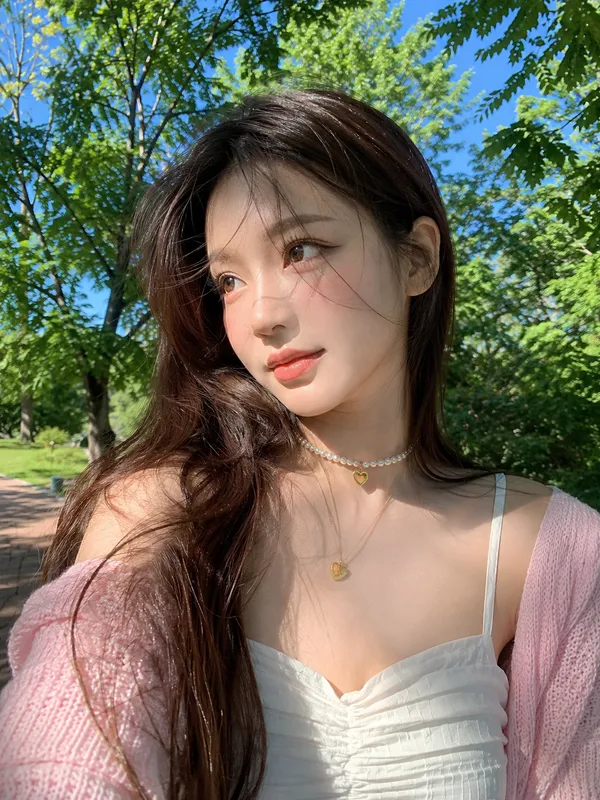
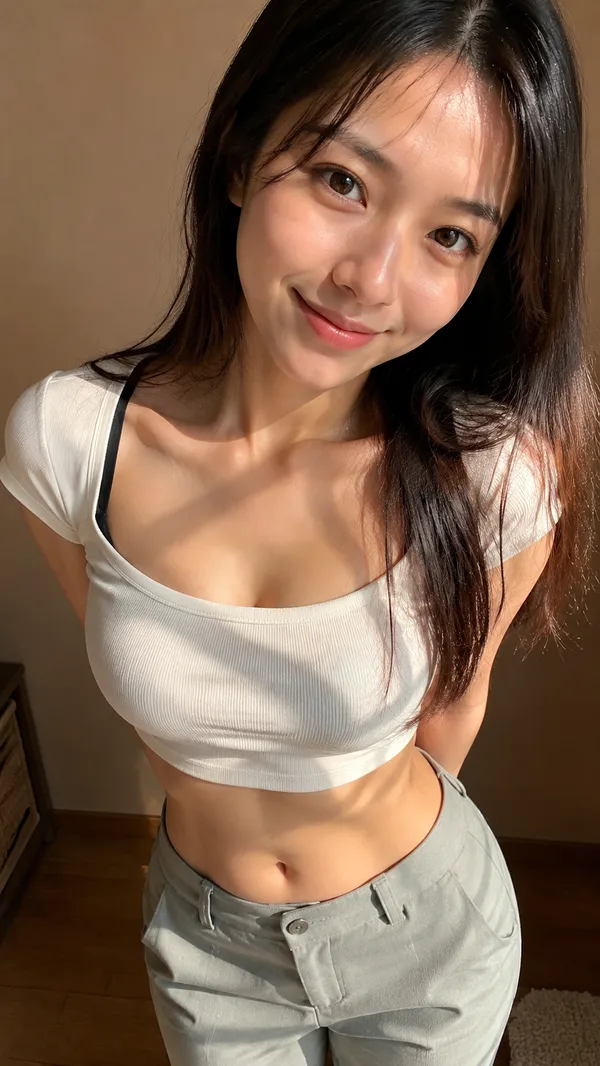
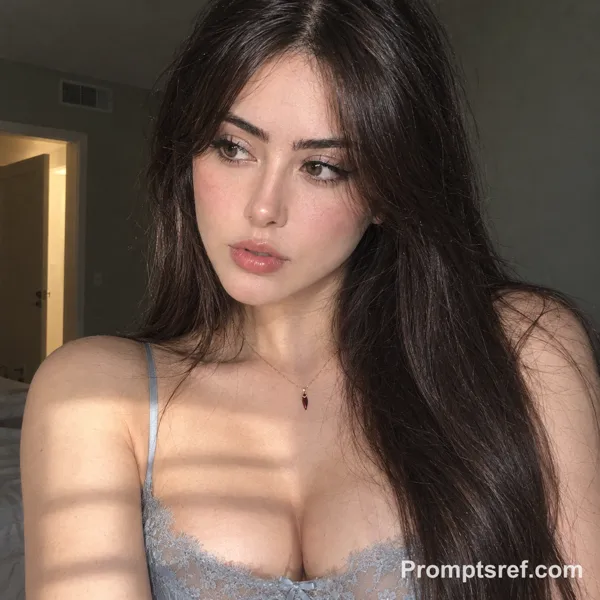
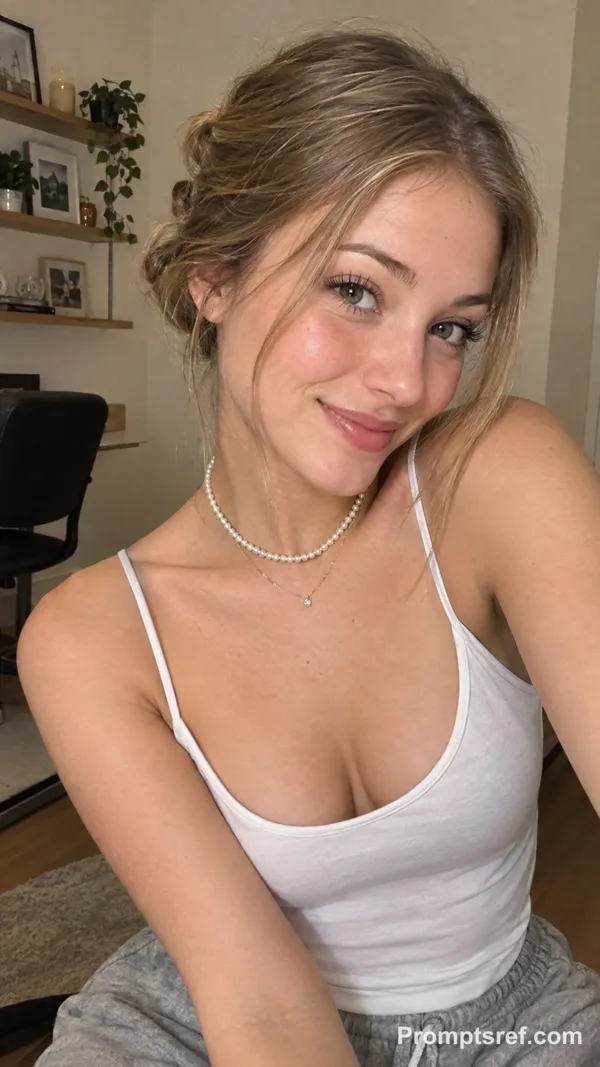
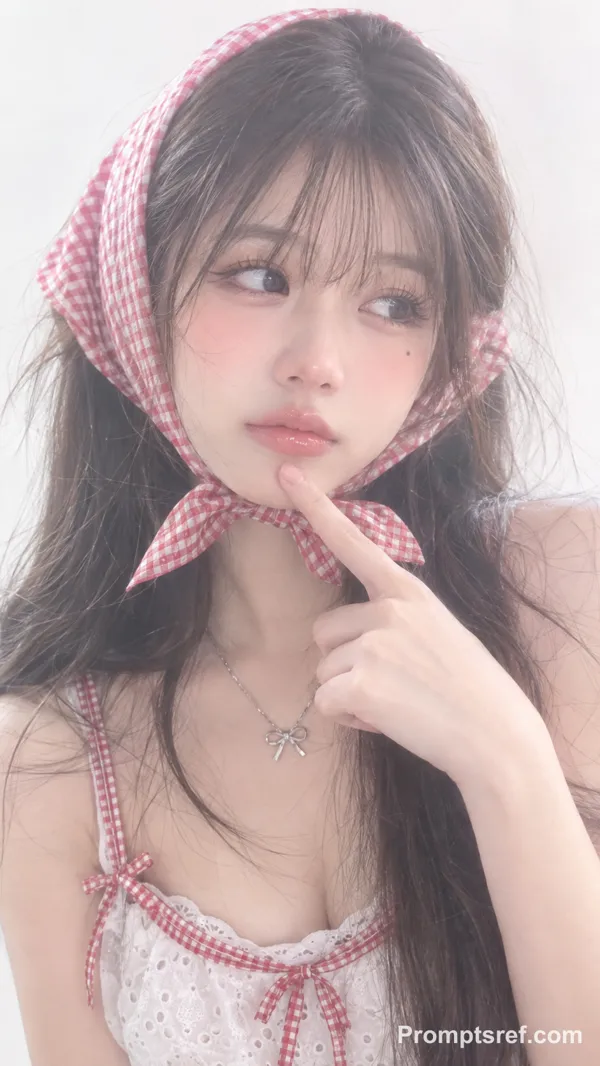
Subject: A young adult woman in a close, upper-body shot, taking a selfie with about a 30% side-facing angle. Her head is slightly tilted, she looks straight into the camera, and she wears a subtly reserved smile—her emotion feels soft and approachable.
Photography language: A handheld front-camera smartphone selfie shot from a higher angle looking down. A mild wide-angle perspective makes her face feel closer to the lens while the background falls away. The composition isn’t studio-perfect; it carries a touch of spontaneity and the humid, outdoorsy “breathing” feeling of the moment.
Makeup & facial vibe: The eye makeup is more refined—noticeable eyeliner and curled lashes give the eyes a dewy, “watery” sparkle. The cheeks have a faint pink-toned blush with a soft-matte base; overall it’s clean and sheer, but clearly well-groomed and thoughtfully done.
Hair: Long, straight deep-brown hair with a side part (leaning slightly toward a middle part). A few loose strands fall along the sides of her face, adding a casual, naturally imperfect realism.
Outfit: A blue-and-white gingham bikini top. The brown piping/trim and the halter/strap structure are very clear, making it a strong visual signature. Some chest skin is visible.
Accessories: A thin silver chain necklace with a small, shiny clover/flower-shaped pendant.
Setting: Outdoors in a wooded area or dense shrubs, with greenery filling most of the background. The ground shows dirt and fallen leaves, and there’s a small patch of water or wet ground in the lower-left corner—suggesting a creekside or a small forest pool nearby.
Lighting: Dappled sunlight filtering through leaves, creating both highlights and soft shadows. This kind of “physical” natural light makes the skin look more dimensional and keeps the shot feeling like a real, casual phone photo.
Remixe
RemixNoch keine Remixe. Erstelle die erste Version.
Diesen Bild-Prompt verwenden
- 01
Mit dem Prompt starten
Kopiere den Prompt oder öffne ihn über die Schaltfläche zum Generieren.
- 02
Eigene Änderungen vornehmen
Passe Motiv, Umgebung oder Details an. Füge bei Bedarf Referenzen hinzu.
- 03
Vor dem Generieren prüfen
Prüfe Modell und Ausgabeeinstellungen. Die Ergebnisse können variieren.