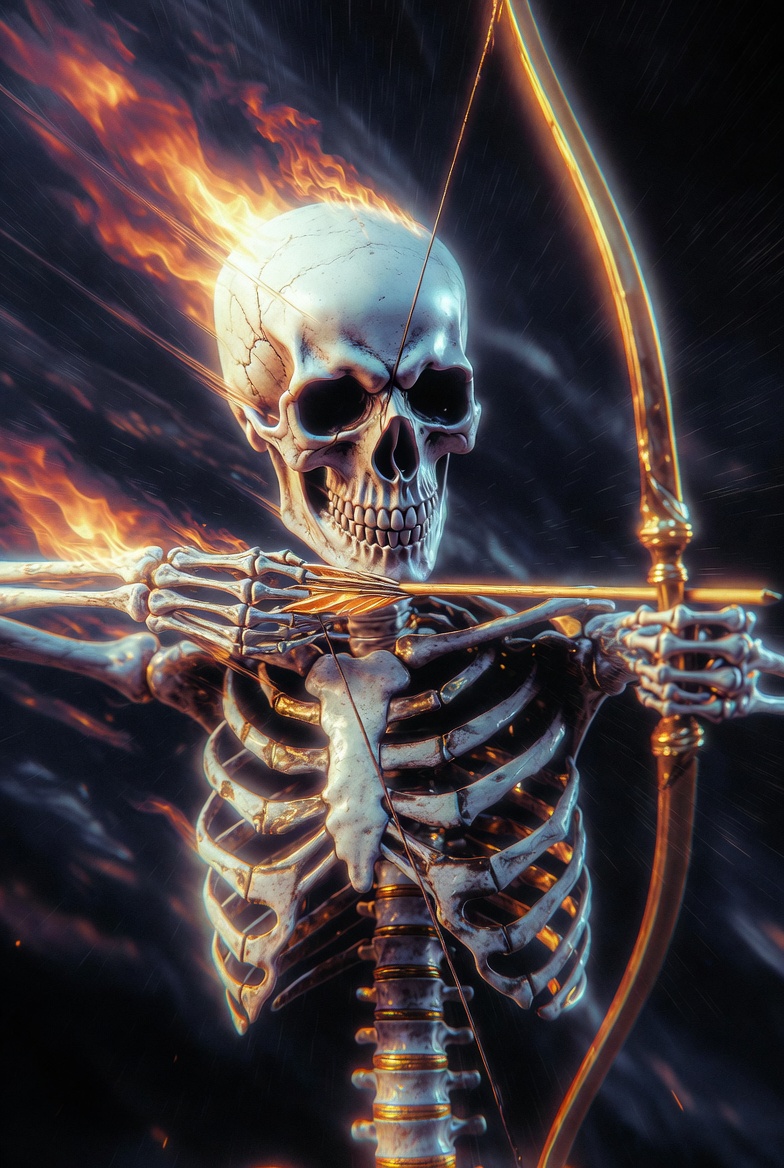
Grok Prompt - Flammender Skelettkönig-Bogenschütze in einem dunklen Glitch-Traum

- Modell
- Grok
Prompt
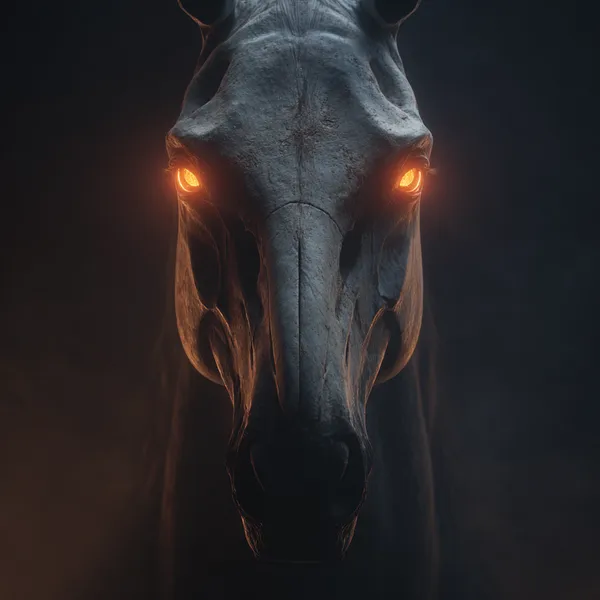
The powerful Skeleton King, featuring archery, flames, 8K ultra-high definition, CG, lighting effects, movement, high-quality details, ultra-detailed CG, high resolution, best quality, C4D, 32K wallpaper, balanced composition, mysticism, HDR realistic texture, illogical, pearlescent, reflective, dark, abstract, stream of consciousness, dream core, dim lighting, low visibility, noise, vignetting. Strong artistic feel. The visuals feature glow, radiance, and a hazy quality, blending elements of horror and dreamlike aesthetics. They incorporate digital noise and distortion effects, finding creativity in error, subverting and reshaping existing systems. Strong contrasts of light and shadow, low-angle shots, and striking color clashes create a stunning, stream-of-consciousness effect. Random backgrounds, soft side lighting, realism, and distorted, glitch-like textures accented with dark gold accents, interwoven spaces, cinematic camera work (realism: 1.5), soft colors (fisheye: 1.1), panoramic aerial shots, low light, a sense of destiny, and a magnificent, ethereal quality—as if the threads of fate are being relentlessly pulled, creating a mysterious and tense atmosphere. Rendered with UE5, the visuals possess a cinematic, film-like quality. Dynamic blur enhances the image with motion blur and motion-line afterimages, ultra-wide-angle strong perspective composition, and blurred edges. The resulting work is exquisite, with diffused, shimmering shadows creating a sense of tension, oppression, and vivid, perfect detail. A sense of threat and oppression, an extremely shocking scene, a dreamlike feeling of light and shadow intertwining, hazy, overexposed, double exposure, strong contrast between light and dark, natural transition of shadows, cinematic composition, visual impact, 8K quality, ultra-high definition, ultimate detail, ultimate depiction, clear lines, high contrast, a masterpiece.
Referenzbild
Remixe
RemixNoch keine Remixe. Erstelle die erste Version.
Diesen Bild-Prompt verwenden
- 01
Mit dem Prompt starten
Kopiere den Prompt oder öffne ihn über die Schaltfläche zum Generieren.
- 02
Eigene Änderungen vornehmen
Passe Motiv, Umgebung oder Details an. Füge bei Bedarf Referenzen hinzu.
- 03
Vor dem Generieren prüfen
Prüfe Modell und Ausgabeeinstellungen. Die Ergebnisse können variieren.