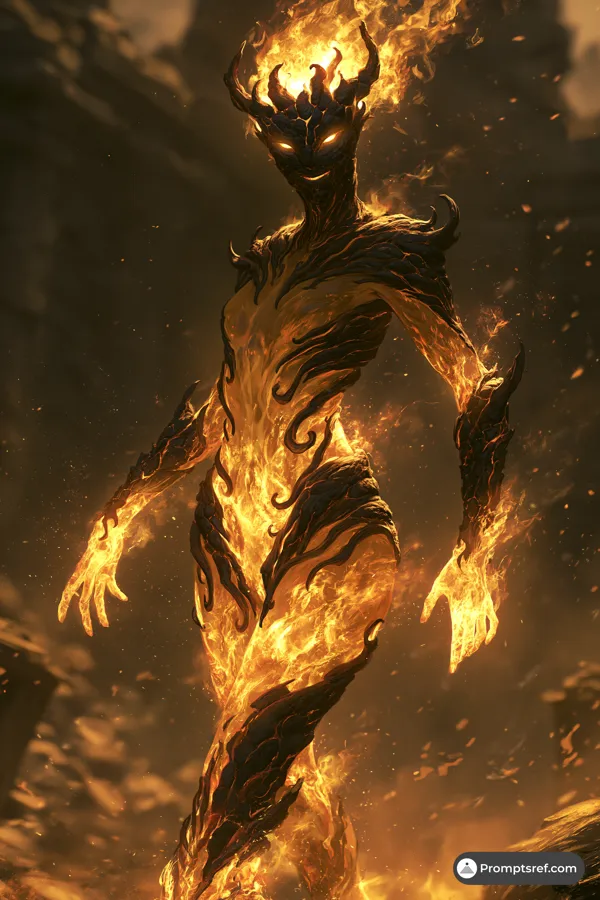
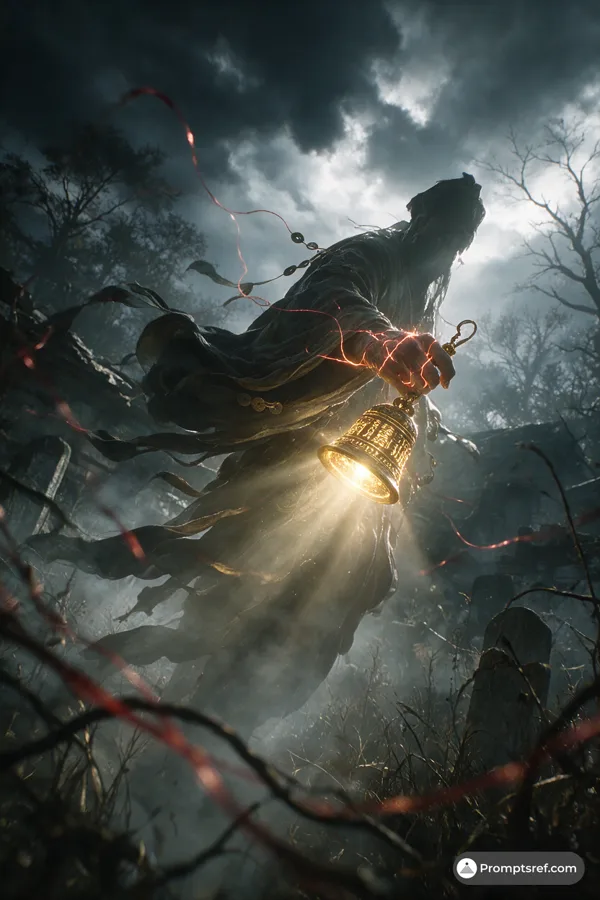
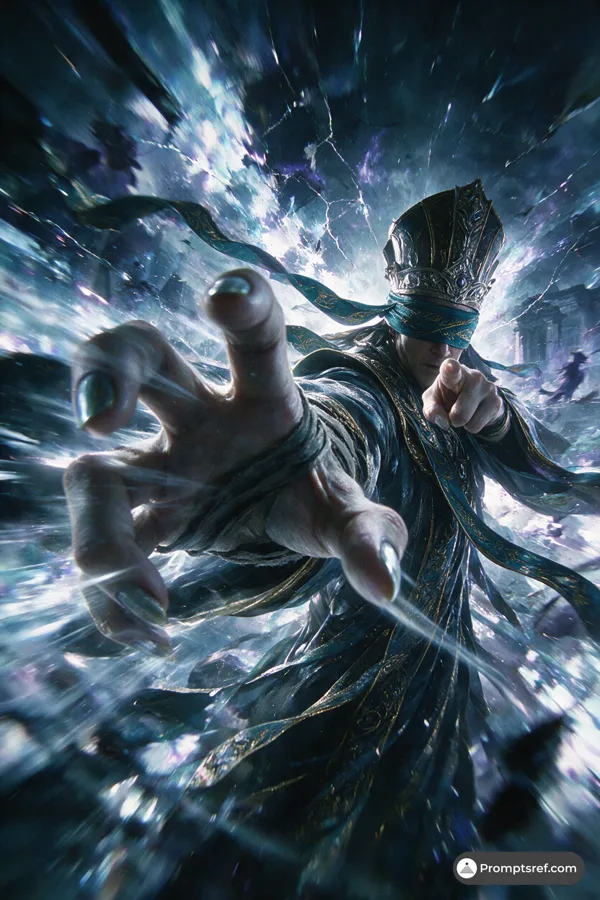
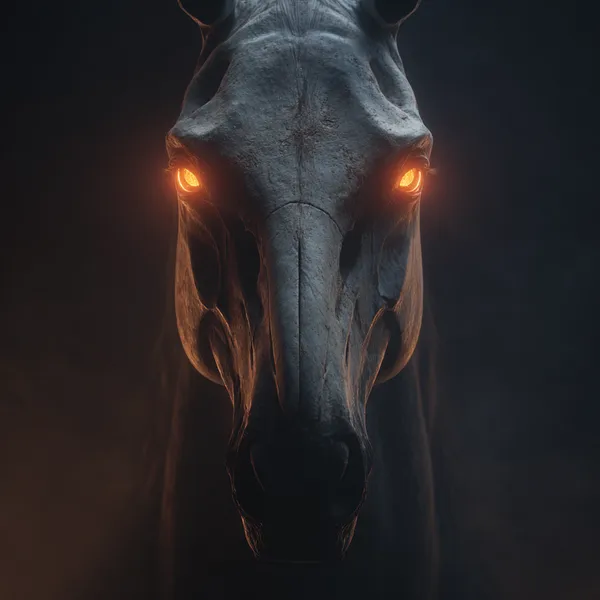
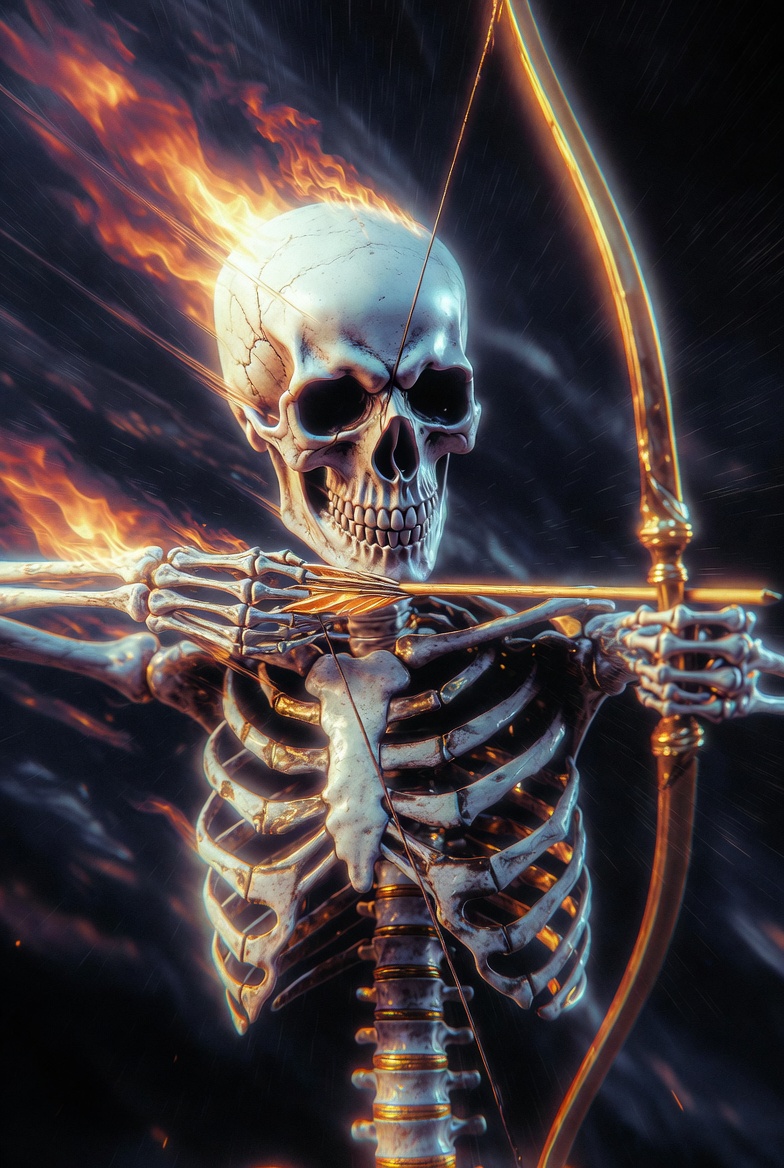
Grok 프롬프트 - 어두운 글리치 꿈속 불타는 해골왕 궁수

- 모델
- Grok
프롬프트
The powerful Skeleton King, featuring archery, flames, 8K ultra-high definition, CG, lighting effects, movement, high-quality details, ultra-detailed CG, high resolution, best quality, C4D, 32K wallpaper, balanced composition, mysticism, HDR realistic texture, illogical, pearlescent, reflective, dark, abstract, stream of consciousness, dream core, dim lighting, low visibility, noise, vignetting. Strong artistic feel. The visuals feature glow, radiance, and a hazy quality, blending elements of horror and dreamlike aesthetics. They incorporate digital noise and distortion effects, finding creativity in error, subverting and reshaping existing systems. Strong contrasts of light and shadow, low-angle shots, and striking color clashes create a stunning, stream-of-consciousness effect. Random backgrounds, soft side lighting, realism, and distorted, glitch-like textures accented with dark gold accents, interwoven spaces, cinematic camera work (realism: 1.5), soft colors (fisheye: 1.1), panoramic aerial shots, low light, a sense of destiny, and a magnificent, ethereal quality—as if the threads of fate are being relentlessly pulled, creating a mysterious and tense atmosphere. Rendered with UE5, the visuals possess a cinematic, film-like quality. Dynamic blur enhances the image with motion blur and motion-line afterimages, ultra-wide-angle strong perspective composition, and blurred edges. The resulting work is exquisite, with diffused, shimmering shadows creating a sense of tension, oppression, and vivid, perfect detail. A sense of threat and oppression, an extremely shocking scene, a dreamlike feeling of light and shadow intertwining, hazy, overexposed, double exposure, strong contrast between light and dark, natural transition of shadows, cinematic composition, visual impact, 8K quality, ultra-high definition, ultimate detail, ultimate depiction, clear lines, high contrast, a masterpiece.
참조 이미지
리믹스 작품
리믹스아직 리믹스가 없어요. 첫 번째 버전을 만들어 보세요.
이 이미지 프롬프트 사용하기
- 01
프롬프트로 시작하기
프롬프트를 복사하거나 생성 버튼으로 여세요.
- 02
나만의 아이디어 더하기
주제, 배경, 세부 사항을 조정하고 필요하면 참고 자료를 추가하세요.
- 03
생성 전 확인하기
모델과 출력 설정을 확인하세요. 생성 결과는 매번 다를 수 있습니다.