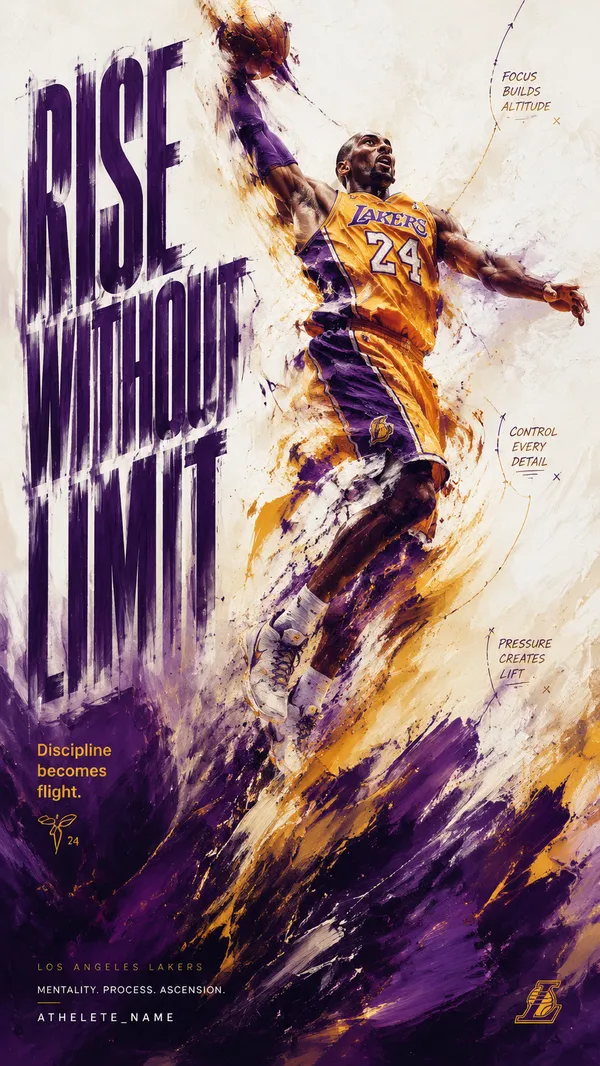
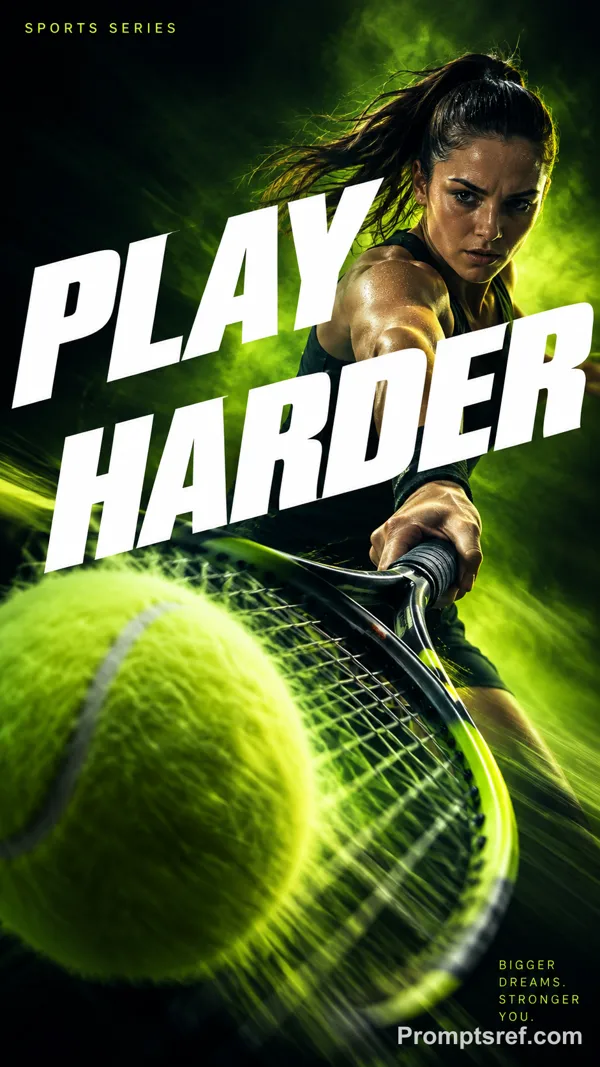
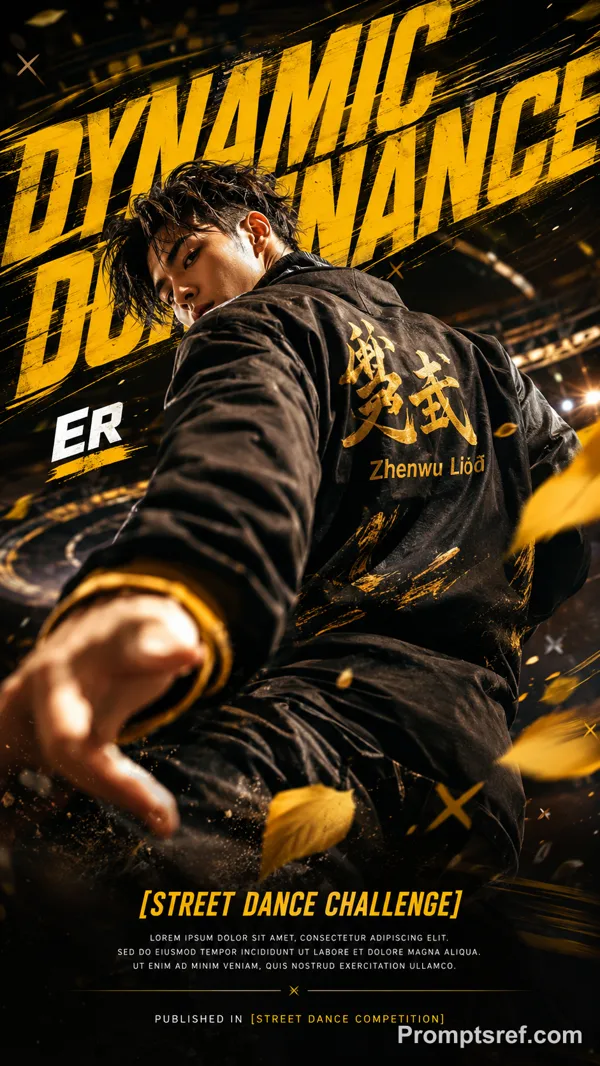
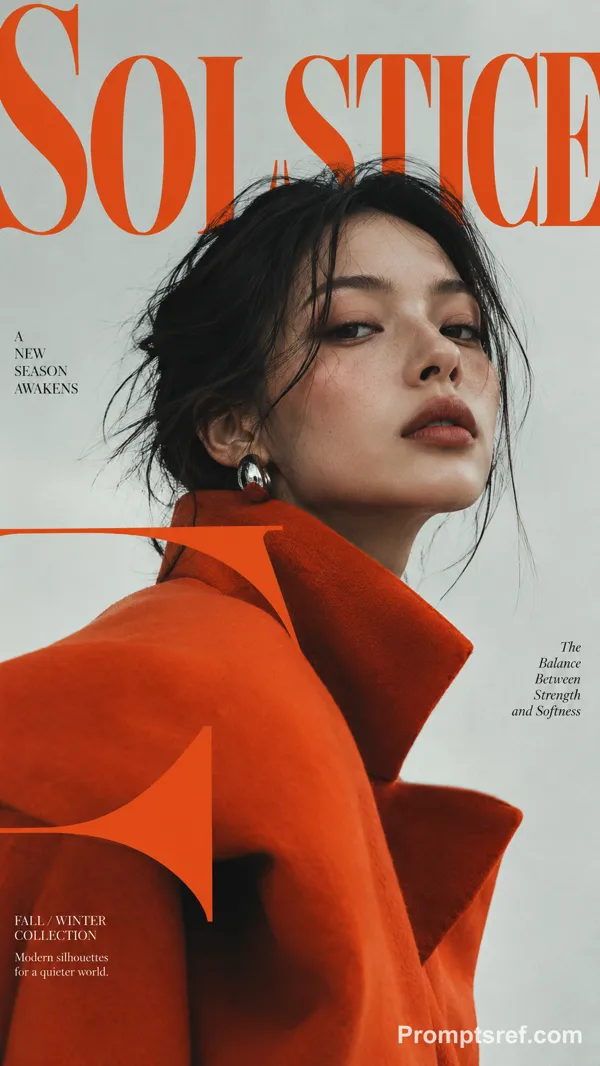
GPT Image 2.0 プロンプト - 流動する力を描く実験的スポーツポスター

- アスペクト比
- auto
- 画質
- 1K
プロンプト
[SPORT]: {trail running / swimming / skateboarding / cycling}
[ACTION]: {specific athletic movement}
[FORCE]: {terrain / water resistance / impulse / airflow}
[SCENE]: {environment}
[ACCENT COLOR]: {color}
[TITLE]: {title}
[KEYWORDS]: {3 short words}
[FORMAT]: 9:16 vertical
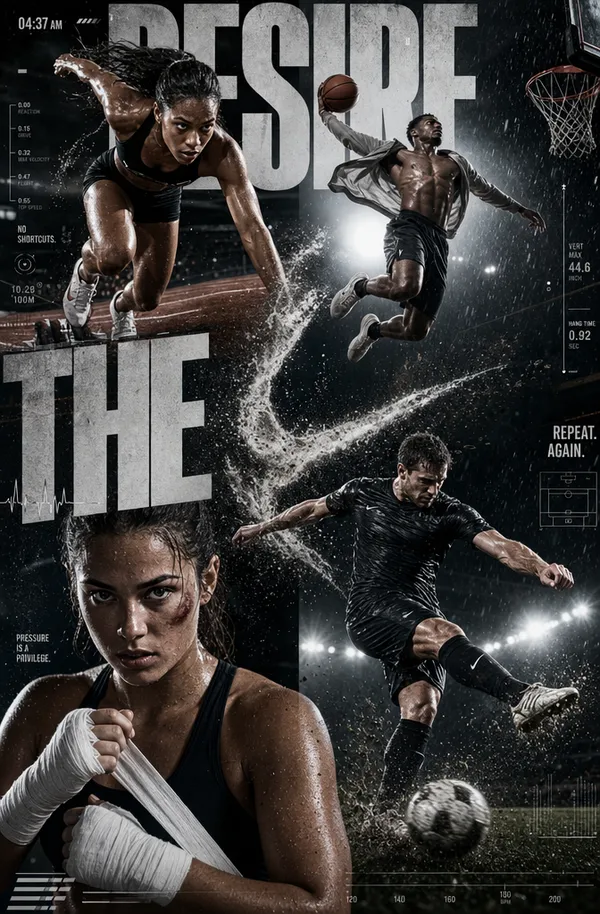
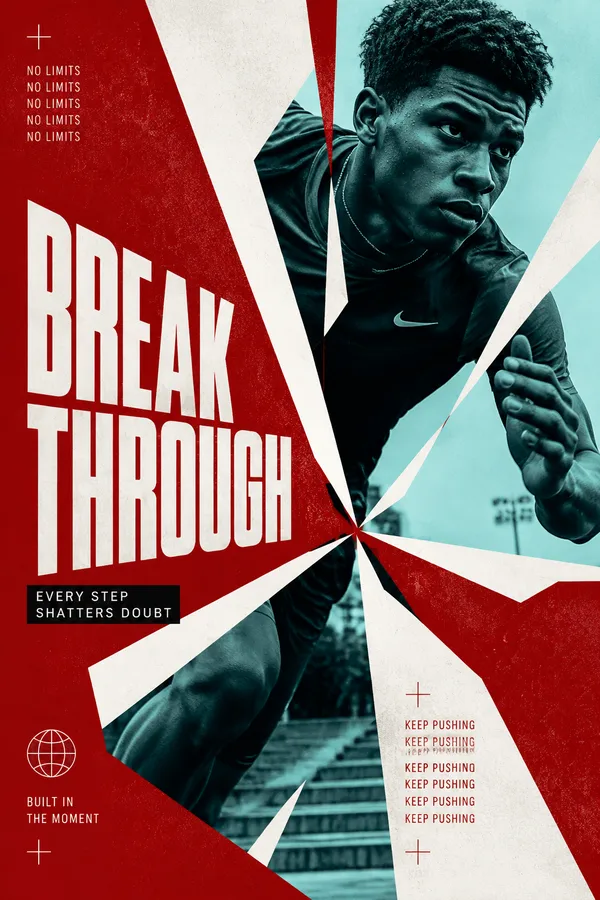
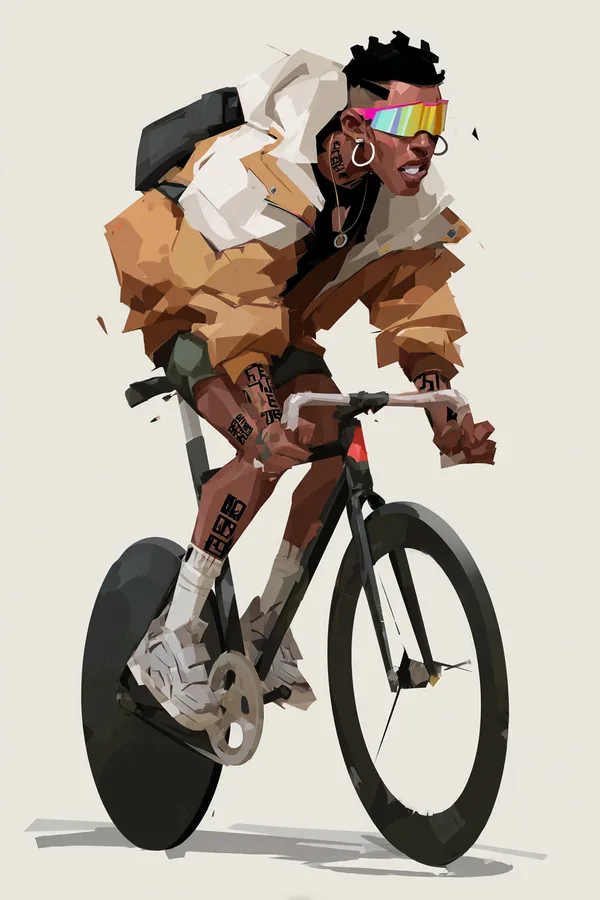
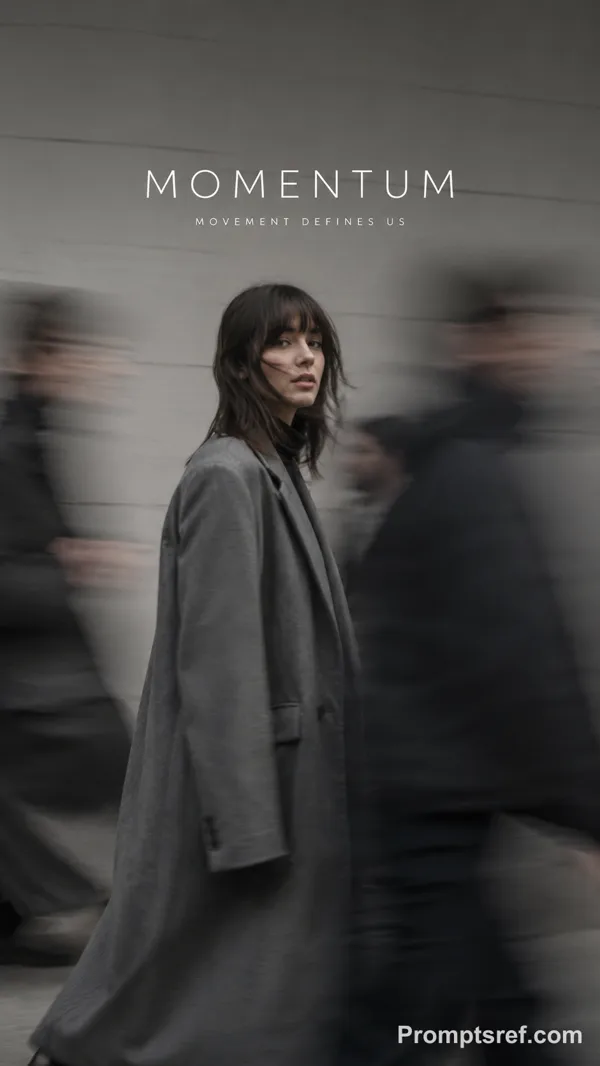
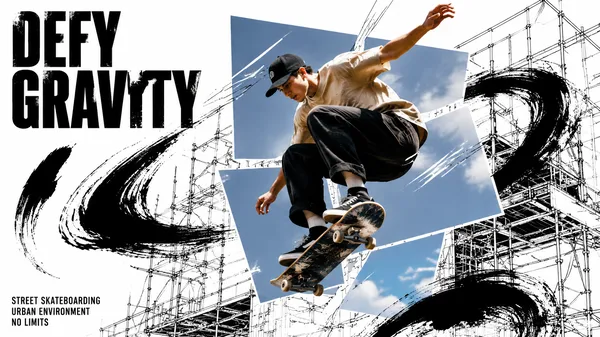
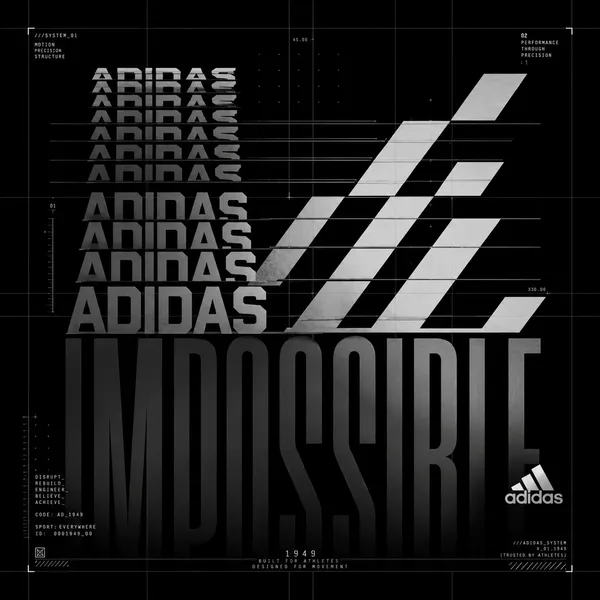
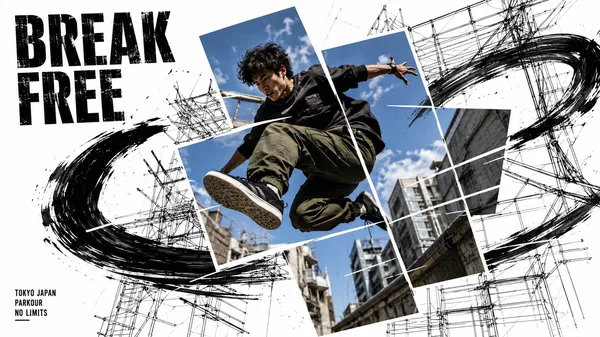
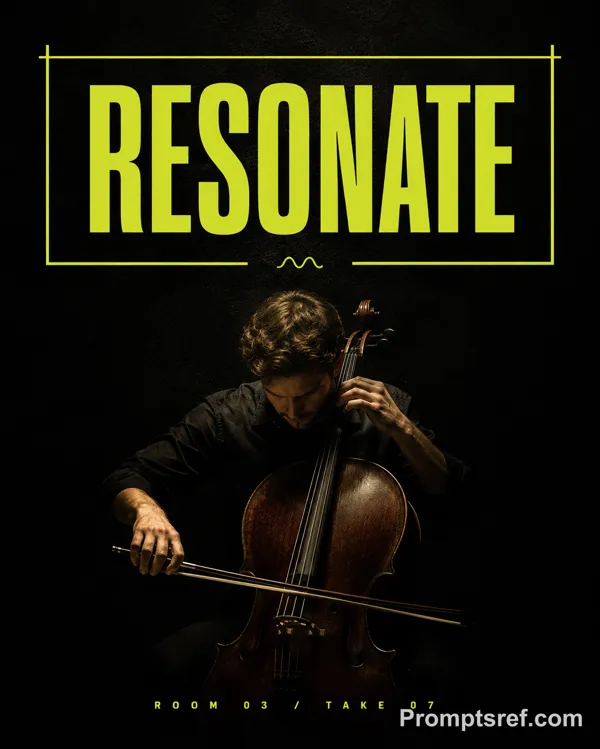
Create an experimental sports editorial poster that visualizes the invisible forces created by movement.
Use a deep black background with large negative space, realistic action photography, organic photo cropping, minimal typography, and one continuous flowing-line system.
Capture the athlete in a natural, believable moment of motion. Keep realistic anatomy, equipment, materials, skin texture and healthy natural skin tone. The athlete should not look at the camera.
Let the graphic lines originate naturally from the action or environment:
ACTION → FORCE → FLOW
For example, terrain shapes the lines around a runner, water currents follow a swimmer, impulse rises from a skateboard takeoff, or airflow bends around a cyclist.
Use 30–60 long, thin, smooth continuous curves. Keep them elegant, evenly spaced and gradually changing in curvature. Let the lines compress, stretch and release according to the force of the movement.
Keep all lines continuous and clean — no broken segments, random intersections, short fragments, nodes, particles, polygon networks or technical UI graphics.
Flow lines should follow around the athlete’s silhouette rather than crossing exposed skin or obscuring the body.
Use a restrained palette: black, neutral photographic tones, white/gray lines, plus one subtle accent color.
The final image should feel like premium sports culture × generative graphic design, where the lines reveal the beauty, force and rhythm of athletic motion rather than simply decorating the photograph.
リミックス作品
リミックスまだリミックスはありません。最初のバージョンを作ってみましょう。
この画像プロンプトを使う
- 01
プロンプトから始める
プロンプトをコピーするか、生成ボタンで開きます。
- 02
自分のアイデアを加える
被写体や背景、細部を調整し、必要に応じて参考素材を追加します。
- 03
生成前に確認する
モデルと出力設定を確認してください。生成結果は毎回異なる場合があります。