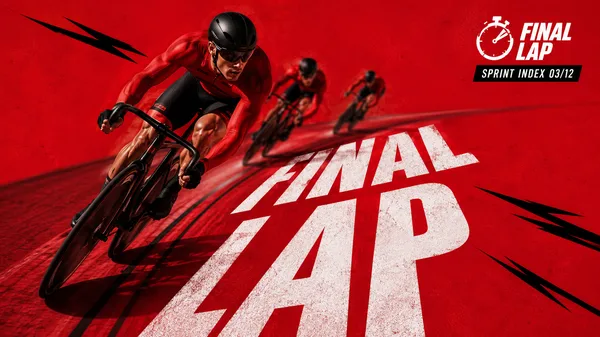
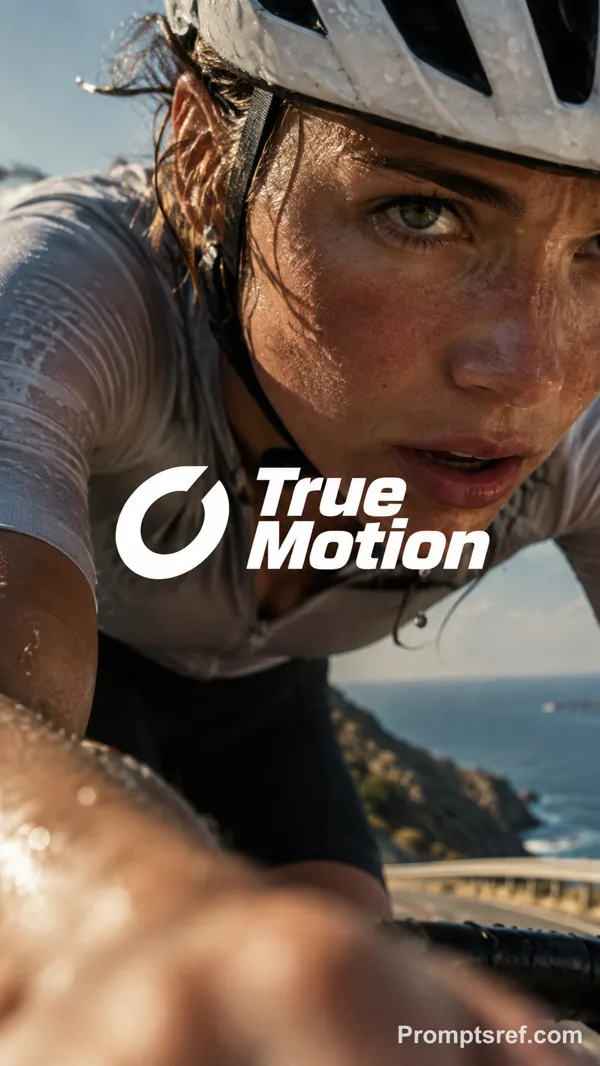
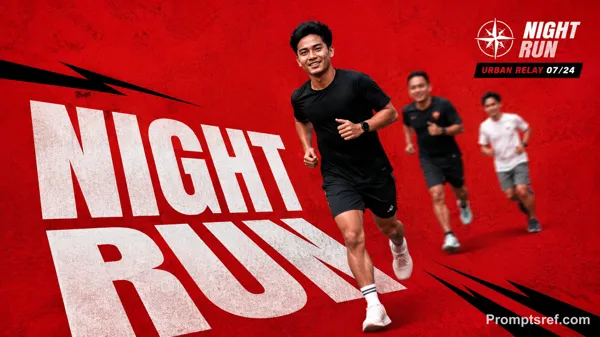
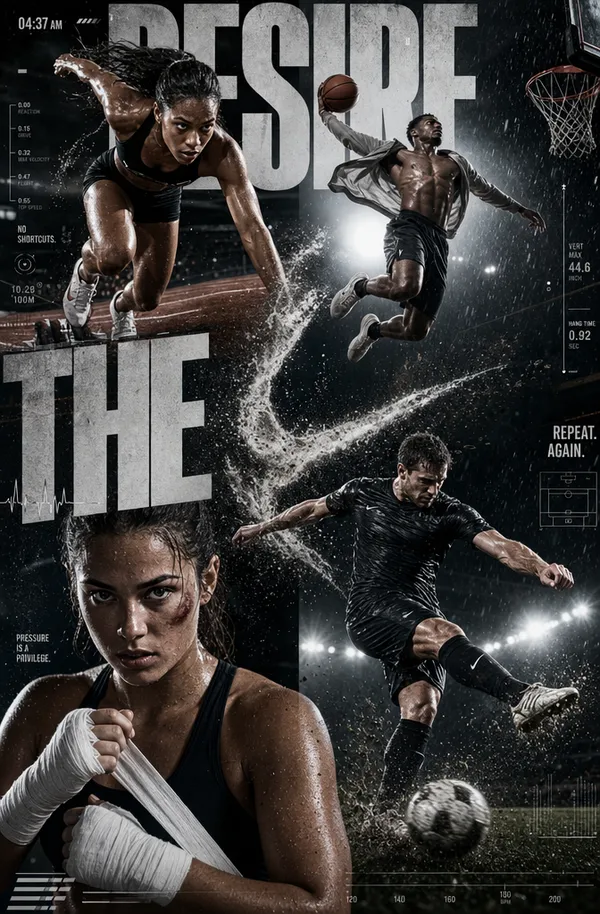
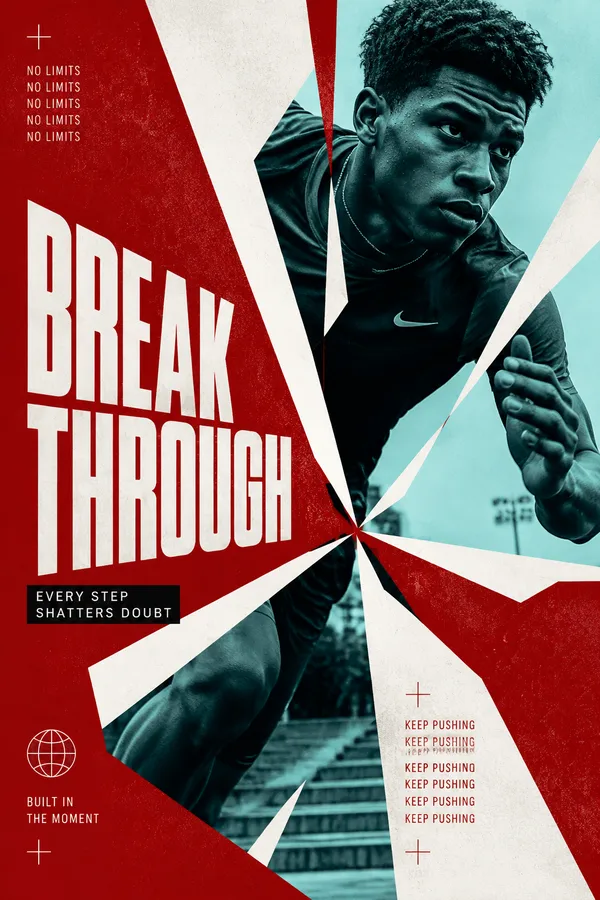
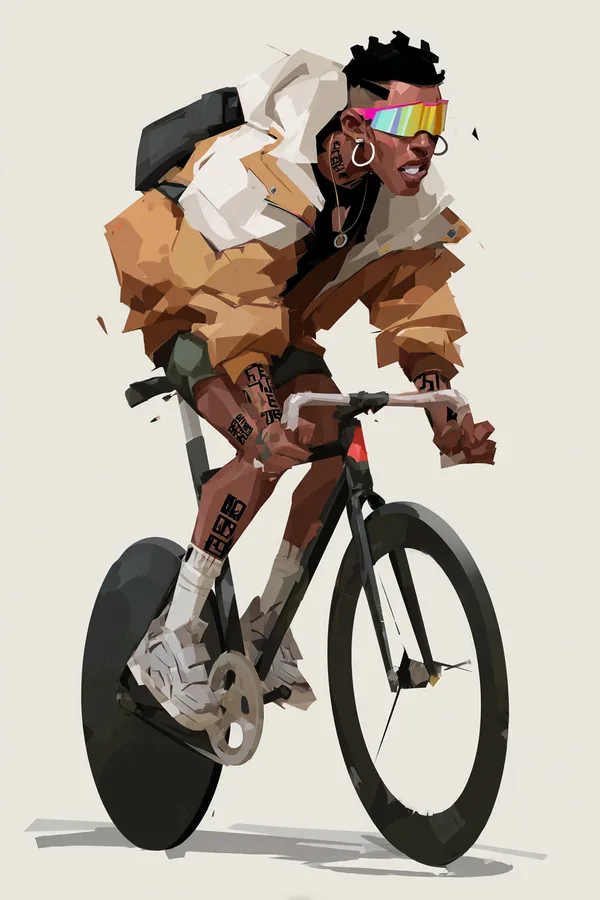
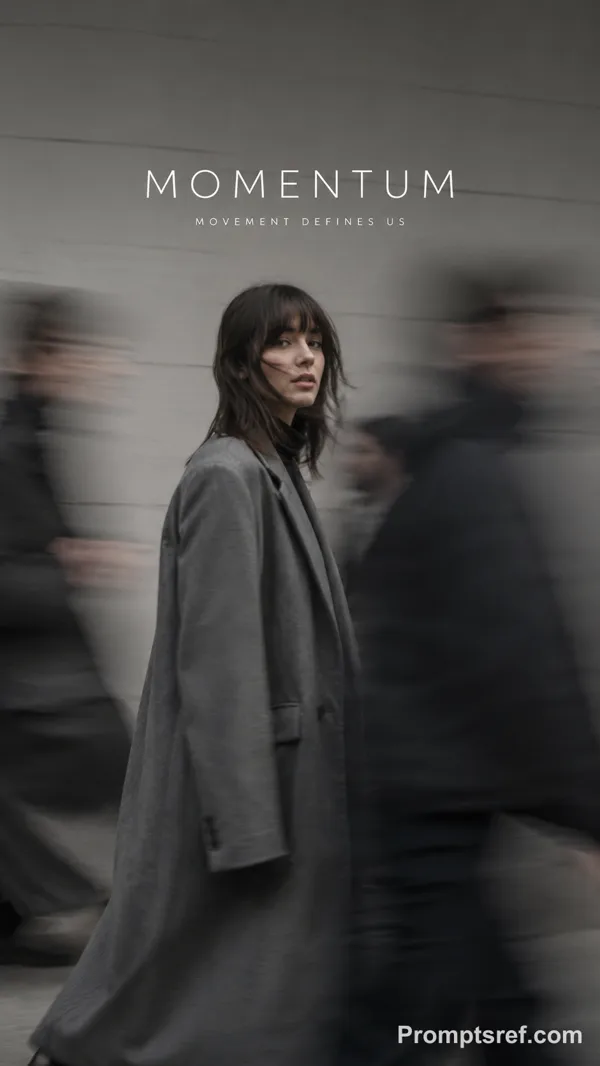
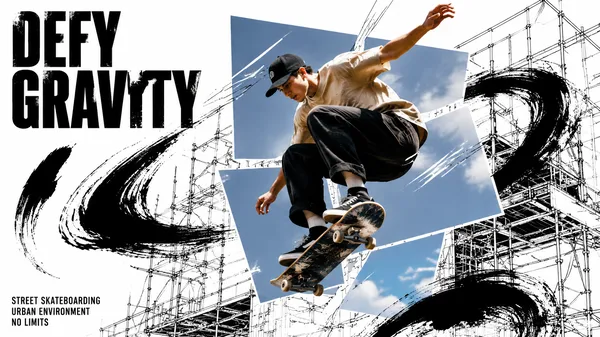
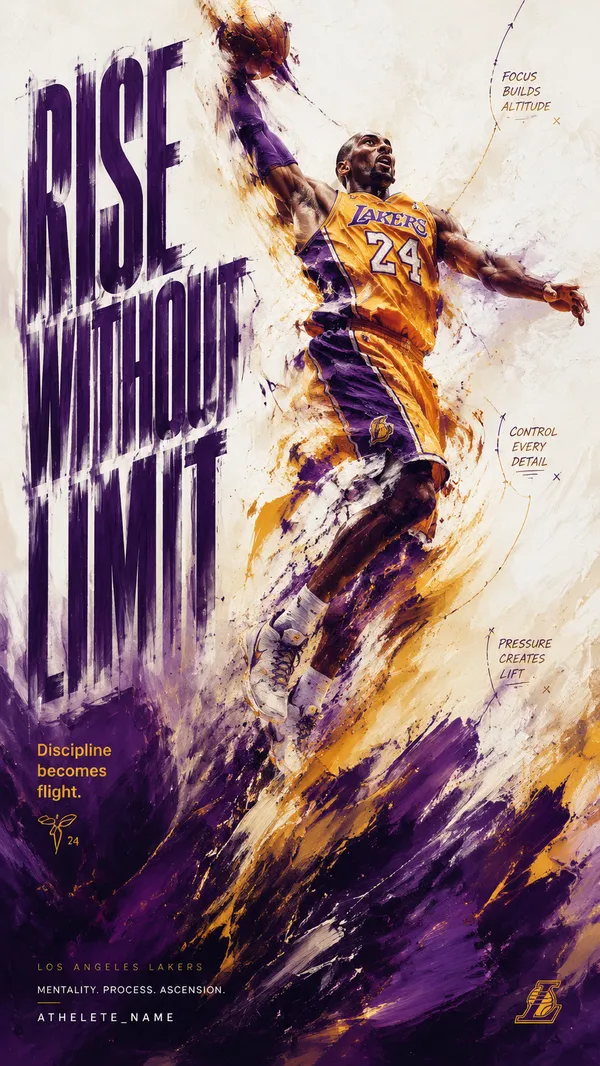
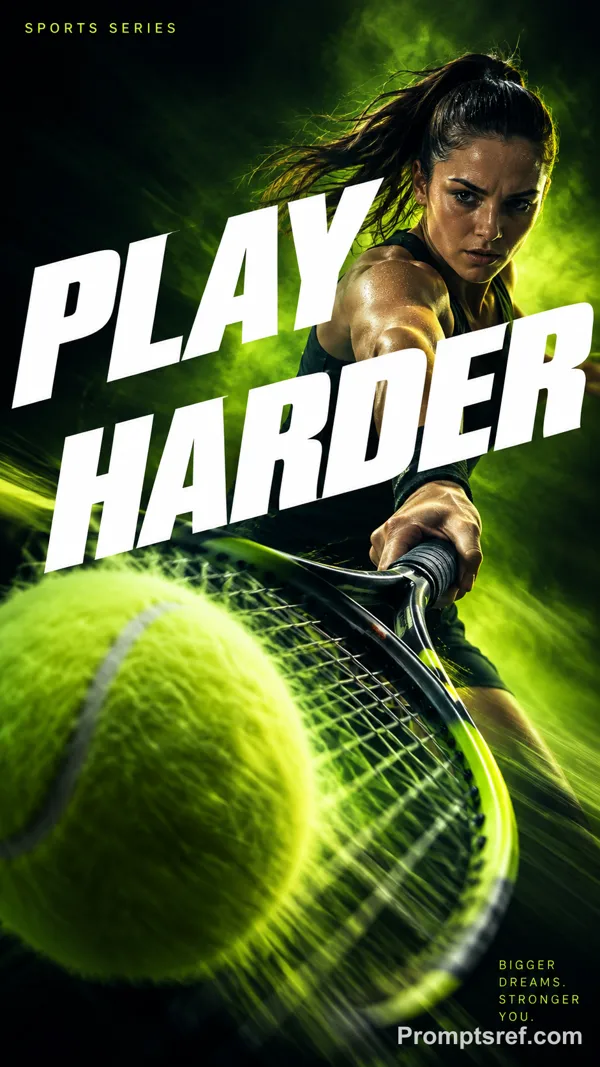
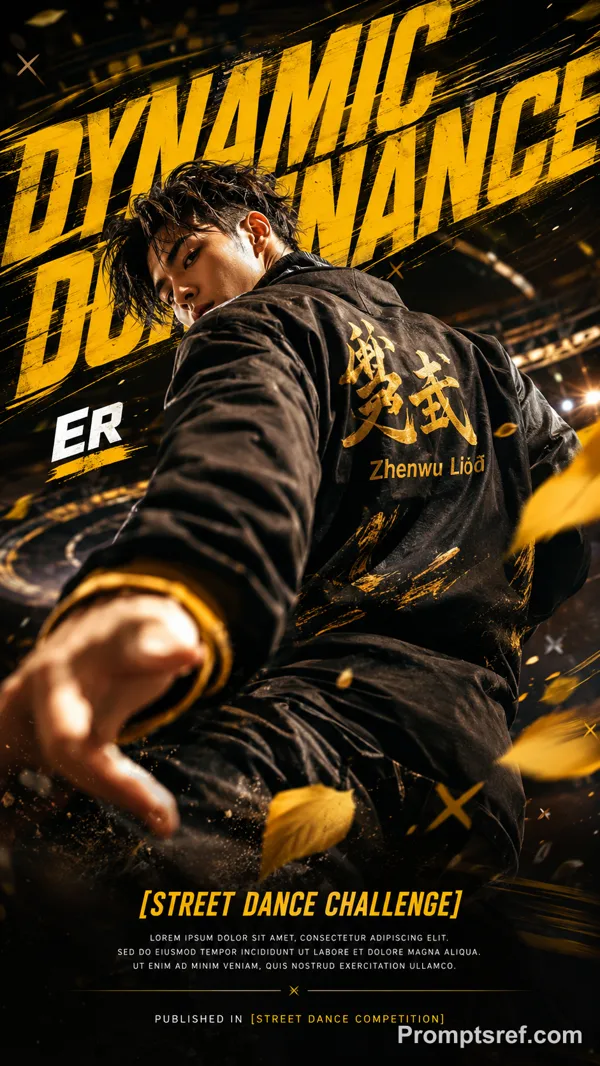
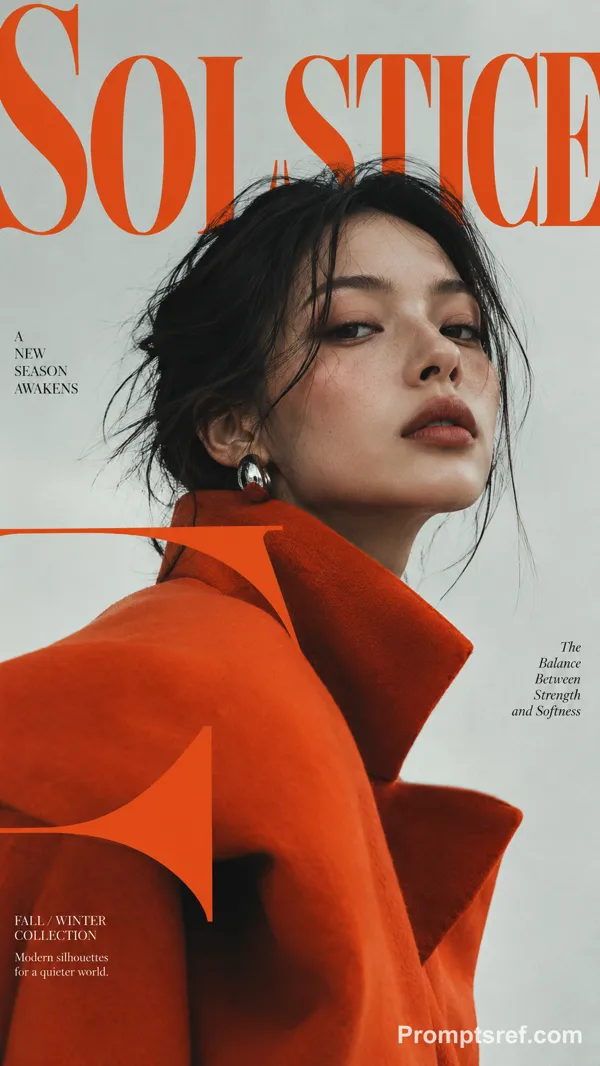
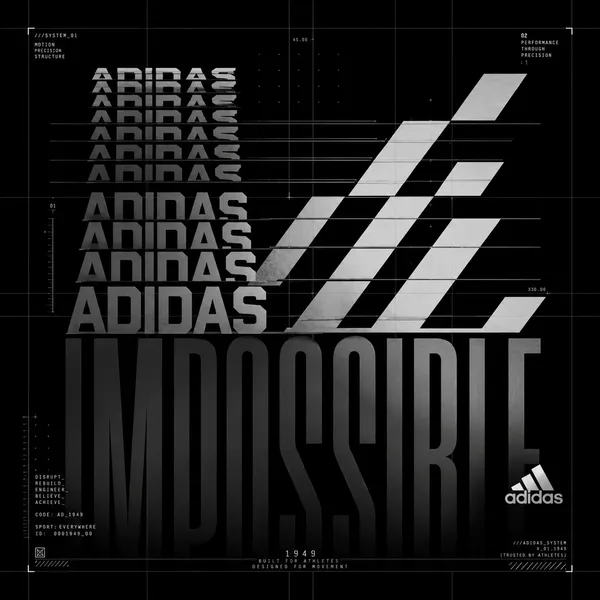
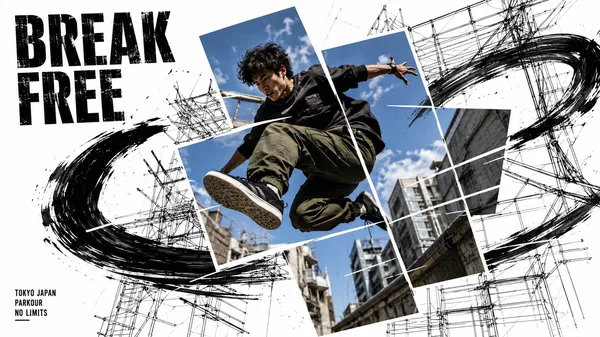
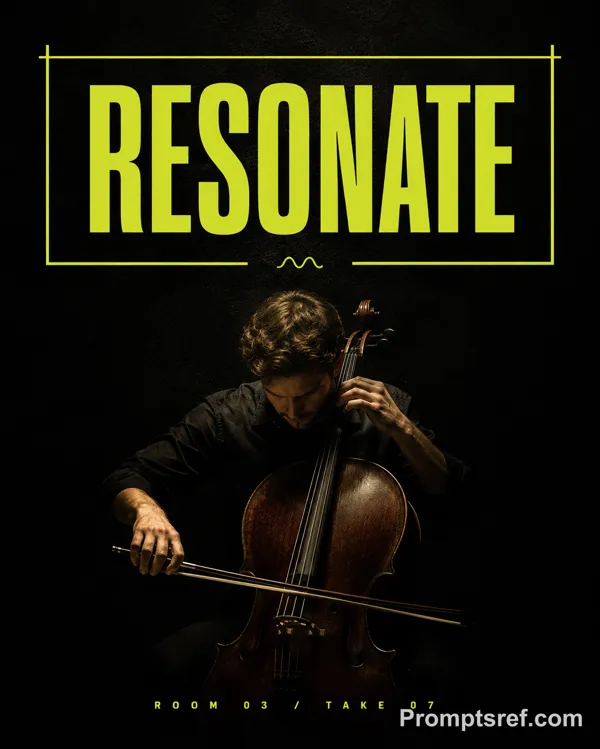
GPT Image 2.0 프롬프트 - 흐르는 힘을 표현한 실험적 스포츠 포스터

- 화면 비율
- auto
- 화질
- 1K
프롬프트
[SPORT]: {trail running / swimming / skateboarding / cycling}
[ACTION]: {specific athletic movement}
[FORCE]: {terrain / water resistance / impulse / airflow}
[SCENE]: {environment}
[ACCENT COLOR]: {color}
[TITLE]: {title}
[KEYWORDS]: {3 short words}
[FORMAT]: 9:16 vertical
Create an experimental sports editorial poster that visualizes the invisible forces created by movement.
Use a deep black background with large negative space, realistic action photography, organic photo cropping, minimal typography, and one continuous flowing-line system.
Capture the athlete in a natural, believable moment of motion. Keep realistic anatomy, equipment, materials, skin texture and healthy natural skin tone. The athlete should not look at the camera.
Let the graphic lines originate naturally from the action or environment:
ACTION → FORCE → FLOW
For example, terrain shapes the lines around a runner, water currents follow a swimmer, impulse rises from a skateboard takeoff, or airflow bends around a cyclist.
Use 30–60 long, thin, smooth continuous curves. Keep them elegant, evenly spaced and gradually changing in curvature. Let the lines compress, stretch and release according to the force of the movement.
Keep all lines continuous and clean — no broken segments, random intersections, short fragments, nodes, particles, polygon networks or technical UI graphics.
Flow lines should follow around the athlete’s silhouette rather than crossing exposed skin or obscuring the body.
Use a restrained palette: black, neutral photographic tones, white/gray lines, plus one subtle accent color.
The final image should feel like premium sports culture × generative graphic design, where the lines reveal the beauty, force and rhythm of athletic motion rather than simply decorating the photograph.
리믹스 작품
리믹스아직 리믹스가 없어요. 첫 번째 버전을 만들어 보세요.
이 이미지 프롬프트 사용하기
- 01
프롬프트로 시작하기
프롬프트를 복사하거나 생성 버튼으로 여세요.
- 02
나만의 아이디어 더하기
주제, 배경, 세부 사항을 조정하고 필요하면 참고 자료를 추가하세요.
- 03
생성 전 확인하기
모델과 출력 설정을 확인하세요. 생성 결과는 매번 다를 수 있습니다.