GPT Image 2.0 プロンプト - アズラエル「恐怖の幻影」キャラクター設定シート

- アスペクト比
- 4:3
- 画質
- 2k
プロンプト
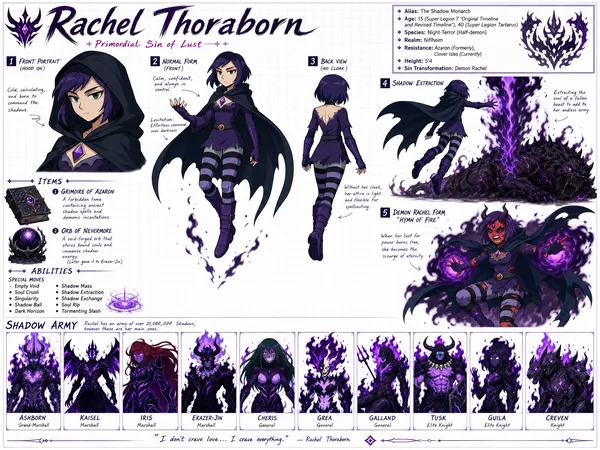
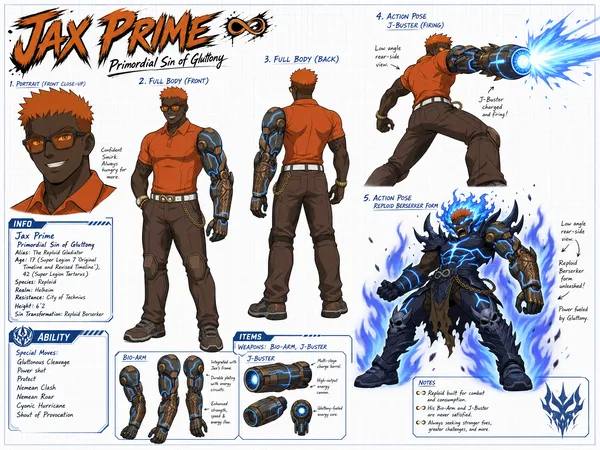
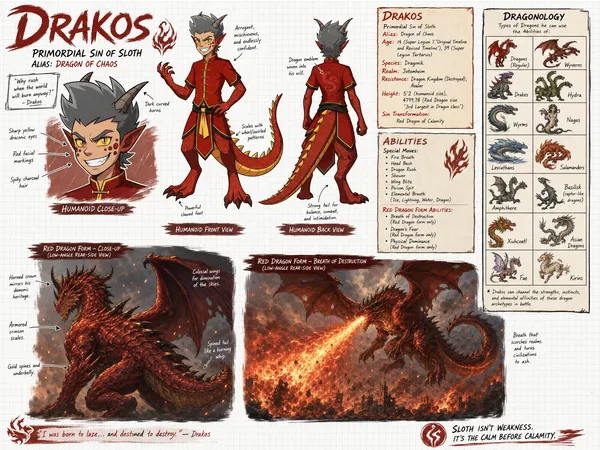
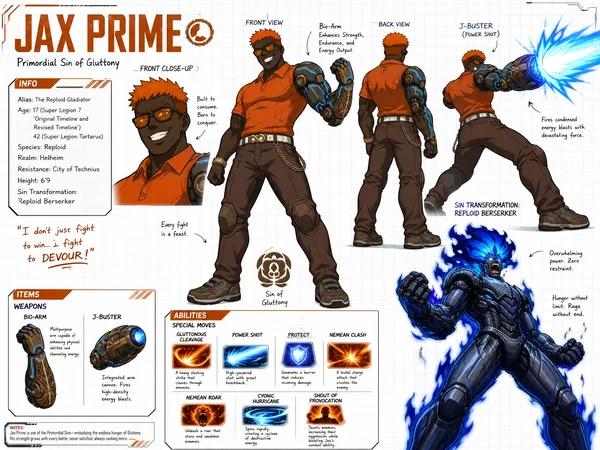
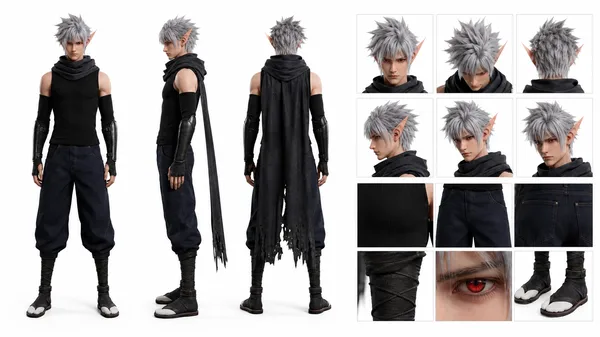
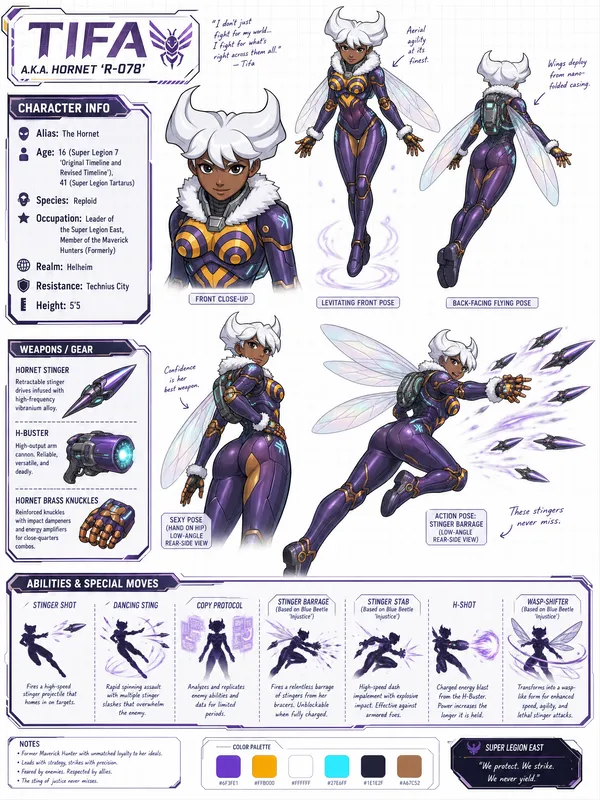
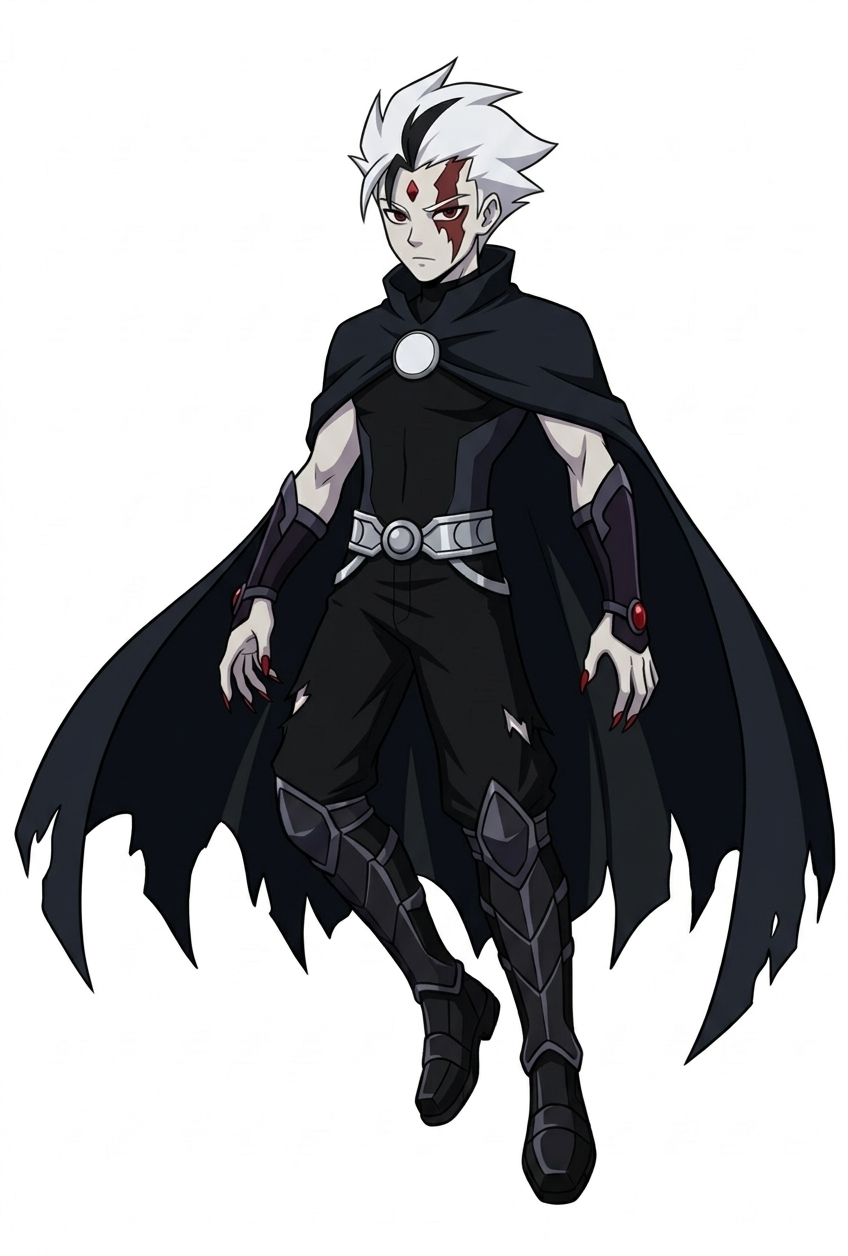
Create a wide, horizontal character reference sheet featuring Azrael (see reference photo 1). The background should be white grid paper.
The page should include multiple angles of the same character:
A front close-up
A confident levitating front pose
A back-facing levitating pose (no Cape)
A levitating pose with the cape coveing his body and his left eye glowing red with a series expression (low-angle rear-side view)
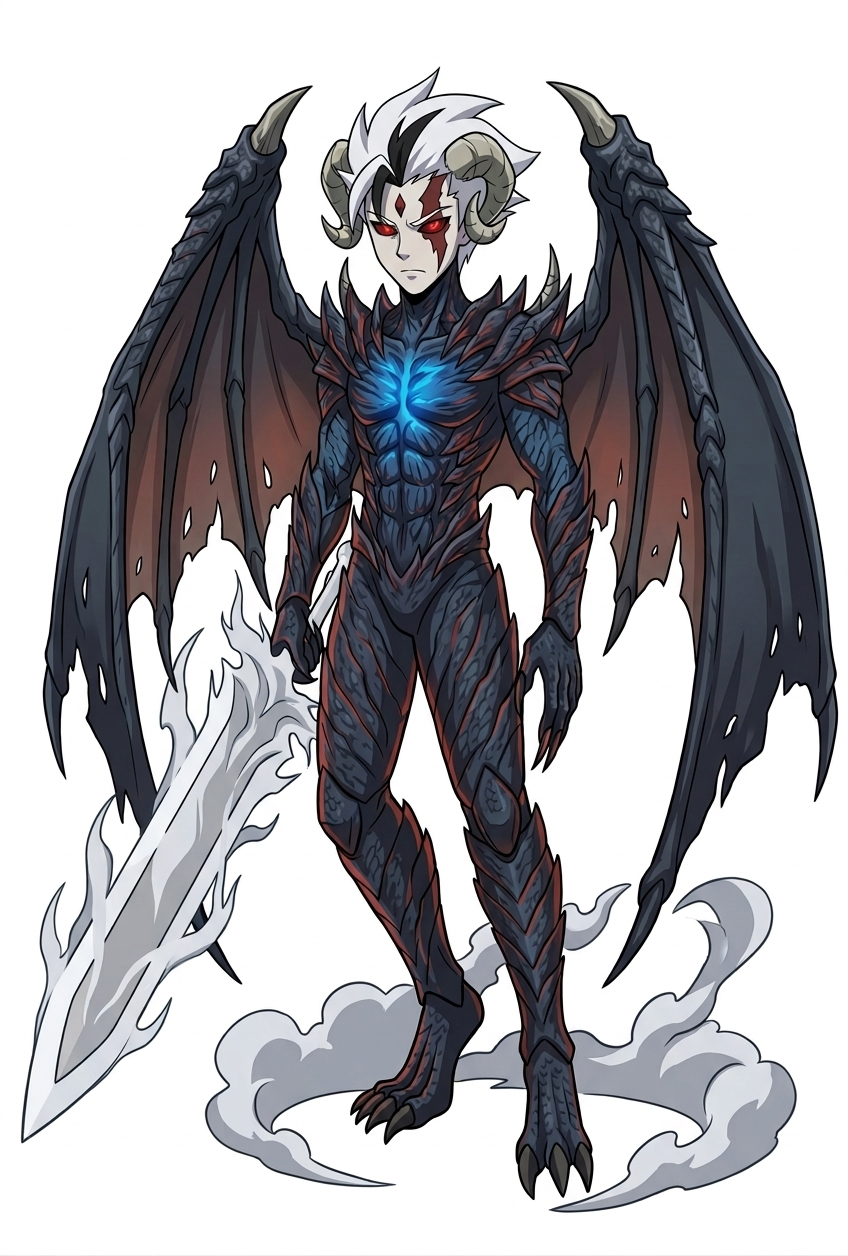
An action pose of him in his Phantom Trigger form using Inferno Veil Slash(see reference photo 2) (low-angle rear-side view)
The layout should be customized to fit the character’s personality—visually rich yet clean and easy to read. You may include handwritten-style annotations, small arrows, and a prominent title area styled like a character name header.
Add these info below for his info box:
Azrael Leandro
Primordial Sin of Greed
Alias: Phantom of Fear
Age: 16 (Super Legion 7 ‘Original Timeline and Revised Timeline'), 41 (Super Legion Tartarus)
Species: Human (Formerly), Vampire Specter
Realm: Vanahiem
Resistance: Liones (Destroyed), Nomad
Height: 5’8
Sin Transformation: Phantom Trigger
Add this info to his item section (make images of them)
Weapons: Phantom Arm Blade (can turn his hand into a blade), Calvilar Scythe (Acquired after death of Sharif, Virtue of Charity in SL7: Fragments of War), Serrated Bladed Cape
Add this info to his Ability section
Special Moves: Hell's Rolling (based on Bass EXE), Phantom Breaker (based on Bass EXE), Hellfire/Dark Inferno (based on Alucard), Blackest Mist (based on Alucard), Wing Smash (based on Alucard), Dark Metamorphosis, Phantom Step (Via Cape), Hell’s Jabbing, Judgment Slash, Summon Blades, Cyclone Cape, Thunderous Raining Blades, Egde’s Blades, Soul Steal (Phantom Trigger ‘only’), Dark Numbus (Phantom Trigger ‘only’), Inferno Veil Slash (Phantom Trigger ‘only’)
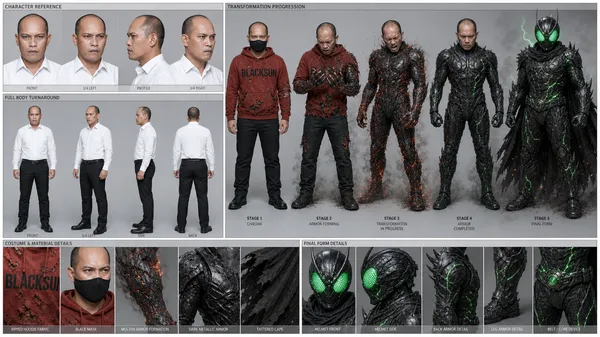
参照画像
リミックス作品
リミックスまだリミックスはありません。最初のバージョンを作ってみましょう。
この画像プロンプトを使う
- 01
プロンプトから始める
プロンプトをコピーするか、生成ボタンで開きます。
- 02
自分のアイデアを加える
被写体や背景、細部を調整し、必要に応じて参考素材を追加します。
- 03
生成前に確認する
モデルと出力設定を確認してください。生成結果は毎回異なる場合があります。