GPT Image 2.0 Prompt - Planche de personnage d’Azrael, le Fantôme de la Peur

- Modèle
- GPT Image 2.0
- Format
- 4:3
- Qualité
- 2k
Prompt
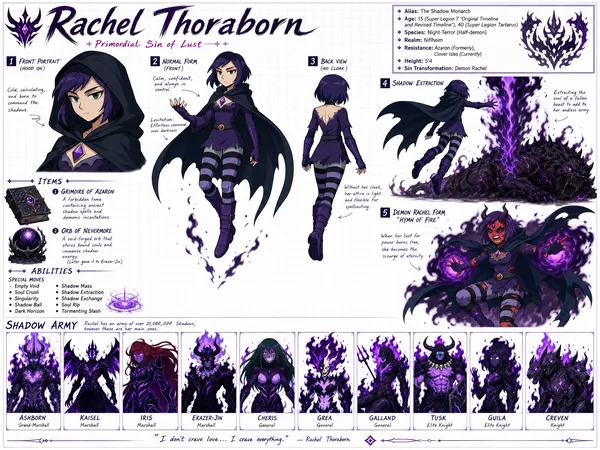
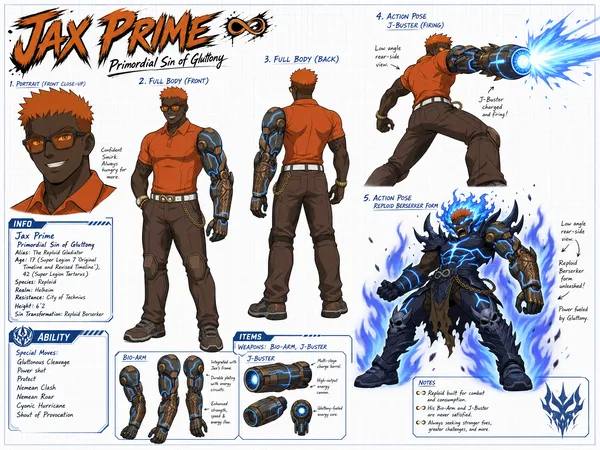
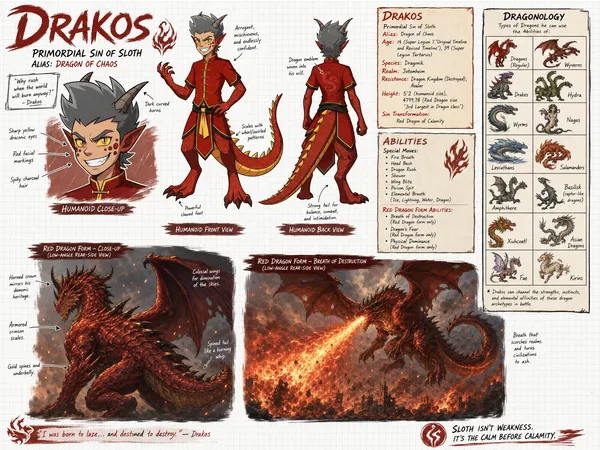
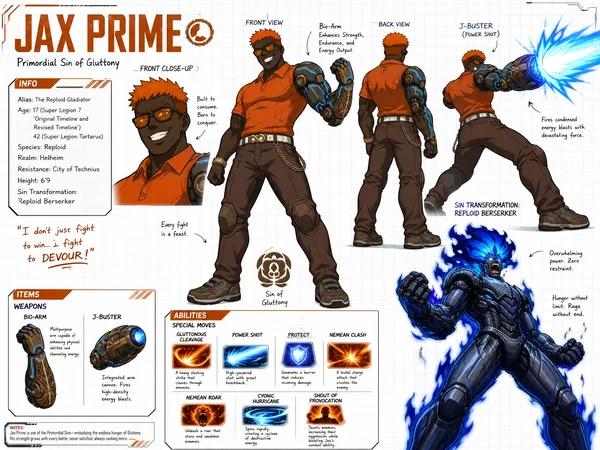
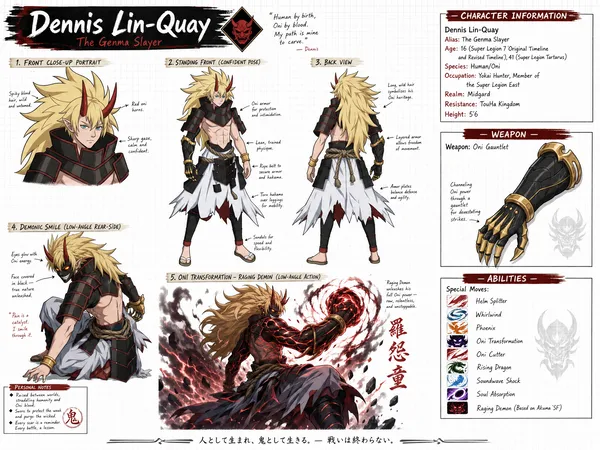
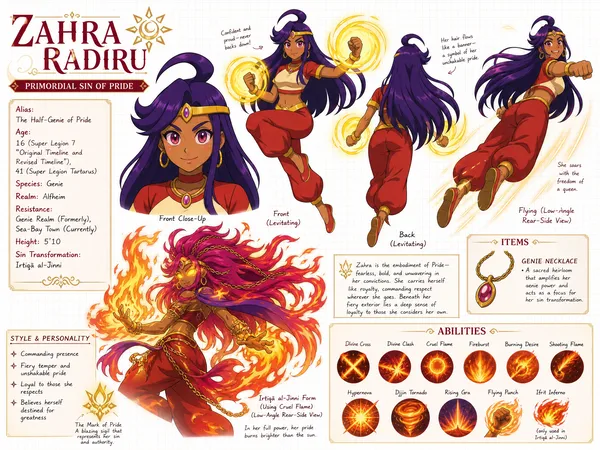
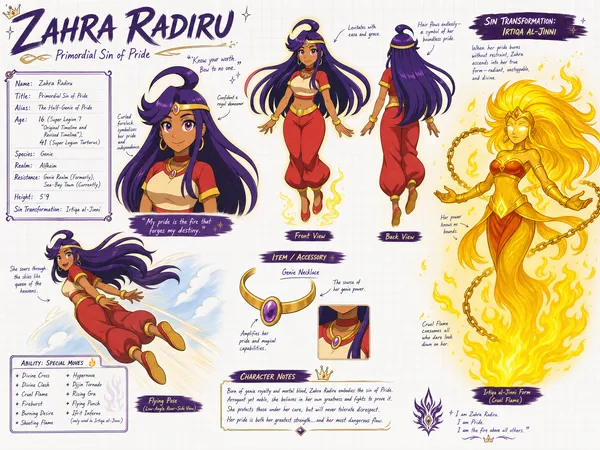
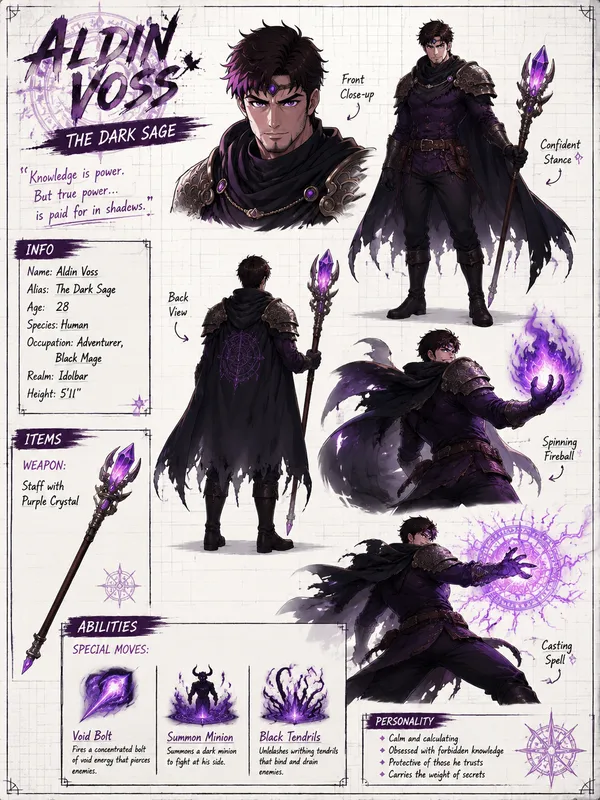
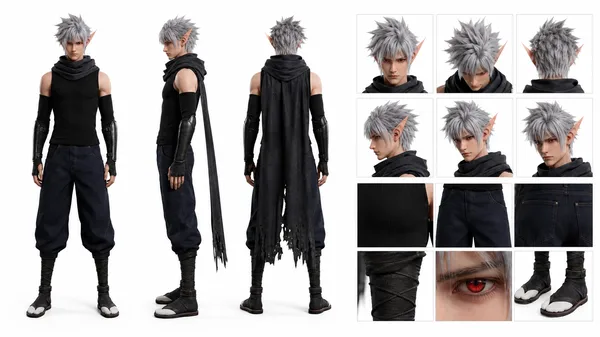
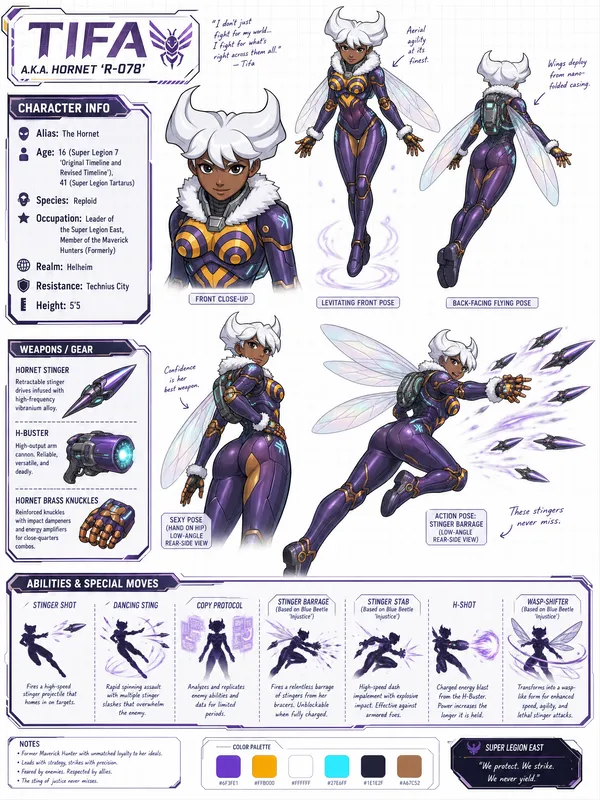
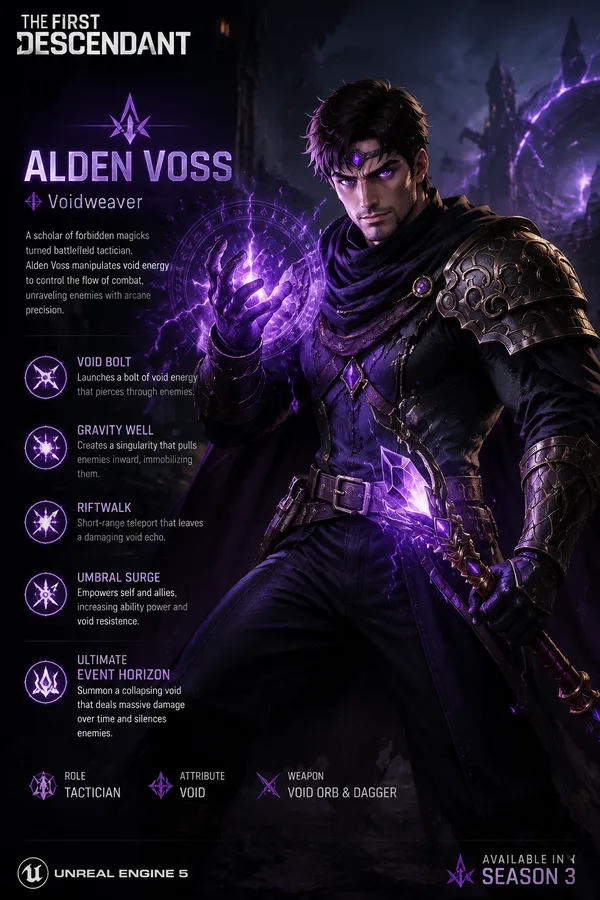
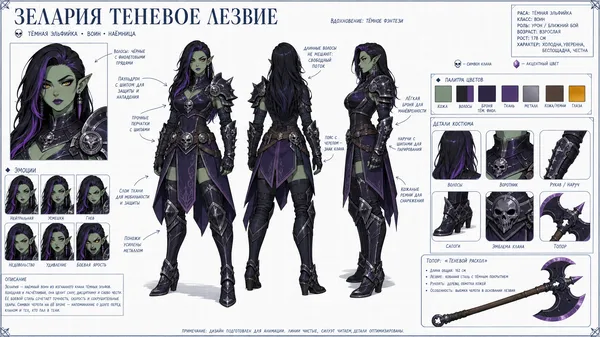
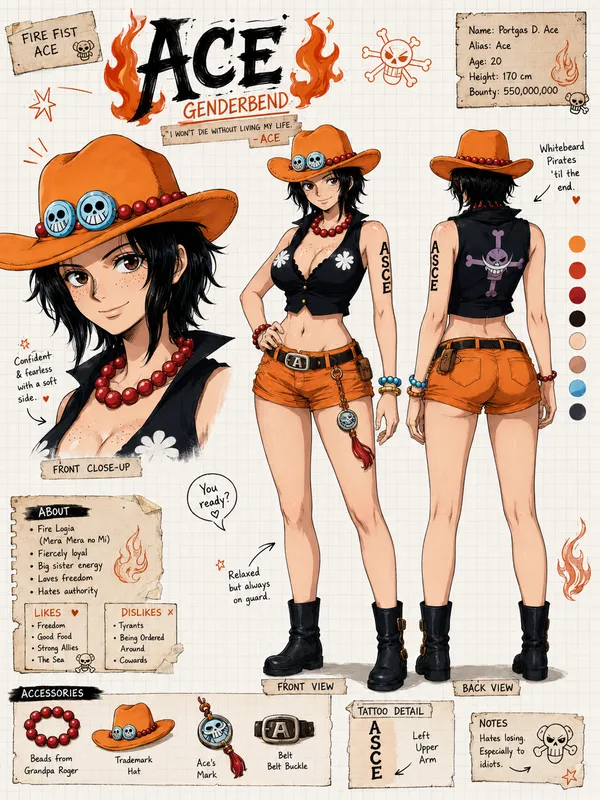
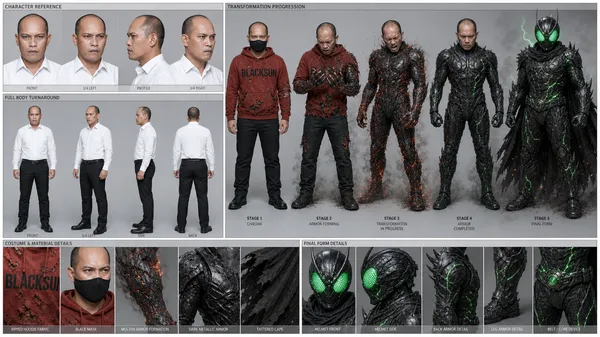
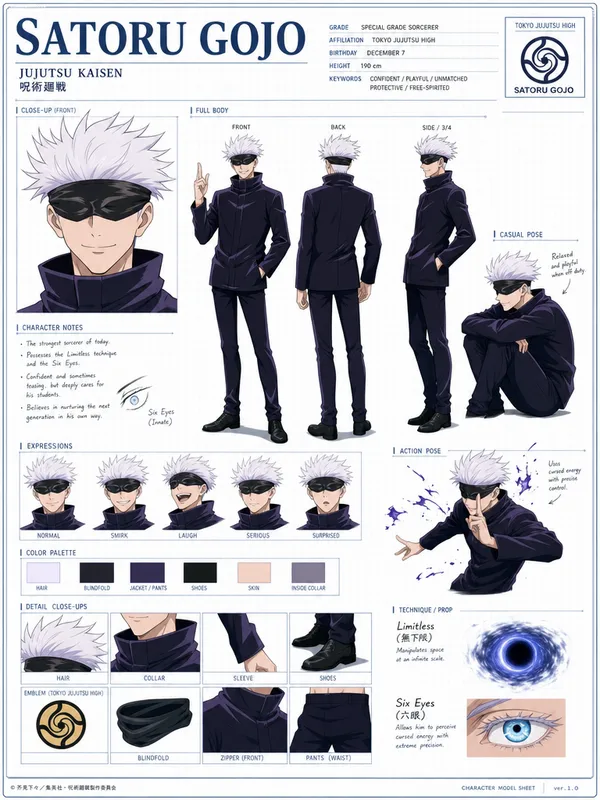
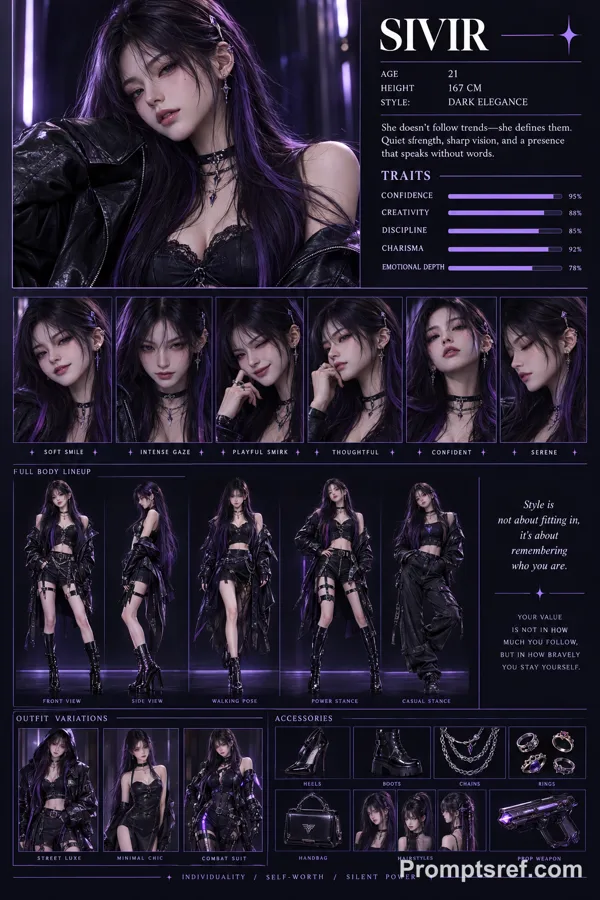
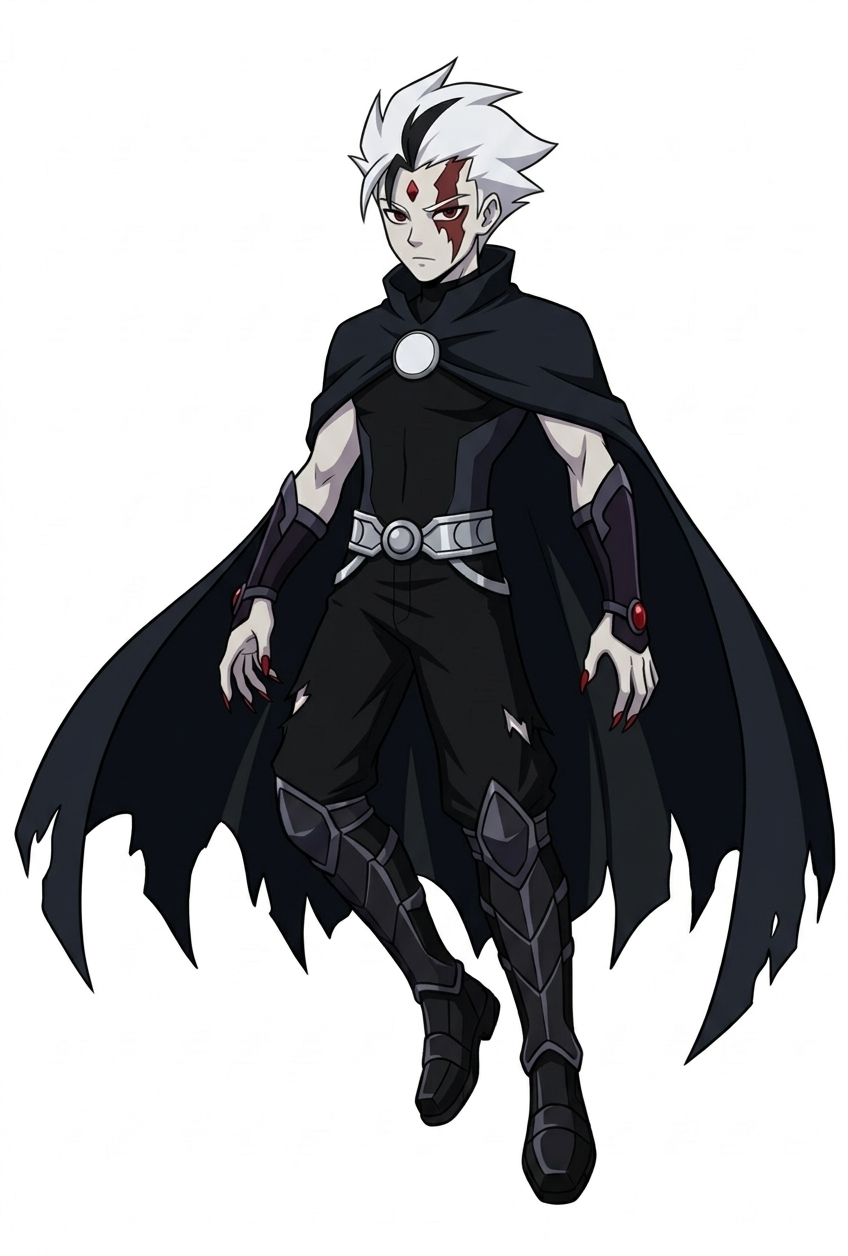
Create a wide, horizontal character reference sheet featuring Azrael (see reference photo 1). The background should be white grid paper.
The page should include multiple angles of the same character:
A front close-up
A confident levitating front pose
A back-facing levitating pose (no Cape)
A levitating pose with the cape coveing his body and his left eye glowing red with a series expression (low-angle rear-side view)
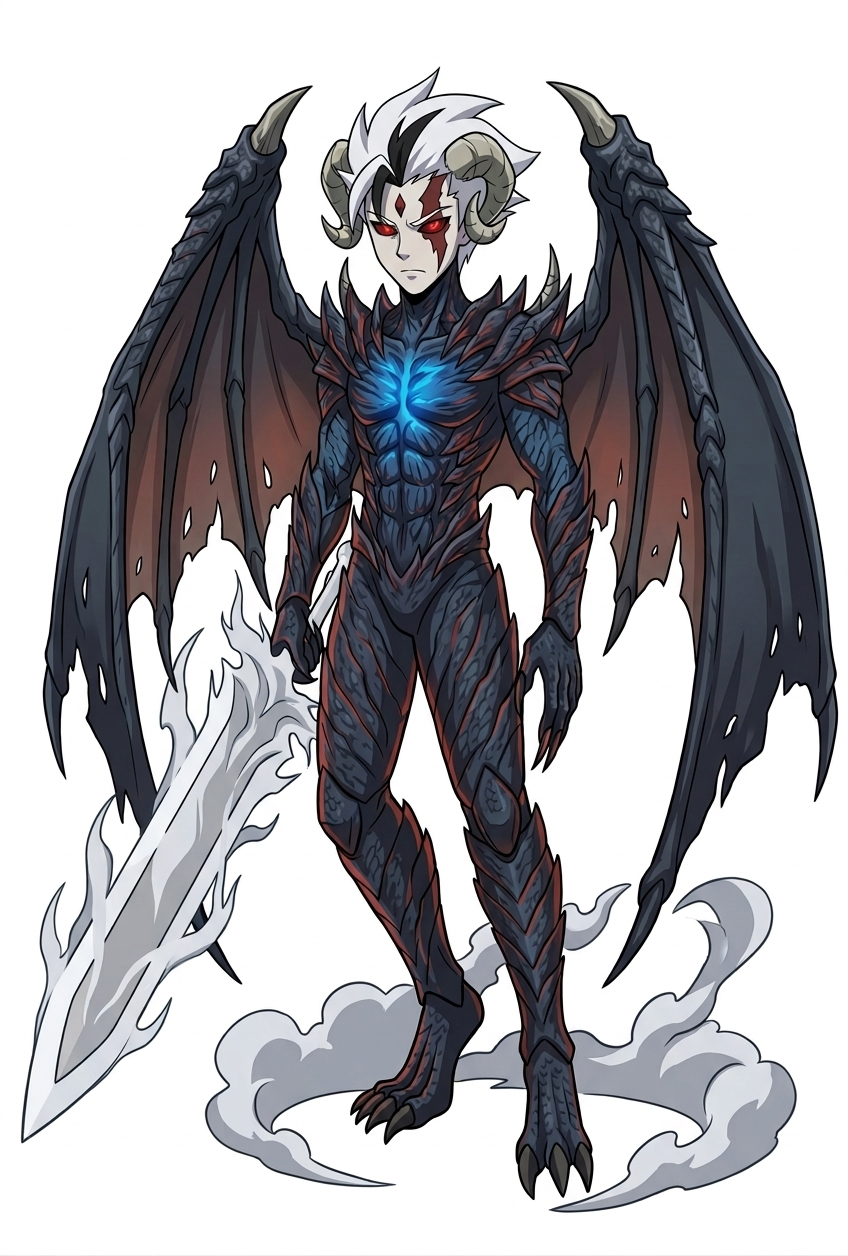
An action pose of him in his Phantom Trigger form using Inferno Veil Slash(see reference photo 2) (low-angle rear-side view)
The layout should be customized to fit the character’s personality—visually rich yet clean and easy to read. You may include handwritten-style annotations, small arrows, and a prominent title area styled like a character name header.
Add these info below for his info box:
Azrael Leandro
Primordial Sin of Greed
Alias: Phantom of Fear
Age: 16 (Super Legion 7 ‘Original Timeline and Revised Timeline'), 41 (Super Legion Tartarus)
Species: Human (Formerly), Vampire Specter
Realm: Vanahiem
Resistance: Liones (Destroyed), Nomad
Height: 5’8
Sin Transformation: Phantom Trigger
Add this info to his item section (make images of them)
Weapons: Phantom Arm Blade (can turn his hand into a blade), Calvilar Scythe (Acquired after death of Sharif, Virtue of Charity in SL7: Fragments of War), Serrated Bladed Cape
Add this info to his Ability section
Special Moves: Hell's Rolling (based on Bass EXE), Phantom Breaker (based on Bass EXE), Hellfire/Dark Inferno (based on Alucard), Blackest Mist (based on Alucard), Wing Smash (based on Alucard), Dark Metamorphosis, Phantom Step (Via Cape), Hell’s Jabbing, Judgment Slash, Summon Blades, Cyclone Cape, Thunderous Raining Blades, Egde’s Blades, Soul Steal (Phantom Trigger ‘only’), Dark Numbus (Phantom Trigger ‘only’), Inferno Veil Slash (Phantom Trigger ‘only’)
Image de référence
Remix
RemixPas encore de remix. Créez la première version.
Utiliser ce prompt d’image
- 01
Commencer avec le prompt
Copiez le prompt ou ouvrez-le avec le bouton de génération.
- 02
Apporter vos modifications
Adaptez le sujet, le décor ou les détails. Ajoutez des références si nécessaire.
- 03
Vérifier avant de générer
Vérifiez le modèle et les paramètres de sortie. Les résultats peuvent varier.