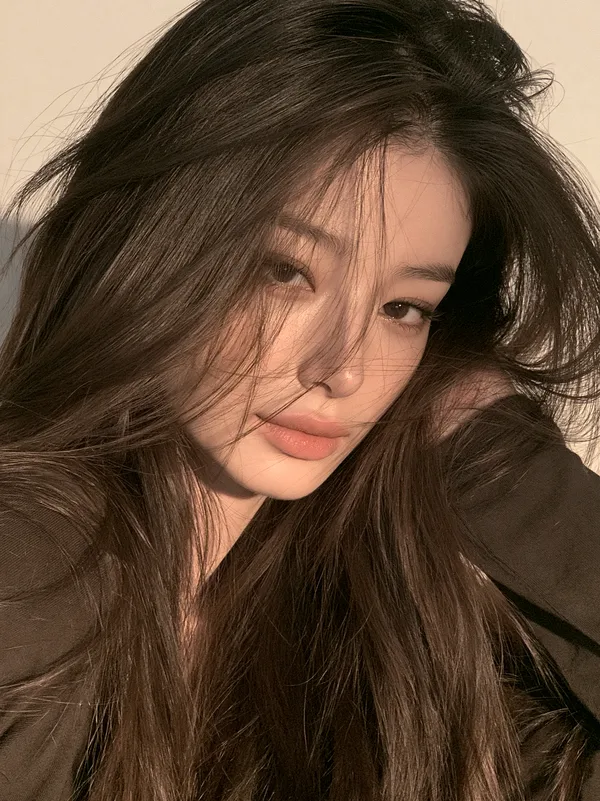
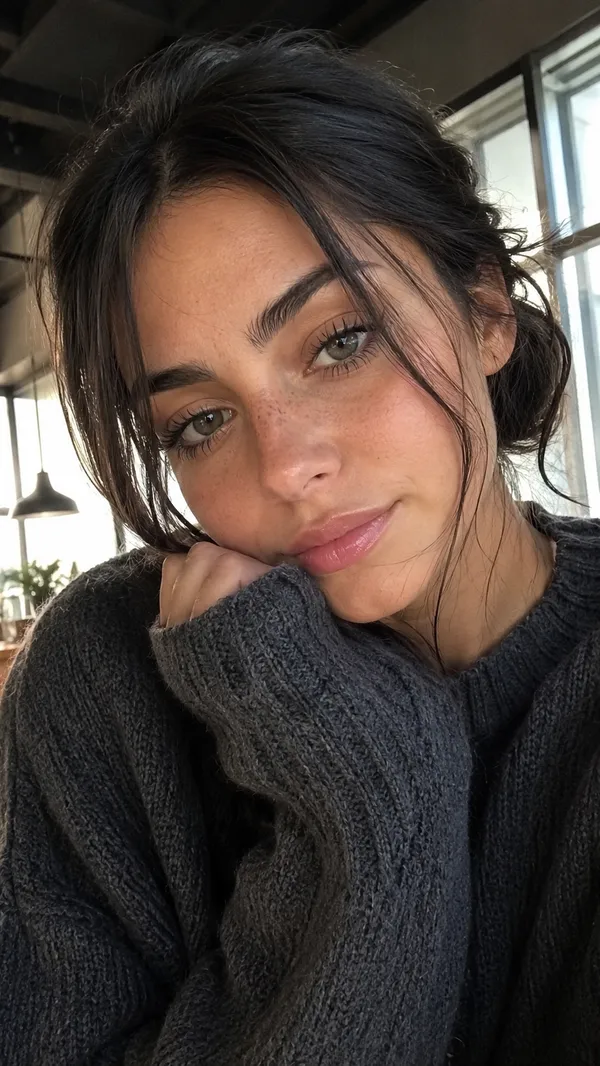
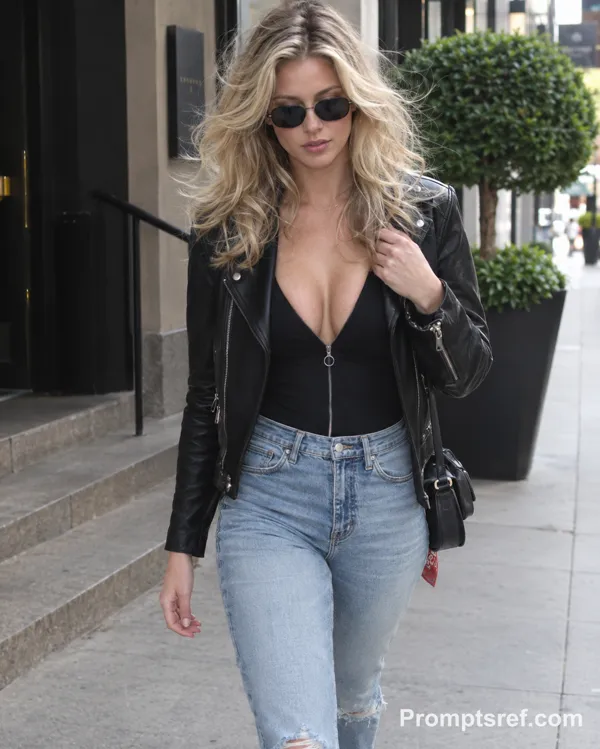
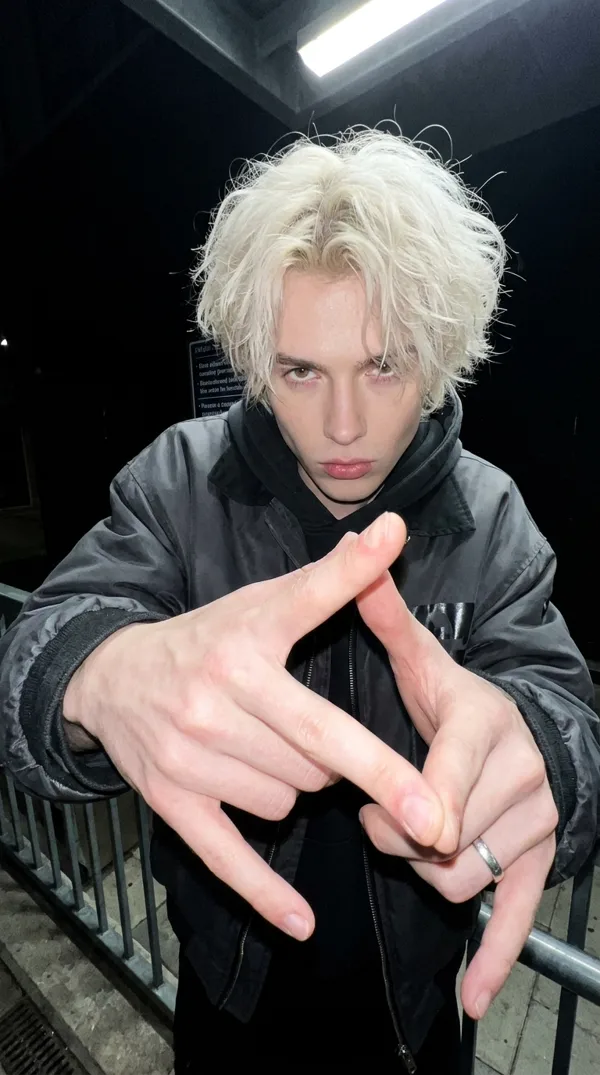
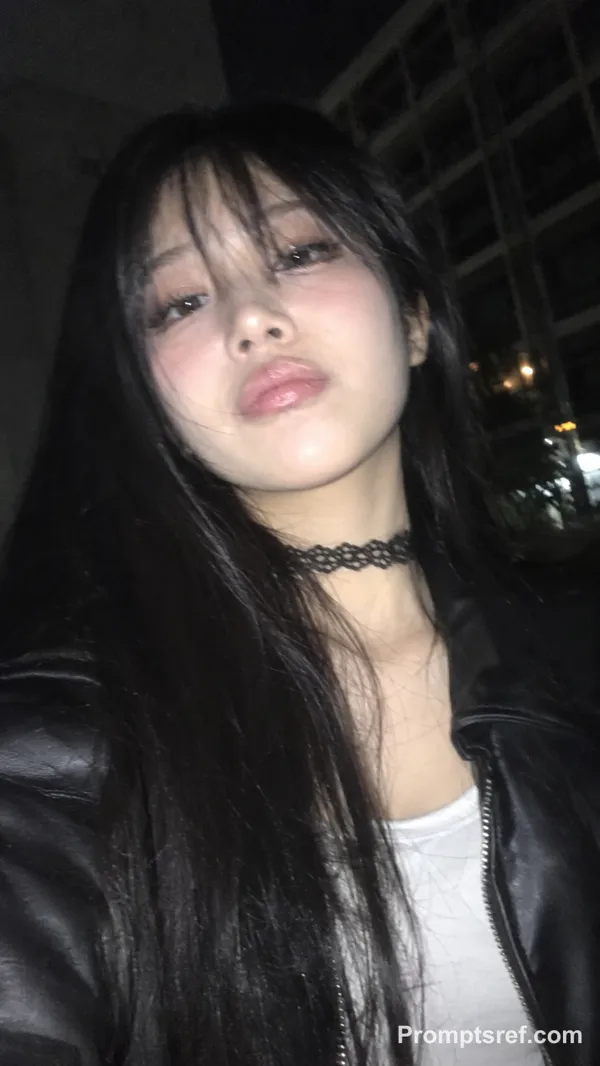
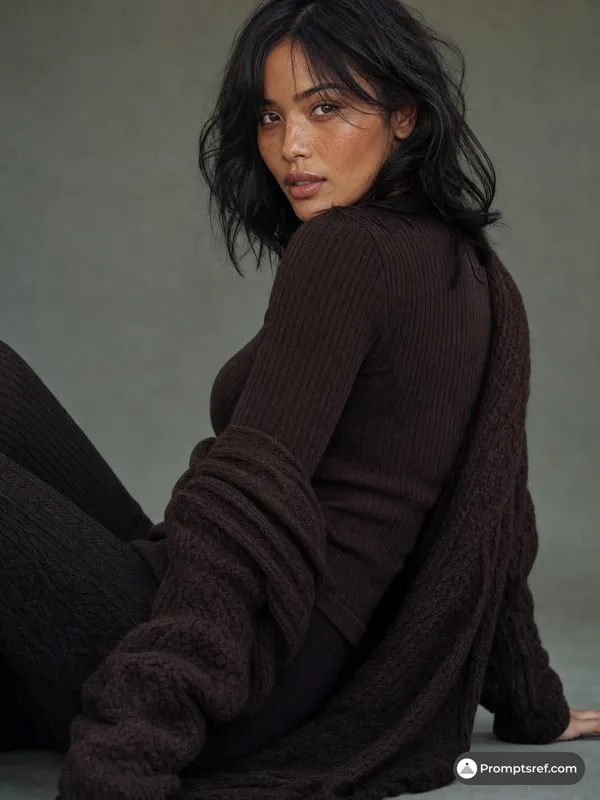
seedream/4.5-text-to-image Prompt - Zwinkernde Blondine in 90er-Grunge-Leder

- Modell
- seedream/4.5-text-to-image
Prompt
{
"subject": {
"description": "A young Caucasian woman with striking features",
"hair": {
"color": "Bright honey blonde",
"style": "Voluminous, tight natural curls with high texture and frizz-free definition",
"length": "Shoulder-length, layered"
},
"facial_features": {
"eyes": "Piercing light blue",
"skin": "Fair with subtle natural texture and light freckles",
"expression": "Playful and mischievous; winking with one eye while biting her index finger",
"smile": "Slightly open, showing clean white teeth"
},
"pose": "Close-up portrait, head tilted slightly, hand raised to mouth with finger between teeth, winking directly at the camera"
},
"attire_and_styling": {
"outerwear": "Distressed vintage brown leather bomber jacket with visible grain, brass snap buttons, and worn-in patina",
"inner_layer": "Black ribbed cotton mock-neck shirt",
"style_vibe": "90s grunge revival / Indie-sleek"
},
"environment_and_lighting": {
"background": "Solid matte charcoal/black studio backdrop providing high contrast",
"lighting_type": "Softbox studio lighting from the side",
"lighting_effects": "High-key highlights on the hair curls, soft rim lighting on the jacket shoulder, gentle shadows defining the facial structure",
"mood": "Edgy, charismatic, flirtatious, and youthful"
},
"technical_camera_specs": {
"camera": "Sony A7R IV",
"lens": "85mm f/1.8 Prime Lens",
"settings": {
"aperture": "f/2.8 for sharp focus on the face with gentle roll-off",
"iso": "100 for zero noise",
"shutter_speed": "1/250s"
},
"render_quality": "Ultra-photorealistic, 8k resolution, raw photo, highly detailed skin pores, individual hair strands, hyper-detailed leather texture"
}
}
Remixe
RemixNoch keine Remixe. Erstelle die erste Version.
Diesen Bild-Prompt verwenden
- 01
Mit dem Prompt starten
Kopiere den Prompt oder öffne ihn über die Schaltfläche zum Generieren.
- 02
Eigene Änderungen vornehmen
Passe Motiv, Umgebung oder Details an. Füge bei Bedarf Referenzen hinzu.
- 03
Vor dem Generieren prüfen
Prüfe Modell und Ausgabeeinstellungen. Die Ergebnisse können variieren.