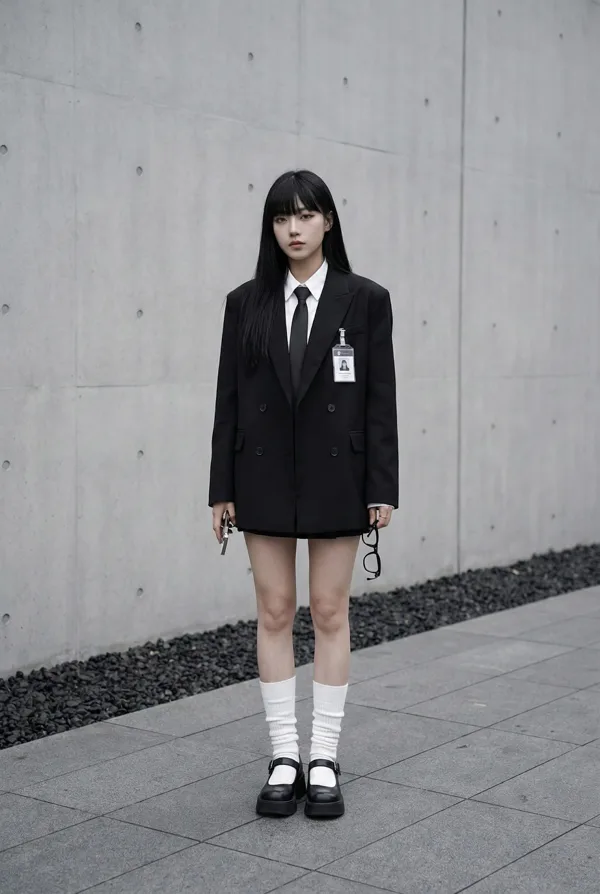
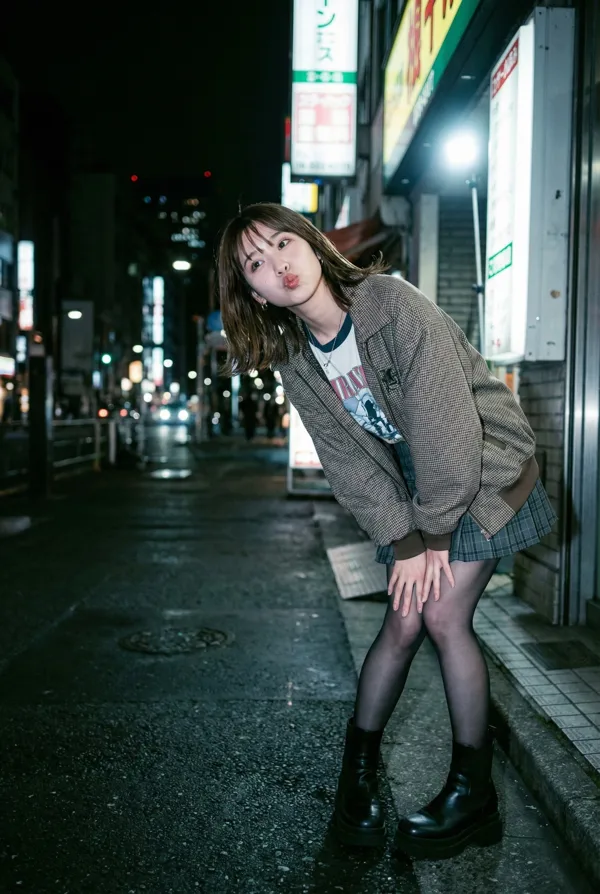
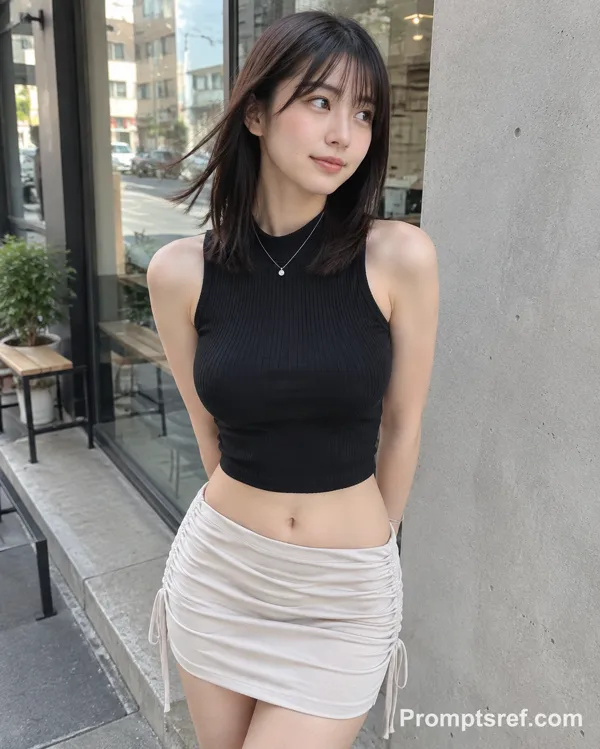
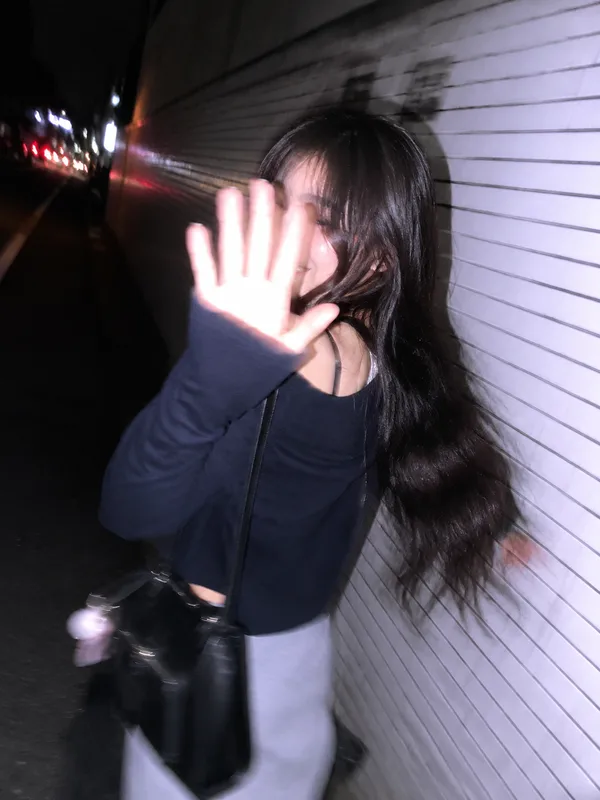
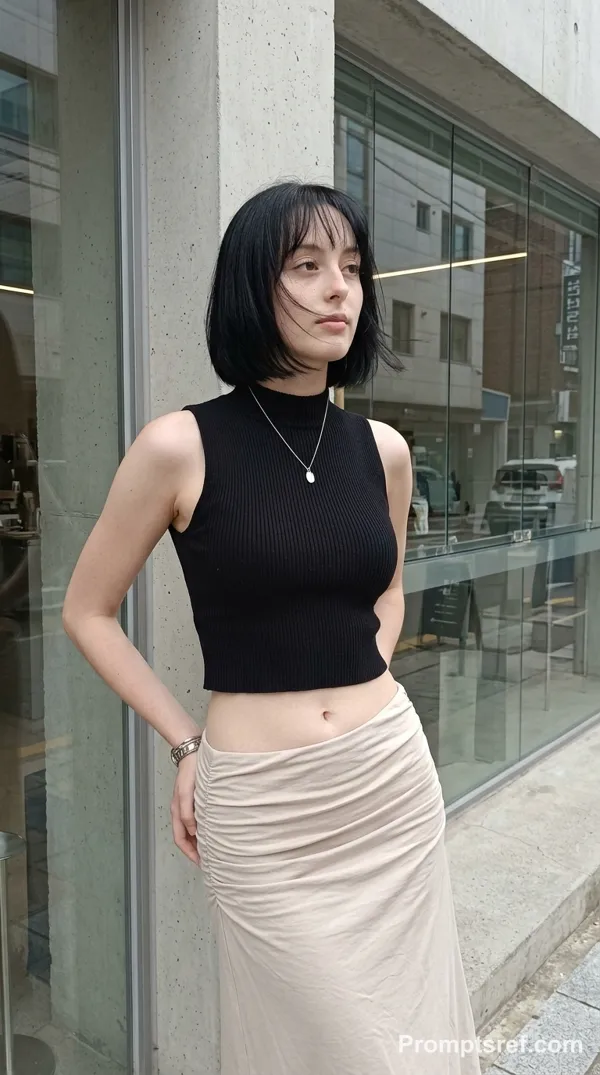
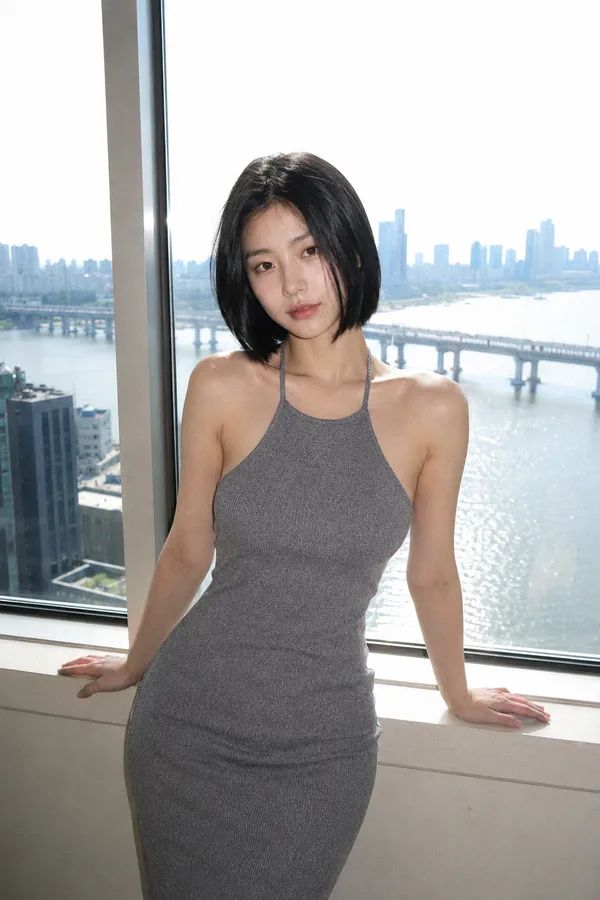
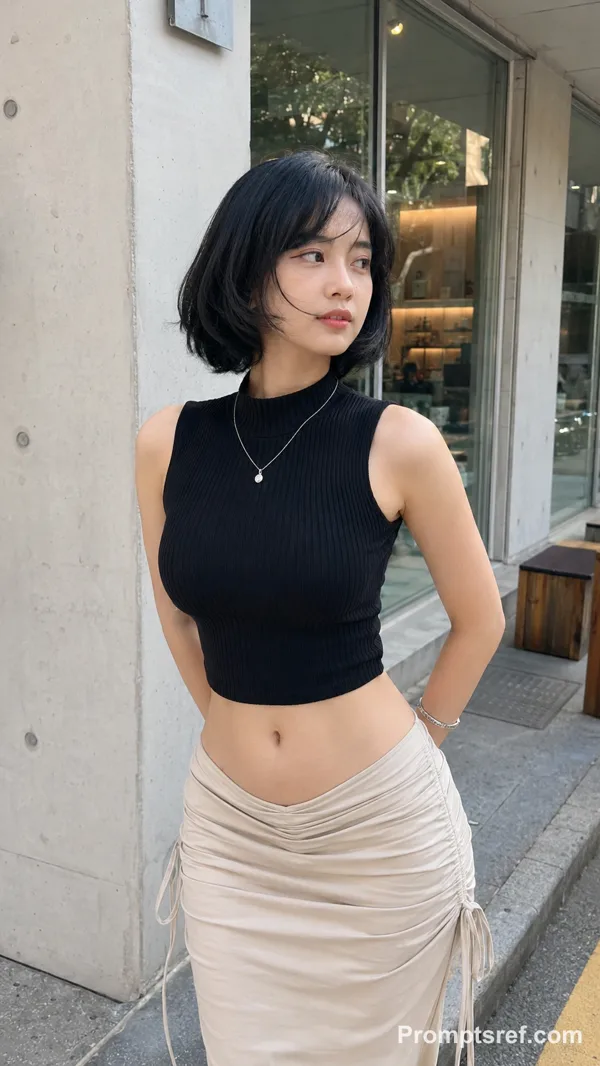
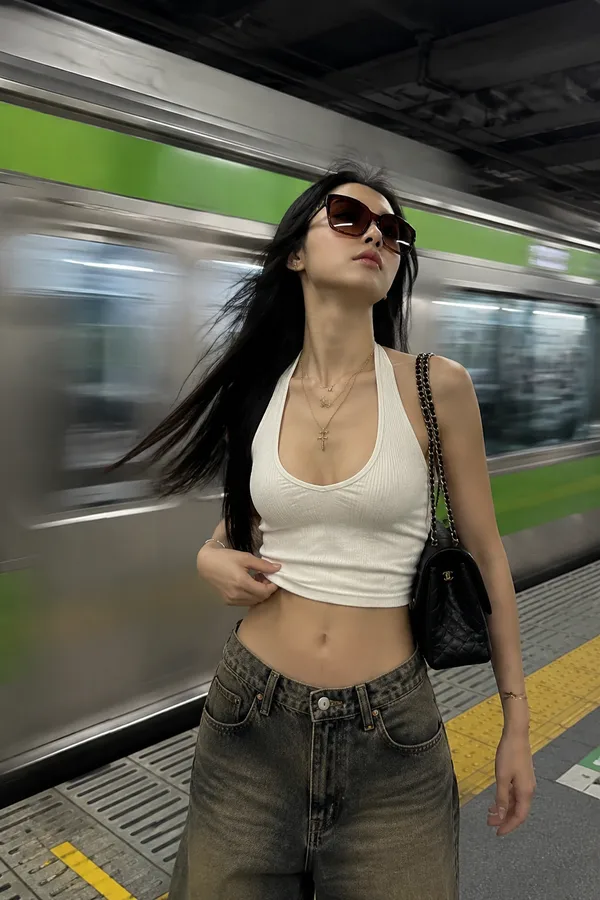
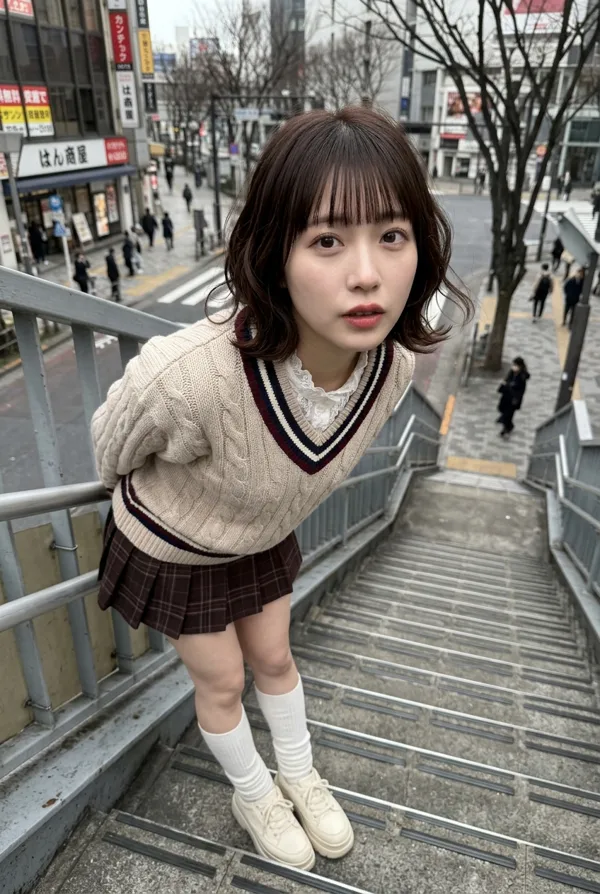
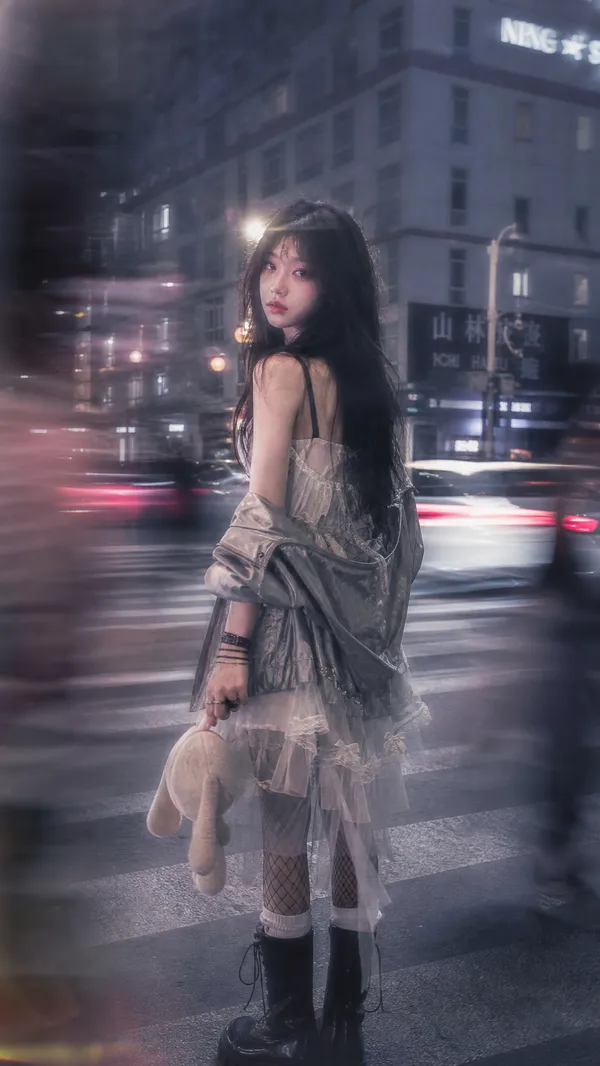
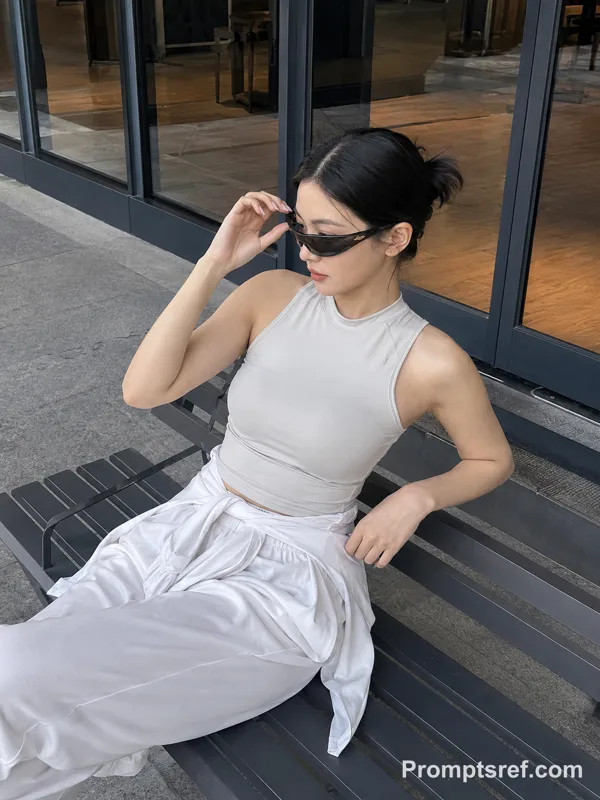
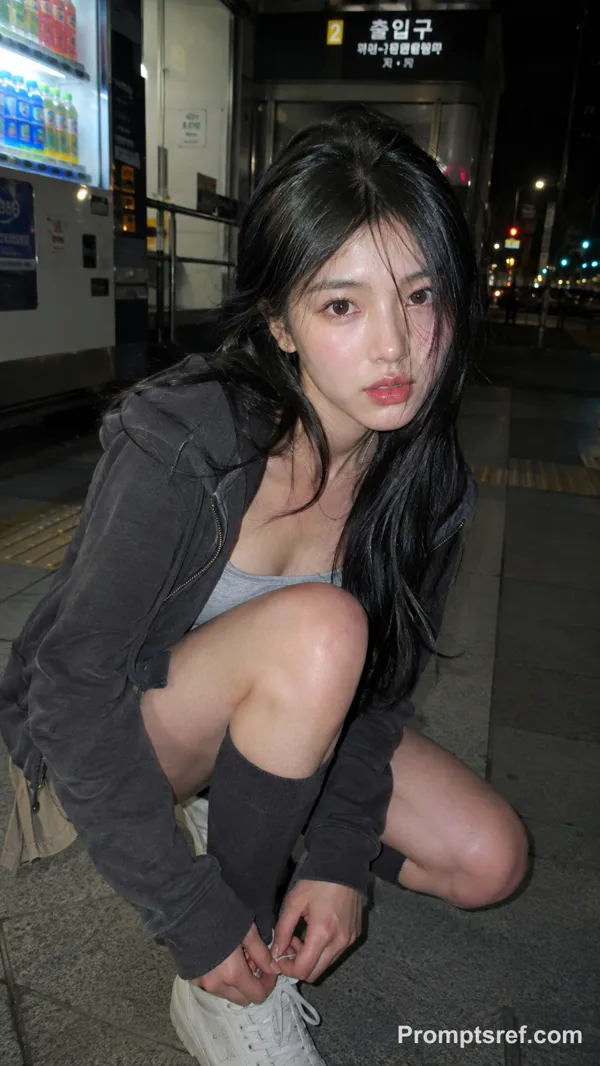
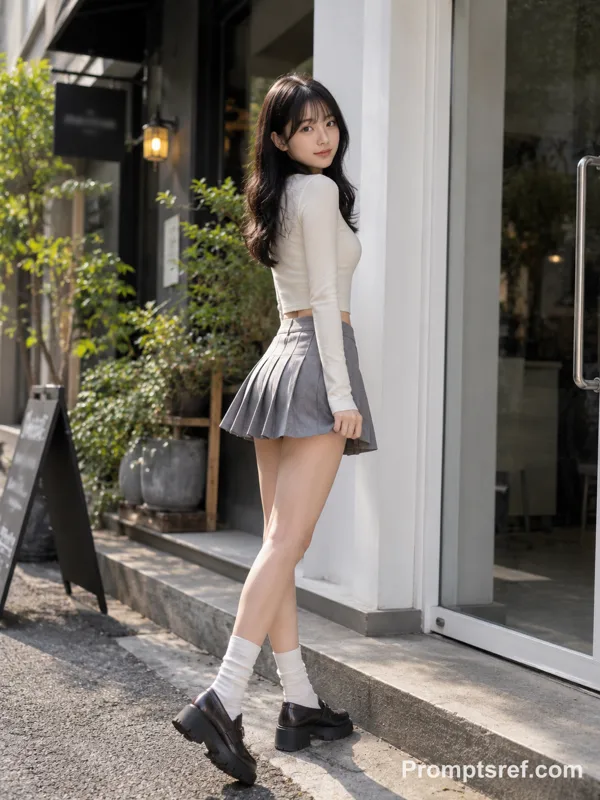
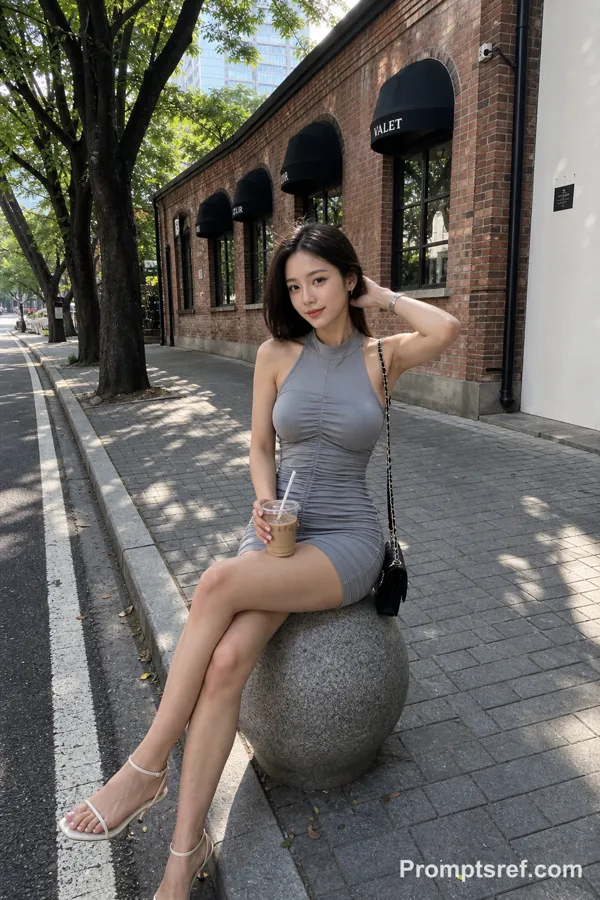
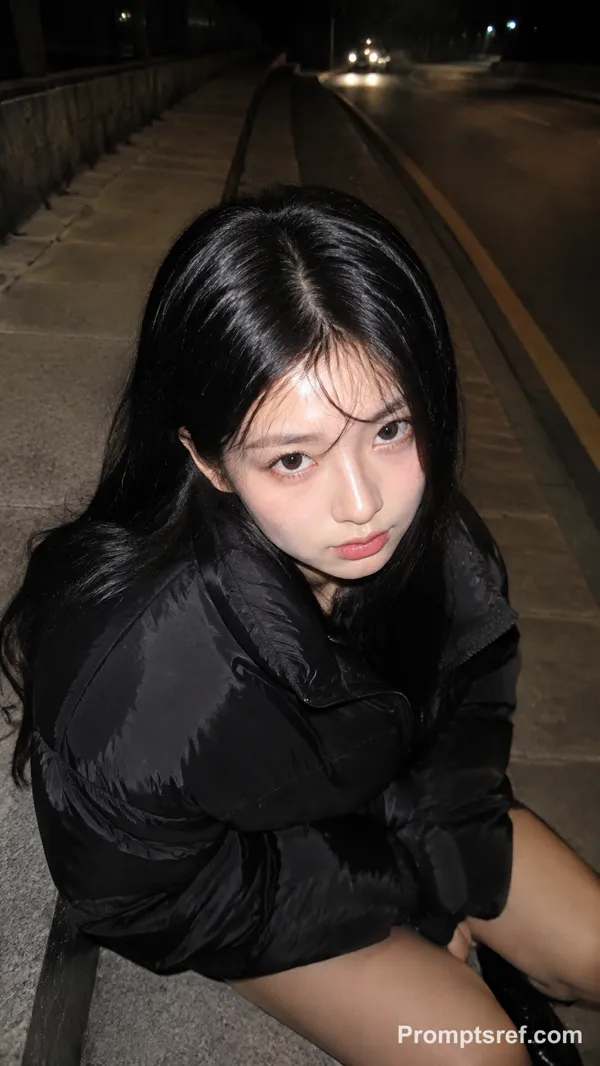
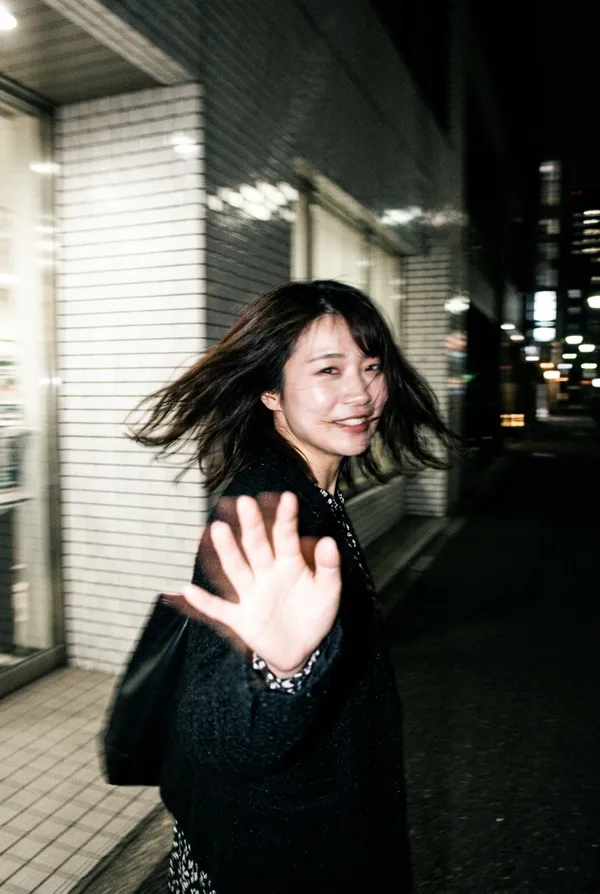
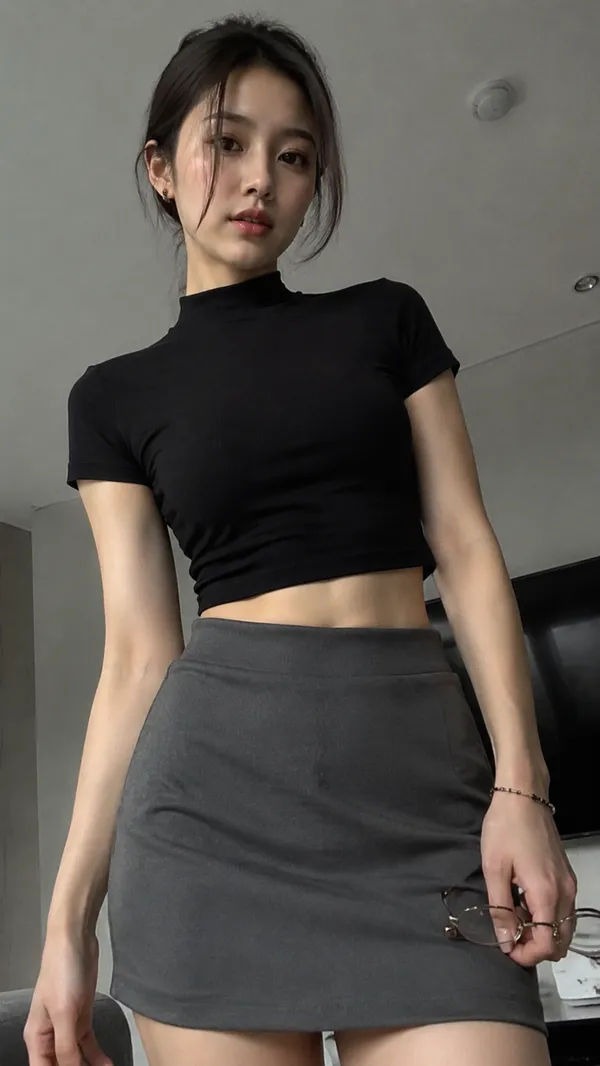
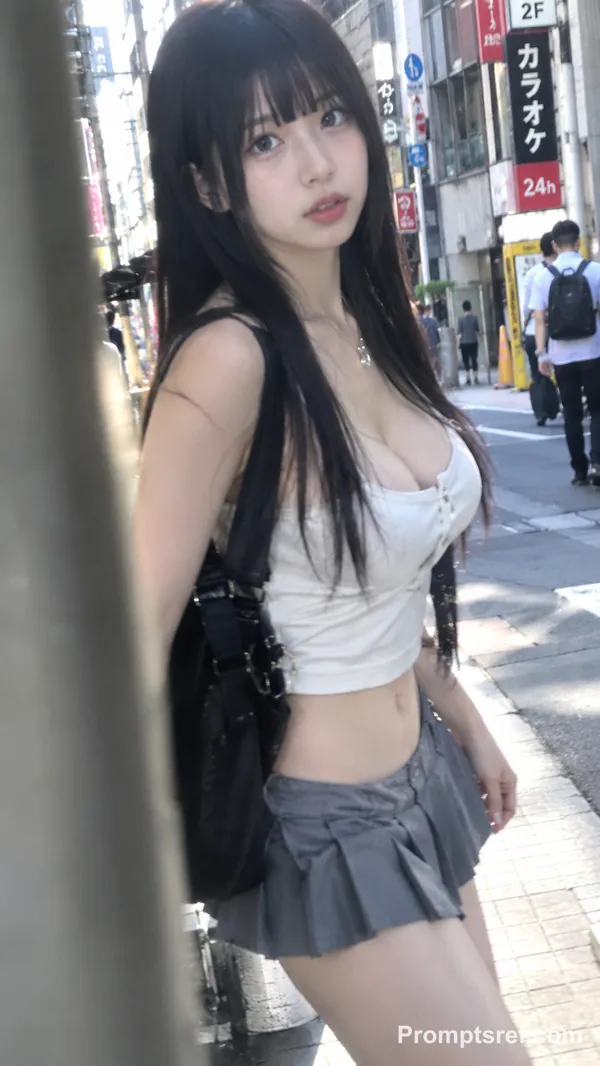
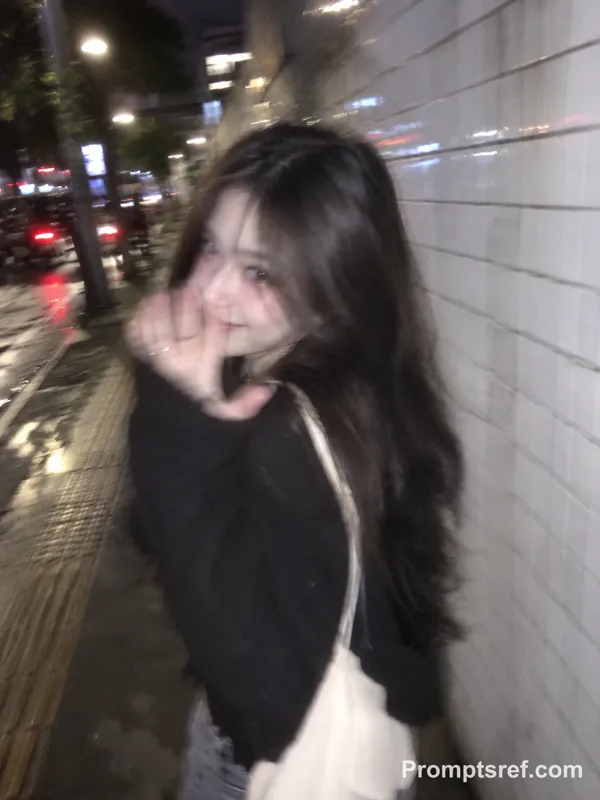
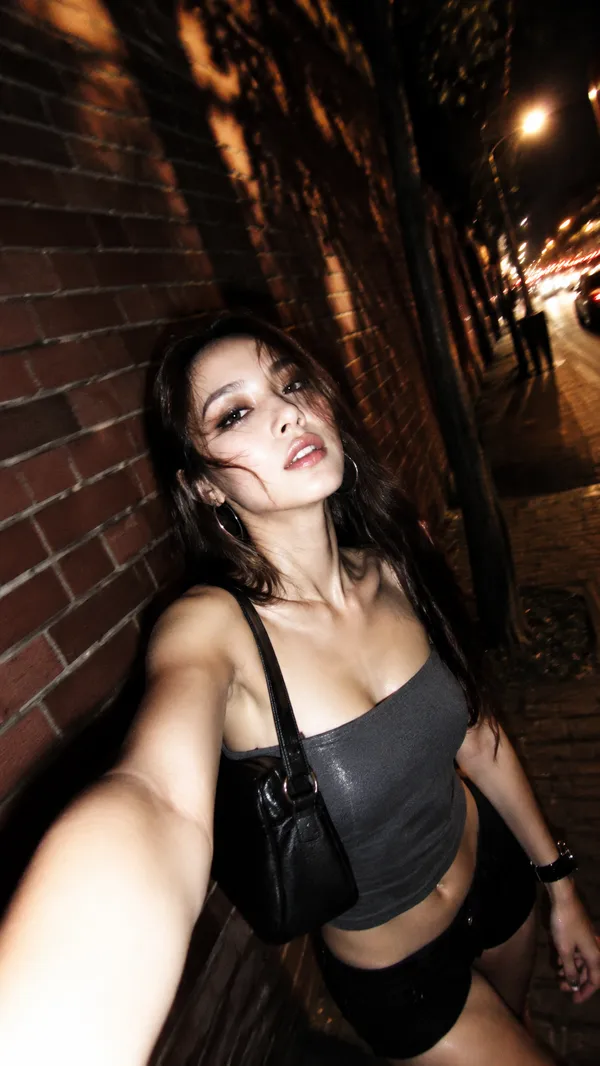
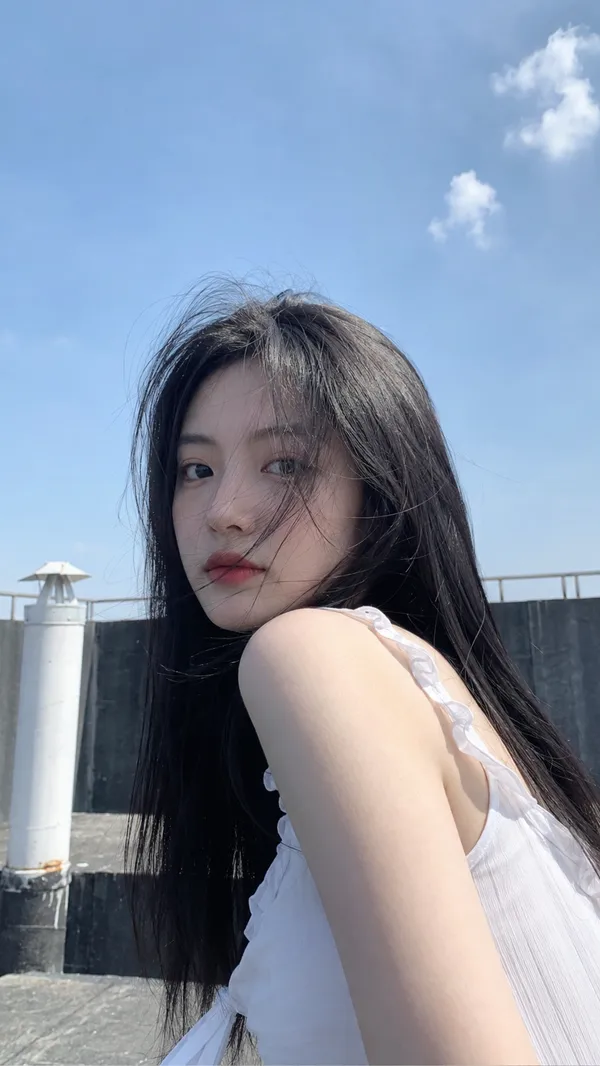
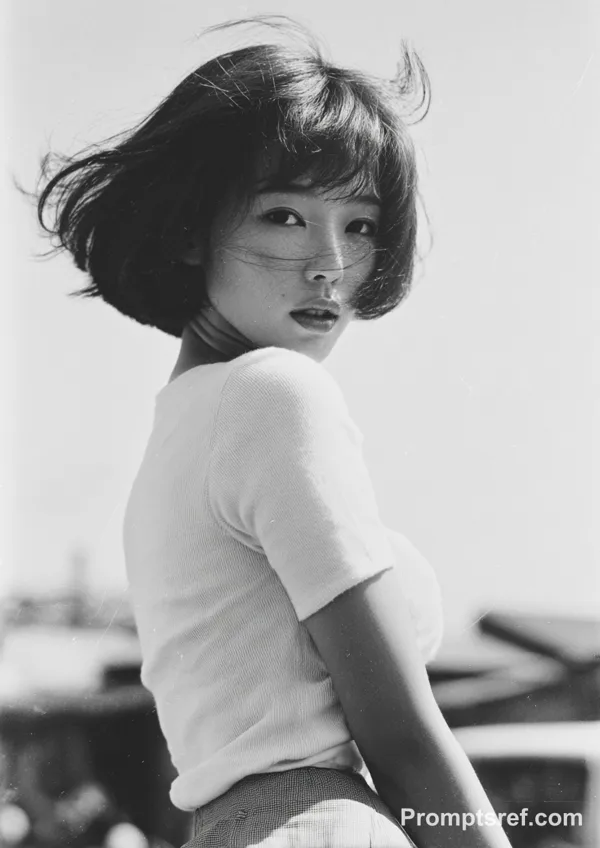
GPT Image 2.0 Prompt - Tokio-Streetfashion im Miyashita Park

- Modell
- GPT Image 2.0
Prompt
{
"subject": {
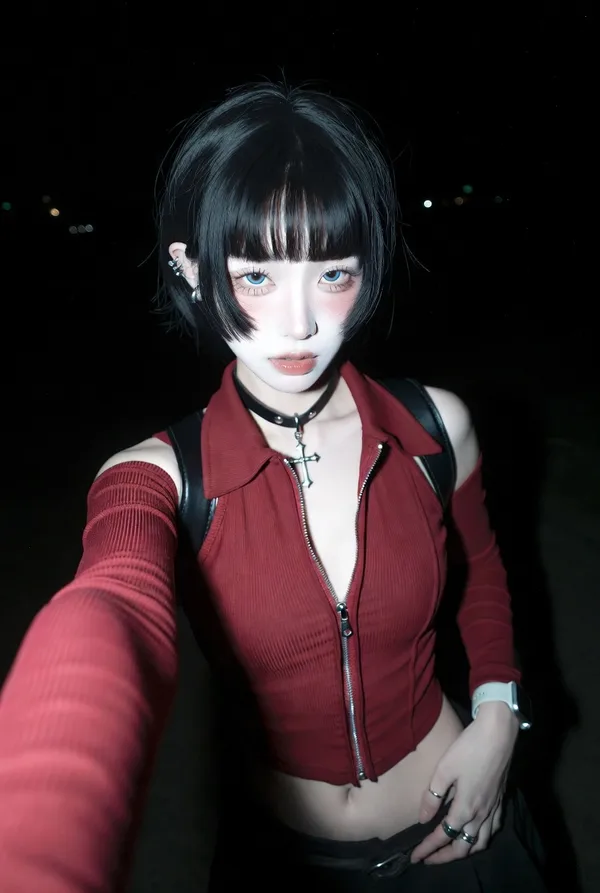
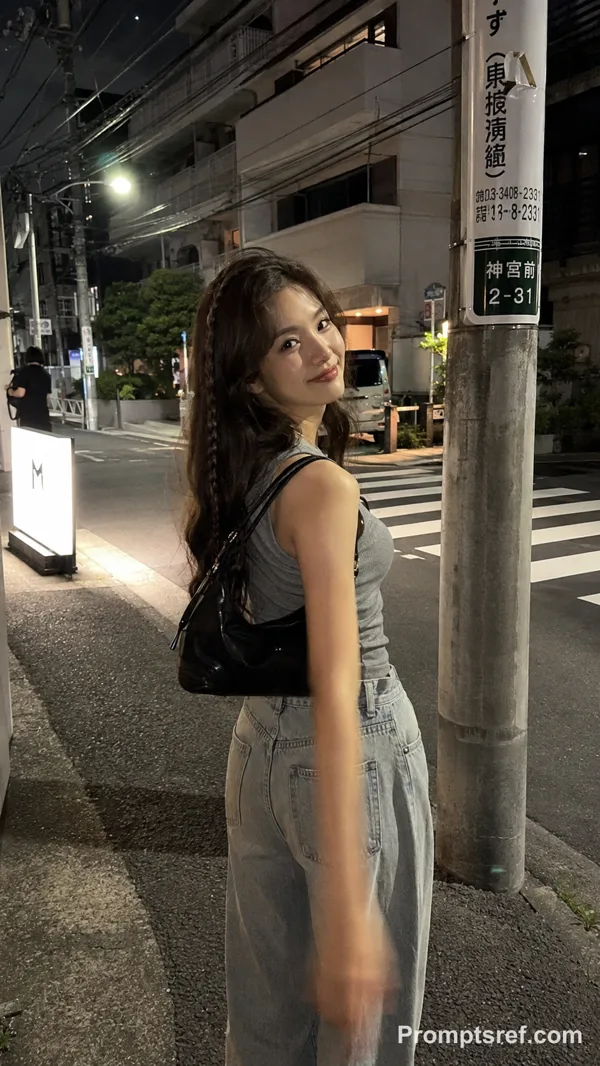
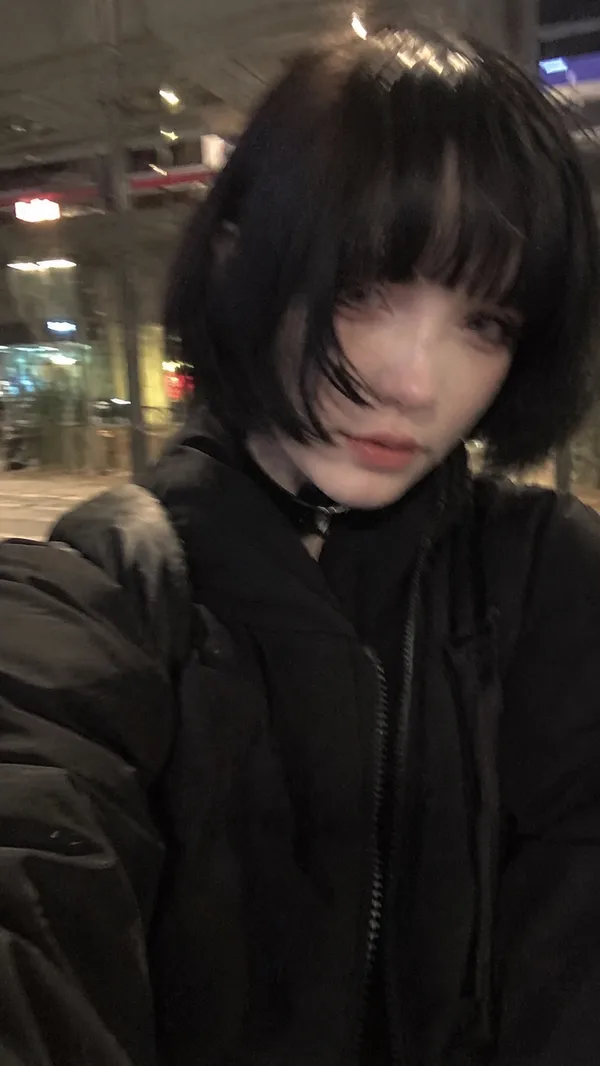
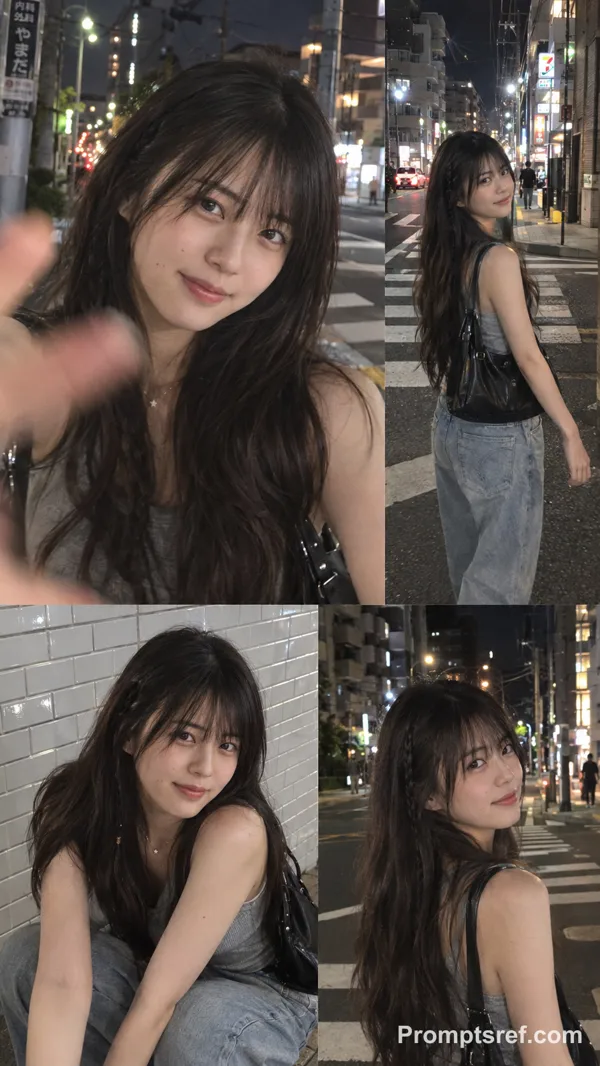
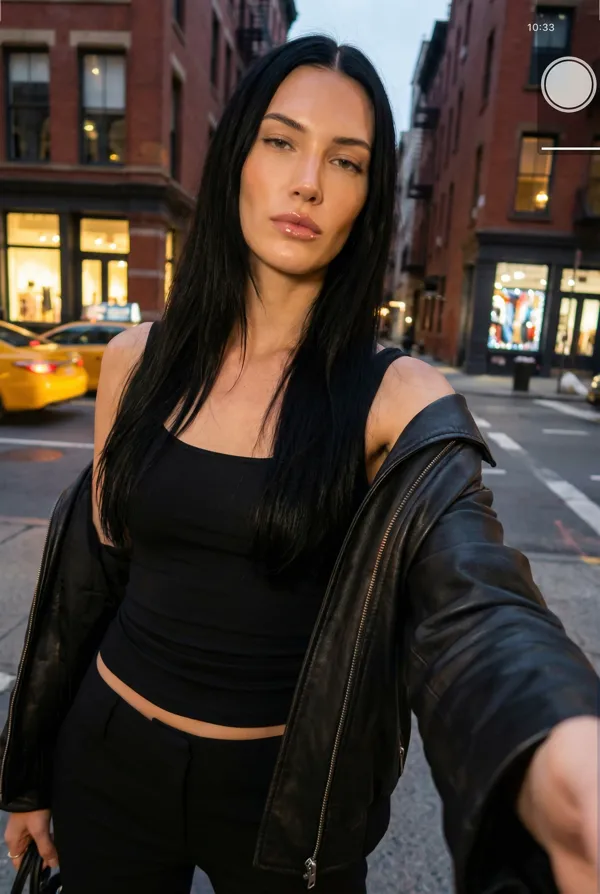
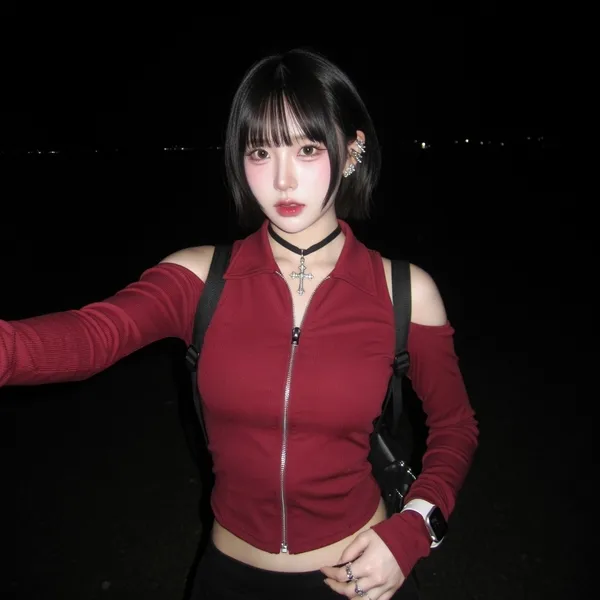
"description": "Young woman, highly stylized doll-like urban aesthetic, casual street snap.",
"mirror_rules": null,
"age": "18-24",
"expression": {
"eyes": {
"look": "intense, piercing",
"energy": "captivating",
"direction": "direct eye contact with lens"
},
"mouth": {
"position": "closed, slight pout",
"energy": "neutral"
},
"overall": "calm but striking"
},
"face": {
"preserve_original": true,
"makeup": "Pale porcelain foundation, reddish under-eye blush, striking anime-influenced realism, East Asian urban fashion context."
}
},
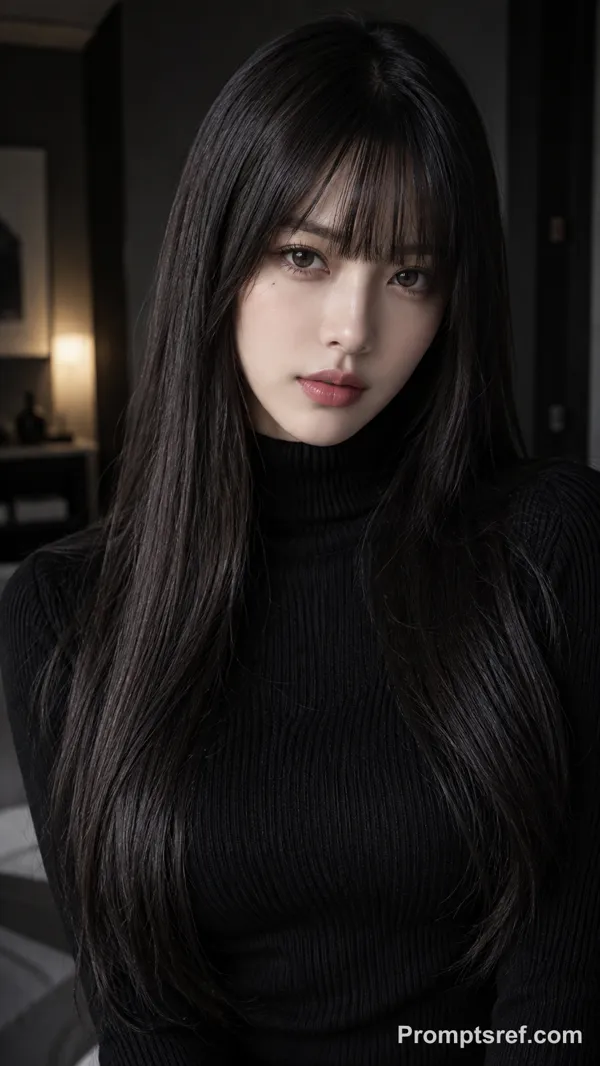
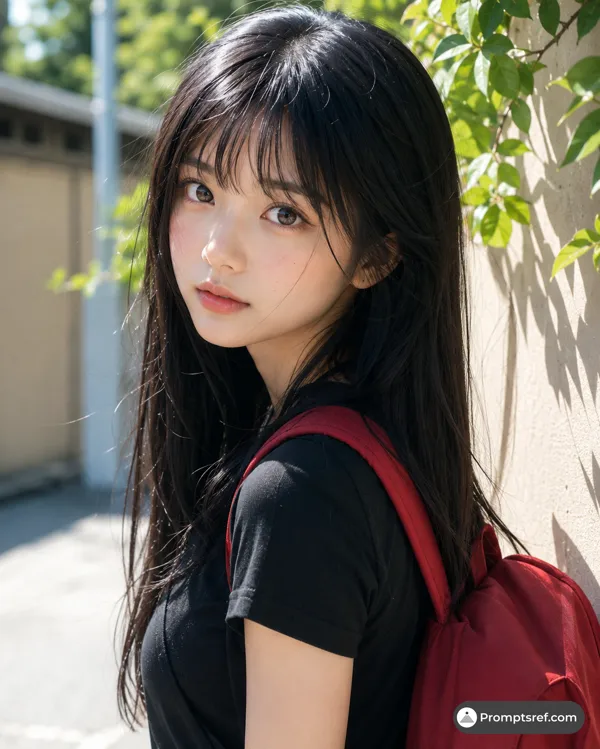
"hair": {
"color": "black",
"style": "very long, straight, blunt hime-style bangs",
"effect": "glossy, smooth, catching harsh sunlight"
},
"body": {
"frame": "slim",
"waist": "narrow",
"chest": "prominent",
"legs": "not visible",
"skin": {
"visible_areas": "face, neck, hands",
"tone": "extremely pale, porcelain",
"texture": "smooth, flawless, feels cool to touch",
"lighting_effect": "blown-out highlights on cheek and nose from harsh physical sunlight"
}
},
"pose": {
"position": "standing, turned slightly away",
"base": "feet grounded off-frame",
"overall": "looking back over shoulder, arms relaxed, casual stance"
},
"clothing": {
"top": {
"type": "ribbed turtleneck sweater, long sleeves",
"color": "light heather grey",
"details": "tight fit, accentuates chest",
"effect": "fabric stretches taut across torso"
},
"bottom": {
"type": "skirt or pants, outer jacket dropped off shoulders",
"color": "black",
"details": "jacket has exposed silver zipper on sleeve"
}
},
"photography": {
"camera_style": "casual street portrait, slightly offset framing, human-shot feel",
"angle": "eye-level, slightly angled down",
"shot_type": "medium-long shot, thigh-up",
"aspect_ratio": "2:3",
"texture": "sharp digital, high contrast, slight grain",
"lighting": "harsh direct midday sunlight, sharp diagonal shadows from off-camera railings cutting across subject and ground",
"depth_of_field": "moderate background blur, ~50mm focal length, f/2.8"
},
"background": {
"setting": "modern urban pedestrian bridge",
"wall_color": "grey concrete, glass facades",
"elements": [
"metal railings",
"building signage reading 'MIYASHITA PARK'",
"blurred pedestrian walking away"
],
"atmosphere": "bright, sterile urban daytime",
"lighting": "high-contrast daylight"
},
"the_vibe": {
"energy": "surreal realism",
"mood": "distant yet intimate",
"aesthetic": "Tokyo street fashion snap",
"authenticity": "raw lighting contrasting with perfect makeup",
"intimacy": "strong eye contact",
"story": "She paused mid-stride, turning back to lock eyes with the camera.",
"caption_energy": "Harsh shadows, cold stares."
},
"constraints": {
"must_keep": [
"harsh diagonal shadows on body",
"pale skin",
"tight grey turtleneck",
"intense over-the-shoulder gaze"
],
"avoid": [
"soft studio lighting",
"flat shadows",
"over-smoothed commercial look"
]
},
"negative_prompt": [
"soft lighting",
"studio",
"flat contrast",
"deformed",
"ugly",
"bad anatomy",
"fake shadows"
]
}
Remixe
RemixNoch keine Remixe. Erstelle die erste Version.
Diesen Bild-Prompt verwenden
- 01
Mit dem Prompt starten
Kopiere den Prompt oder öffne ihn über die Schaltfläche zum Generieren.
- 02
Eigene Änderungen vornehmen
Passe Motiv, Umgebung oder Details an. Füge bei Bedarf Referenzen hinzu.
- 03
Vor dem Generieren prüfen
Prüfe Modell und Ausgabeeinstellungen. Die Ergebnisse können variieren.