wan/3-0-video Prompt - Drei Sänger, eine letzte Nahaufnahme

- Modell
- wan/3-0-video
- Seitenverhältnis
- adaptive
- Qualität
- 480P
Prompt
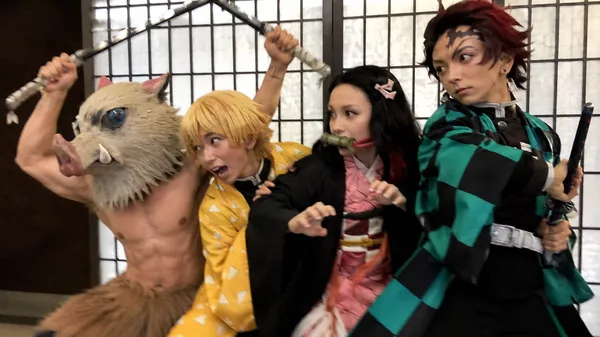
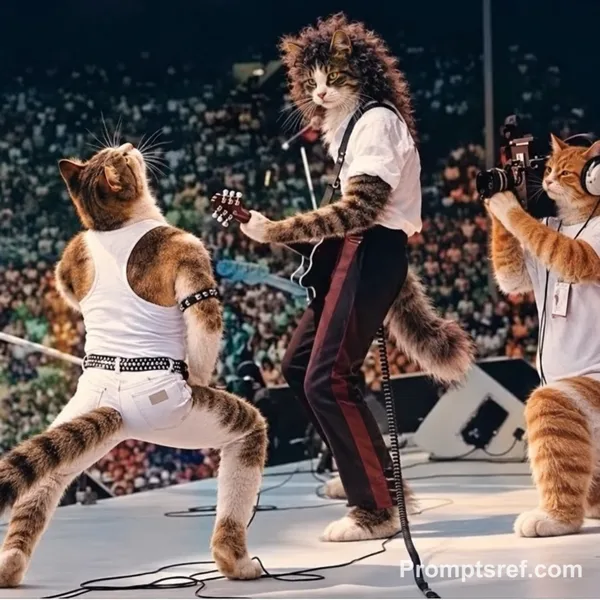
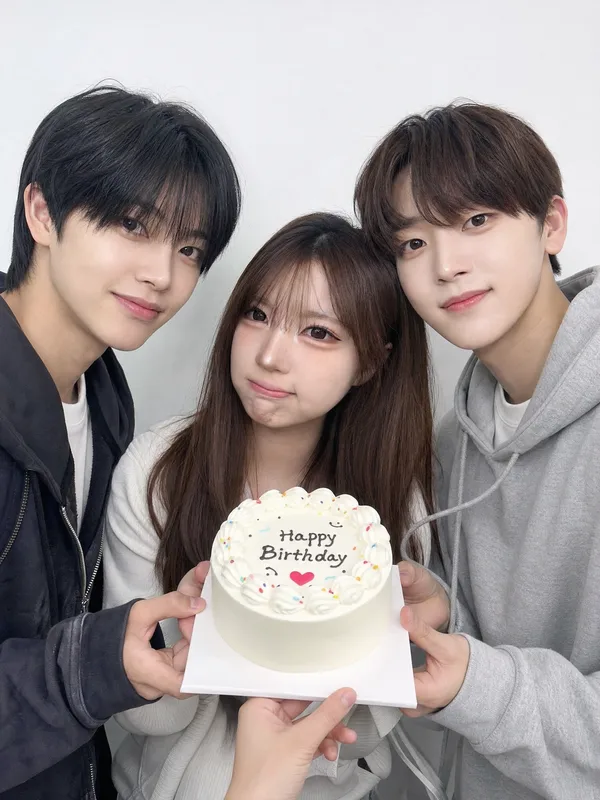
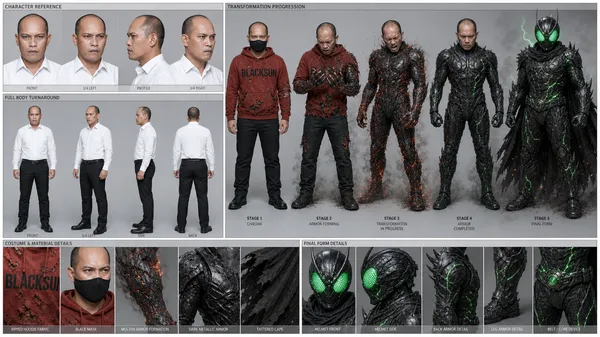
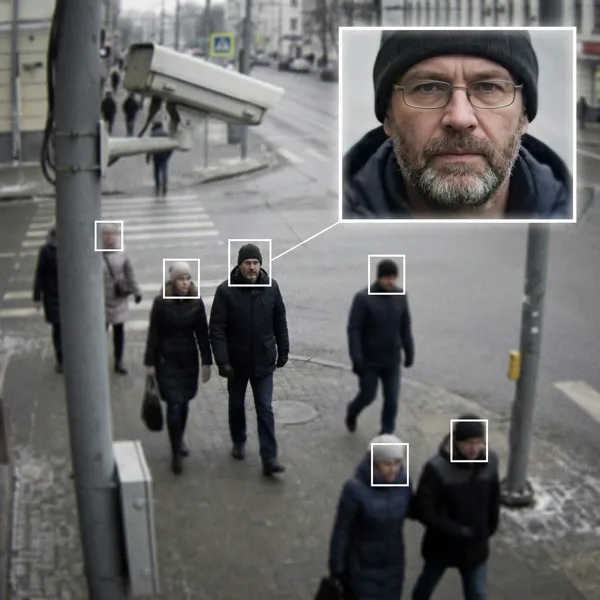
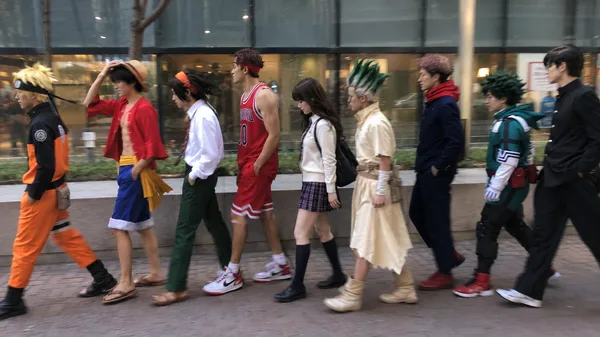
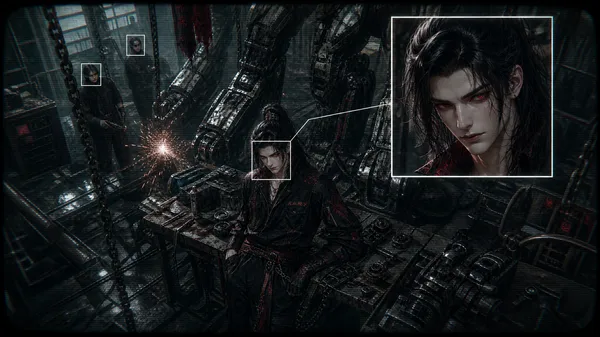
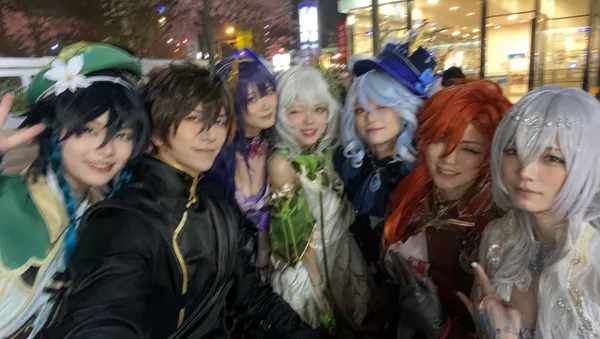
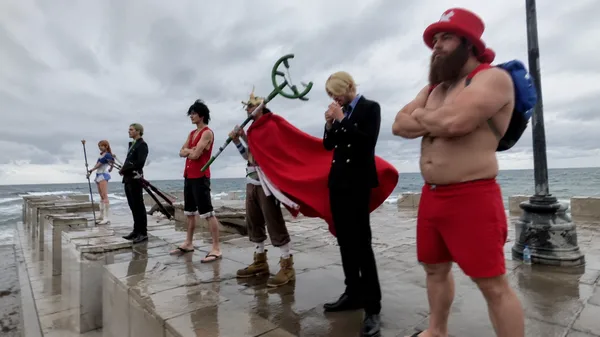
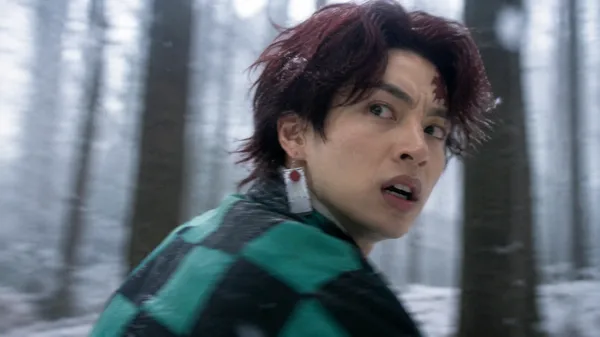
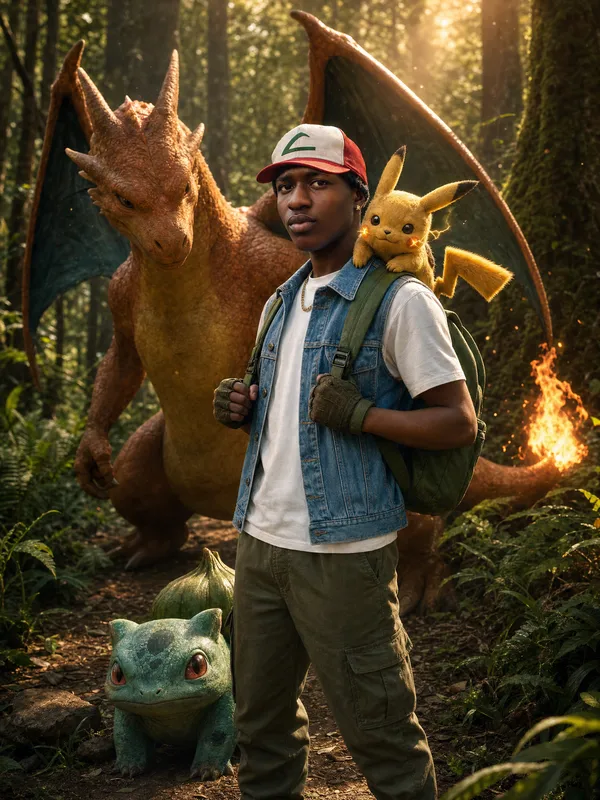
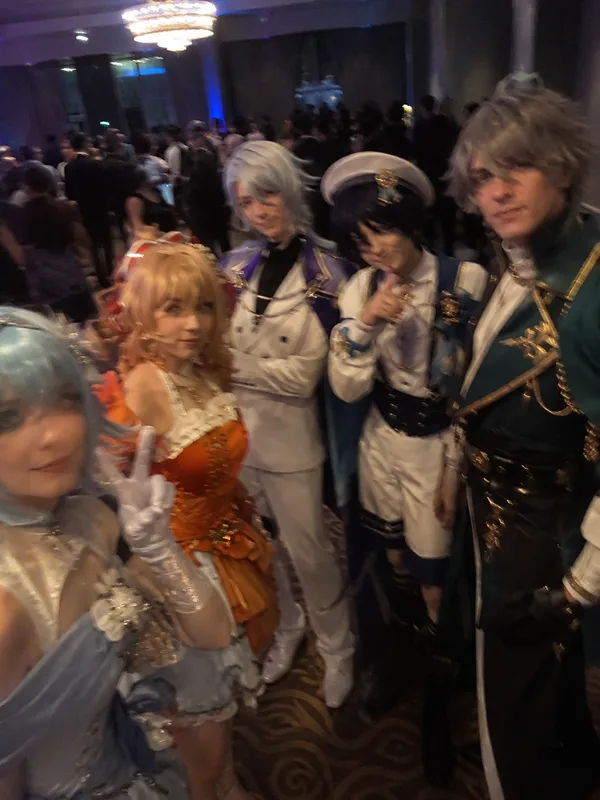
Replace the people in the video with the characters in the reference images. Keep the original camera, cuts, timing, movements, and expressions.
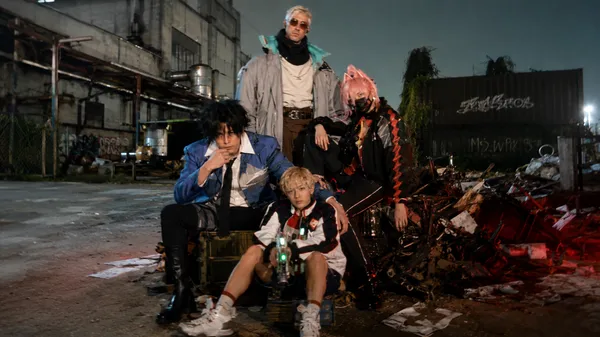
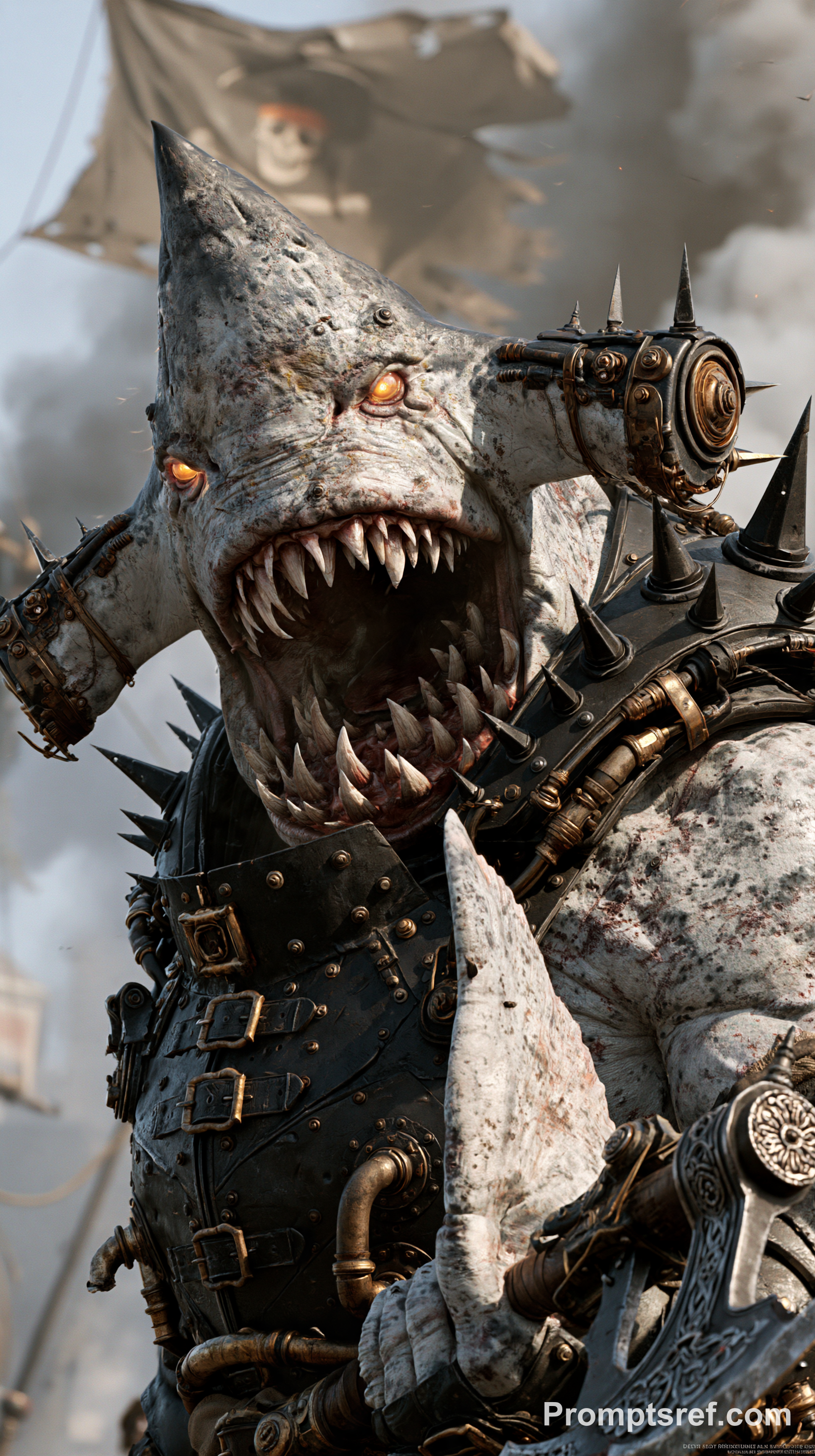
Replace the person on the left in the white shirt and headset with the character in image 1.
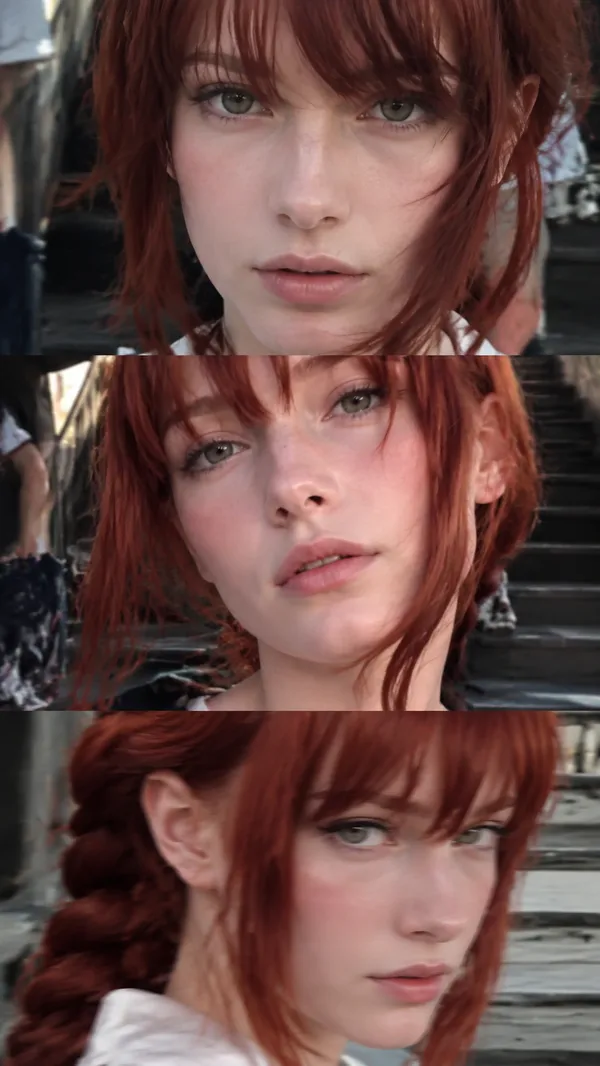
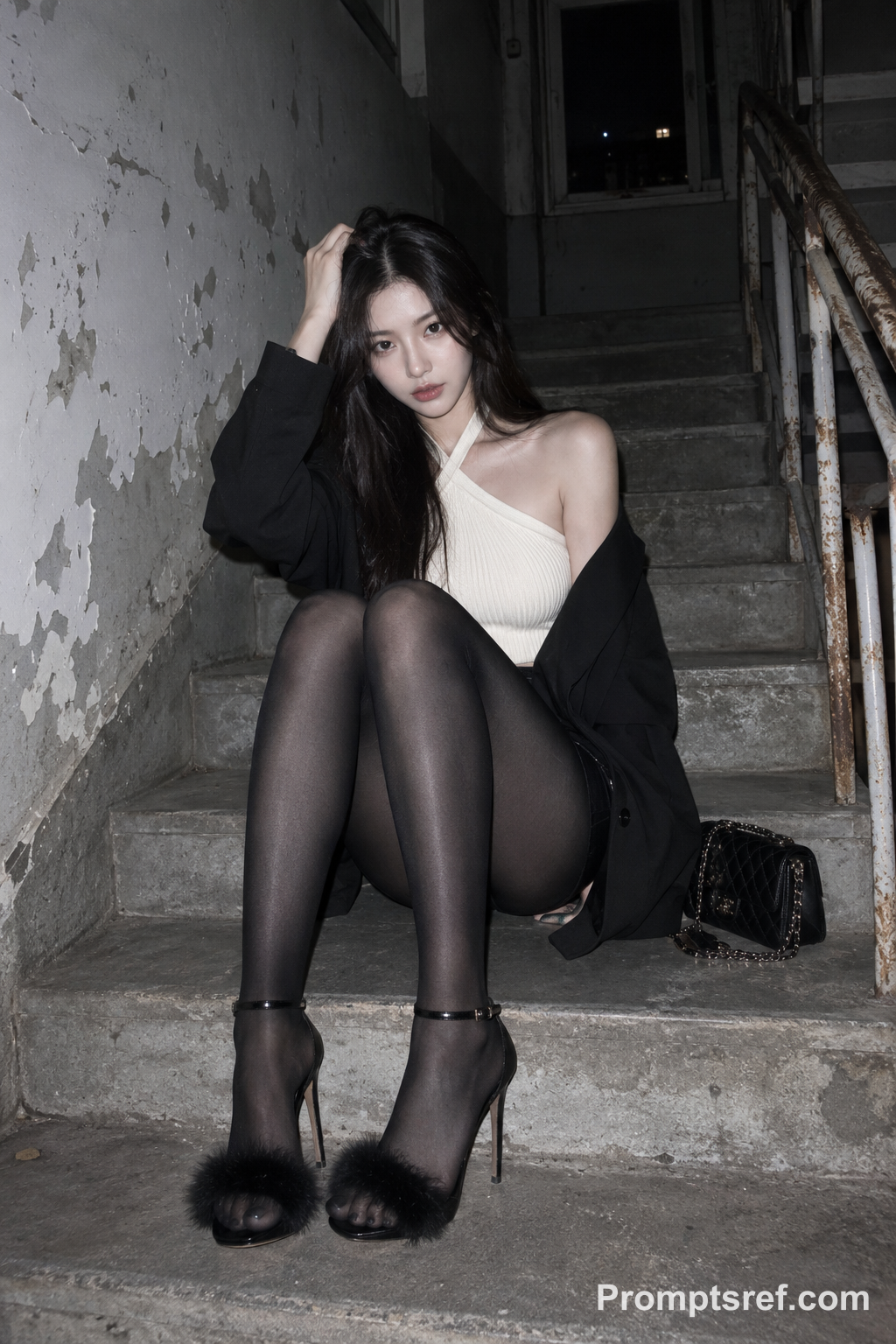
Replace the person sitting in the middle in the white cap with the character in image 2.
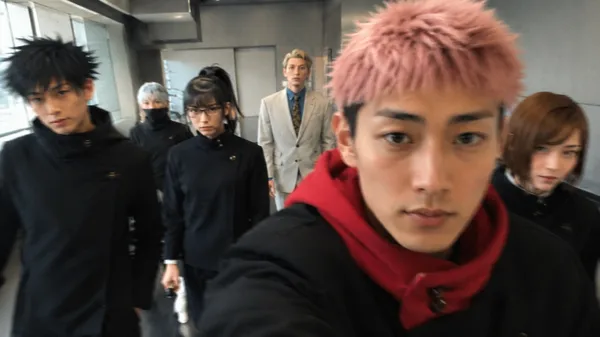
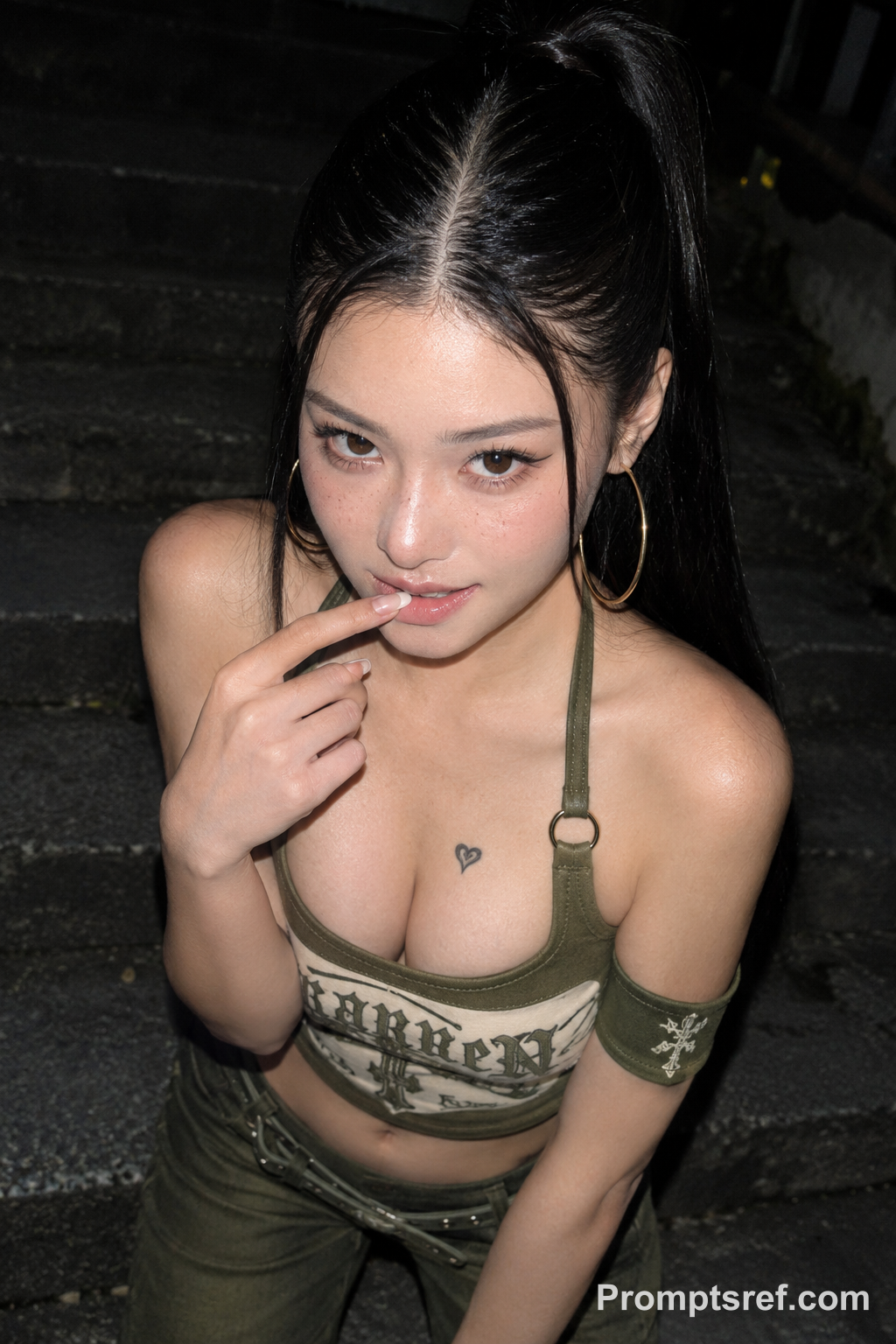
Replace the person on the right in the red jacket with the character in image 3.
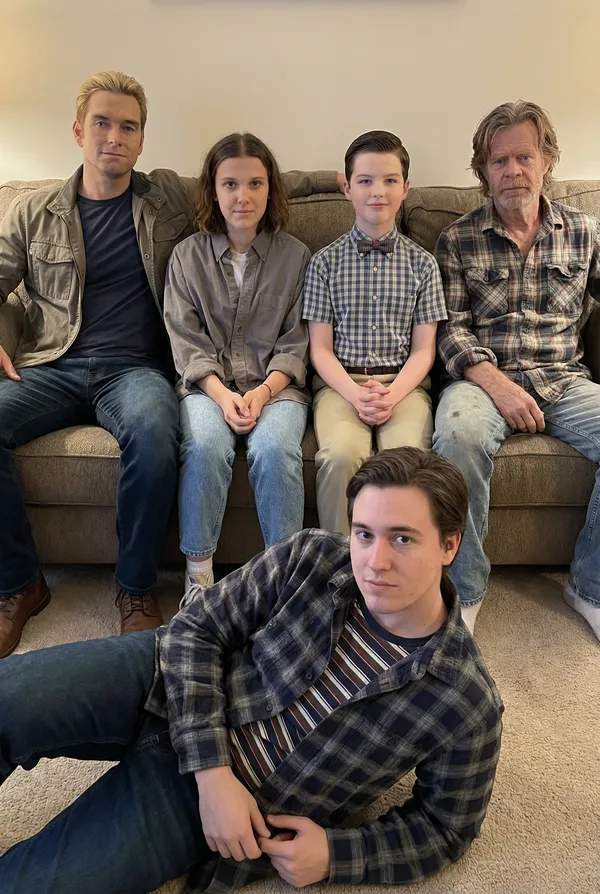
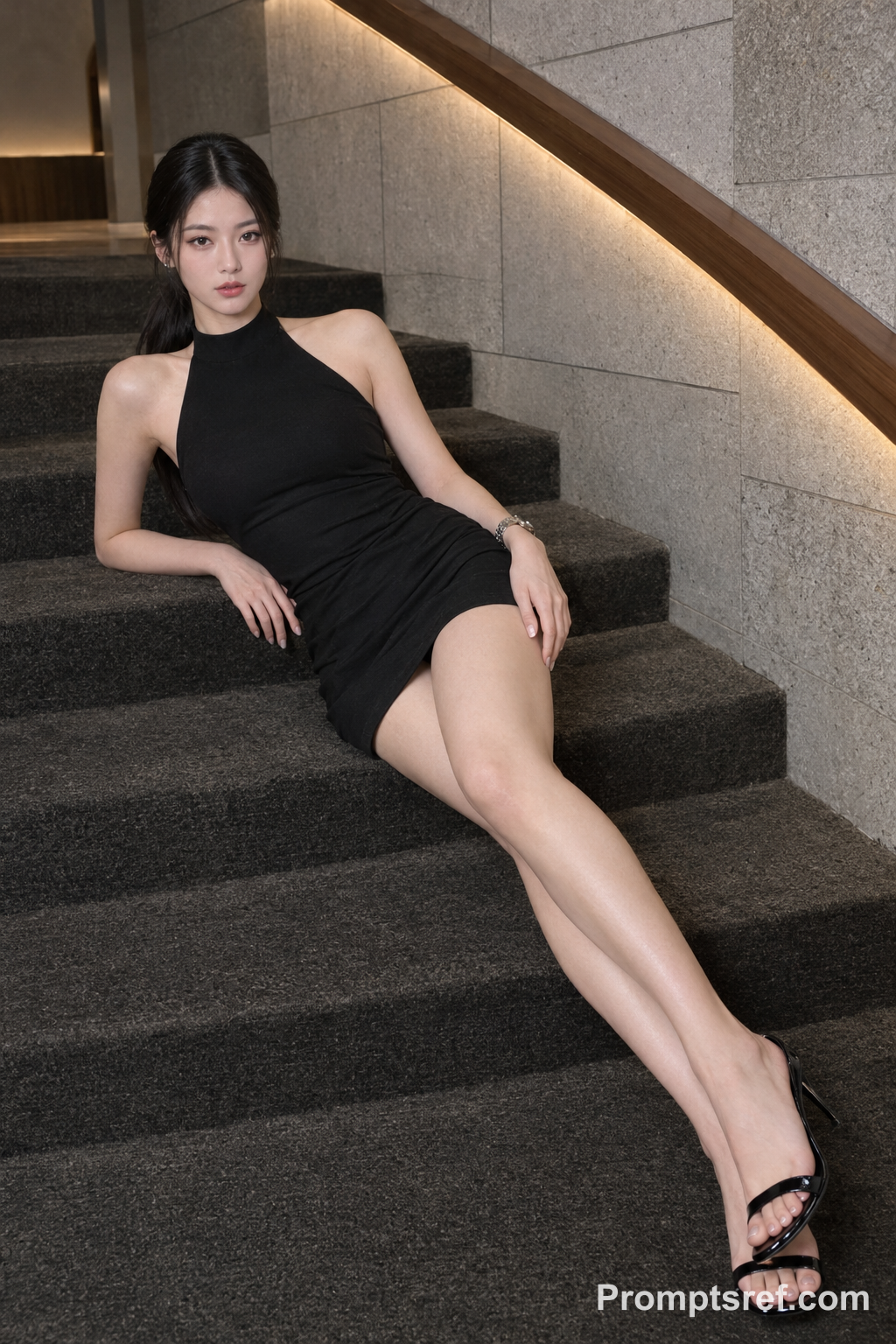
Replace the person in the close-up wearing a red cap with the character in image 4.
Shot timing: from 0s to about 5s, the band shot with characters 1, 2 and 3. At about 5s the video cuts to a close-up of one singer that lasts until the very end. This close-up singer must be the character in image 4, with the face, hair and outfit from image 4, in every frame until the last frame. Do not turn back into the original singer near the end. The close-up keeps the original video's background behind the singer.
The clothing described above is only for identifying who is who. Each new character must fully use the hairstyle, outfit, and look from their reference image. Do not keep any hats, clothes, or accessories from the original people. No one wears a hat. Take only the person from each reference image; never use the background, scenery, or lighting of any reference image.
Clear, natural faces matching the reference images. Same background and props. Every person who appears in any shot must be one of the four characters from the reference images. None of the original people from the video may appear anywhere, at any time, including after cuts, in the close-up, or partly visible at the edges or in the background. Realistic, consistent identity.
Referenzbild
Referenzvideo
Remixe
RemixNoch keine Remixe. Erstelle die erste Version.
Diesen Video-Prompt verwenden
- 01
Mit dem Prompt starten
Kopiere den Prompt oder öffne ihn über die Schaltfläche zum Generieren.
- 02
Eigene Änderungen vornehmen
Passe Motiv, Umgebung oder Details an. Füge bei Bedarf Referenzen hinzu.
- 03
Vor dem Generieren prüfen
Prüfe Modell und Ausgabeeinstellungen. Die Ergebnisse können variieren.