GPT Image 2.0 Prompt - Team 7 umzingelt den Zehnschwänzigen am Filmset

- Modell
- GPT Image 2.0
- Seitenverhältnis
- 3:4
- Qualität
- 1k
Prompt
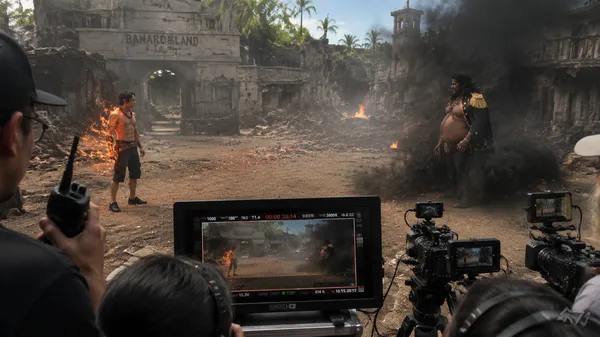
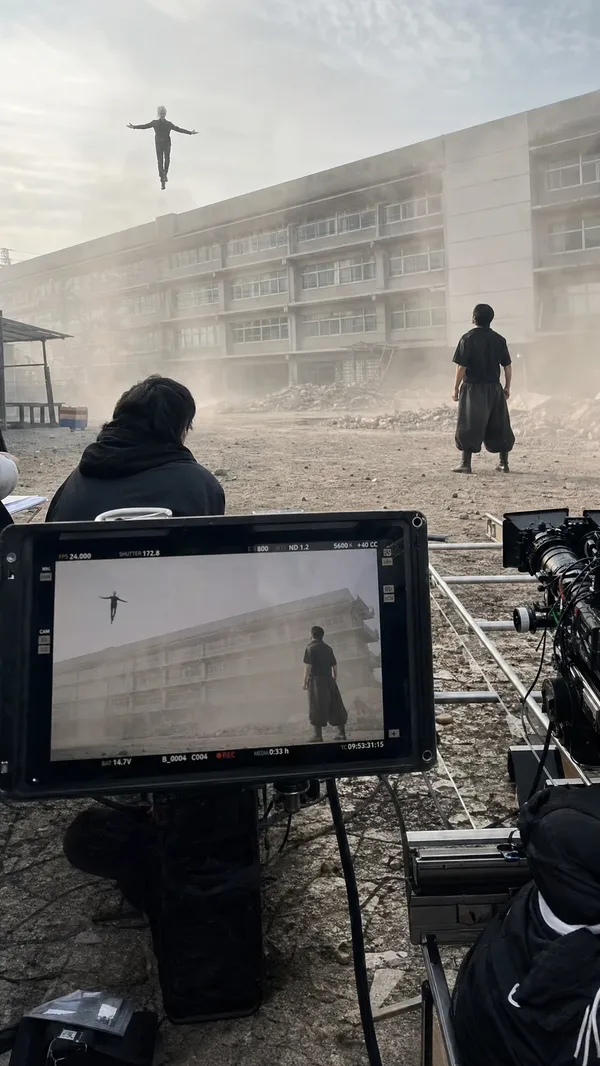
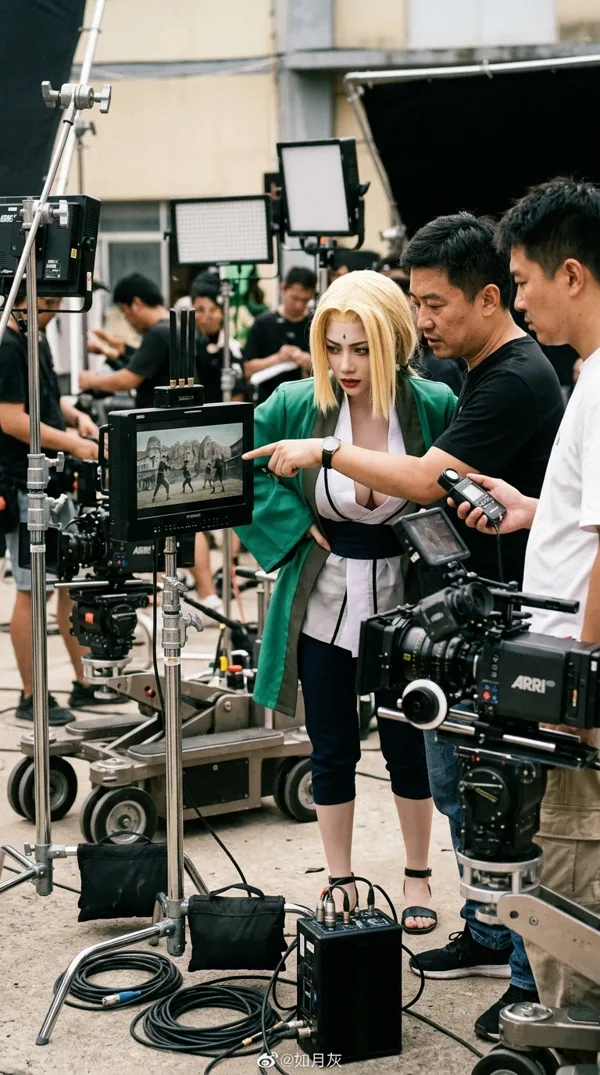
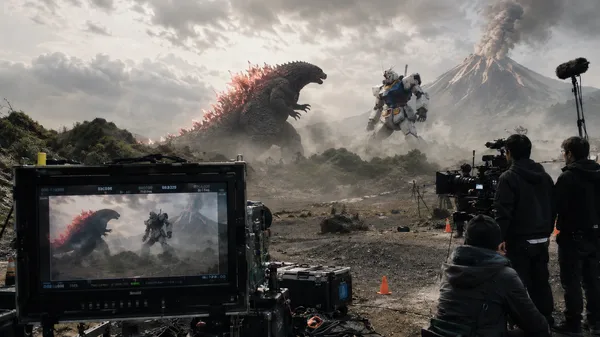
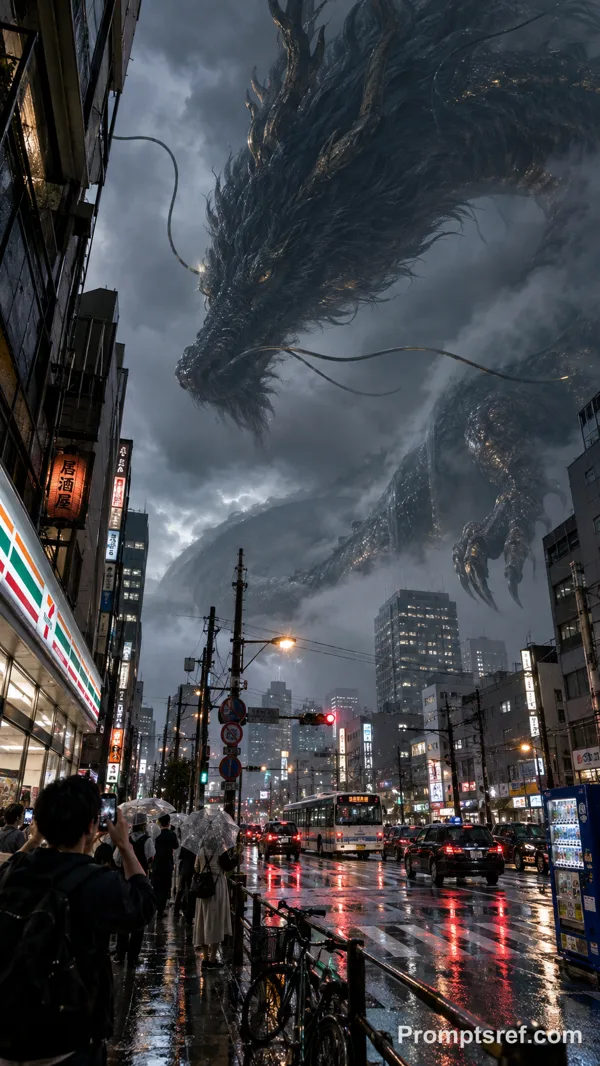
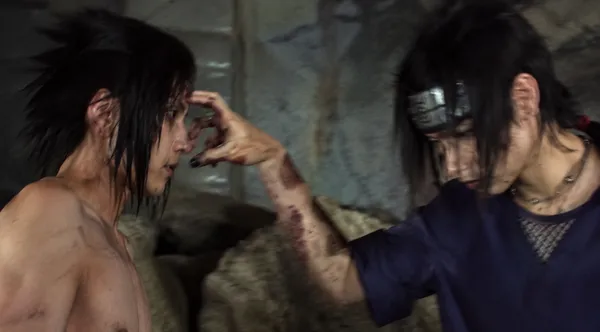
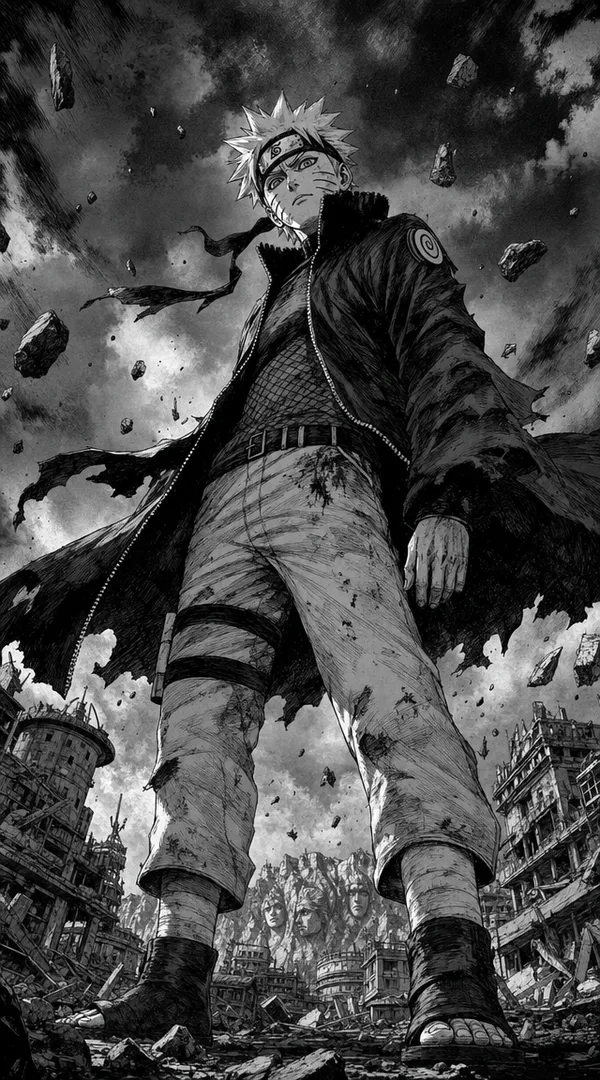
A candid iPhone 17 non-professional behind-the-scenes photo from a live-action Naruto-inspired fantasy ninja war movie set. Team 7 and a small squad of allied ninja warriors cautiously surround the Ten-Tails, a colossal ancient beast standing at the center of a destroyed battlefield. Naruto in an orange-black battle outfit, Sasuke in dark shinobi clothing, Sakura in a red combat outfit, and Kakashi with silver hair and a mask are positioned around the monster, keeping distance before the final confrontation. The Ten-Tails is enormous, monstrous, rough-skinned, with multiple tails, a single terrifying eye, heavy claws, dust swirling around its feet, and faint chakra-like energy glowing through the smoke.
The squad forms a tense tactical circle around the beast, holding kunai, swords, scroll props, broken banners, and glowing practical effect markers. The mood feels like the final second before a huge battle. In the foreground, a professional film monitor displays the same confrontation scene, partially blocking the lower frame. Around the monitor are cinema cameras, tripods, cables, lighting stands, boom microphones, sandbags, stunt coordinators, crew members wearing headsets, a director pointing toward the beast, and practical effects staff releasing dust, smoke, and orange-blue light effects.
The background is a large outdoor war movie set: cracked earth, broken stone pillars, destroyed shinobi flags, fake debris, scaffolding, smoke machines, practical explosions in the distance, and dramatic storm clouds above. Shot with imperfect handheld iPhone framing, slight motion softness, realistic smartphone sensor grain, natural lens flare, chaotic production details, cinematic but clearly behind-the-scenes, ultra-realistic live-action photography, high detail, believable movie set atmosphere, no polished studio look, no anime illustration style.
Remixe
RemixNoch keine Remixe. Erstelle die erste Version.
Diesen Bild-Prompt verwenden
- 01
Mit dem Prompt starten
Kopiere den Prompt oder öffne ihn über die Schaltfläche zum Generieren.
- 02
Eigene Änderungen vornehmen
Passe Motiv, Umgebung oder Details an. Füge bei Bedarf Referenzen hinzu.
- 03
Vor dem Generieren prüfen
Prüfe Modell und Ausgabeeinstellungen. Die Ergebnisse können variieren.