Kling 3.0 Prompt - Bildschirmfigur entkommt und kämpft gegen ein Katzenspielzeug

- Modell
- Kling 3.0
Prompt
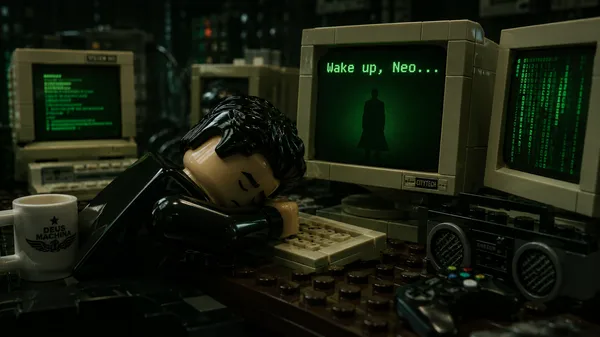
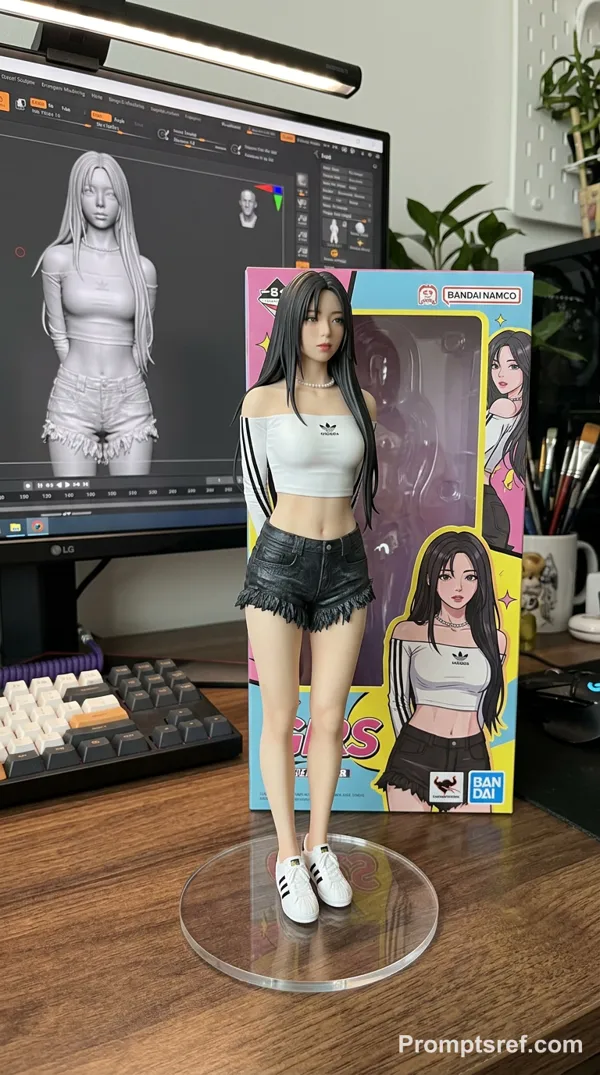
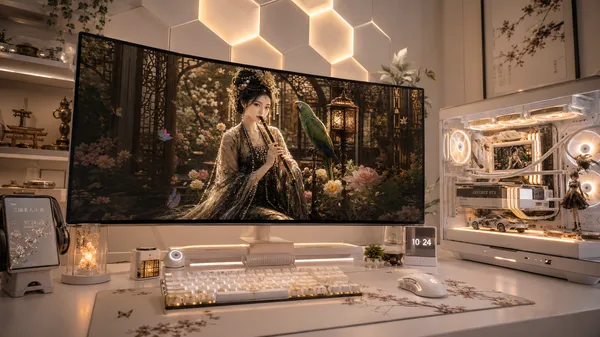

Use the uploaded image as the base reference and keep everything exactly the same: the computer monitor, the character on the screen, the lighting, and the real object in front of the monitor. Do not alter the original composition in any way.
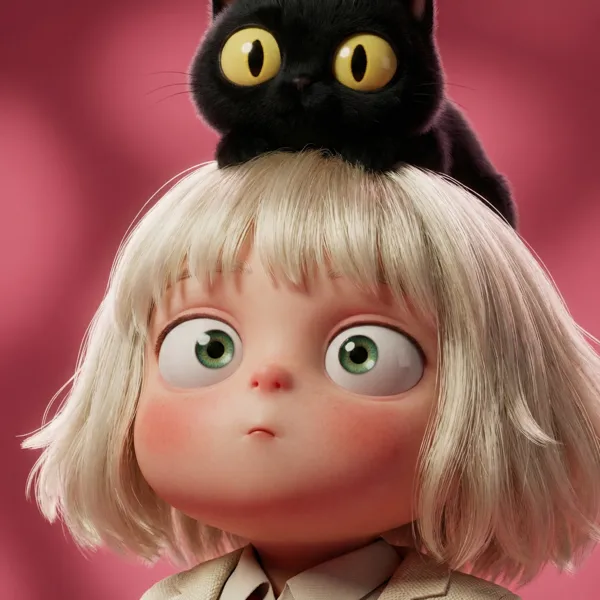
The scene begins as a still image. After a brief pause, the character on the computer screen slowly starts to move. A subtle digital glow appears across the monitor, and the screen surface begins to ripple gently like liquid glass. The character appears to be trying to break out from inside the screen. Their head slowly emerges through the monitor as if the display were a soft digital portal. Then the character’s body pushes forward and jumps out onto the desk, shrinking to roughly the same size as the black cat toy on the desktop. At the same time, the black cat toy also comes to life. The two characters then begin fighting.
Cinematic lighting, dramatic shadows, shallow depth of field, smooth camera movement, and ultra-realistic motion. Create an 8–10 second cinematic video with photorealistic quality, fluid animation, and a tense, emotionally charged movie-like moment. Important: do not change the original image composition — only animate the scene.
Referenzbild
Remixe
RemixNoch keine Remixe. Erstelle die erste Version.
Diesen Video-Prompt verwenden
- 01
Mit dem Prompt starten
Kopiere den Prompt oder öffne ihn über die Schaltfläche zum Generieren.
- 02
Eigene Änderungen vornehmen
Passe Motiv, Umgebung oder Details an. Füge bei Bedarf Referenzen hinzu.
- 03
Vor dem Generieren prüfen
Prüfe Modell und Ausgabeeinstellungen. Die Ergebnisse können variieren.