GPT Image 2.0 Prompt - Abenteurersilhouette im goldenen Gegenlicht

- Modell
- GPT Image 2.0
- Seitenverhältnis
- auto
- Qualität
- 1K
Prompt
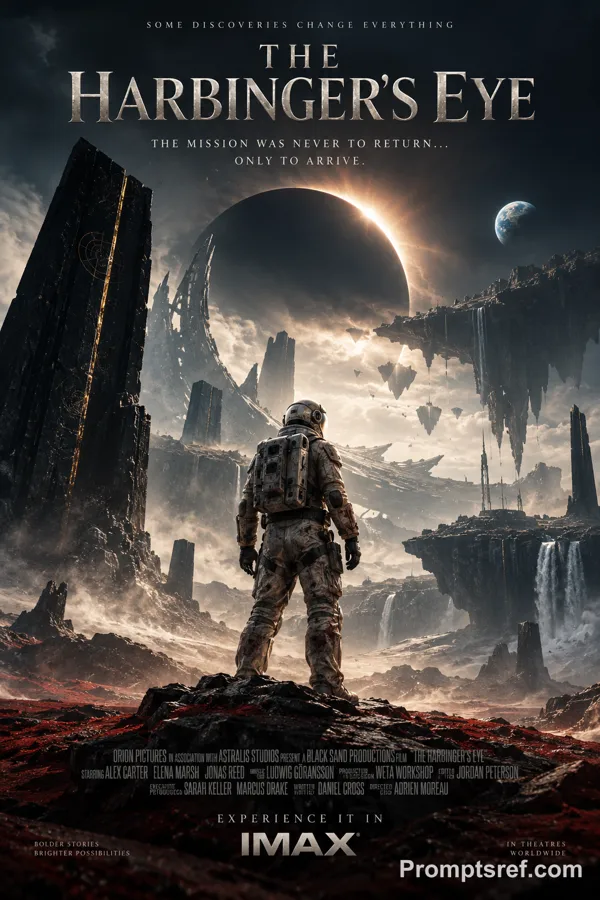
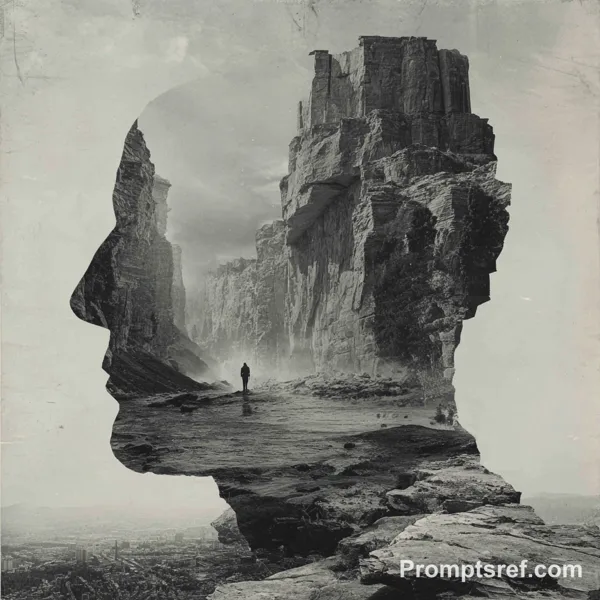
A vertical 2:3 vintage adventure movie poster illustration. The main subject is not a clear portrait, but a tiny black adventurer silhouette standing on broken rocks at the lower center: wide-brim hat, upright body, long trousers, boots, and a looped rope or whip hanging from one hand. The figure is completely crushed into pure black by strong golden backlight, with no visible facial features, hair, skin tone, or skin texture. Face, neck, chest, waist, hips, legs, and arms remain hidden in clothing and shadow, preserving a mysterious featureless silhouette.
The viewpoint feels as if the camera is inside a dark ancient ruin, looking outward through a huge irregular broken wall. The wall forms a natural black frame, made of dark brown, charred black, muted bronze stone blocks with carved patterns, fractured edges, dust, and rough grain. The center is dominated by a large golden-yellow negative-space sky, with orange desert dunes or rock layers in the distance. Place a short two-line black serif tagline near the upper center and a slanted red-yellow retro adventure title at the bottom, but do not use an existing movie character name, official logo, or recognizable character face.
The physical light comes from a golden sunset or dust-filled sky outside the ruin. There is almost no fill light inside, so the foreground stones and the tiny figure fall into heavy black shadow. Keep a screen-print poster texture, rough stone detail, subtle grain, hand-painted shadow edges, and imperfect broken contours. The mood feels like the ruin had cracked open, the adventurer has just escaped and paused for one quiet second before the next unknown journey begins. High-contrast black, yellow, and orange palette, mysterious, solitary, legendary, vintage pulp adventure poster aesthetic.
Remixe
RemixNoch keine Remixe. Erstelle die erste Version.
Diesen Bild-Prompt verwenden
- 01
Mit dem Prompt starten
Kopiere den Prompt oder öffne ihn über die Schaltfläche zum Generieren.
- 02
Eigene Änderungen vornehmen
Passe Motiv, Umgebung oder Details an. Füge bei Bedarf Referenzen hinzu.
- 03
Vor dem Generieren prüfen
Prüfe Modell und Ausgabeeinstellungen. Die Ergebnisse können variieren.