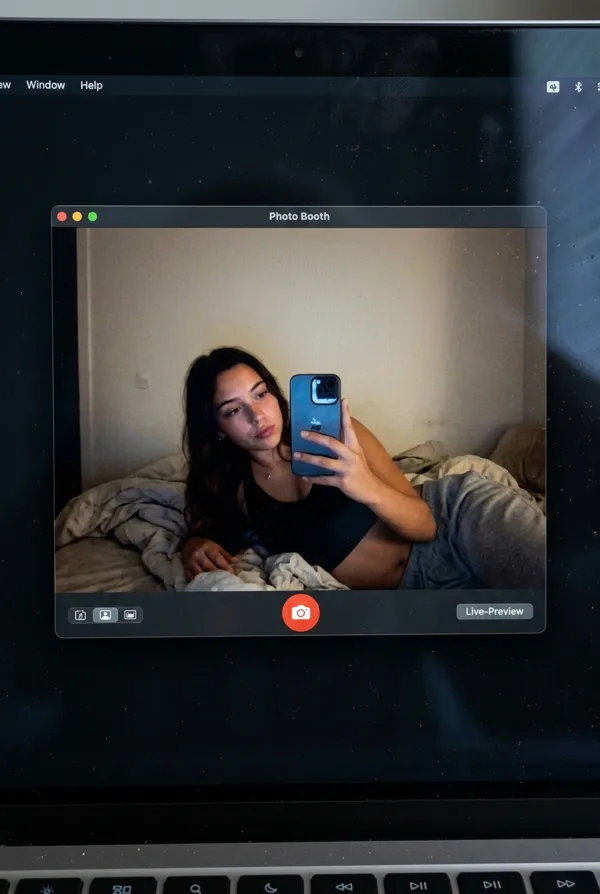
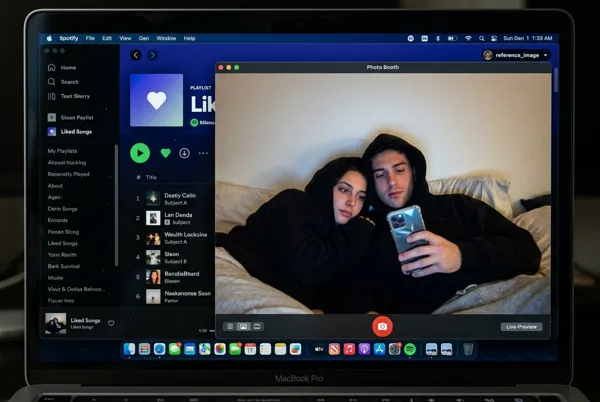
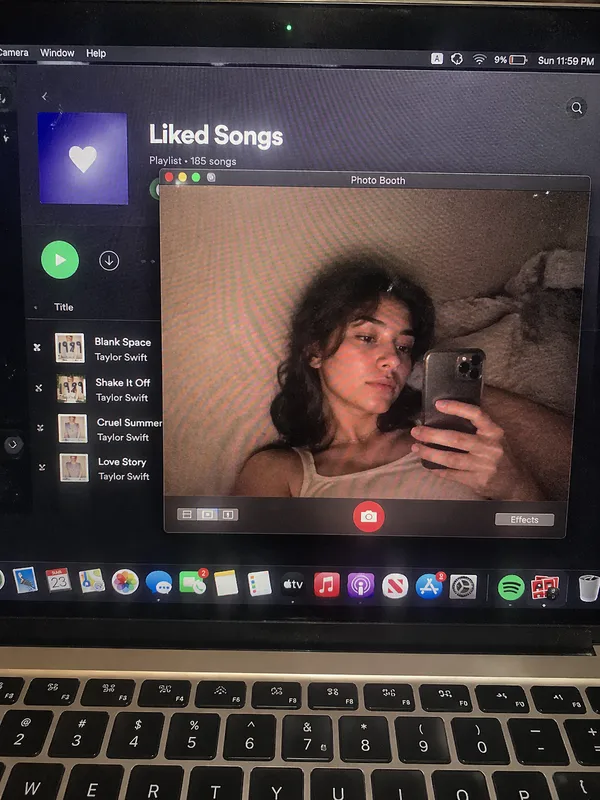
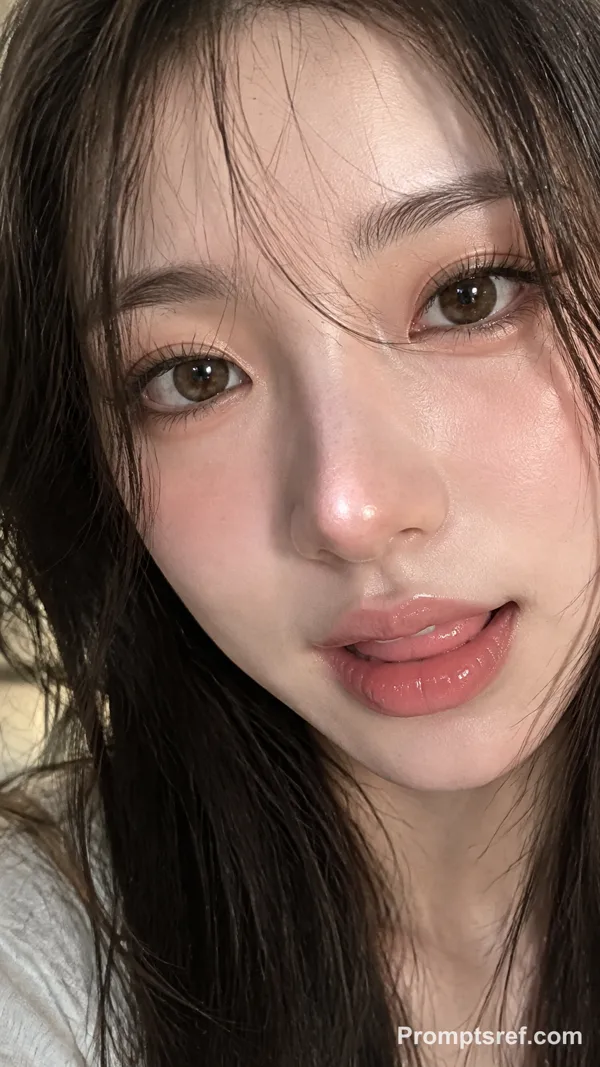
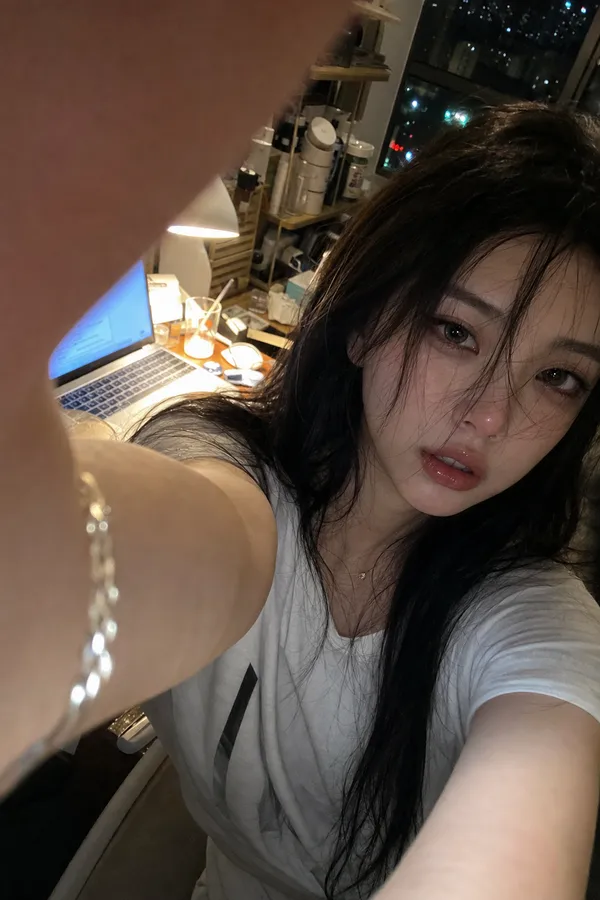
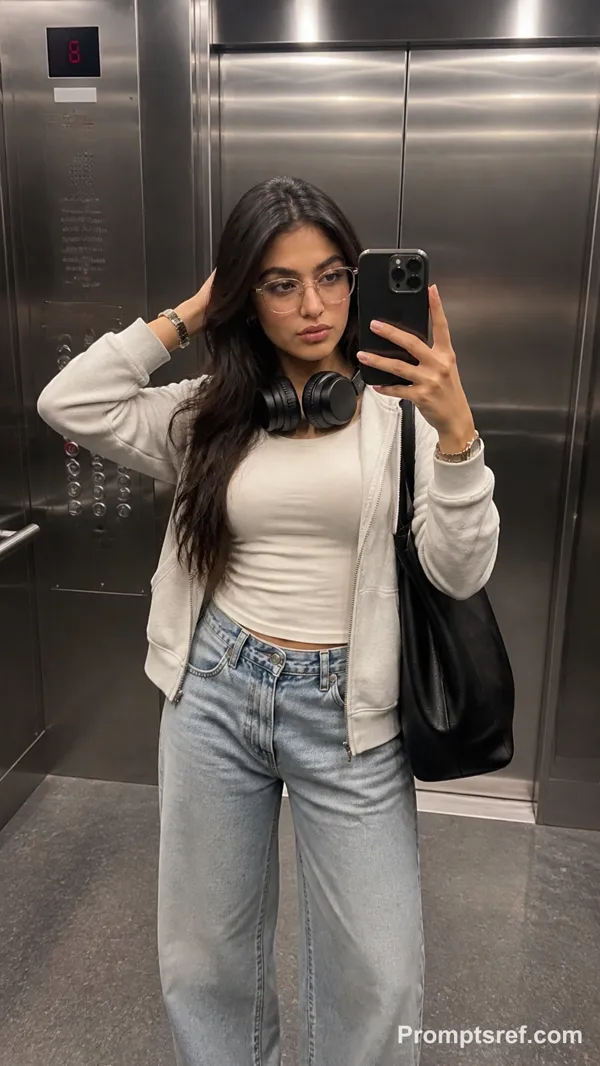
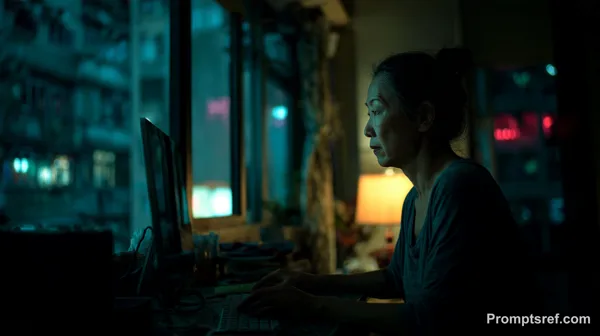
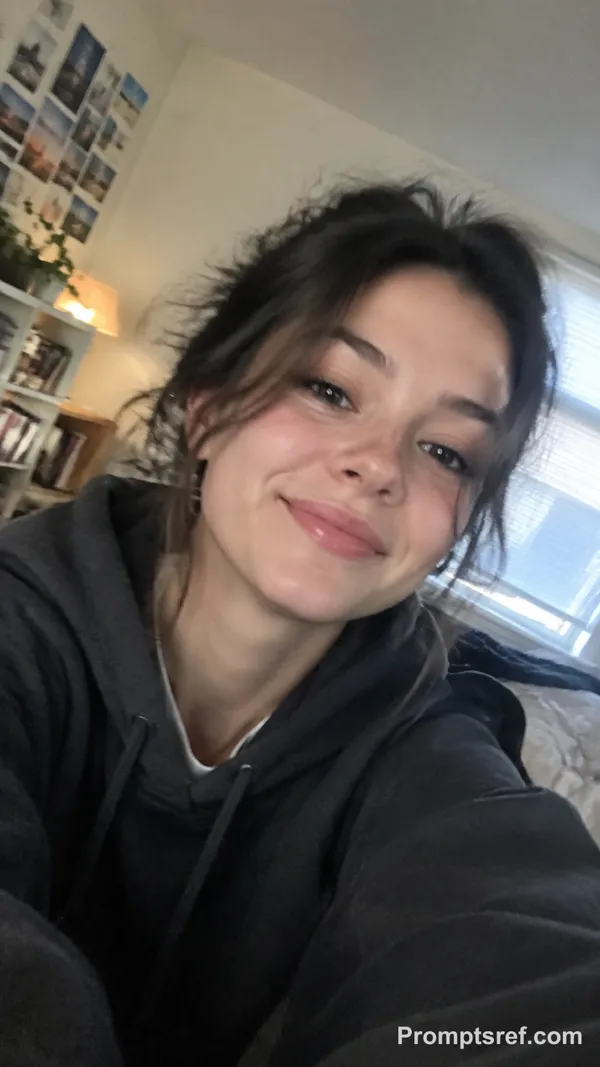
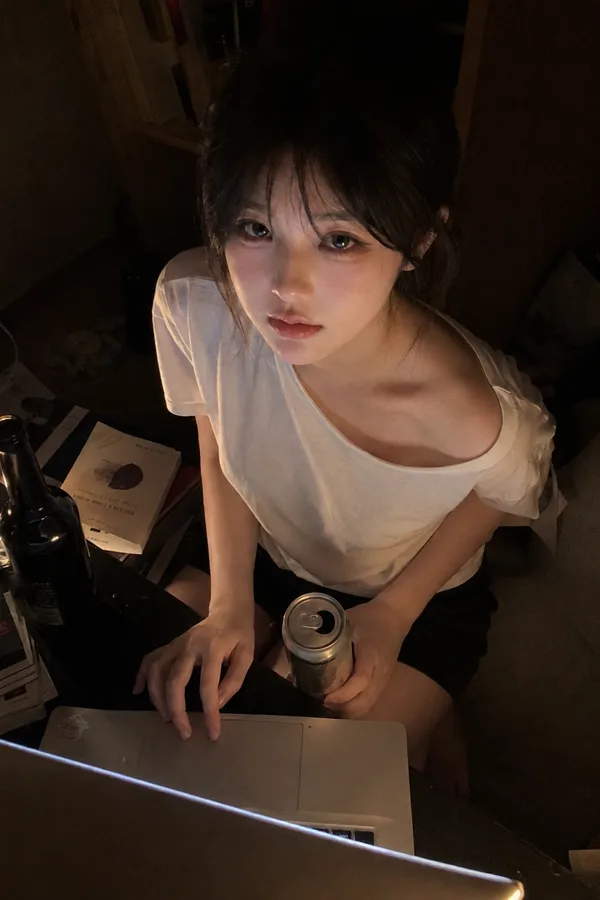
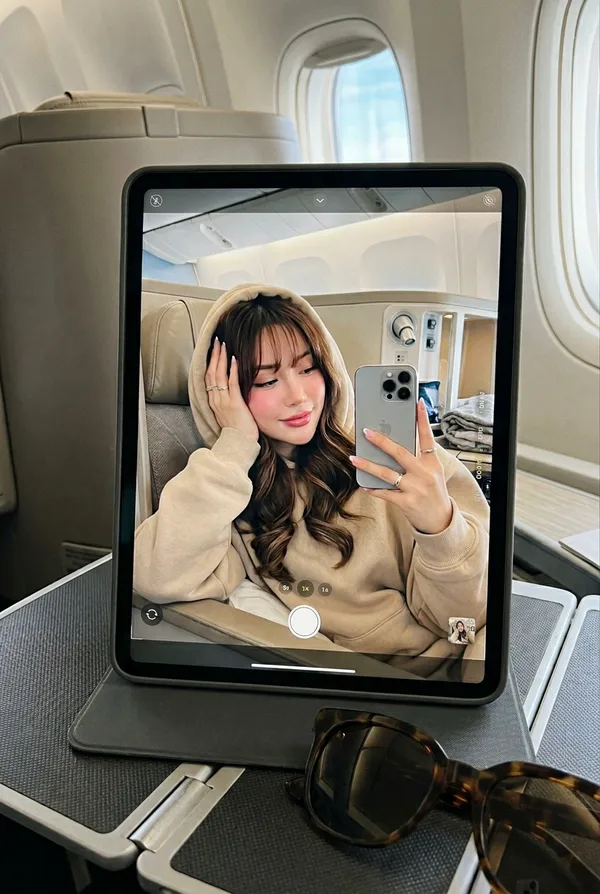
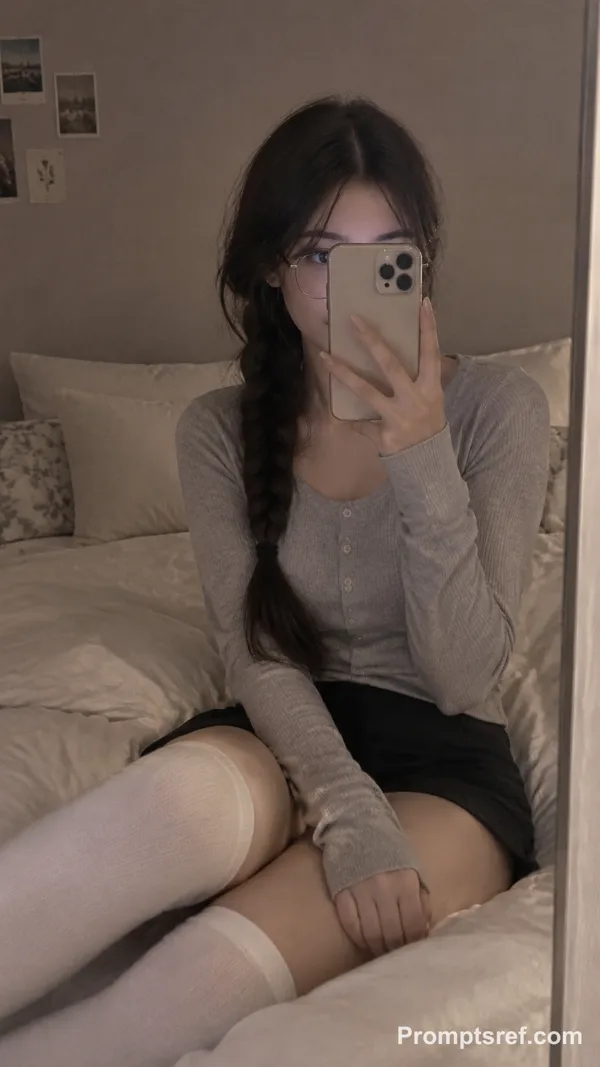
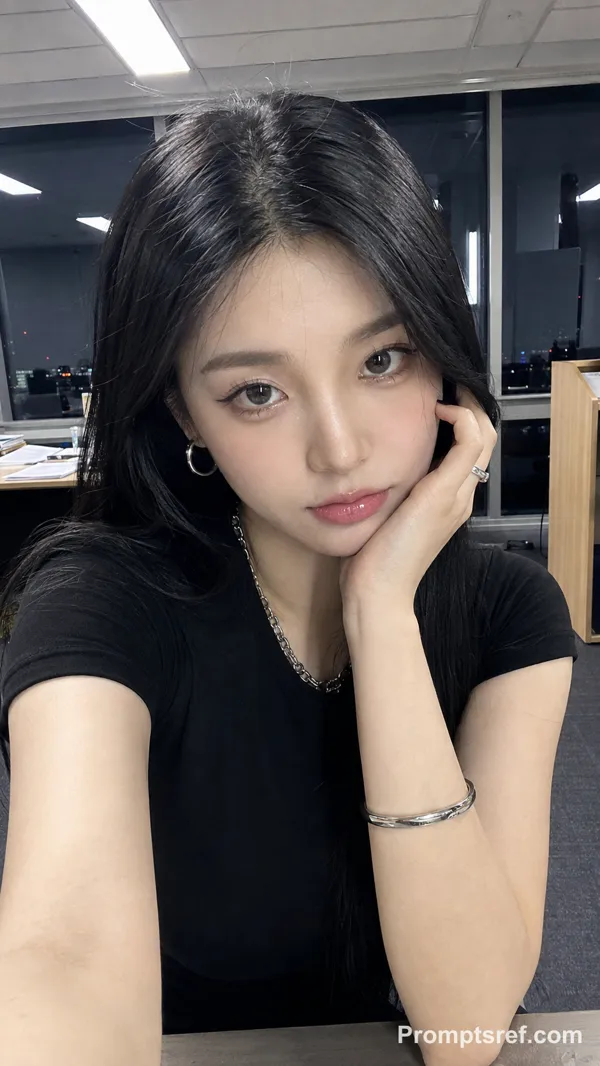
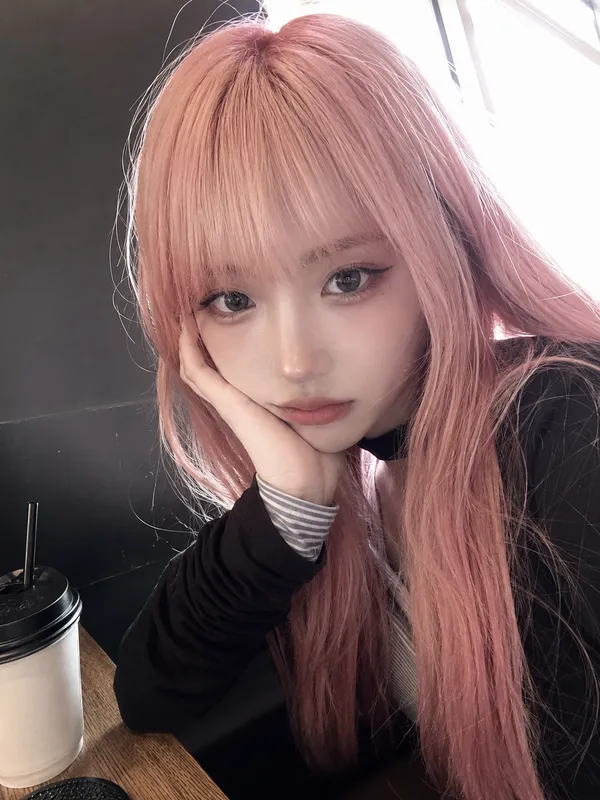
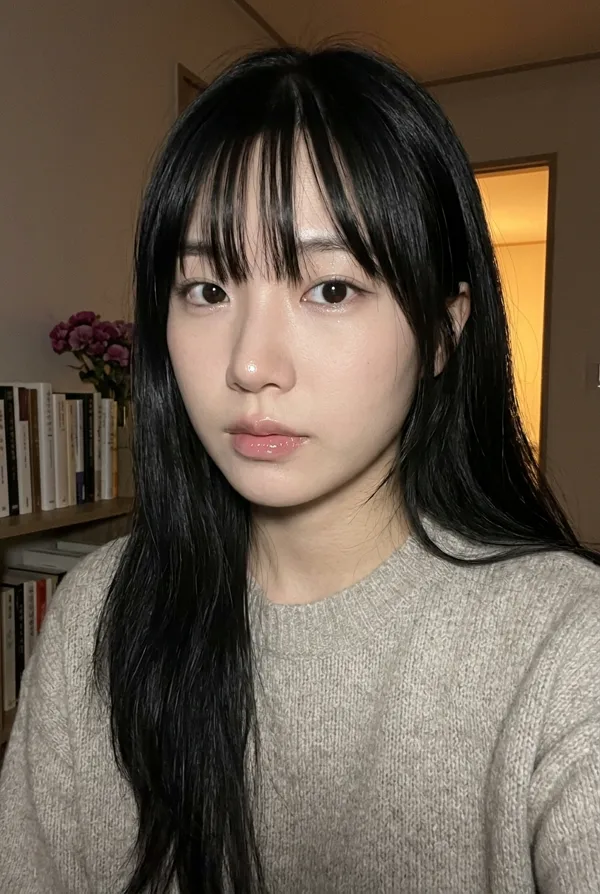
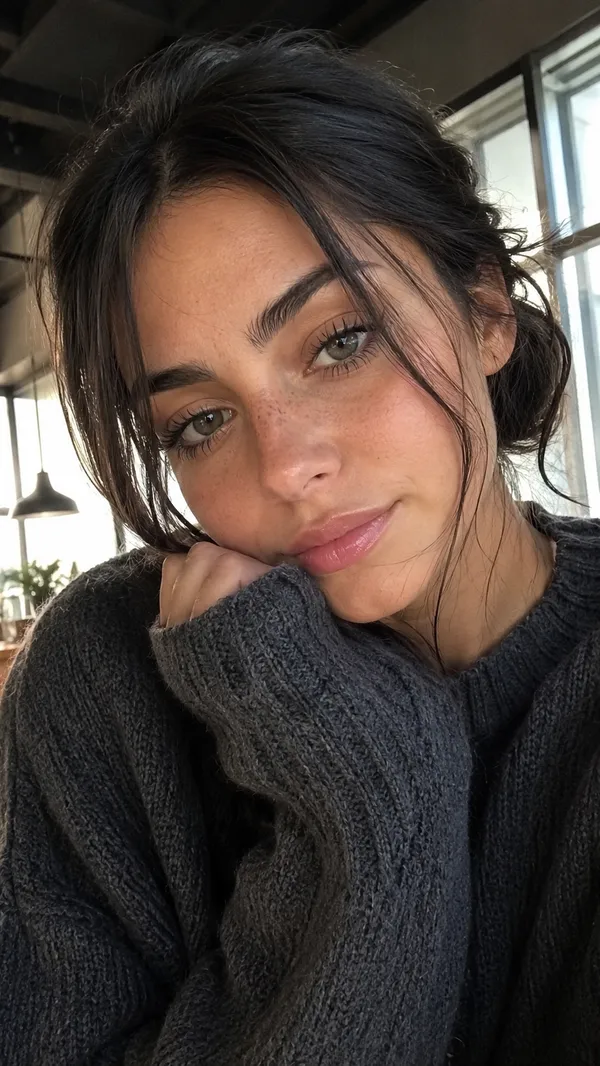
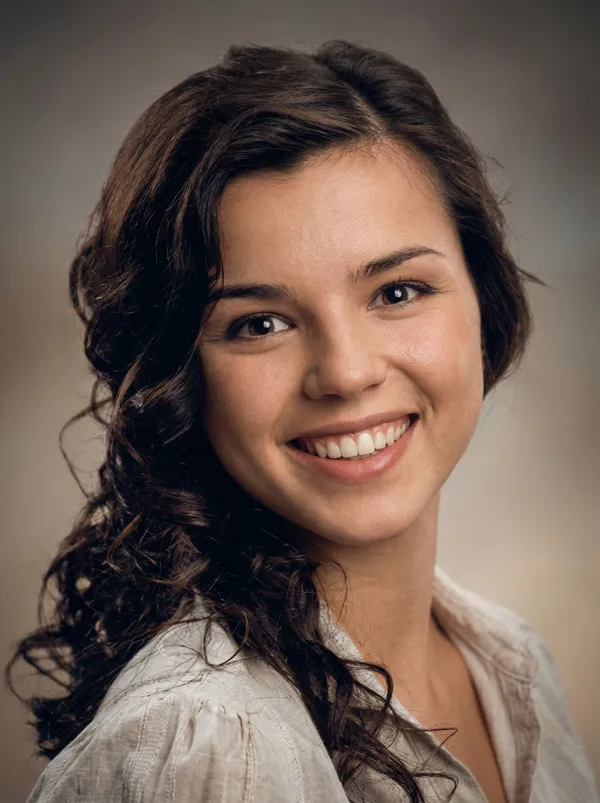
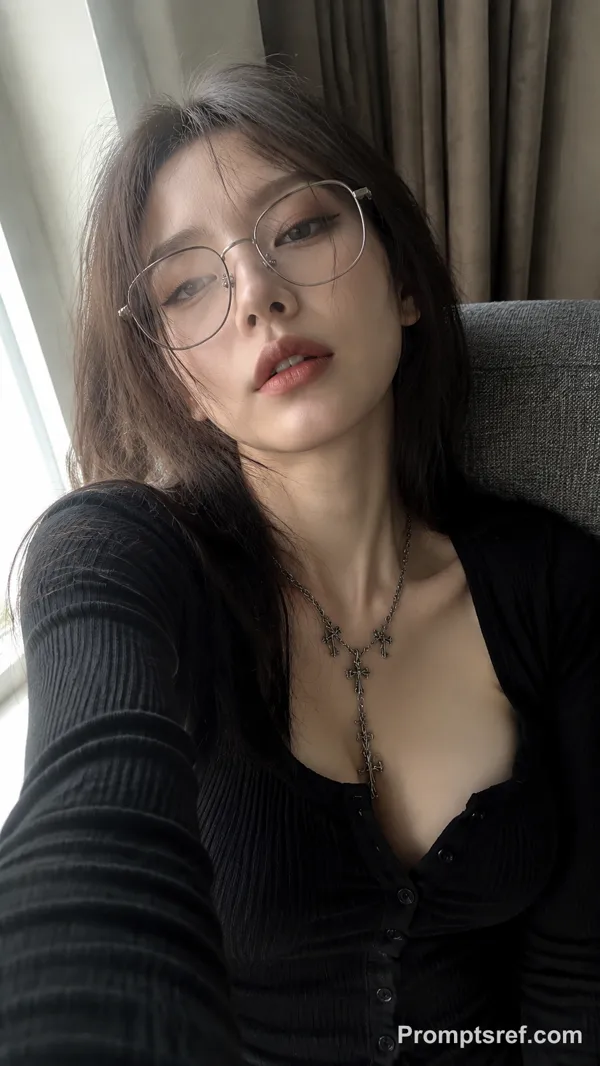
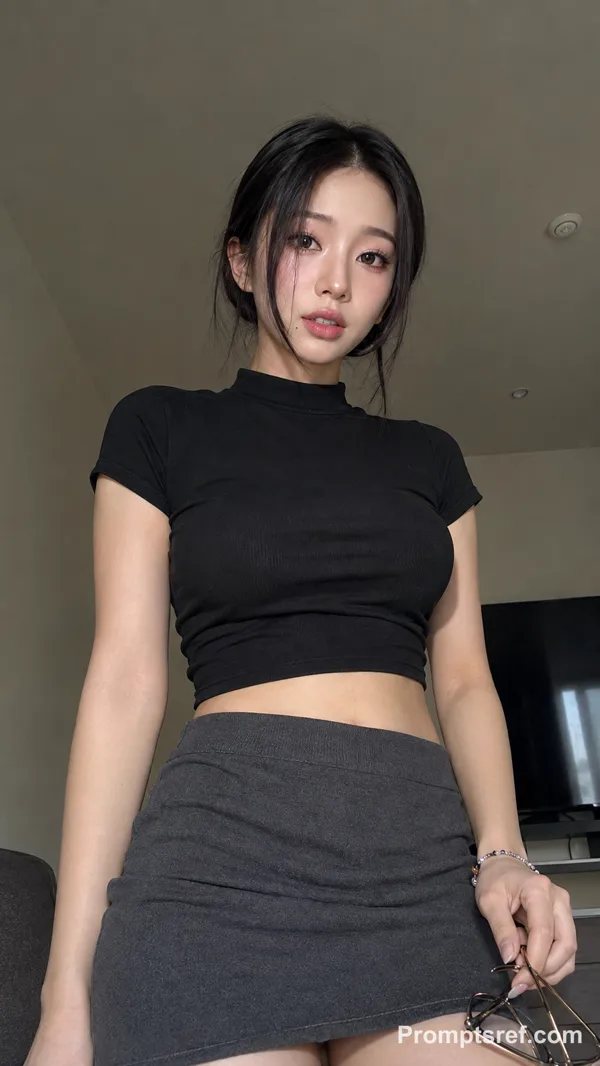
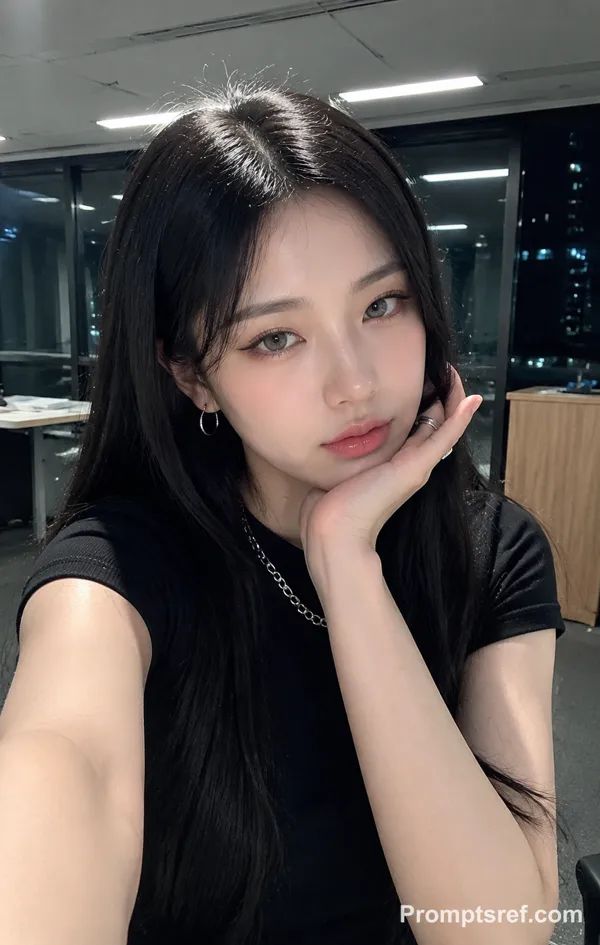
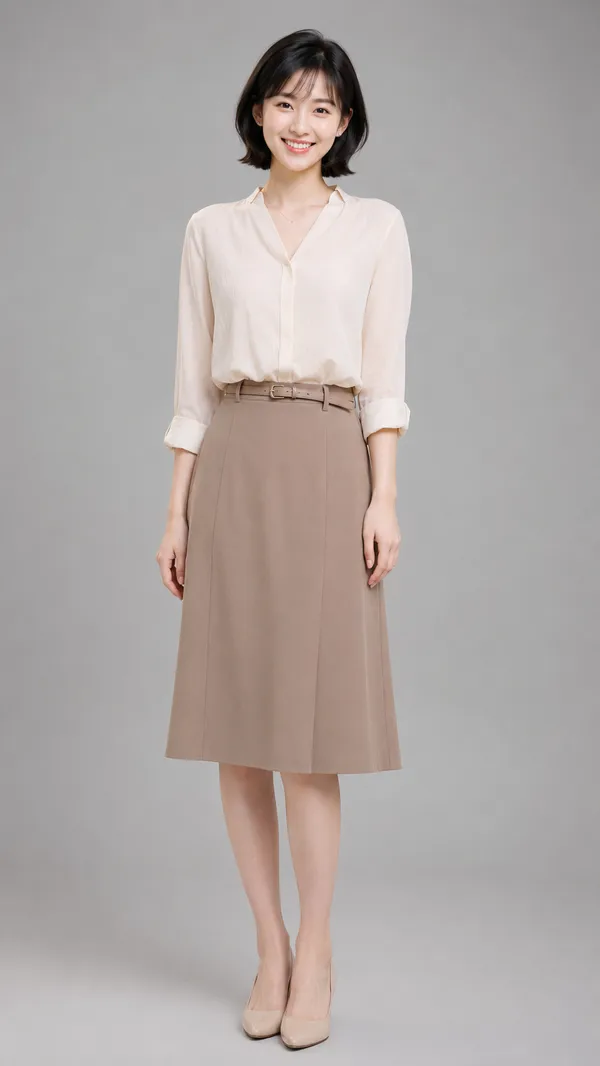
Nano Banana 2 Prompt - Studentin in einem formellen Zoom-Meeting von zu Hause

- Modell
- Nano Banana 2
Prompt
{
"project_meta": {
"task_name": "Hyper-realistic Single-Person Zoom Screen Simulation",
"target_model": "SDXL_1.0_Refiner",
"aspect_ratio": "3:4",
"resolution": {
"width": 1152,
"height": 1536
}
},
"scene_composition": {
"layer_1_physical_environment": {
"camera_angle": "High-angle, downward shot (POV)",
"subject_anchor": "MacBook Screen (95% fill)",
"foreground_element": "Thin strip of physical keyboard visible at bottom edge",
"surface_imperfections": [
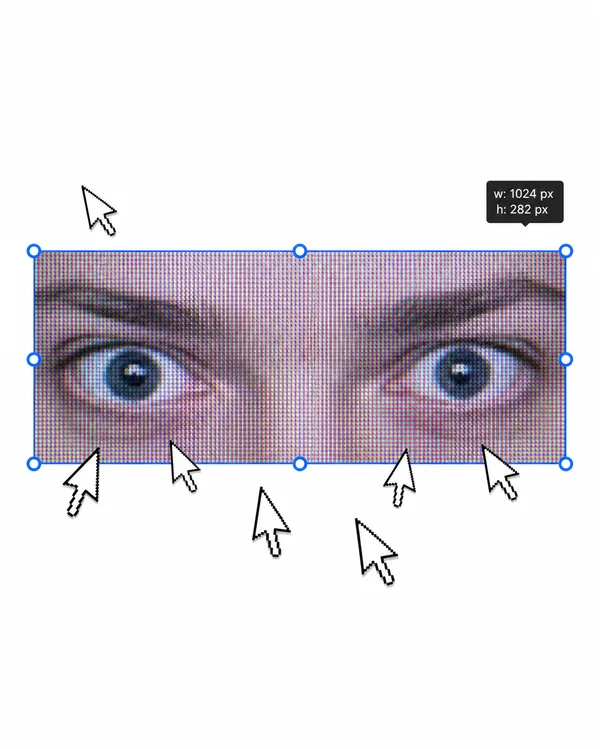
"Visible RGB pixel-grid texture (Moiré effect)",
"Micro-dust particles on glass surface",
"Faint ambient light reflections (glossy finish)",
"Subtle fingerprint smudges"
]
},
"layer_2_digital_interface": {
"os_theme": "macOS Dark Mode",
"active_window": {
"app_name": "Zoom",
"status": "Live Meeting, Single Speaker View",
"position": "Dominant/Center"
},
"interface_rules": {
"visible_people_count": 1,
"layout": "Single large speaker frame only",
"remove_elements": [
"participant thumbnails",
"sidebar attendee list",
"gallery view",
"multi-person layout"
]
}
},
"layer_3_nested_content": {
"location": "Inside the Zoom meeting window",
"setting": {
"room": "Personal bedroom or home study corner",
"background": "Soft, tidy home interior with neutral wall, subtle furniture, and lightly domestic details",
"lighting": "Natural home lighting mixed with soft screen glow, balanced but slightly intimate, realistic webcam contrast"
},
"subject_details": {
"identity_type": "Sweet-looking American college student",
"demographics": "Young adult female, college-age",
"appearance": {
"hair": "Soft, neat, naturally styled hair with a youthful polished look",
"apparel": "Formal dark blazer or business jacket over a clean inner top",
"expression": "Sweet and approachable face, calm and attentive, slight polite smile",
"pose": "Seated upright, facing webcam, attending a formal meeting seriously",
"makeup": "Light polished makeup, fresh and refined rather than glamorous"
},
"mood_contrast": {
"core": "A sweet college-student presence placed inside a formal business meeting",
"visual_tension": "The room feels personal and domestic, but her styling and posture feel corporate and composed"
}
}
}
},
"generation_parameters": {
"prompts": {
"positive": "Hyper-realistic downward shot of a MacBook screen. The glossy screen surface shows visible RGB pixel grid, dust specks, faint ambient reflections, and subtle fingerprint smudges. The display shows a macOS desktop in dark mode with a dominant Zoom meeting window. Inside the Zoom window there is only one visible person, no participant thumbnails, no gallery layout, no sidebar faces. A sweet-looking American college-age woman is attending a formal meeting from her own room at home. She wears a tailored dark blazer over a clean top, with a youthful face, soft polished makeup, and a calm attentive expression. She is seated upright facing the webcam, giving the impression of taking a serious professional meeting in a personal domestic space. The background feels like a tidy bedroom or home study corner, softly neutral and lived-in, creating a strong contrast between youthful sweetness, private home intimacy, and formal corporate seriousness. Realistic webcam framing, raw photo quality, natural noise, unedited, high fidelity.",
"negative": "multiple people, participant thumbnails, gallery view, attendee sidebar, crowded zoom interface, Photo Booth, selfie, phone in hand, office boardroom, celebrity glam portrait, heavy makeup, over-retouched beauty image, screenshot, flat digital image, clean glass, perfect screen, bright studio lighting, cartoon, 3d render, painting, watermark, duplicated face, UI glitches, mirrored text, deformed hands, blurry face"
},
"sampling_settings": {
"sampler": "DPM++ 3M SDE Exponential",
"steps": 40,
"cfg_scale": 5.5,
"denoising_strength": 0.35
}
},
"control_net_configuration": {
"identity_strictness": "MEDIUM",
"stack": [
{
"unit": "ControlNet_Tile",
"weight": 0.4,
"purpose": "Maintain Zoom interface sharpness, screen texture, and laptop-display realism"
}
]
}
}
Remixe
RemixNoch keine Remixe. Erstelle die erste Version.
Diesen Bild-Prompt verwenden
- 01
Mit dem Prompt starten
Kopiere den Prompt oder öffne ihn über die Schaltfläche zum Generieren.
- 02
Eigene Änderungen vornehmen
Passe Motiv, Umgebung oder Details an. Füge bei Bedarf Referenzen hinzu.
- 03
Vor dem Generieren prüfen
Prüfe Modell und Ausgabeeinstellungen. Die Ergebnisse können variieren.