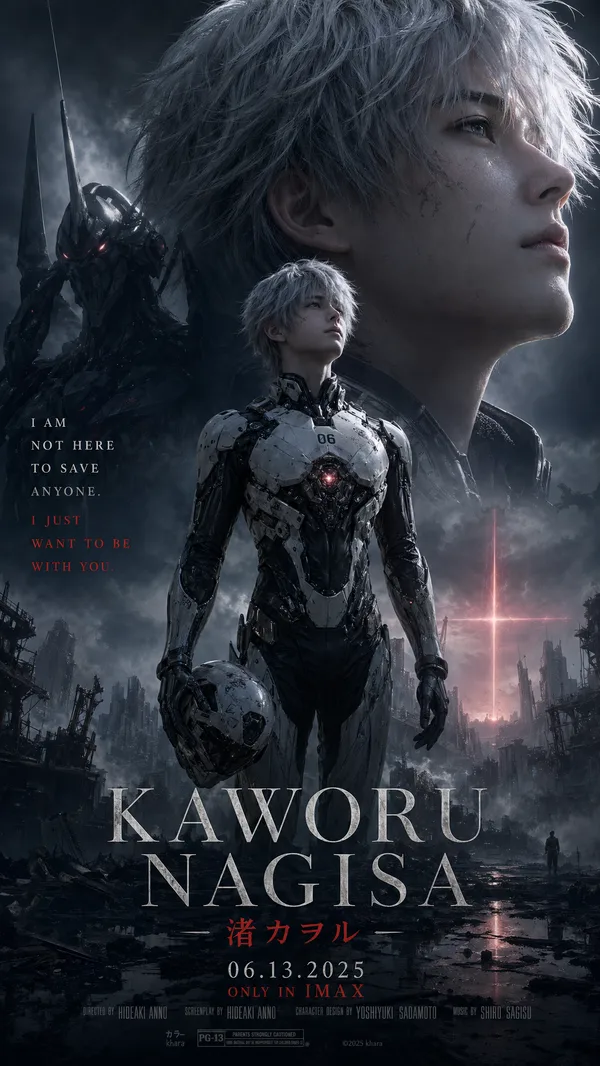
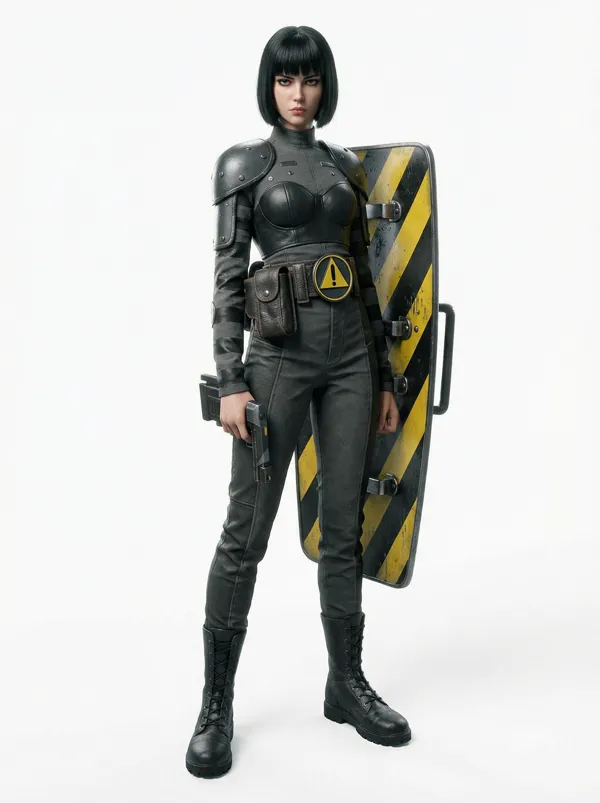
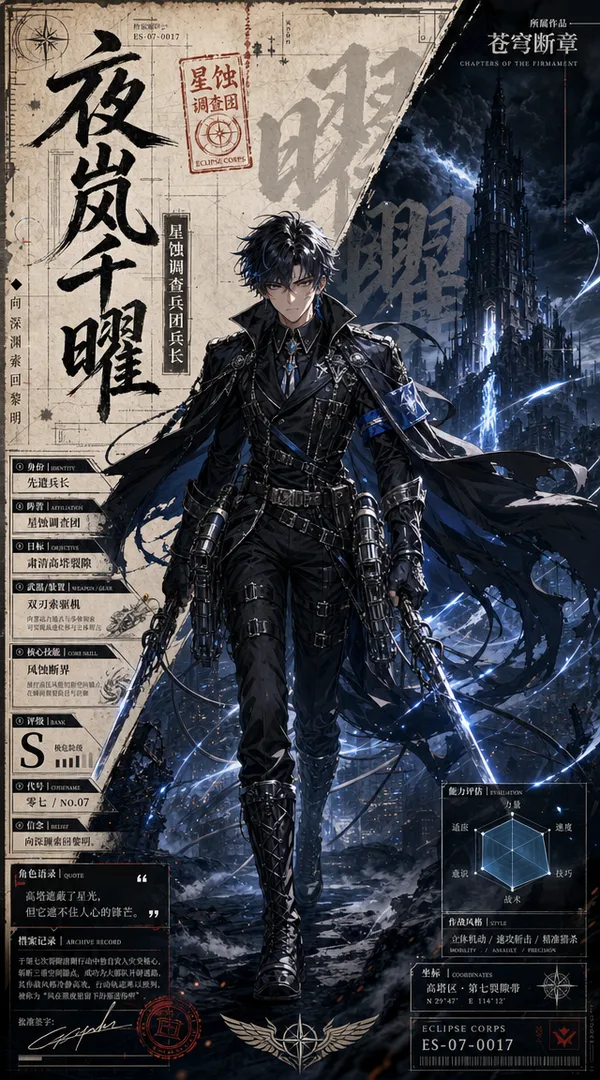
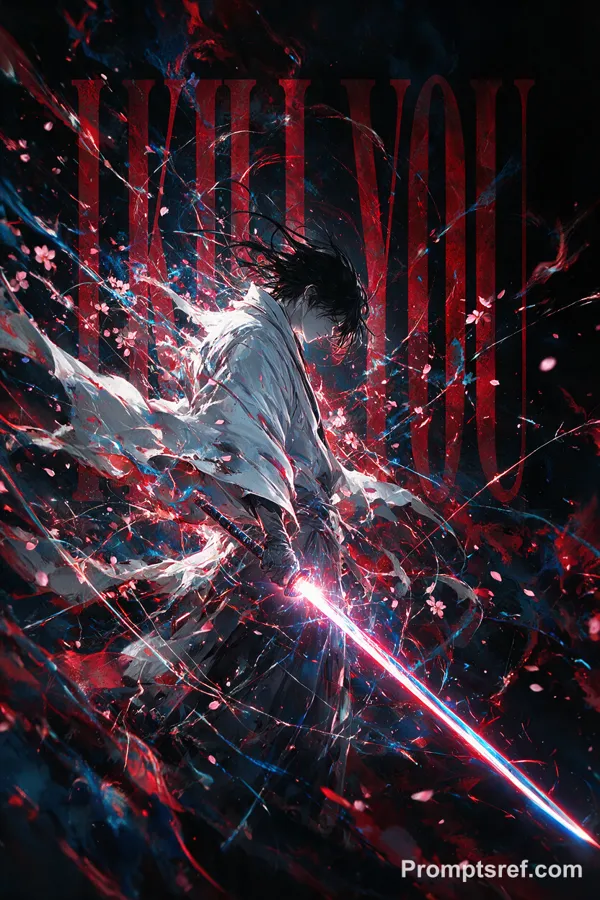
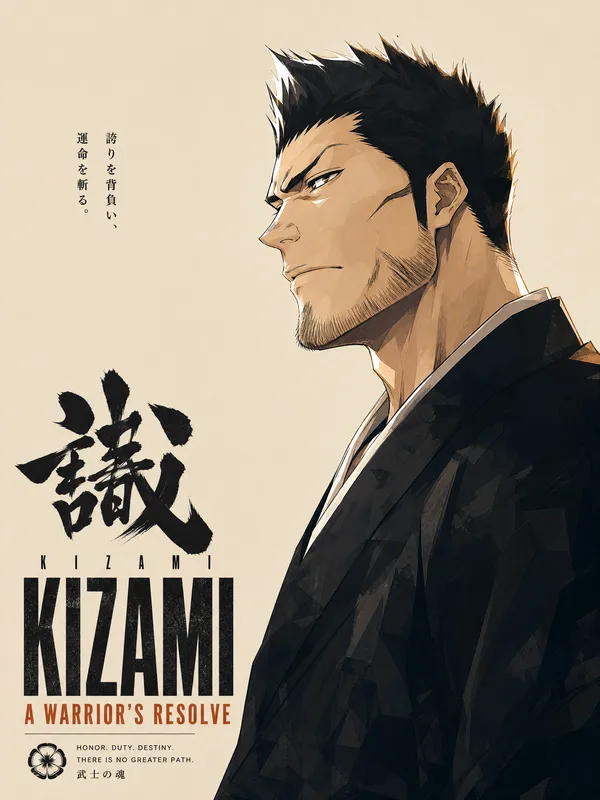
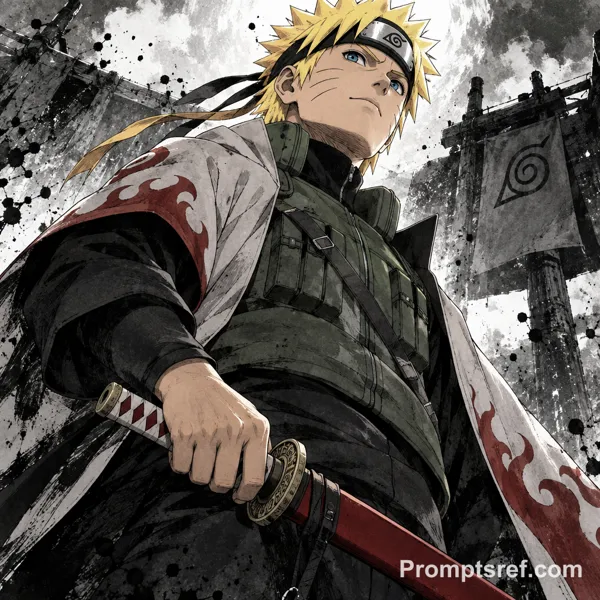
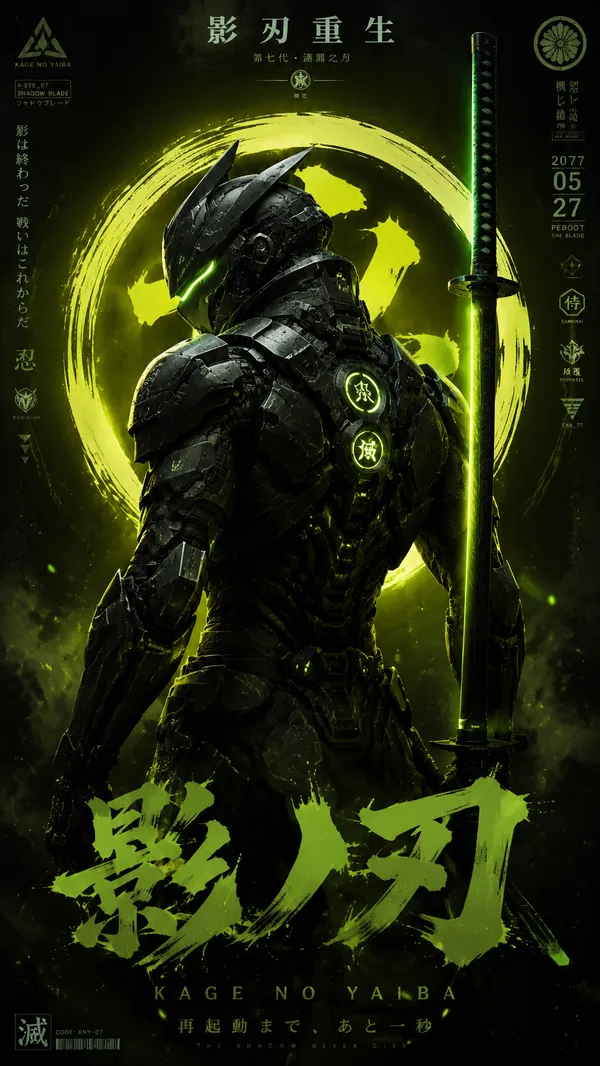
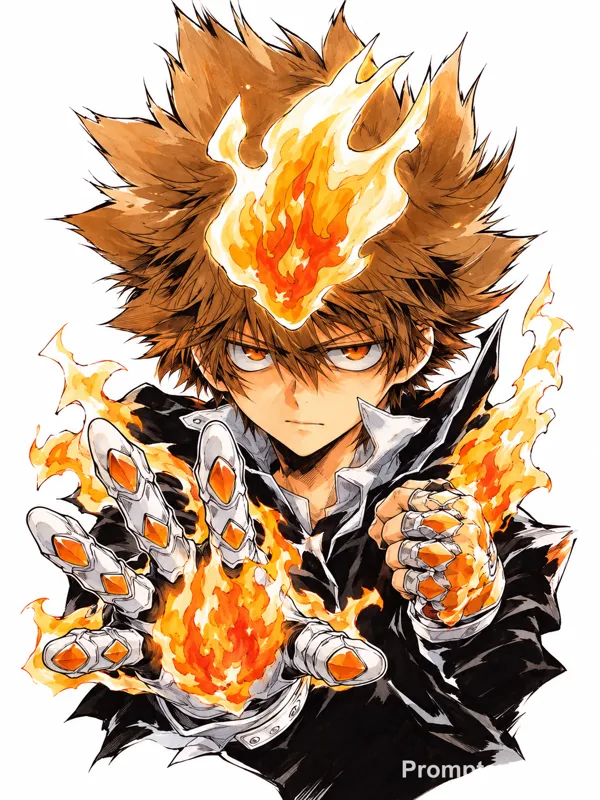
Nano Banana 2 Prompt - Vorlage für eine dynamische Charakterenthüllung

- Modell
- Nano Banana 2
Prompt
Aspect Ratio: 16:9
layering:
order:
- text_layer
- character_layer
- background_layer
strict: true
subject:
description: >
Preserve the subject exactly as in the reference image, keeping all facial features,
colors, hairstyle, clothing, and proportions. No redesign or reinterpretation.
framing: >
Bust-up composition (head to upper torso), making the subject appear large and prominent.
integrity: full_identity_preservation
detail_level: ultra_high_resolution
micro_details: preserve_skin_texture_hair_edges_fabric_details
composition:
aspect_ratio: "16:9"
layout: >
Subject positioned on one side; headline text on the opposite side.
emphasis: >
Strong presence on the character's upper body and expression.
action:
description: >
Minimal motion enhancement. Maintain the reference pose while adding subtle dramatic energy.
location:
description: >
Simple background created by interpreting the reference image’s mood.
Use soft gradients, atmospheric glow, light particles, or abstract light rays.
Avoid complex textures or any copyrighted shapes.
background_feel: >
Subtle, atmospheric, clean.
style:
visual_style: >
High-impact reveal-splash aesthetic with strong contrast between character and headline.
text_effects: >
Metallic, high-energy lettering with pronounced depth and perspective. No glow effects.
character_rendering: >
Extremely high-resolution rendering with sharp facial details, clean hair definition,
precise edges, and crisp texture fidelity.
background_style_rules: >
Background must be purely non-figurative. No silhouettes, no blurred shapes,
and no reused subject elements.
ink_splash_rules: >
Ink splash must be pure black only. No other colors, tinting, blending, or variation.
camera_lighting:
camera_angle: from_reference
lighting: >
Enhance with dramatic key lighting and subtle rim highlights to emphasize the reveal.
clarity: maximum_definition
colors:
palette: >
Background colors inferred from the reference image.
Character name in metallic silver; announcement text in saturated yellow.
mood: dramatic, heroic, high_energy
text:
character_name: "キャラクター名"
announcement_fixed: "参戦!!"
placement: opposite_side_of_character
perspective: >
Pronounced perspective: front surface larger, back tapered with visible extrusion.
character_name_style: >
Metallic silver, brushed-metal texture, subtle bevel, no glow.
announcement_style: >
Yellow fill, thick black outline, soft white inner edge.
ink_splash:
color: pure_black
restrict_to_color: pure_black_only
shape: ink_brush_texture
placement: behind_text_only
no_color_variation: true
edit_instructions:
background_layer: >
Generate the background first as a clean, abstract inferred color field.
It must contain no character shapes, silhouettes, or blurred forms.
character_layer: >
Render the character on top of the background with highest resolution and sharp edges.
text_layer: >
Render the character name and announcement as the topmost layer above the character.
Apply pure black ink-splash behind the text only.
enforce_layer_order: true
preserve_character_fully: true
crop: bust_up
enhance_character_details: true
preserve_texture_fidelity: true
no_glow_on_character_name: true
enforce_black_ink_splash: true
forbid_nonblack_ink_colors: true
forbid_subject_in_background: true
forbid_blurred_character_in_background: true
background_must_be_nonfigurative: true
background_cannot_reference_or_reuse_subject: true
references:
A: "Main character reference image for perfect preservation."
B: "Optional reference for metallic lettering or color mood."
extras:
quality: ultra
resolution: 4k
fidelity: high
sharpness: maximum
output_intent: reveal_splash
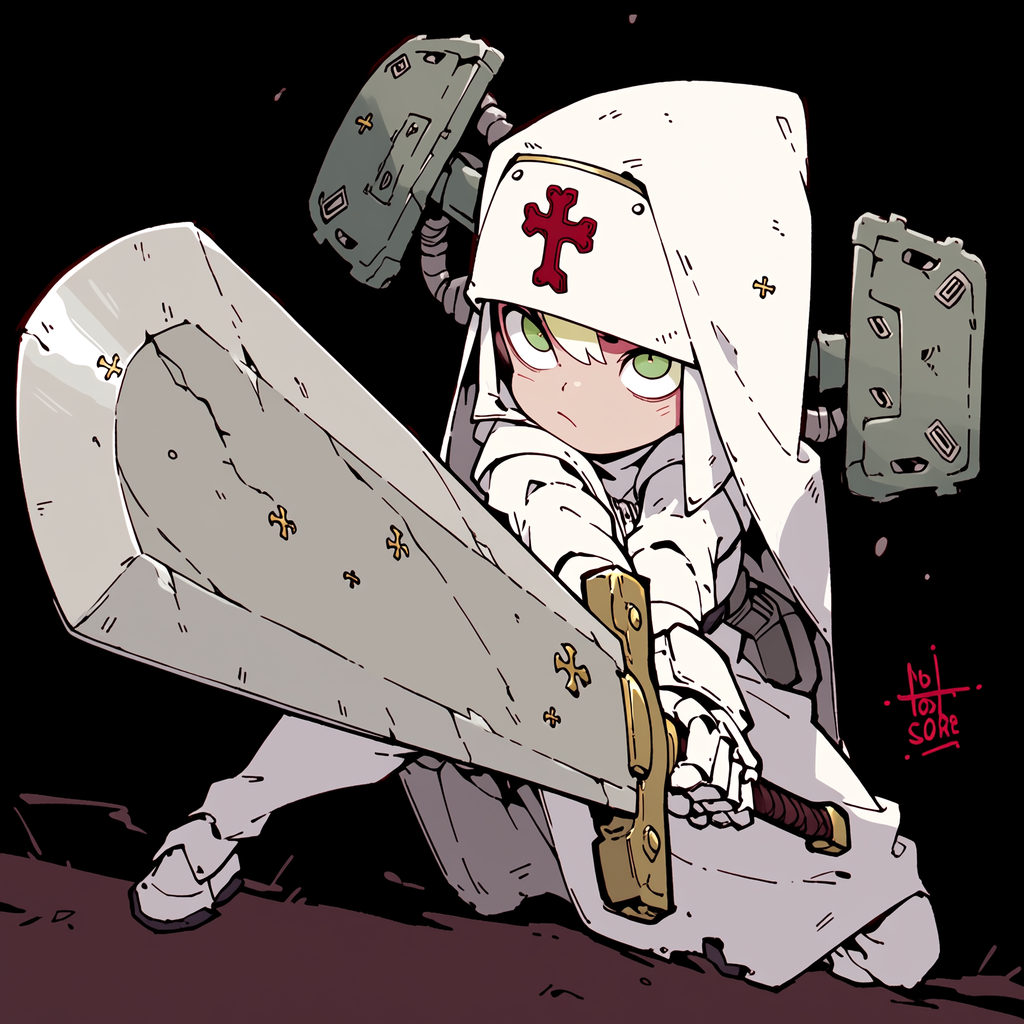
Referenzbild
Remixe
RemixNoch keine Remixe. Erstelle die erste Version.
Diesen Bild-Prompt verwenden
- 01
Mit dem Prompt starten
Kopiere den Prompt oder öffne ihn über die Schaltfläche zum Generieren.
- 02
Eigene Änderungen vornehmen
Passe Motiv, Umgebung oder Details an. Füge bei Bedarf Referenzen hinzu.
- 03
Vor dem Generieren prüfen
Prüfe Modell und Ausgabeeinstellungen. Die Ergebnisse können variieren.