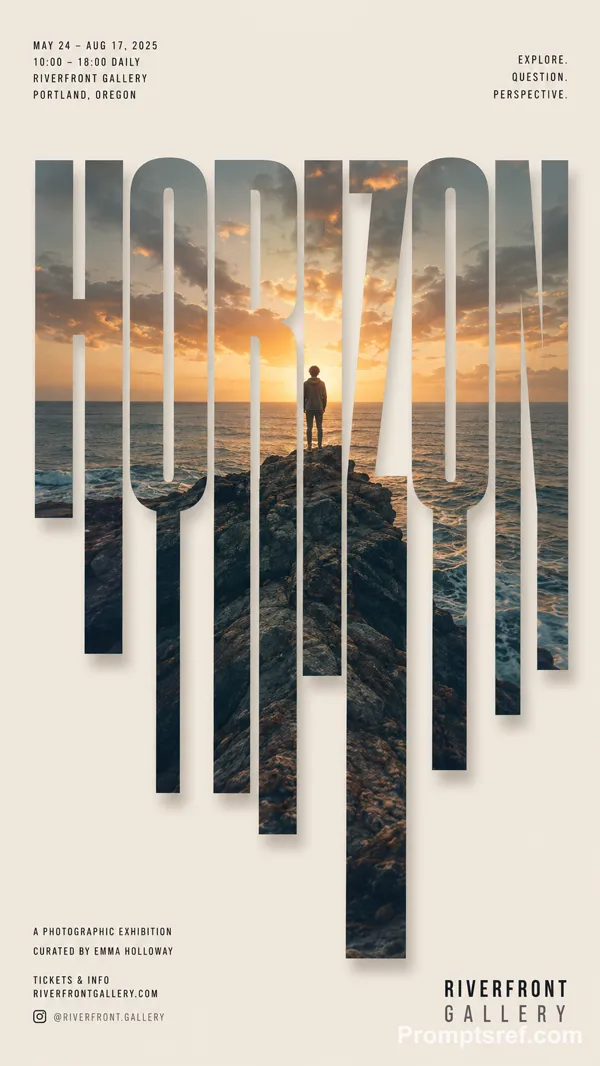
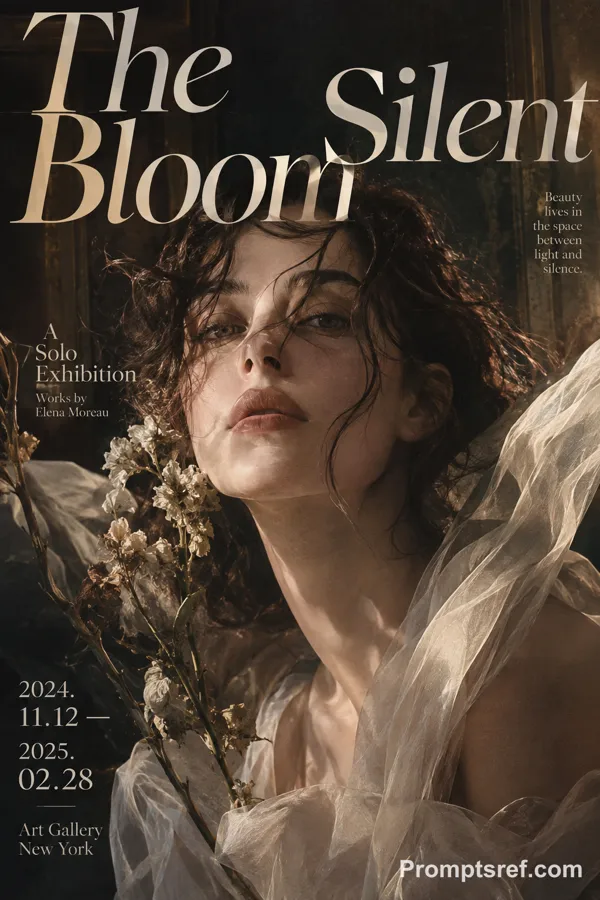
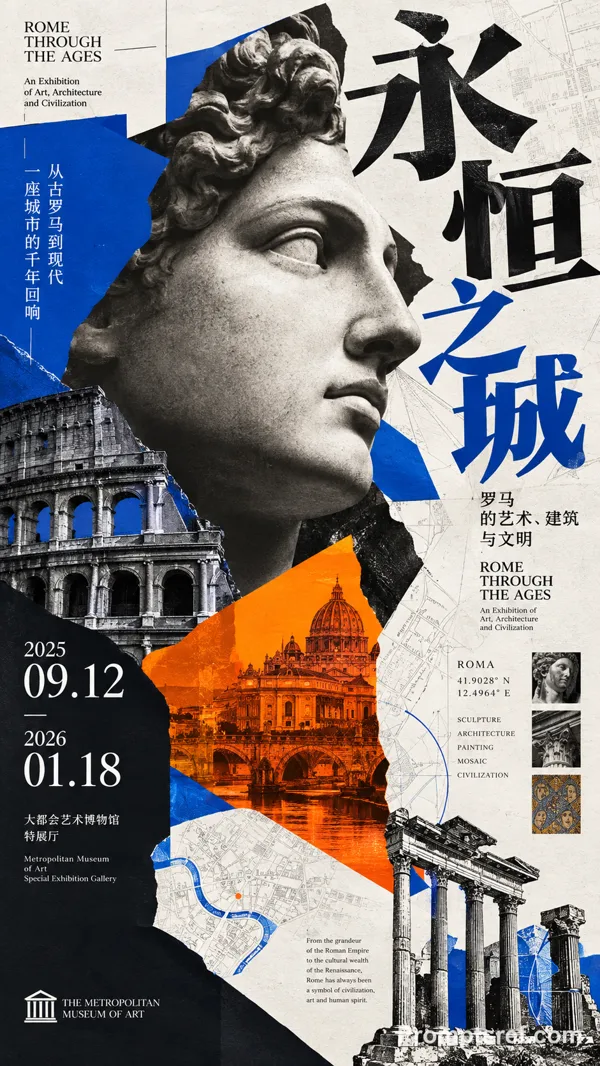
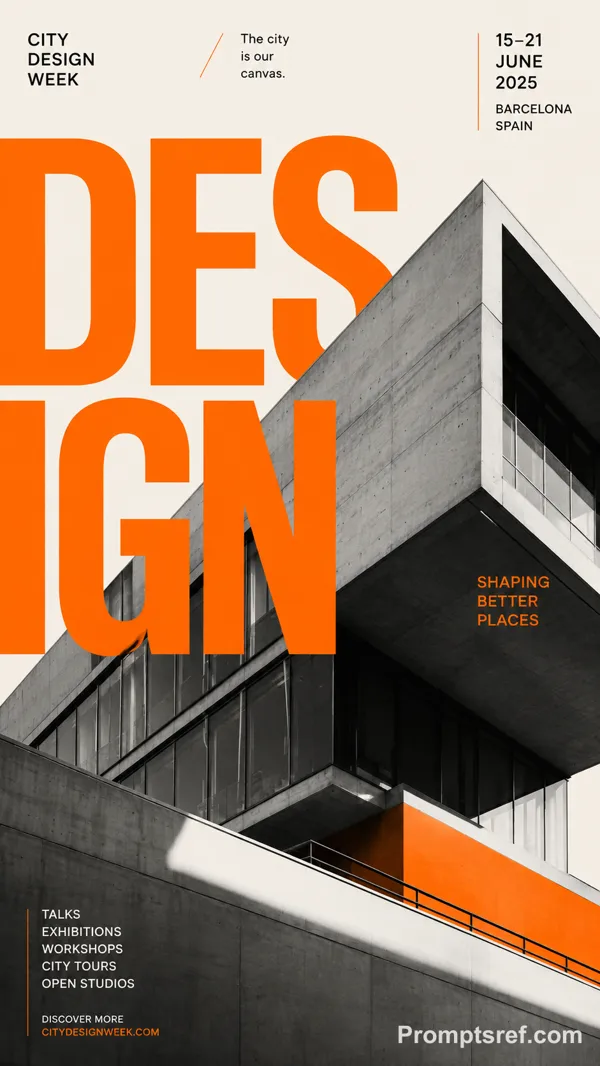
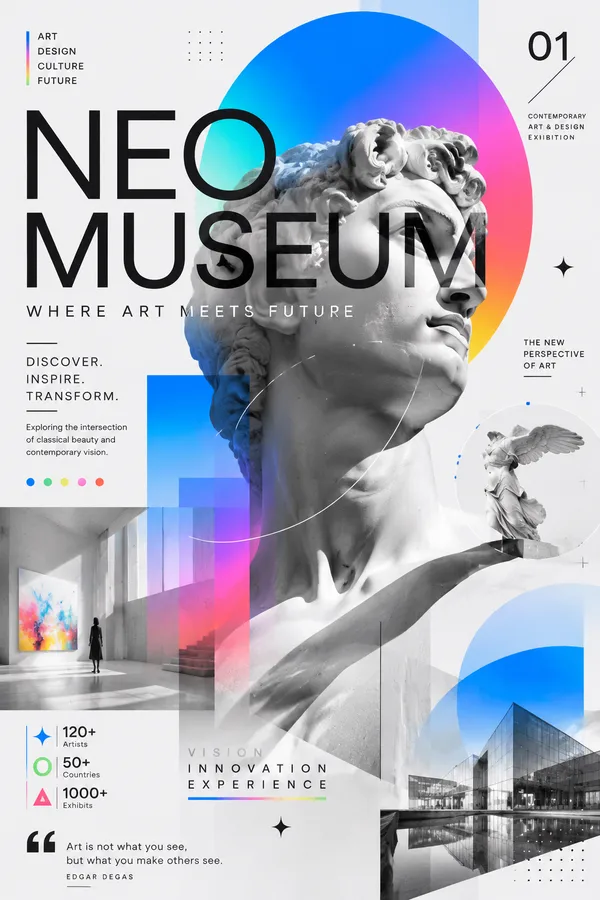
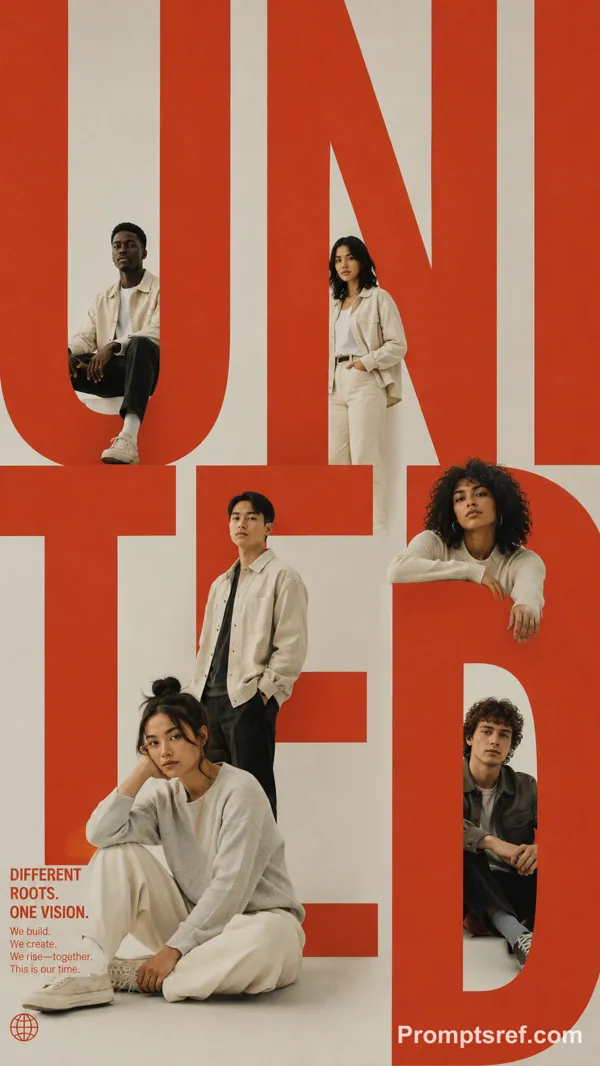
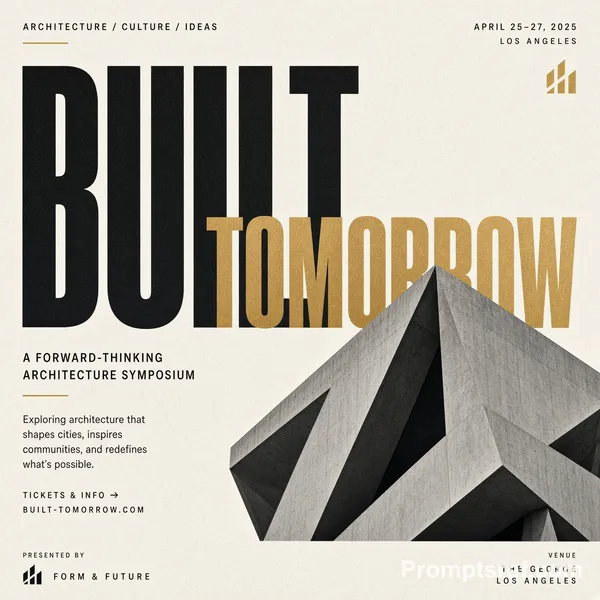
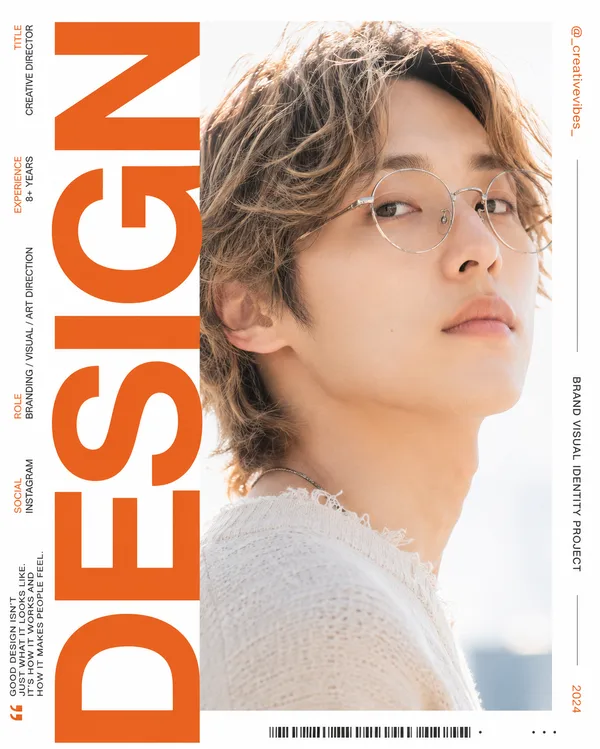
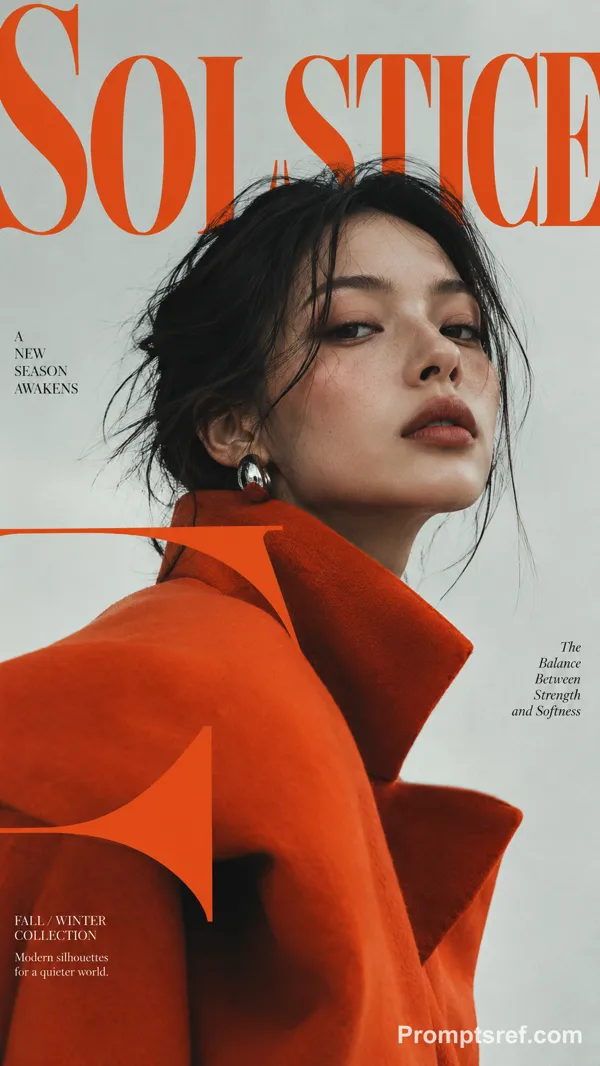
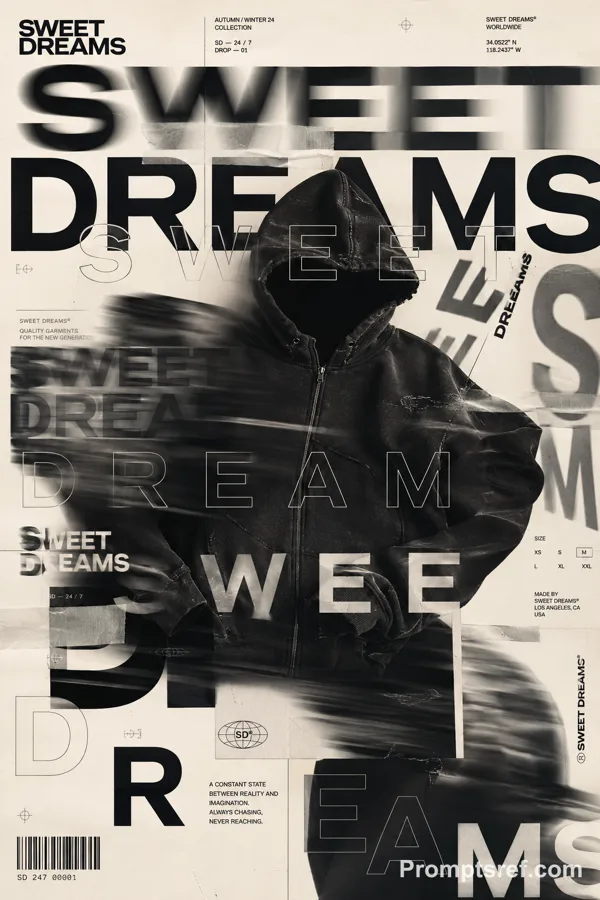
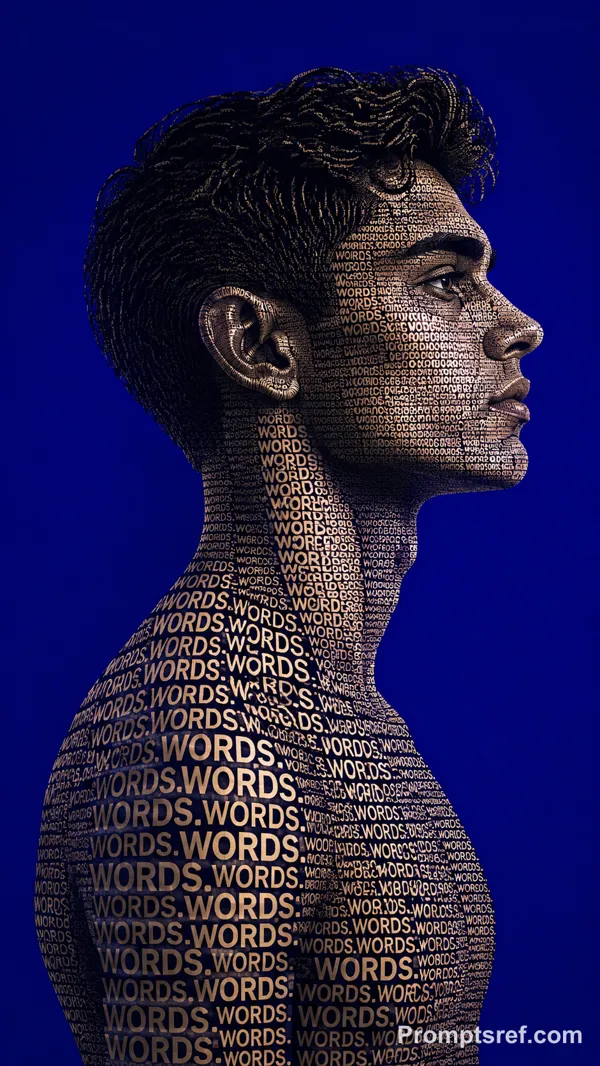
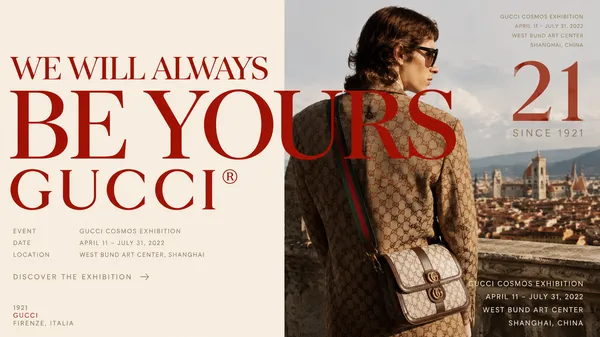
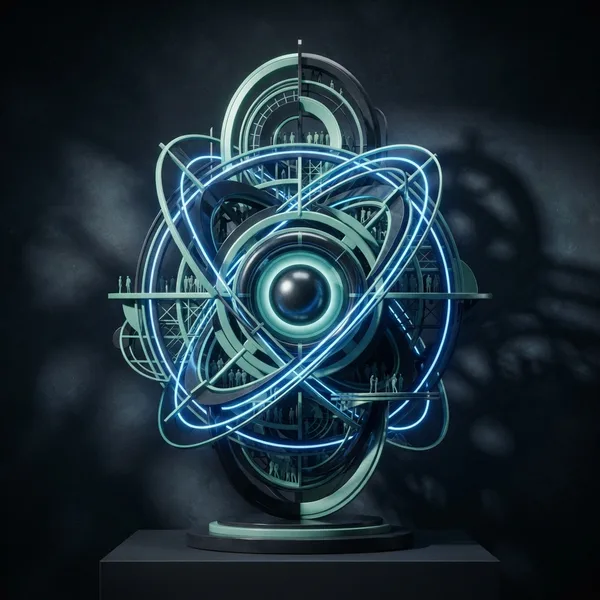
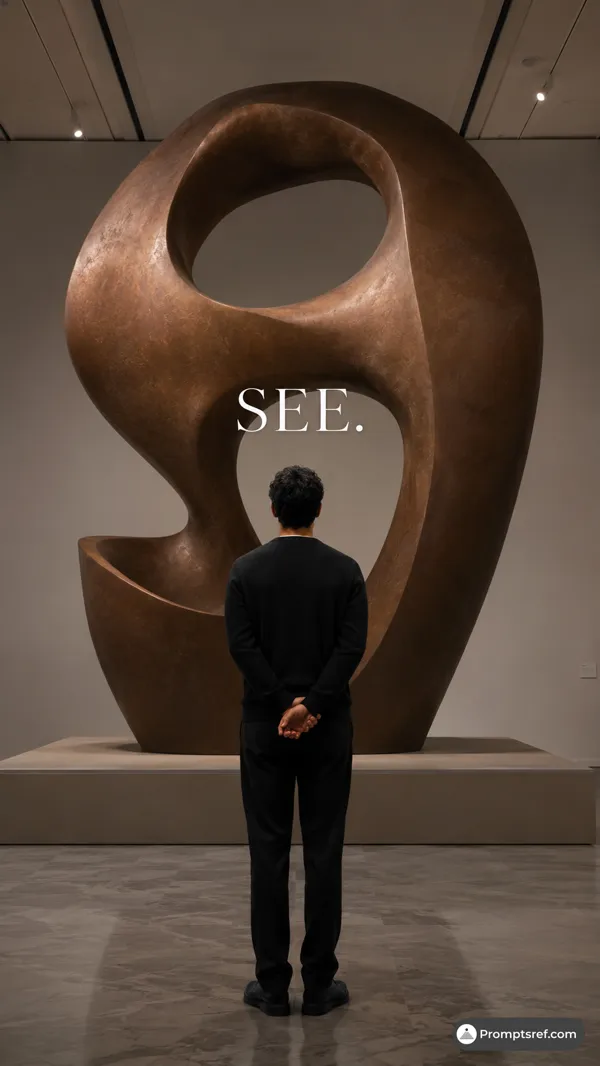
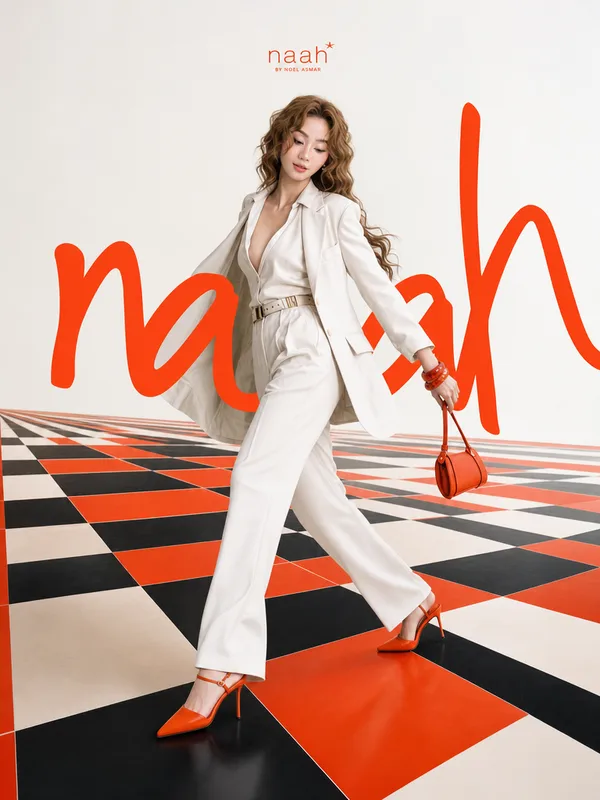
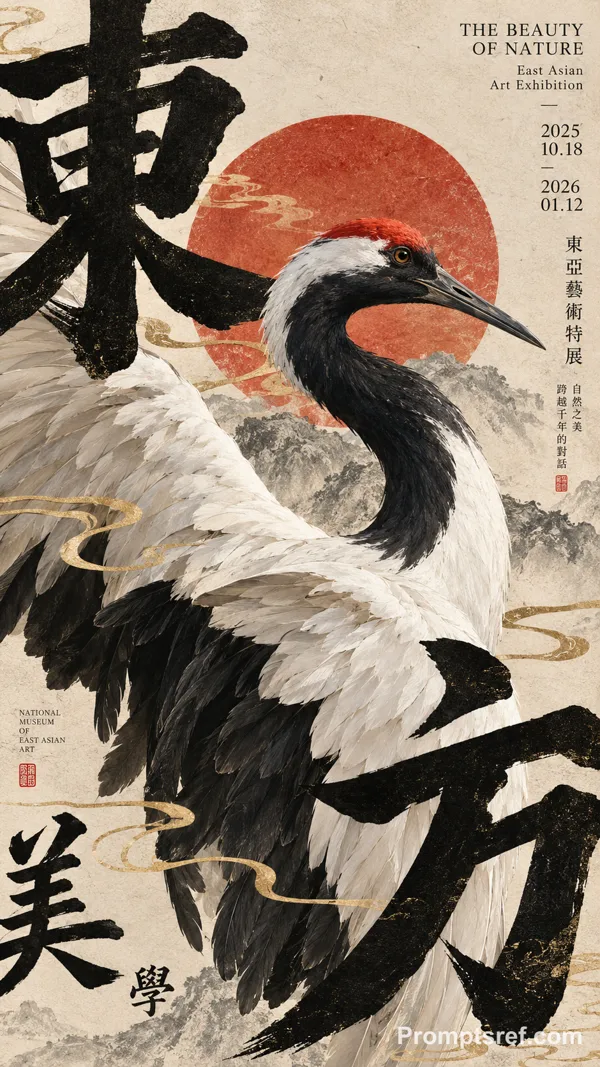
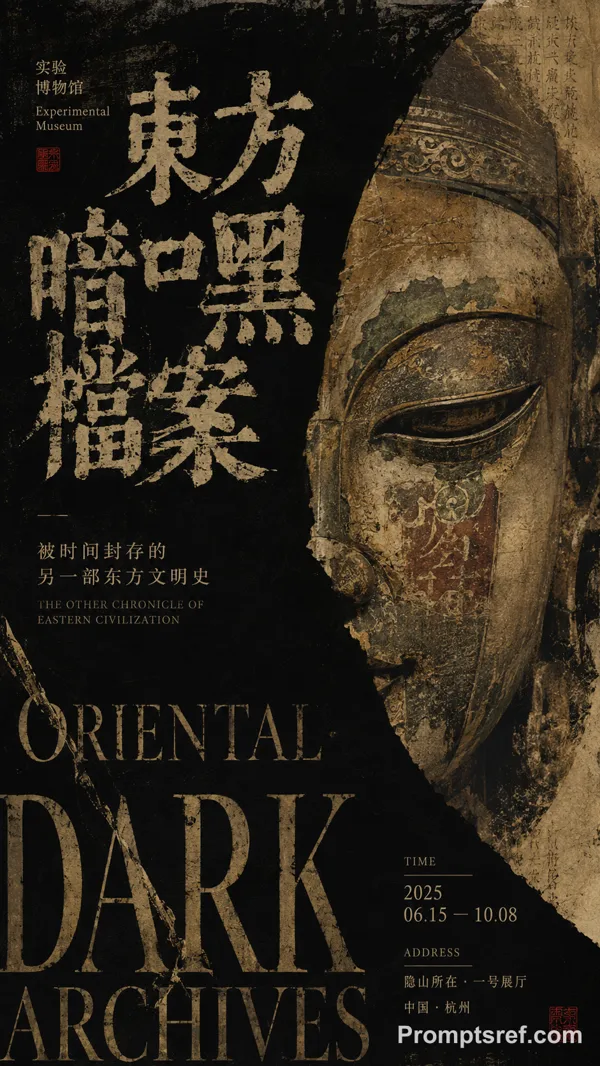
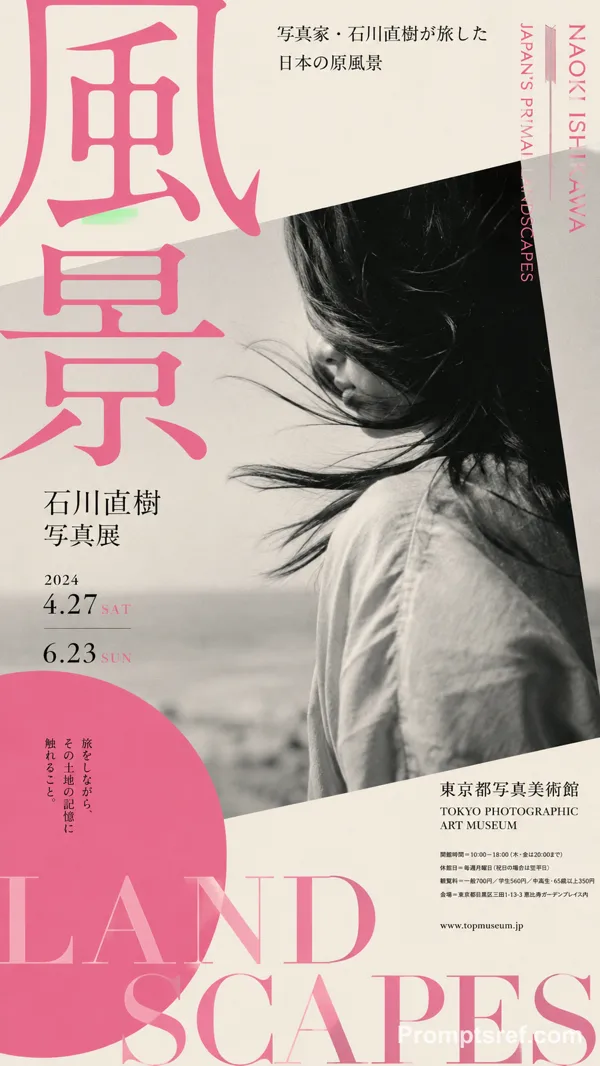
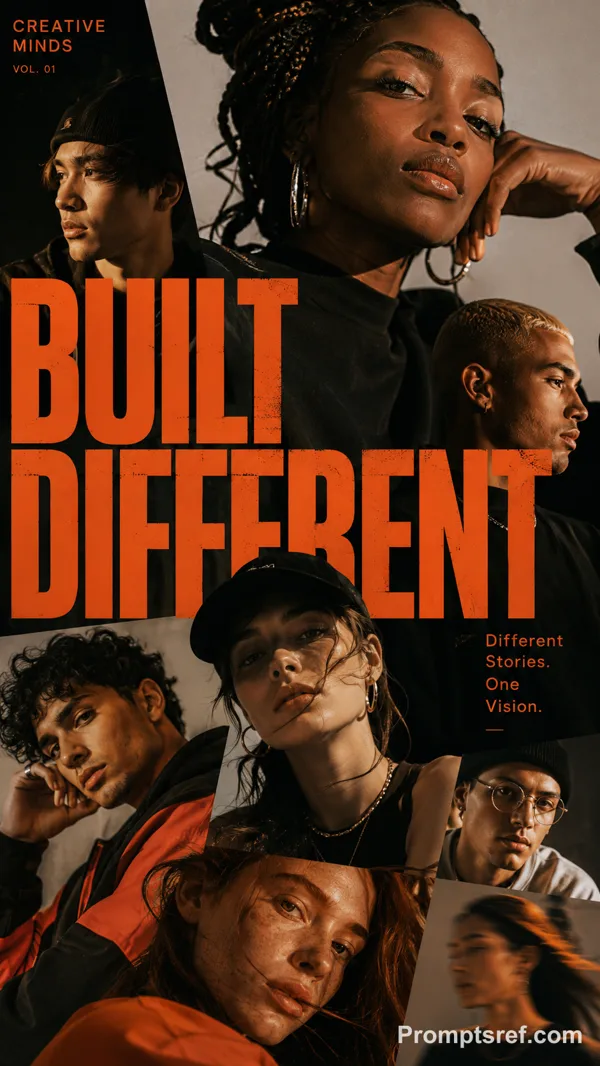
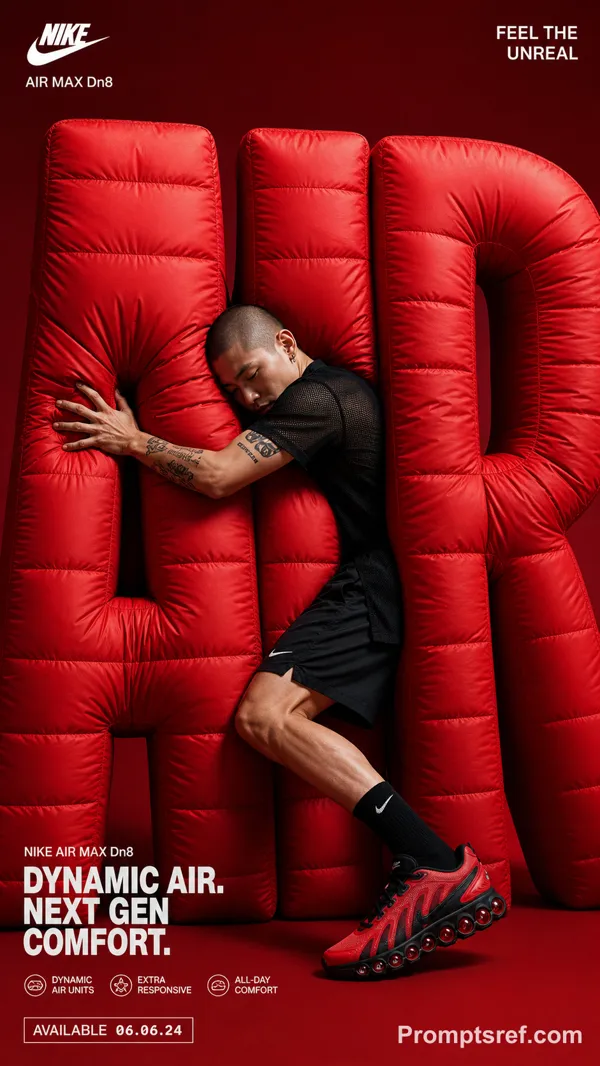
GPT Image 2.0 프롬프트 - 공간 레이어 속 입체 원근 타이포그래피

- 화면 비율
- 2:3
- 화질
- 1K
프롬프트
TITLE: [promptsref]
PROJECT: [brand / exhibition / campaign]
MEDIUM: [threads / points / volumetric light / moiré layers / other]
SPATIAL MECHANISM: [alignment / depth / interference / optical reveal]
SUBJECT: [small human figure / none]
MAIN COLOR: [accent color]
FORMAT: 9:16 vertical poster
Create a contemporary volumetric perspective typography poster where the main word exists through elements distributed across real three-dimensional space rather than on a flat surface.
Build the word from the chosen medium: suspended threads, physical points, beams of light, layered line grids, or another spatial system. Individual elements should appear fragmented or abstract from other viewpoints, but align into one bold, readable word from the intended camera position.
Keep clear foreground, midground and background depth. The typography should dominate roughly 35–55% of the composition while still revealing how the spatial structure creates it.
For threads, build each letter from lines at different depths.
For points, use suspended objects to form volumetric letter shapes.
For light, let separate beams visually combine into the word.
For moiré, use overlapping line layers and interference to reveal the typography.
If a person is included, keep them small and use them mainly as a scale reference, with realistic occlusion between the subject and the spatial elements.
Use one strong accent color with a restrained architectural palette. Add only minimal editorial information such as project name, location, date and one short thematic line.
Overall style: perspective typography, volumetric installation, spatial graphic design, contemporary exhibition art, clean hierarchy and strong visual impact.
Avoid flat printed text, ordinary 3D letters, weak depth, random distortion, neon sci-fi styling, excessive filler copy, cluttered backgrounds, watermarks and numbering.
리믹스 작품
리믹스아직 리믹스가 없어요. 첫 번째 버전을 만들어 보세요.
이 이미지 프롬프트 사용하기
- 01
프롬프트로 시작하기
프롬프트를 복사하거나 생성 버튼으로 여세요.
- 02
나만의 아이디어 더하기
주제, 배경, 세부 사항을 조정하고 필요하면 참고 자료를 추가하세요.
- 03
생성 전 확인하기
모델과 출력 설정을 확인하세요. 생성 결과는 매번 다를 수 있습니다.