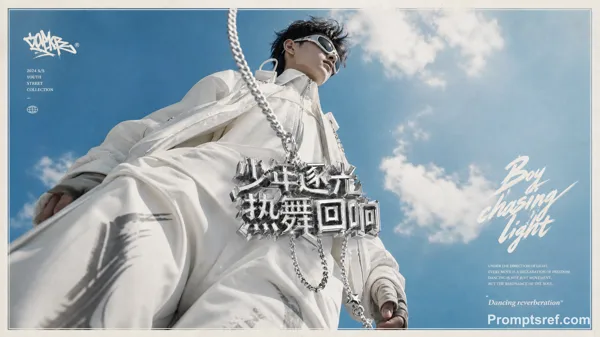
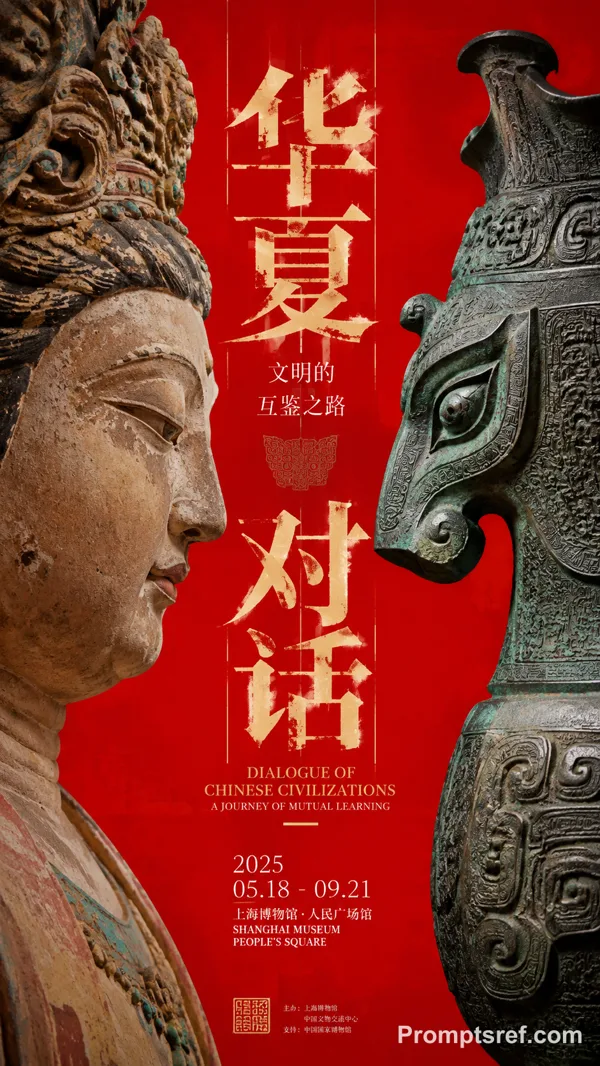
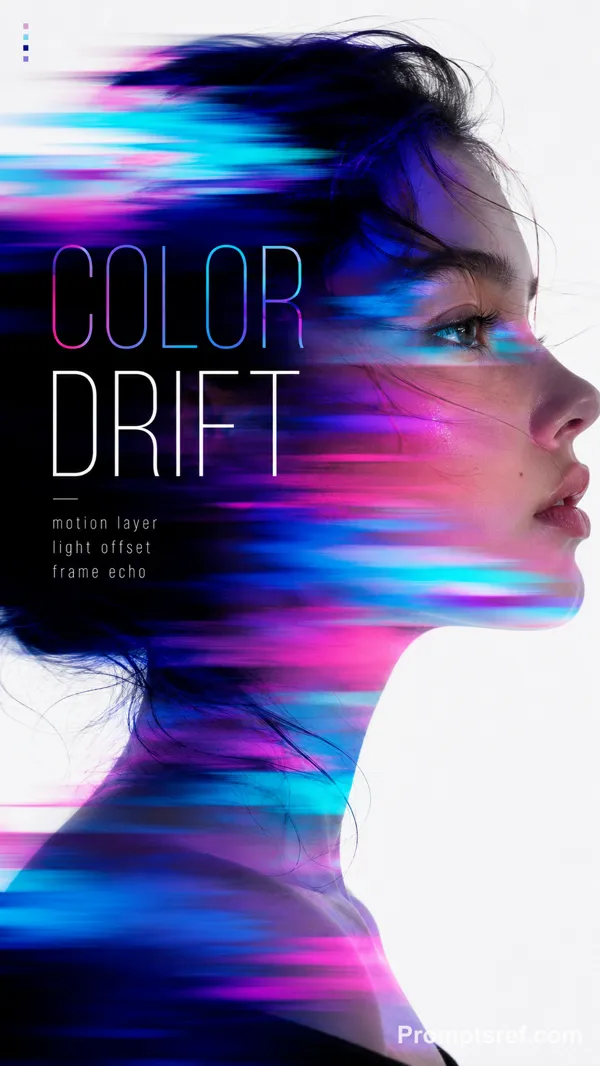
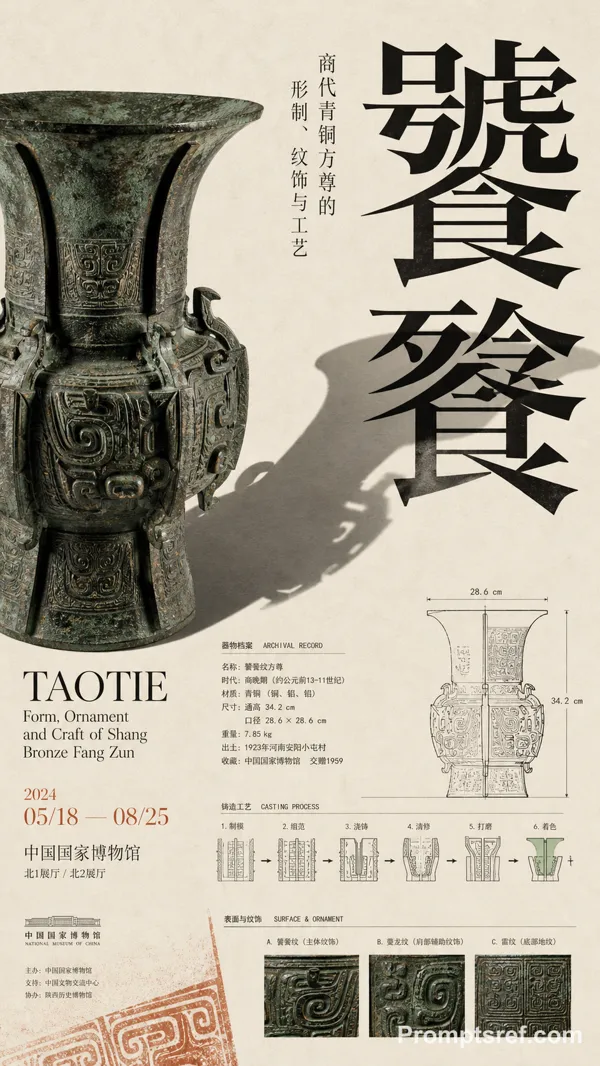
GPT Image 2.0 Prompt - Typographie Volumétrique en Perspective Spatiale

- Modèle
- GPT Image 2.0
- Format
- 2:3
- Qualité
- 1K
Prompt
TITLE: [promptsref]
PROJECT: [brand / exhibition / campaign]
MEDIUM: [threads / points / volumetric light / moiré layers / other]
SPATIAL MECHANISM: [alignment / depth / interference / optical reveal]
SUBJECT: [small human figure / none]
MAIN COLOR: [accent color]
FORMAT: 9:16 vertical poster
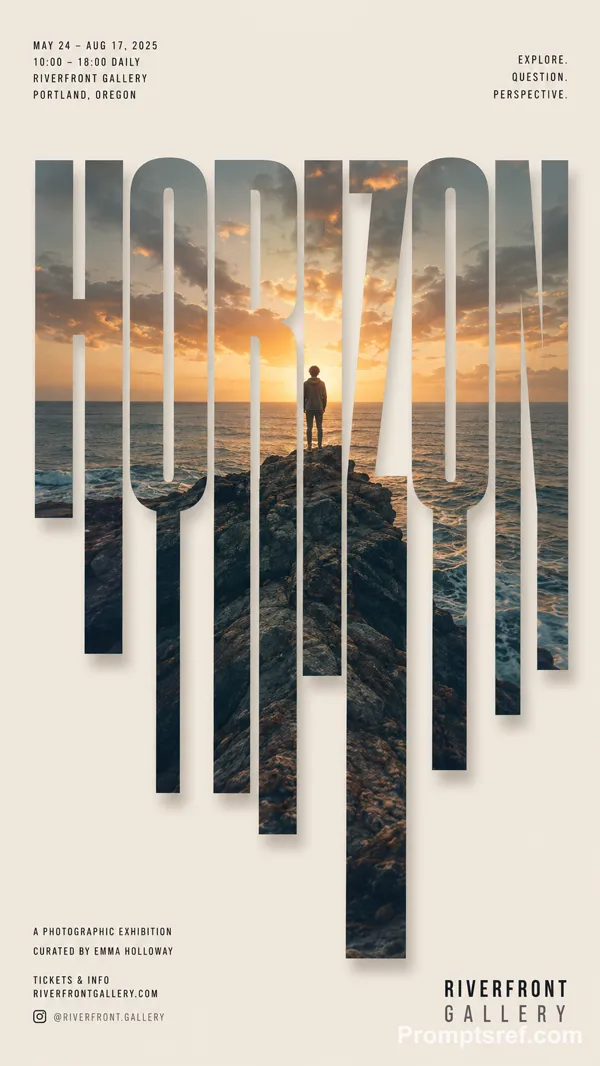
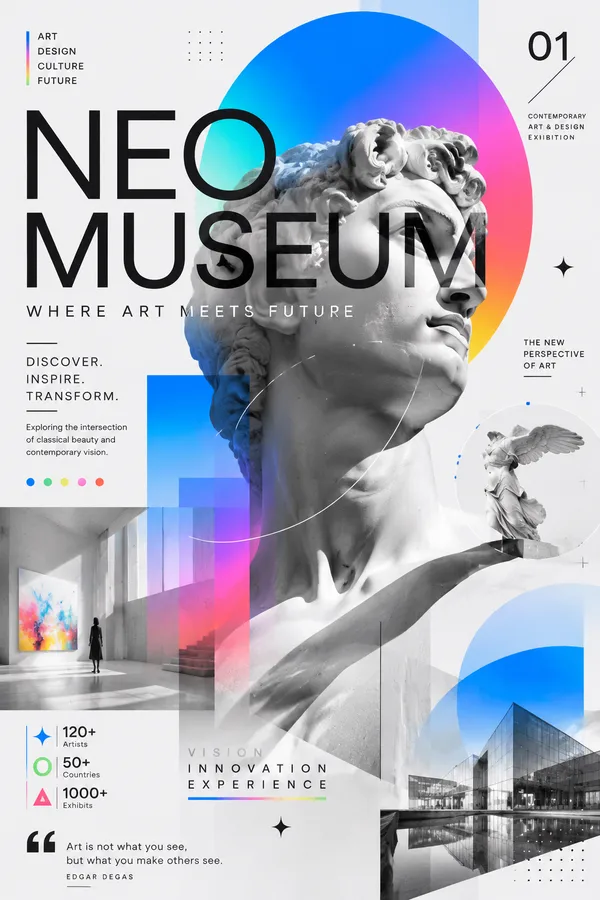
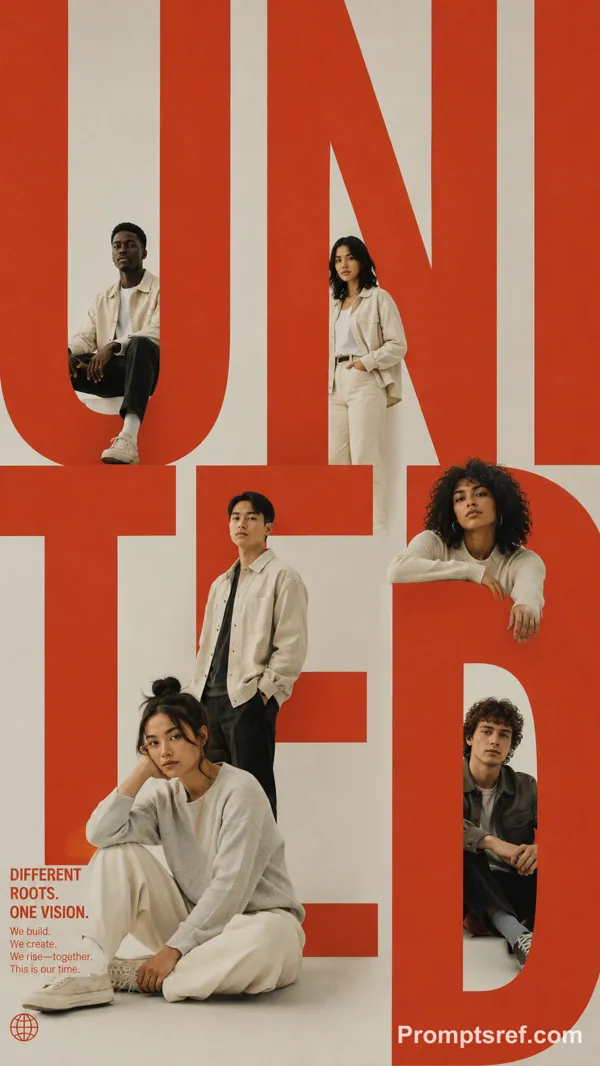
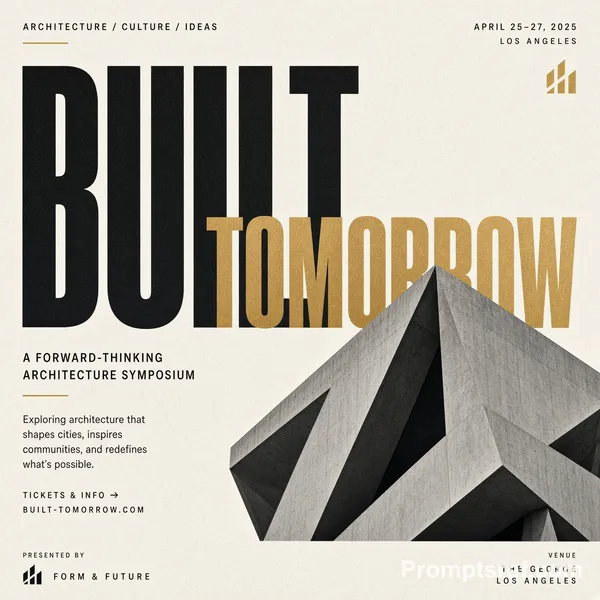
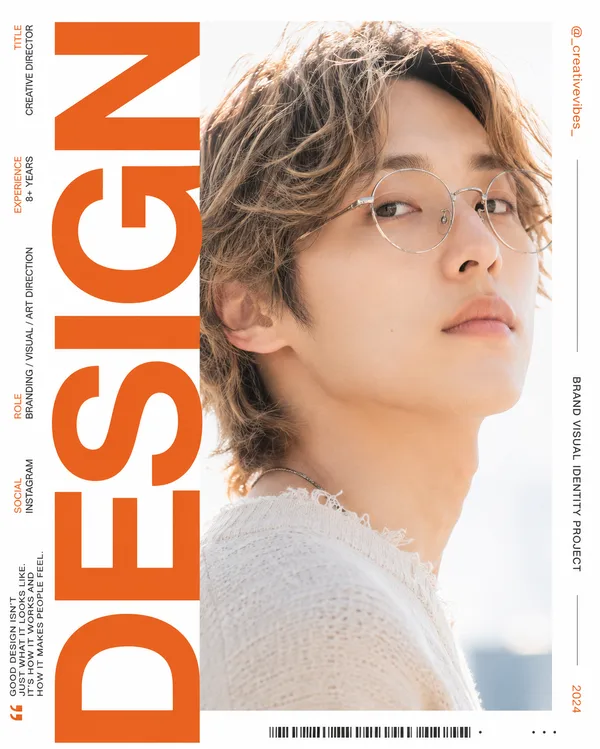
Create a contemporary volumetric perspective typography poster where the main word exists through elements distributed across real three-dimensional space rather than on a flat surface.
Build the word from the chosen medium: suspended threads, physical points, beams of light, layered line grids, or another spatial system. Individual elements should appear fragmented or abstract from other viewpoints, but align into one bold, readable word from the intended camera position.
Keep clear foreground, midground and background depth. The typography should dominate roughly 35–55% of the composition while still revealing how the spatial structure creates it.
For threads, build each letter from lines at different depths.
For points, use suspended objects to form volumetric letter shapes.
For light, let separate beams visually combine into the word.
For moiré, use overlapping line layers and interference to reveal the typography.
If a person is included, keep them small and use them mainly as a scale reference, with realistic occlusion between the subject and the spatial elements.
Use one strong accent color with a restrained architectural palette. Add only minimal editorial information such as project name, location, date and one short thematic line.
Overall style: perspective typography, volumetric installation, spatial graphic design, contemporary exhibition art, clean hierarchy and strong visual impact.
Avoid flat printed text, ordinary 3D letters, weak depth, random distortion, neon sci-fi styling, excessive filler copy, cluttered backgrounds, watermarks and numbering.
Remix
RemixPas encore de remix. Créez la première version.
Utiliser ce prompt d’image
- 01
Commencer avec le prompt
Copiez le prompt ou ouvrez-le avec le bouton de génération.
- 02
Apporter vos modifications
Adaptez le sujet, le décor ou les détails. Ajoutez des références si nécessaire.
- 03
Vérifier avant de générer
Vérifiez le modèle et les paramètres de sortie. Les résultats peuvent varier.